
Show the Lyrics
作者:FireStund
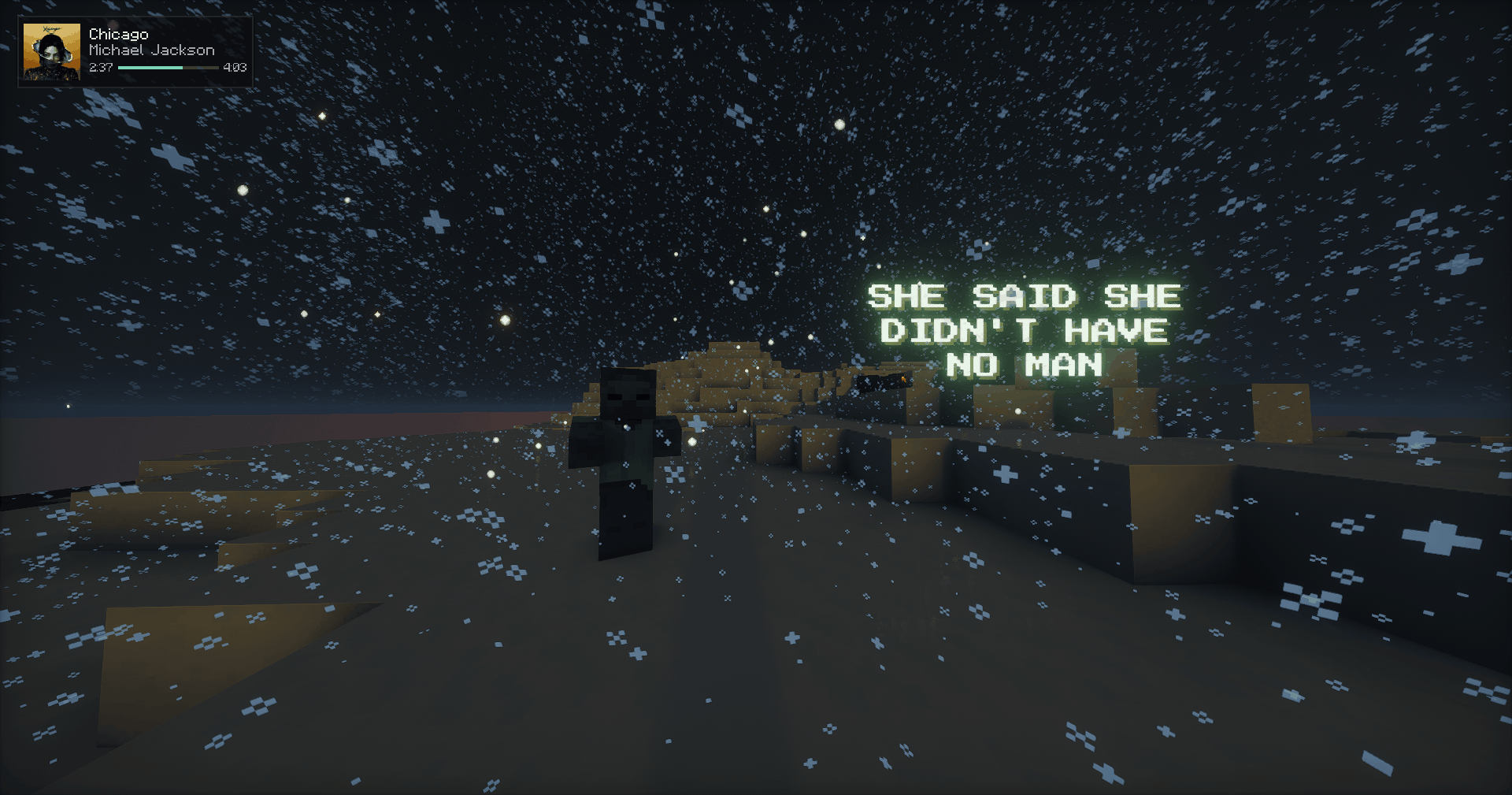
Shows the synced lyrics of whatever you're playing out in the world around you!
截图

介绍
中文介绍正在准备中,下面暂时显示原文。
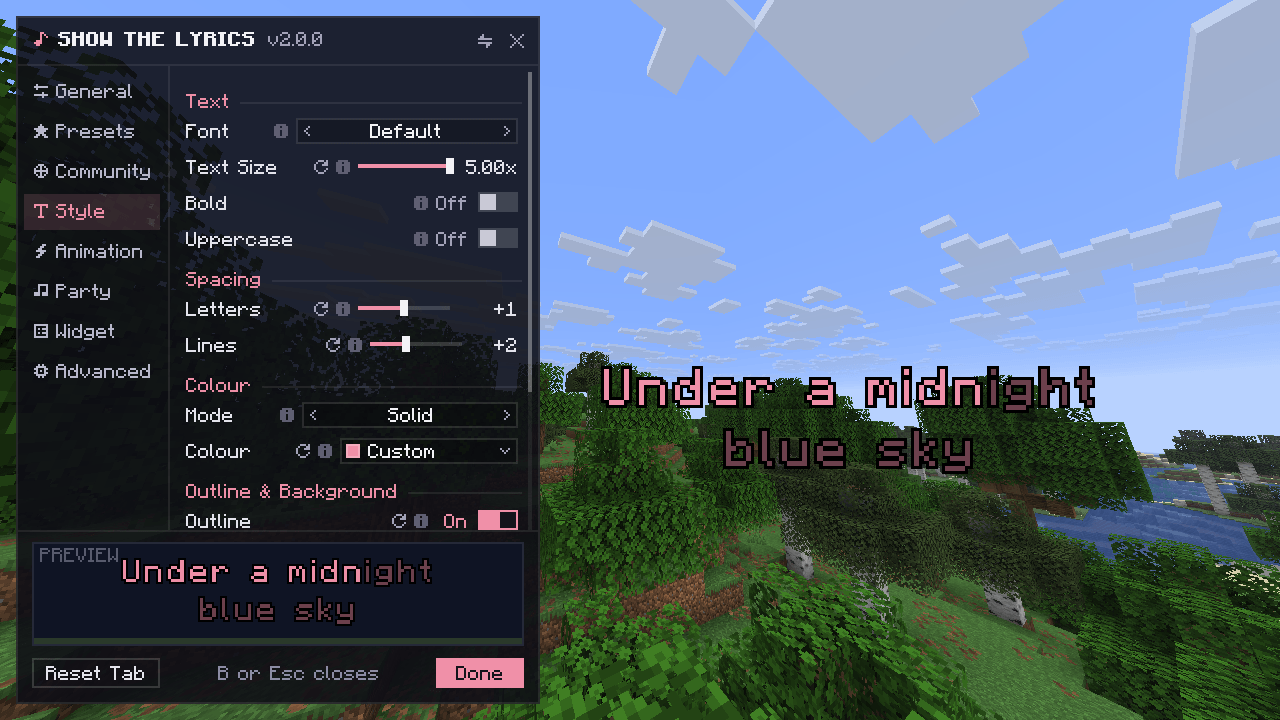
Press B in game to open the menu
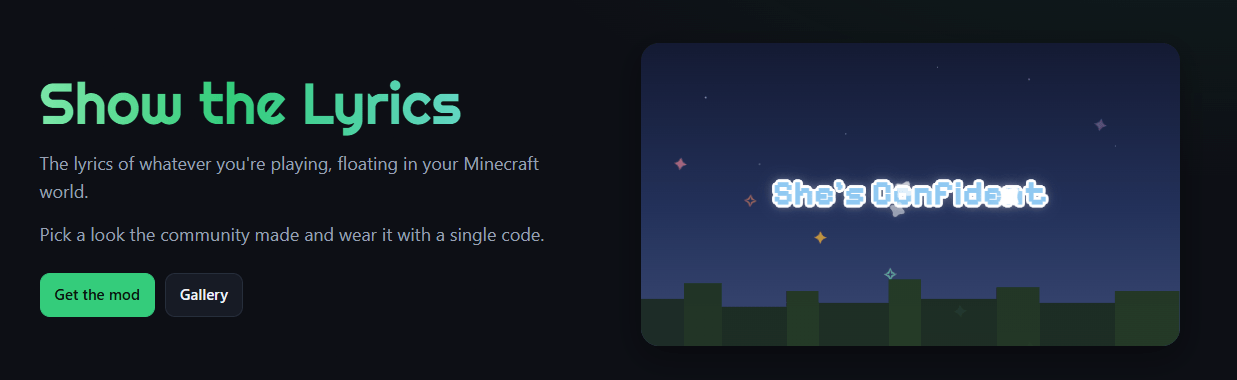
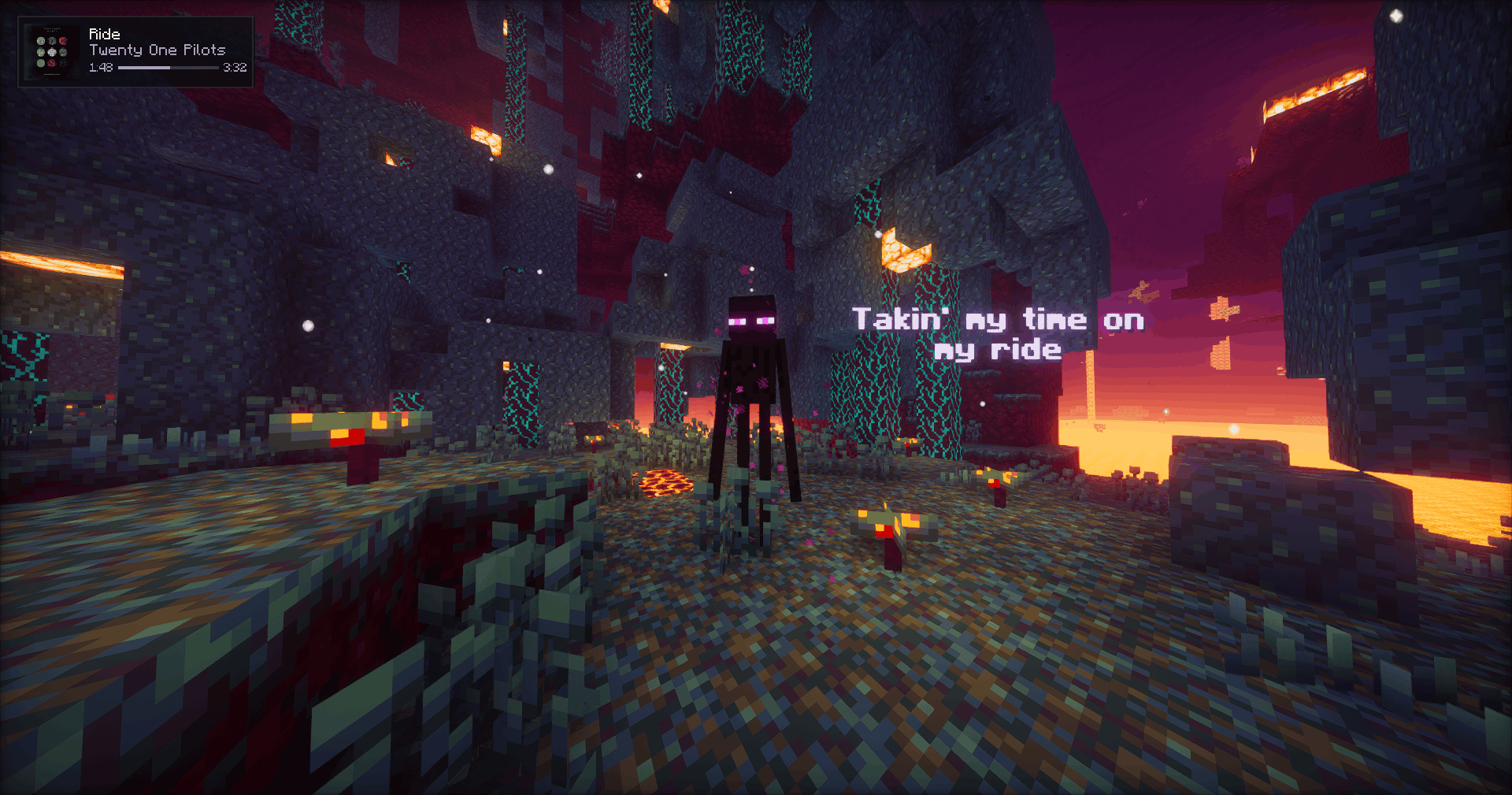
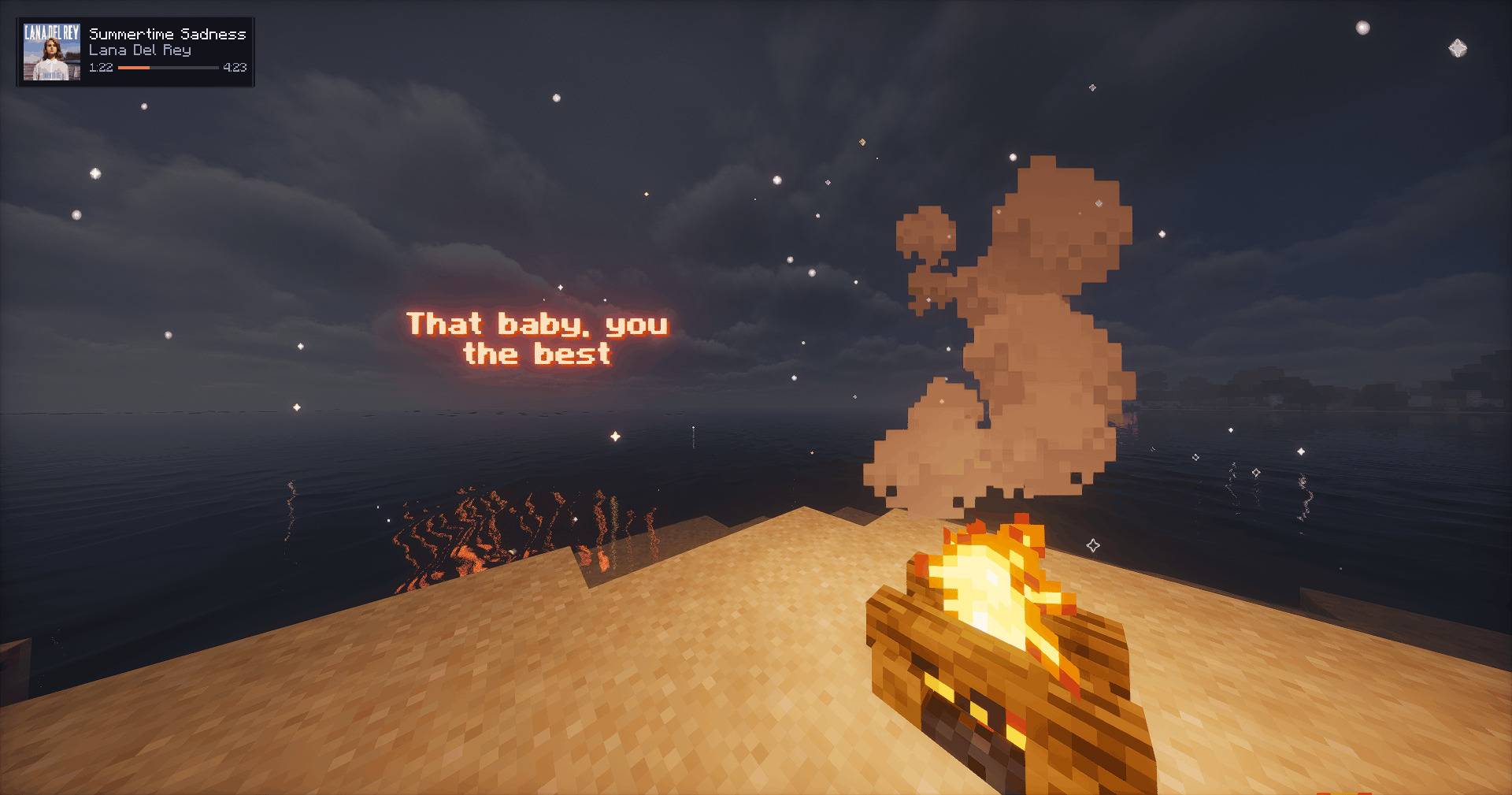
The synced lyrics of whatever you’re playing, floating in the world around you.
How it works
- Play a song on your PC
- Join a world or a server
- The lyrics appear around you, line by line
Works with Spotify, YouTube, YouTube Music, Apple Music, Deezer, Tidal and your own files. Nothing to connect, no login.
Make it yours
- 10 fonts, each with a real bold
- Colours: solid, gradient, rainbow or your album cover’s colour
- Glow and sparkle
- Animations for how lines come in, move and leave
- Party mode with music notes around you
- Now-playing widget with the album cover
- Presets, plus up to 12 looks of your own
Community
- Share your look as a code
- Try the most liked looks right from the menu
- Browse them all on lyrics.remake.lol
Requirements
- Fabric: Fabric API (Mod Menu is optional)
- NeoForge: nothing else
- Forge 1.8.9: nothing else. Settings are under Mods → Show the Lyrics → Config.
- Windows or Linux. Works on any server.
Privacy
- Lyrics come from our own server, with lrclib.net as a backup.
- Only the song’s title, artist, album and length are sent.
- Anonymous usage counting can be turned off in the menu.
© 2026 FireStund. Please don’t reupload. Not affiliated with Mojang or Microsoft.
常见问题
Show the Lyrics 支持哪些 Minecraft 版本?
Show the Lyrics 支持 Minecraft Java 版 1.8.9–26.3,共 19 个版本,可用的加载器:Fabric / Forge / NeoForge。下载时注意选择和你游戏版本一致的文件。
Show the Lyrics 怎么安装?
先用 PCL2 或 HMCL 启动器安装对应版本的 Fabric / Forge / NeoForge,再把下载的 .jar 文件放进游戏目录的 mods 文件夹,重新启动游戏即可。开启了版本隔离的,mods 文件夹在 versions/版本名 下面。
评论
登录后评论和评分