FriendsForMinecraft
Play Minecraft with Friends...discover and share cool worlds.
截图
介绍
Review by minecraftforums: http://www.minecraftforum.net/news/690-friendsforminecraft-fun-with-friends-just-got-easier/
Features:
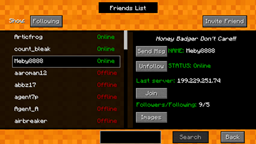
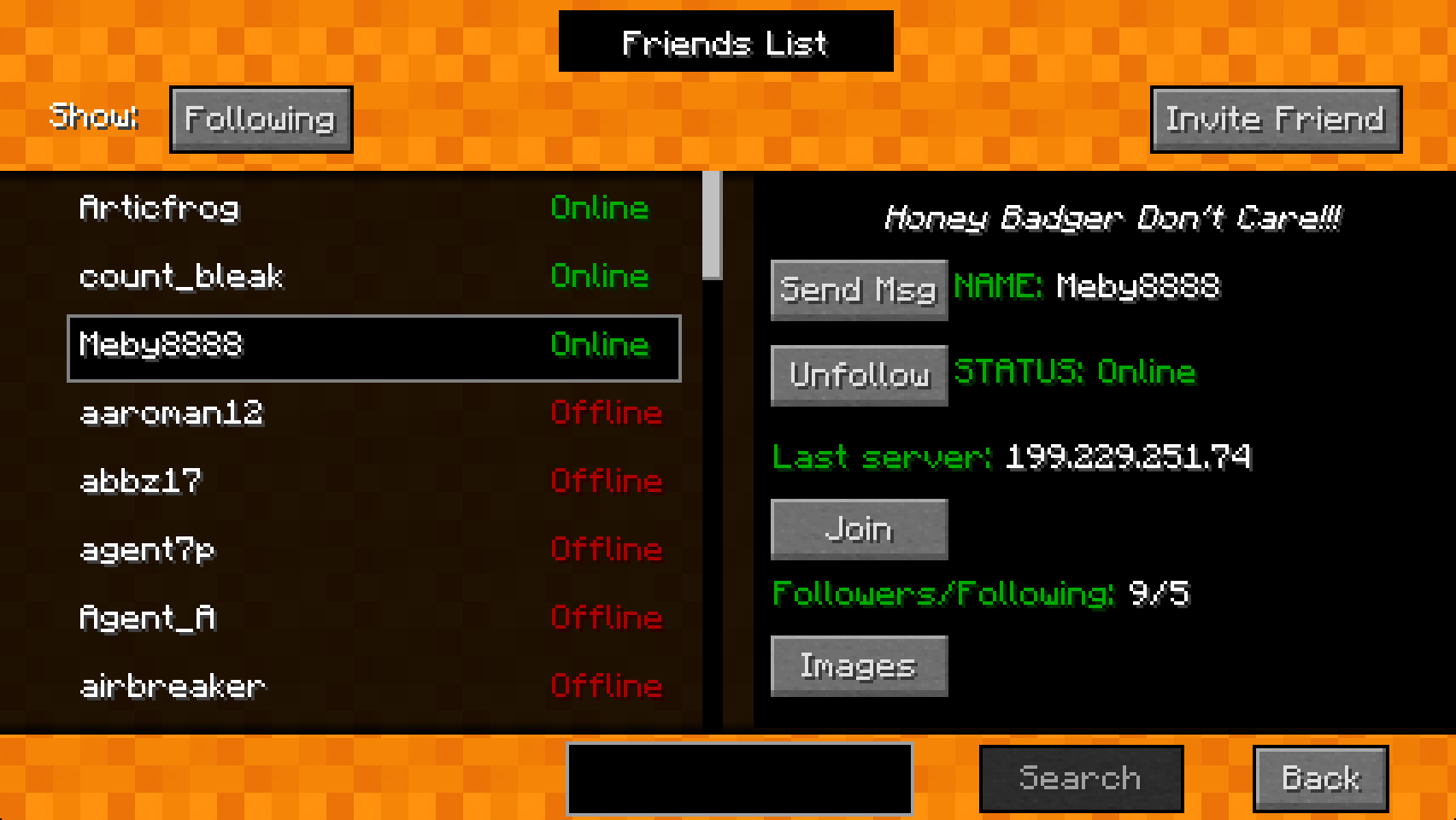
– Find out what MINECRAFT servers your friends are playing on.
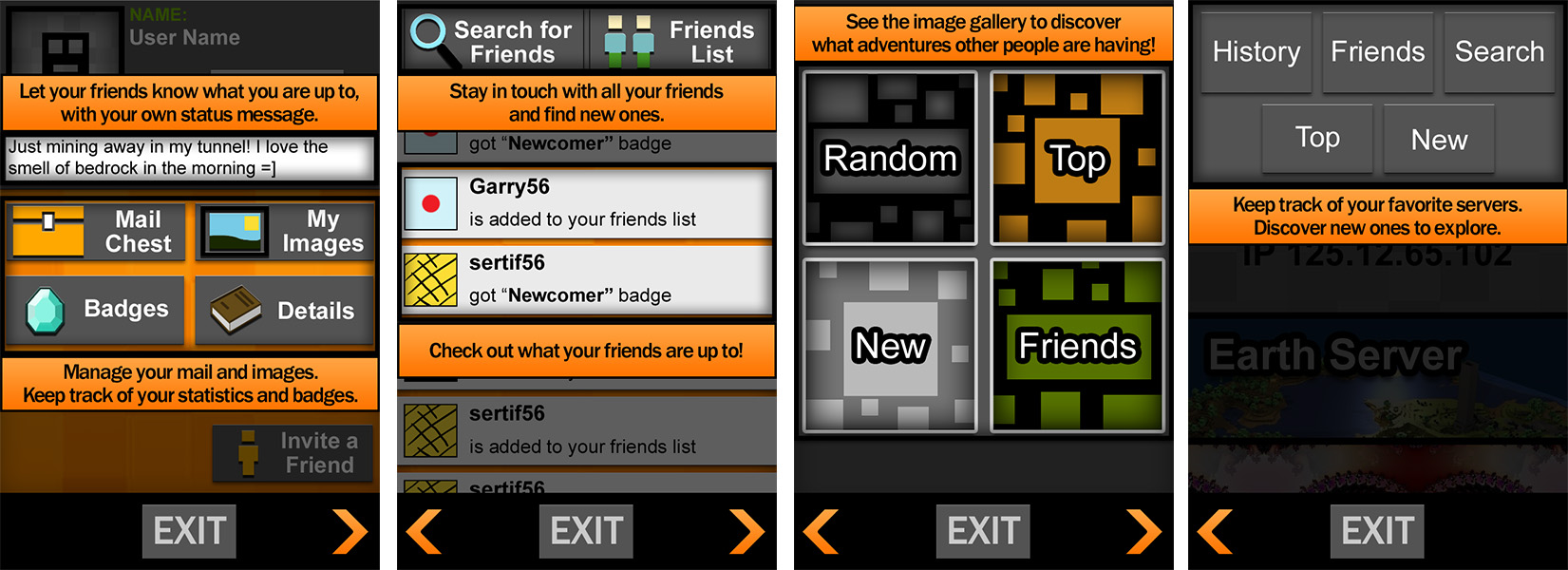
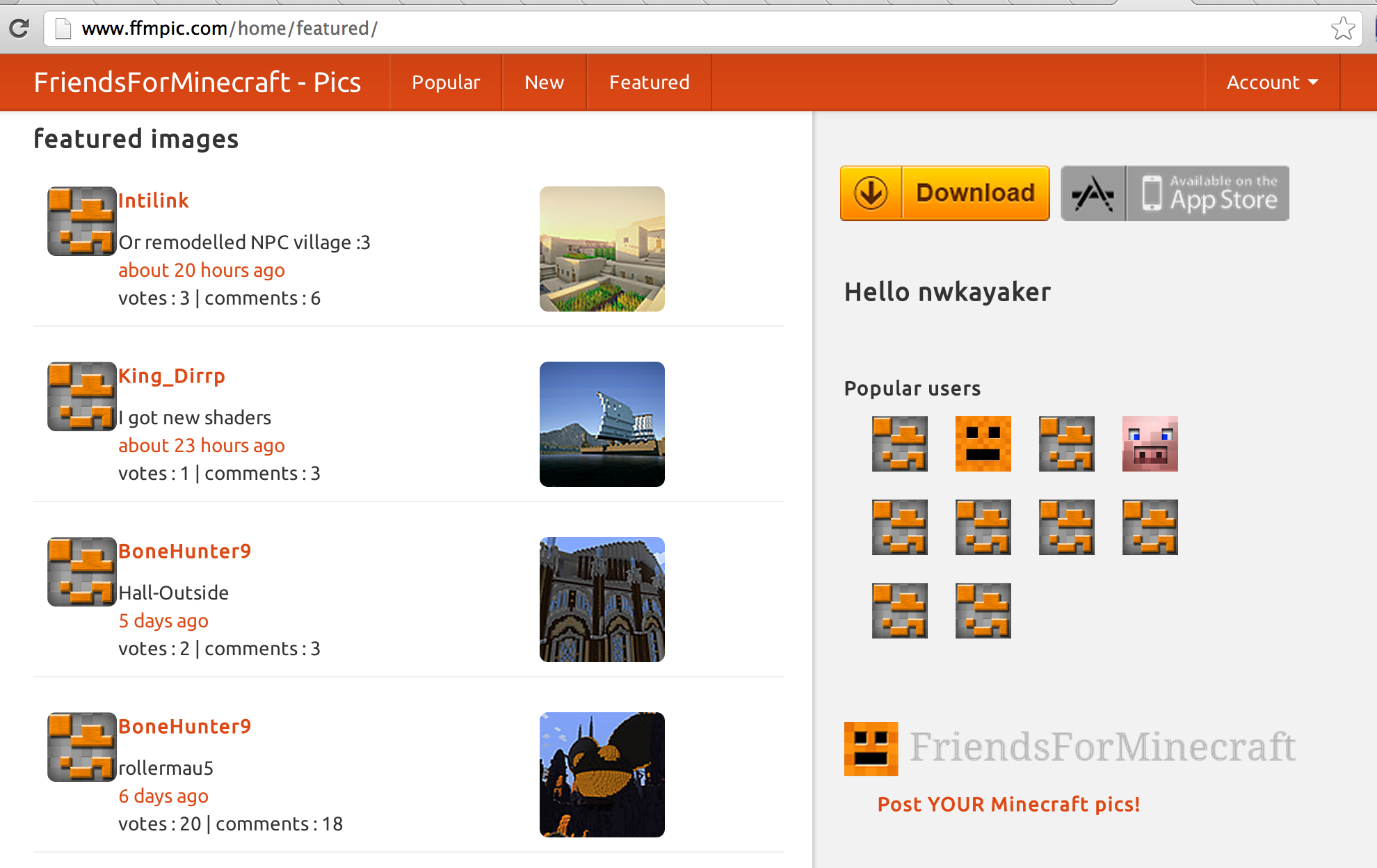
– Share MINECRAFT screenshots with your friends
– One-click join any friend on any server
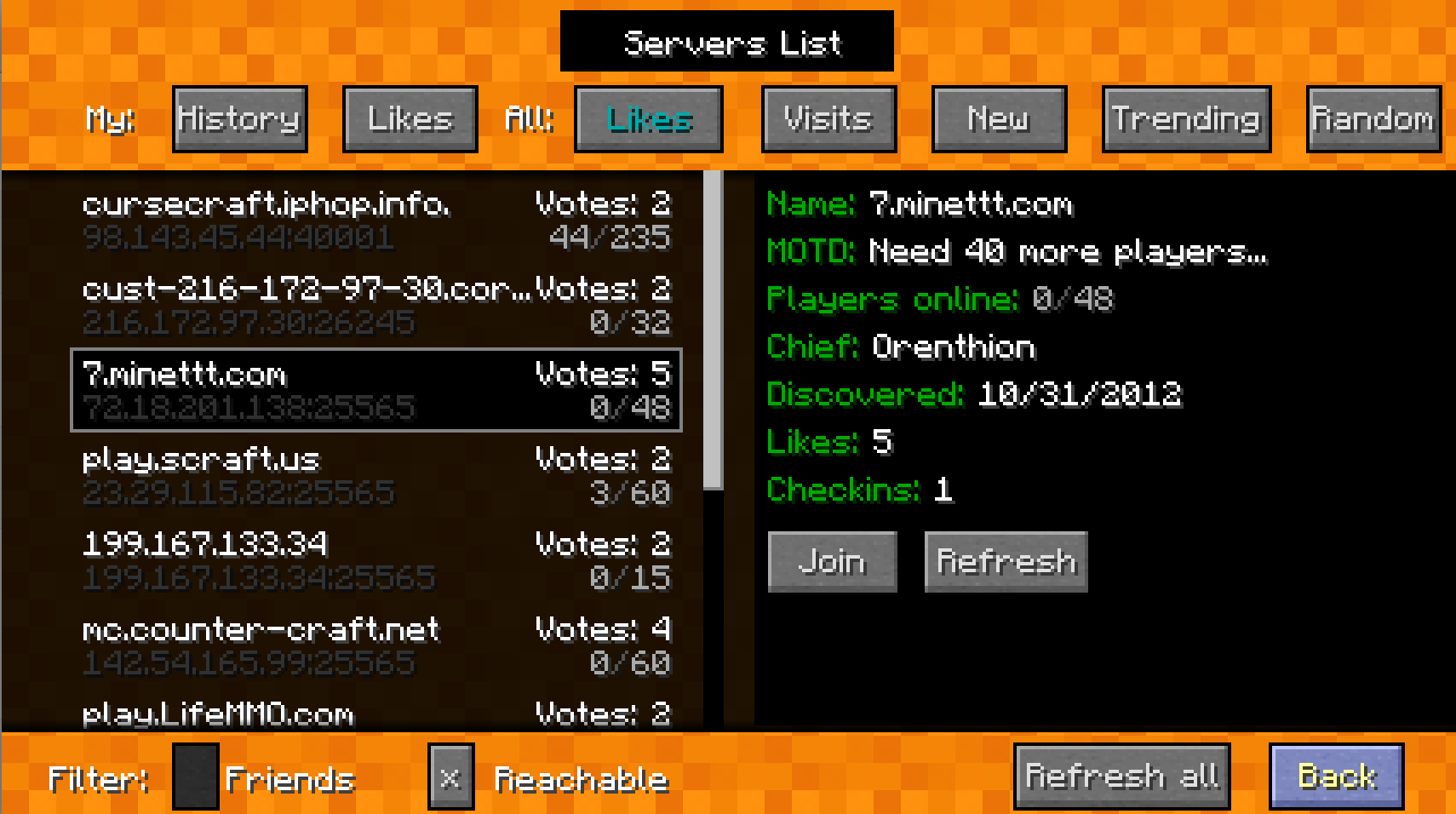
– Find out the best MINECRAFT servers to play on
– Send messages to MINECRAFT friends no matter what server they are playing on
– See when your friends are online
– Vote on the best servers, worlds and images
– “Take Me There” feature from companion web site (ffmpic.com) and iOS / Android app transport your in-game character to the image or server you’re interested in viewing in more detail.
How it works:
– client mod written in java, dependent on Forge, installed by installer or manual install in /mods folder of minecraft directory
– client mod can be installed with a one-click java installer… checks to see if user already has Forge. Back’s up minecraft.jar
– client mod requires user registration
– client mod has GUI accessed by ‘m’ key and has overlay elements that the user can disable/enable
– client mod allows users to follow other users and create ‘friendships’
– client mod allows friends to message each other
– client mod allows users to vote on servers they like, to see popular servers and see which servers their friends are online
– client mod allows users to see when their friends are online and what server their friends are on, and to join them
– client utilizes web-sockets to enable notifications of online friends, new messages, new images, votes, etc.
– client allows user to take a snapshot of their minecraft game play (images) and share with friends, comments, voting
– supported by extensive back-end services, also created by mod developer
– companion iPhone app going through iTunes approval process….should be available to public within next 2-3 weeks
– companion iPhone app is optional, there is no requirement for user to have the iPhone app…they only need the client mod
– client/server has considerable security features to prevent malicious and accidental harm to user data
– at no time does the client ever ask for, see, get access to, or store the user’s minecraft.net password
– client mod does not have easter eggs, cheats and does not, nor ever will, negatively affect gameplayer
– further details here: http://www.friendsforminecraft.com/FAQ.html
常见问题
FriendsForMinecraft 支持哪些 Minecraft 版本?
FriendsForMinecraft 支持 Minecraft Java 版 1.4.7–1.5.2,共 4 个版本,可用的加载器:Forge。下载时注意选择和你游戏版本一致的文件。
FriendsForMinecraft 怎么安装?
先用 PCL2 或 HMCL 启动器安装对应版本的 Forge,再把下载的 .jar 文件放进游戏目录的 mods 文件夹,重新启动游戏即可。开启了版本隔离的,mods 文件夹在 versions/版本名 下面。
评论
登录后评论和评分