
T-Square
Precision creative building tools for Forge from a former dev of VoxelSniper. T-Square seeks to avoid all text commands for a fully mouse-driven experience.
截图
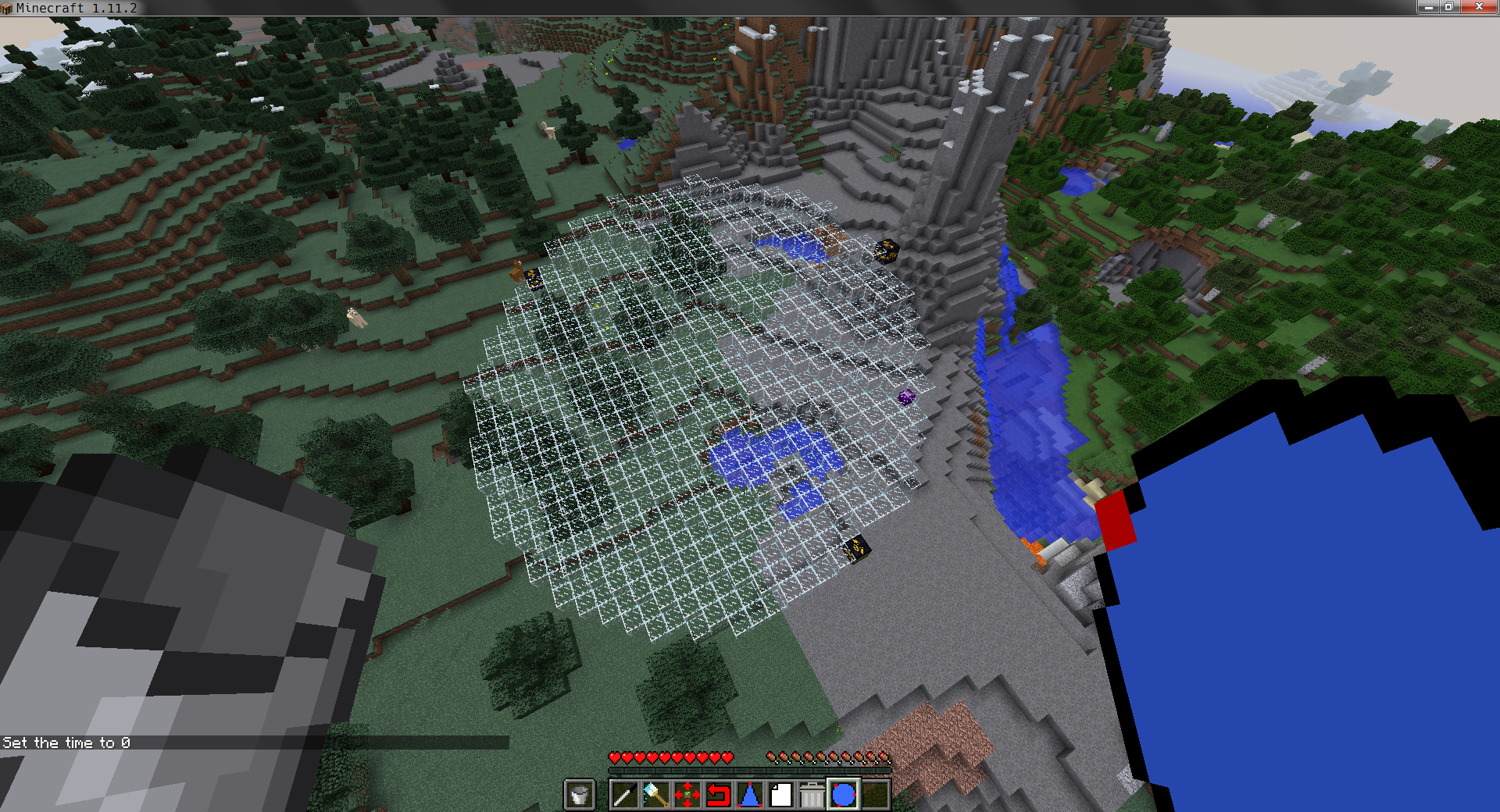

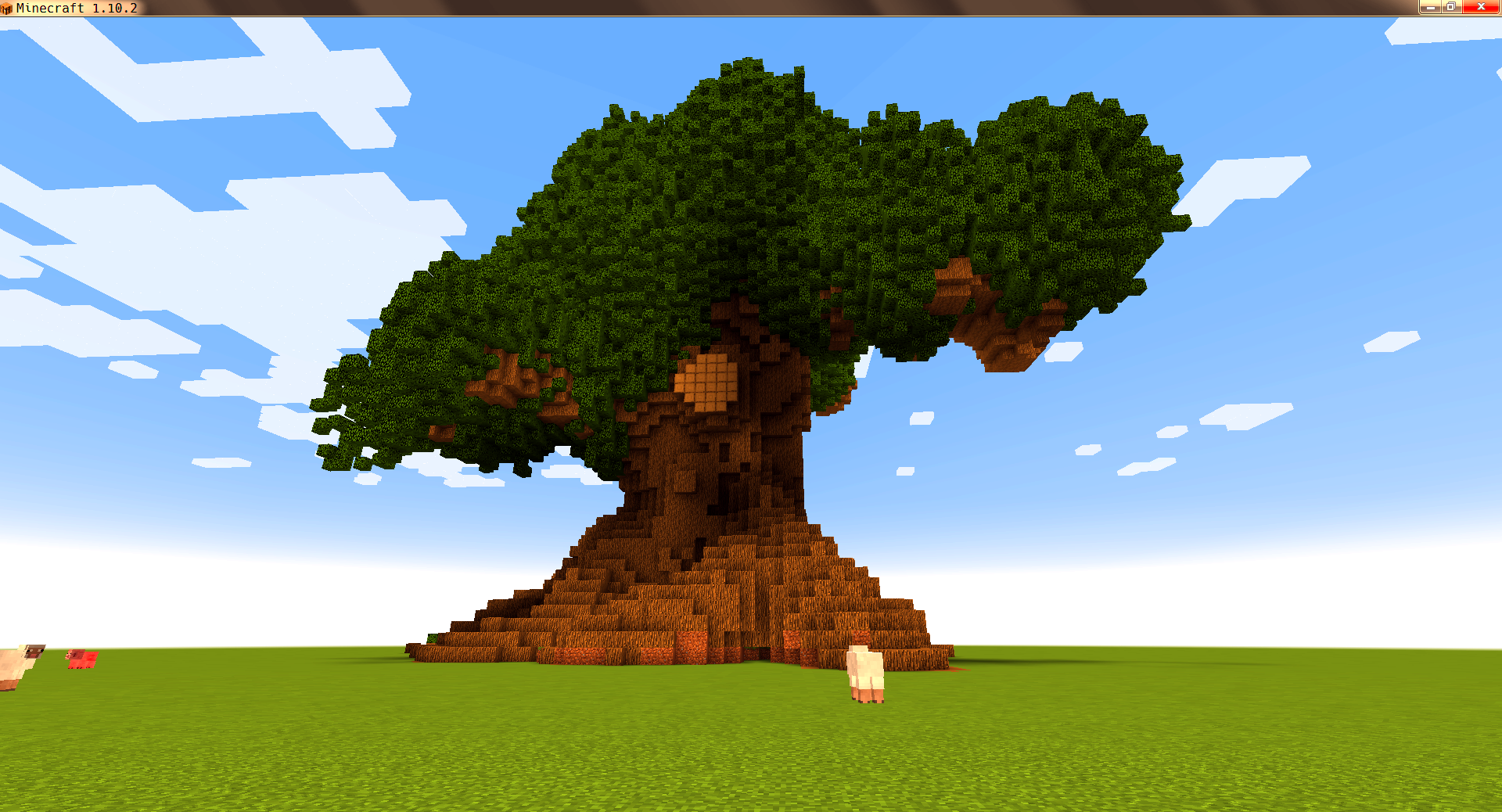
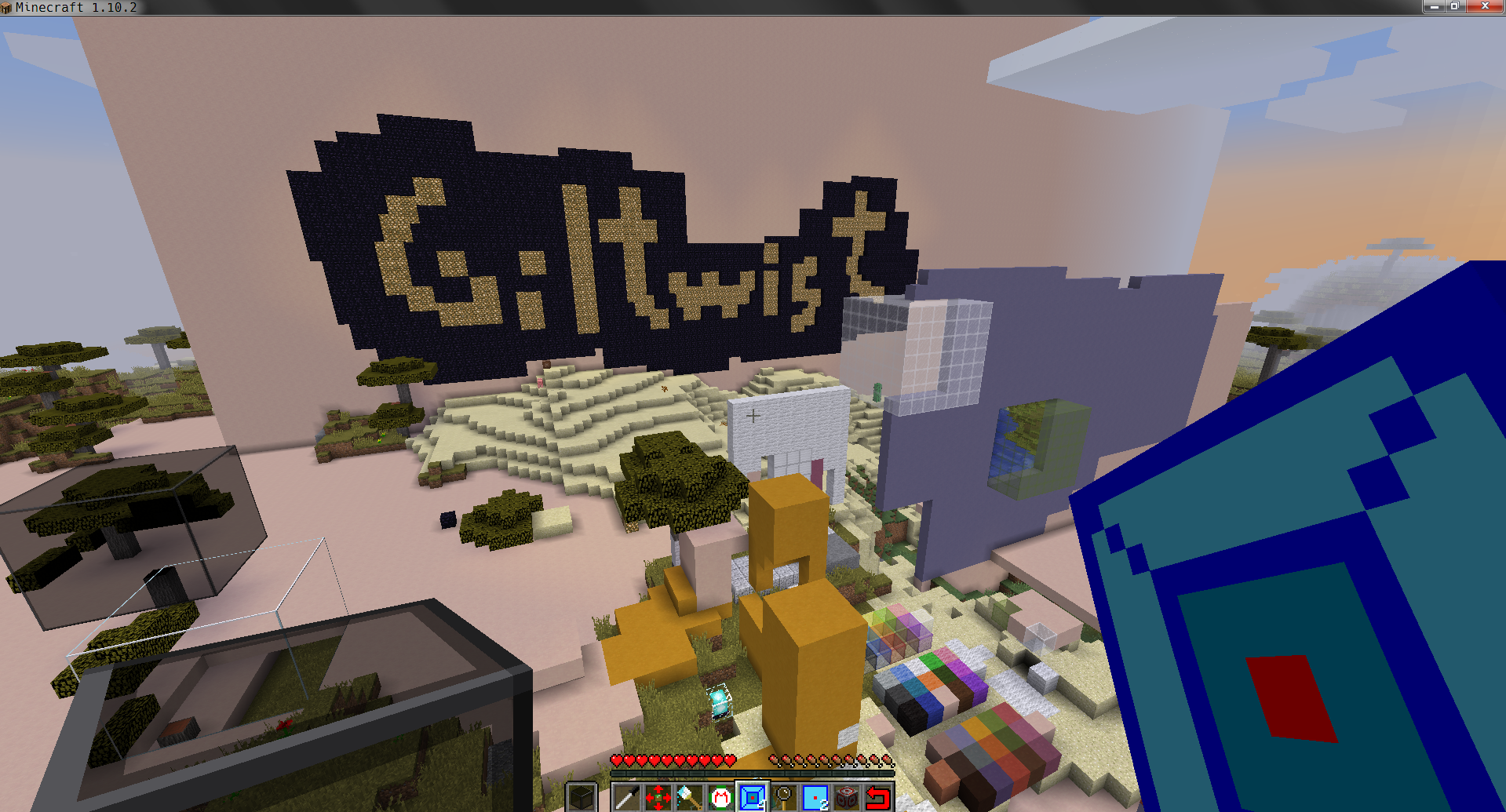
介绍
T-Square Mod provides a set of precision creative building tools for Forge from a former dev of VoxelSniper. T-Square seeks to avoid all text commands for a fully mouse-driven experience. My main goal is to make a version of VoxelSniper that can be used in Vivecraft, but you don’t need Vivecraft to use T-Square. While T-Square will never be able to reproduce 100% of the VoxelSniper experience, because of the interface differences, my mod should be very familiar to anyone who used the original Bukkit plugin.
For those unfamiliar with VoxelSniper, here is a simple analogy: If Minecraft is paint, T-Square is photoshop. Rather than placing blocks one at a time, you can place hundreds or thousands of blocks using a wide variety of tools or “brushes.” Cubes, sphere, lines, triangles, and more are possible with T-Square. Terraforming is a breeze with tools such as blob, blend, and smooth.
@Modpack Developers: You may include my mod in your non-commercial pack with attribution to the CurseForge page.
常见问题
T-Square 支持哪些 Minecraft 版本?
T-Square 支持 Minecraft Java 版 1.10.2–1.12.2,共 3 个版本,可用的加载器:Forge。下载时注意选择和你游戏版本一致的文件。
T-Square 怎么安装?
先用 PCL2 或 HMCL 启动器安装对应版本的 Forge,再把下载的 .jar 文件放进游戏目录的 mods 文件夹,重新启动游戏即可。开启了版本隔离的,mods 文件夹在 versions/版本名 下面。
评论
登录后评论和评分