
Dream Equestrian
This is the official modpack configuration for the Azure Estates custom horse stable map. It includes all the performance tweaks, visual enhancements, and gameplay mechanics to run the world properly.
截图

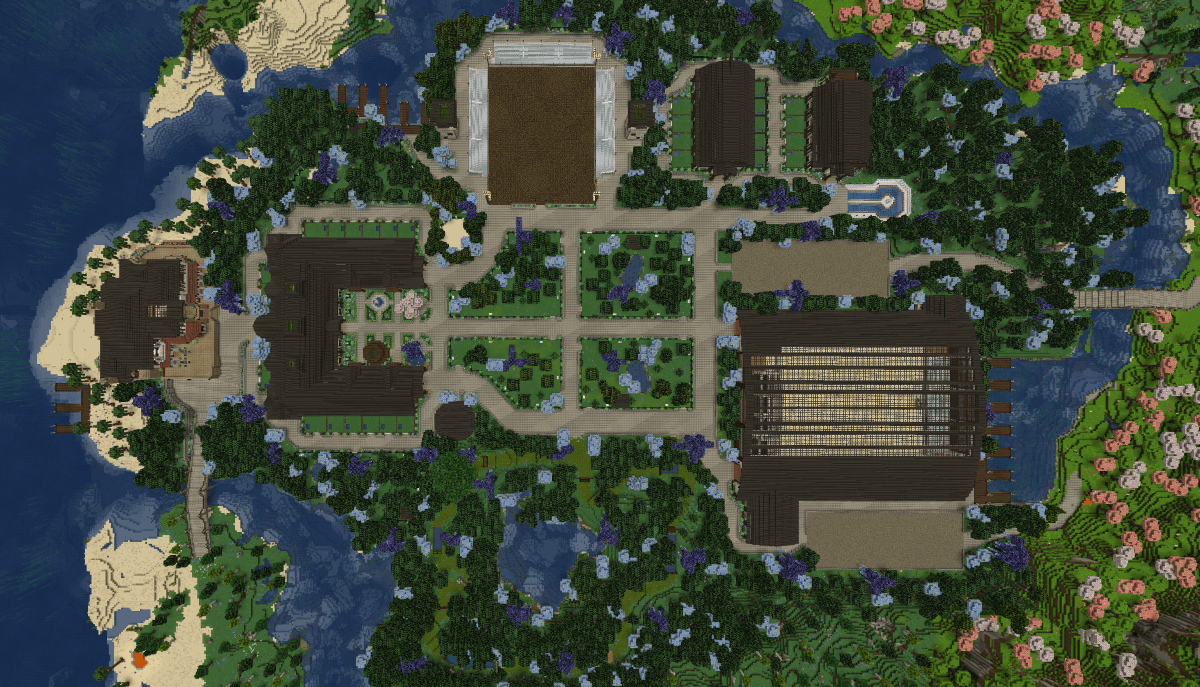
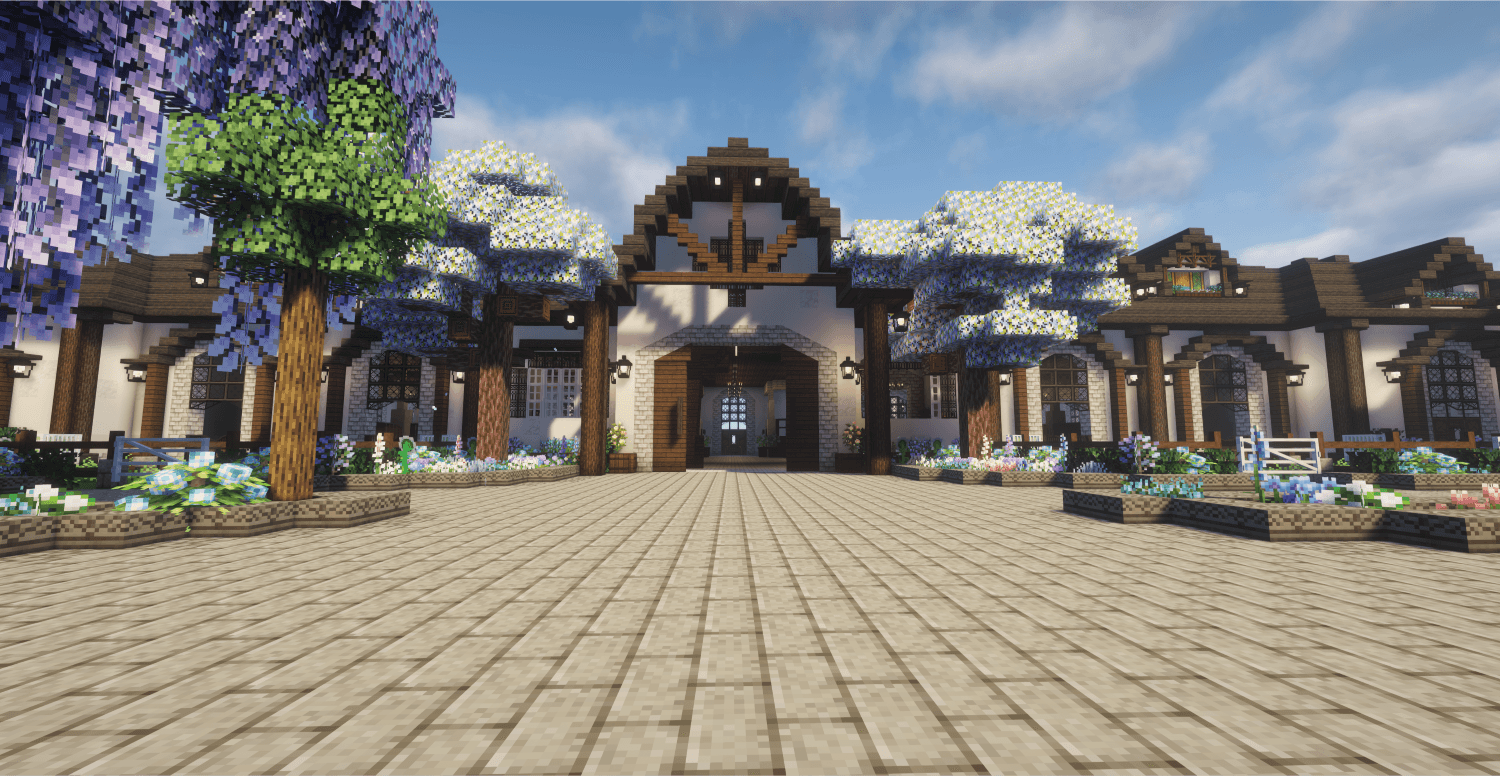
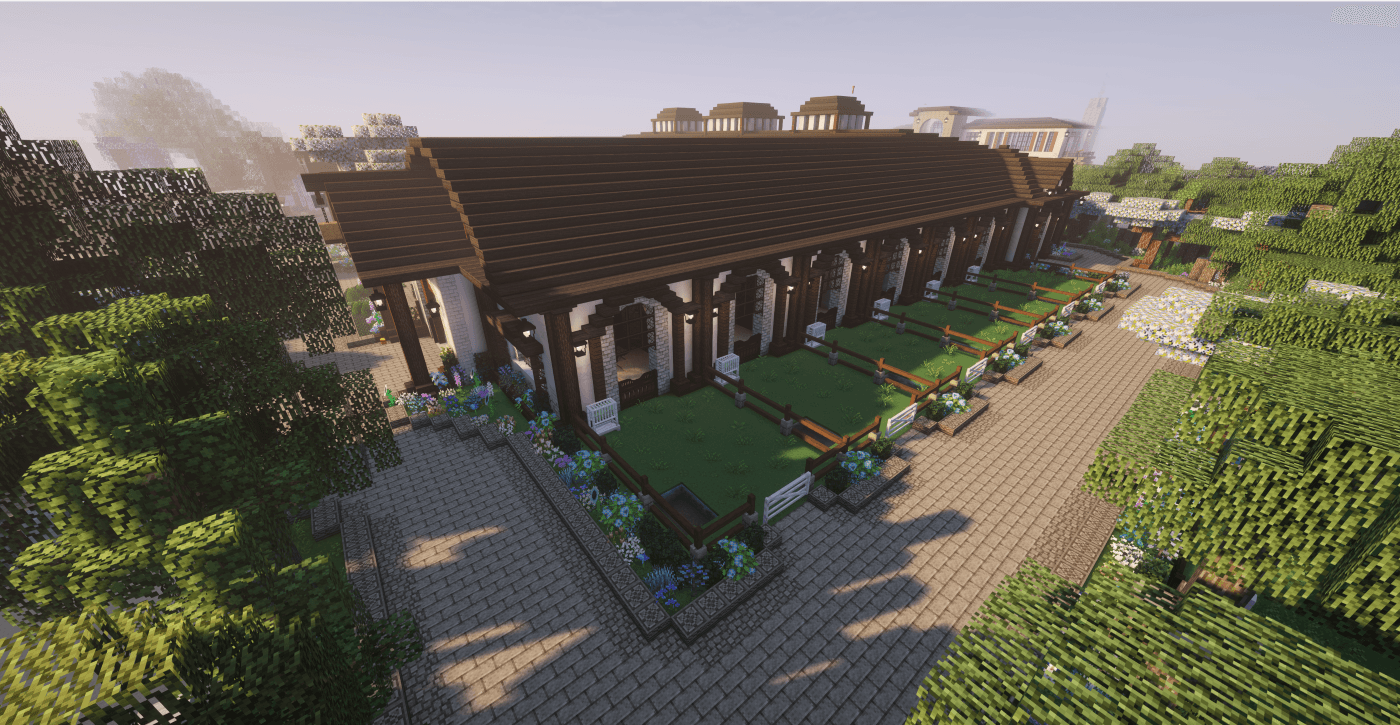
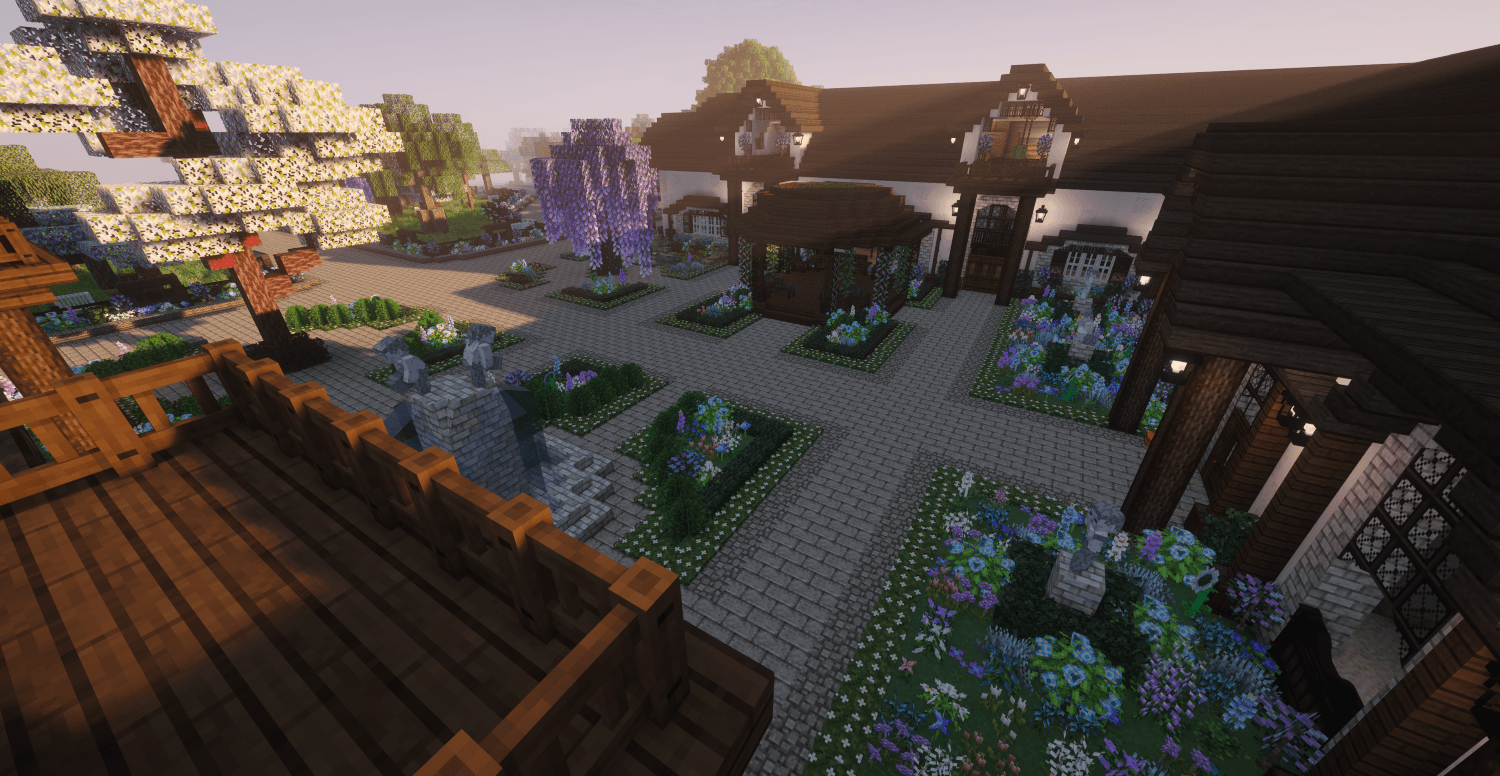
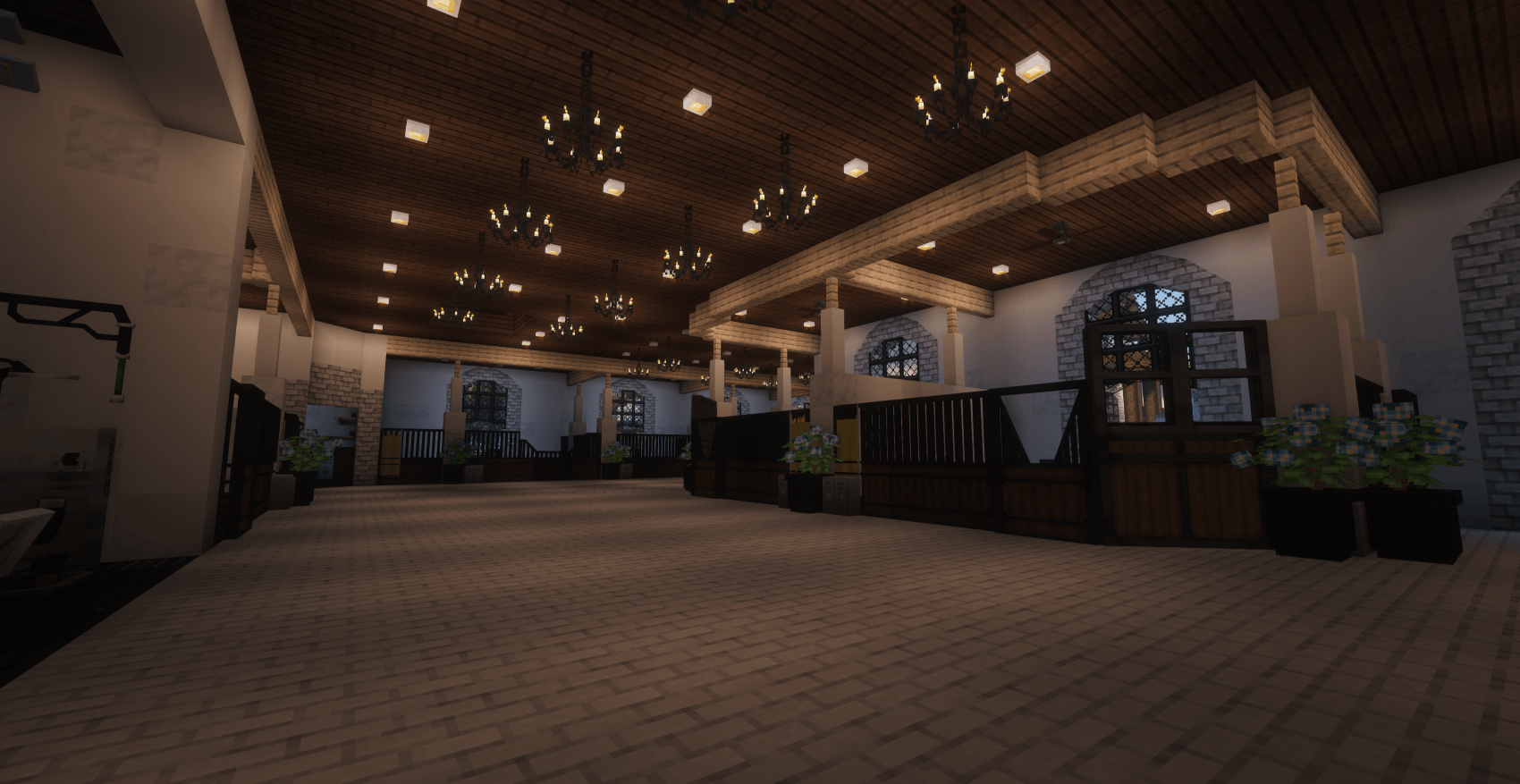
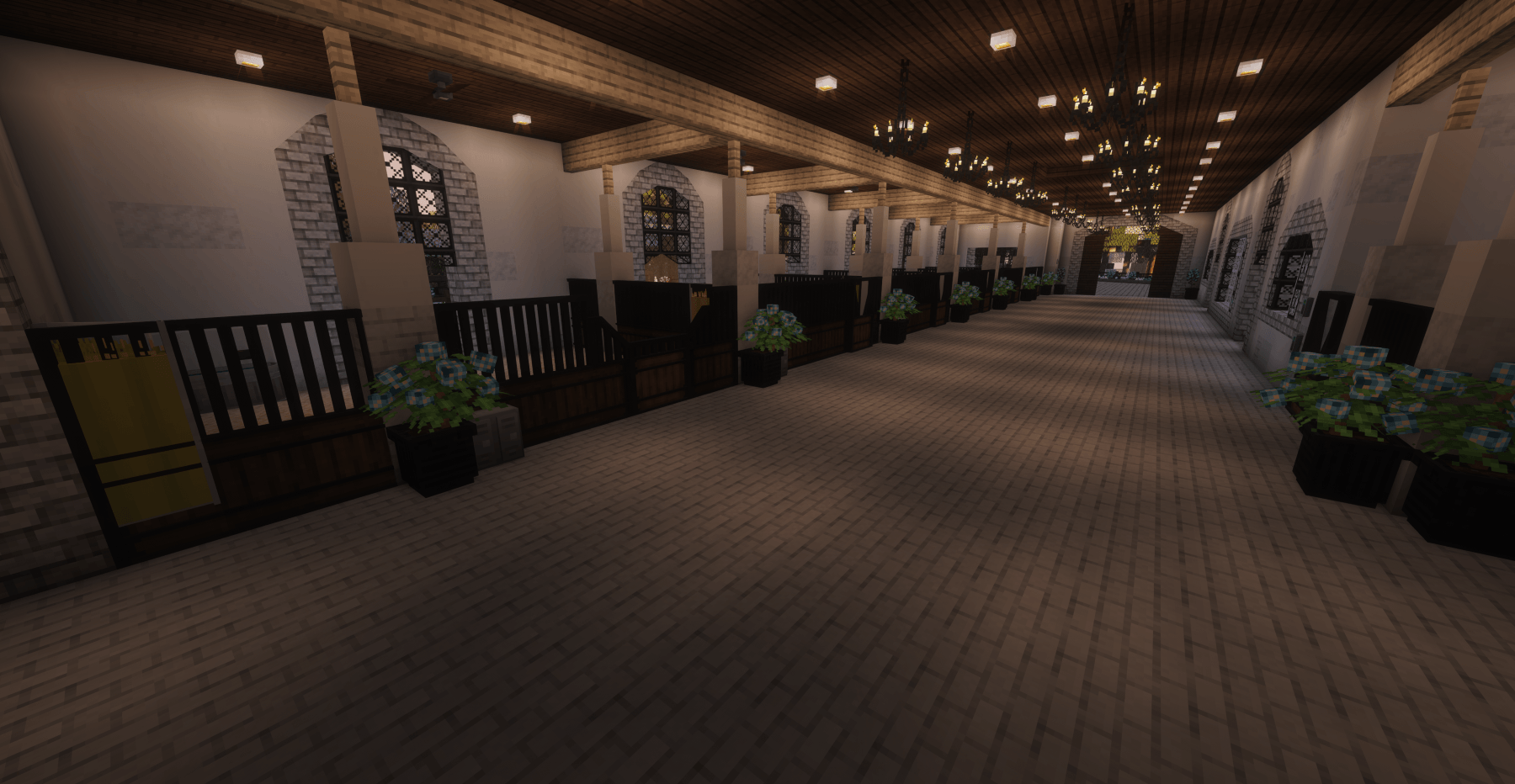
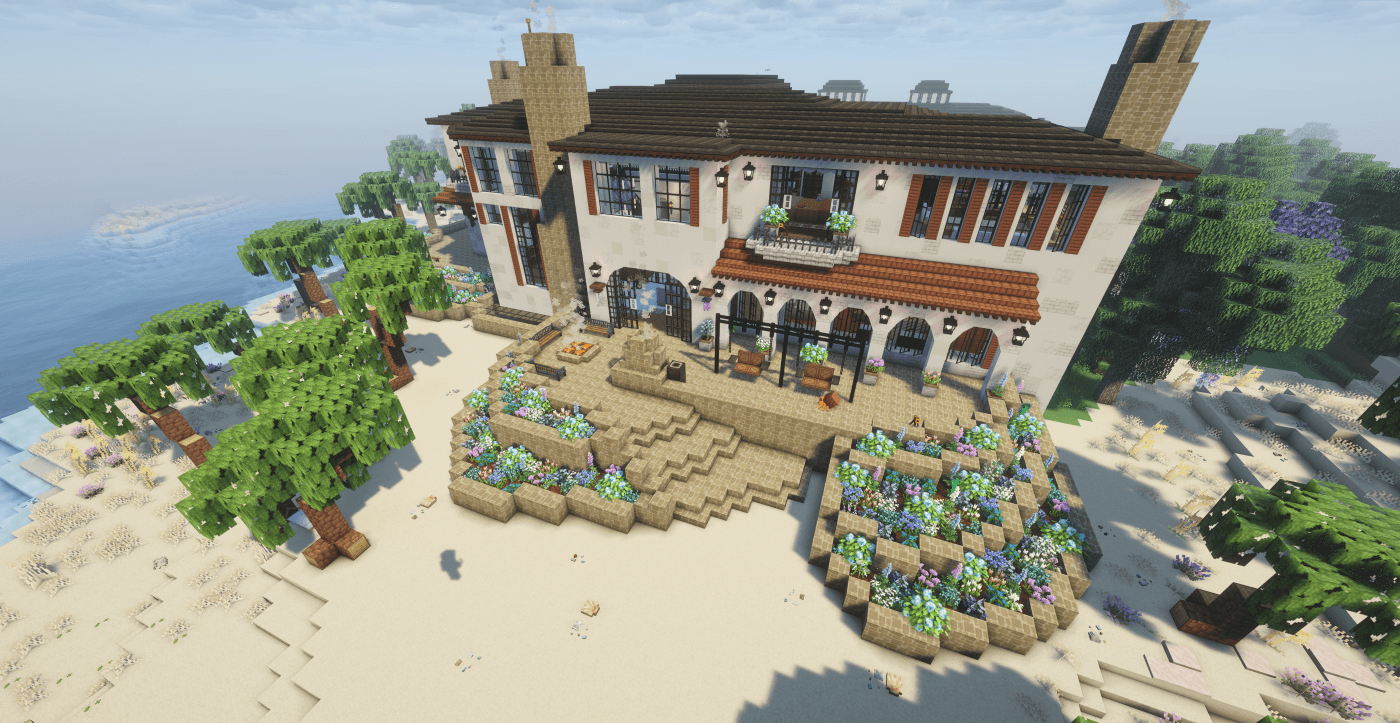
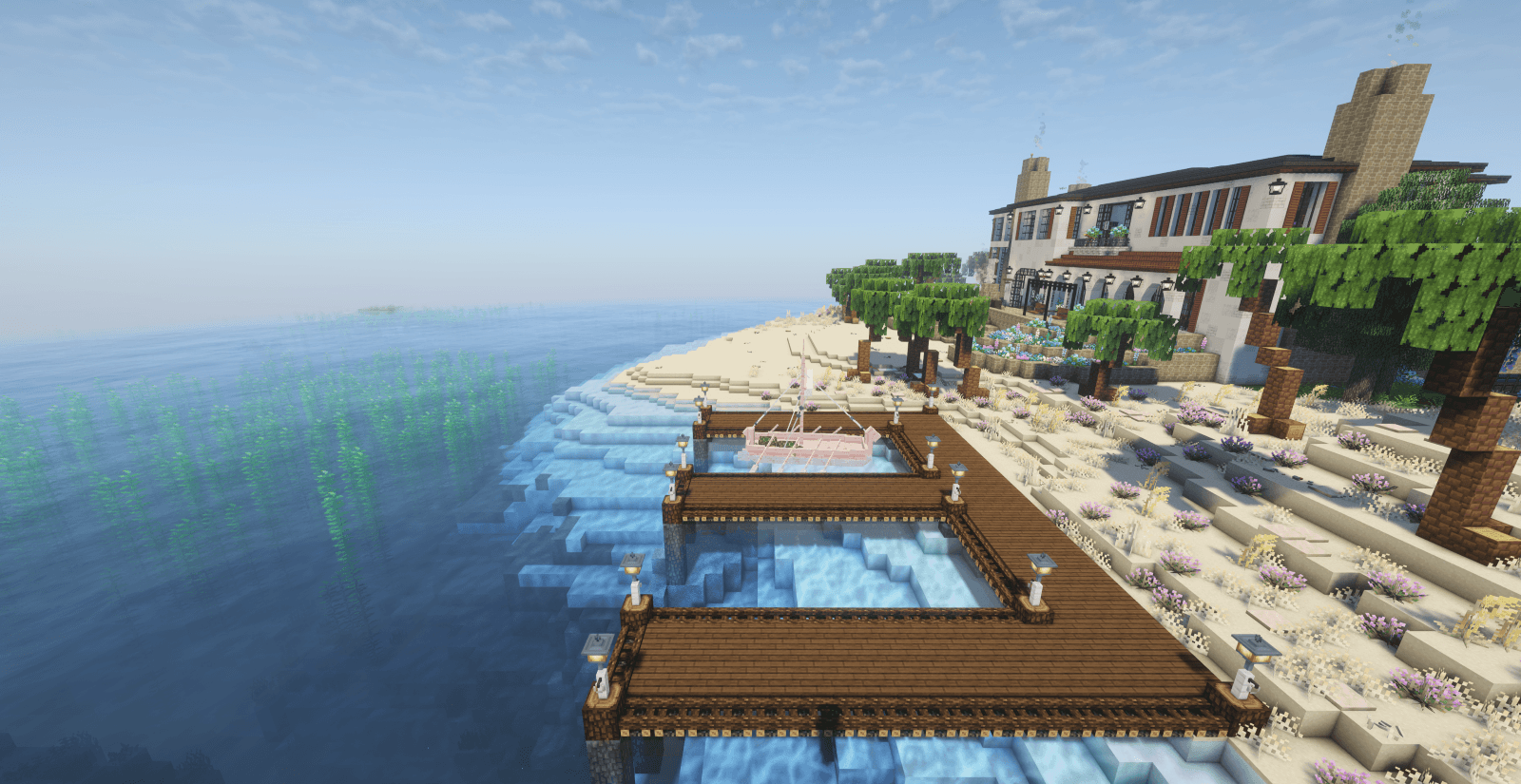
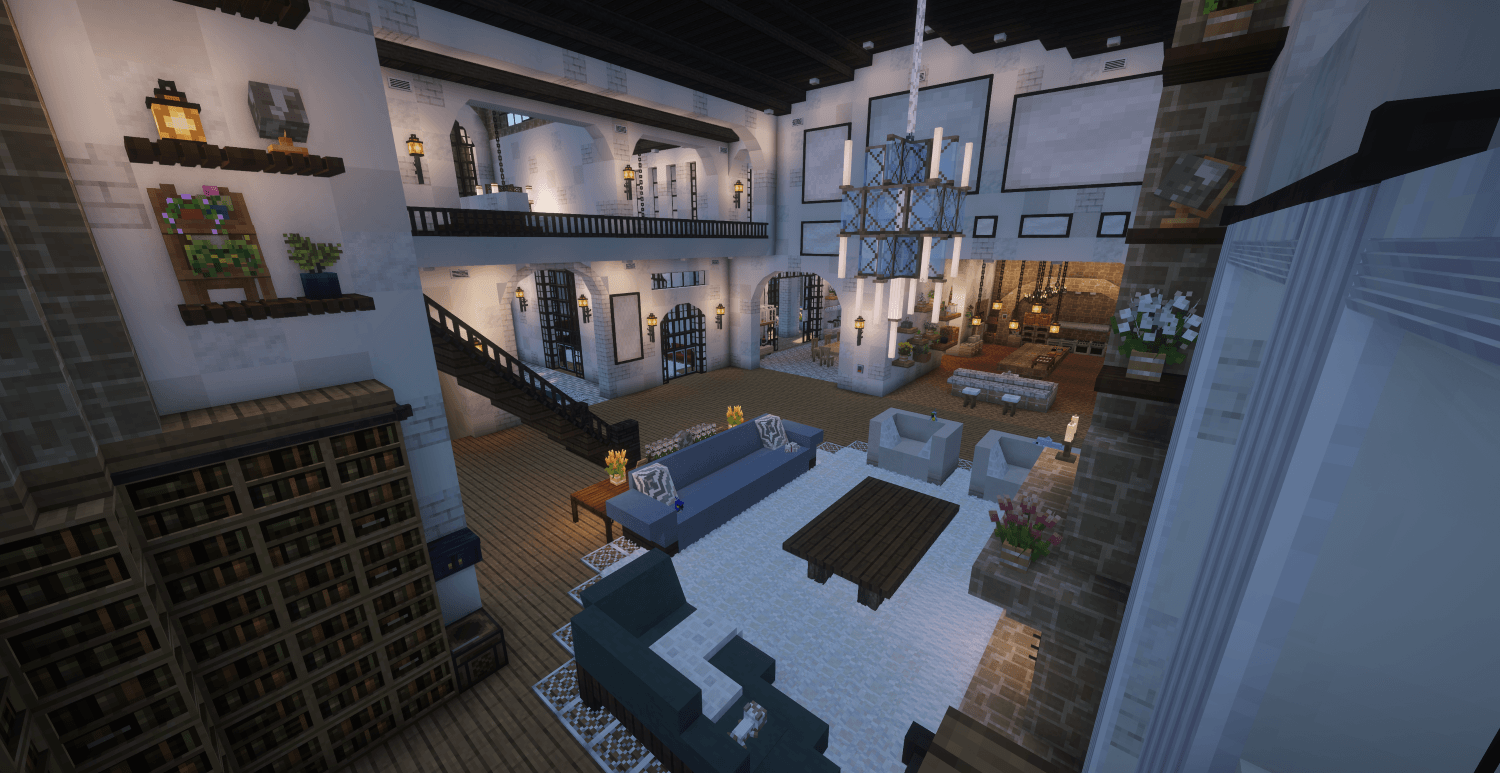
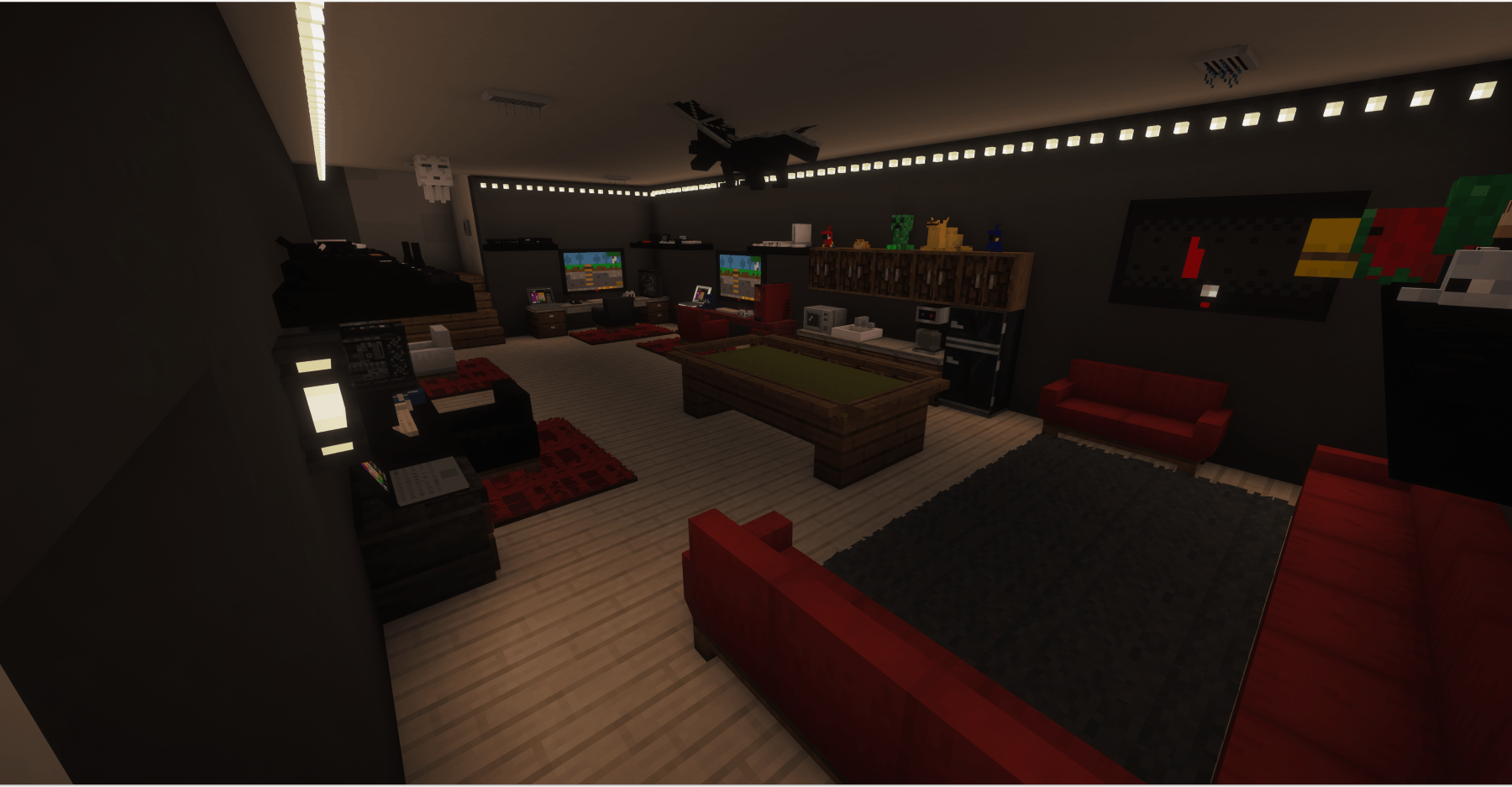
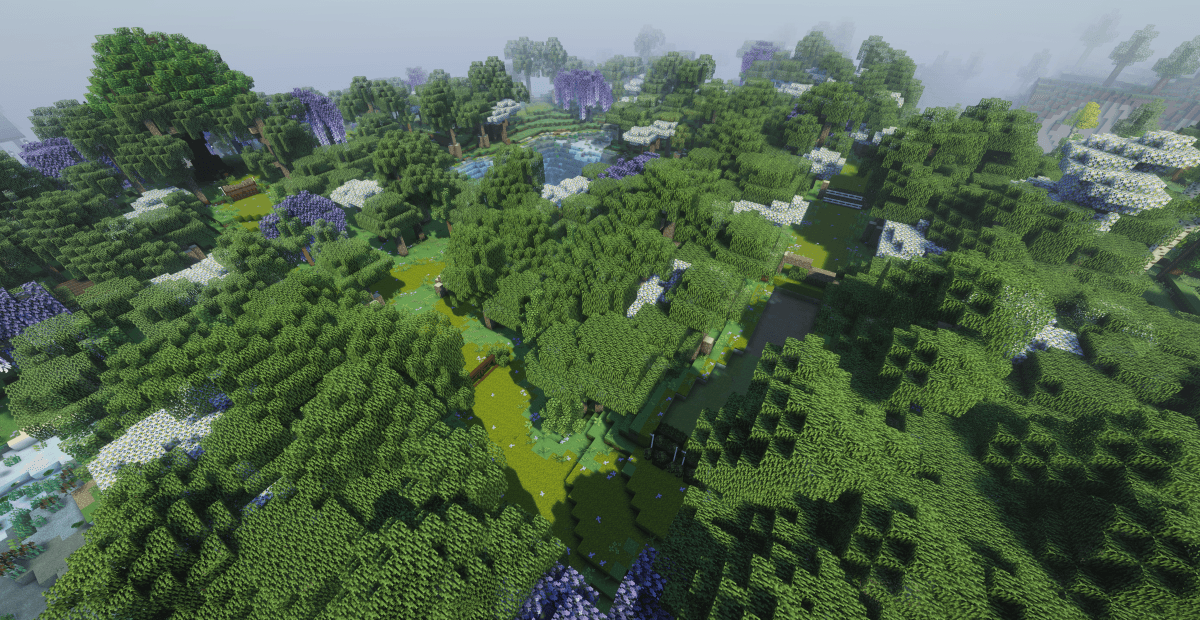
介绍
Welcome to the Dream Equestrian Modpack! This medium-sized modpack features 176 carefully selected mods designed to create a fully immersive horse ranch and stable management simulator, and is designed for 1.20.1 Minecraft.
The world map file is sold separately to support the creator and can be purchased HERE. You are welcome to use the modpack without the save file as well!
 Equestrian & Animal Features
- Star Worm Equestrian Mod (SWEM): Realistic horse care, training, and upgraded genetics.
- Specialized Riding Gear: Custom setups featuring Tre’s Tack Shop, Equdeco, Juhara’s Stables, and Dragon XC Jumps for realistic jumping courses.
- Doggy Talents Next:Trainable canine companions to accompany you on trail rides.
 Ultimate Building & Decor
- Architectural Detail: Thousands of custom building options from various mods including Macaw’s, MrCrayfish’s Furniture, Another Furniture, Unusual Furniture, Building but Better, Natural Decor, Furnish, MOA:Decor, Hearth and Home, Frame Blocks, and various plant & shrubbery mods.
- Functional Homesteads: Cook and farm with various Farmer’s Delight expansions, and utilize interactive world items from Supplementaries and Quark.
 Immersive Biomes & Nature
- Explore and discover through Regions Unexplored, Vibrant Journeys, and Ecologics.
- Go on an adventure with waystones, sharestones, world map, mini map, plus JEI to find crafting recipes quickly.
 System Requirements & Performance
This is a medium-sized pack containing 176 mods. It includes heavy optimization mods to maximize your frame rates, but you must configure your launcher correctly:
- Recommended RAM:You must allocate 6GB to 8GB of RAM in your CurseForge launcher settings to prevent stuttering or crashing.
- Storage: The world map and mods load directly from your local storage drive for optimal performance.
- IMPORTANT: If adding mods to the pack, test one by one to assure none of them have complications and clash with other mods. Crashes may occur.
 Credits
- Free Mod Distribution: This project contains zero premium mod files. All 176 supporting mods are legally and automatically fetched for free via the official CurseForge client.
- Original mod owners: Thank you for providing these mods to the community!
- Support the Map Architect: Building a massive, functional horse barn and training facility takes countless hours of design. If you want to support my custom world builds, visit my Ko-Fi. Any financial support is purely a donation for the map architecture, not for the free mods.
How to Install and Play:
- Download the Modpack: Click Install here on CurseForge to create your game profile.
- Get the World Map: Purchase and download the world .zip file from HERE. You can also create your own world!
- Add the World to CurseForge:
- In the CurseForge App, click the three dots … next to the Play button for this pack.
- Click Open Folder.
- Open the saves Folder.
- Extract your purchased world folder into that saves folder.
- Play: Click Play in CurseForge and launch your adventure!
 Frequently Asked Questions (FAQ)
Q: Where is the horse barn world map? I launched the pack and my singleplayer list is empty!
A: To protect the map architecture, the world save file is sold separately. You must download the world folder from my Ko-fi page and manually drop it into this modpack’s `saves` folder. See the “How to Install and Play” section above for step-by-step instructions.
Q: My game crashes while loading, or it freezes completely when I try to play.
A: This pack contains 176 heavy building and equestrian mods. You must allocate more RAM! In your CurseForge App settings, go to Game Specific -> Minecraft, scroll down to Java Settings, and change the Allocated Memory slider to 6,000MB to 8,000MB (6GB–8GB).
Q: Why are my frame rates dropping around the main stables?
A: Large stables filled with custom blocks (Macaw’s, Furniture mods) and complex animal entities (SWEM horses) require heavy rendering. To fix this, go to your in-game Video Settings and lower your Render Distance to 8–10 chunks, turn down your shadow quality, and ensure the included performance mods are active.
Q: Can I use this modpack on a multiplayer server with my friends?
A: Yes! However, you must delete any client-side-only optimization or cosmetic mods from the server’s `mods` folder before launching it. Make sure your server host has at least 6GB–8GB of RAM available to handle the SWEM mechanics.
A: You can add mods for your personal single-player use through your local CurseForge profile. However, adding more mods may cause item ID conflicts with the custom horse barn world save or cause your game to crash if you run out of RAM. It is not recommended, but possible.
常见问题
Dream Equestrian 支持哪些 Minecraft 版本?
Dream Equestrian 基于 Minecraft Java 版 1.20.1,使用 Forge 加载器。
Dream Equestrian 怎么安装?
点本页「前往下载」拿到整合包文件(Modrinth 的是 .mrpack,CurseForge 的是 .zip),在 PCL2 或 HMCL 启动器里选择「导入整合包」,启动器会自动装好 Minecraft、加载器和全部模组。建议在启动器里给游戏分配 4–6 GB 内存。
Dream Equestrian 开服需要多大内存?
推荐服务器内存 12 GB。在线人数多、或者建了大量机器和区块加载器时,可以再加 2–4 GB。
怎么和朋友一起玩 Dream Equestrian?
点本页的「一键开服」,选好配置后会自动安装 Dream Equestrian 的服务端,几分钟就能开好。把服务器地址发给朋友,大家用同一个版本的整合包连进去就行。
评论
登录后评论和评分