
截图
介绍
Recomendations:
Use 20 or + chunks of visual distance
Use optifine
Tested in MC.1.12.2 U can use in MC.1.13.2 but you can not run it again in MC.1.12.2.
NOTE:
*Played in Minecrafr 1.12.2
*Compatible with Minecraft 1.7.10 to Minecraft 1.12.2
*File version: 0.01
*Update version: 0.01
*Stable release.
*Category: Redstone device.
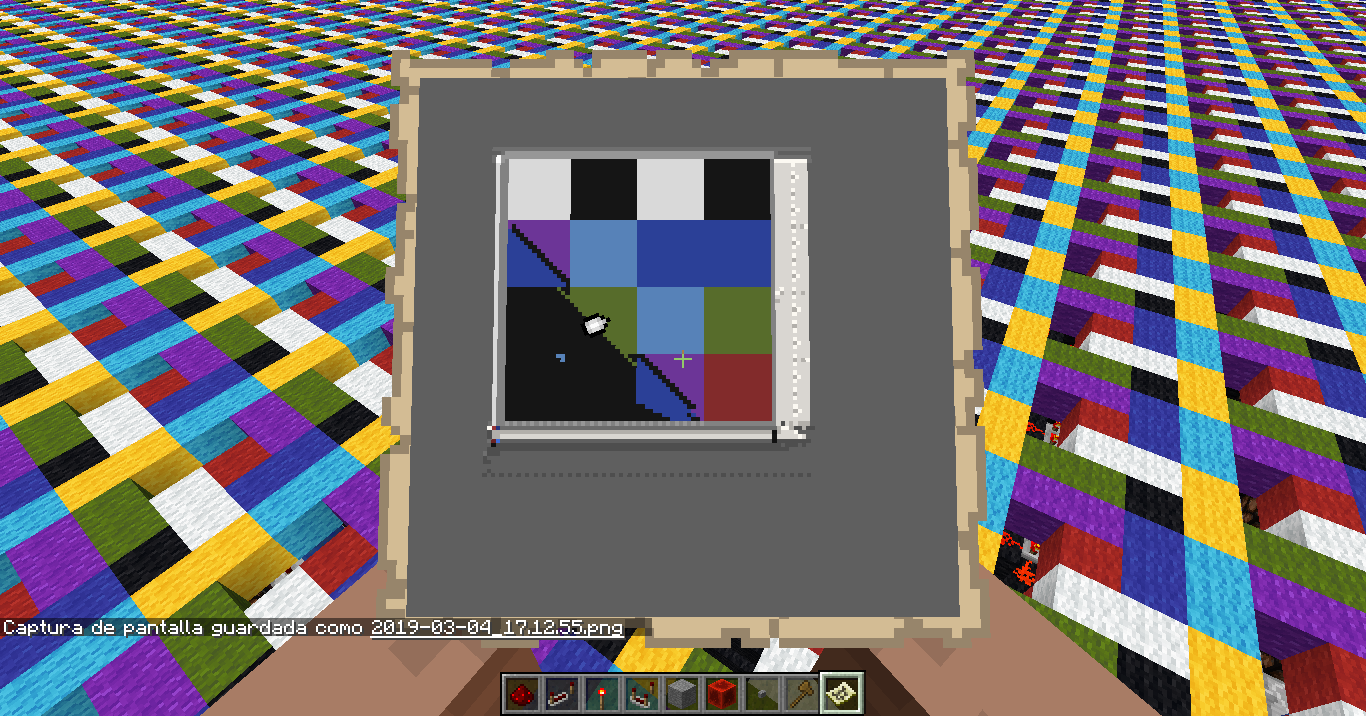
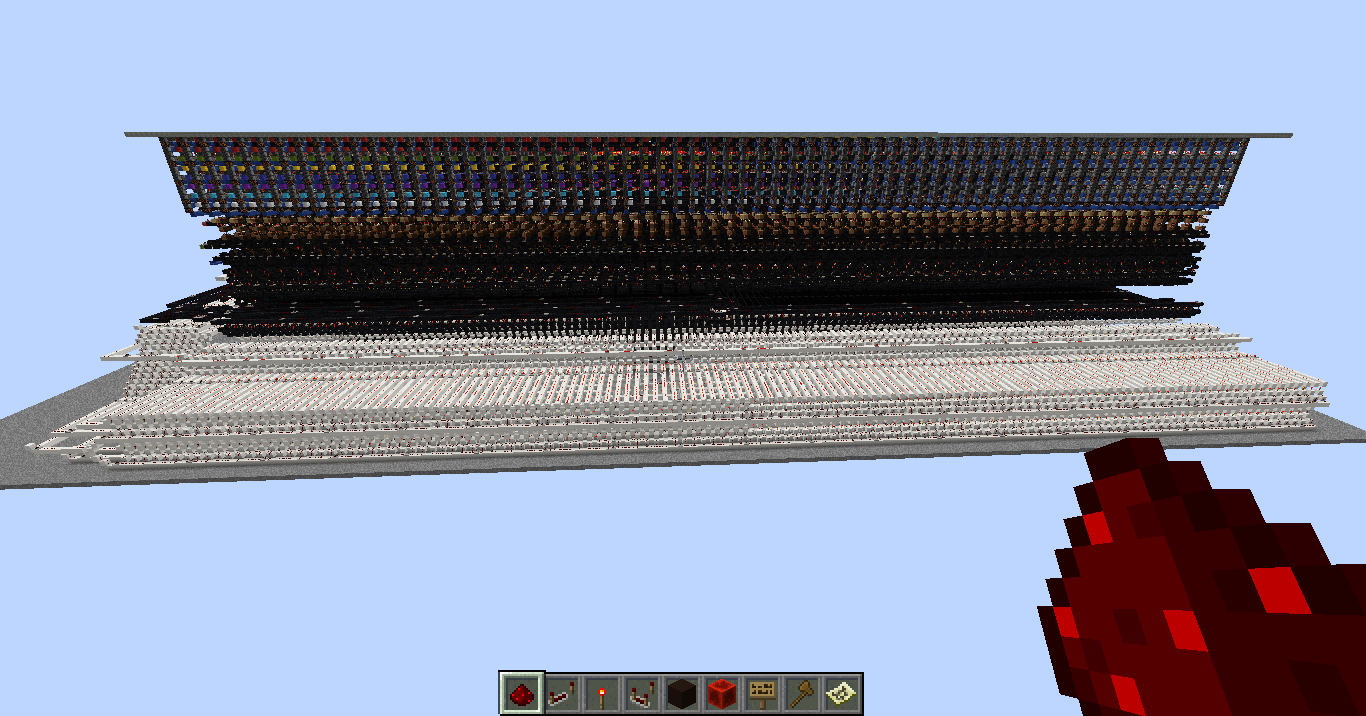
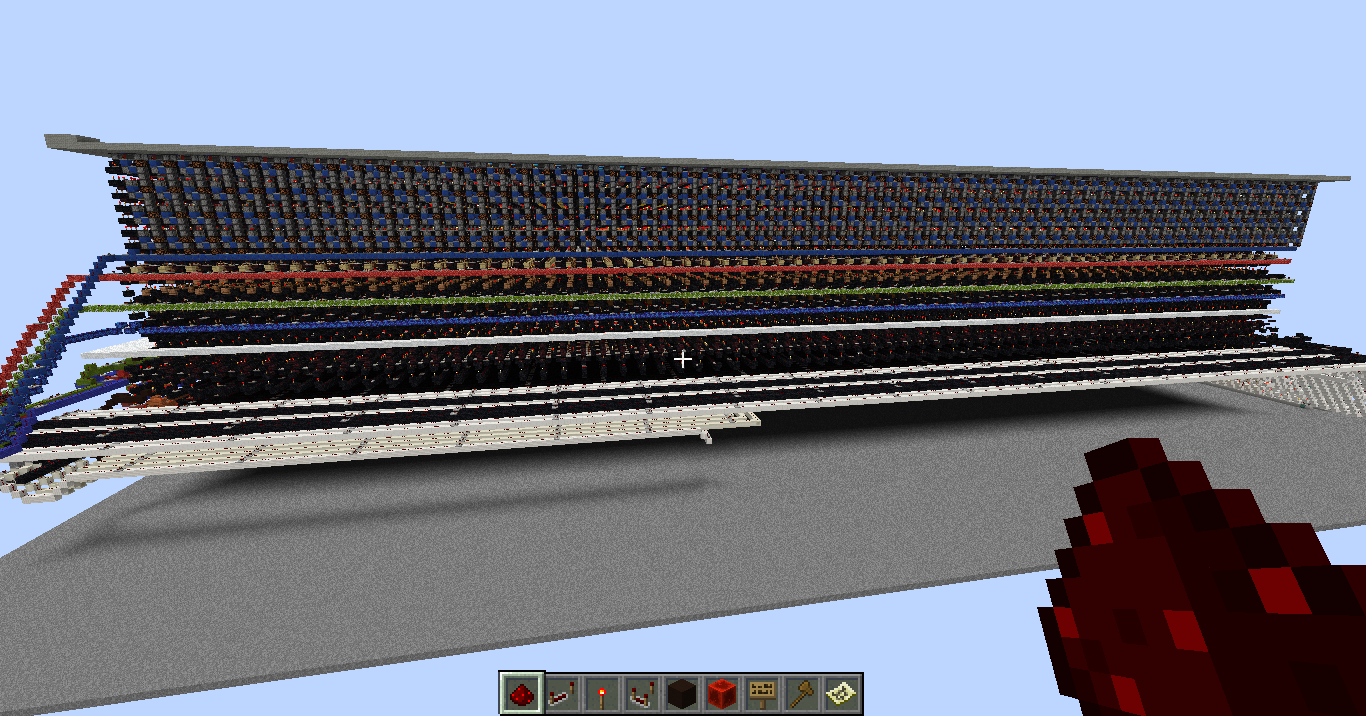
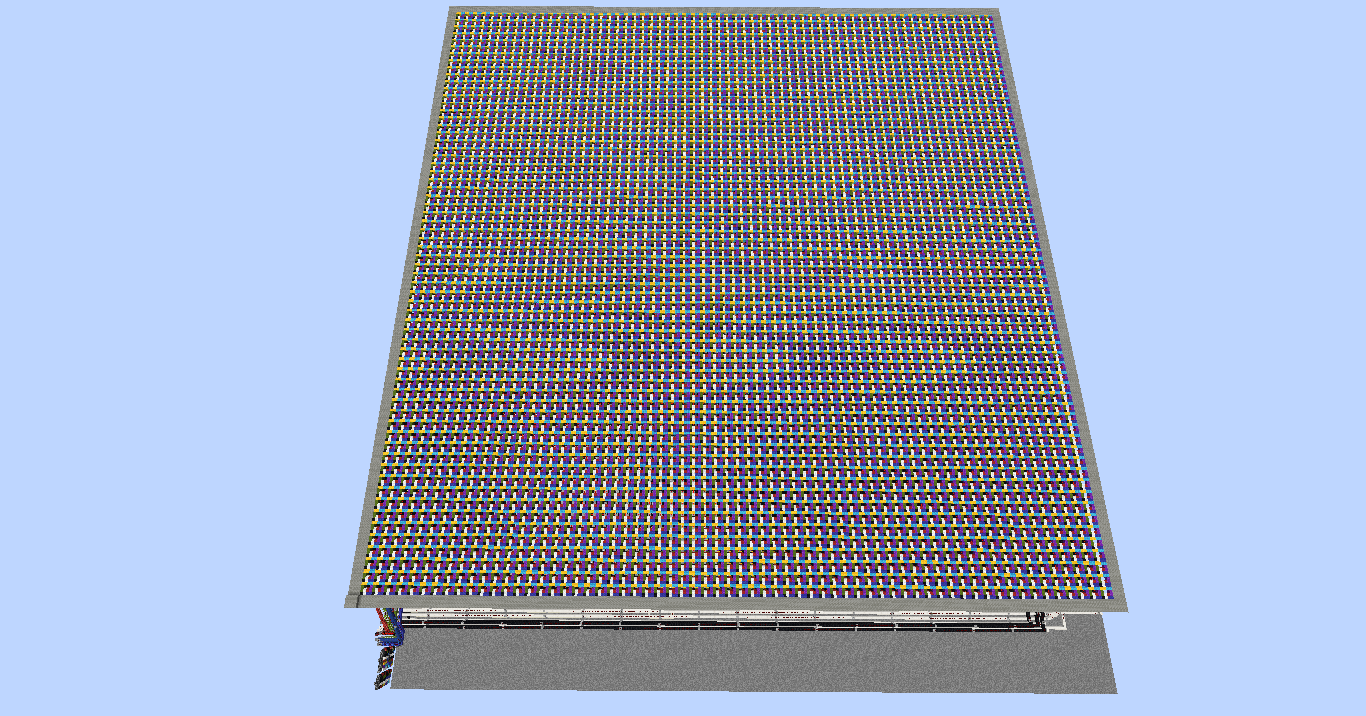
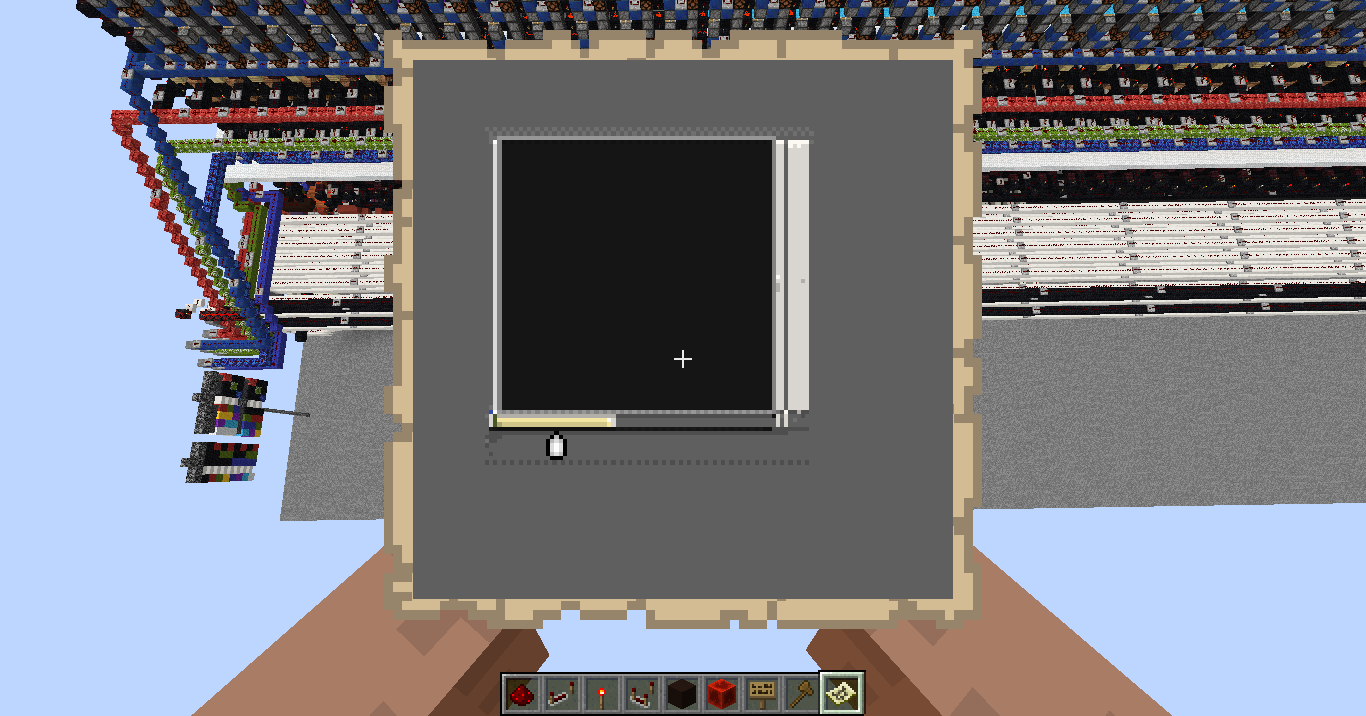
This is a redstone screen that can show 8 colors and has several types of entries, one of these requires a controller that is not yet available, something like a small calculator.
Description of tickets:
Basic entries:
*Quartz blocks: X and Y decoder. Decoder position, Fill / Dots mode and X / Y selector.
*Black wool: Update and reset of memory Y. Update of X
*Red / Green / Blue Wool: selection and combination of colors
*Tile Red / Green / Blue / Black: reset colors
*Lapizlasuli block: repair of failed pistons
The following inputs require a controller
*Red / Green / Blue Terracotta: Red, Green and Blue Update
*Black Terracotta: Color mode as line Y
*Bone block: Y line color direction
*Quartz Column: Resetting the line direction Y
NOTE:
If you extract the screen to a .SCHEMATIC file to load it in another world, it is necessary that you first calibrate the map in the destination world so that the colors and pixels are displayed well.
* Map level: 3 (three)
* 4×4 (16) blocks represent 1 pixel
* Red exchanges a block with Black
常见问题
DispIay 支持哪些 Minecraft 版本?
DispIay 支持 Minecraft Java 版 1.7.10–1.12.2,共 25 个版本。下载时注意选择和你游戏版本一致的文件。
DispIay 怎么安装?
解压下载的文件,把里面的存档文件夹放进游戏目录的 saves 文件夹(开启了版本隔离的在 versions/版本名/saves),重新打开游戏就能在「单人游戏」里看到。请用 1.7.10–1.12.2 版本打开,版本不对可能导致地图损坏。
评论
登录后评论和评分