
Clean Redstone – outlined colored blocks
Gives an clean look and outline to wool and glass with connected textures
截图

介绍
If you want to publish a project containing my work, please mention my username “Vunyx” somewhere. Also, a link to my project would be much appreciated.
Description
This resource pack gives a clean look and a connected border to all types of wool blocks and glass blocks for all your redstone needs.
You can use it in combination with my other packs like Clean Redstone – main components.
The affected blocks are:
- wool
- carpet
- glass
- stained glass
- tinted glass
- glass panes
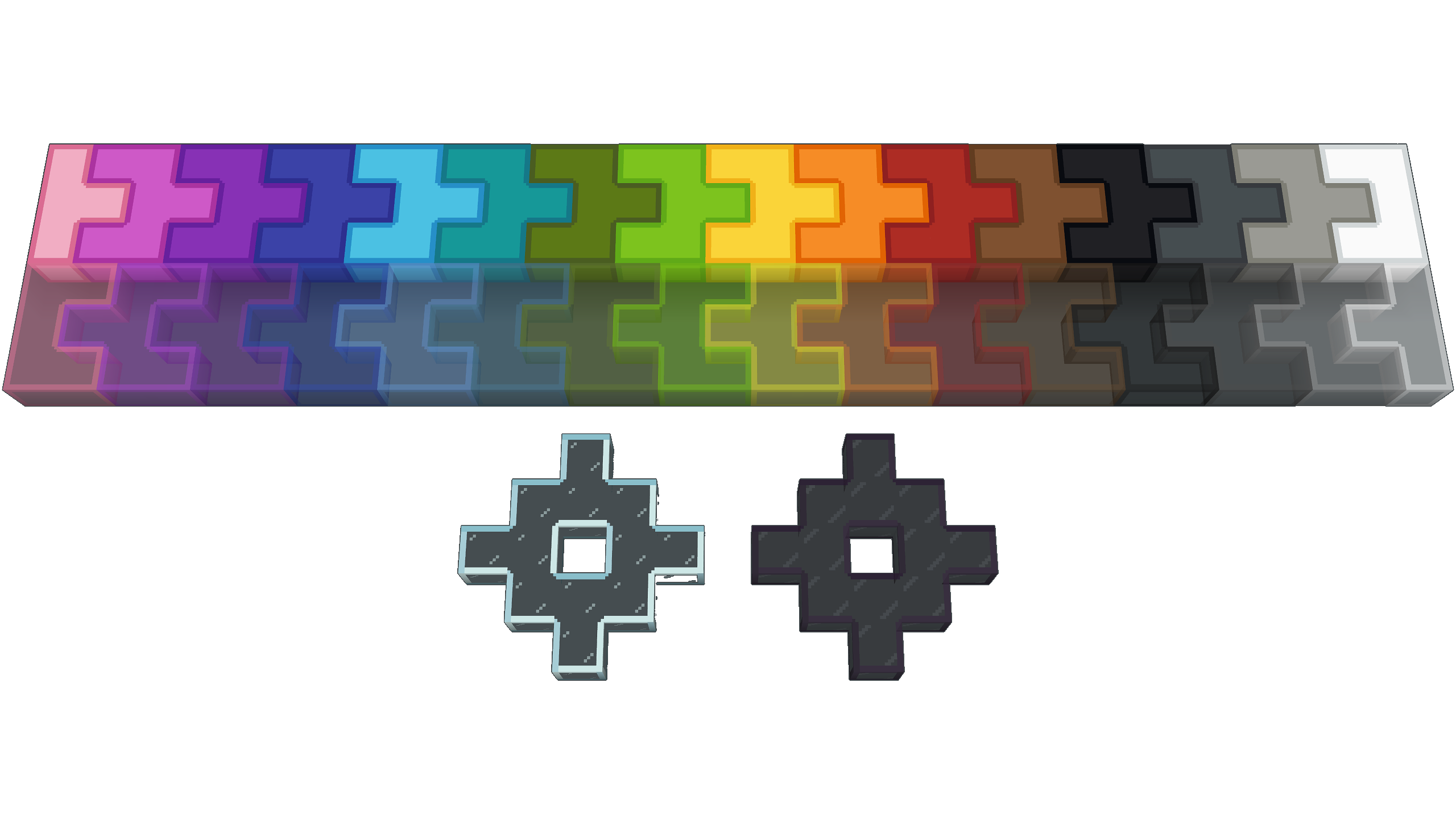
⚠️ The connected texture require Continuity or Optifine ⚠️
However if you don’t want the textures to connect, you don’t need these mods. The texture pack will work fine without them.
How to install
After downloading the resource pack, go to options -> resource packs and click the Open Pack Folder button, or open %appdata%\.minecraft\resourcepacks directly. Put the resource pack in this folder. It should then show up under Available. Click the arrow to switch it to the Selected tab and click Done. That’s it, the pack should now be installed properly.
常见问题
Clean Redstone – outlined colored blocks 支持哪些 Minecraft 版本?
Clean Redstone – outlined colored blocks 支持 Minecraft Java 版 1.16–1.21.4,共 28 个版本。下载时注意选择和你游戏版本一致的文件。
Clean Redstone – outlined colored blocks 怎么安装?
把下载的 .zip 文件(不用解压)放进游戏目录的 resourcepacks 文件夹,进游戏后在「选项 → 资源包」里把它移到右边启用。
Vunyx 的其他作品
查看全部 → Clean Redstone – outlined colored blocks
Gives an clean look and outline to wool and glass with connected textures

Clean Redstone – extra components
Gives a clean look to more redstone components

Fancy Dust
3D clean redstone dust with beautiful power level indicators
Fancy Dust
3D clean redstone dust with beautiful power level indicators
评论
登录后评论和评分