Reshaped Vanilla x Fresh Animations (Curseforge)
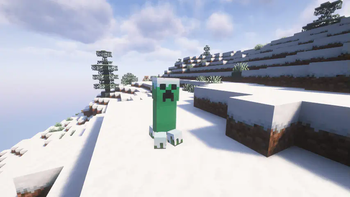
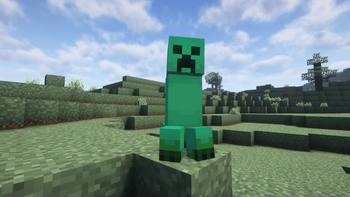
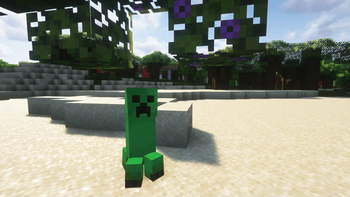
为 Reshaped Vanilla 加入对 FreshLX 的 Fresh Animation 资源包的兼容支持。
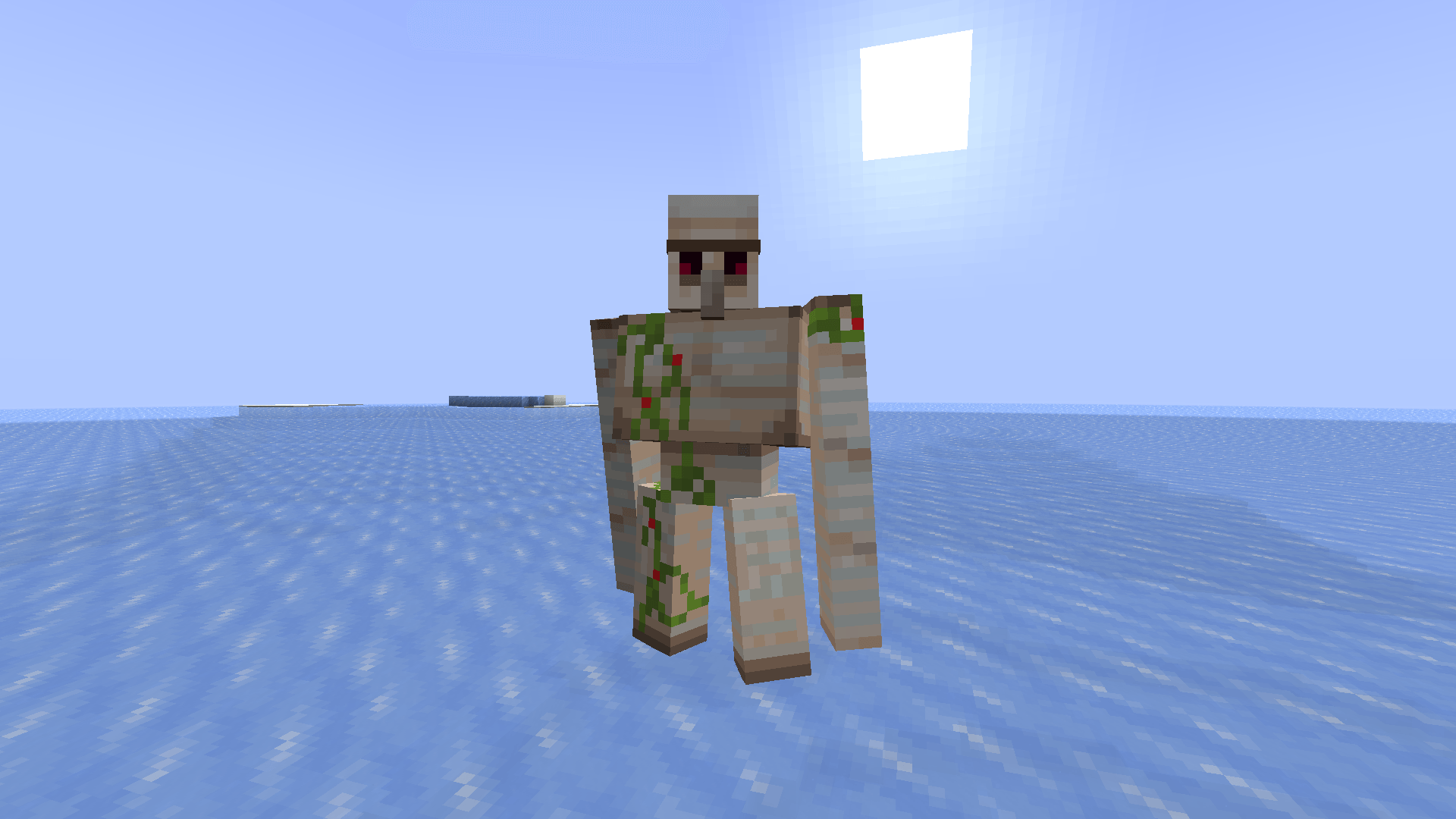
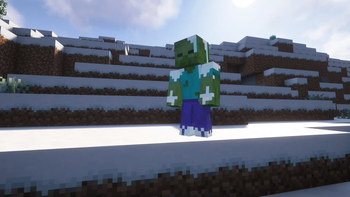
截图
介绍
这个整合包有什么作用?


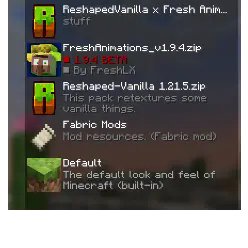
这个整合包让你可以将资源包 Reshaped Vanilla 与 Fresh animations 一起使用。
警告!
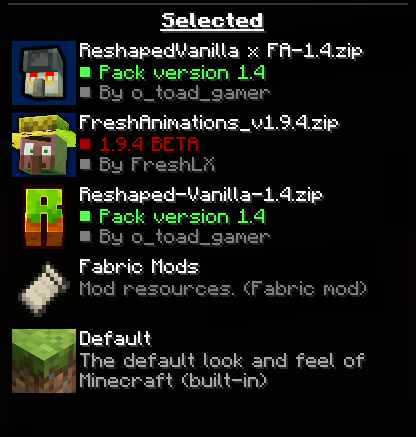
请下载所有必需的模组和资源包!如果你不需要实体模型功能和实体模型,则必须使用 OPTIFINE。请按照展示图库中的顺序放置资源包。还有其他必需项目,请全部下载。
安装指南:
Windows:
- 打开文件管理器,在地址栏输入 %appdata%,然后进入 /.minecraft/ 文件夹。
- 进入 /.minecraft/resourcepacks。
- 将资源包放入该文件夹。
Linux:
- 打开文件管理器,进入 /.minecraft/ 文件夹。
- 然后进入 /resourcepacks/。
- 将资源包放入该文件夹。
MacOS
- 在文件管理器中进入 ~/.minecraft/resourcepacks/。
- 将资源包放入该文件夹。
此资源包需要 OptiFine 或 Entity Model Features。
[ETF] Entity Texture Features
https://modrinth.com/mod/entitytexturefeatures
鸣谢
Freshlx: https://modrinth.com/user/FreshLX](https://modrinth.com/user/FreshLX
我没有制作任何动画,这些动画由 FreshLX 制作。
光影:
Amethyst Shaders: https://modrinth.com/shader/amethyst-shaders
Complementary Unbound:
[https://modrinth.com/shader/complementary-unbound]
BSL Shaders:[https://modrinth.com/shader/yofps
感谢下载!
常见问题
Reshaped Vanilla x Fresh Animations (Curseforge) 支持哪些 Minecraft 版本?
Reshaped Vanilla x Fresh Animations (Curseforge) 支持 Minecraft Java 版 1.14–1.21.8,共 40 个版本。下载时注意选择和你游戏版本一致的文件。
Reshaped Vanilla x Fresh Animations (Curseforge) 怎么安装?
把下载的 .zip 文件(不用解压)放进游戏目录的 resourcepacks 文件夹,进游戏后在「选项 → 资源包」里把它移到右边启用。
评论
登录后评论和评分