
截图
介绍
Open Third Person is an open source enhancement for the third person camera.
Locked Free Camera
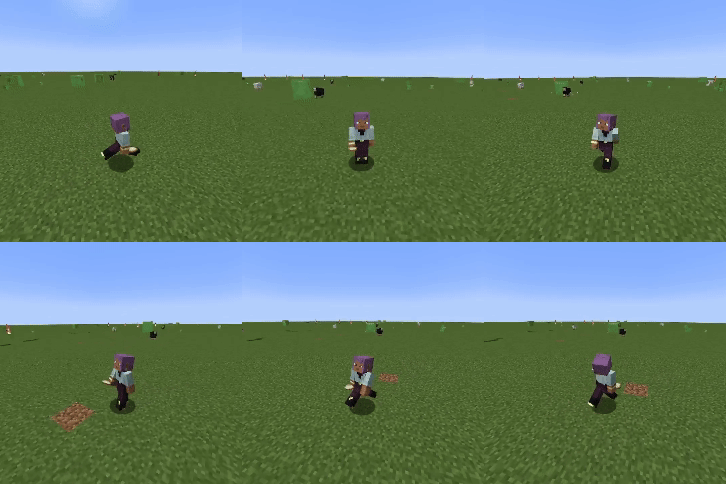
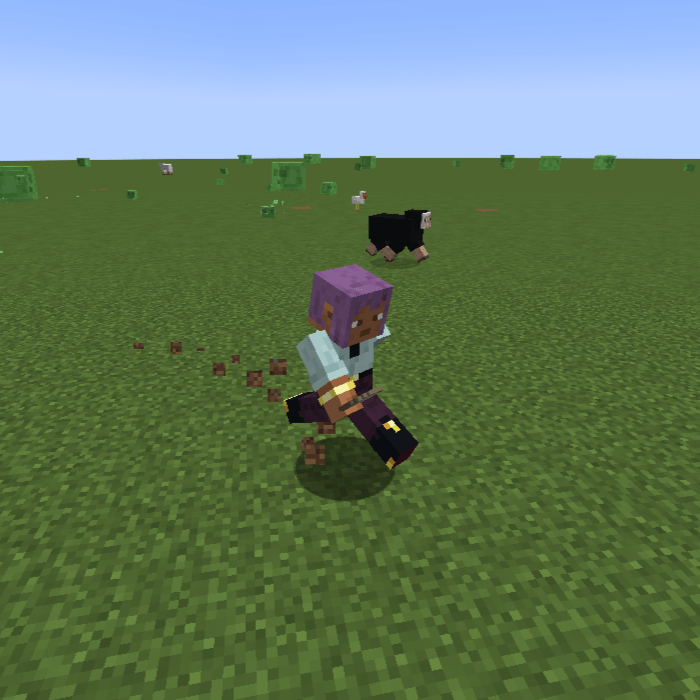
When in third person, you are able to move the camera around freely while holding the middle mouse button (can be rebound). This lets you position the camera exactly where you want it without interfering with the normal movement controls.

Cardinal Camera
The cardinal mode allows to move in 8 directions using the regular movement keys. Your player will automatically face the way you’re moving. Using the camera button (default middle mouse) will force your player to look where your camera is looking.

Smooth Transition and Separate Vehicle Camera

Config Options
- camera: VANILLA, LOCKED_FREE, CARDINAL
- ride_camera: VANILLA, LOCKED_FREE, CARDINAL
- smooth_transition: Smoothly transition between normal and ride camera
- cam_sens: Changes the sensitivity for moving the camera around
- cam_dist: Changes the distance the camera is from the player
- cardinal_global: Uses 8 compass directions if true. False uses 8 directions based on the current direction the player is facing
- cardinal_auto_look: Left and right clicks move your player to look in the camera direction
常见问题
Open Third Person 支持哪些 Minecraft 版本?
Open Third Person 支持 Minecraft Java 版 1.20.1–1.21.1,共 6 个版本,可用的加载器:Fabric / Forge / NeoForge。下载时注意选择和你游戏版本一致的文件。
Open Third Person 怎么安装?
先用 PCL2 或 HMCL 启动器安装对应版本的 Fabric / Forge / NeoForge,再把下载的 .jar 文件放进游戏目录的 mods 文件夹,重新启动游戏即可。开启了版本隔离的,mods 文件夹在 versions/版本名 下面。
pitbox46 的其他作品
查看全部 →
Horse Combat Controls
为骑马加入类似《骑马与砍杀》的操作方式。

Item Banning
禁止特定物品出现和被合成

Hidden Names
设置隐藏名牌的规则,或自定义你的名牌!

FishingOverhaul
为钓鱼加入了一个小游戏。让指针停在绿色区域内,就能钓到战利品!
评论
登录后评论和评分