
ACE Anticheat
Universal client-and-server anti-cheat with flagged-client detection, flight checks, moderation tools, Discord reporting, and disclosed remote screenshots.
截图
介绍
ACE AntiCheat
is a moderation and anti-cheat mod built specifically with modded Minecraft servers in mind.
It supports multiple mod loaders and Minecraft versions, combining client-side mod checks, server-side movement detection, Discord moderation tools, and optional screenshot requests to help server staff investigate suspicious players.
ACE must be installed on both the server and connecting clients.
Features
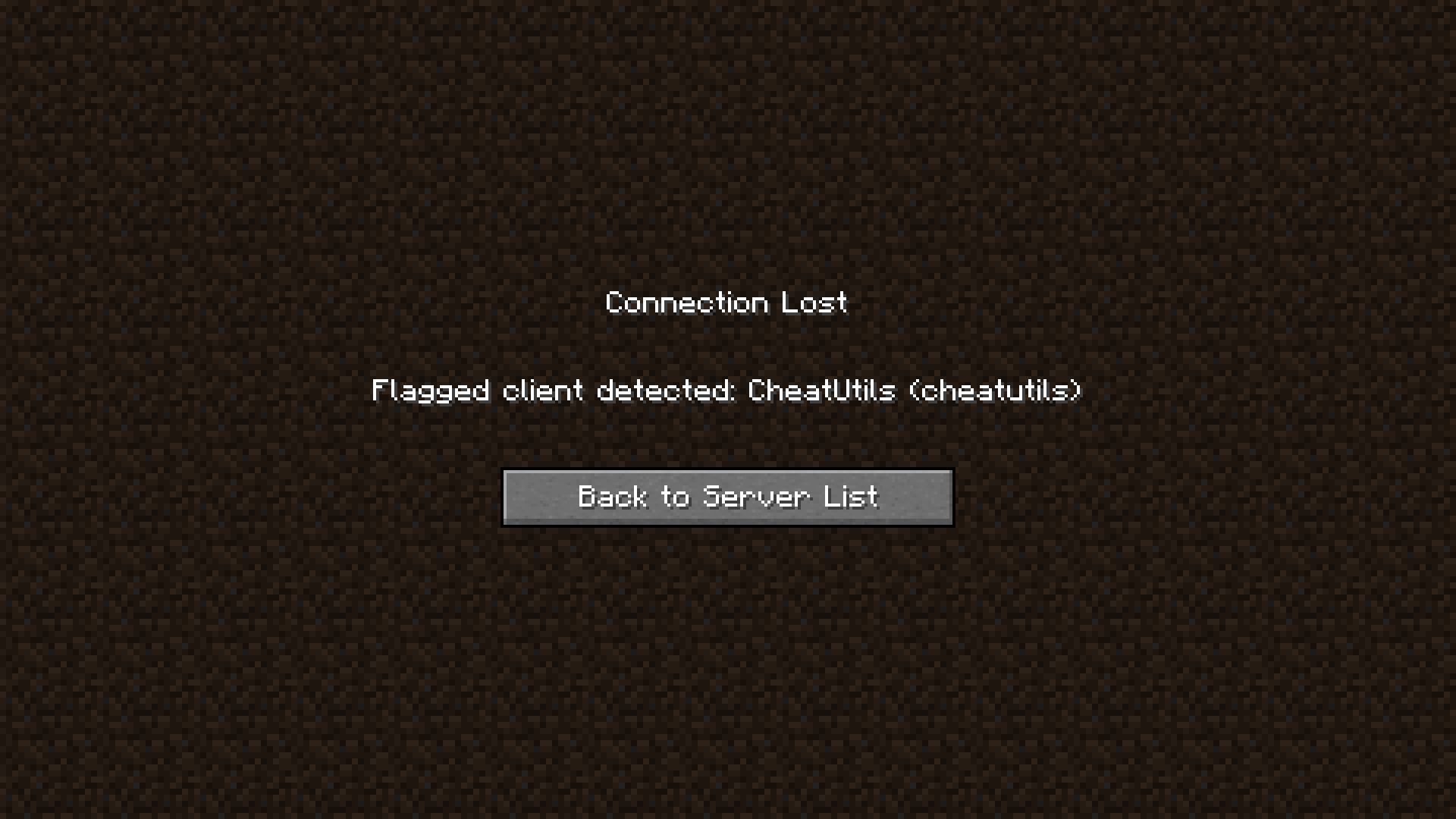
Detects known cheat clients and configurable suspicious mods
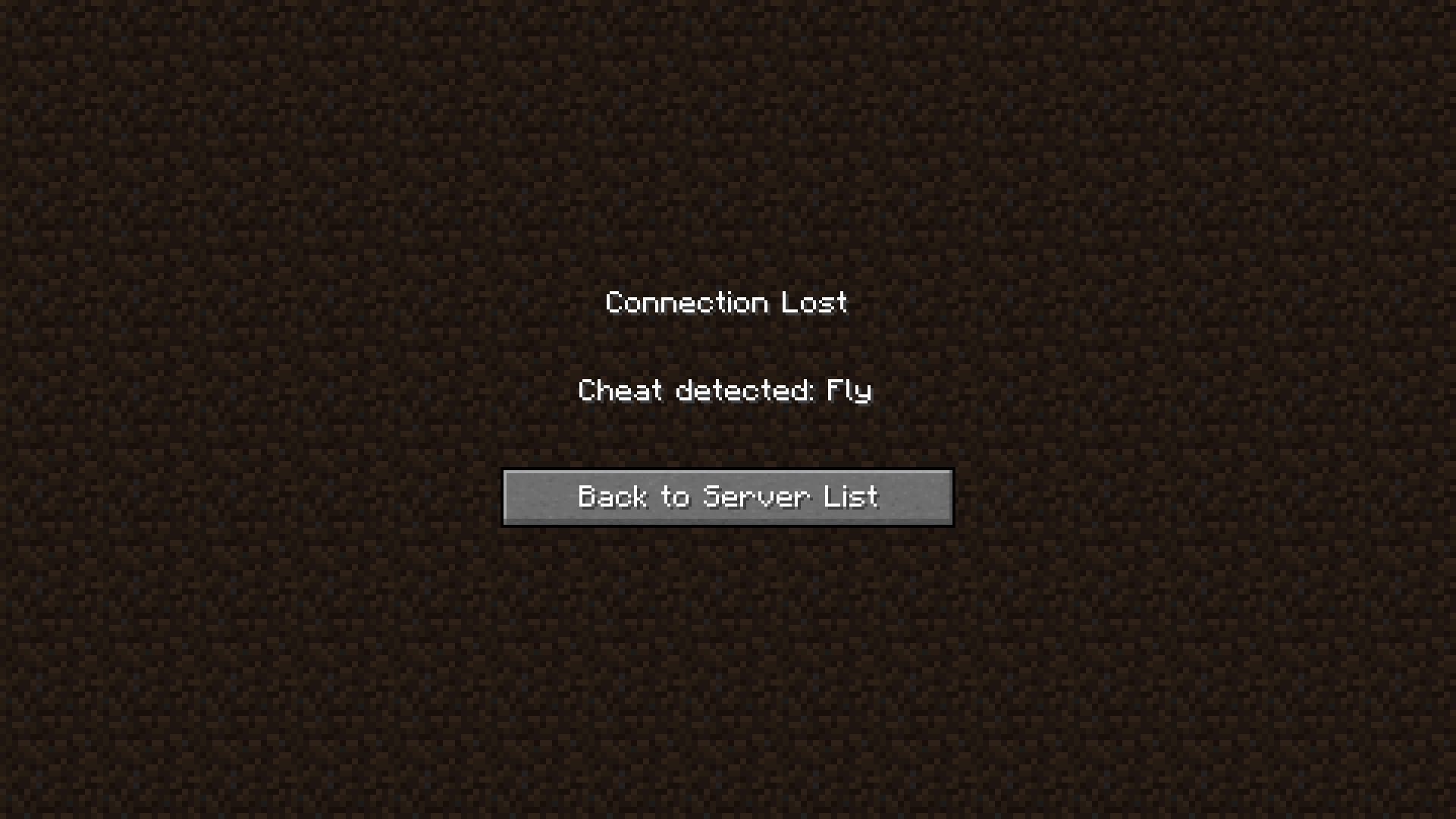
Detects sustained or abnormal flight
Designed to avoid flagging normal movement such as: Creative and spectator flight, Elytras, Falling, Vehicles, Ladders, Water, Levitation, Slow Falling, Other legitimate movement states
Clear flag information in the server console
Configurable review timers and delayed enforcement
UUID exemptions for trusted players or known false positives
Suspicious keybind detection for names related to things like X-ray, wallhacks, aimbot, and similar cheats
Informational control flags that do not automatically punish players
/aceanticheat flagtest <player> for testing the full moderation workflow
Discord Moderation
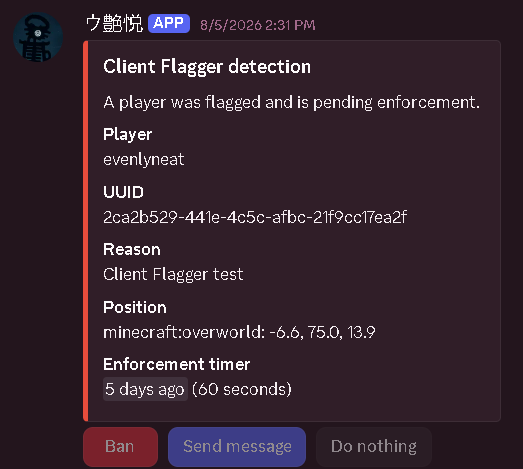
ACE can send detailed moderation reports directly to a configured Discord channel.
Moderators can quickly choose to:
Ban the player
Send a server message
Do nothing
Reports can include player information, flag details, and an enforcement countdown so staff have time to review what happened before action is taken.
Screenshot Requests
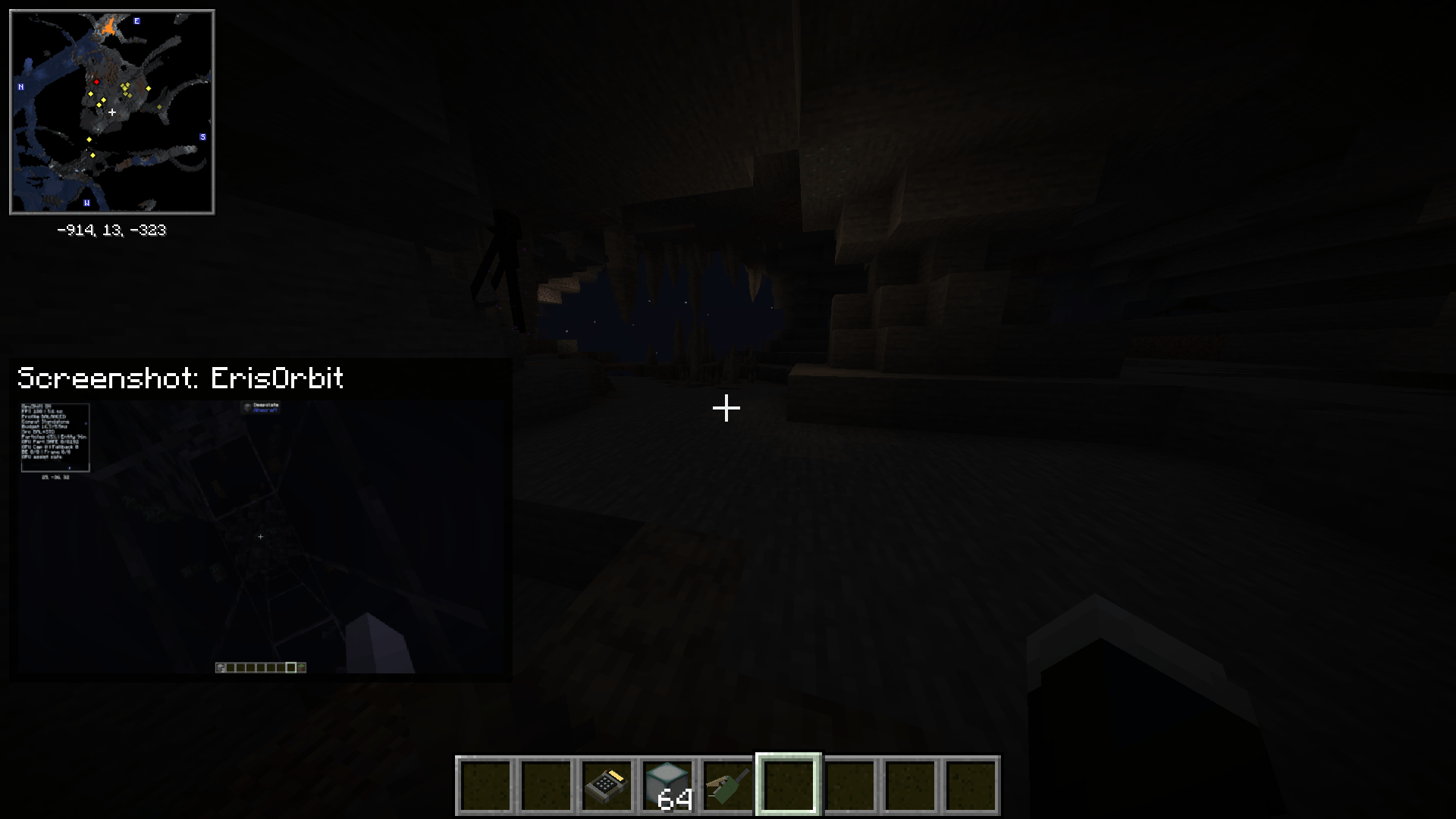
Server administrators can request a screenshot from a player’s Minecraft client using:
/aceanticheat screenshot <player>
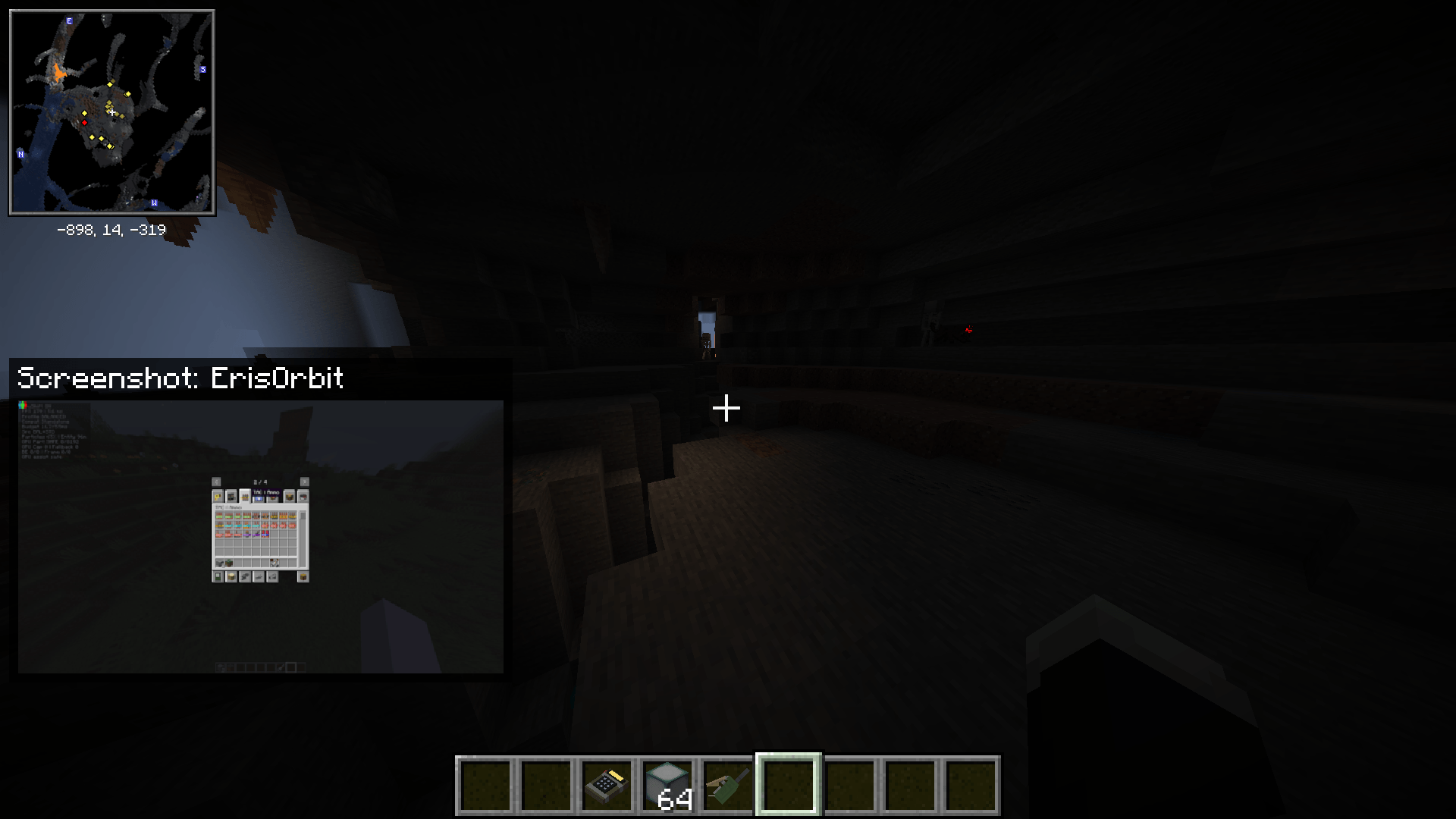
Depending on your configuration, screenshots can be shown to the administrator in-game, saved locally, and uploaded to your moderation Discord channel.
What does ACE capture?
ACE only captures the Minecraft game framebuffer.
It does not capture:
– Your desktop
– Other applications
– Personal files
– Your microphone
– Your camera
– Anything outside the Minecraft game window
Whenever an administrator requests a screenshot, the affected player receives a visible in-game notification telling them that a screenshot was taken.
Only authorized server administrators can request screenshots. Regular players cannot trigger them through a keybind or command.
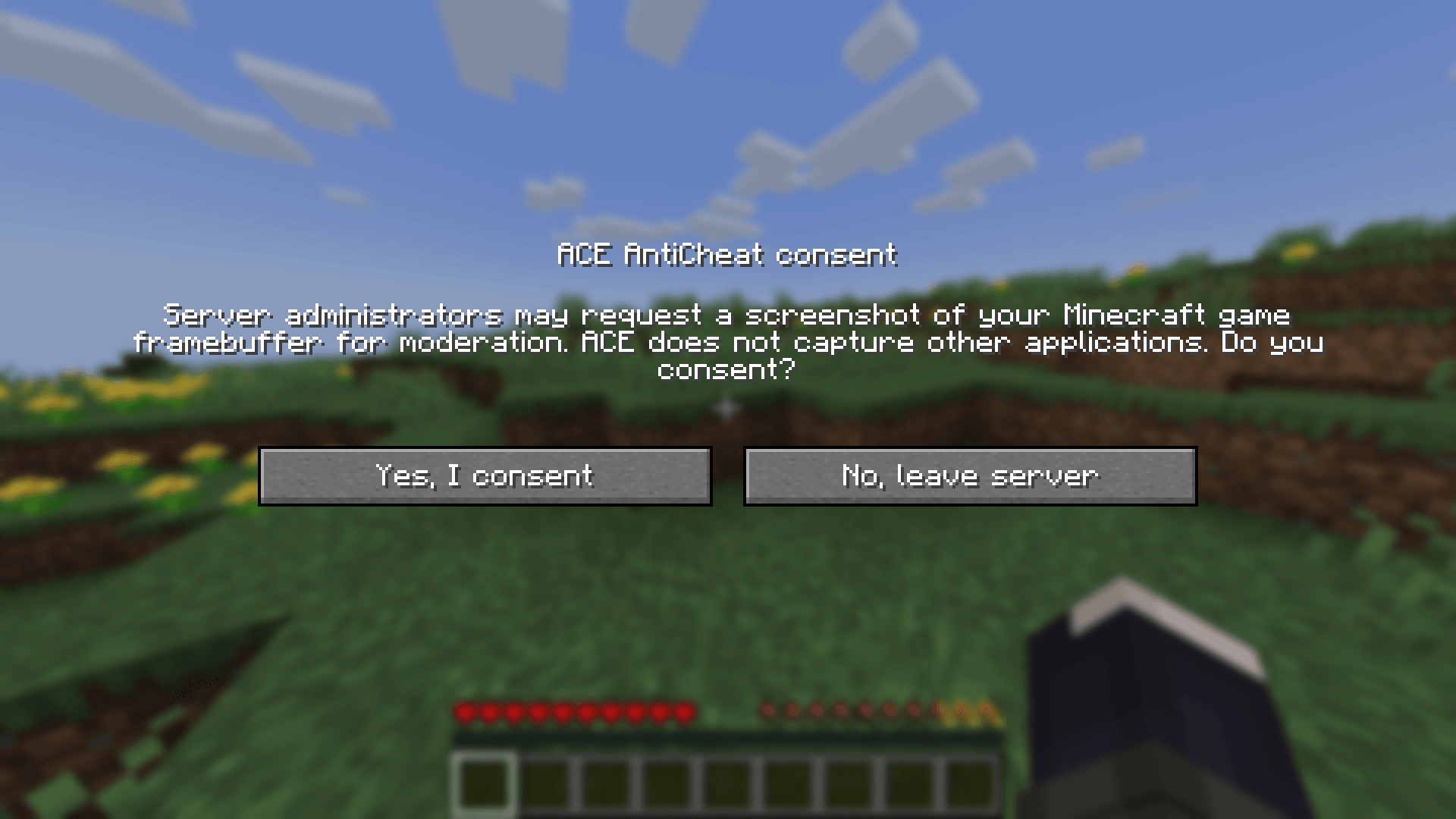
By installing ACE and joining a server that requires it, players agree to this disclosed moderation feature.
THE PLAYER HAS TO ACCEPT A CONSENT FORM ON SERVER JOIN FOR THIS TO WORK
Built for Modded Servers
Movement checks can be difficult on heavily modded servers, so ACE intentionally uses conservative flight detection rather than assuming unusual movement is cheating.
Servers using custom flight, transformations, vehicles, movement abilities, or similar mechanics should test their setup and add UUID exemptions where necessary.
You can use:
/aceanticheat flagtest <player>
to test the flag and moderation workflow without relying on a real detection.
Configuration
ACE’s server configuration can be found at:
config/aceanticheat-server.toml
Configuration options include:
– Exempt player UUIDs
– Discord bot settings
– Discord channel ID
– Delayed enforcement
– Review timeout
Never publicly share your Discord bot token. Using an environment variable is recommended when supported by your server host.
Dependencies
Packet Fixer is required on Minecraft versions where a compatible version is available.
For versions without a compatible Packet Fixer release, ACE uses its own bounded packet validation instead.
Please Keep in Mind
ACE is intended to give moderators useful evidence, not magically prove that somebody is cheating.
Client-side mod detection depends on information reported by the ACE client, and a deliberately modified client may attempt to hide or falsify that information.
Because of this, flags should generally be reviewed alongside player behavior and other available evidence rather than treated as automatically conclusive.
No anti-cheat can guarantee detection of every private or custom cheat client.
常见问题
ACE Anticheat 支持哪些 Minecraft 版本?
ACE Anticheat 支持 Minecraft Java 版 1.18–26.1.2,共 30 个版本,可用的加载器:Fabric / Forge / NeoForge。下载时注意选择和你游戏版本一致的文件。
ACE Anticheat 怎么安装?
先用 PCL2 或 HMCL 启动器安装对应版本的 Fabric / Forge / NeoForge,再把下载的 .jar 文件放进游戏目录的 mods 文件夹,重新启动游戏即可。开启了版本隔离的,mods 文件夹在 versions/版本名 下面。
NullSc4pe 的其他作品
查看全部 →
Jade / Farmers Delight | Compatibility
为 Farmer’s Delight 的方块、作物、沃土、烹饪锅、砧板、炉灶和煎锅添加简洁清晰的 Jade 提示信息。

Sophisticated Backpacks: Ars Compat | Sophisticated Backpacks Ars-Nouveau Compatibility
为 Sophisticated Backpacks 添加 Ars Nouveau 的源质、源质链接、药水和修复升级。

Sophisticated Storage: Ars Compat | Sophisticated Storage Ars-Nouveau Compatibility
Ars Nouveau compatibility upgrades for Sophisticated Storage.

TaCZ Kill Feed (tacz)
A lightweight client-side TaCZ kill feed showing the attacker, victim, weapon, headshots, and kill distance.
评论
登录后评论和评分