
介绍
Create is one of the most beautiful mods for Minecraft, but it is even better when combined with other mods. This modpack offers the best Create experience for all players who want to play in medieval or steampunk worlds.
My private server: 31.214.148.71:25600
Travel
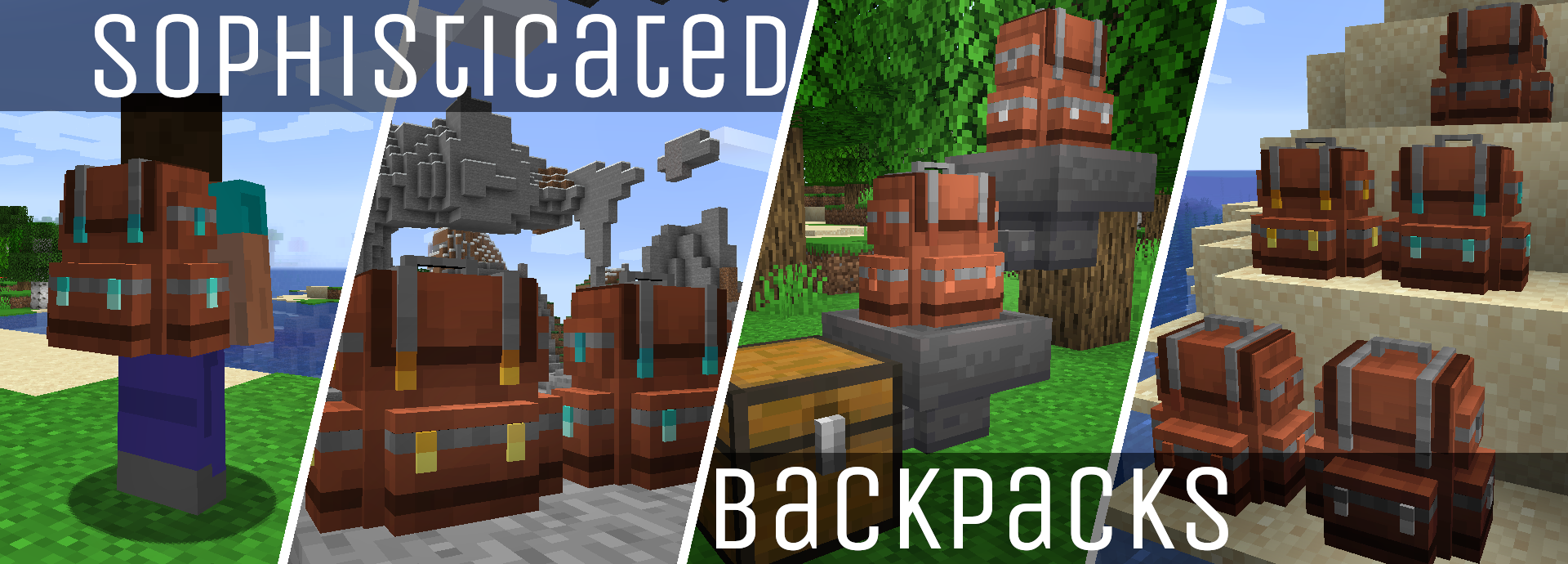
To make it a pleasant travel experience in Minecraft, in addition to the Sophisticated Backpack mod, which adds a useful backpack to the game, the world is also enhanced by the animals from Alex’s Mobs and soon Better Animal Plus
Tech
The Mod Create allows you to automate processes by building huge machines. Since the mod adds a lot of technology, there is a community wiki: https://github.com/Creators-of-Create/Create/wiki
Decoration
All mods from Macaw are included. Better fences, smoother roofs nice furniture and bridges. Everything you need and ever want.


Dimensions
You like other dimensions like the Nether and the End? This modpack is just for you, because besides the Bumblezone, there are also three other dimensions to explore. All of them have their own charm and dangers.

Trade
Villagers have new trades and the ability to change them easily. Additionaly, there are Golbin Traders in Caves and the Nether

Hint
If you hate to expensive repair costs, you can reset them with this datapack: https://www.planetminecraft.com/data-pack/remove-anvil-enchantment-repair-cost-1-18/
Optifine recommended
常见问题
BigCreate 支持哪些 Minecraft 版本?
BigCreate 基于 Minecraft Java 版 1.18.2,使用 Forge 加载器。
BigCreate 怎么安装?
点本页「前往下载」拿到整合包文件(Modrinth 的是 .mrpack,CurseForge 的是 .zip),在 PCL2 或 HMCL 启动器里选择「导入整合包」,启动器会自动装好 Minecraft、加载器和全部模组。建议在启动器里给游戏分配 4–6 GB 内存。
BigCreate 开服需要多大内存?
推荐服务器内存 12 GB。在线人数多、或者建了大量机器和区块加载器时,可以再加 2–4 GB。
怎么和朋友一起玩 BigCreate?
点本页的「一键开服」,选好配置后会自动安装 BigCreate 的服务端,几分钟就能开好。把服务器地址发给朋友,大家用同一个版本的整合包连进去就行。
评论
登录后评论和评分