
Custom Totem Texture
This resource pack allows you to change the totem's texture with the image you want
介绍
中文介绍正在准备中,下面暂时显示原文。
Now you can customise your totem’s texture with an image you want!
Simply change the totem_of_undying.png file with an image that you like (merge your image name with the totem’s file name).
The image should be a square.
If you want a clear image without white spaces or background consider using a .png to trasparent .png converter
This is what it looks like if you don’t change the image
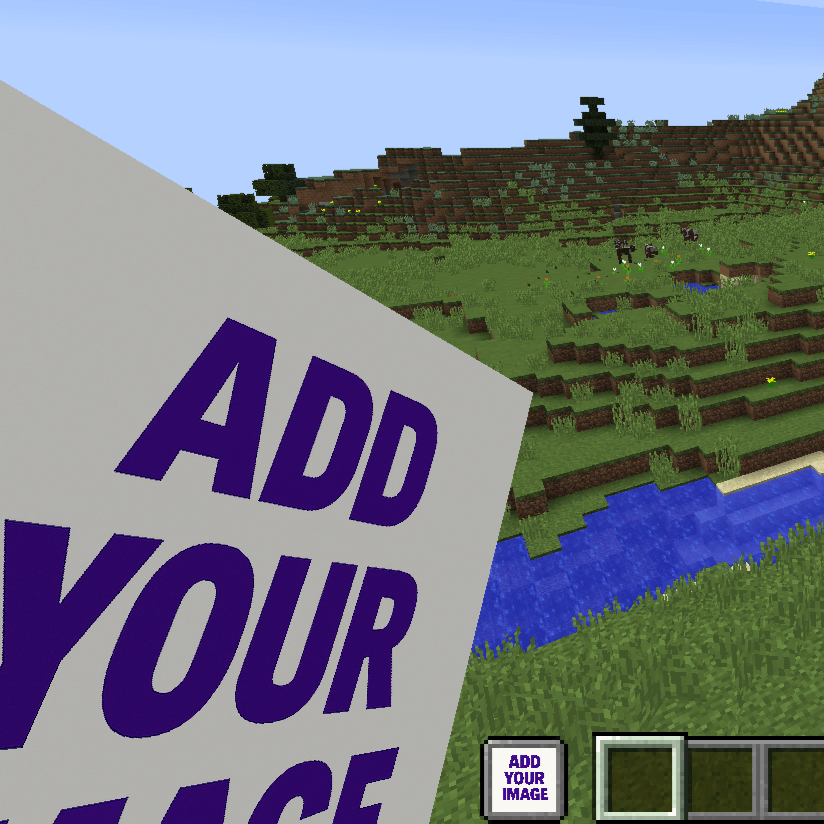
This is an example of a custom totem:
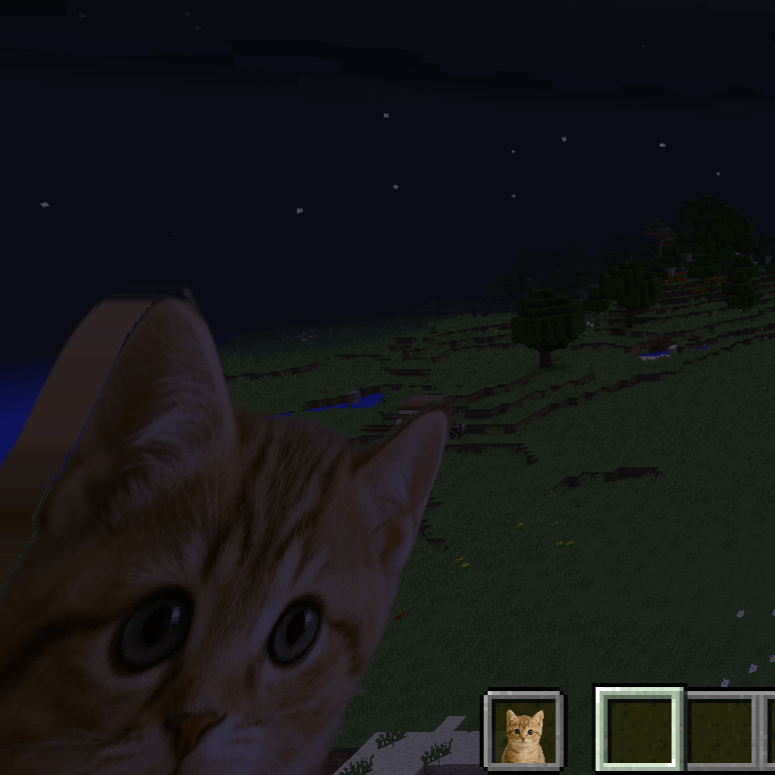
(You can find this totem here: Cute Cat Totem)
COMMON ISSUES
- If you can’t change the image close the game and every app that opens it (WinRAR, 7-zip and sometimes also windows explorer). Then you should be able to choose the image you want.
- If you see the texture purple and black check if the image is perfectly a square like 100×100, 200×200, 201×201…
- I don’t know if I can use this in my modpack… Yes you can!!!
常见问题
Custom Totem Texture 支持哪些 Minecraft 版本?
Custom Totem Texture 支持 Minecraft Java 版 1.13–1.21.11,共 46 个版本。下载时注意选择和你游戏版本一致的文件。
Custom Totem Texture 怎么安装?
把下载的 .zip 文件(不用解压)放进游戏目录的 resourcepacks 文件夹,进游戏后在「选项 → 资源包」里把它移到右边启用。
评论
登录后评论和评分