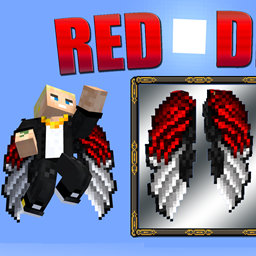
截图
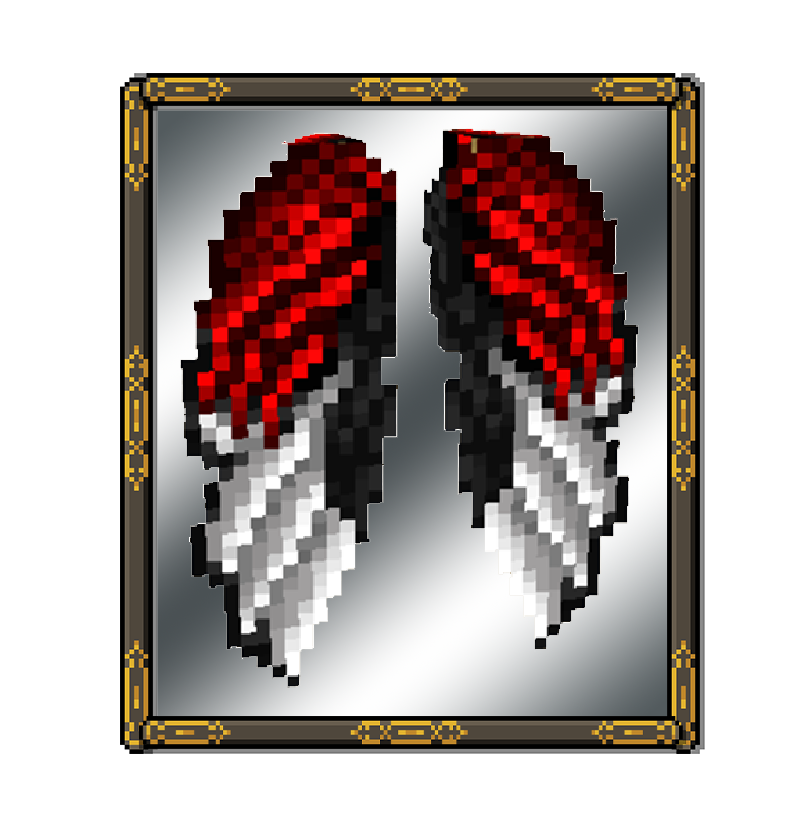

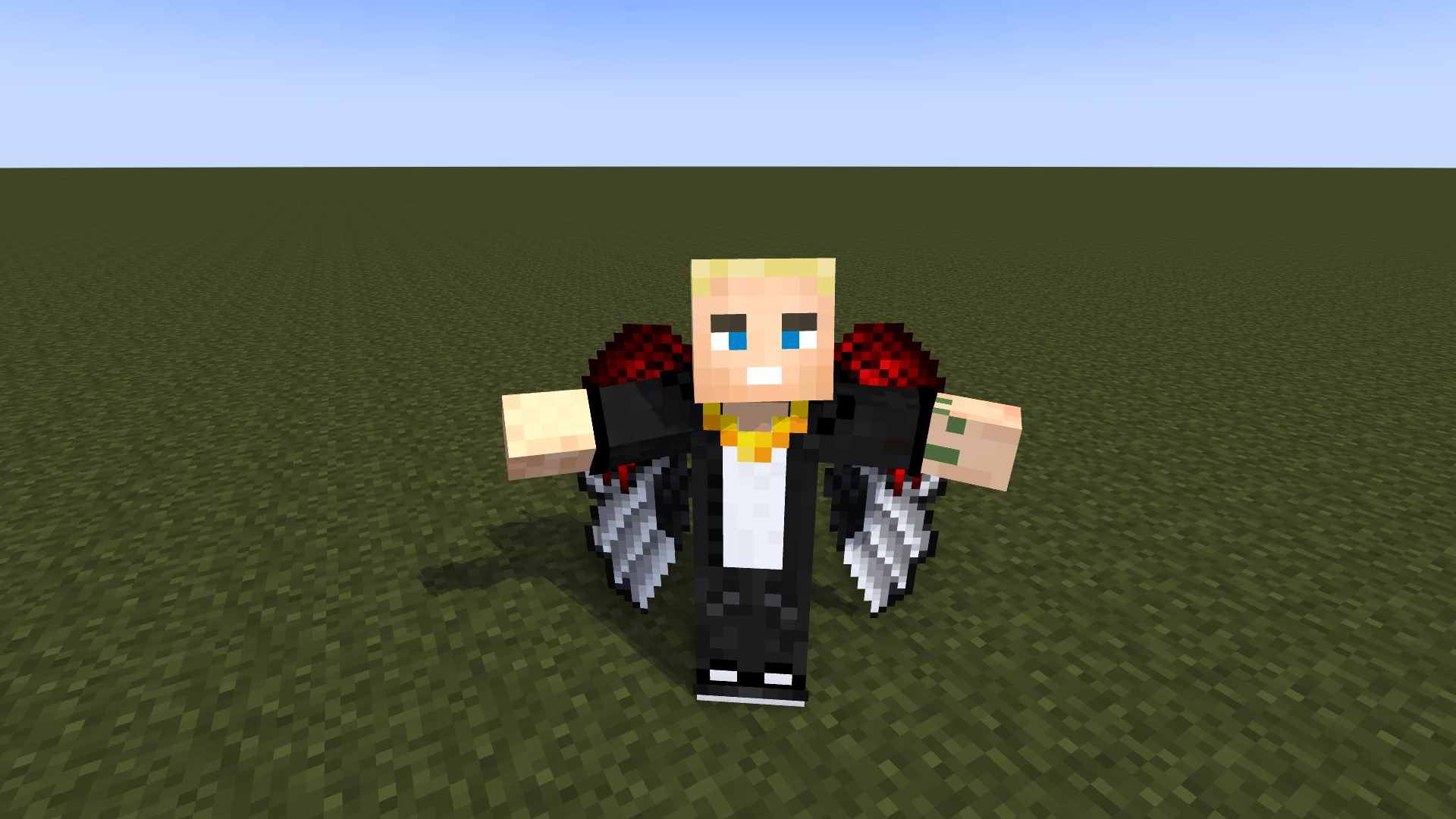
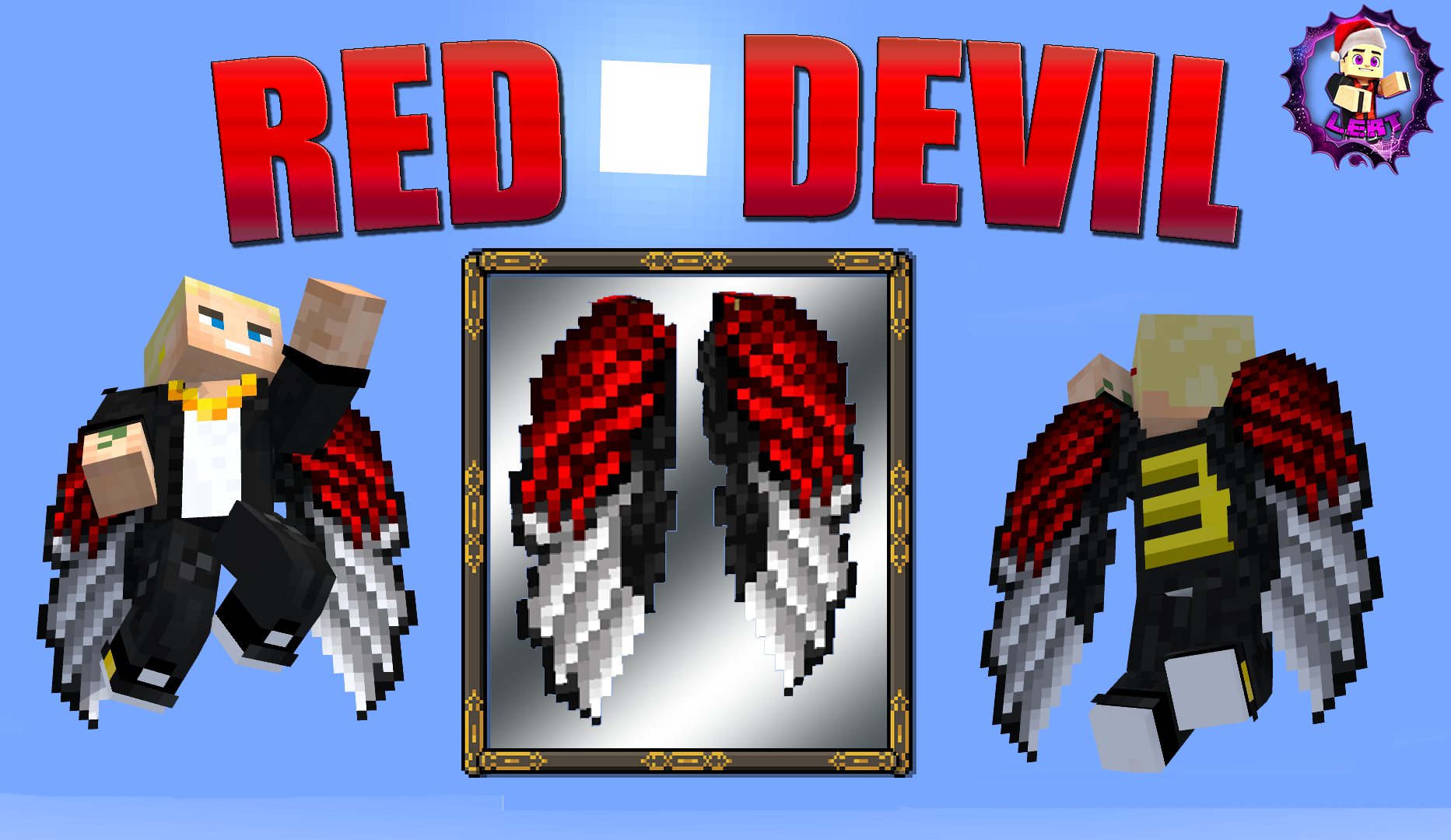
介绍
中文介绍正在准备中,下面暂时显示原文。
 SHORTS VIDEO ABOUT TEXTURE PACK
Hello users.
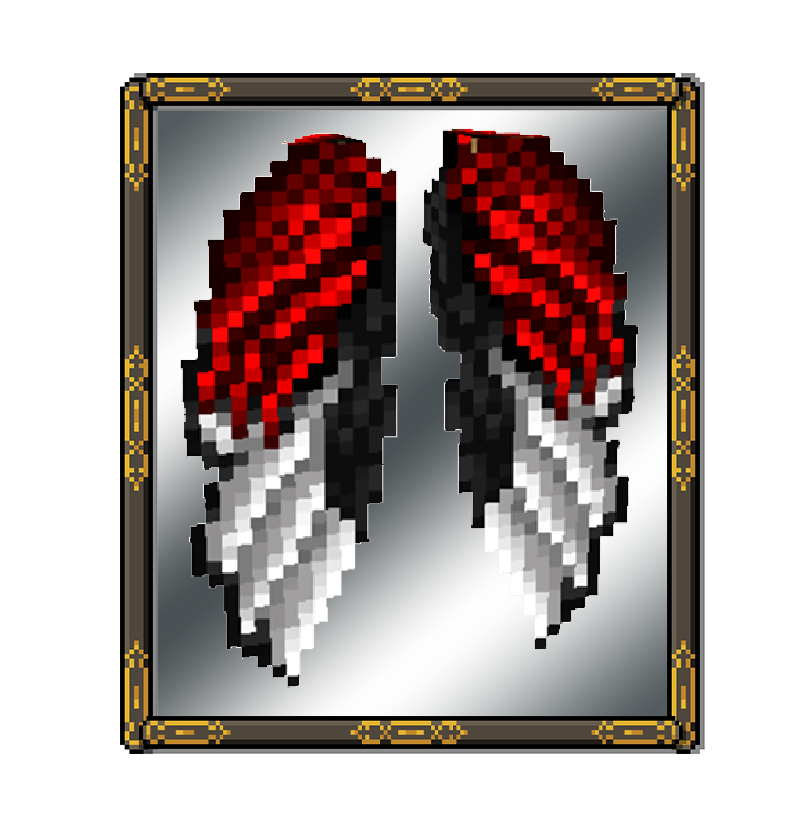
I decided to create some pretty interesting elytre`s on the Red and Black theme. 🐑
Let me know how you like these elytre`s in the comments.🎅
I decided to create some pretty interesting elytre`s on the Red and Black theme. 🐑
Let me know how you like these elytre`s in the comments.🎅
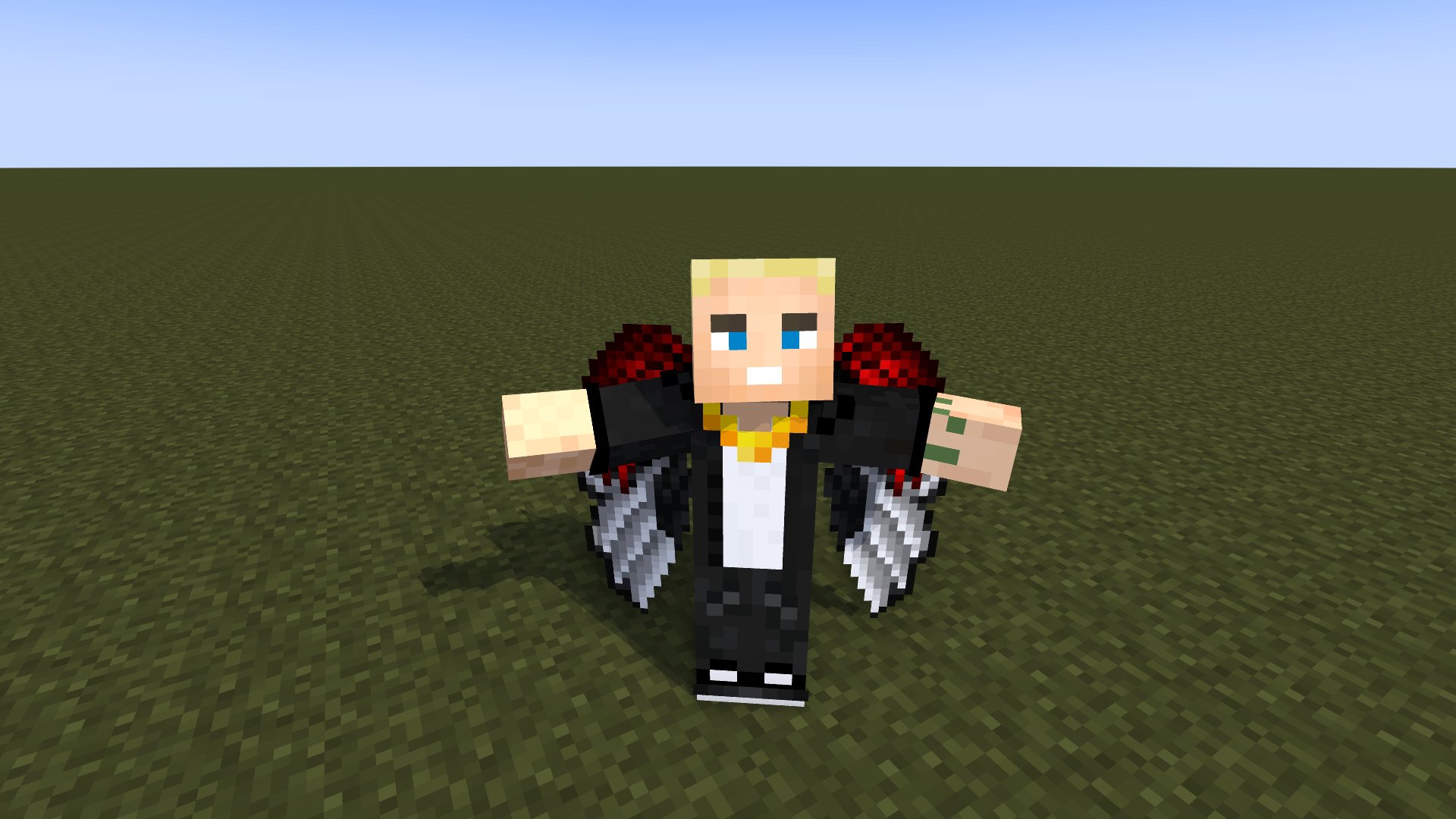
WORK:
Changed the object image and model skin.🎊💠
INSTALLATION: Add to the minecraft\resourcepacks folder – and move to the right side in the game settings (enable this pack)Additional photos in the gallery


常见问题
Elytra – Red Devil Style 🚀 支持哪些 Minecraft 版本?
Elytra – Red Devil Style 🚀 支持 Minecraft Java 版 1.19–1.20.4,共 10 个版本。下载时注意选择和你游戏版本一致的文件。
Elytra – Red Devil Style 🚀 怎么安装?
把下载的 .zip 文件(不用解压)放进游戏目录的 resourcepacks 文件夹,进游戏后在「选项 → 资源包」里把它移到右边启用。

评论
登录后评论和评分