截图
介绍
Spatial Crafting
Spatial Crafting is a Minecraft mod for Fabric that adds the most extreme form of crafting: 3 Dimensional Crafting.
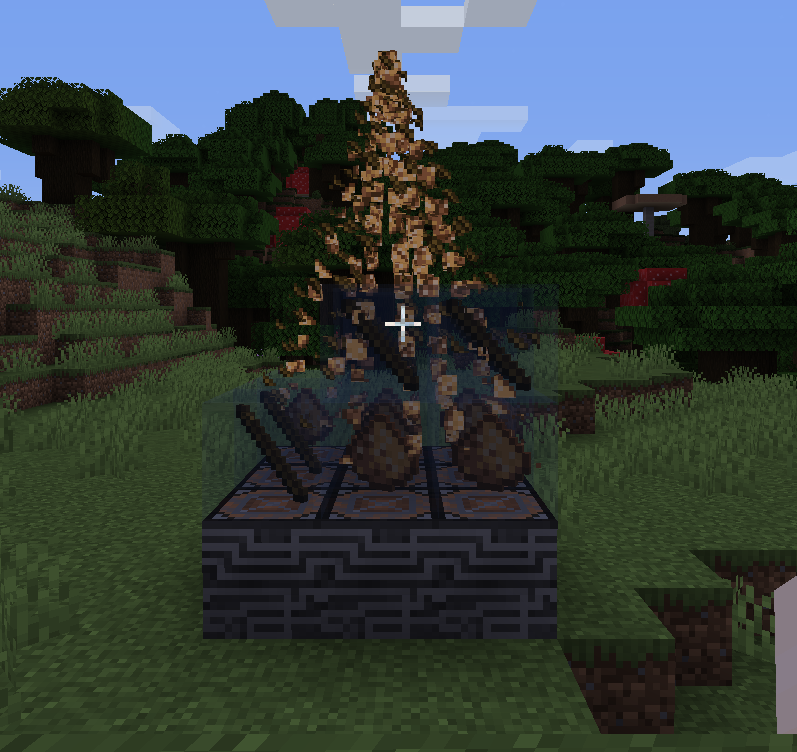
– Construct fearsome multiblocks as sizeable as you want them to be, and watch as they expand to a huge array of holograms.
– Utilize the multiblock crafter structures to conjure powerful artifacts which may only be created with the combined power of dozens, or even hundreds, of items.
– Watch and behold as the items are beautifully assimilated from their respective positions and form the most powerful of blocks.
– Use the simple but powerful GUI to add custom recipes so that any item from any mod can be a part of the creation process. Alternatively, for advanced users, write JSON files to fine tune your recipes.
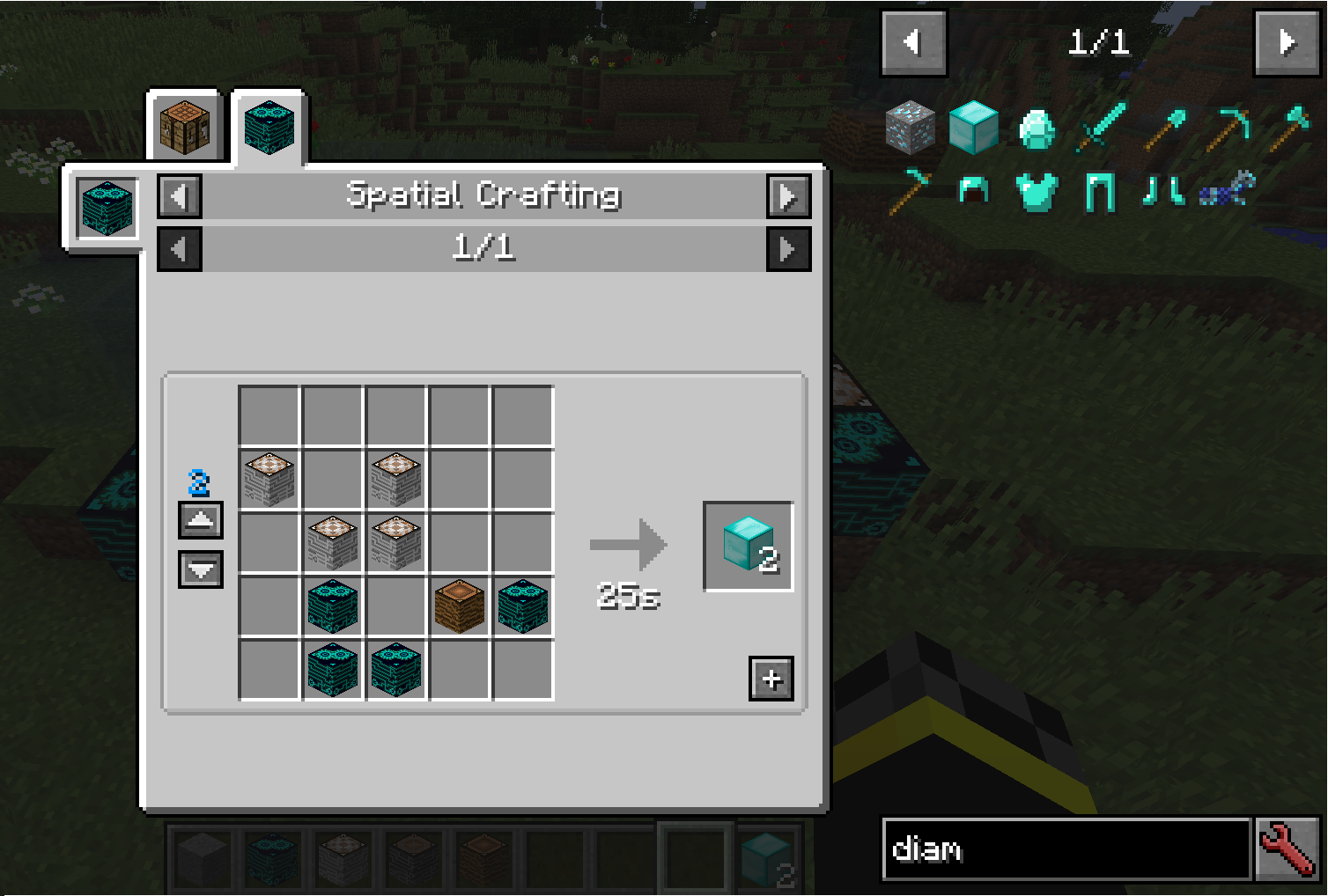
– Can’t figure out how to craft a recipe? Use the in-built Just Enough Items integration to navigate your way through each item placement in any spatial recipe, or have it insert the necessary items immediately.
Downloading
Download the mod jar, Fabric Language Kotlin, and Fabric API and add them to your mods folder.
Usage
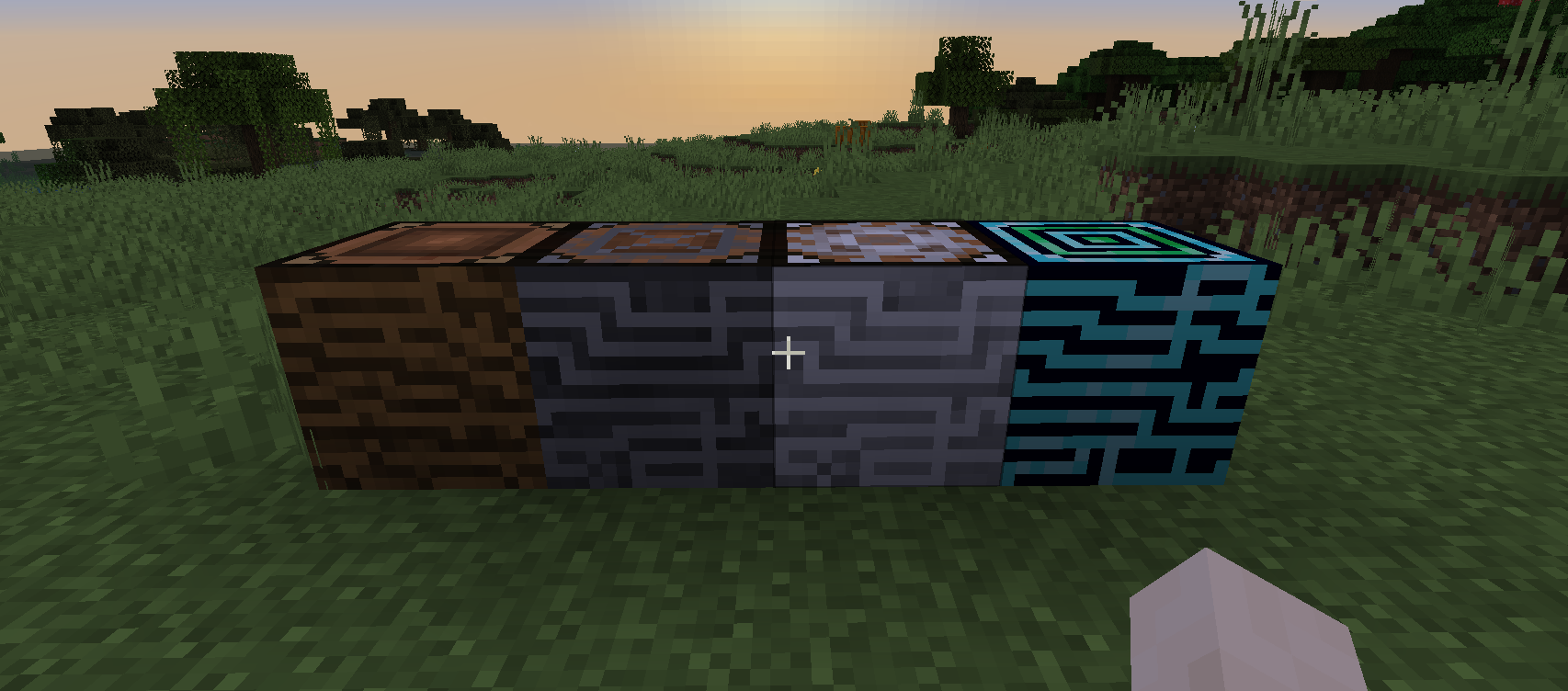
Get 4 Wood-Carved Crafters and put them in a 2×2 grid.
To craft an item, such as the Stone-Formed Crafter, put the correct items in the correct slots in the hologram by right clicking with an item in your hand, and left clicking to remove. Roughly Enough Items is heavily recommended for this. When done, right click any of the wooden crafter pieces to start the crafting process.
To add a recipe, go to creative mode, and while holding the Recipe Creator Key (grave by default, to the left of number 1), right click on any hologram to open up the recipe creator GUI. The items existing in the holograms will be interpreted as the input, and the currently held item will be interpreted as the output (note that the amount of the item you are holding will also be used as the output). To use tags in specific slots, modify the generated JSON files or create new ones of the same format. They behave exactly like vanilla recipes, but with multiple layers of input.
For bigger recipes, use the other Crafters.
Spatial Crafting comes with built-in recipes as examples, see them here.
Dependencies
Spatial Crafting 1.4 and up:
Fabric Language Kotlin (only this)
Heavily recommended and basically required: Roughly Enough Items
Come talk about Spatial Crafting On Discord
– Note: in 1.15 there’s currently a Minecraft bug that makes stained glass-like blocks hide particles, which makes it seems like the crafting particle is not appearing. For this reason, all the default recipes are using the “itemMovement” crafting effect, and you should do the same.
常见问题
Spatial Crafting 支持哪些 Minecraft 版本?
Spatial Crafting 支持 Minecraft Java 版 1.14.4–1.15.1,共 3 个版本,可用的加载器:Fabric。下载时注意选择和你游戏版本一致的文件。
Spatial Crafting 怎么安装?
先用 PCL2 或 HMCL 启动器安装对应版本的 Fabric,再把下载的 .jar 文件放进游戏目录的 mods 文件夹,重新启动游戏即可。开启了版本隔离的,mods 文件夹在 versions/版本名 下面。
natanfudge 的其他作品
查看全部 →
Not Enough Crashes (Forge)
发生崩溃时,你可以返回标题界面并继续游戏,无需重启客户端;此外还提供了许多功能,让崩溃体验更加友好。

Not Enough Crashes
发生崩溃时,你可以返回标题界面并继续游玩,无需重启游戏;此外还有其他功能,让崩溃体验更加舒适。

Not Enough Crashes (Fabric)
崩溃时可以返回标题界面继续游戏,无需重启,还有其他让崩溃体验更友好的设计。

Fabric Drawer
Fabric library mod to make saving data easier for Kotlin devs
评论
登录后评论和评分