
Better Command Block Editor – Forge
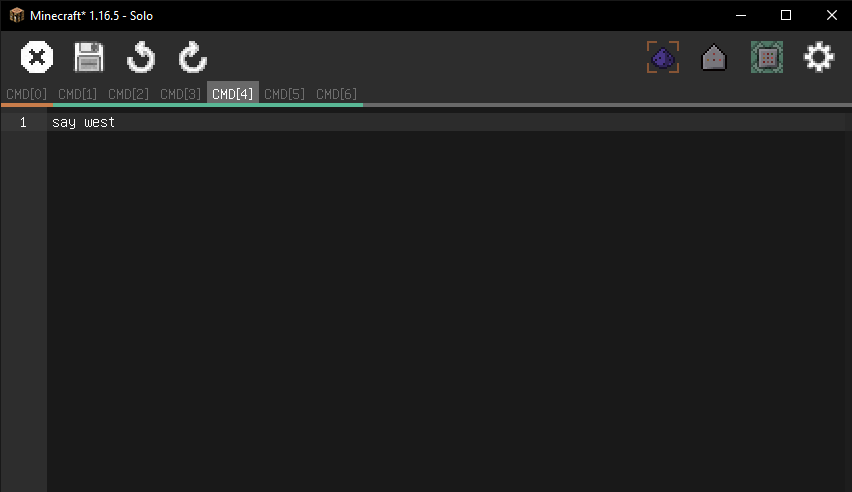
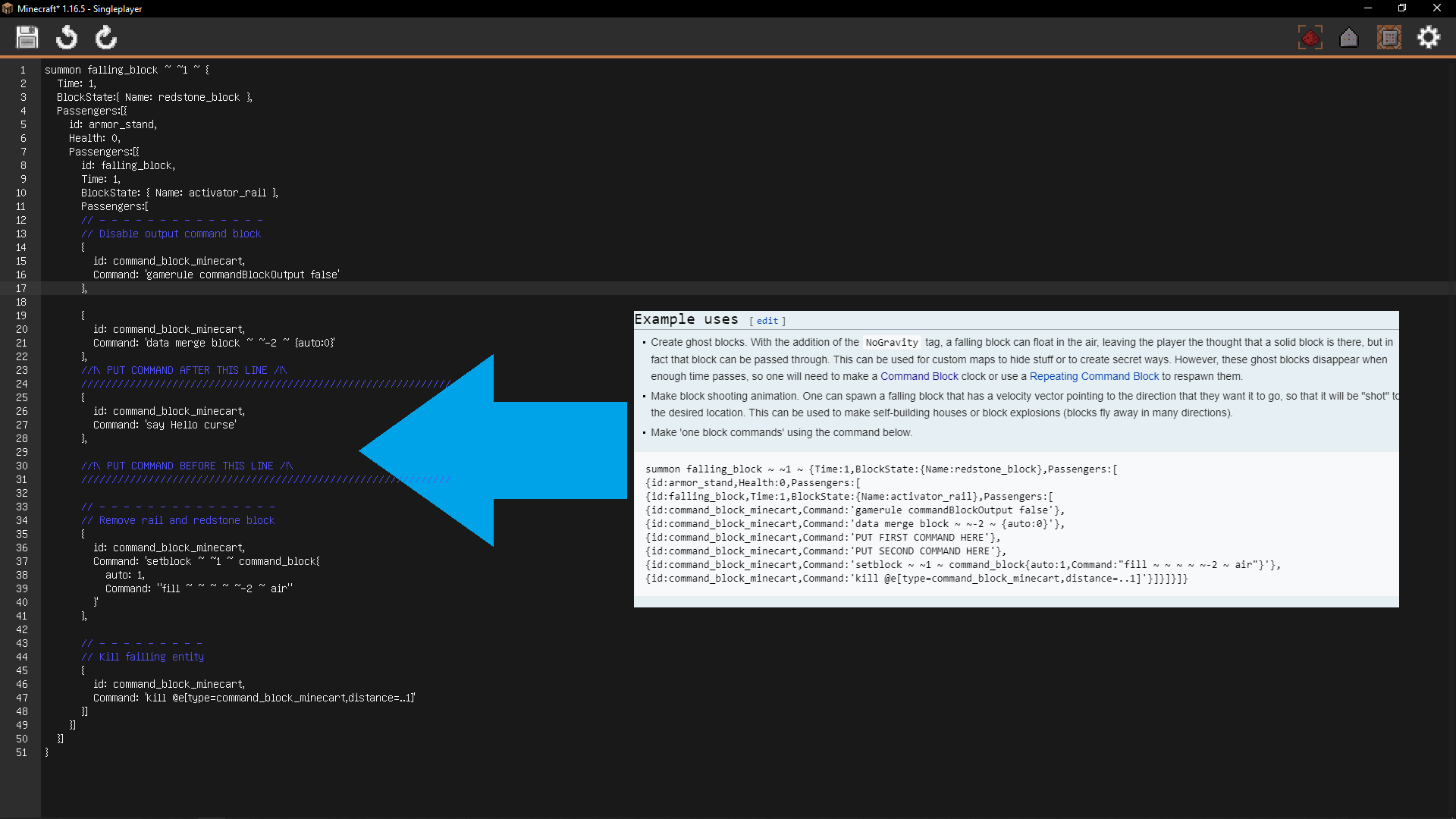
Adds a awesome multi-line editor for the command bock and optional features.
截图



介绍
Intro :
Better Command Block introduces a multi-line editor with an tab system 100% Vanilla Compatible, allowing you to write commands across multiple lines.
Features:
– Multi-line editor with an tab system 100% Vanilla Compatible
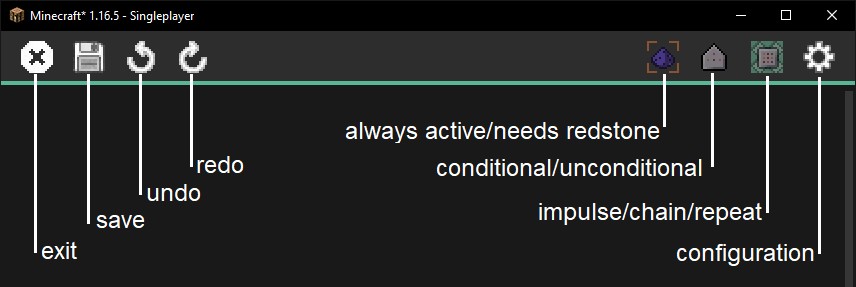
– Customizable Settings, Enable/disable features and change item bindings in the configuration.
– Execute command blocks with right-click (netherite hoe) (Not available in Fabric)
– Destroy command blocks only with a netherite pickaxe
– Open the Better Command Block IDE with right-click (wooden shovel)
Partners :
This project is proudly supported by BisectHosting. Check out their services to easily host your projects with quality and reliability.

Call to Action :
Have questions? Need help? Join us on Discord or visit our GitHub to get involved with the community and contribute!
常见问题
Better Command Block Editor – Forge 支持哪些 Minecraft 版本?
Better Command Block Editor – Forge 支持 Minecraft Java 版 1.16.5–1.19,共 5 个版本,可用的加载器:Forge。下载时注意选择和你游戏版本一致的文件。
Better Command Block Editor – Forge 怎么安装?
先用 PCL2 或 HMCL 启动器安装对应版本的 Forge,再把下载的 .jar 文件放进游戏目录的 mods 文件夹,重新启动游戏即可。开启了版本隔离的,mods 文件夹在 versions/版本名 下面。
jtl_elisa 的其他作品
查看全部 →
Library Ferret – Forge
jtorleon-studios-team 模组共用的前置库

Better Villages – Forge
这个模组改进了原版Minecraft村庄!
Awesome Dungeon Nether edition – Forge
在你的下界中添加一座超棒的地牢!

Awesome Dungeon The End edition – Forge
在你的维度——末地中添加一个结构!!!
评论
登录后评论和评分