
截图

介绍
Image Utils
Love sharing your memes or builds? Then this is the perfect mod for you!
You can share your images with your friends with the press of a button. Did your friend find a cool meme? View it directly in-game!
Feel free to join our programming discord: https://discord.gg/yy8jwdS
Or add me personally: DarkEyeDragon#5583
Features:
– Upload images directly to discord trough a webhook.
– View images directly in-game (no browser needed.)
– Take a screenshot and upload it instantly to imgur or sxcu.net (or any image server)
– Multi threaded. No freezing when taking screenshots! Not even when uploading.
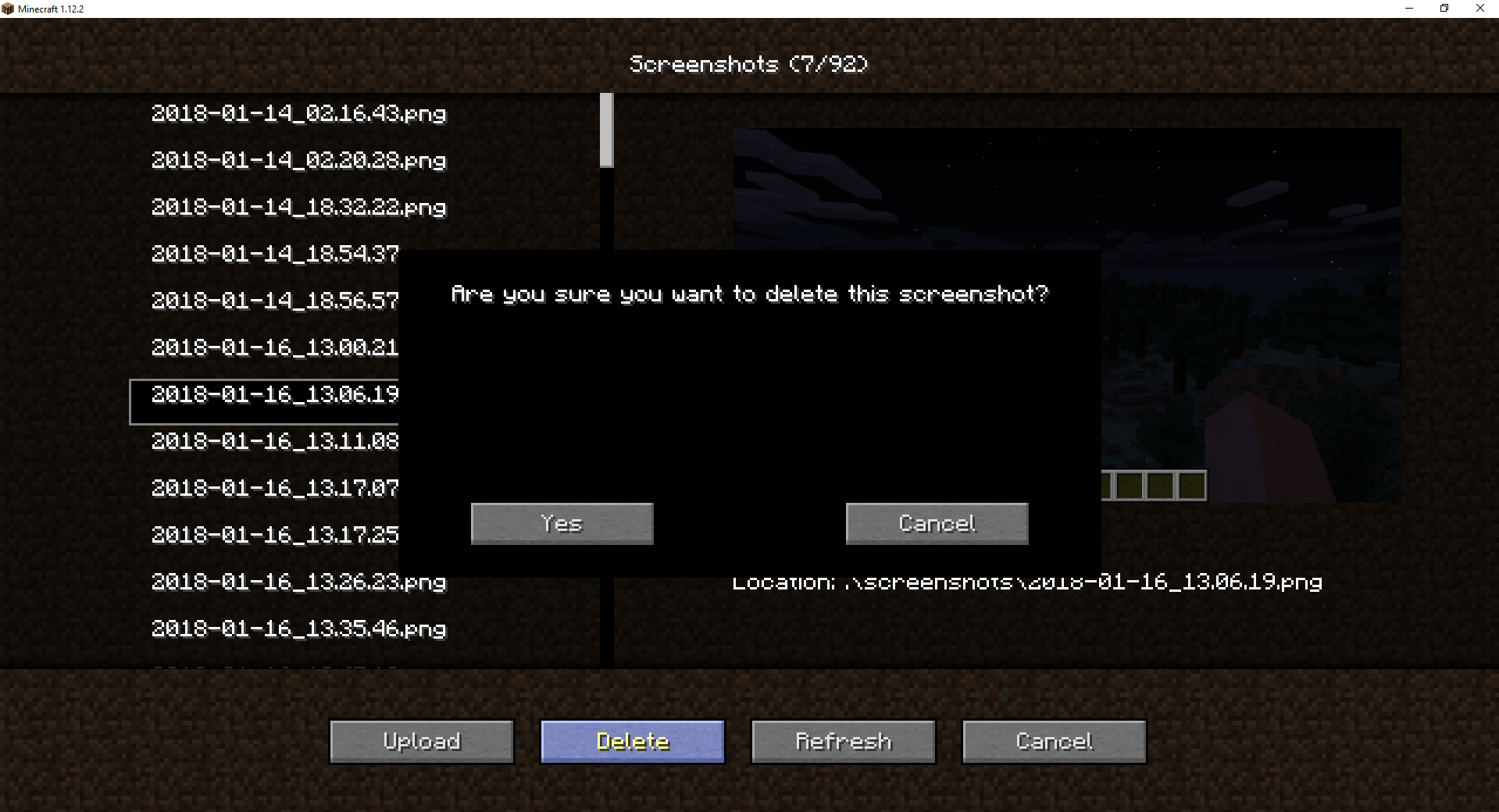
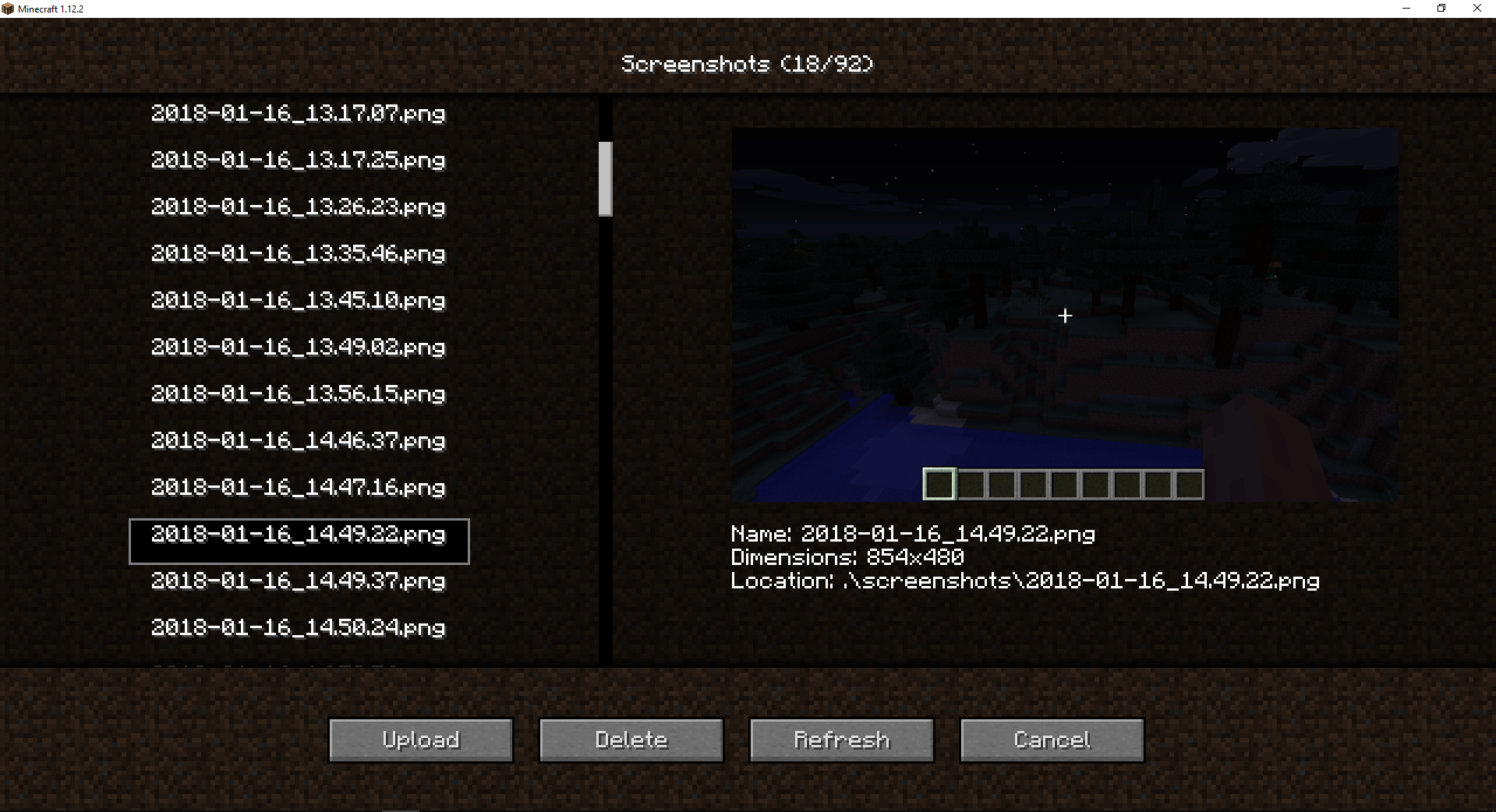
– View/upload/delete local images from in-game.
– Save locally and upload after.
Default keys:
– F4 take a screenshot and upload it. (will upload to imgur if no other image server is set
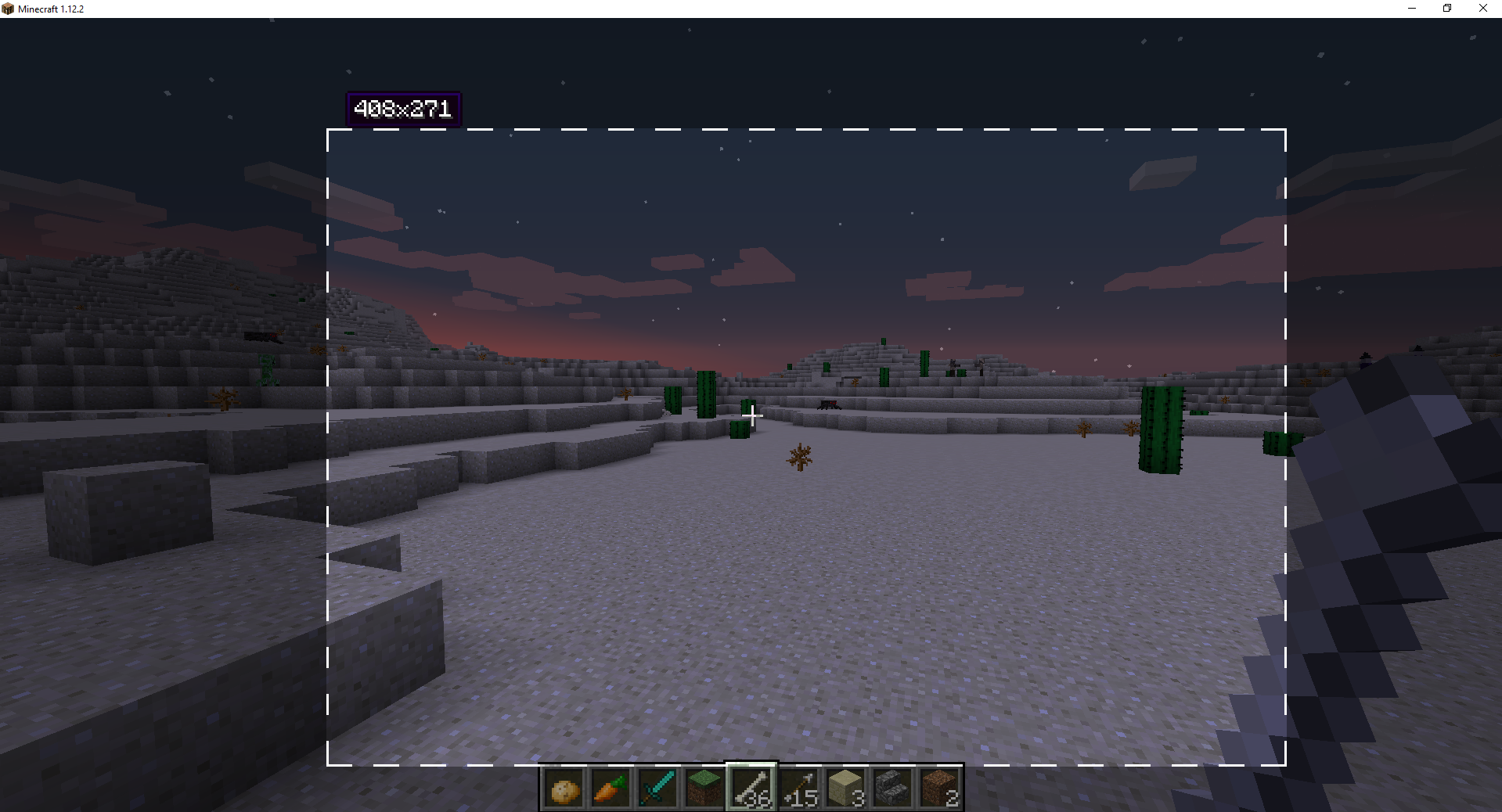
– F6 take a partial screenshot (with area selector)
– F7 open local screenshots
Make sure to report issues in the comments below or on Github(Issues)
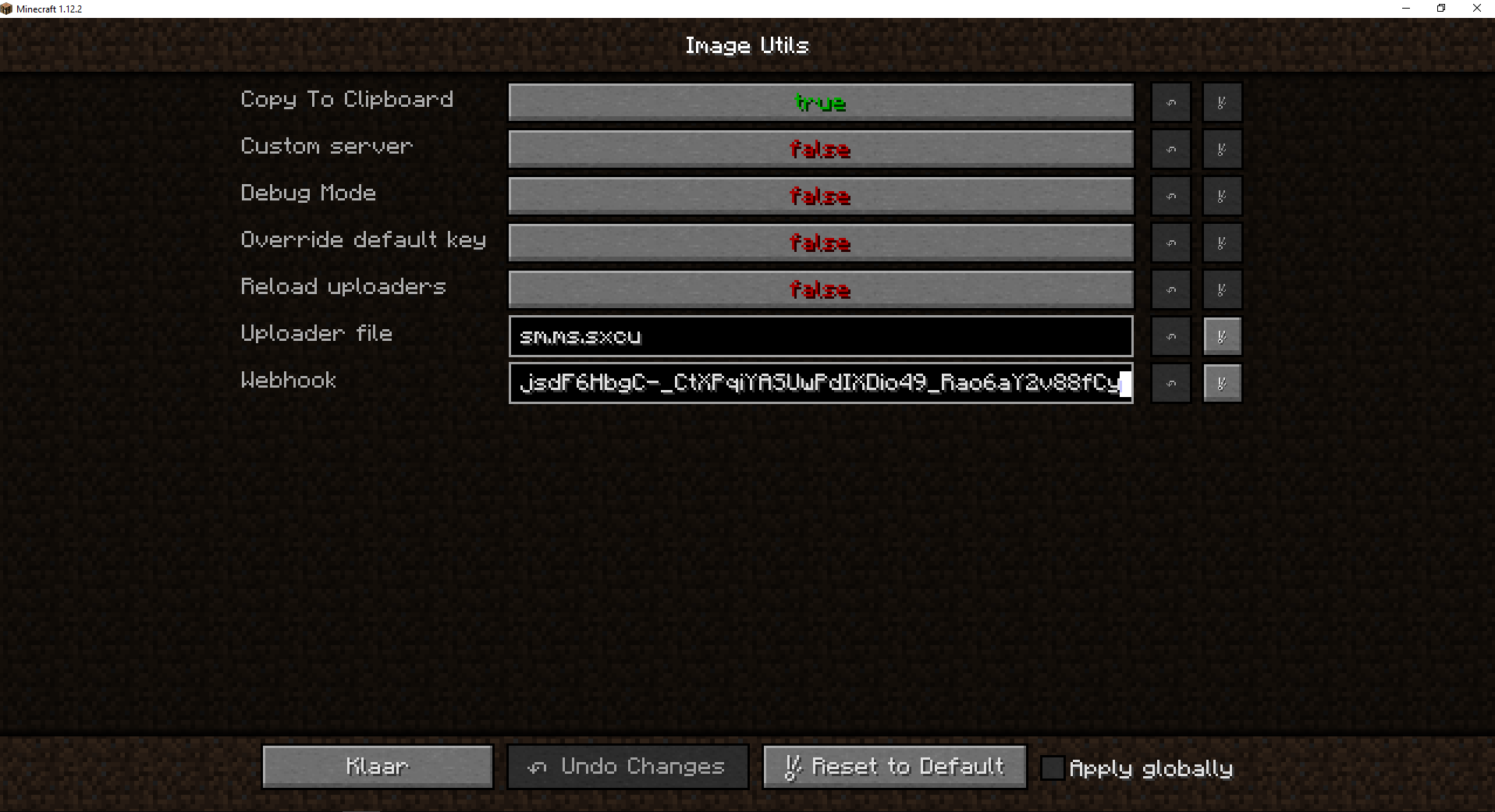
All information on how to use custom image servers and how to change settings can be found here
常见问题
Image Utils 支持哪些 Minecraft 版本?
Image Utils 支持 Minecraft Java 版 1.12–1.12.2,共 3 个版本,可用的加载器:Forge。下载时注意选择和你游戏版本一致的文件。
Image Utils 怎么安装?
先用 PCL2 或 HMCL 启动器安装对应版本的 Forge,再把下载的 .jar 文件放进游戏目录的 mods 文件夹,重新启动游戏即可。开启了版本隔离的,mods 文件夹在 versions/版本名 下面。

评论
登录后评论和评分