
Natural Temperature
Natural Temperature is a mod that overhauls the way biomes are placed in the world, creating a layout that more closely resembles Earth’s climate zones with cold biomes in the north and warm biomes in the south.
截图
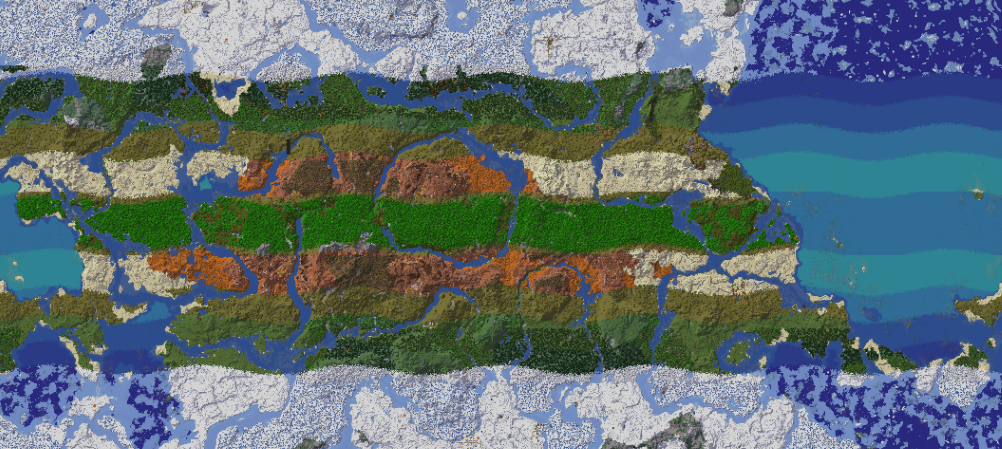
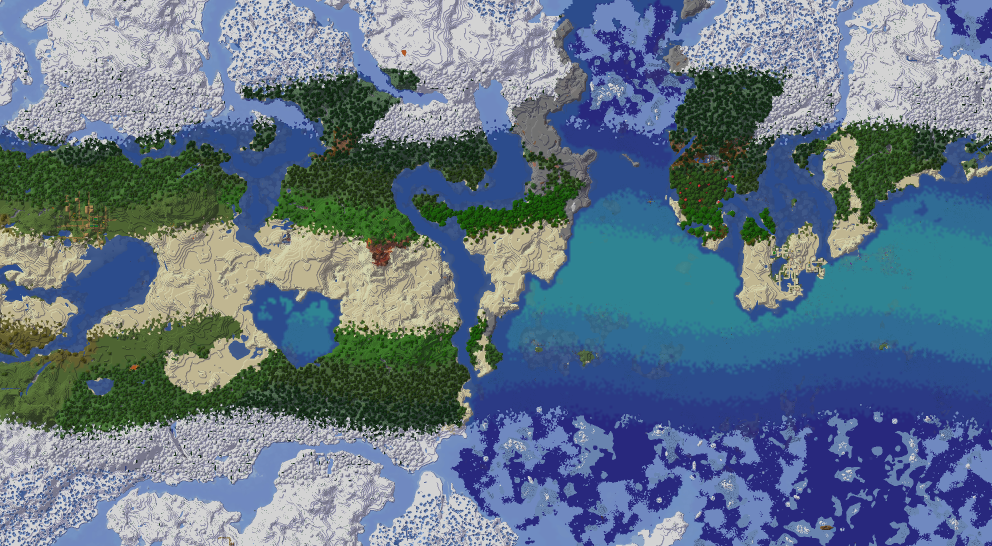
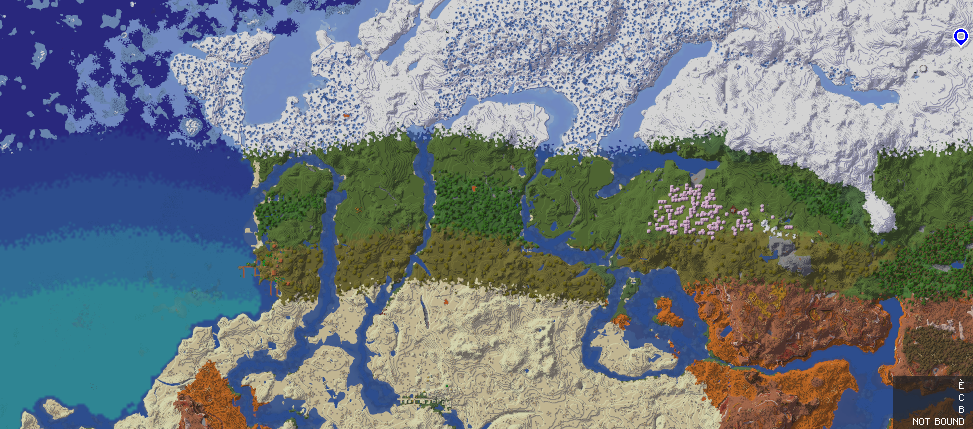
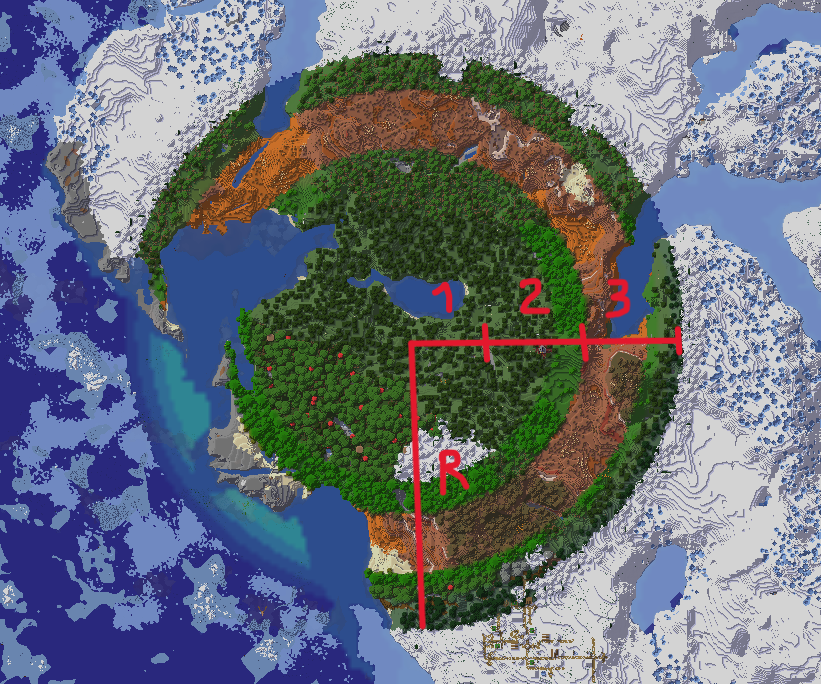
介绍

Natural Temperature
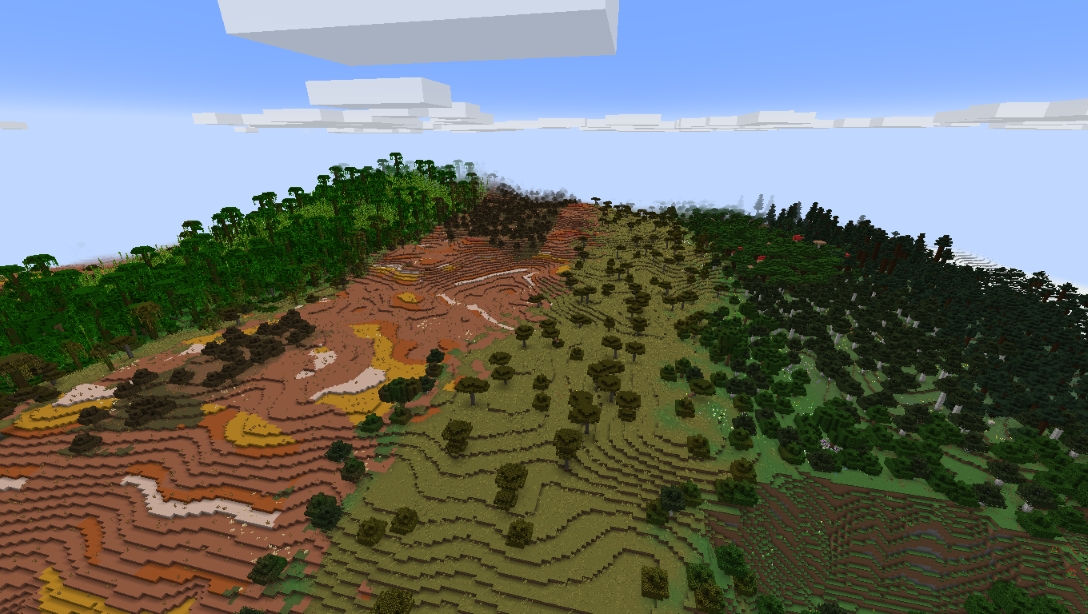
Natural Temperature turns Minecraft’s random patchwork of biomes into a world with real climate zones. It replaces the vanilla biome placement with an organic, believable, immersive and configurable latitude based system:
- Ice at the poles
- Taigas and tundra in the cold north
- Temperate forests and plains in the middle
- Deserts and badlands near the tropics
- Jungles and savannas around the equator
Travel north or south and you will see the biomes change based on the latitude.

This creates coherent worlds, and as the biomes follow climate logic instead of random noise, exploring feels like travelling across the planet.
The new distribution, especially combined with other world generation mods, creates regions and beautiful environments perfect for finding the right spot for your project, building realistic cities, roleplaying with nations or planning a whole map around the climate.
All of this gives rise to some interesting survival situations since you will have to deal with harsh climates. Add some weather, thirst and season mods, and you find yourself battling the forces of nature, planning your journeys and managing your crops based on your position.
NT offers wide compatibility with other world generation mods or mods that add biomes; these are placed automatically according to their own generation parameters.
Configurability is very high. There are 13 generation modes, adjustable world size, band widths, temperature and humidity of every zone, and a full in game config screen to set up everything.
This project only changes where existing biomes are placed. It doesn’t add new blocks or new biomes, so the terrain generation speed is comparable to vanilla.
Quick start
- Install the mod for your loader (Fabric, Forge or NeoForge).
- Click the NT button in the main menu to open the settings screen, or edit the config file in the config folder.
- Pick a generation mode (see below), adjust the options you like and create a new world.
Settings are universal, not per world. If you change them and open an old world, newly generated chunks will follow the new parameters. Already generated chunks stay as they are. This will likely change in the future.

Generation modes
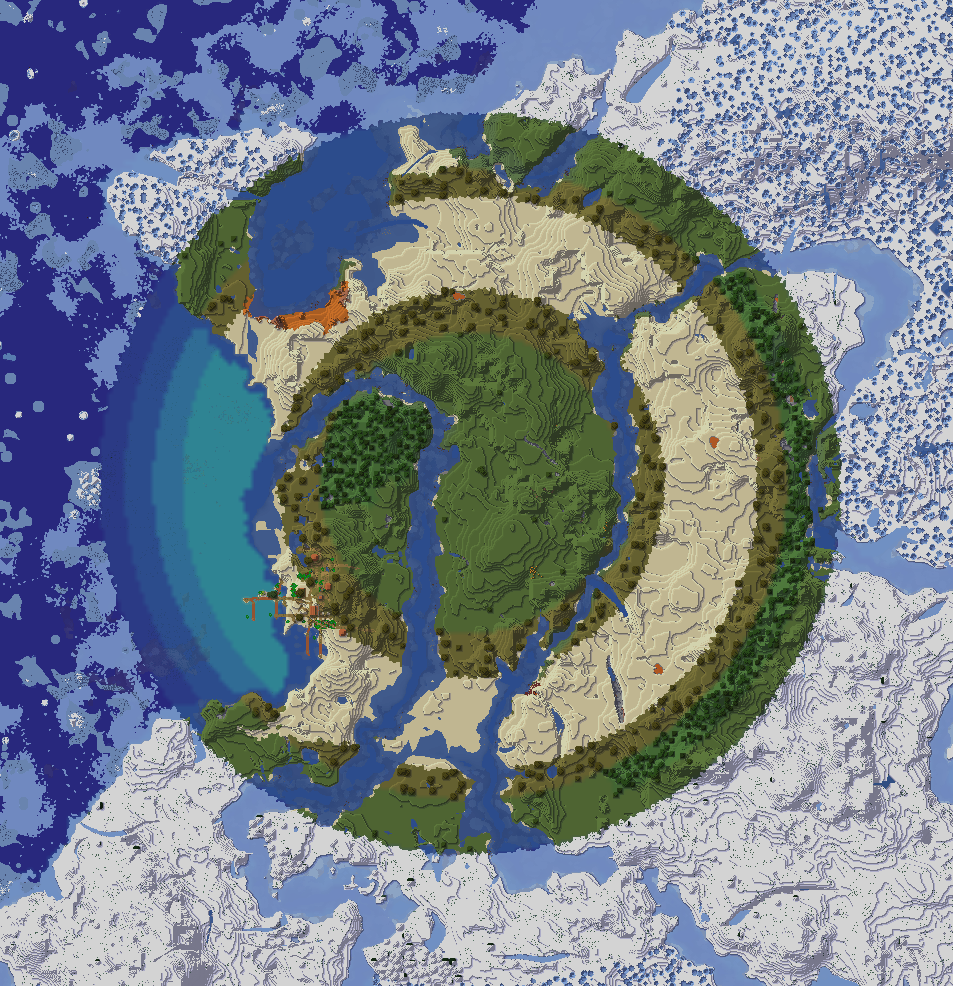
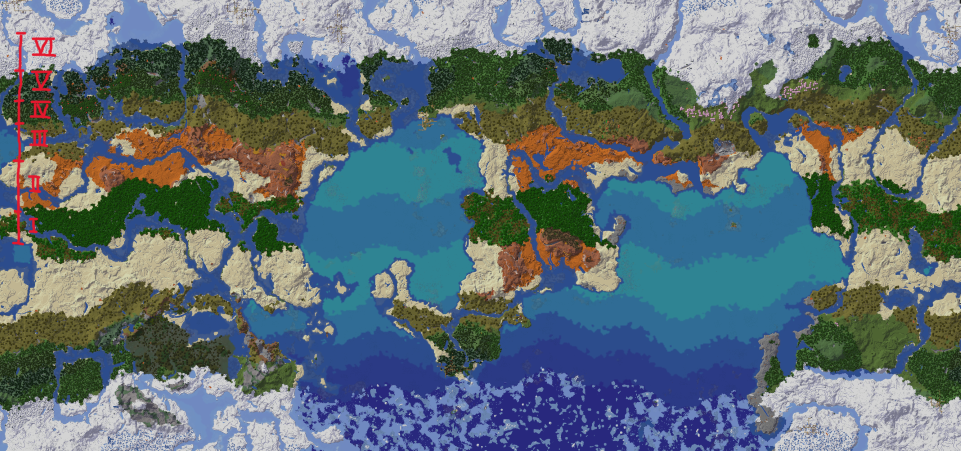
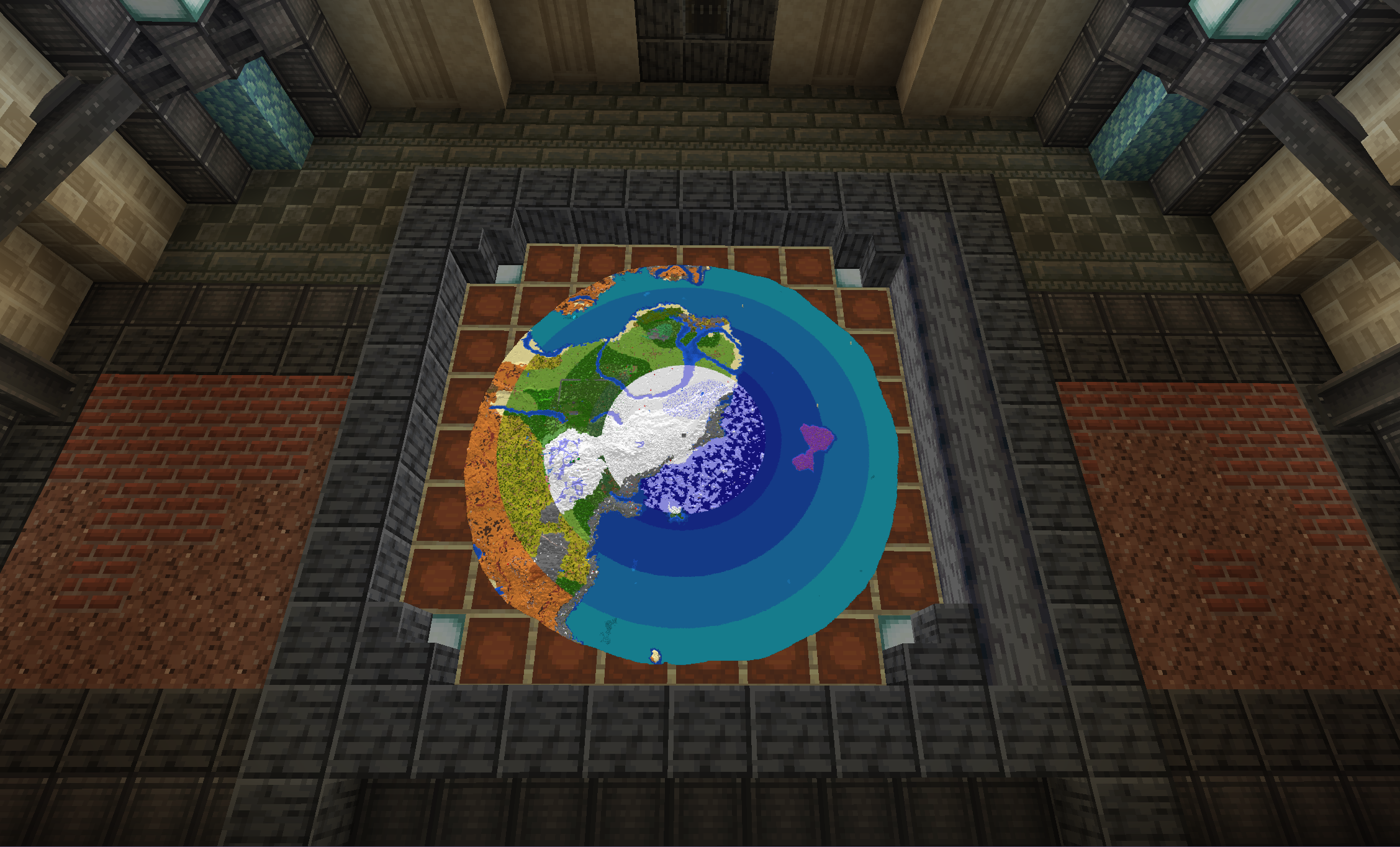
The mode decides the shape of the climatic pattern: straight bands, concentric rings, squares, and so on. Change it with the “generation_mode” setting.
| Mode | Name | Shape | Customizable |
|—|—|—|—|
| 0 | LegacyZero | Legacy, 6 bands | Specific settings |
| 1 | Simplified | 5 bands, desert at the equator | Limited |
| 2 | Linear | Cold in the north, warm in the south | Limited |
| 3 | Custom Circular | 4 concentric rings | Yes |
| 4 | Circular | Preset of mode 3 | Limited |
| 5 | Custom Banded | 6 bands with adjustable temperature, humidity and width, automatic transitions | Yes |
| 6 | Banded | Preset of mode 5 | Limited |
| 7 | Custom Circular 6 | 6 concentric rings | Yes |
| 8 | Circular 6 | Preset of mode 7 | Limited |
| 9 | Custom Square | 6 concentric squares | Yes |
| 10 | Square | Preset of mode 9 | Limited |
| 11 | Custom Discrete | 12 bands with adjustable temperature, humidity, width and range; no automatic transitions | Total |
| 12 | Discrete | Preset of mode 11, Earth like | Limited |
Compatibility
| | |
|—|—|
| Loaders | Fabric, Forge, NeoForge |
| Minecraft | Fabric: 1.20.1–26.3 ; NeoForge: 1.20.1–1.21.1 |
| Environment | Singleplayer and server side. Players on a server do not need to install it. |
- World generation mods (e.g. Tectonic, Lithosphere): compatible, results may vary.
- Biome mods: compatible with the vast majority.
- Total conversion mods: probably not compatible, it depends on the mod.
Credits
Special thanks to ImpulsiveLass for her work on recalculating the exact values to use in the banded modes.
Support
You can join the Discord or open an issue on GitHub if you need help or you find a bug.
常见问题
Natural Temperature 支持哪些 Minecraft 版本?
Natural Temperature 支持 Minecraft Java 版 1.20.1–26.3,共 22 个版本,可用的加载器:Fabric / Forge / NeoForge。下载时注意选择和你游戏版本一致的文件。
Natural Temperature 怎么安装?
先用 PCL2 或 HMCL 启动器安装对应版本的 Fabric / Forge / NeoForge,再把下载的 .jar 文件放进游戏目录的 mods 文件夹,重新启动游戏即可。开启了版本隔离的,mods 文件夹在 versions/版本名 下面。运行环境:仅服务端。
Caesius_Leo 的其他作品
查看全部 →
Shippy Ships
Shippy Ships 为游戏加入了沉浸式船只,助你探索世界!

Ingenium API
这是 Shippy Ships 和 OldCannons 的前置库。

Old Cannons
Add old school cannons to your world

Shippy Ships
Shippy Ships adds immersive ships to the game to explore your world!
评论
登录后评论和评分