
截图
介绍
Summary
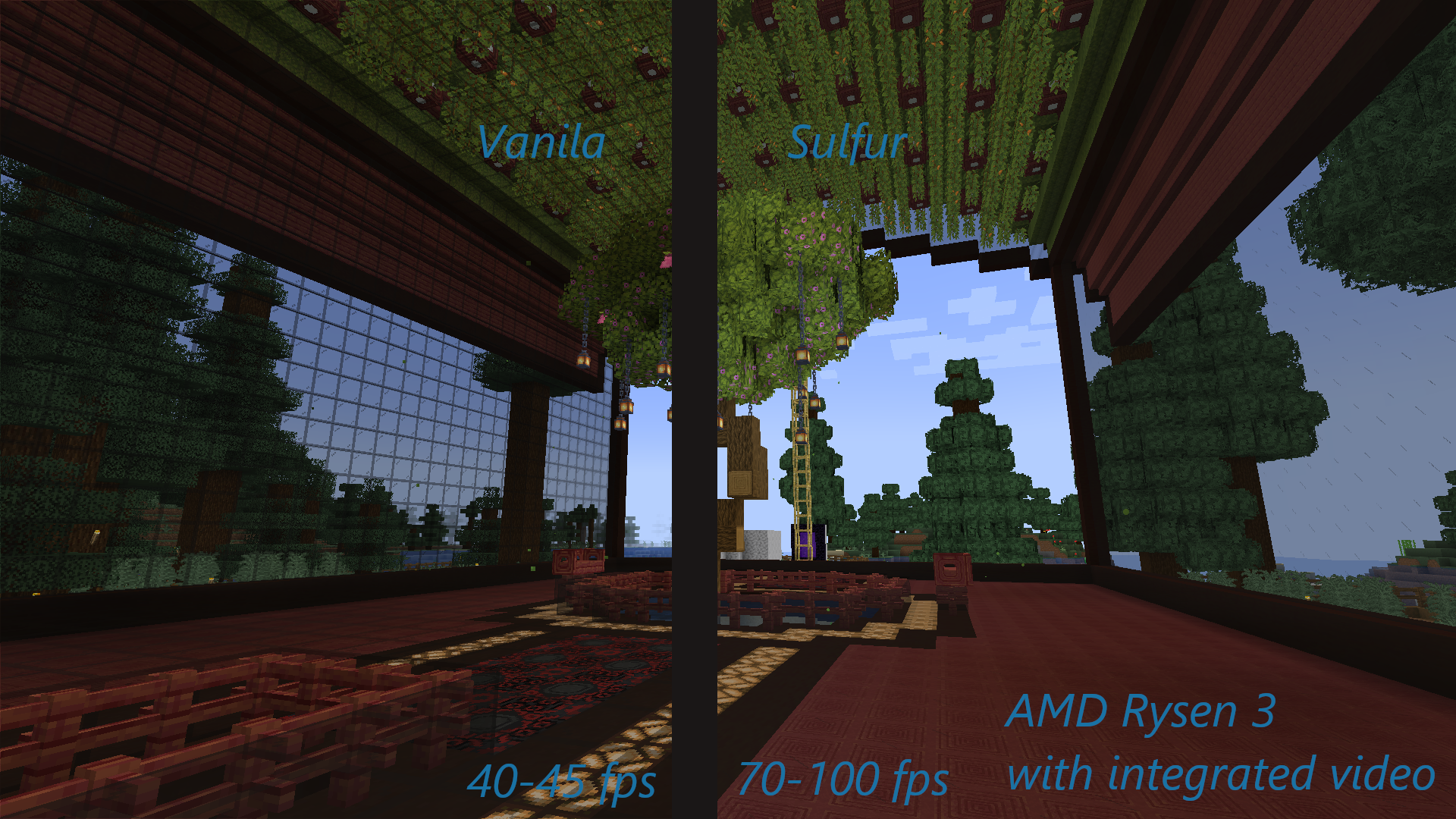
This modpack will get more performance and improved graphics compared to pure vanilla and with builds based on optifine.
Created on the principle of install and play.
This modpack contains both mods to increase fps and to improve animation, textures, glass, grass, etc.
As a resource pack was chosen faithful64. It is as close visually to the vanilla textures.
There are a number of tools: mini map, world map, lightmatic and worldedit, etc.
Supported shaders.
Mods
Boost fps:
- Sodium
- Sodium Extra
- Reese’s Sodium
- Better Fps – Render Distance
- LazyDFU
- Entity Culling
- Smooth Boot
- Indium
- FerriteCore
- Lithium
- Krypton
- Starlight
Better look:
- Axolotl Bucket Fix
- BetterDarckMode
- BetterF3
- Blur
- CleanView
- Continuity
- Cull Leaves
- Custom Entity Model
- Eating Animation
- Entity culling
- FabricSkyboxes
- Falling Leaves
- Iris Shaders
- Item Model Fix
- LambdaBetterGrass
- LambDynamicLight
- Not Enough Animation
Tools:
- Command Macros
- Inventory Profiles Next
- Litematica
- Mod Menu
- Music Control
- ShulkerBoxTooltip
- WI Zoom
- World Edit
- Xaero’s Minimap
- Xaero’s World Map
Resources
- Faithful 64x
- Fresh Animations
- Hyper realistic sky
- Motschen’s Better Leaves
- Stormila Dark Mode
- Better Redstone Add-on
常见问题
Sulfur [Fabric] 支持哪些 Minecraft 版本?
Sulfur [Fabric] 基于 Minecraft Java 版 1.19.1。
Sulfur [Fabric] 怎么安装?
点本页「前往下载」拿到整合包文件(Modrinth 的是 .mrpack,CurseForge 的是 .zip),在 PCL2 或 HMCL 启动器里选择「导入整合包」,启动器会自动装好 Minecraft、加载器和全部模组。建议在启动器里给游戏分配 4–6 GB 内存。
Sulfur [Fabric] 开服需要多大内存?
推荐服务器内存 12 GB。在线人数多、或者建了大量机器和区块加载器时,可以再加 2–4 GB。
怎么和朋友一起玩 Sulfur [Fabric]?
点本页的「一键开服」,选好配置后会自动安装 Sulfur [Fabric] 的服务端,几分钟就能开好。把服务器地址发给朋友,大家用同一个版本的整合包连进去就行。
评论
登录后评论和评分