
CurseMods
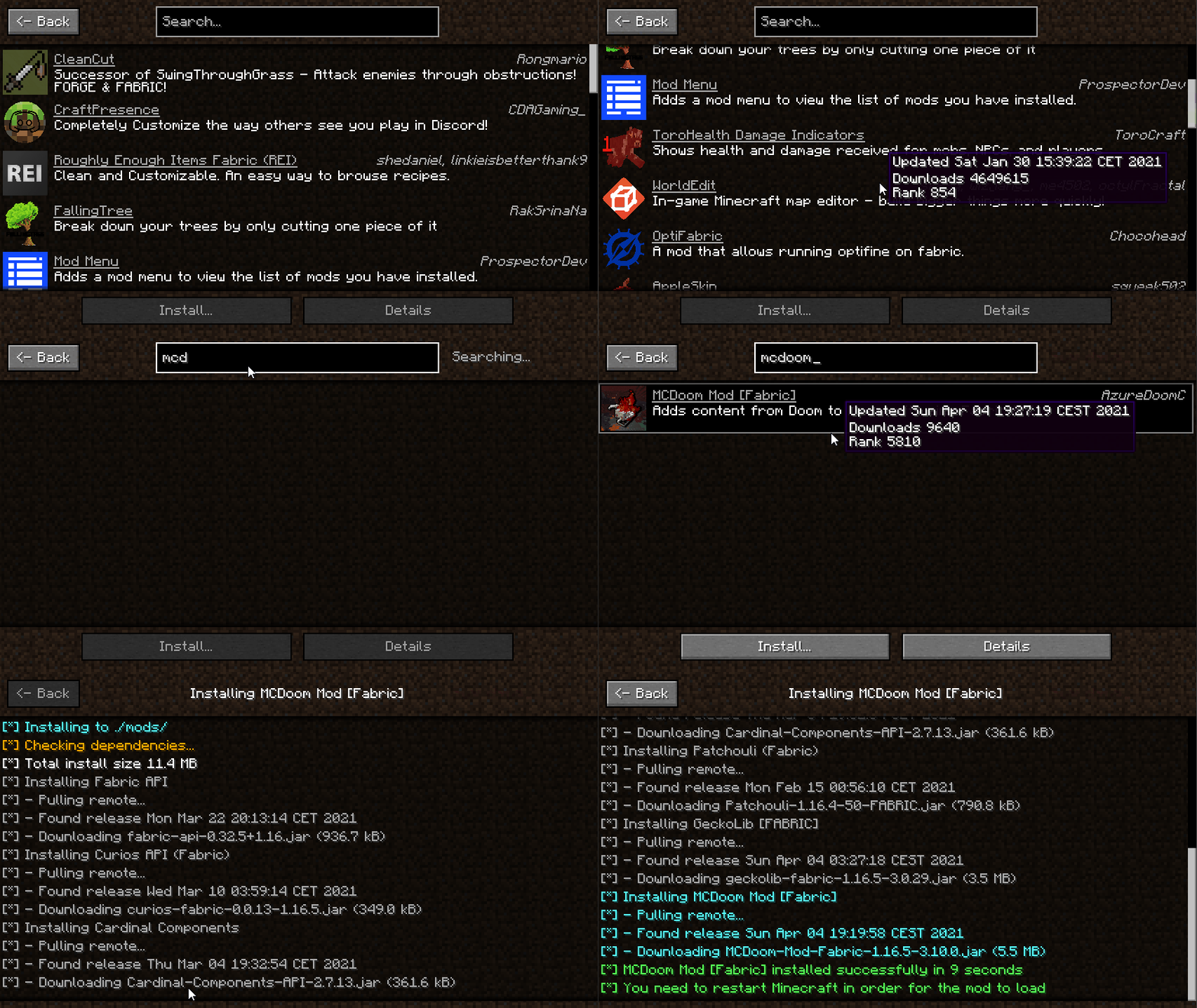
A one click installer for any CurseForge mod. It automatically manages installing a mod and any of its dependencies, as well as checking for game version & mod loader compatibility.
截图
介绍
CurseMods
A one click installer for any CurseForge mod. It automatically manages installing a mod and any of its dependencies,
as well as checking for game version & mod loader compatibility. All data is fetched in real-time from CurseForge.
Usage
To open the UI press the O key in-game. This keybind can be changed in the Minecraft keybinding settings.
Installed mods show up as green in the mod list, you can also double click a mod in the list to
open the CurseForge page for it in your browser.
Features
- Automatic dependency management
- Automatic version/loader compatibility verification
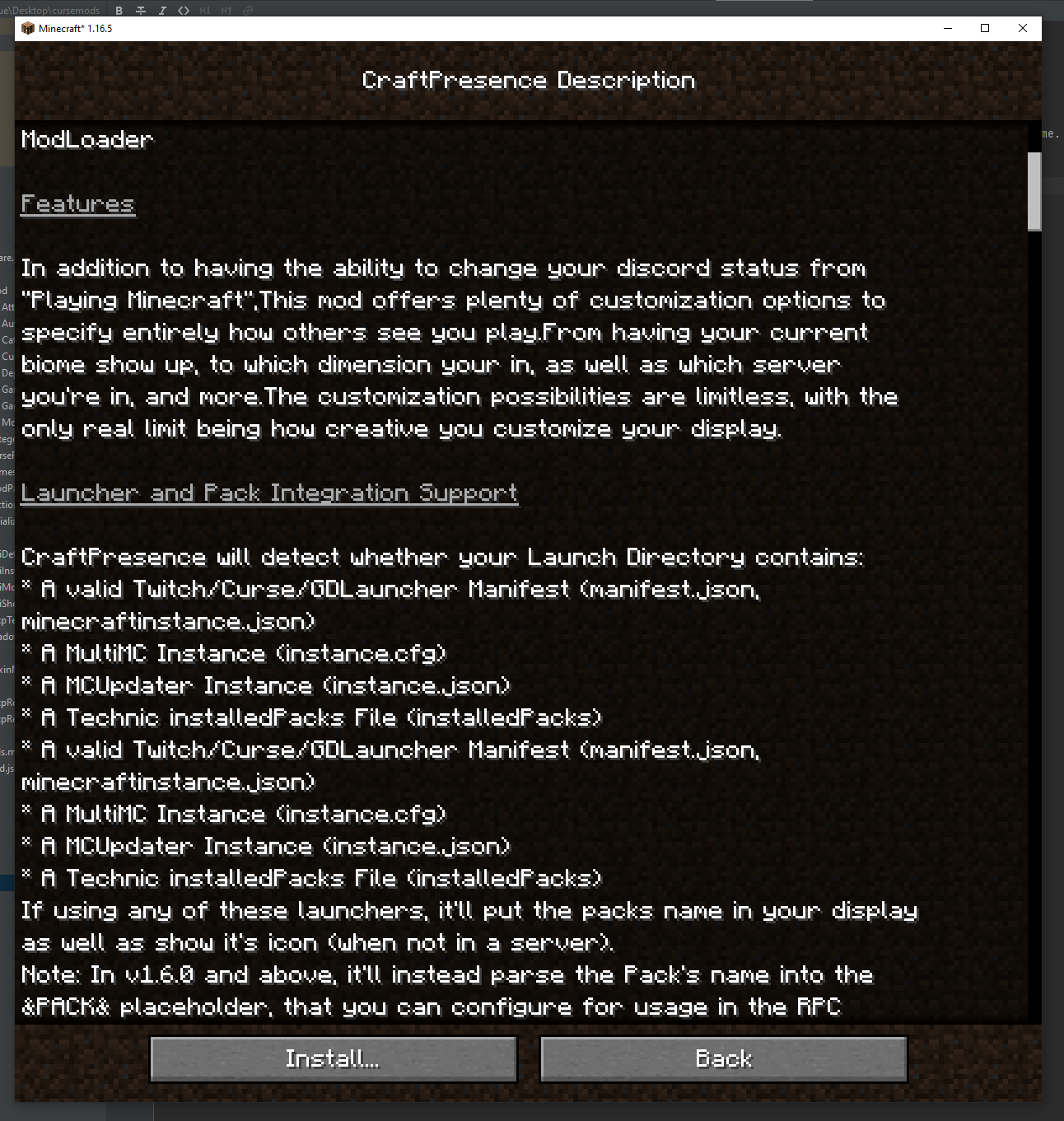
- Full mod descriptions (Rendered from the html version)
- Shows author, summary, and download count
- Automatically calculates total space needed to install (Including dependencies)
- Avoids duplicate mod installations and dependencies
Demos


常见问题
CurseMods 支持哪些 Minecraft 版本?
CurseMods 支持 Minecraft Java 版 1.16.4–1.16.5,共 2 个版本,可用的加载器:Fabric。下载时注意选择和你游戏版本一致的文件。
CurseMods 怎么安装?
先用 PCL2 或 HMCL 启动器安装对应版本的 Fabric,再把下载的 .jar 文件放进游戏目录的 mods 文件夹,重新启动游戏即可。开启了版本隔离的,mods 文件夹在 versions/版本名 下面。
评论
登录后评论和评分