
截图


介绍
_Customize the look of Minecraft’s birch leaves!_
Better Birch Leaves
Make birch forests look the way you want! This Resource Pack lets you choose between golden birch leaves, biome-colored birch leaves, or the vanilla appearance — all fully configurable with Respackopts and powered by Polytone
🔧 Requires Respackopts and Polytone to work!
| Minecraft Version | Better Birch Leaves | Configurable Features |
| :— | :—: | :—: |
| 1.20 – 26.2 | ✅ | ✅ |
| 1.6.1 – 1.19.4 | ✅ | 🚧 Coming soon |
Features:
Yellow Birch Leaves
The classic Better Birch Leaves look. Gives birch leaves and saplings a warm golden-yellow appearance, making forests feel brighter and more natural.
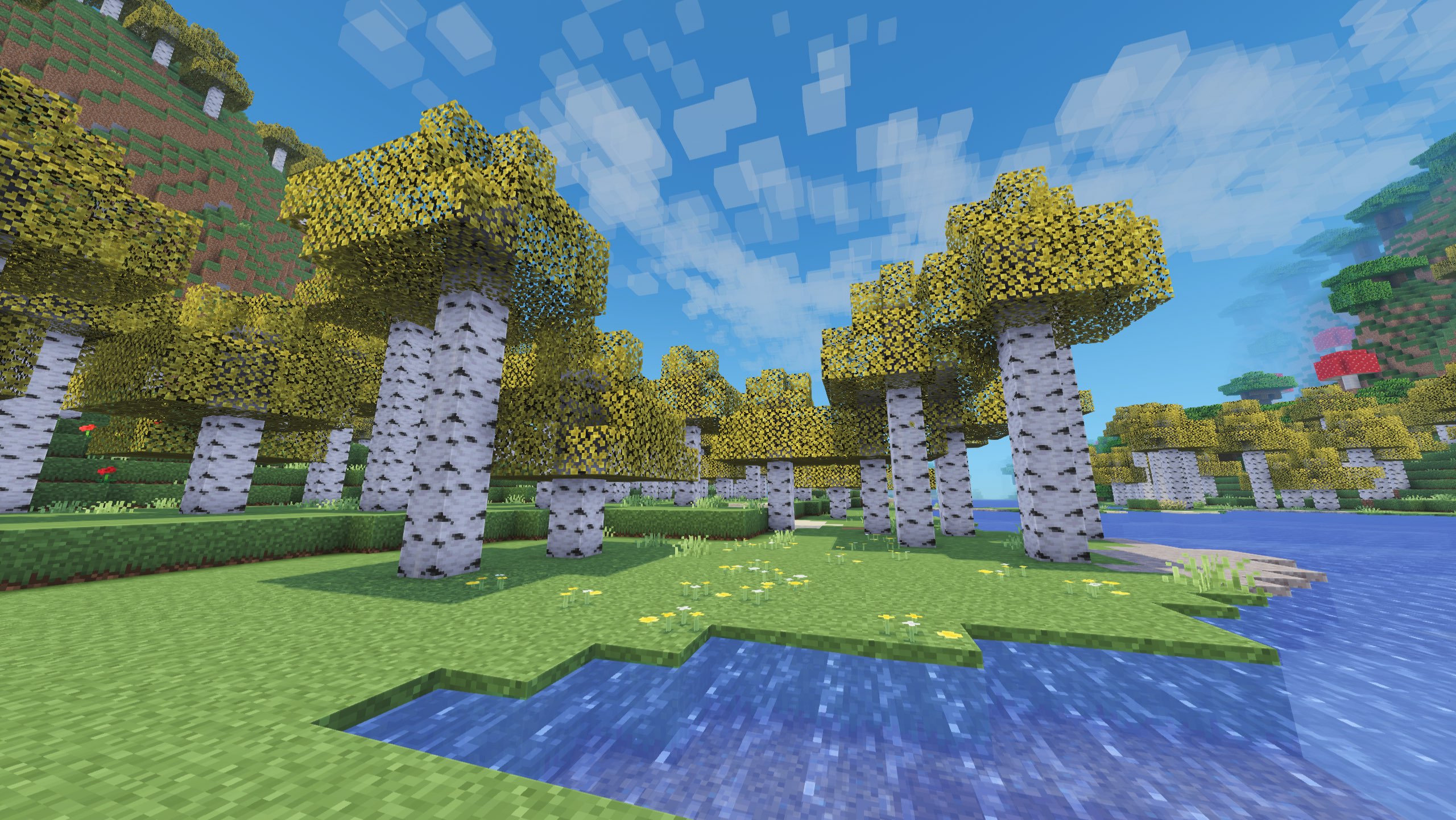
Biome-Colored Birch Leaves
Birch leaves now change color depending on the
biome, just like other foliage. Enjoy vibrant greens, warm yellows, and unique seasonal-looking forests across your world.
Vanilla Birch Leaves
Prefer the default look?
Switch back to Minecraft’s
original birch leaf colors anytime.
Config Options
Better Birch Leaves
Birch Leaves
Yellow / Colormap / Vanilla
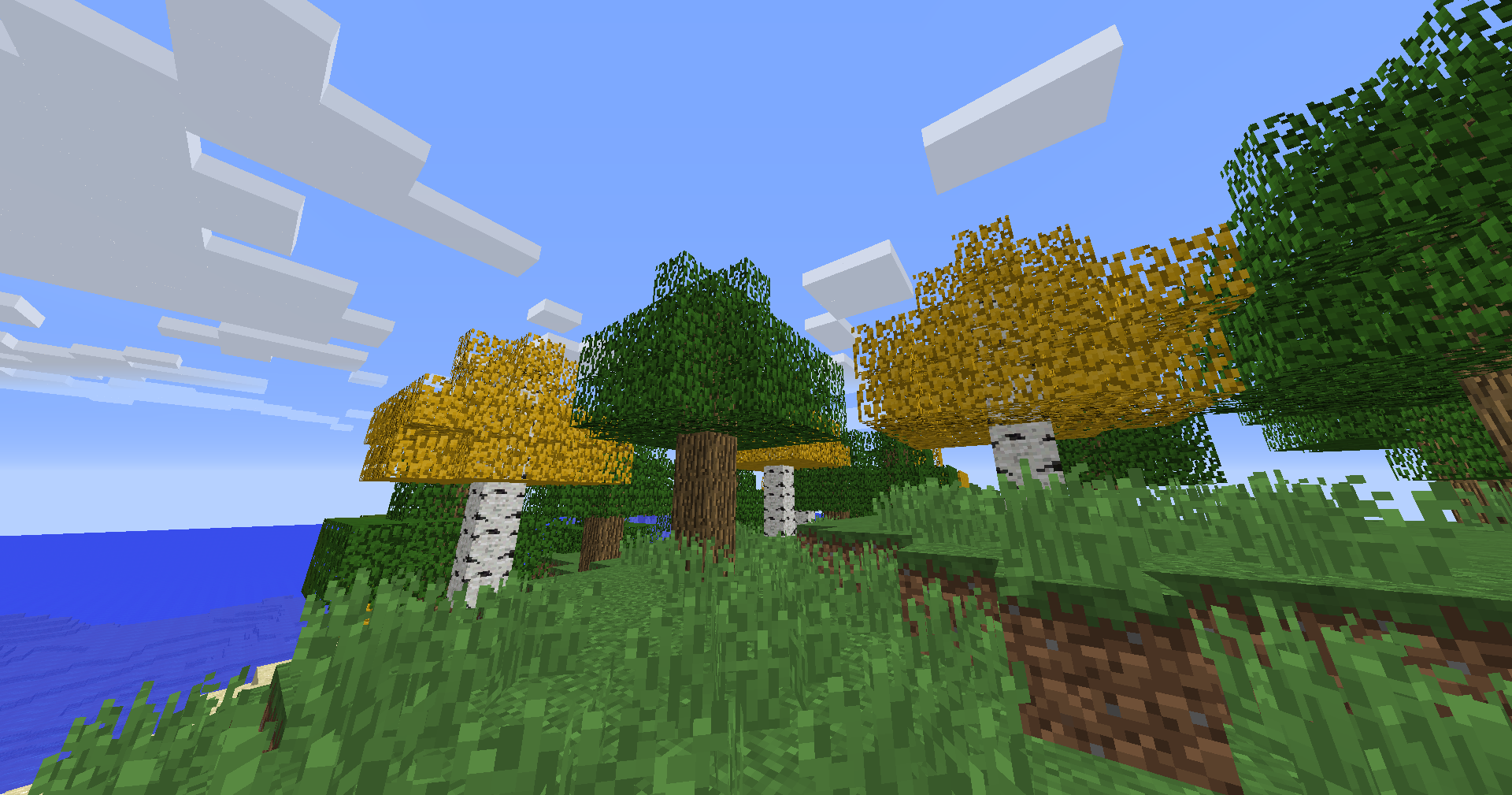
Older Versions Supported:
- In Minecraft 1.6.1 – 1.12.2, birch leaves and saplings use the older-style textures, blending into classic visuals
Compatibility:
- Resource Pack: Minecraft 1.6.1 – 26.2
- Requires Respackopts and Polytone since version 1.1.0
常见问题
Better Birch Leaves 支持哪些 Minecraft 版本?
Better Birch Leaves 支持 Minecraft Java 版 1.6–26.2,共 90 个版本。下载时注意选择和你游戏版本一致的文件。
Better Birch Leaves 怎么安装?
把下载的 .zip 文件(不用解压)放进游戏目录的 resourcepacks 文件夹,进游戏后在「选项 → 资源包」里把它移到右边启用。
Zeyro-p 的其他作品
查看全部 →
Lead Recipe Backport
Lead Recipe backported from 1.21.6 to older versions
Lead Recipe Backport
Lead Recipe backported from 1.21.6 to older versions

Nametag Recipe Backport
Nametag Recipe backported from 26.1 to older versions

Saddle Recipe Backport
Saddle Recipe backported from 1.21.6 to older versions
评论
登录后评论和评分