Sorted – Inventory & Chest Sorting, Quick Stack
Sort your inventory and chests in one click, Quick Stack items into the chest they belong in, and search every chest you have opened. Inventory sorting and chest sorting, client-side, works on vanilla servers and Realms.
截图
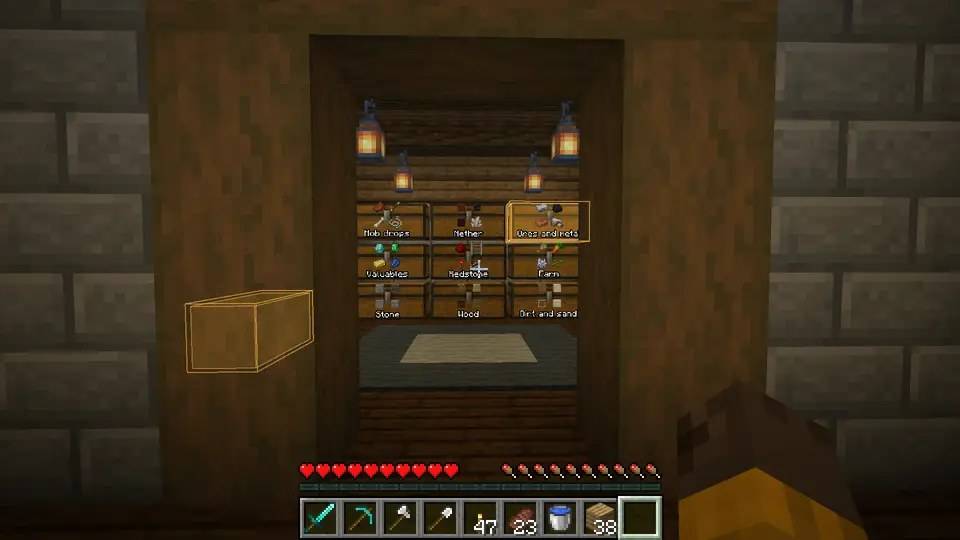
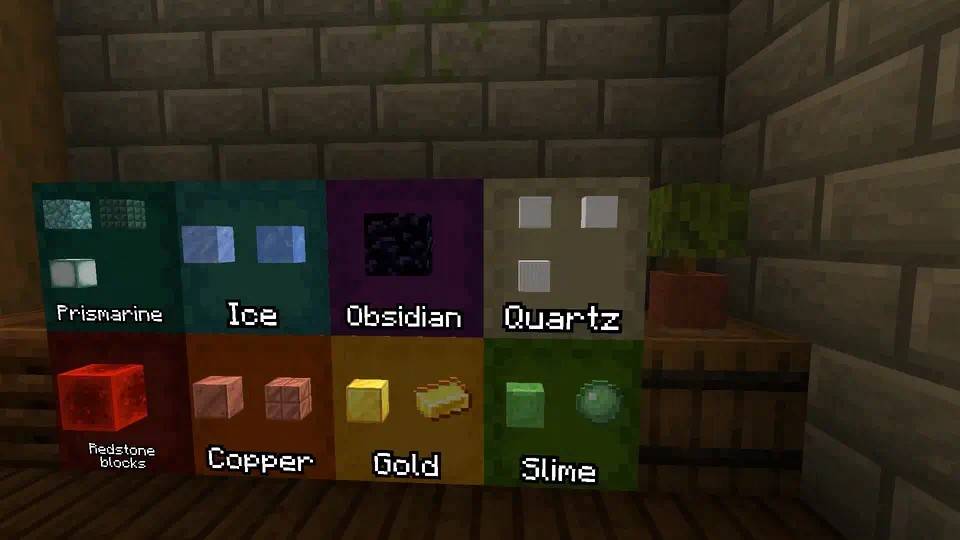
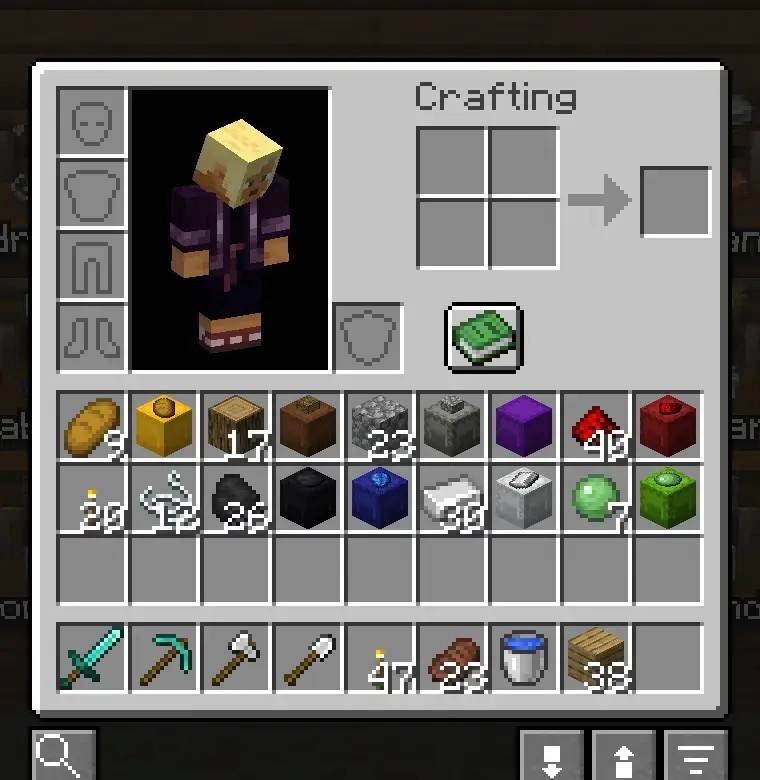
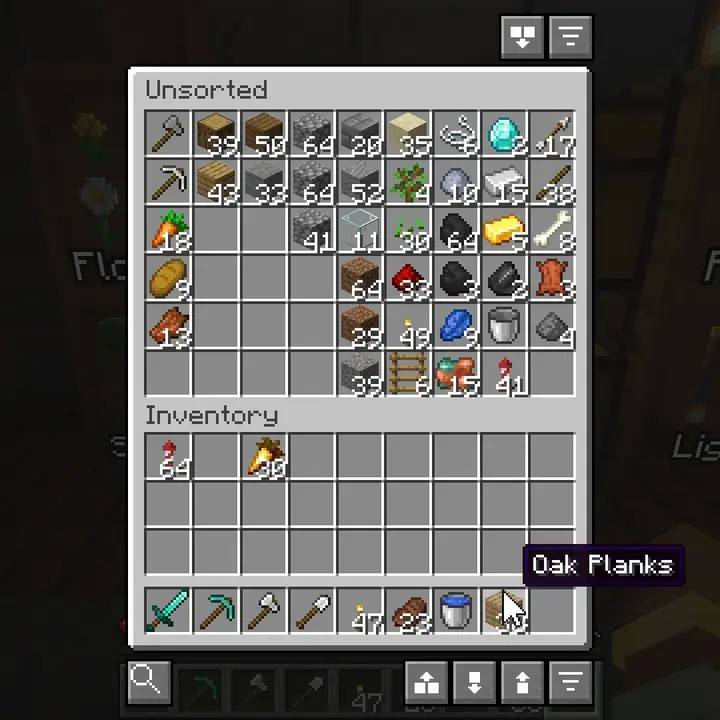
介绍


Sort your chests, put things away, and find them again.
A few buttons on your inventory and chest screens. Nothing to install on the server.


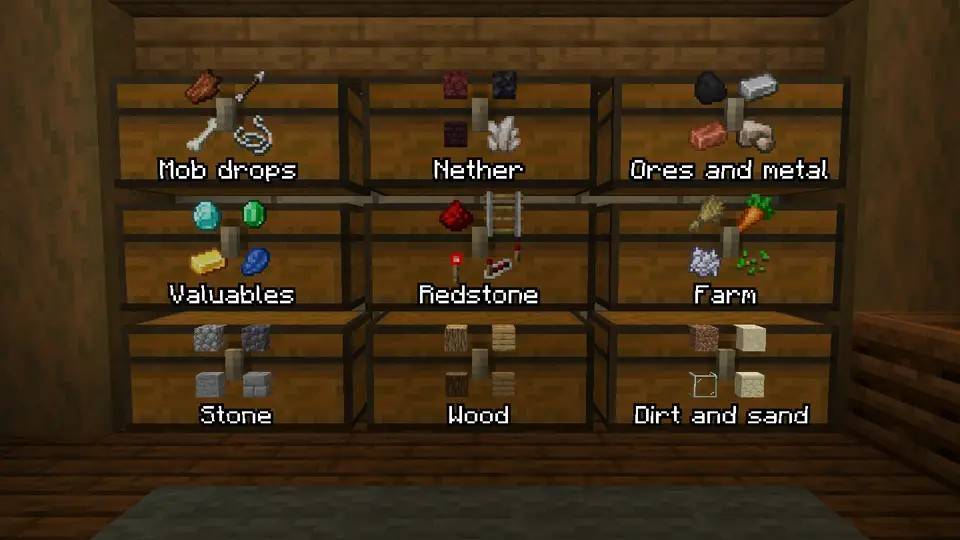
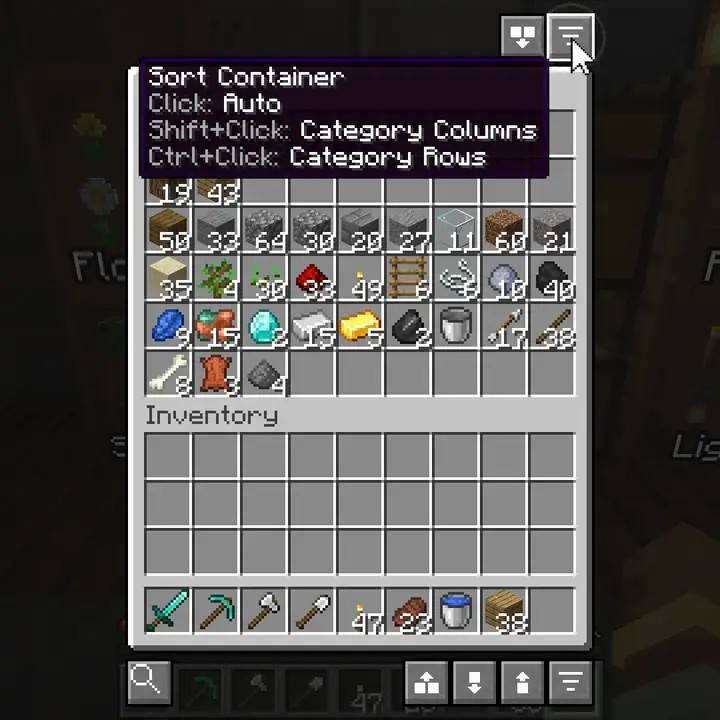
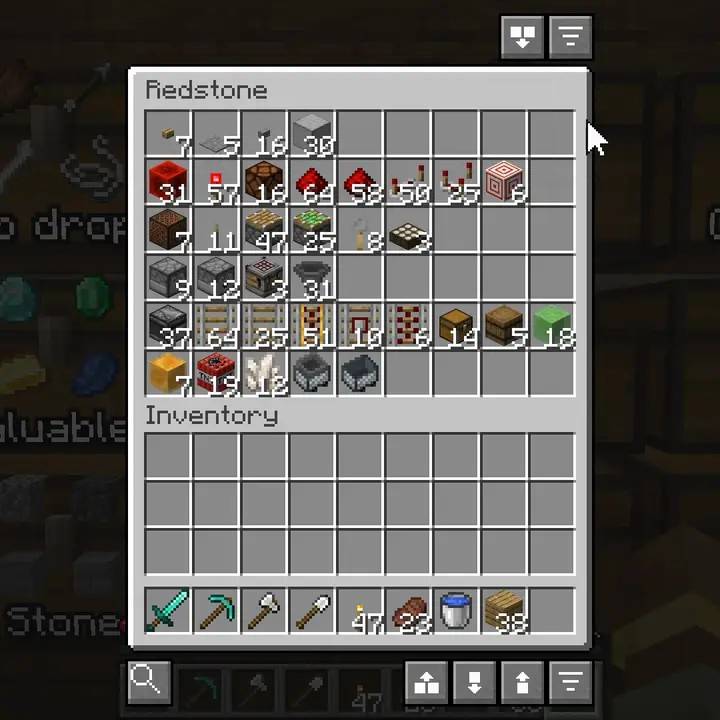
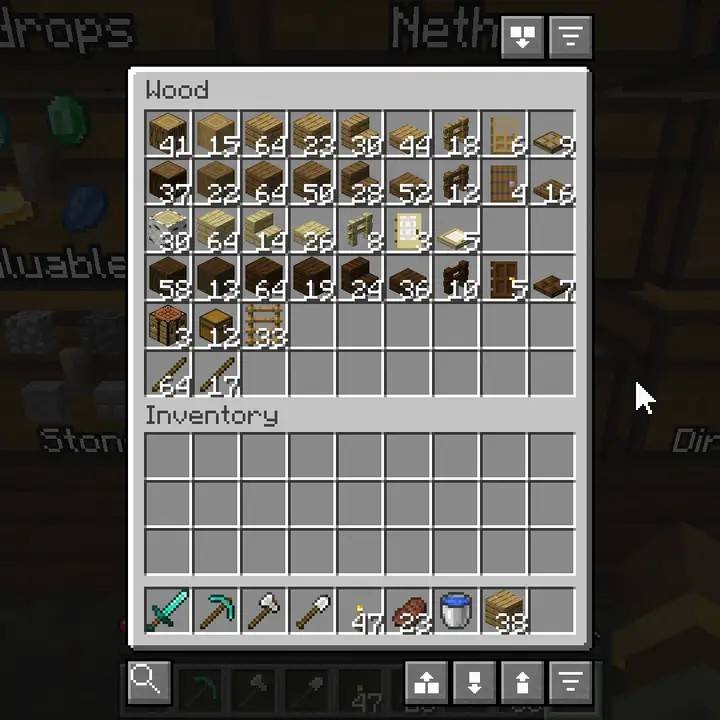
Click the sort button on a chest and what belongs together ends up together.
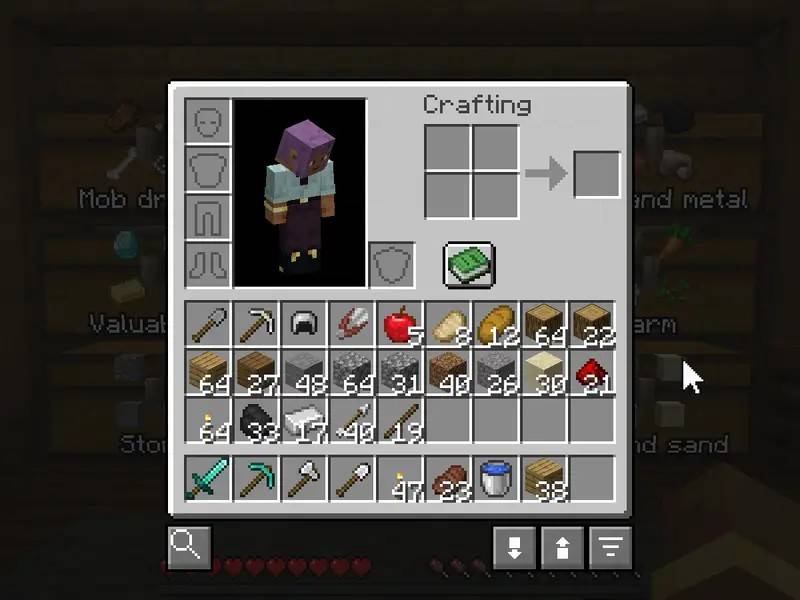
Shift, Ctrl or Alt with the click lays it out in columns, rows or compact. Press R for your inventory: your hotbar stays put.


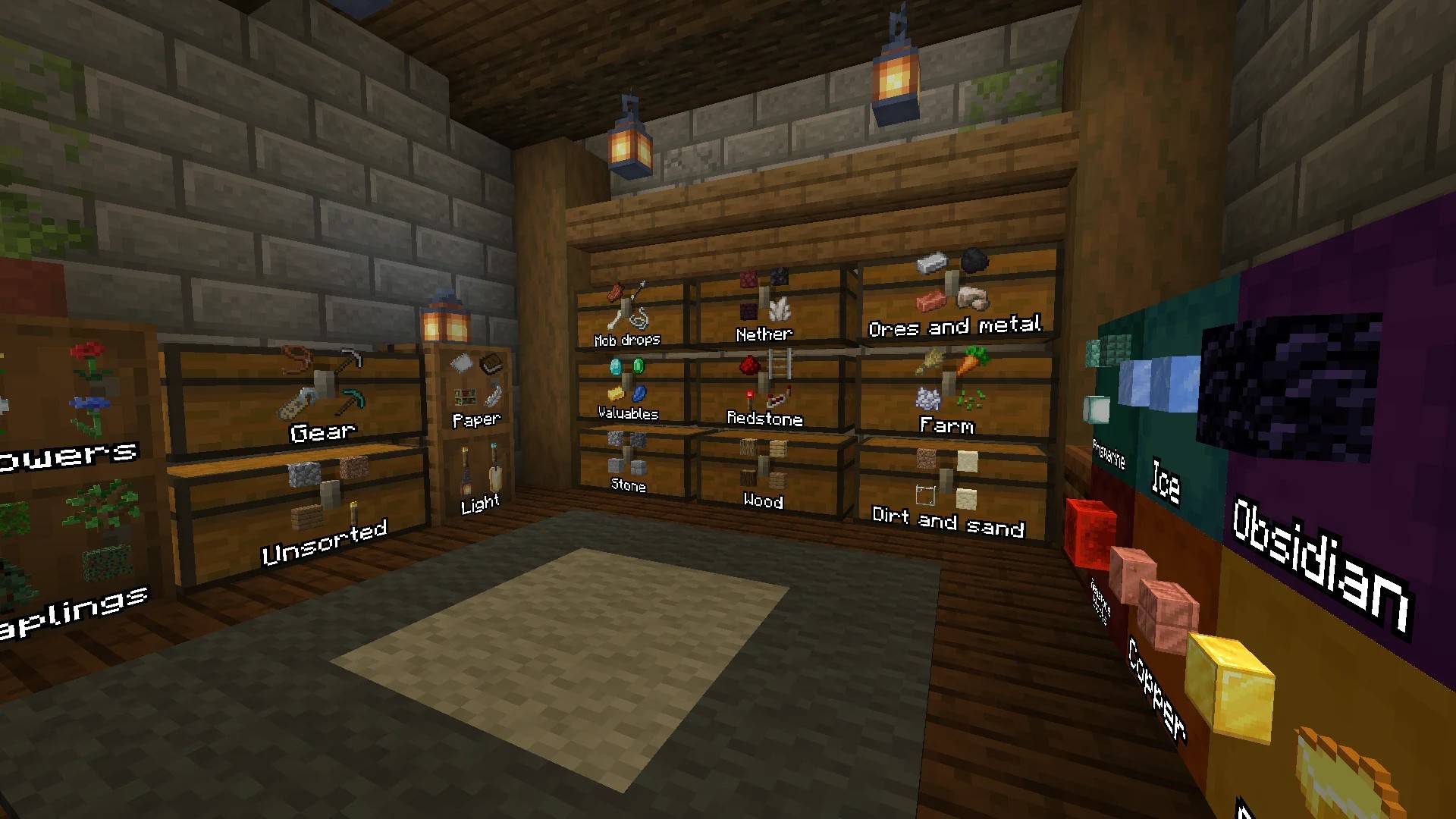
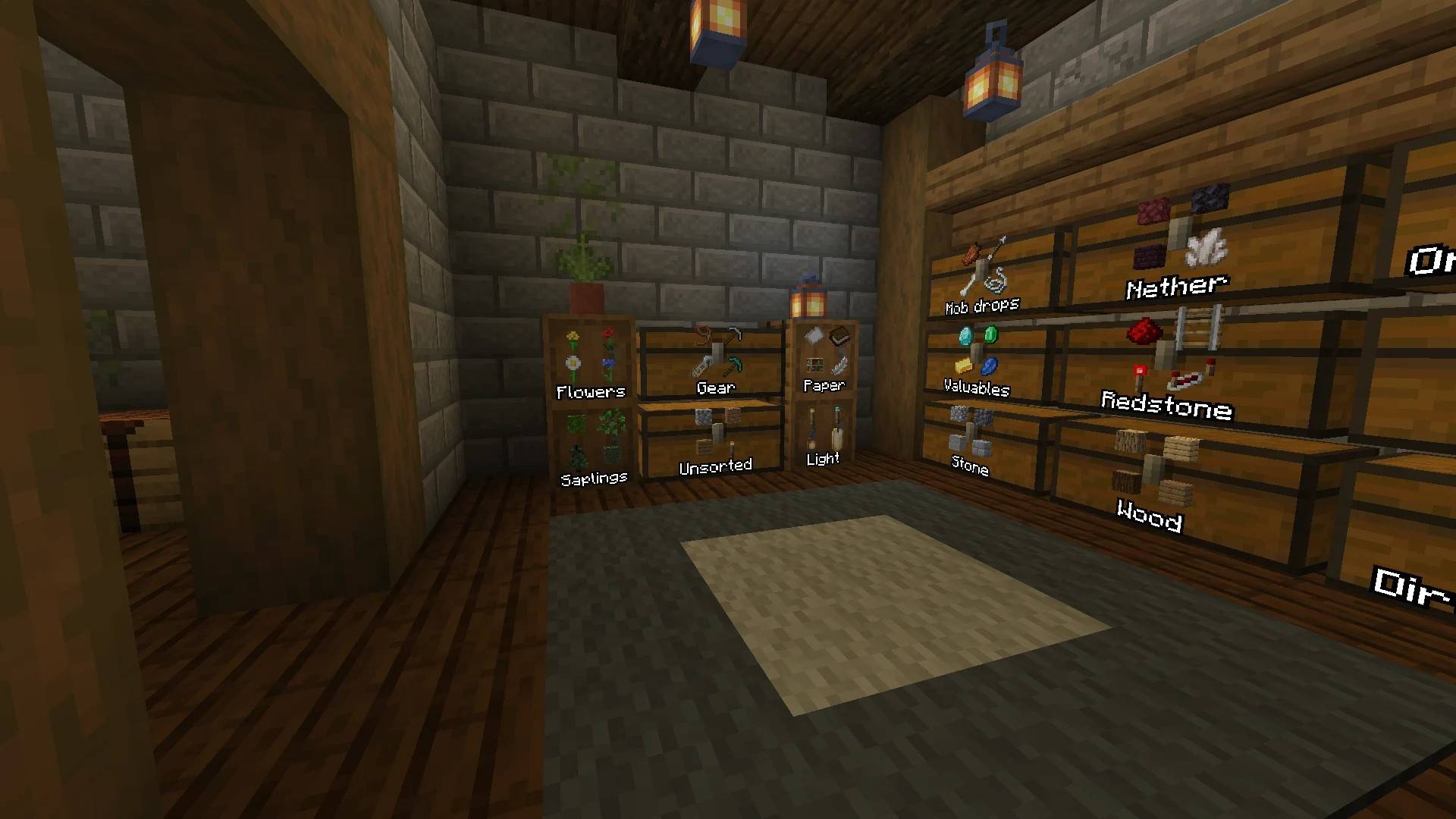
Back from a mining trip? Stand in your storage room and click Quick Stack.
Every stack goes to the chest that already holds it, raw iron to your iron. The chests that took something light up.


Press ` and type a name. You get the total, and which chests hold it.
Click it and those chests light up in the world, also through walls.


Shulker boxes show what’s in them on the lid, and chests and barrels can too.
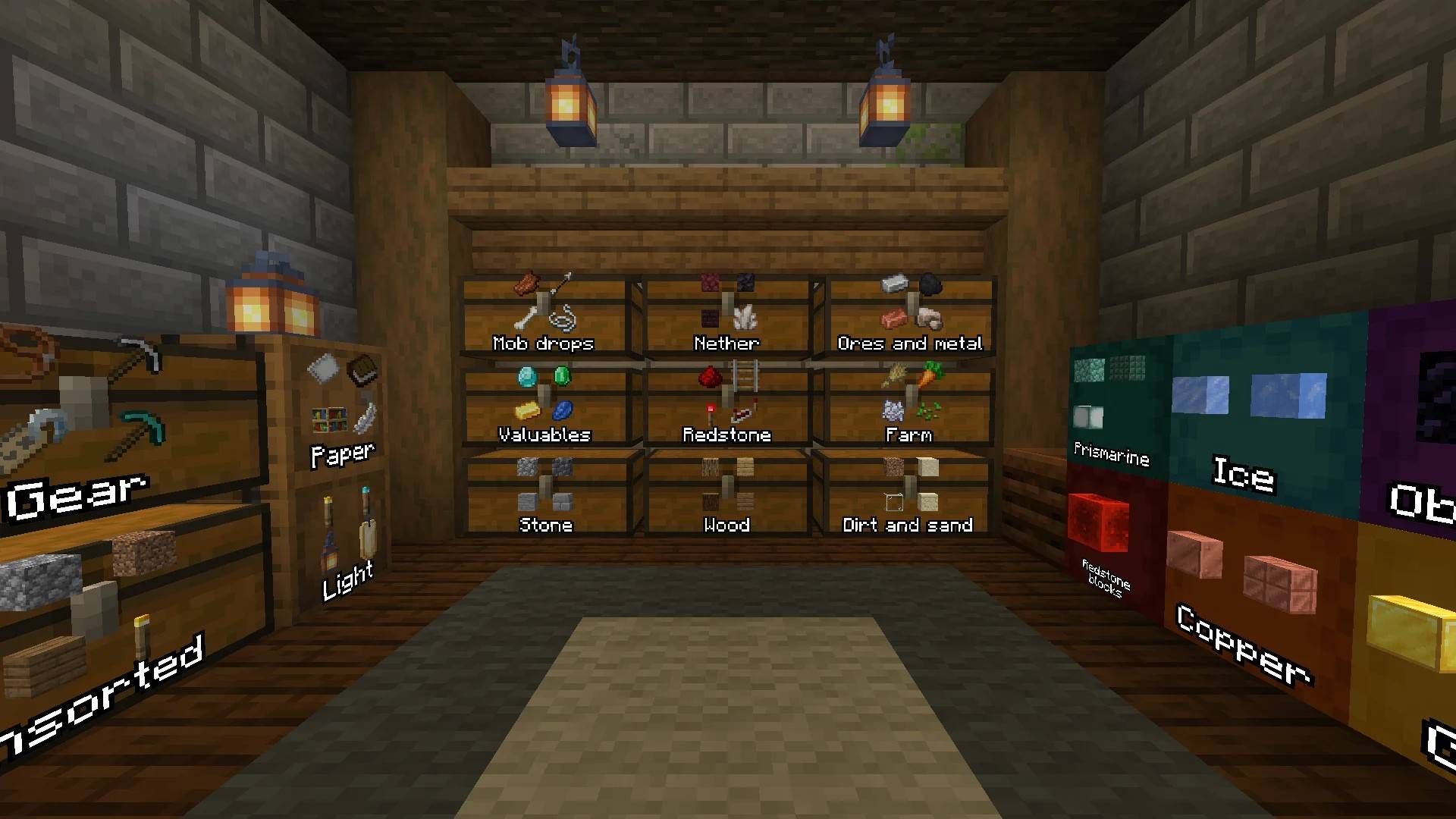
Give a chest a name in an anvil ("Valuables", "Redstone") and it shows on its label.


- Keep what you need: Alt+Click an item and Quick Stack leaves it with you. Alt+Scroll keeps a number of stacks.
- Shulker boxes: sorted by what’s in them, with their main item on the lid.
- After you die: picked-up items go back to the slots they were in, hotbar and armor too.
- Quick Fill and Pull All: top up what you carry from nearby chests, or take a whole chest.
- Chests from other mods: Farmer’s Delight, Storage Delight, Handcrafted, Macaw’s Furniture, backpacks and more.
- Looks like the game: vanilla button frames, so resource packs restyle them too.
See them in action
!Rockets and golden carrots kept with Alt+Click, then Quick Empty moves everything else

!A redstone chest sorted with one click, then laid out in rows

!A wood chest sorted into one row each for oak, spruce, birch and dark oak


Does the server need it?
No. Sorted runs on your client only, so it works on vanilla servers and Realms.
Will I get kicked for clicking too fast?
It moves items at a limited rate, and slows down on its own on a server that kicks you.
Which versions and loaders?
Minecraft 26.1 to 26.3 and 1.21.1 to 1.21.11, on Fabric (with Fabric API) and NeoForge.
How do I name a chest?
Rename it in an anvil before you place it, and turn on labels for chests in the settings.
More answers in the FAQ and the wiki. Something broken? /sorted report in game, or the Discord.
Keys, change them in Options → Controls
` |
Sorted: Open Container Search (the same key is ± on some Mac keyboards) |
R |
Sorted: Quick Sort Inventory |
| not set | Sorted: Open Keep List |
In an inventory or chest screen
| Click a sort button | Sort |
| Shift+Click | Columns, one kind of thing per column |
| Ctrl+Click | Rows, one kind of thing per row |
| Alt+Click a sort button | Compact, no grouping |
| Alt+Click an item | Keep it, it’s never sent to a container |
| Alt+Scroll an item | Keep a number of stacks of it |
| Hold Alt | Show which stacks are kept |
Commands
/sorted or /sorted help |
Every command, clickable |
/sorted config |
Settings, with or without Mod Menu |
/sorted keep |
The keep list |
/sorted menuguard [on\|off\|status] |
Leave server menus alone, per server |
/sorted storage [add] |
Show, or add, the last container screen you opened from another mod |
/sorted onboarding |
The walkthrough |
/sorted report |
Report a bug or ask for a feature |
On servers
Sorted moves items with the same clicks you would make, at a limited rate (15 a tick by default, about 300 a second).
- If a server kicks you while a sort is running, Sorted slows down on that server and remembers it. It keeps slowing down until the kicks stop. You can also set the rate yourself.
- Shop, auction and other menus that a server shows as a chest are recognized and left alone.
- Some servers don’t allow this kind of mod. Sorted has a list of those and switches itself off completely when you join one. You can add servers to it.
- A server running VoxelSprout Policy can turn single features off, or cap how fast Sorted clicks. Sorted tells you in chat what that server turned off, and your settings stay as they are for other servers.
Whether you’re allowed to use it is up to the server. Check the rules if you’re not sure.
Requirements and compatibility
- Fabric with Fabric API, or NeoForge (26.1.2 to 26.3, and 1.21.1, 1.21.3, 1.21.4, 1.21.5, 1.21.8, 1.21.10 and 1.21.11). Mod Menu is optional.
- Works with Jade and WTHIT: their tooltip on a chest shows what Sorted remembers is in it.
- Tested next to Spatial GUI and Inventory Profiles Next. In Spatial GUI’s first-person view, its mouse key is Left Alt by default, the same key as keep rules, so rebind one of them. Inventory Profiles Next uses Alt+click on your own slots to lock them; keep rules still work on chest slots and from the keep list.
- Storage mods can add their own containers, and for any other
/sorted storage addworks. The API is on the wiki. - In English, Dutch, German, French and Russian (the Russian translation by a member of the community).
Modpacks and videos: use Sorted in any modpack and show it in any video, monetized or not. No need to ask.
More from VoxelSprout


Bugs, ideas and early builds: Discord · Enjoying the mods? Support on Ko-fi
常见问题
Sorted – Inventory & Chest Sorting, Quick Stack 支持哪些 Minecraft 版本?
Sorted – Inventory & Chest Sorting, Quick Stack 支持 Minecraft Java 版 1.21–26.3,共 17 个版本,可用的加载器:Fabric / NeoForge。下载时注意选择和你游戏版本一致的文件。
Sorted – Inventory & Chest Sorting, Quick Stack 怎么安装?
先用 PCL2 或 HMCL 启动器安装对应版本的 Fabric / NeoForge,再把下载的 .jar 文件放进游戏目录的 mods 文件夹,重新启动游戏即可。开启了版本隔离的,mods 文件夹在 versions/版本名 下面。
L4stIdi0t 的其他作品
查看全部 →
Buildprint – Schematics & Printer (Litematica Alternative)
Load any schematic as a ghost in your world, see what's missing, and build it with easy place or the printer. Opens .litematic, .schem, .schematic, .nbt and Axiom .bp. A client-side alternative to Litematica.

BuildPrint – Schematics & Printer (Litematica Alternative)
Build any schematic in survival: a ghost of it in your world, what's missing, what to gather, easy place and a printer. Opens .litematic, .schem, .nbt and Axiom .bp. A client-side Litematica alternative for Fabric and NeoForge.

Sorted – Inventory & Chest Sorting, Quick Stack
Sort chests and your inventory in one click, Quick Stack everything into the right chests, and find any item in your base. Client-side inventory sorting: works on vanilla servers and Realms, on Fabric and NeoForge.
评论
登录后评论和评分