
截图
介绍
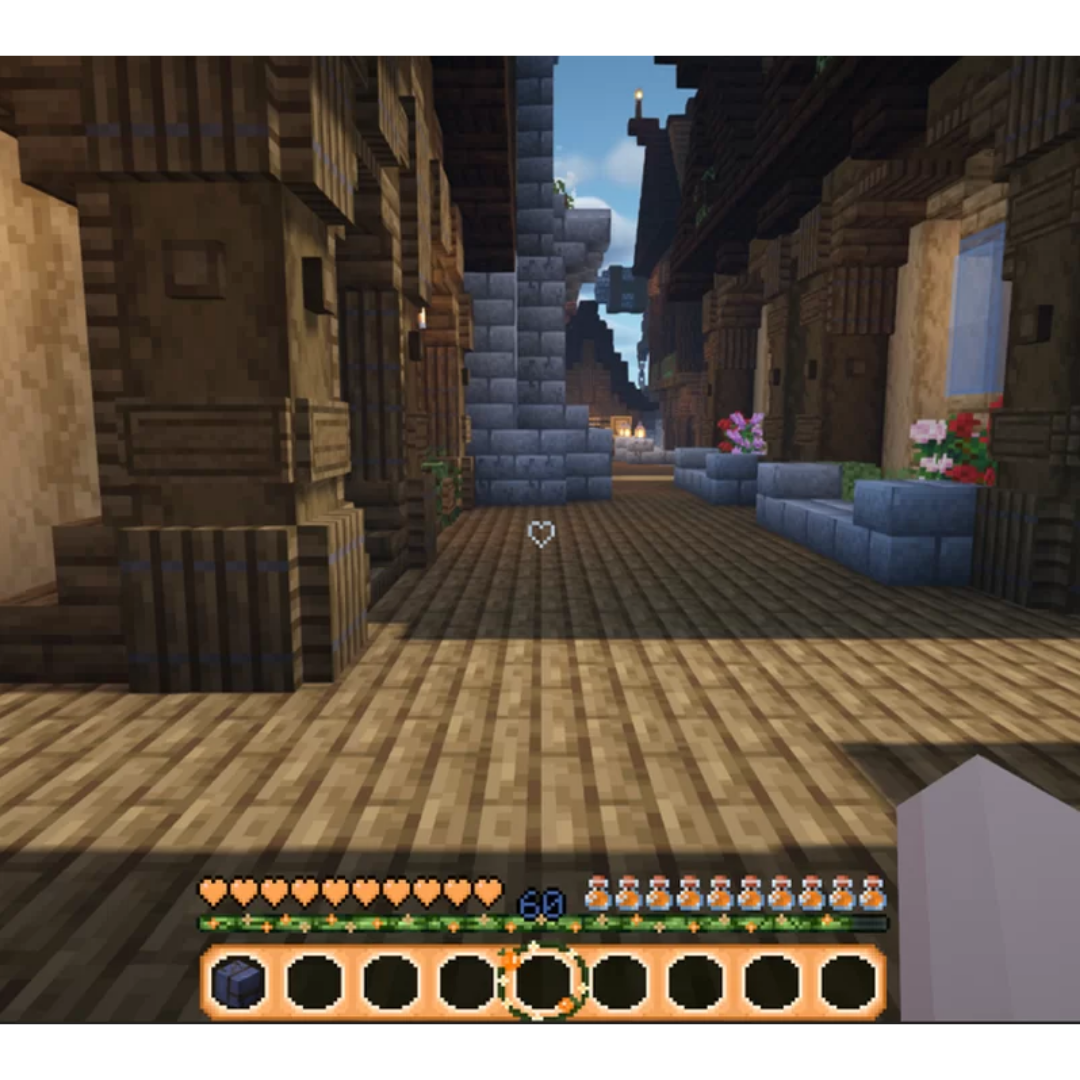
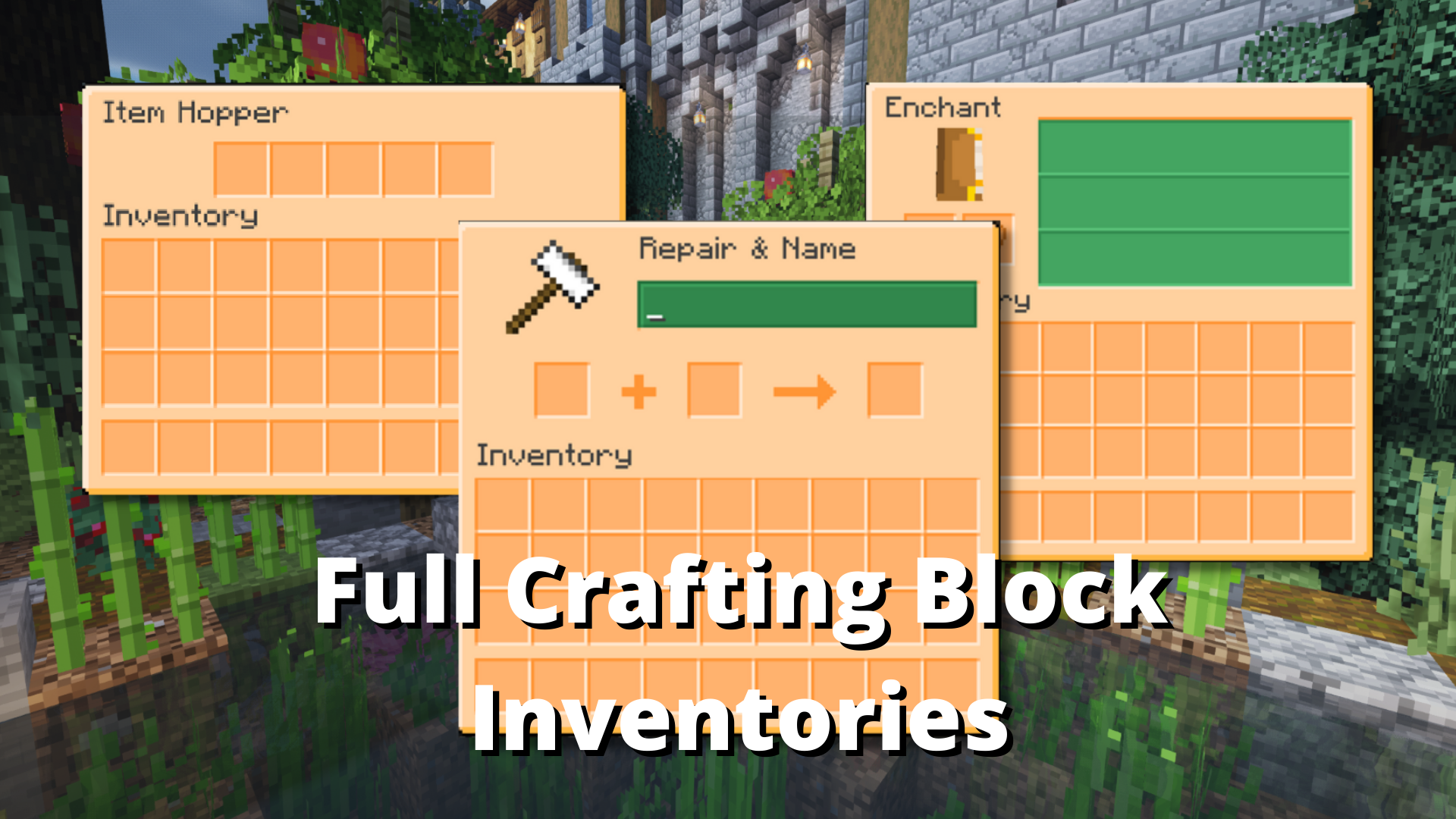
🍊 Do you love oranges? Look no further! This pack is an orange & cream themed orange GUI pack!
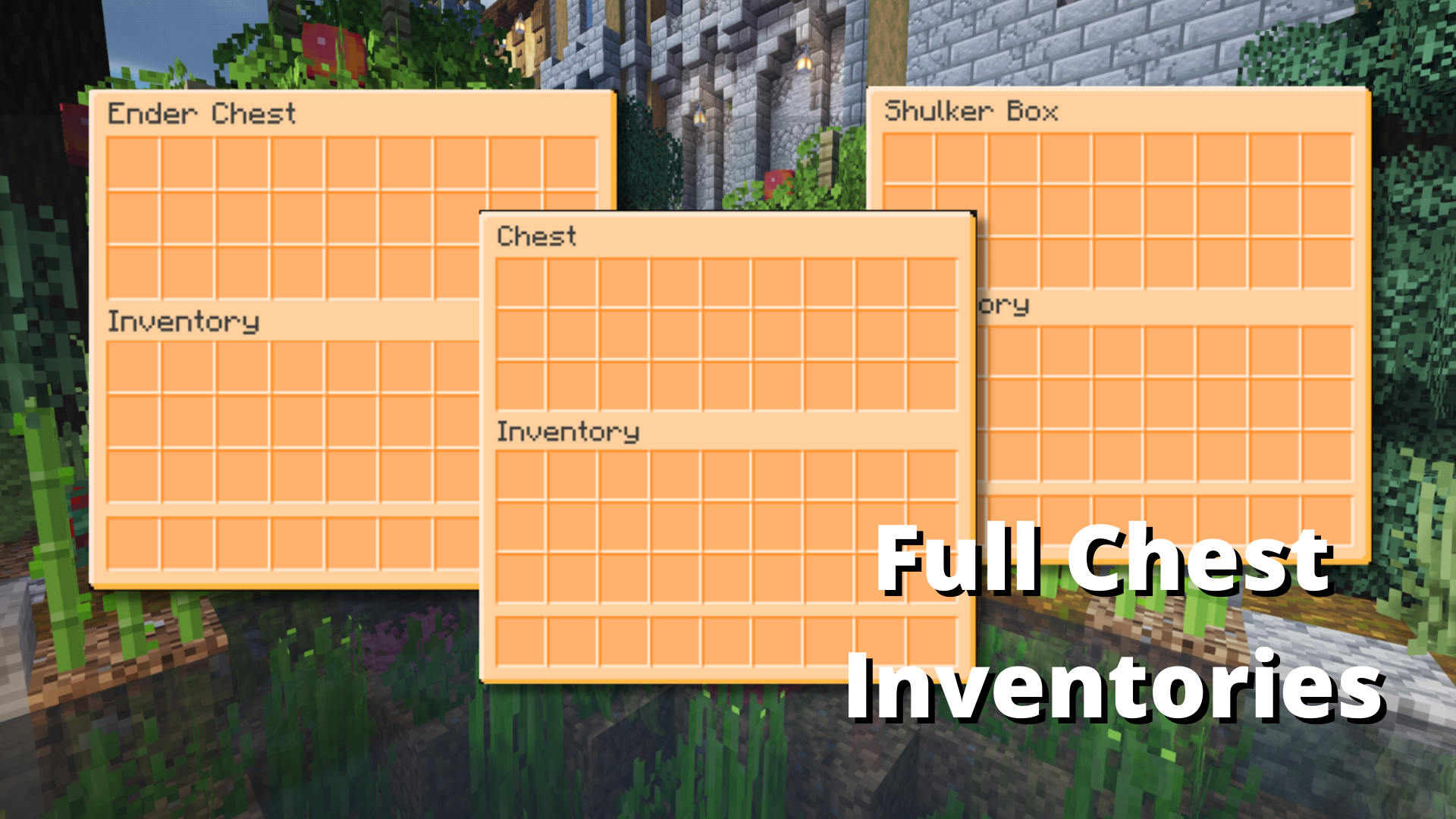
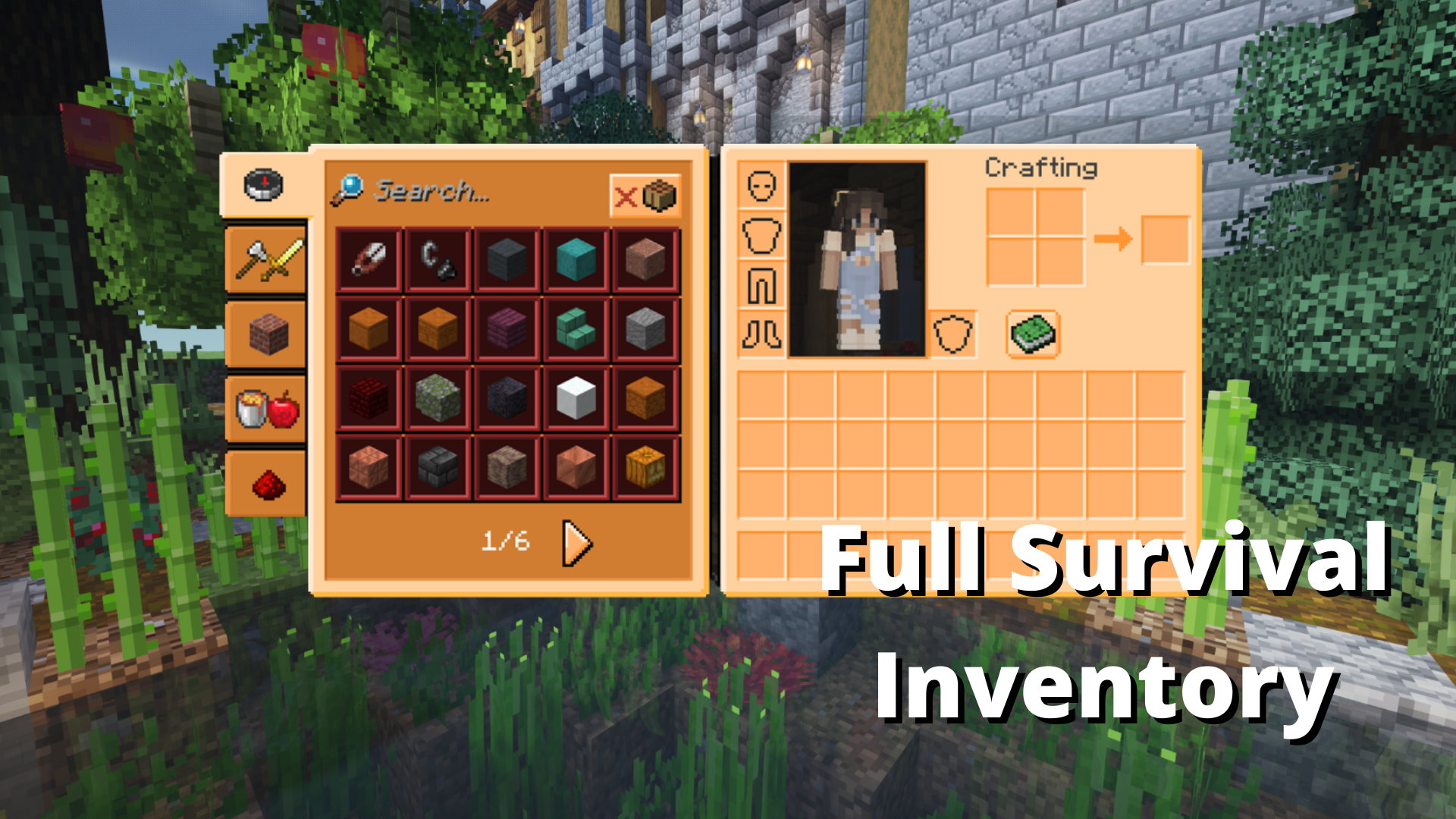
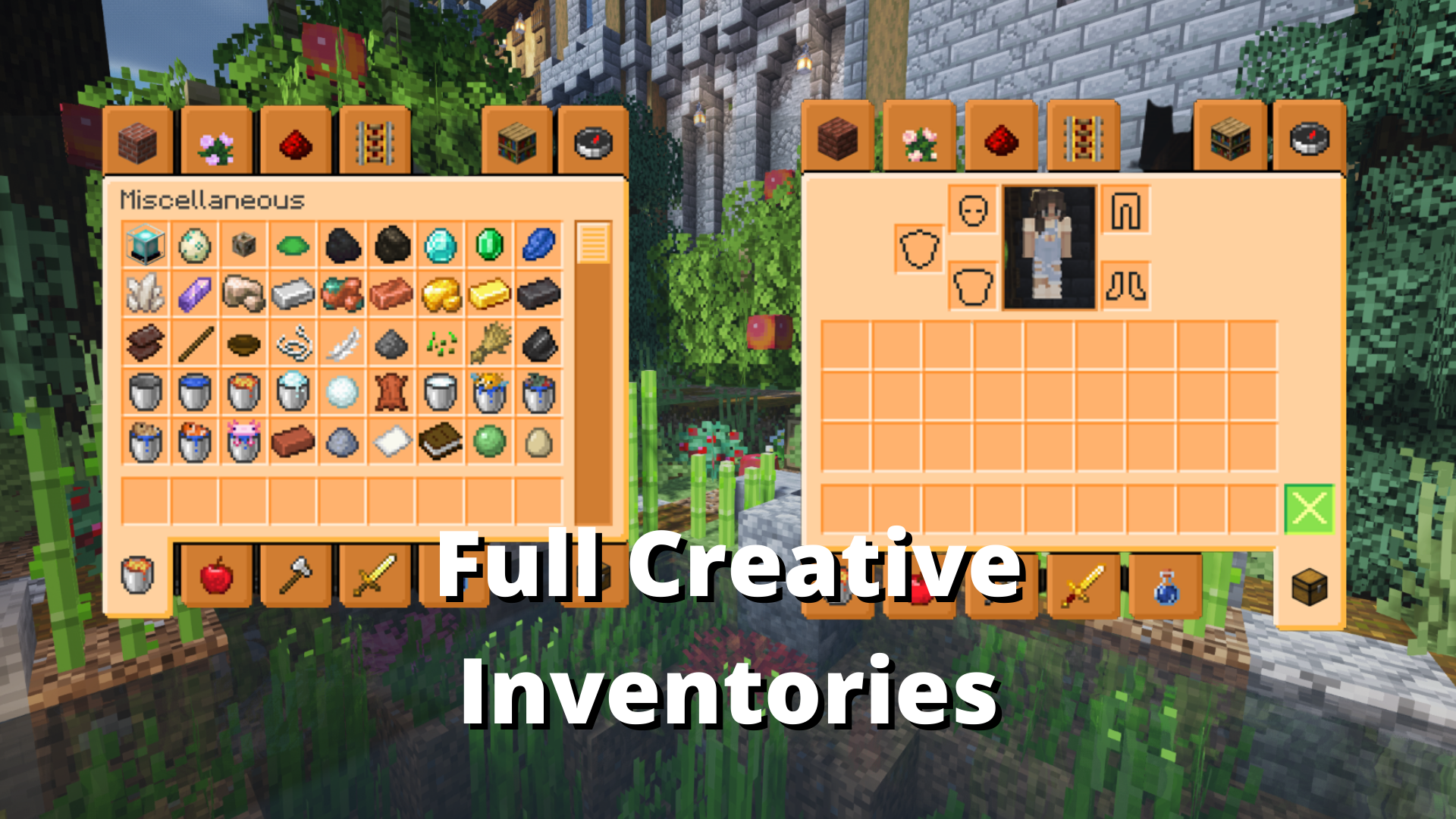
This resource pack changes all inventories (chests, crafting tables, etc.), your armor, health, and food bar to be orange themed! Enjoy earning flowers growing along a vine as you level up your exp, and the more food you eat the more orange jam gets filled!
This is a free download!
2. Go to your download folder, and copy/cut the zip.
3. Locate your .minecraft resource pack folder, and paste it in.
4. Reload your Minecraft resource packs, and you’ll be able to use it!
Important: make sure this resource pack is on the top of all other resource packs in your list so it is able to modify the GUI. If you’re using any other resource pack that modifies the GUI and it is below that one, it will not work.
Contact: Feel free to reach out via Discord with issues (Robella#0015), or on my Discord server (click here to join!).
常见问题
Orange GUI & Hotbar 支持哪些 Minecraft 版本?
Orange GUI & Hotbar 支持 Minecraft Java 版 1.18–1.18.2,共 3 个版本。下载时注意选择和你游戏版本一致的文件。
Orange GUI & Hotbar 怎么安装?
把下载的 .zip 文件(不用解压)放进游戏目录的 resourcepacks 文件夹,进游戏后在「选项 → 资源包」里把它移到右边启用。
RobellaRose 的其他作品
查看全部 →
Strawberry GUI & Hotbar
全面改造 GUI 和快捷栏,换上草莓主题!
Buzzy Bee GUI Classic
Do you love bees? Then look no further! This is THE bee themed resource pack for 1.16-1.18.2+

Clueless Craft CIT
A CIT Resource pack by the Clueless Craft team.
Buzzy Bee GUI & Hot Bar
A cottagecore bee themed GUI resource pack.
评论
登录后评论和评分