
Adventure Plus 1
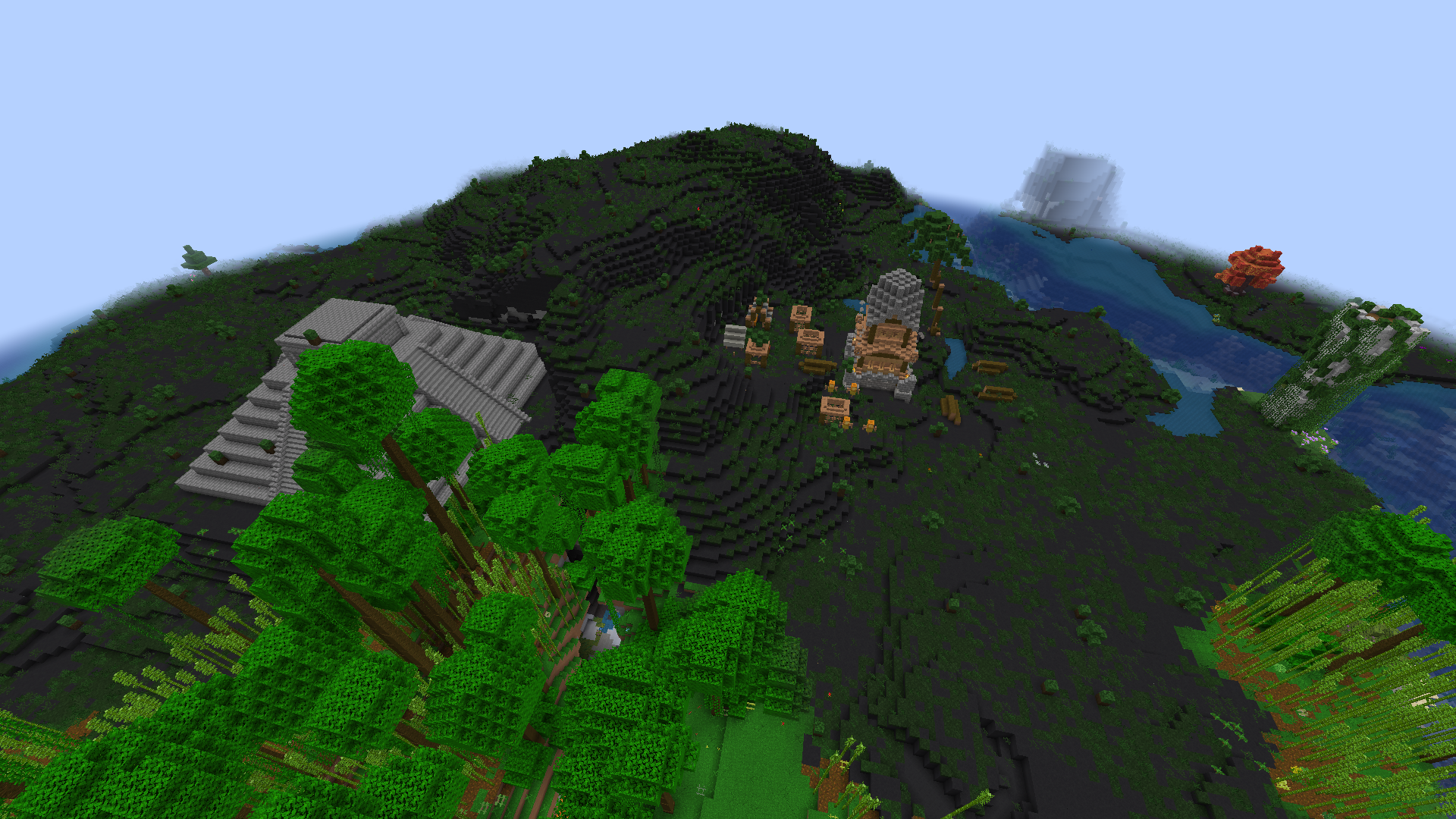
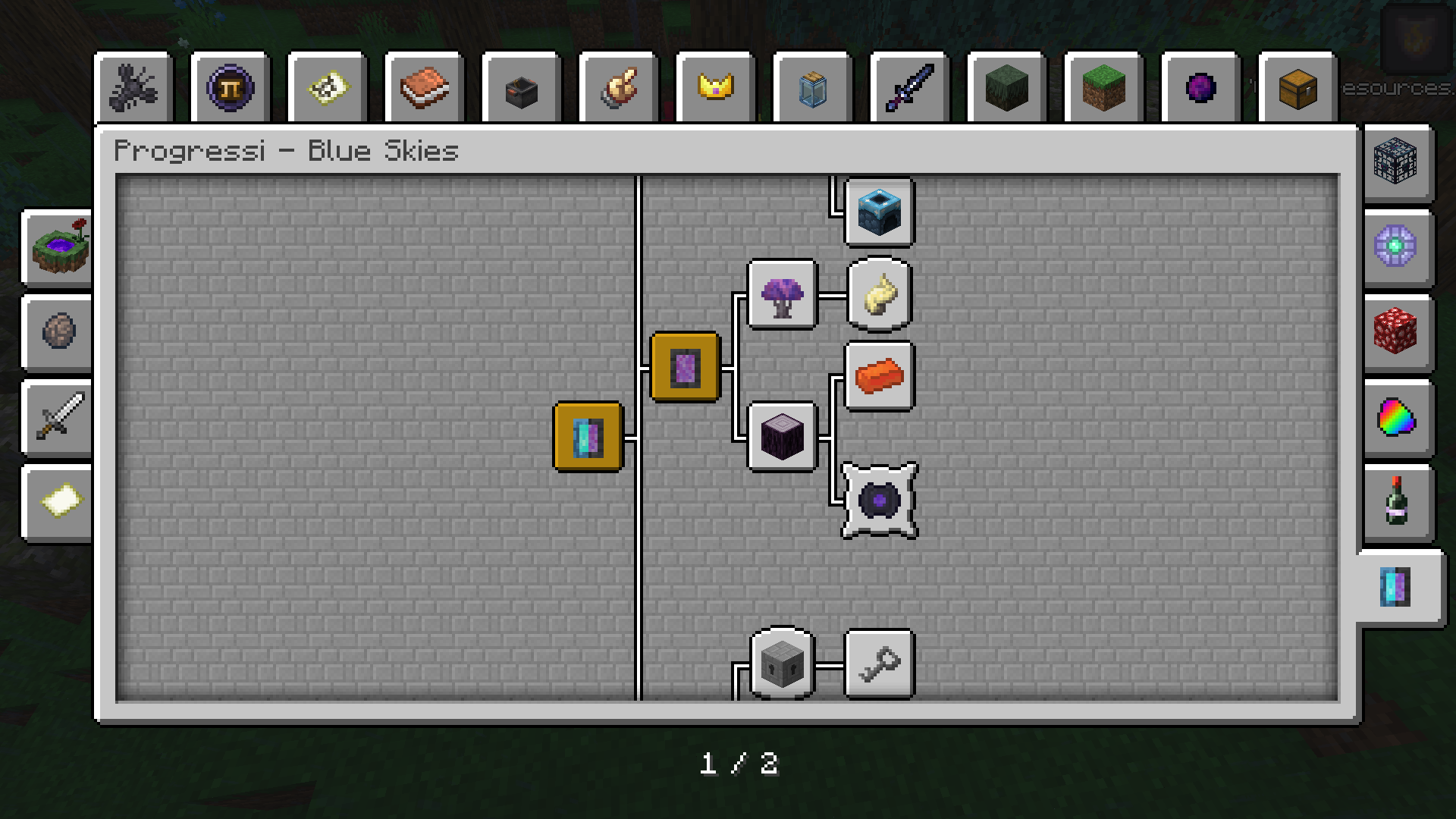
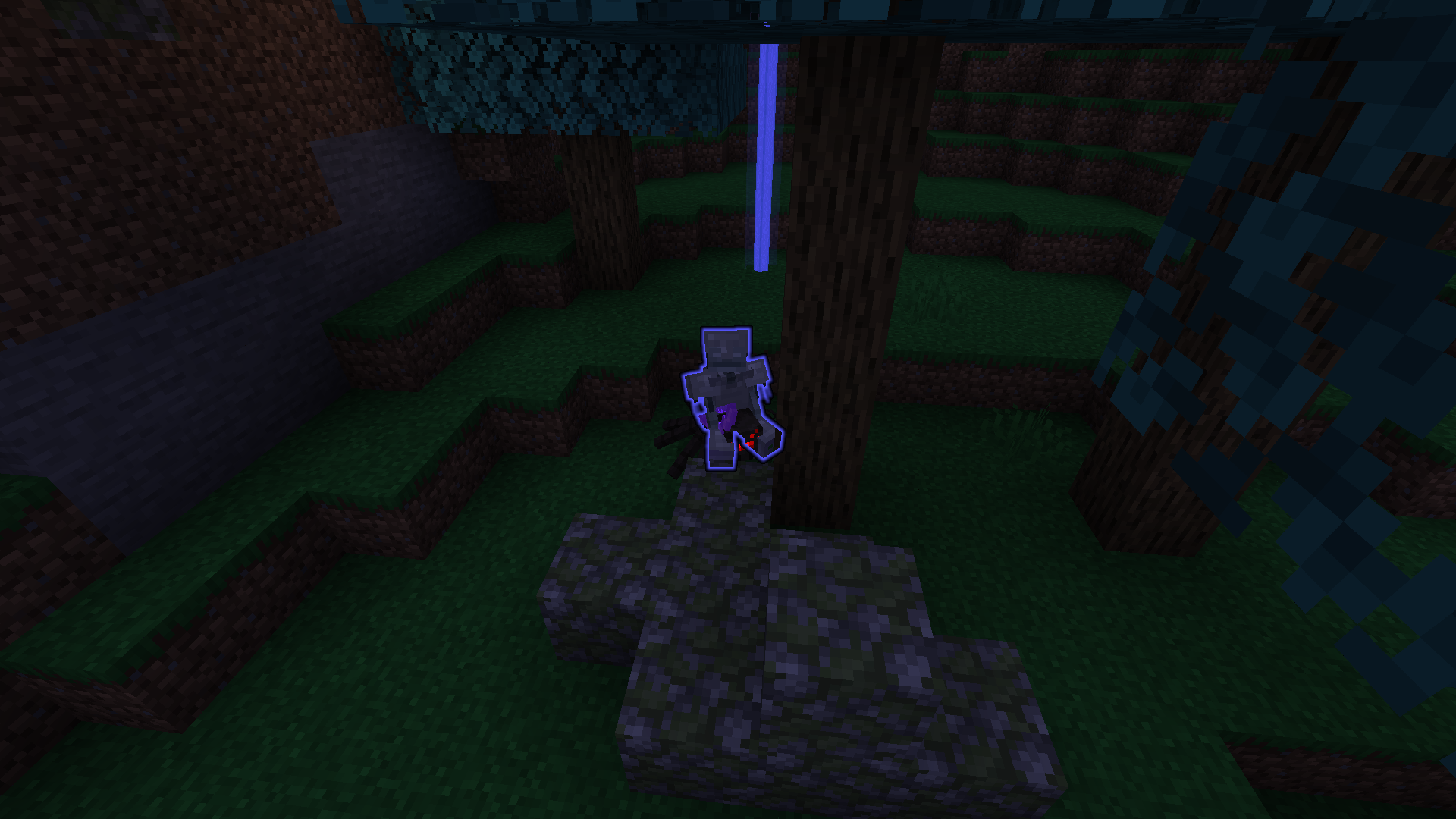
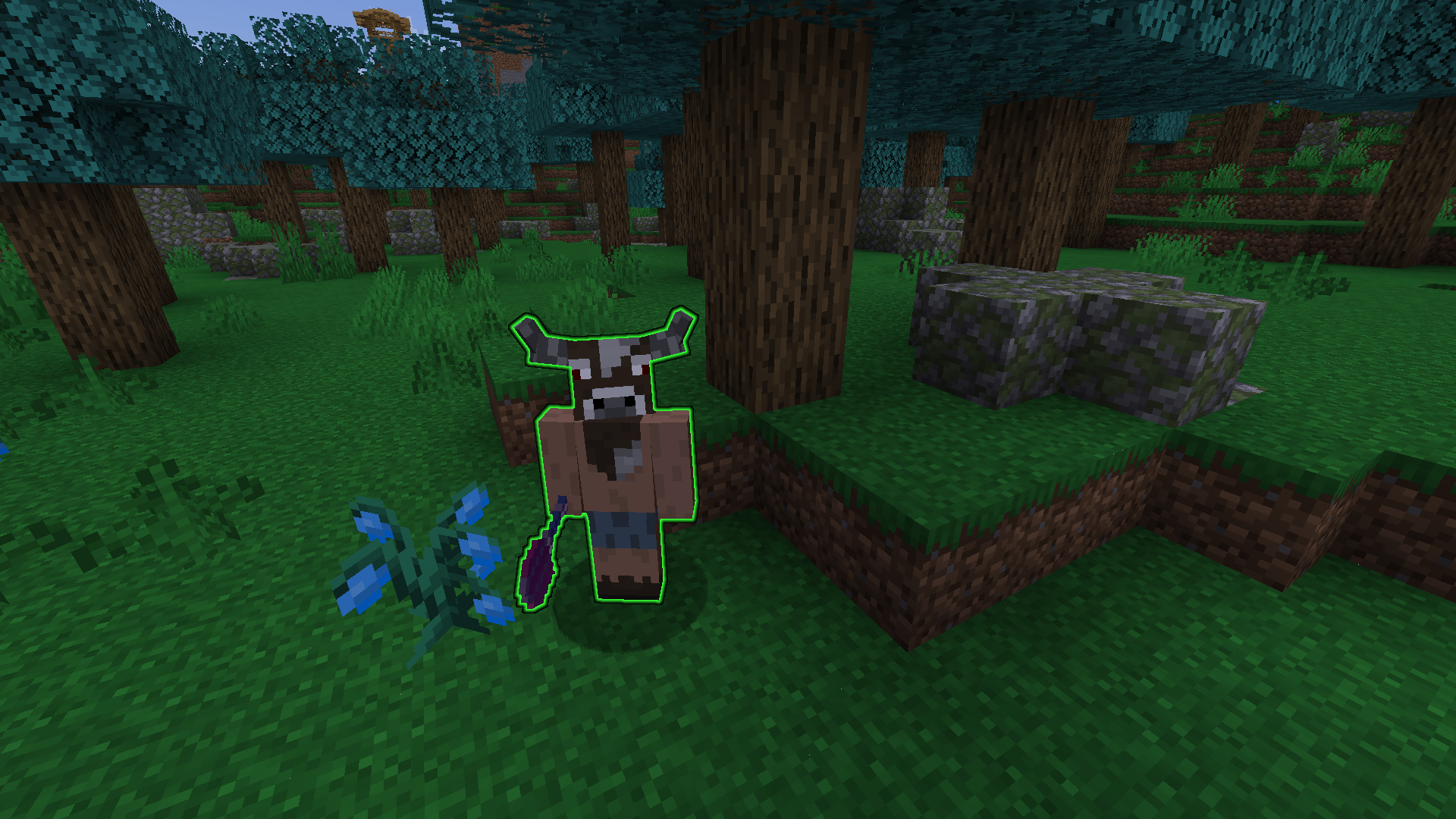
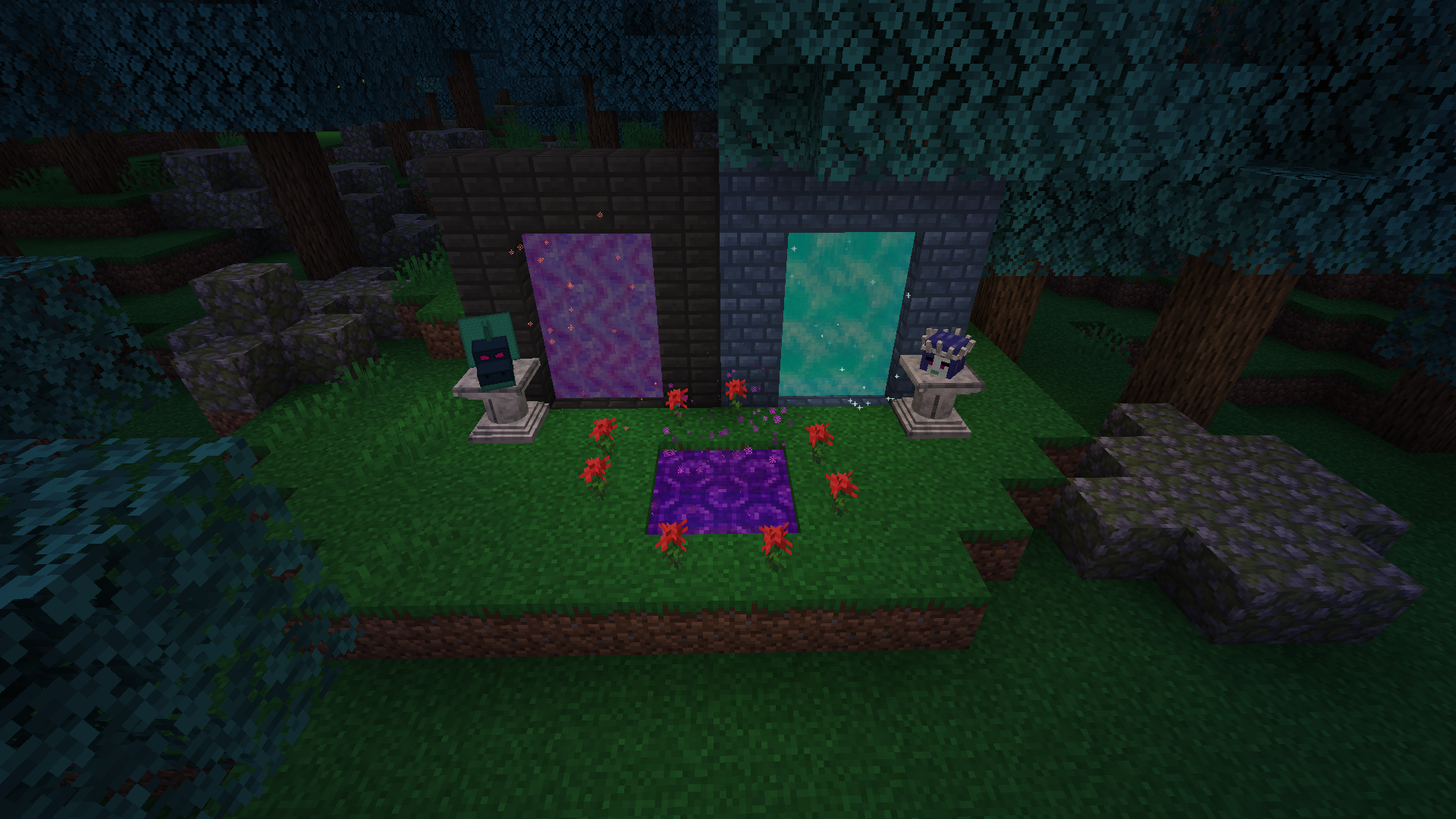
This is an adventure-based and exploration-based mod pack, where the aim is to complete every single advancement and every single mission.
截图

介绍
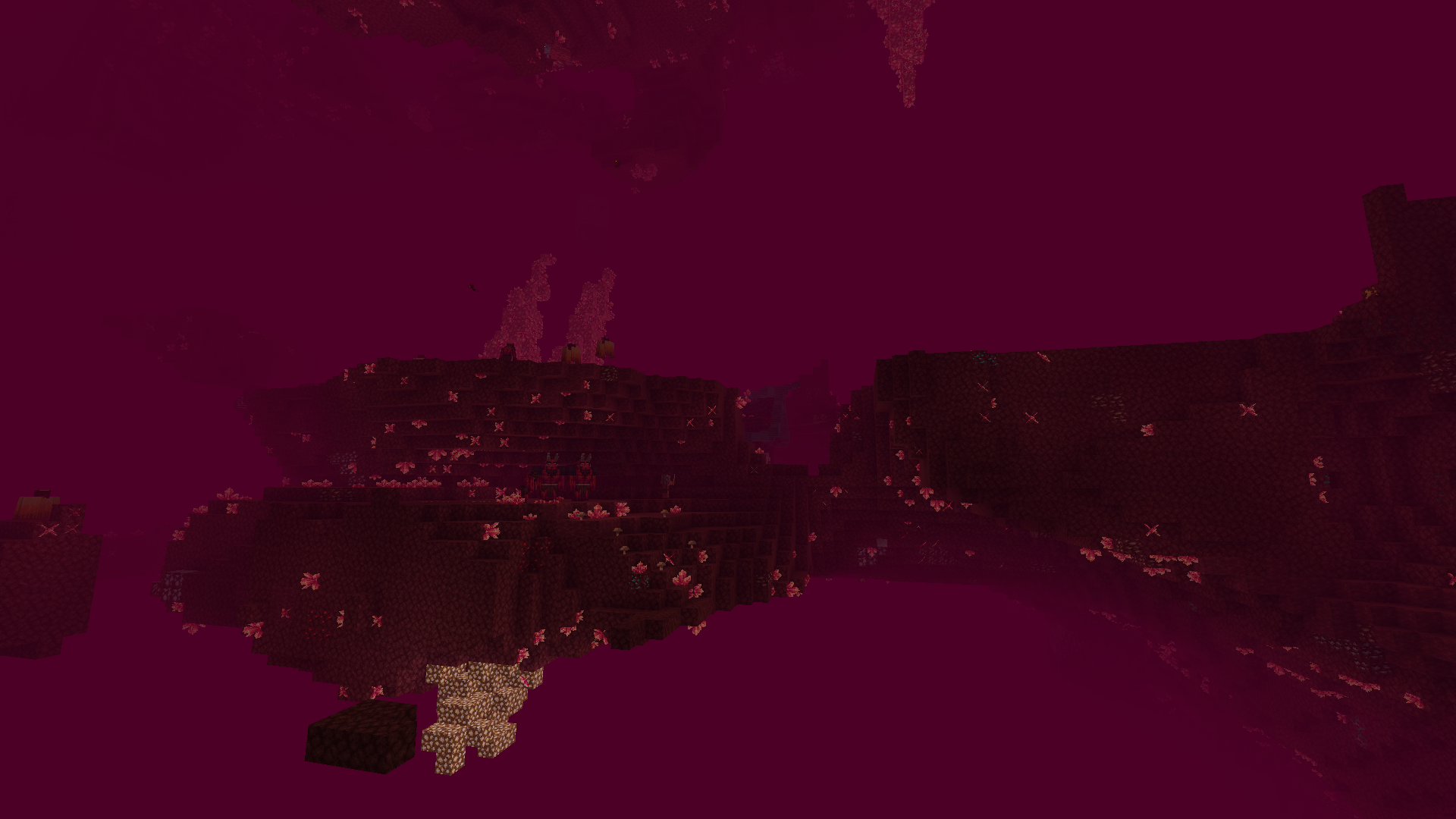
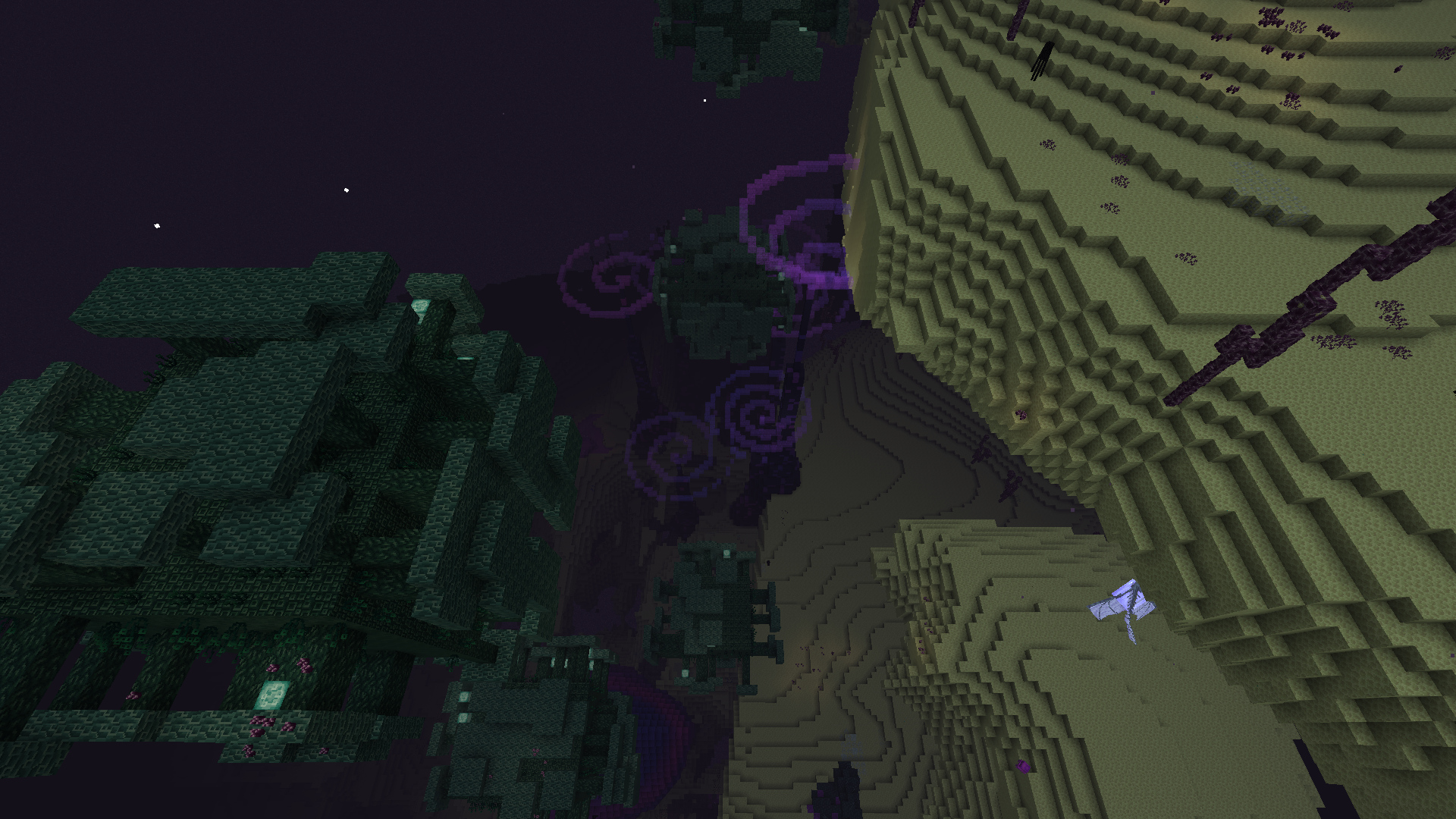
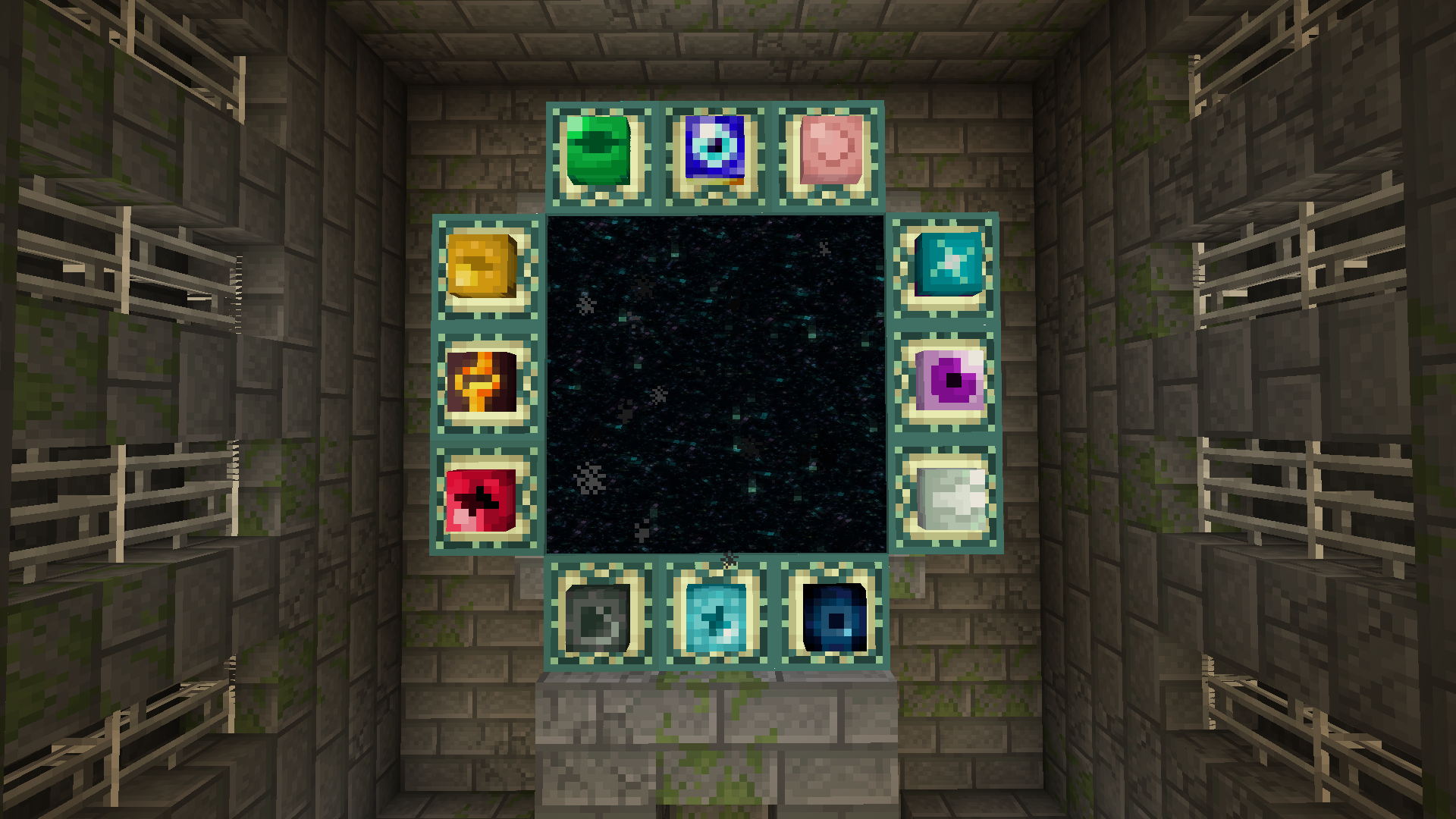
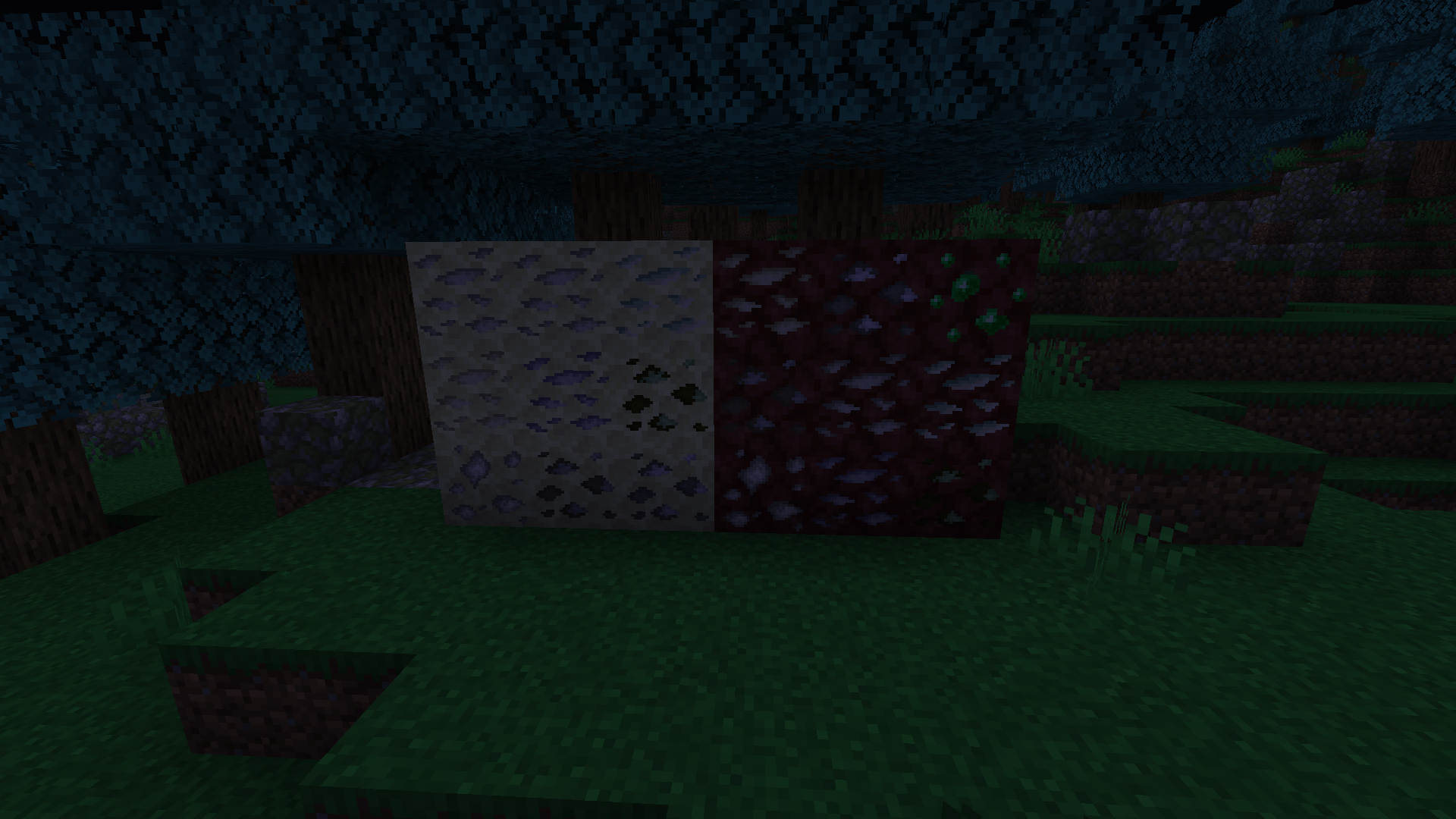
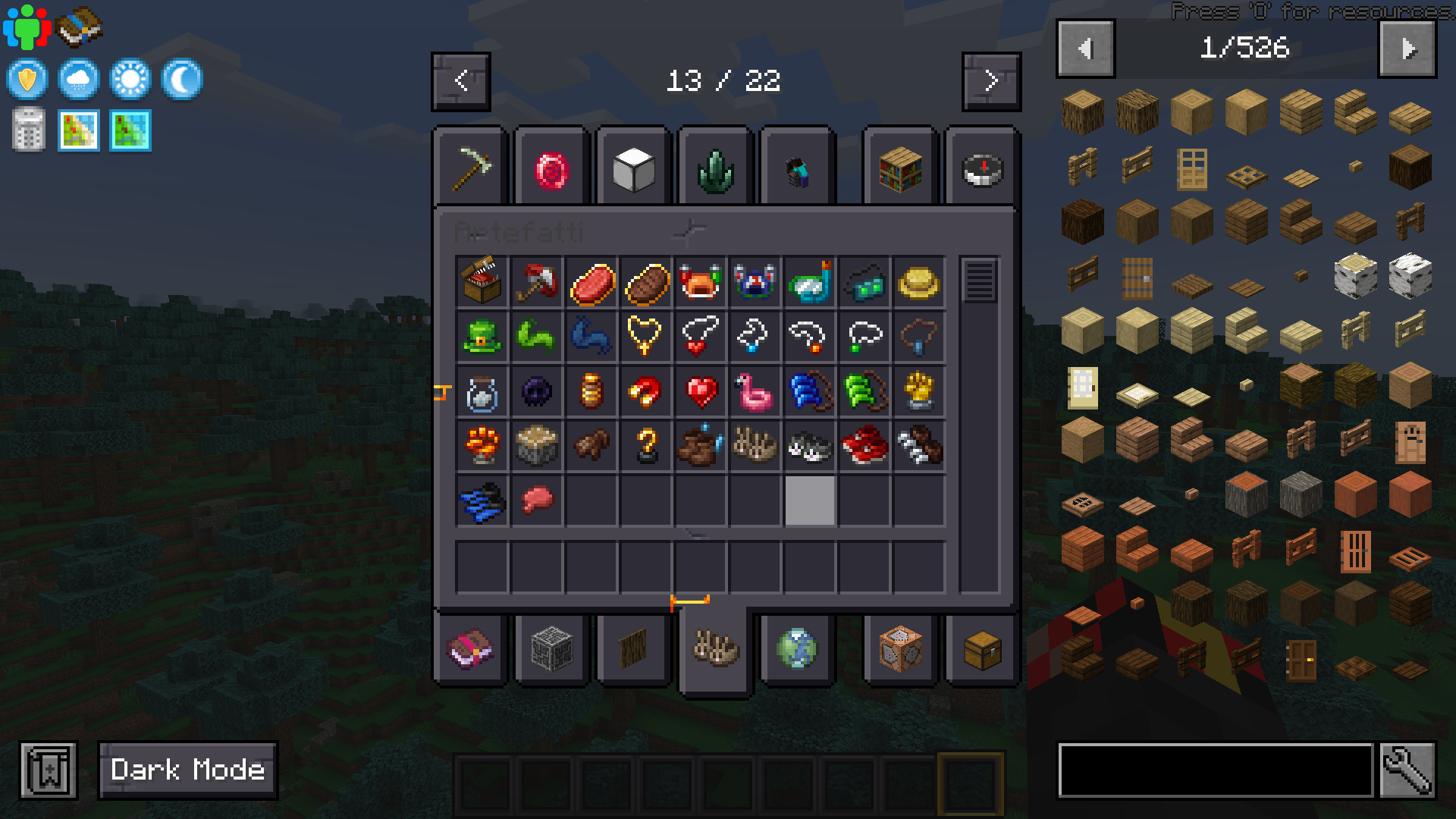
Adventure Plus 1 contains more than 300 mods and tons of quests and progressions to complete. Will you have the courage to take on every single bos and mob and complete every single mission? See.
Adventure Plus started as a private mod pack that I used to play with some of my friends, but it was so good that my friends gave me the idea to publish it and so I did.
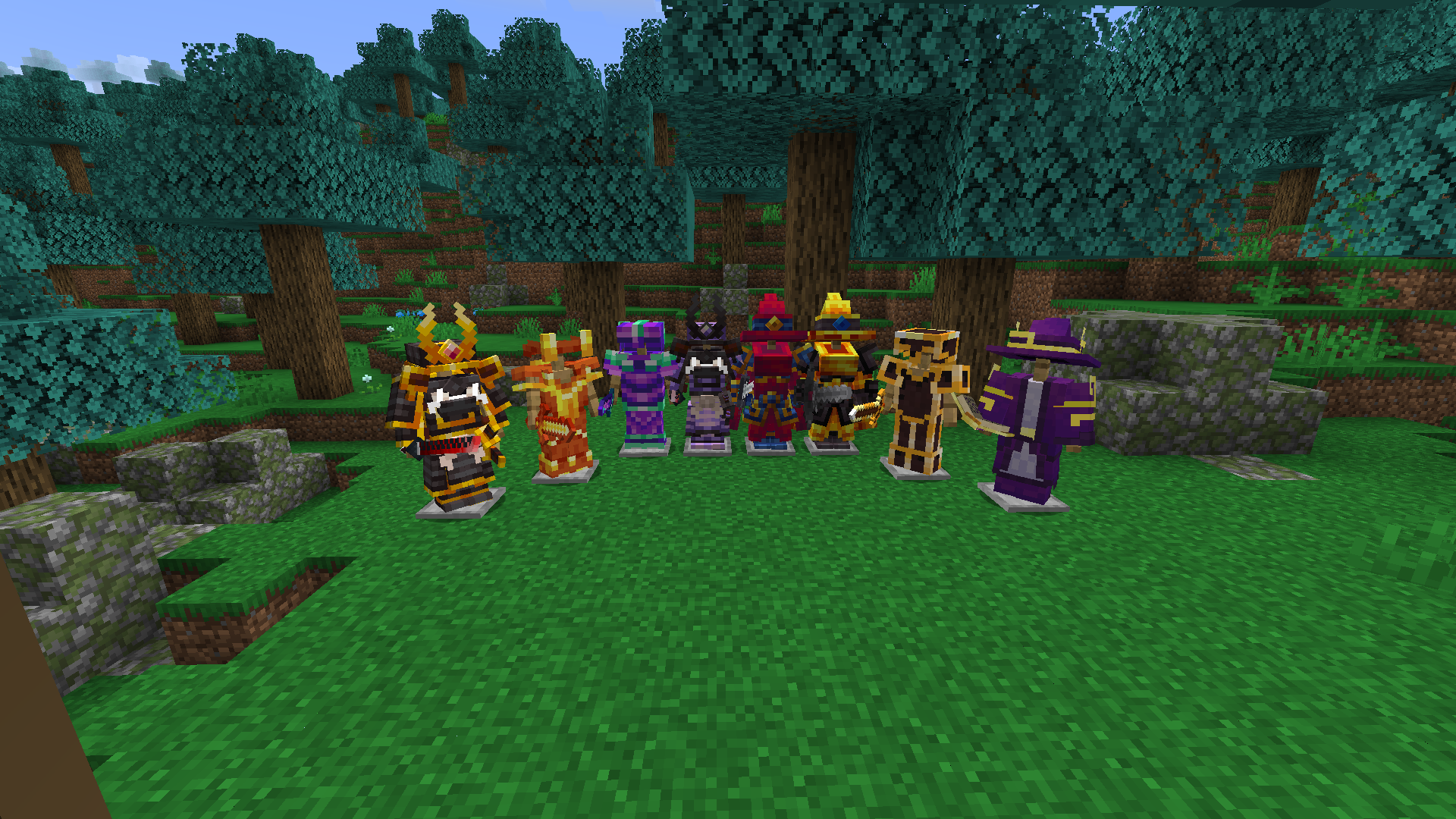
Every single mod has been chosen by me with great care. And like I said, the purpose of this adventure is to kill all the bos and complete the game and complete every mission with your friends and without them. In addition, this modpack also adds things related to magic, alchemy, weapons of war, new biomes and much, much more, of course, new biomes are also added that allow you to have these blocks, new dimensions that allow you to always have new blocks of construction and decoration but also give you better experiences regarding adventure, combat (new bosses and mobs), magic (alchemy, occultism, etc…), new foods such as festive foods or sushi and, of course, in a mod package you cannot miss mods that add technology to your gaming experience.
I would like to point out that to play this modpack you need to have at least 10gb of RAM dedicated to minecraft.
Now that I’ve explained in a summary everything you can do, now that you’re waiting, go try it now!
常见问题
Adventure Plus 1 支持哪些 Minecraft 版本?
Adventure Plus 1 基于 Minecraft Java 版 1.20.1,使用 Forge 加载器。
Adventure Plus 1 怎么安装?
点本页「前往下载」拿到整合包文件(Modrinth 的是 .mrpack,CurseForge 的是 .zip),在 PCL2 或 HMCL 启动器里选择「导入整合包」,启动器会自动装好 Minecraft、加载器和全部模组。建议在启动器里给游戏分配 4–6 GB 内存。
Adventure Plus 1 开服需要多大内存?
推荐服务器内存 12 GB。在线人数多、或者建了大量机器和区块加载器时,可以再加 2–4 GB。
怎么和朋友一起玩 Adventure Plus 1?
点本页的「一键开服」,选好配置后会自动安装 Adventure Plus 1 的服务端,几分钟就能开好。把服务器地址发给朋友,大家用同一个版本的整合包连进去就行。
Ilp3ppon3x 的其他作品
查看全部 →
Pokemons (Pixelmon)
这个整合包加入了可供捕捉的宝可梦,以及值得探索的新生物群系。
Advanced Hardcore (IlP3pp0n3 and Astreal_Shiro)
This is the hardest hardcore modpack there is!

Cobblemon Remastered
It's a modpack that adds pokemon, all to be caught, and new biomes to explore.

Cobblemons Remastereds 2
It's a modpack that adds pokemon, all to be caught, and new biomes to explore.
评论
登录后评论和评分