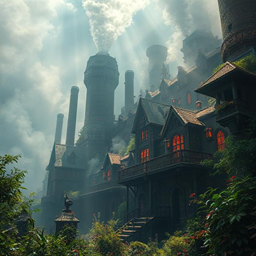
截图
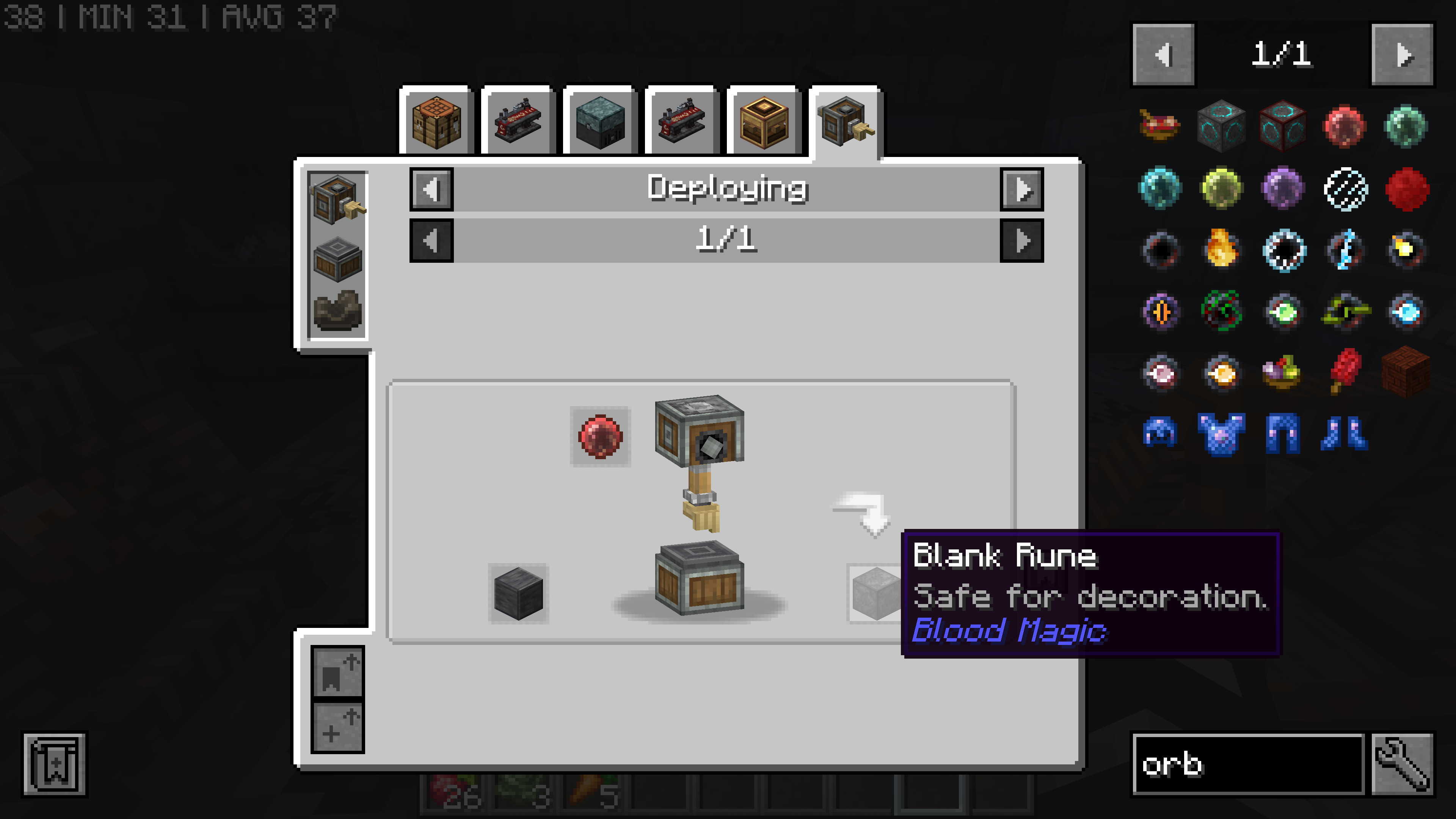
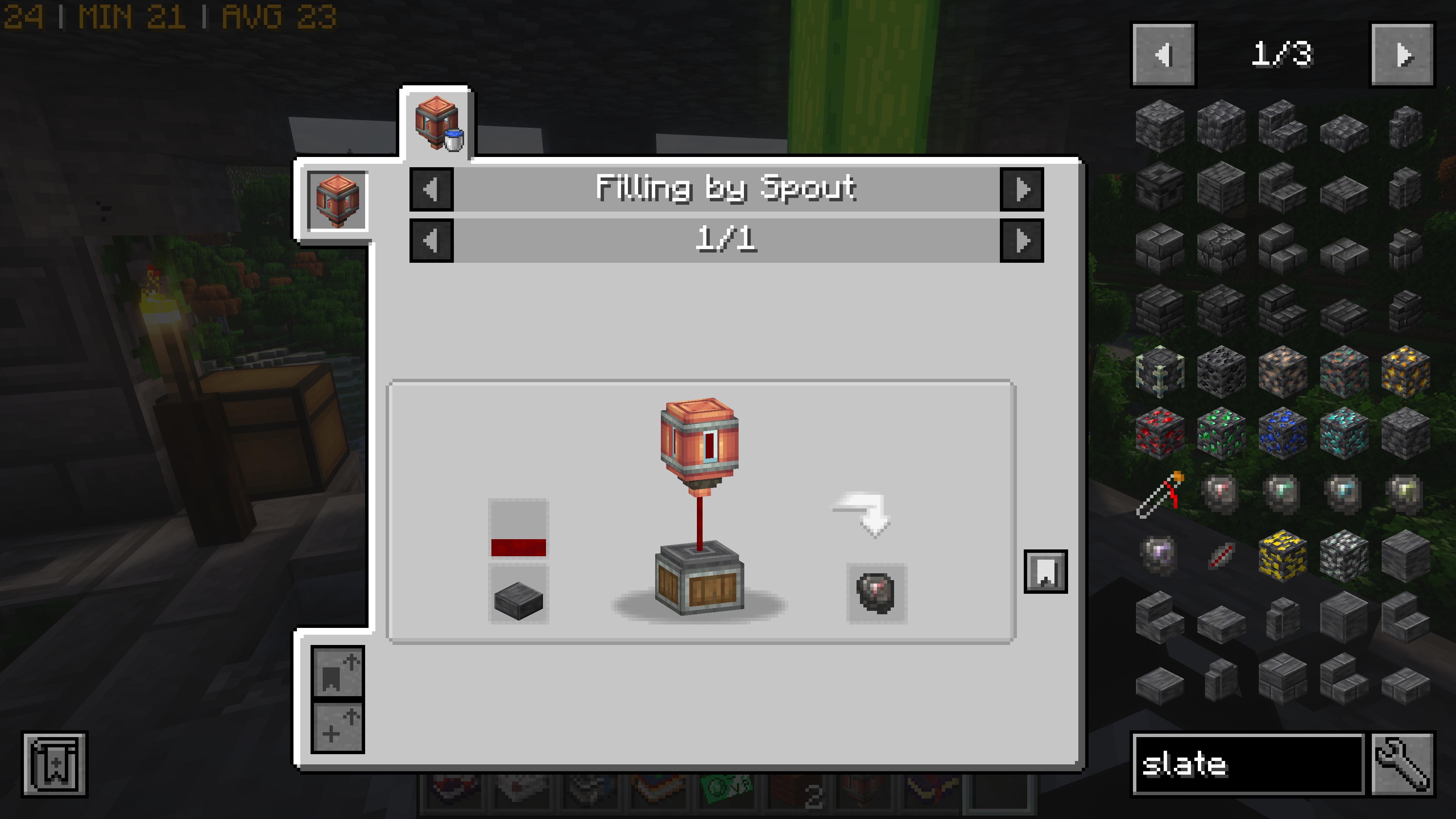
介绍
Vampire’s Industrial Delight: A Minecraft Modpack
Graphics are set high by default, but please turn off shaders and distant horizons if your computer can’t handle it! 10G of ram recommended.
Description:
Dive into a dark and thrilling world where vampires rule the night and blood fuels industry. This expert-light modpack combines supernatural elements with complex factory automation, offering a unique twist on traditional tech-focused gameplay.
Key Features:
- Vampire-themed progression and mechanics
- Blood-powered machinery and rituals
- Advanced factory automation with Create mod
- Expanded agriculture and cooking systems
- Enhanced dungeons and structures
- Improved performance and optimization
Gameplay Elements:
- Become a vampire and harness blood magic
- Build intricate factories using blood and flesh as resources
- Explore dangerous dungeons and ocean monuments
- Craft powerful magical items and enchanted gear
- Manage your thirst for blood while automating production
Embrace the darkness and build your vampiric empire in this challenging and immersive modpack!
Pack is probably 90% modlist & resource pack complete, and about 20% Kubejs and script complete. Expect more custom recipes to follow. Aiming for a Biomancy+TFMG+blood magic endgame bio-factory.
Discord https://discord.gg/7hh65jz
常见问题
Vampire’s Industrial Delight 支持哪些 Minecraft 版本?
Vampire’s Industrial Delight 基于 Minecraft Java 版 1.20.1,使用 Forge 加载器。
Vampire’s Industrial Delight 怎么安装?
点本页「前往下载」拿到整合包文件(Modrinth 的是 .mrpack,CurseForge 的是 .zip),在 PCL2 或 HMCL 启动器里选择「导入整合包」,启动器会自动装好 Minecraft、加载器和全部模组。建议在启动器里给游戏分配 4–6 GB 内存。
Vampire’s Industrial Delight 开服需要多大内存?
推荐服务器内存 12 GB。在线人数多、或者建了大量机器和区块加载器时,可以再加 2–4 GB。
怎么和朋友一起玩 Vampire’s Industrial Delight?
点本页的「一键开服」,选好配置后会自动安装 Vampire’s Industrial Delight 的服务端,几分钟就能开好。把服务器地址发给朋友,大家用同一个版本的整合包连进去就行。
tarod49 的其他作品
查看全部 →
Worlds of Corruption
追随外神,获得在险境中生存的力量
The Sunken City of Ryleh
Explore a sunken city and loot it's riches
Indiana Potter and the Magic Dinosaurs 2
Play as a Magical Archaeologist
Hobbits Bling Bling Mode
No balance solid gold hobbits.
评论
登录后评论和评分