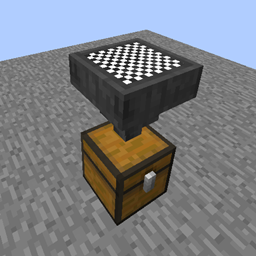
Filtered Hopper
作者:Furkan_S
Hoppers that can filter items coming into them depending on user choice.
截图
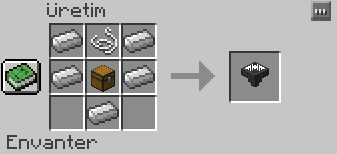
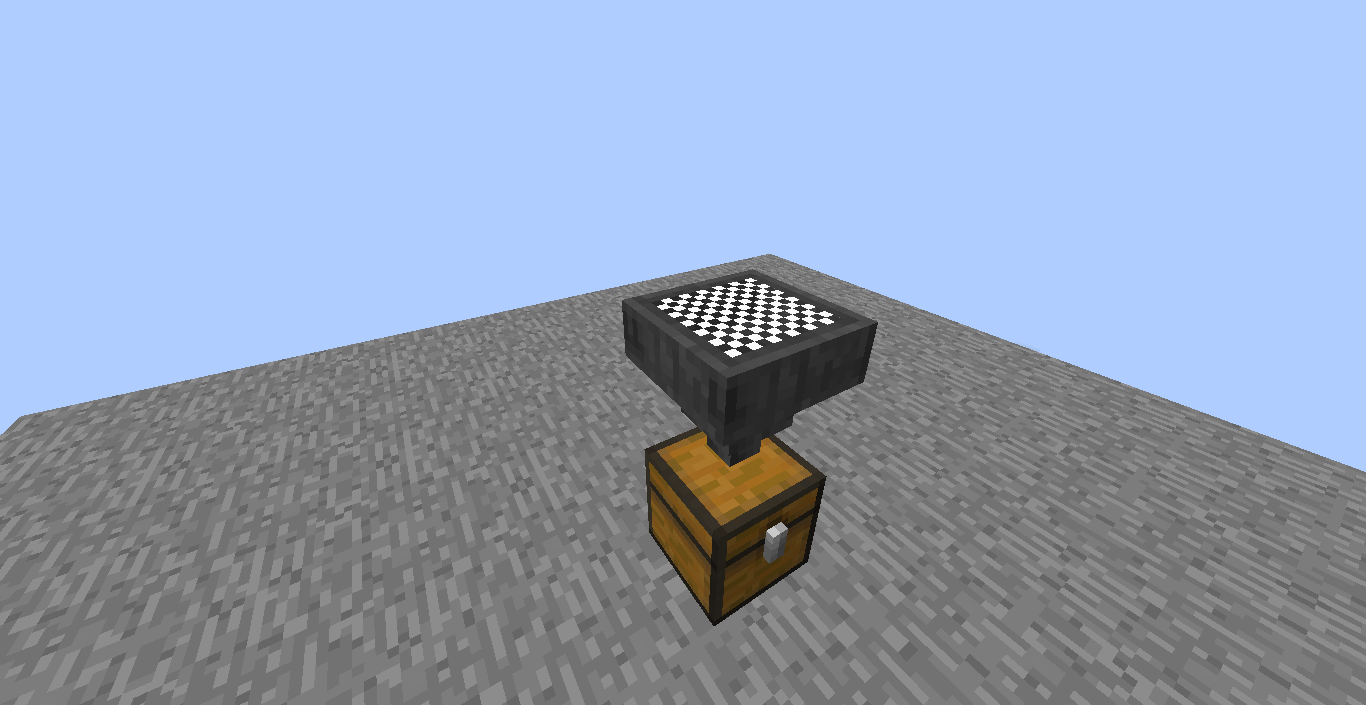
介绍
中文介绍正在准备中,下面暂时显示原文。
Details:
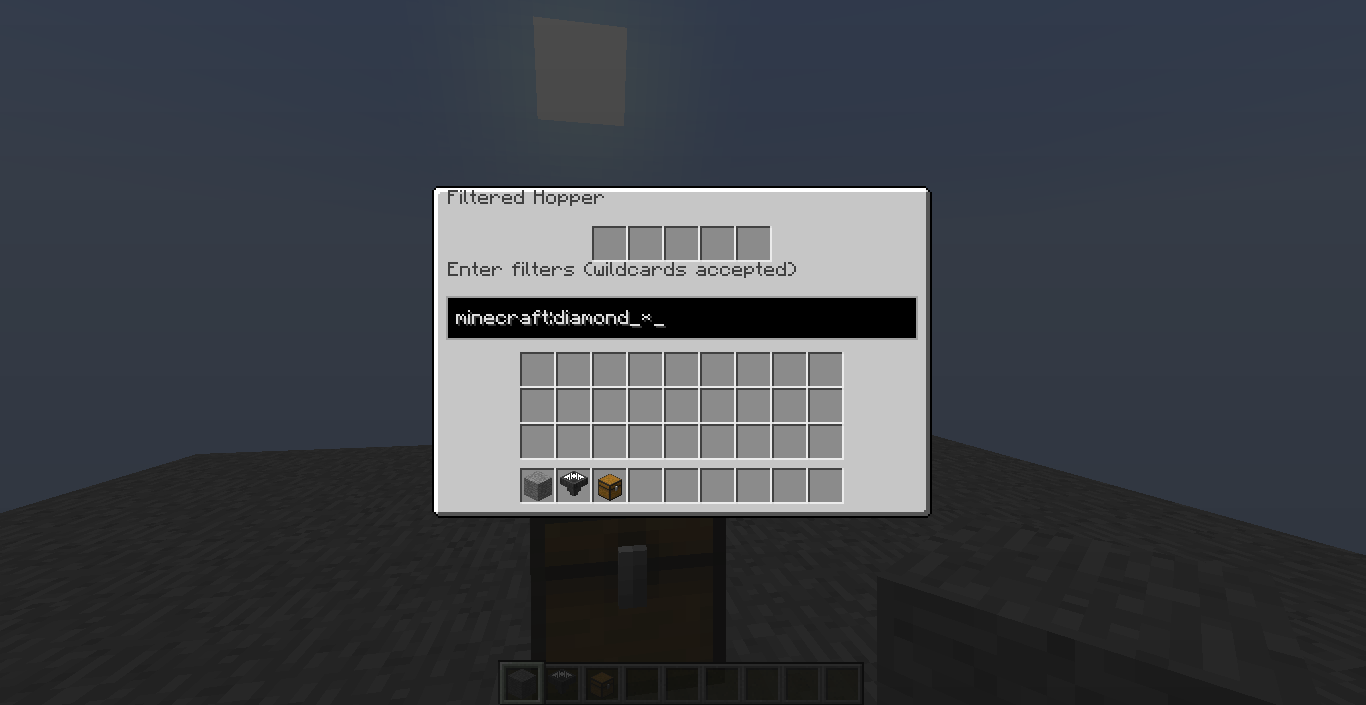
By entering a filter into the GUI, you can change what this block will be able to pull from above it.
Some notes:
- The filter you enter must be Namespaced ID (i.e.
minecraft:diamond) (You can see them in your inventory by doing F3+H and hovering over items in game.) - You can use
*character to filter multiple items (i.e.minecraft:diamond_*will filter every diamond item, except diamond; andsome_mod_name:*will filter every item from the specified mod.) - If you don’t define a namespace (the part before
:), it will be defaulted tominecraft. - You can define multiple filters by seperating them with
,(i.e.minecraft:gold_ingot,minecraft:iron_ingot) - When NOT powered by redstone, it will allow only if the item is in filters. When powered, it will allow only if the item is NOT in filters.
- Filters you enter affect both dropped items and, if exists, inventory above the Filtered Hopper.
常见问题
Filtered Hopper 支持哪些 Minecraft 版本?
Filtered Hopper 支持 Minecraft Java 版 1.12.2,可用的加载器:Forge。下载时注意选择和你游戏版本一致的文件。
Filtered Hopper 怎么安装?
先用 PCL2 或 HMCL 启动器安装对应版本的 Forge,再把下载的 .jar 文件放进游戏目录的 mods 文件夹,重新启动游戏即可。开启了版本隔离的,mods 文件夹在 versions/版本名 下面。
评论
登录后评论和评分