截图
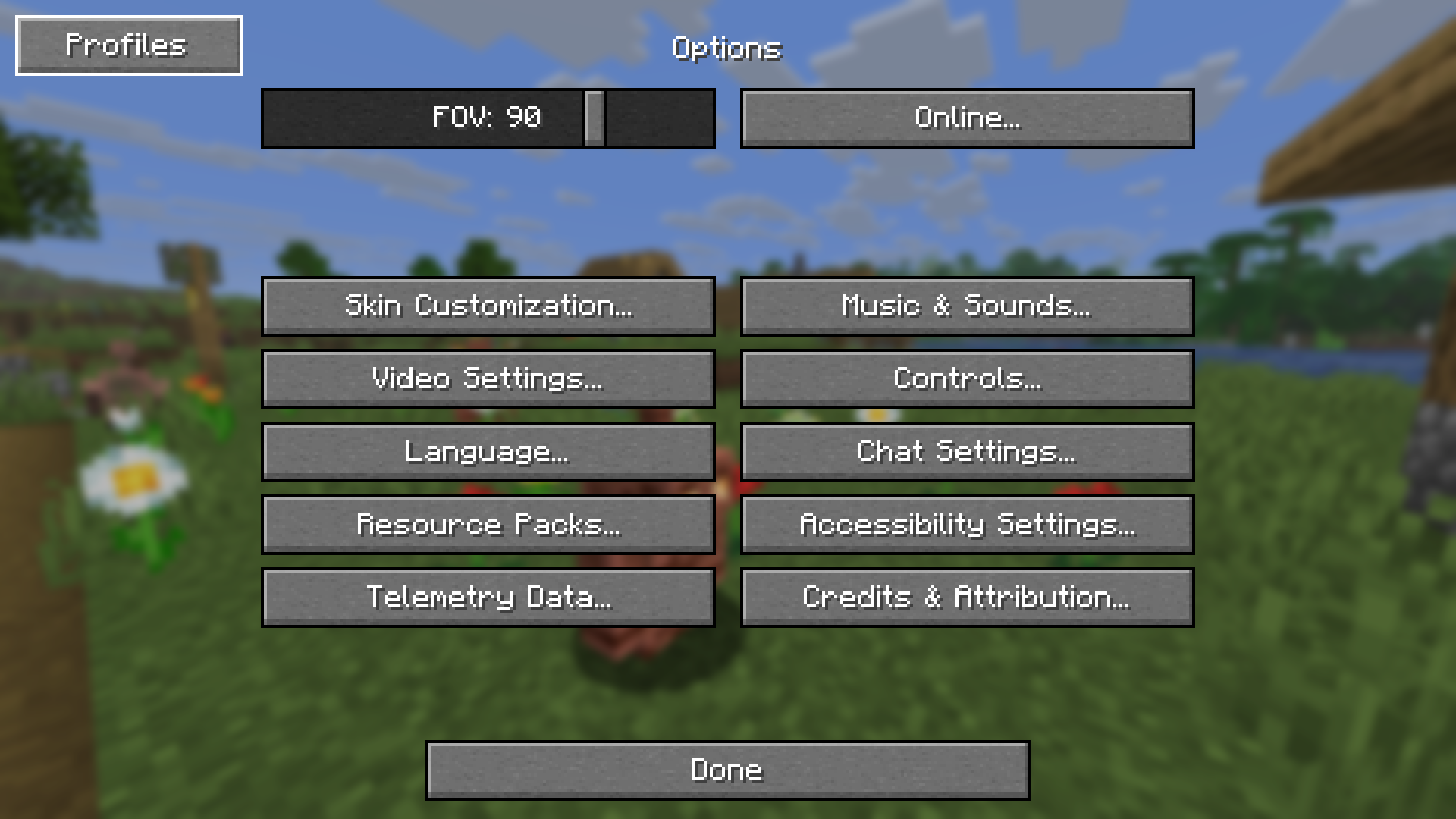
介绍
Options Profiles



Options Profiles is a Minecraft mod that lets you load and save your options as profiles from in-game.
Features
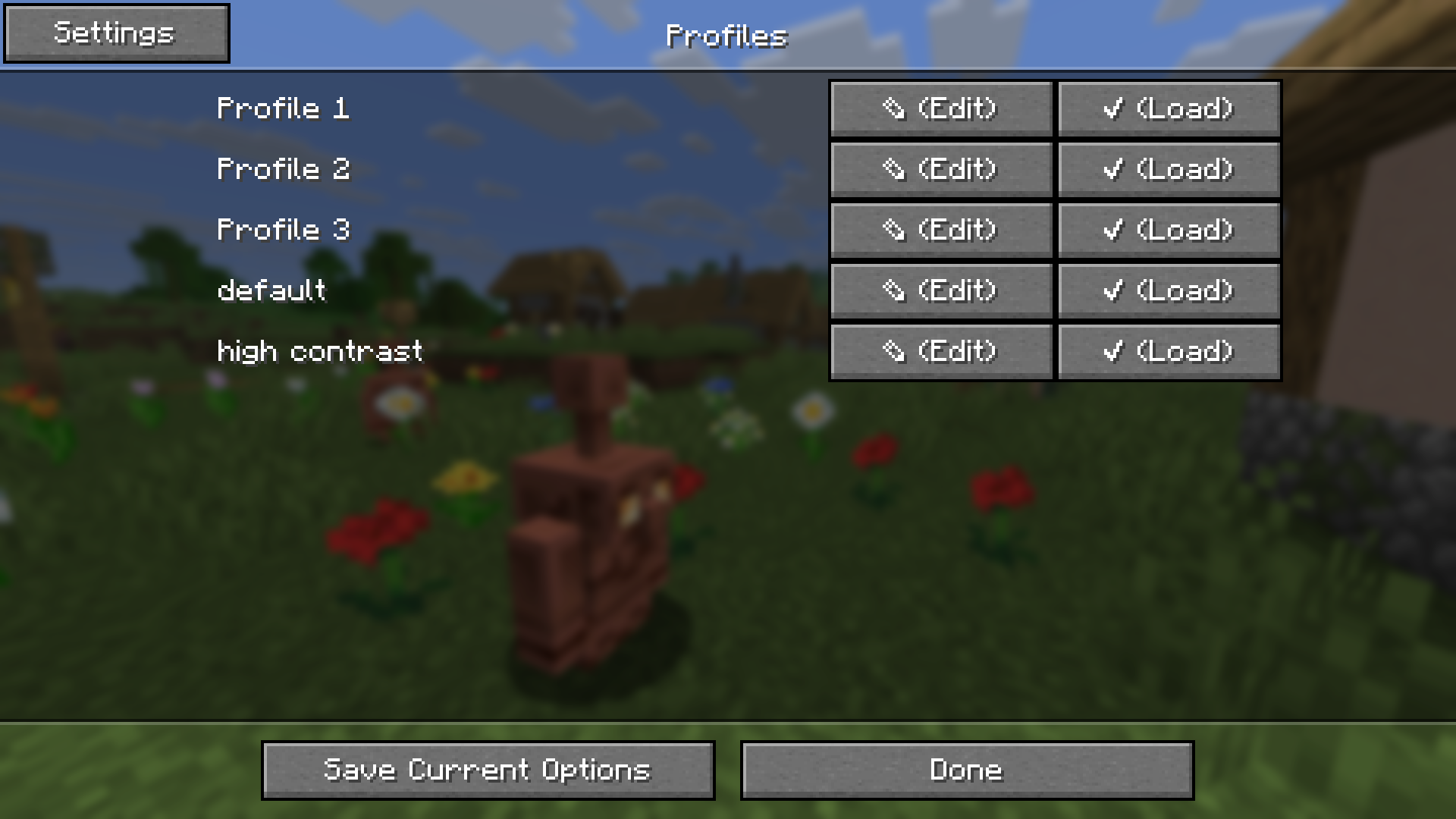
- Save and load profiles in-game
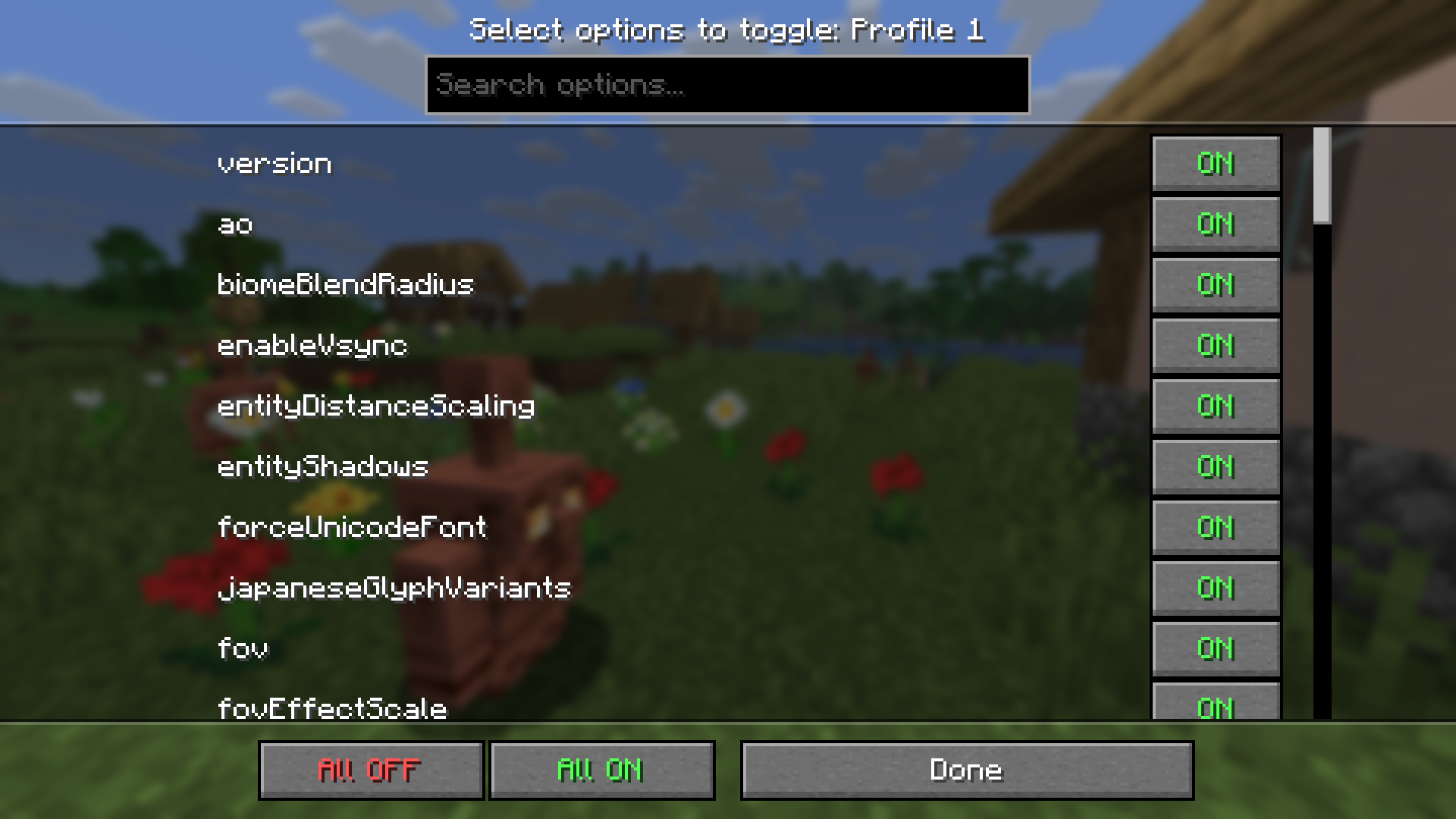
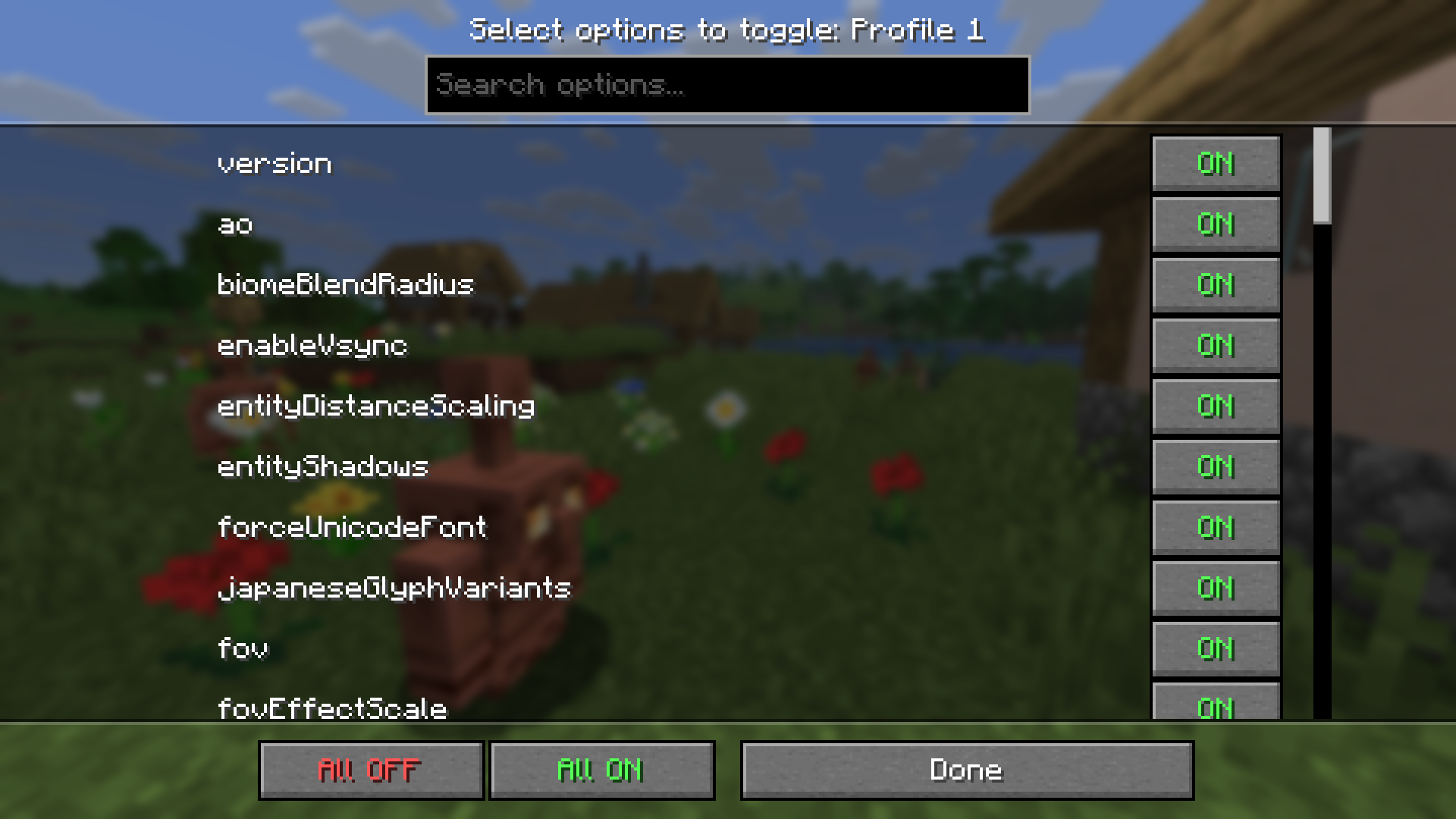
- Load specific options (e.g. only load keybinds, resource packs, FOV, etc.)
- Load profiles when joining a certain server
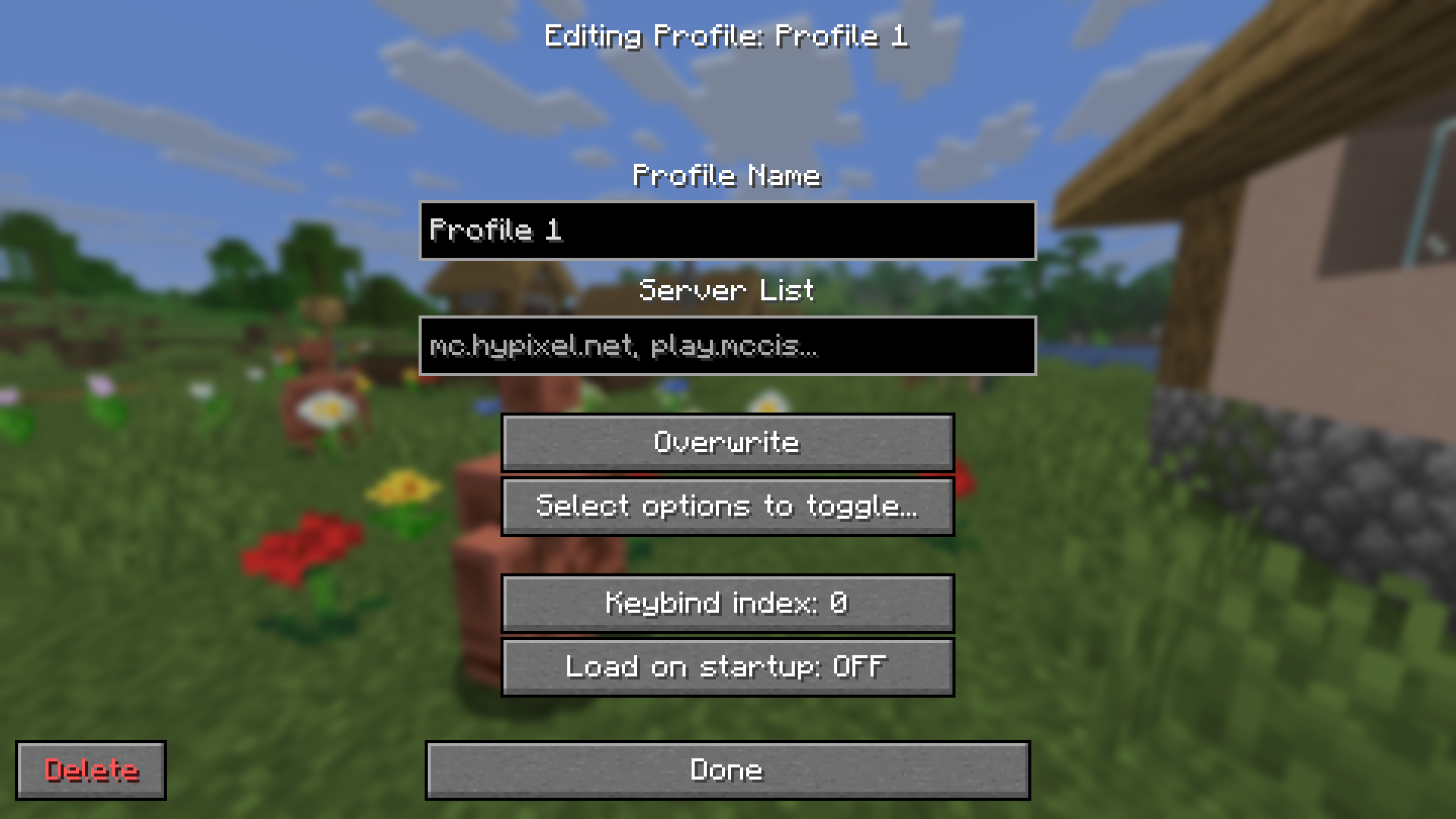
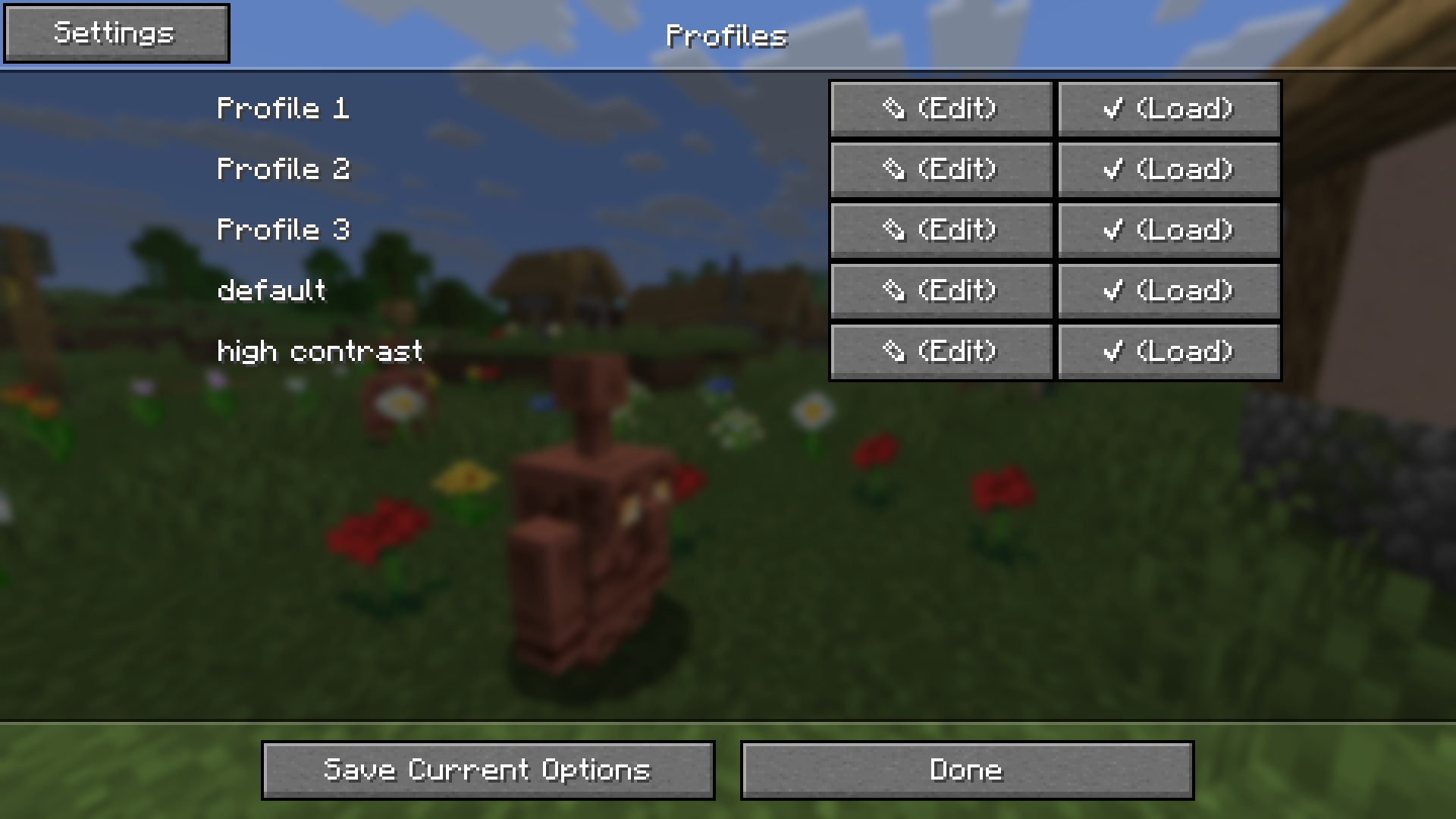
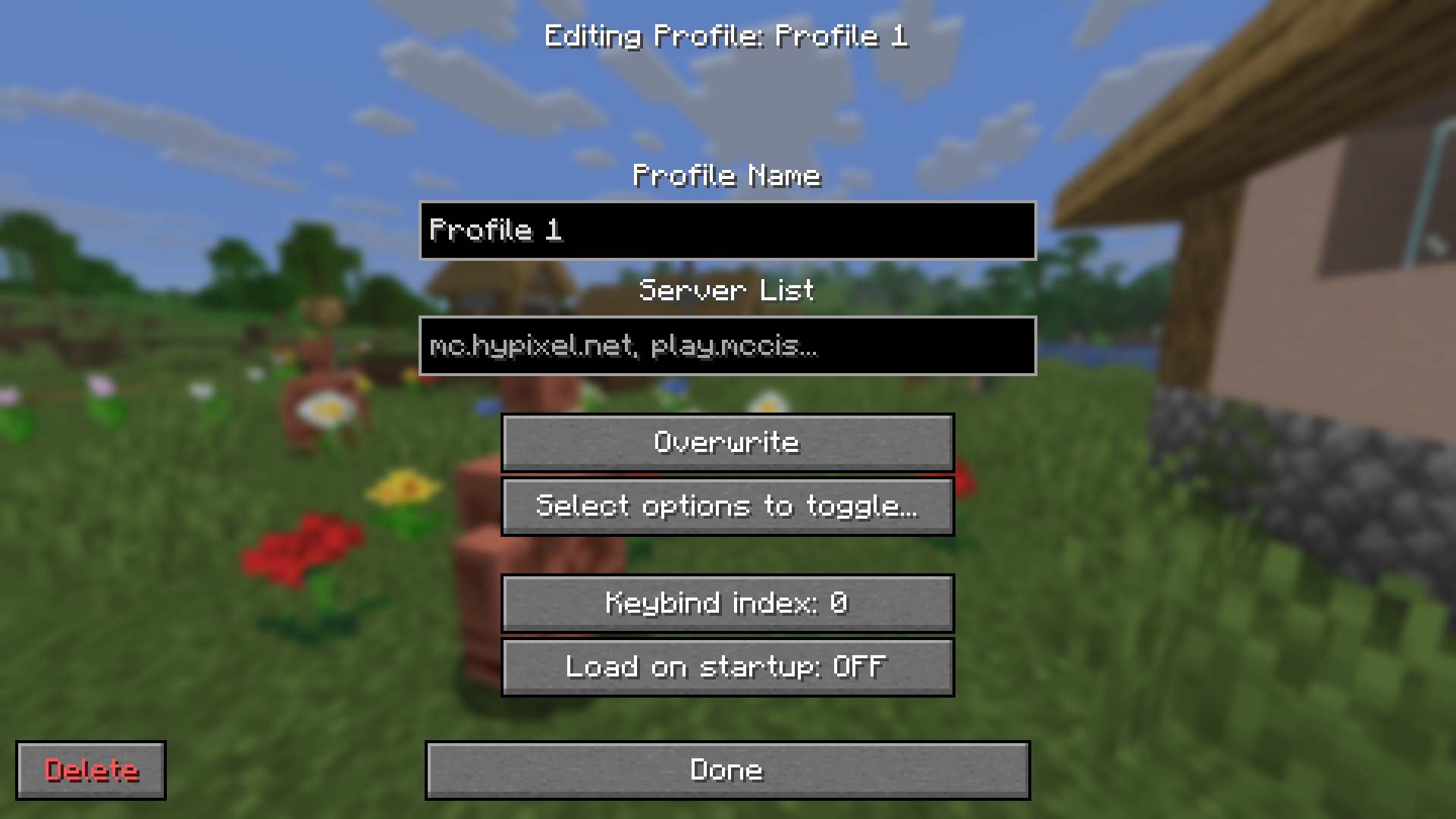
- Edit profiles in-game (deleting, renaming, overwriting, pick options to only load)
- Fabric, NeoForge support
- Third party mod support (see below)
Mod Support
Options Profiles supports these mods which means you can create and load profiles with them and the mod will load their configuration.
- Sodium
- Sodium Extra
- Iris
- Distant Horizons
If you would like support for another mod, open an issue.
Frequently Asked Questions
- How to open profiles menu without going to options?
You can open the profiles menu by using the command
/optionsprofilesor by accessing it from Mod Menu
- Can you port [version]?
Open an issue in the GitHub repository.
- Can I use this in my modpack?
You may use this mod in modpacks with credit.
- Where are the profiles saved?
Profiles are saved in a folder called “options-profiles” in the specified “.minecraft” directory.
- Where can I find the source code for older versions?
You can find them in the branches.
- Dependencies?
Architectury API and Fabric API (if on Fabric)
- For any other questions, create an issue or contact me at [email protected]
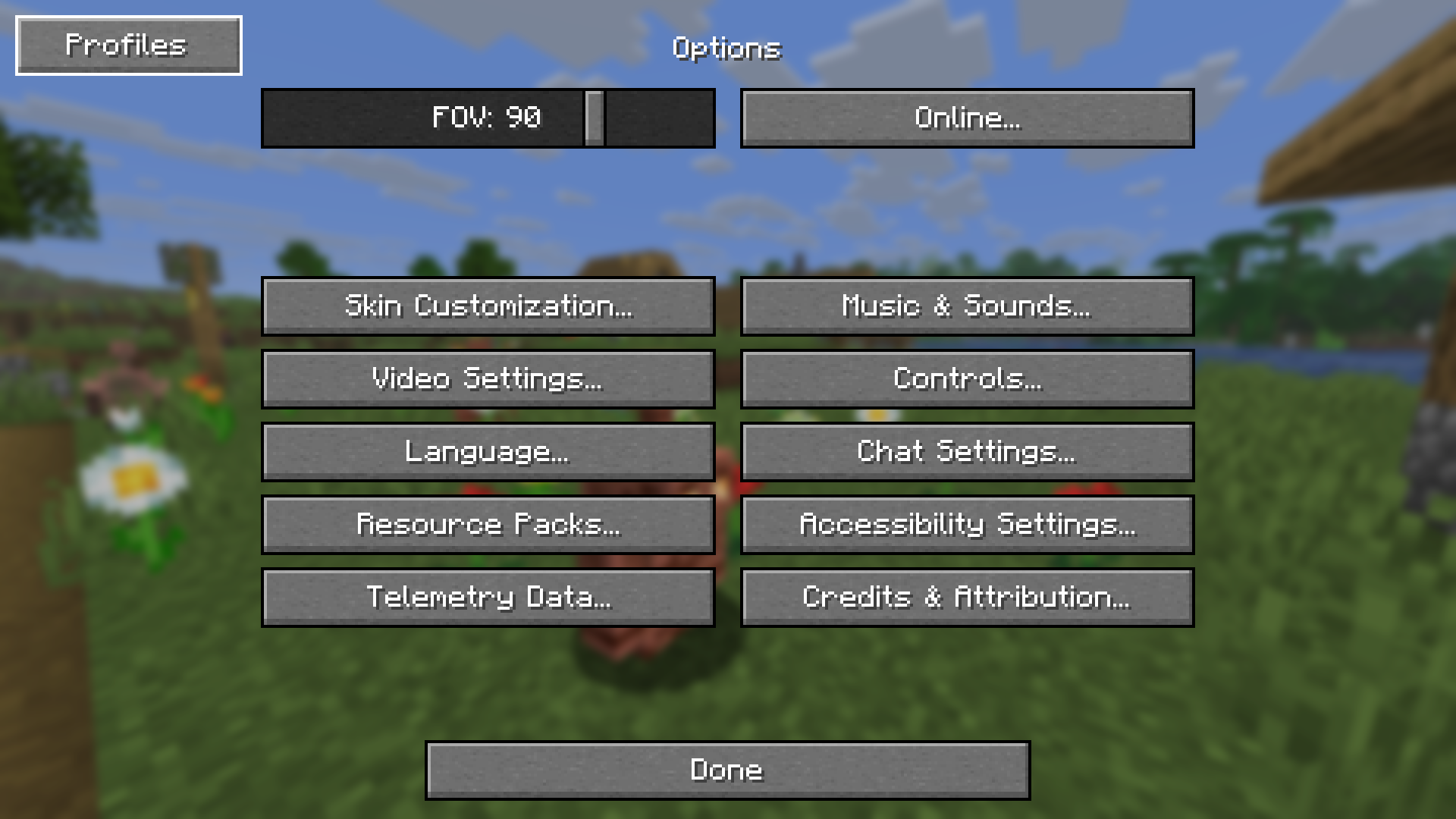
Gallery
| Profiles Menu | Edit Profile Screen |
| :——————————————————–: | :——————————————————————–: |
|  |
 |
| Options Toggle Menu | Options Screen |
| :——————————————————————–: | :———————————————————-: |
|  |
 |
常见问题
Options Profiles 支持哪些 Minecraft 版本?
Options Profiles 支持 Minecraft Java 版 1.16.5–1.21.11,共 25 个版本,可用的加载器:Fabric / Forge / NeoForge / Quilt。下载时注意选择和你游戏版本一致的文件。
Options Profiles 怎么安装?
先用 PCL2 或 HMCL 启动器安装对应版本的 Fabric / Forge / NeoForge / Quilt,再把下载的 .jar 文件放进游戏目录的 mods 文件夹,重新启动游戏即可。开启了版本隔离的,mods 文件夹在 versions/版本名 下面。运行环境:仅客户端。
评论
登录后评论和评分