
ME Placement Tool
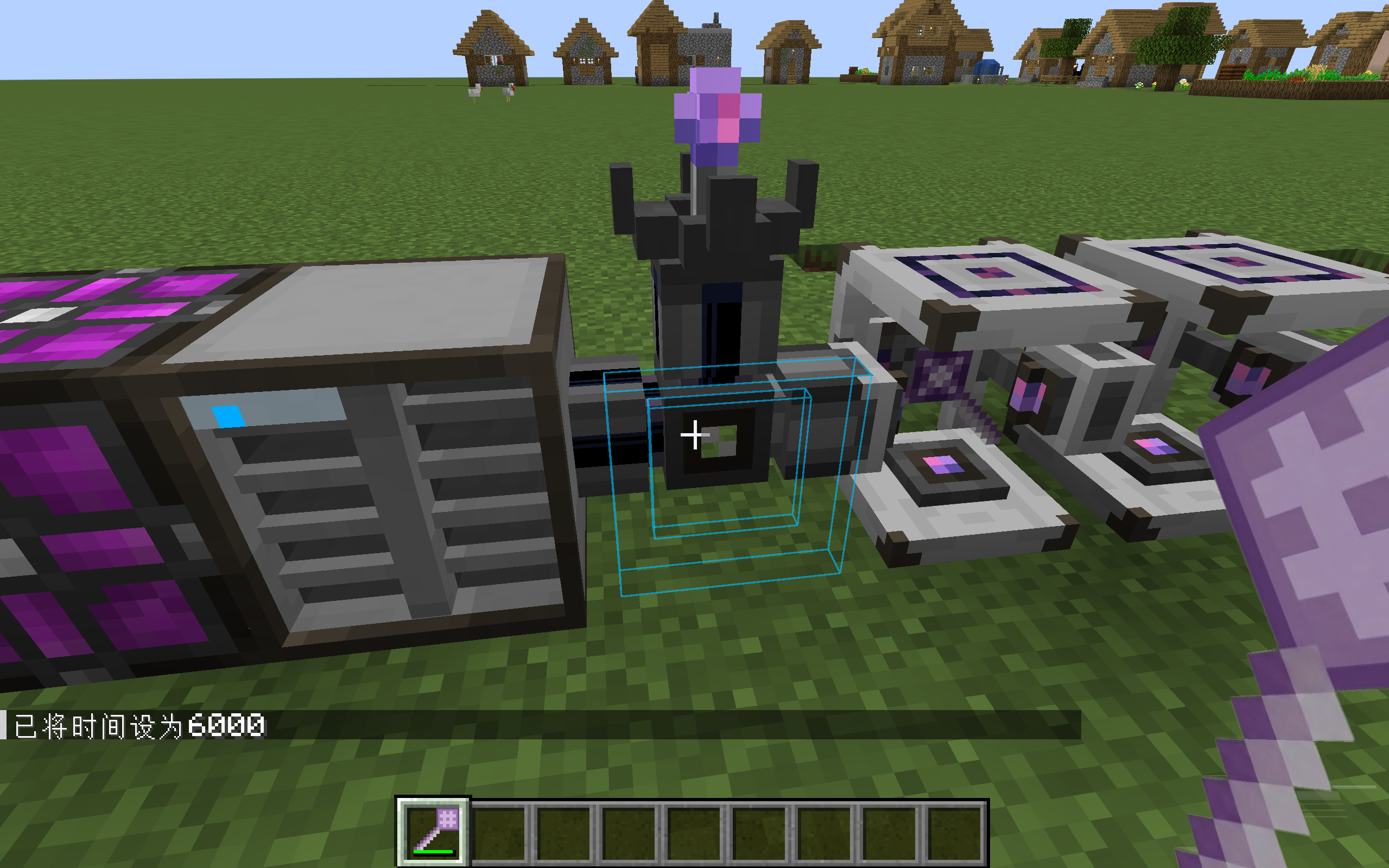
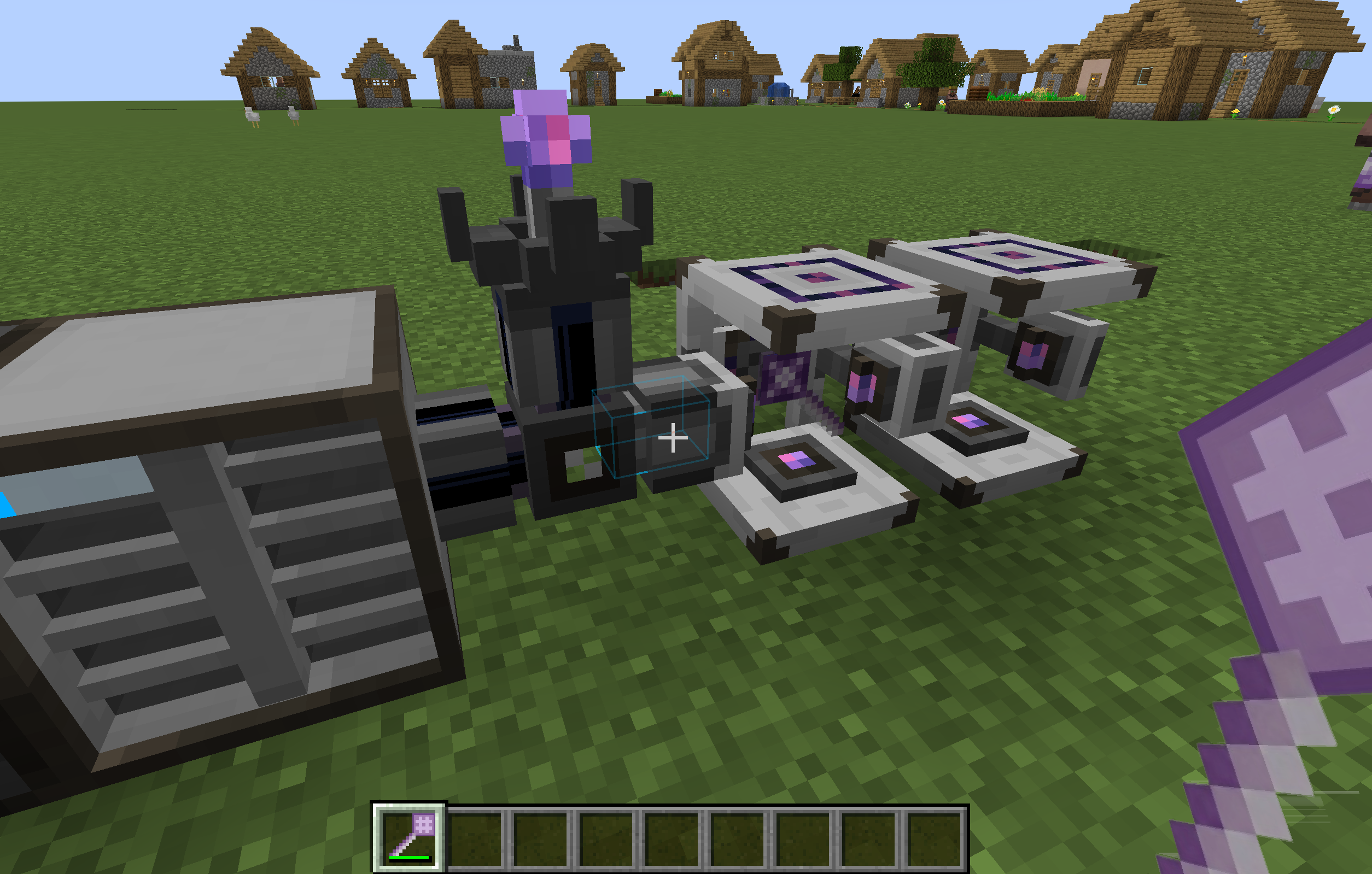
A mod that lets players place blocks, AE2 parts, and fluids directly from their AE network by inserting the tool into an ME Wireless Access Point.
截图
介绍
Overview
An add-on mod for Applied Energistics 2, providing a set of placement tools connected wirelessly via an ME Wireless Access Point. It features 18 configuration slots (supports JEI/REI integration, allowing items to be dragged in directly) to streamline ME network construction and enhance your gameplay experience.
Features
ME Placement Tool
A versatile tool for placing blocks, AE2 cable parts (buses, panels, cables), and fluids directly from your ME network.
- Supports quick item switching via a radial menu.
- Supports auto-crafting: if an item is unavailable but craftable, a crafting request menu opens automatically.
- Compatible with AE2 Memory Cards and Mekanism Configuration Cards for automatically configuring placed devices.
ME Multiblock Placement Tool
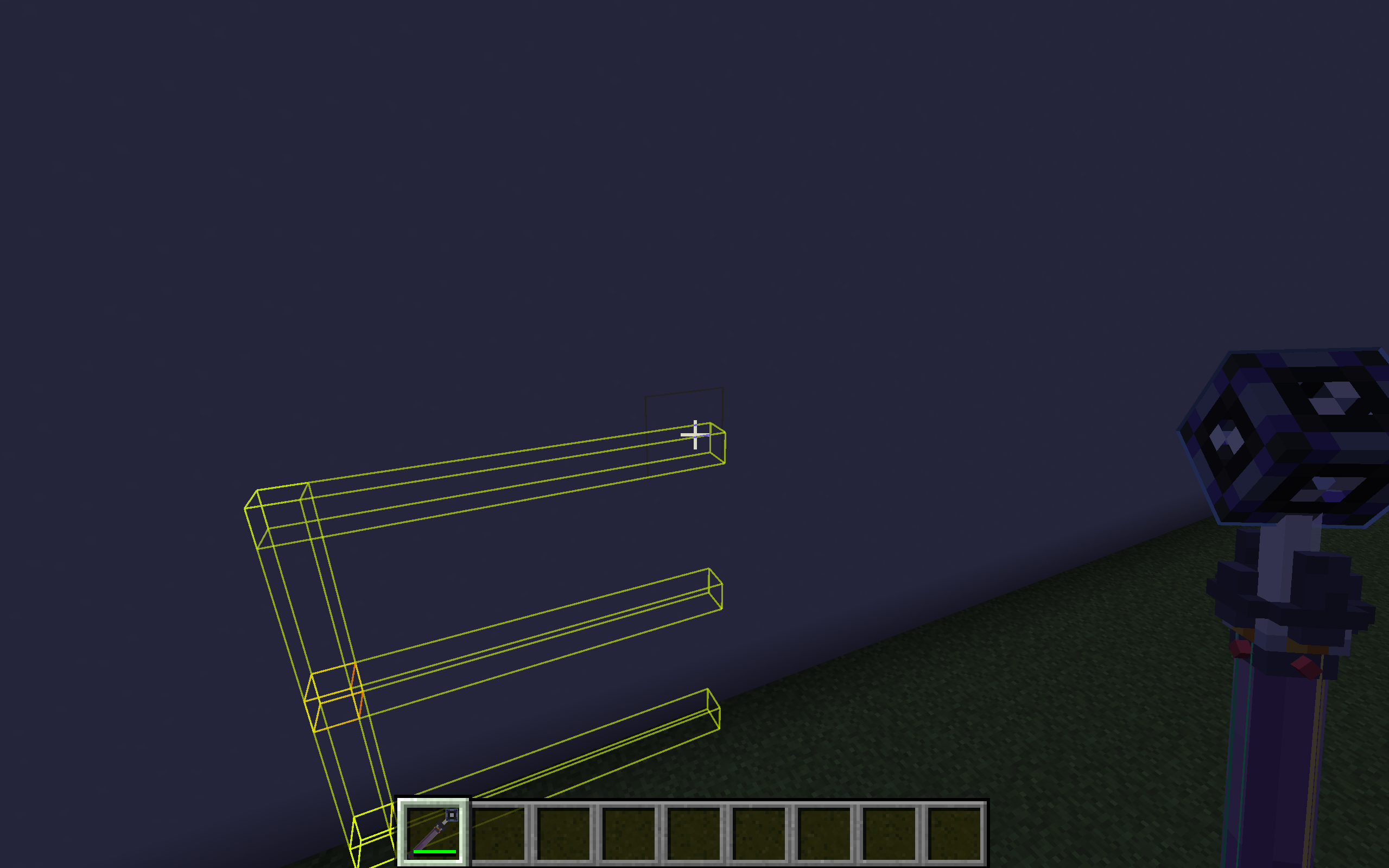
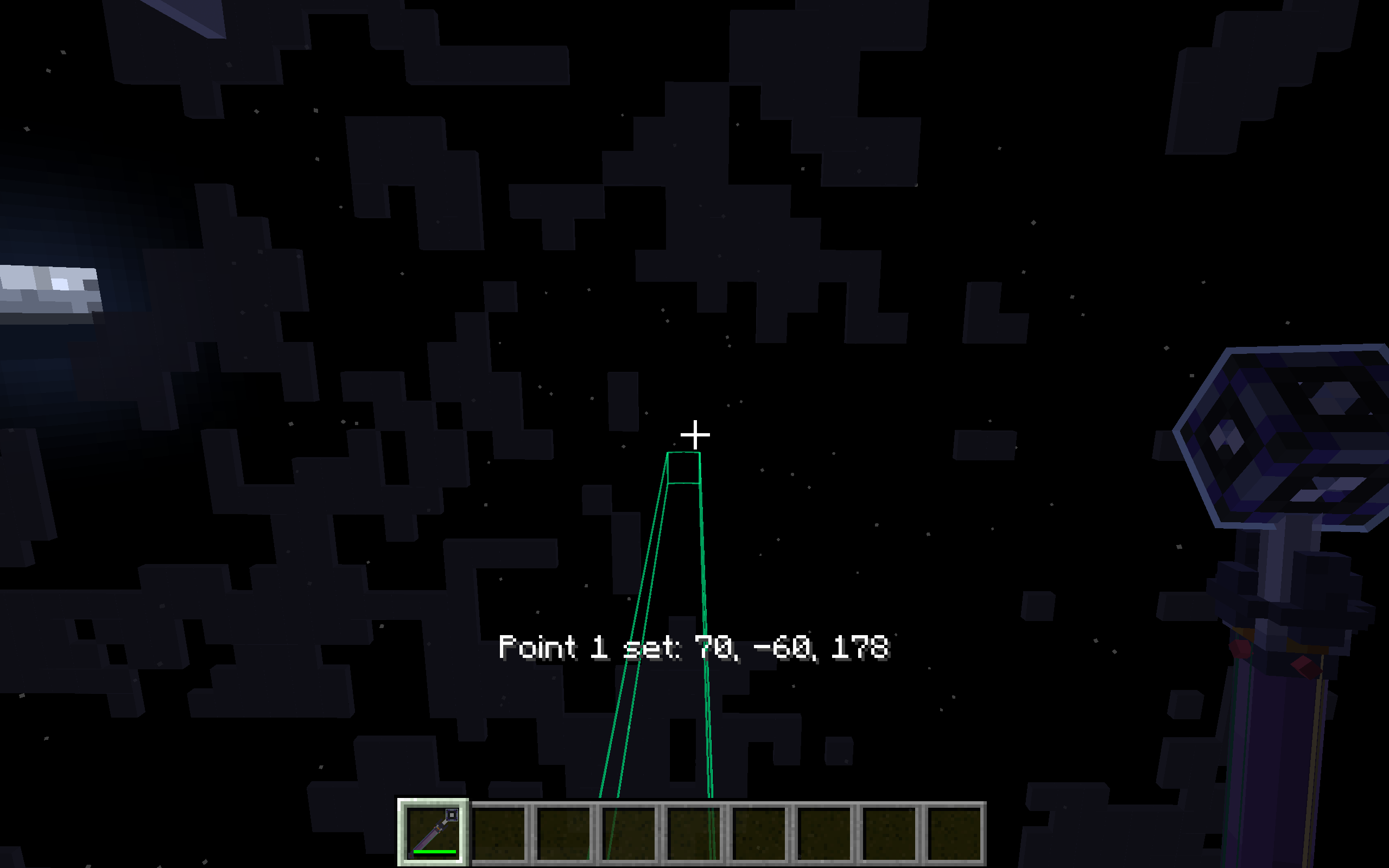
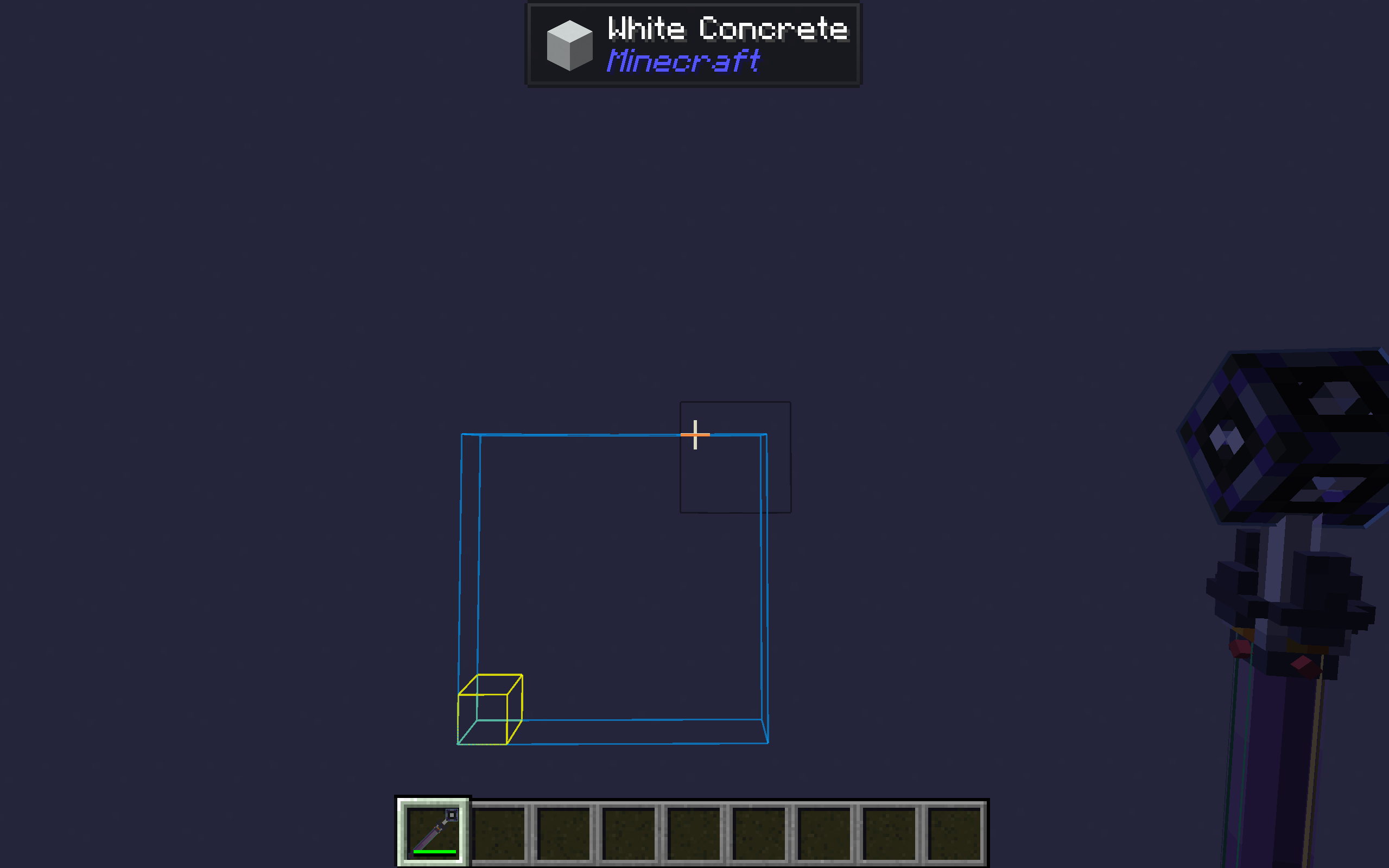
Capable of placing 1, 8, 64, 256, or 1024 blocks or fluids at once, supporting smart expansion algorithms that automatically fill along surfaces of the same block type.
- Dual-layer radial menu: inner ring for placement count, outer ring for item selection.
- Visual preview shows exactly where blocks will be placed.
- Undo support lets you revert recent placements with Ctrl + Left-click.
ME Cable Placement Tool
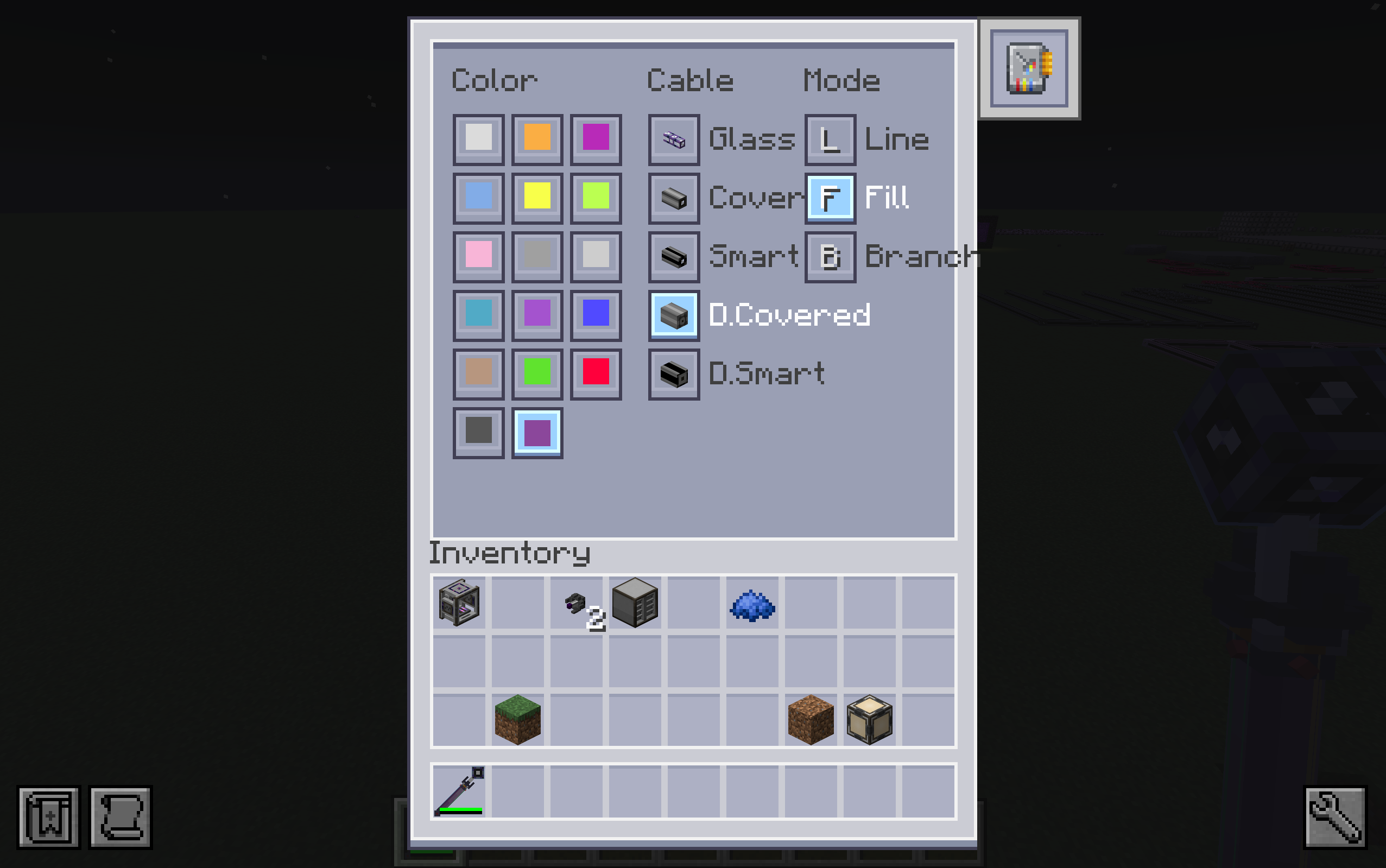
Built specifically for AE2 cabling, this tool supports multiple cable types (Glass, Covered, Smart, Dense Covered, Dense Smart) and offers three placement modes:
- Line Mode: lay straight cable runs.
- Plane Fill: cover a rectangular area with cables.
- Plane Branching: create tree-like branching cable networks.
The smart dyeing system automatically prioritizes dye sources (ME Network > Inventory > Offhand). With the Key of Spectrum upgrade, cables can be placed in any of the 17 colors without consuming dye or requiring it in the offhand.
Configuration
The mod provides a configuration file at config/meplacementtool-common.toml with options for:
- Energy capacity and cost per placement for each tool
- Item blacklist to prevent certain items from being placed
- NBT matching rules for items that require exact data matching (e.g., AE2 cable facades)
Acknowledgements
- ME Multiblock Placement Tool references Construction Wand by Theta-Dev (MIT License).
- Radial menu references Ars Nouveau by baileyholl (LGPL-3.0).
- Uses the Applied Energistics 2 API and references its implementation (LGPL-3.0, API: MIT).
- GUI textures modified from AE2 assets (CC BY-NC-SA 3.0).
- Item models and textures by _leng (CC BY-NC-SA 4.0).
常见问题
ME Placement Tool 支持哪些 Minecraft 版本?
ME Placement Tool 支持 Minecraft Java 版 1.20.1–26.1.2,共 3 个版本,可用的加载器:Forge / NeoForge。下载时注意选择和你游戏版本一致的文件。
ME Placement Tool 怎么安装?
先用 PCL2 或 HMCL 启动器安装对应版本的 Forge / NeoForge,再把下载的 .jar 文件放进游戏目录的 mods 文件夹,重新启动游戏即可。开启了版本隔离的,mods 文件夹在 versions/版本名 下面。运行环境:客户端和服务端都要装。
MOAKIEE 的其他作品
查看全部 →
AE2 Lightning Tech
An AE2 addon that introduces a lightning energy system, advanced machines, and overloaded network components.

Thunderbolt Core
The required core library for AE2 Lightning Tech, providing AE2LT with autocrafting optimizations, overloaded channels, and low-level infrastructure.
ME Placement Tool
A mod that lets players place blocks, AE2 parts, and fluids directly from their AE network by inserting the tool into an ME Wireless Access Point.

ME Placement Tool
A mod that lets players place blocks, AE2 parts, and fluids directly from their AE network by inserting the tool into an ME Wireless Access Point.
评论
登录后评论和评分