
Text to Voice
Text to speech addon for Simple Voice Chat. Type to speak and audio will be sent through SVC and/or Voicemeeter
截图
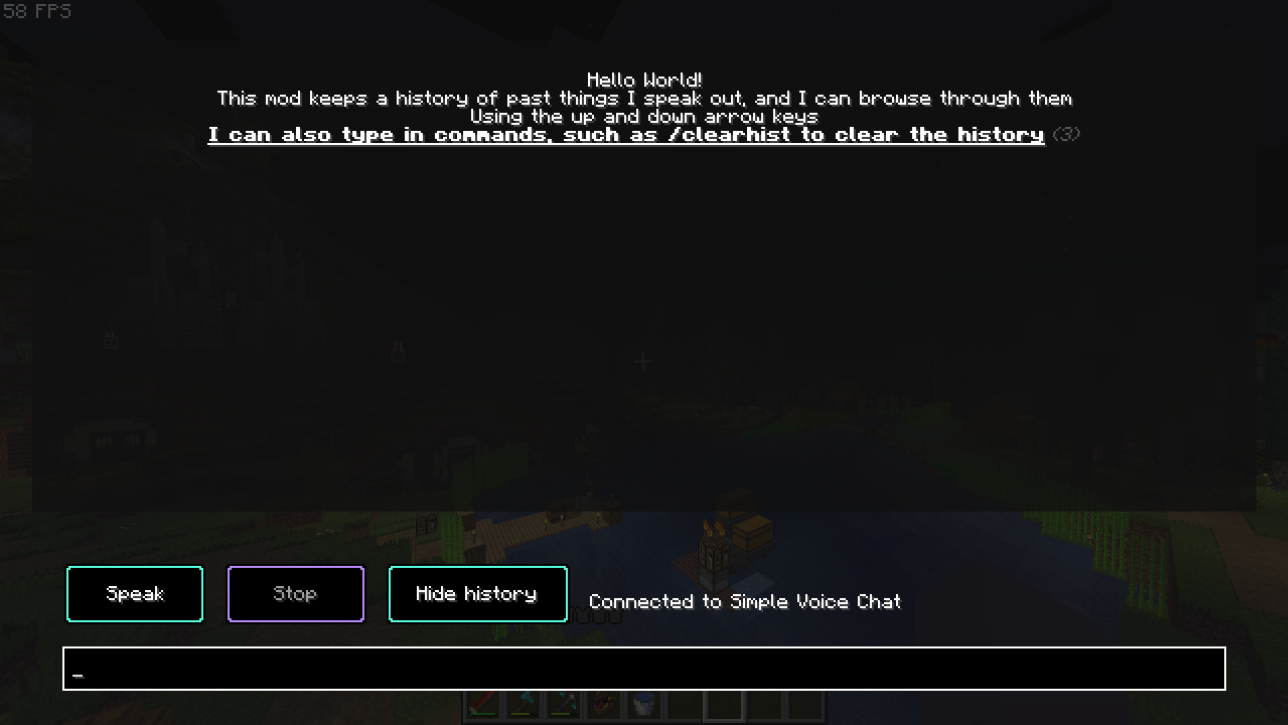
介绍
Text to Voice

An addon for Simple Voice Chat that allows people who can’t or don’t wish to use their microphone another way to chat, using text to speech.
This can be helpful if you’re playing on a server and want an alternative to typing in global chat or manually whispering to players, or if you wish to interact with other mods such as Phonos.
This mod allows the user to type the text they wish to say into a window, and a computerized voice will say it out loud through Simple Voice Chat for them.
NOTE: Linux/macOS support is experimental and may not work properly, please report any problems on the GitHub repo.
The GUI
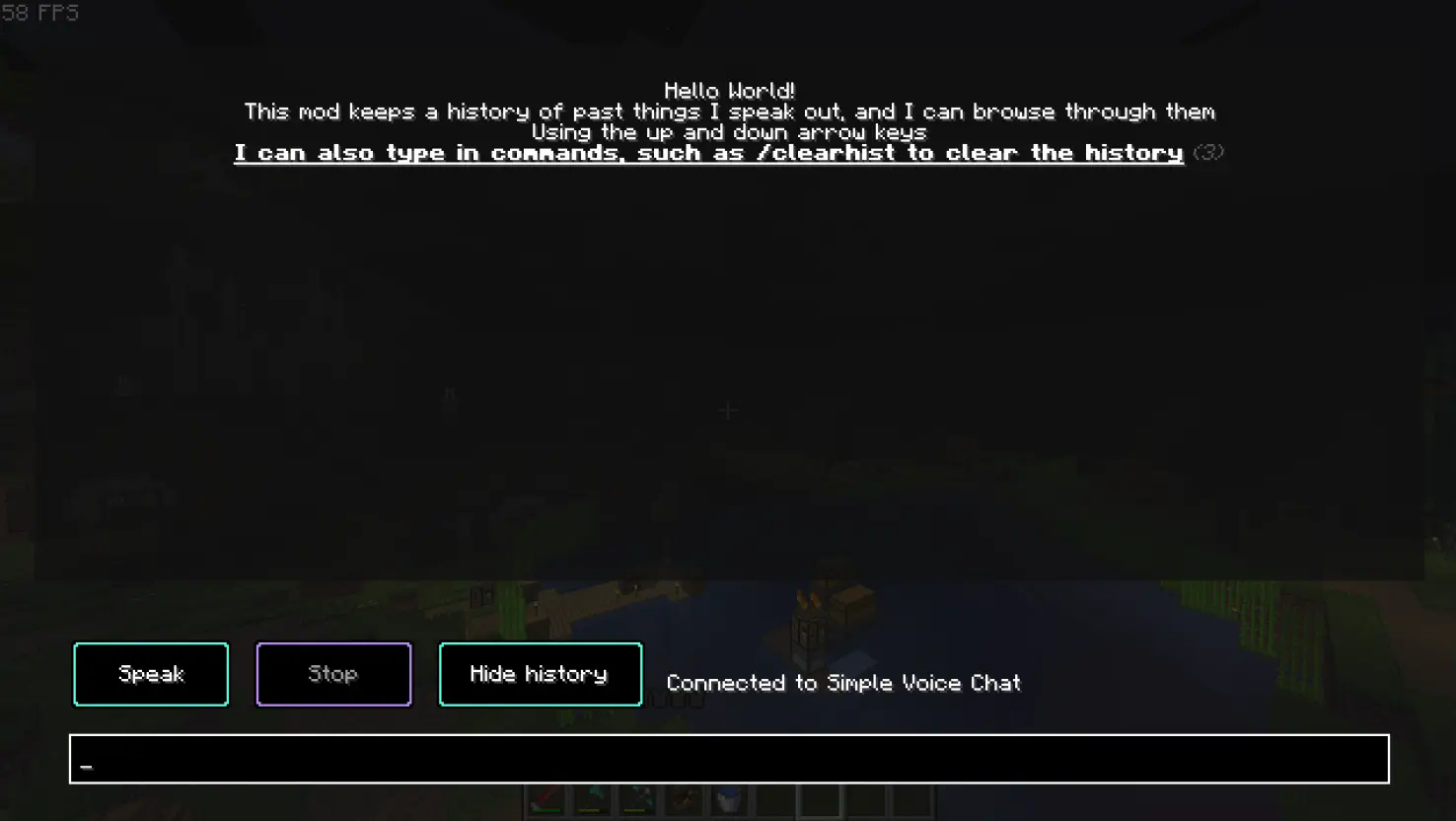
To use the mod you first need to press the button to open the menu _(the default keybind is ~ _(located beneath the ‘escape’ key)_, though you can change this in the controls screen)_.
Type the text you want to speak out in the bar at the bottom, and once you have finished typing press the “Speak” button or press enter. You can also choose to stop talking in the middle of a sentence by pressing the “Stop” button.
At the top of the GUI, all of the sentences you have said will be saved in your history section. This is so you can bring back old things you’ve said without typing it out once again. To navigate this section, use the arrow keys.
You may also clear the history using /clearhist _(see the wiki page on commands for more information)_
Command Input
To give an alternative way to use the mod, instead of being forced to use the GUI, you can also use commands.

There are 2 main commands:
_Note: Both of these commands are aliases, the original commands reside under /ttvoice_
/speak <insert what you wish to say here>
This command allow you to speak freely without needing to go into the GUI.
/stopSpeaking
This command will stop you speaking mid-sentence.
Figura integration
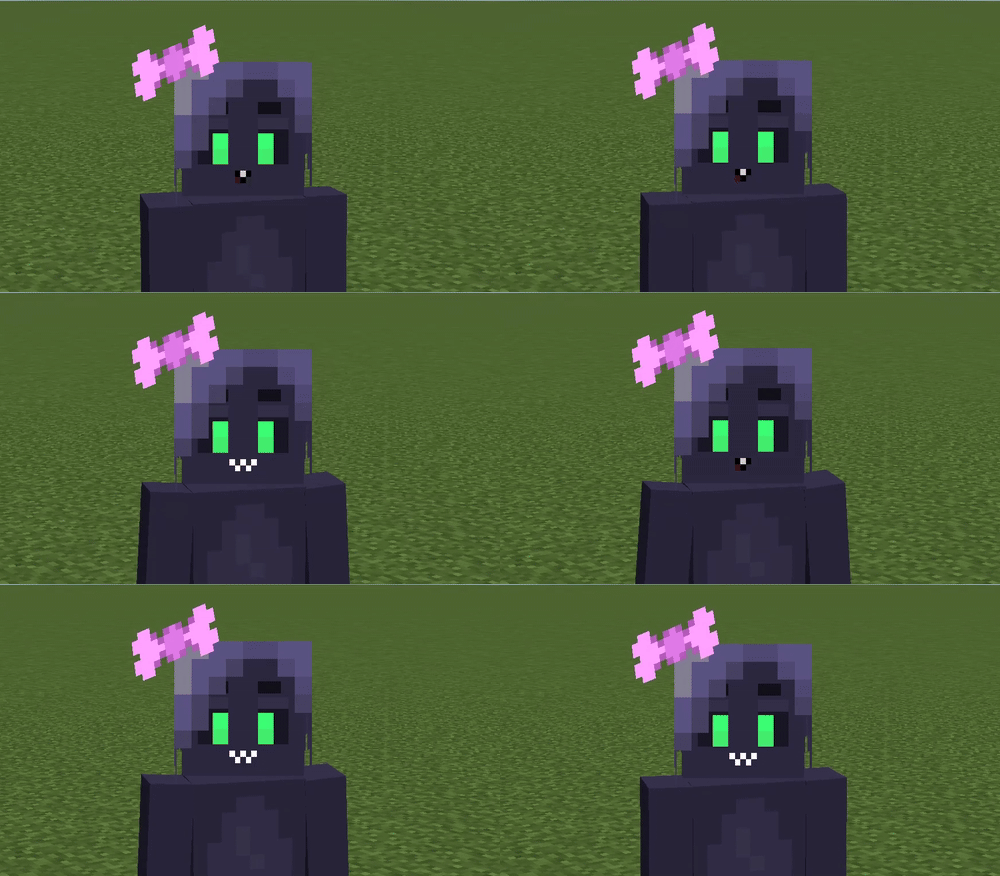
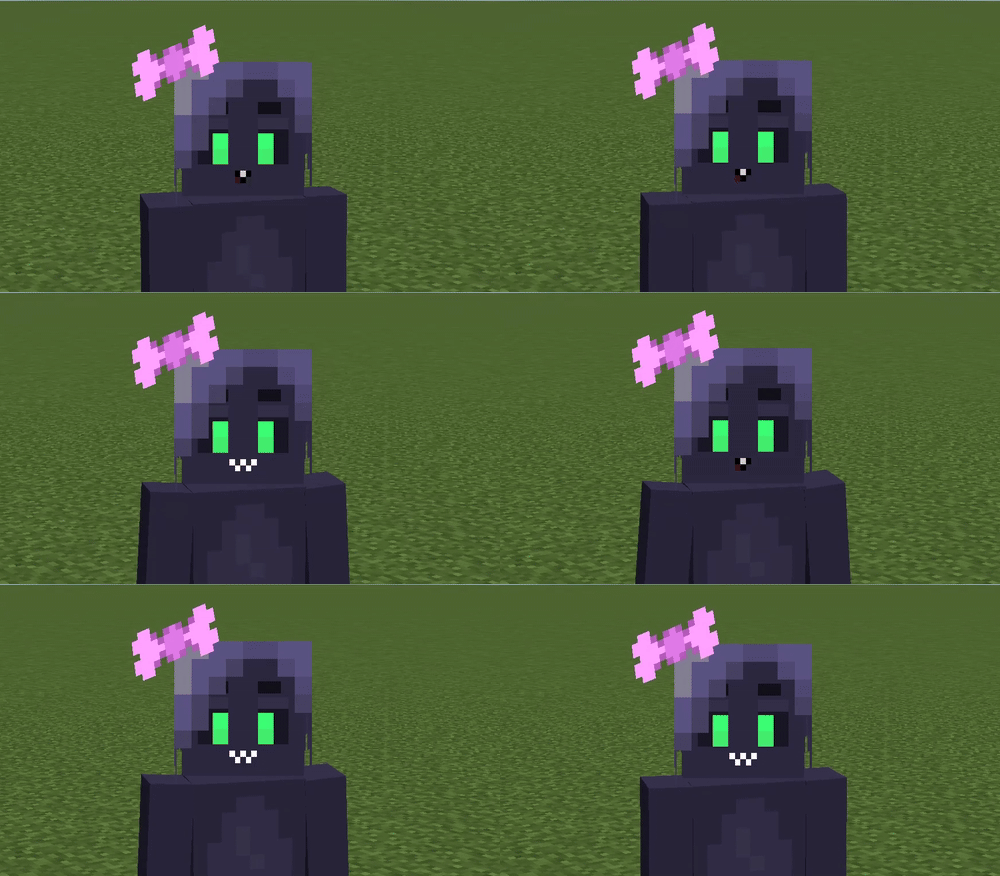
This mod also has an integration with Figura, allowing you to add facial expressions to your avatar driven by text-to-speech audio.
For more information about using Text To Voice in your avatar, please refer to the Wiki.
Contribute
If you encounter any bugs, please report anything on the Github.
If you do have some problems, also see the troubleshooting page.
Dependencies
This is an addon for Simple Voice Chat, you must install it in order for this mod to work as intended.
This mod is also depends on Fabric Language Kotlin, and Fabric API.
Credits
@FlooferLand – Programming
Thank you to Samuel Yager for the icon!
See here for all of the licensing information.
常见问题
Text to Voice 支持哪些 Minecraft 版本?
Text to Voice 支持 Minecraft Java 版 1.20–1.21.11,共 11 个版本,可用的加载器:Fabric。下载时注意选择和你游戏版本一致的文件。
Text to Voice 怎么安装?
先用 PCL2 或 HMCL 启动器安装对应版本的 Fabric,再把下载的 .jar 文件放进游戏目录的 mods 文件夹,重新启动游戏即可。开启了版本隔离的,mods 文件夹在 versions/版本名 下面。运行环境:仅客户端。
FlooferLand 的其他作品
查看全部 →
Retrocrash
Brings back the old crash screen seen in beta, alpha, and indev!

Showbiz
Advanced animatronic show simulator compatible with RR Engine. Watch the Rock-afire Explosion perform, or any other band through addons (FNaF, etc)

Showbiz TFM Addon
FNaF animatronics that can play real 1970s shows! (Showbiz addon)

Ouch My Eyes
Turns down the brightness on snow, making it less blinding
评论
登录后评论和评分