
Plane Advancements
Rearranges Advancements to make better use of space, and look a little more like the old Acheivements
截图
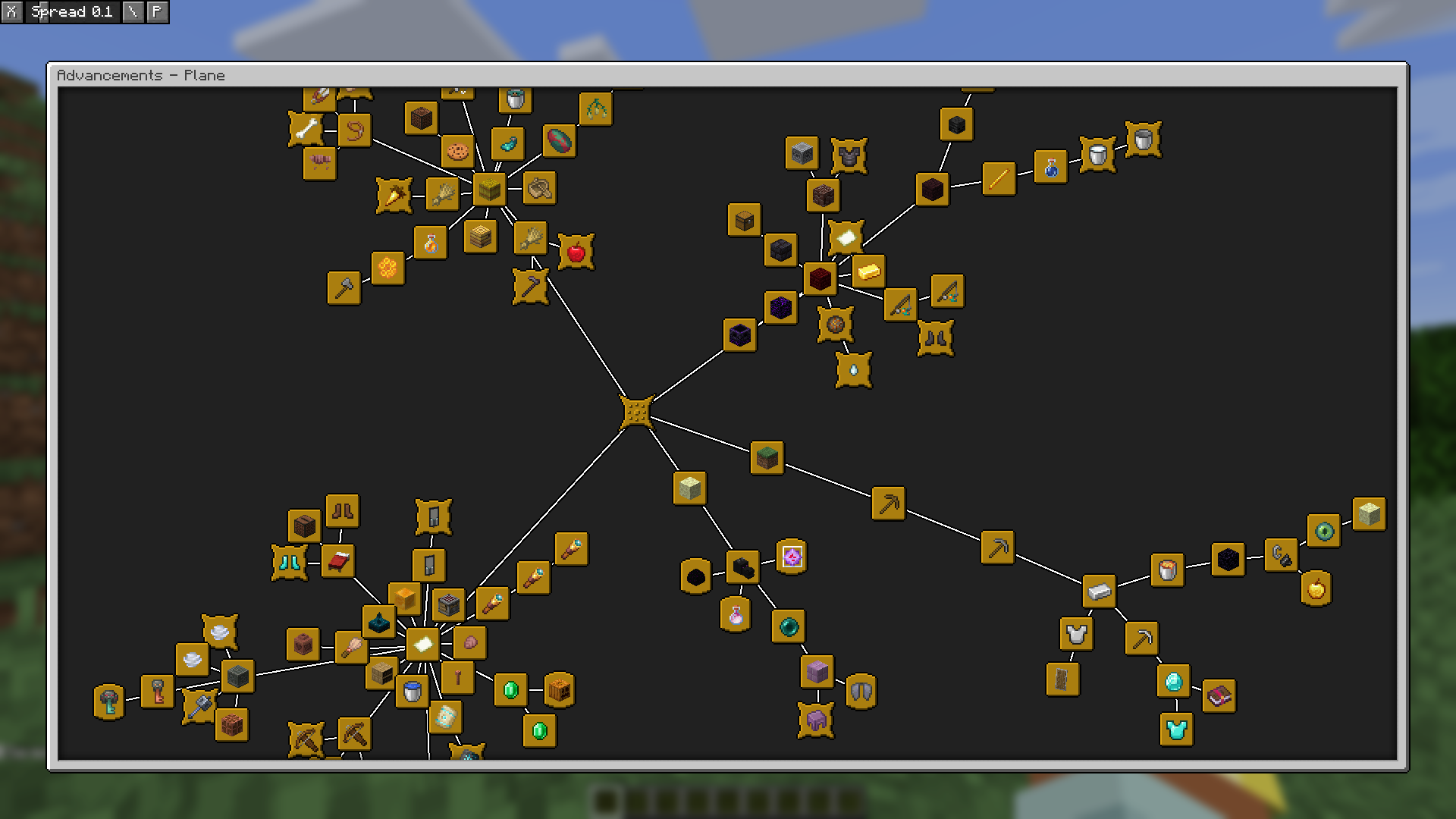
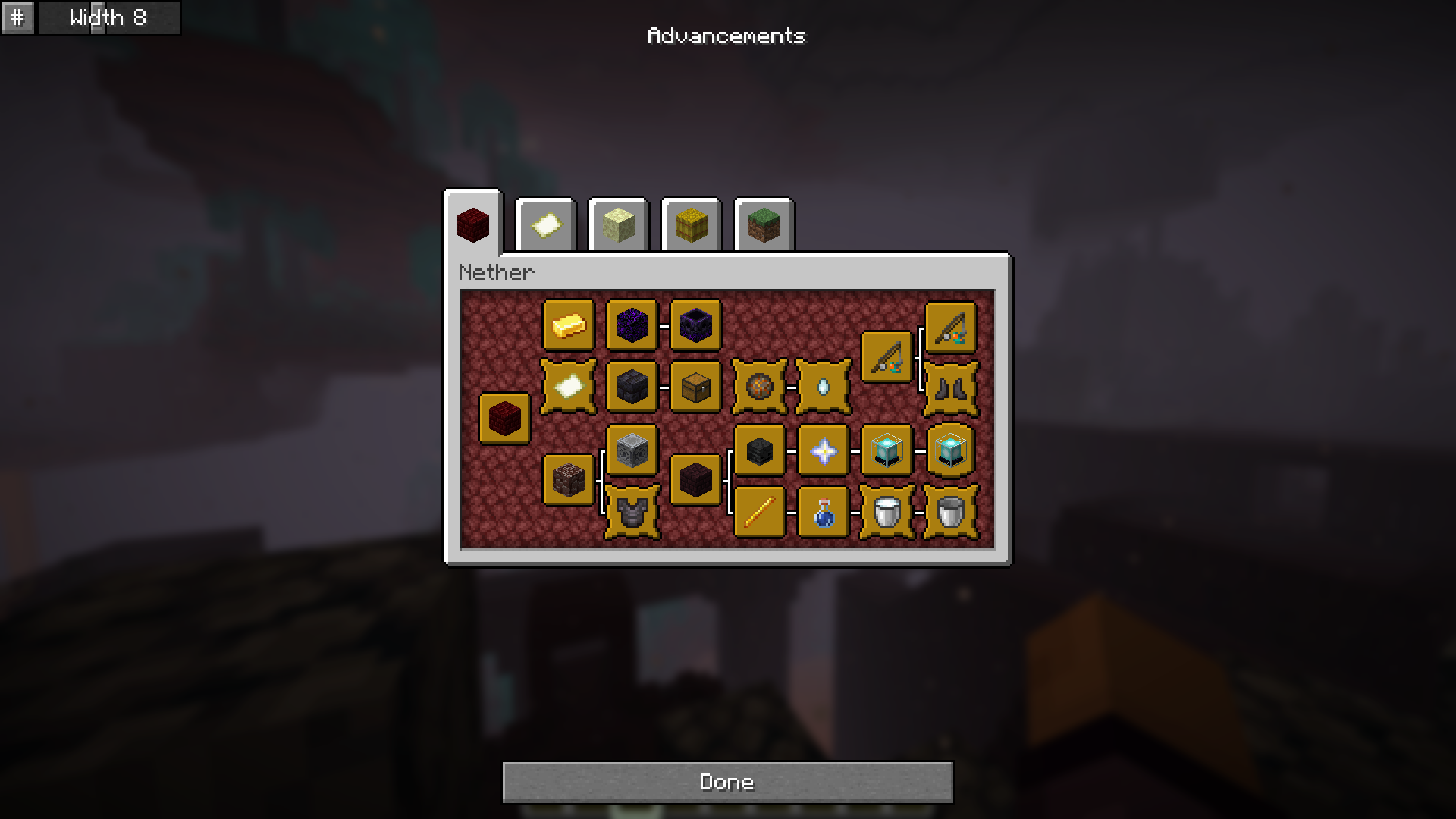
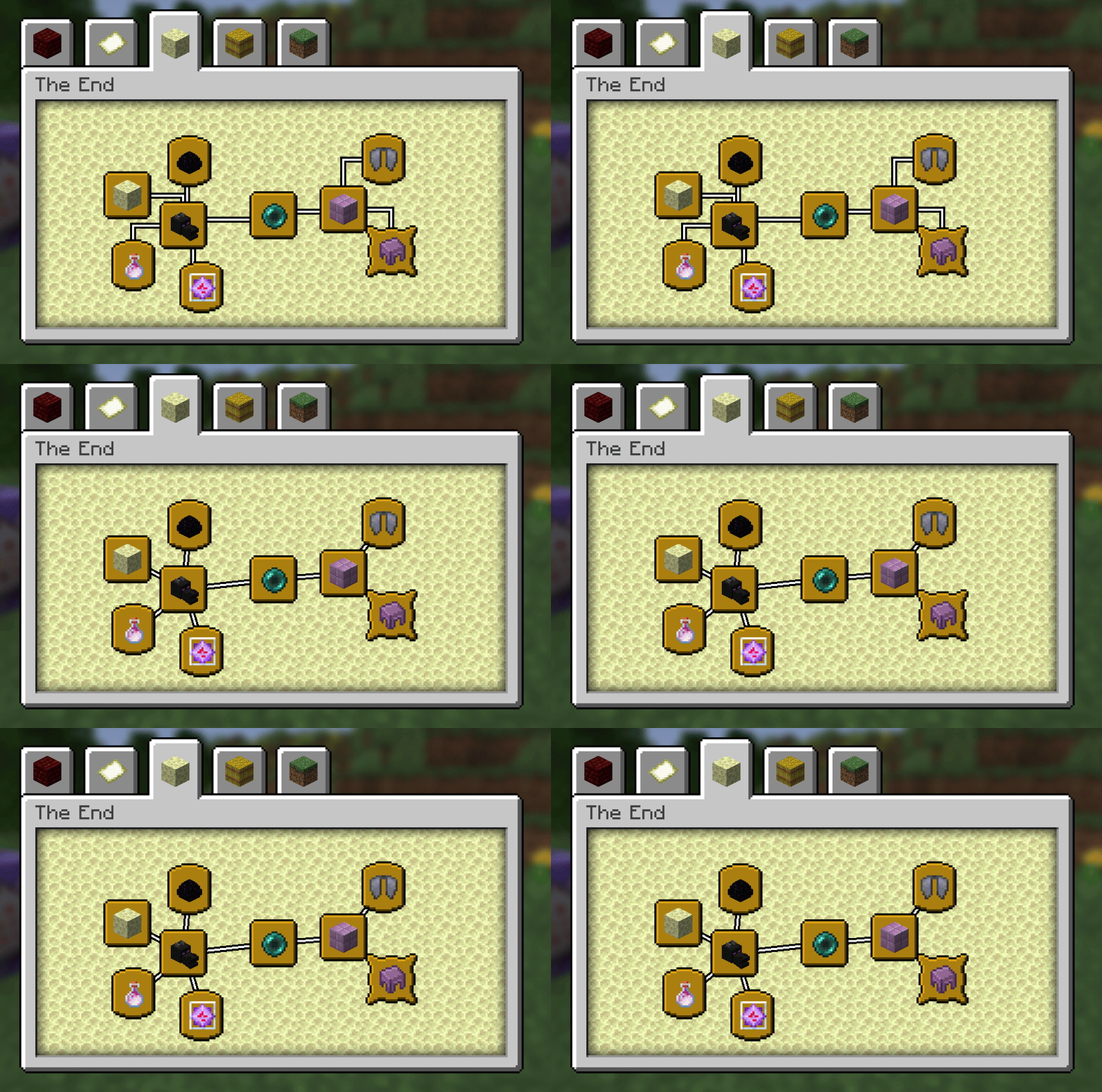
介绍
Plane Advancements
Rearranges Advancements to make better use of the 2D plane they’re on, instead of just extending vertically off screen!
Modes
Arrange advancements into a springy graph, with the lines either locked to 90 degrees like the old Achievement screen, or diagonal
You can also drag advancements around with right click and watch them settle, which is satisfying
Arrange advancements into a compact grid, splitting each sub-tree from the tabs root
Show all advancements on a single screen!
Compatibility
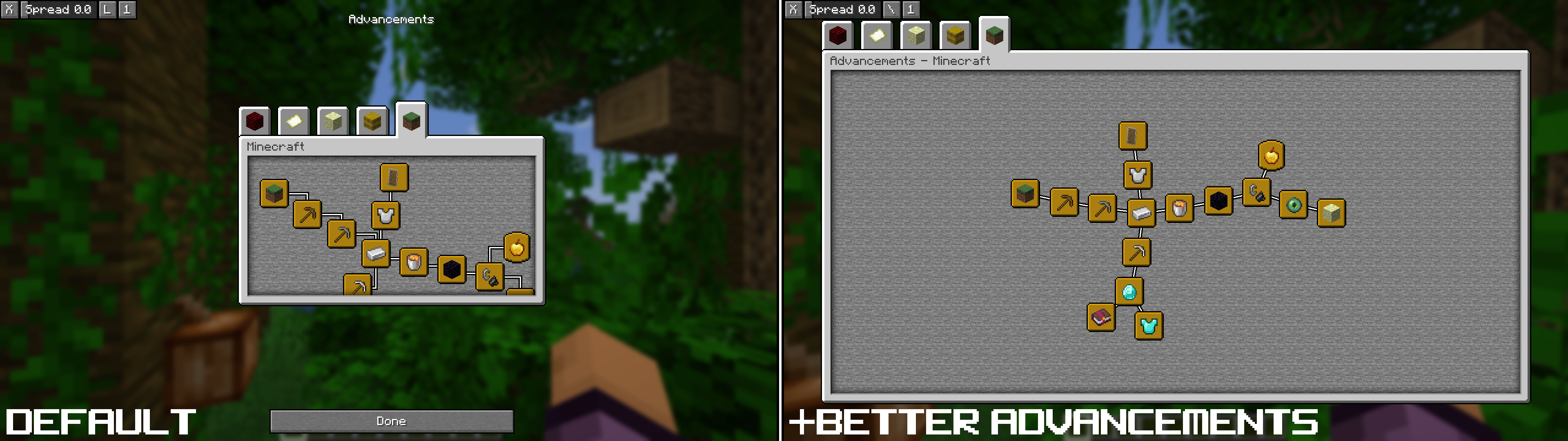
Use Plane Advancements with Better Advancements to get a bigger advancement window (as well as all the other cool things it does like showing progress and coloring lines)
It also works with AdvancementsFullscreen, however it’s spacing with the ui isn’t quite as nice
It (currently?) does not work with Paginated Advancements or AdvancementInfo Reloaded
常见问题
Plane Advancements 支持哪些 Minecraft 版本?
Plane Advancements 支持 Minecraft Java 版 1.21–26.3,共 15 个版本,可用的加载器:Fabric。下载时注意选择和你游戏版本一致的文件。
Plane Advancements 怎么安装?
先用 PCL2 或 HMCL 启动器安装对应版本的 Fabric,再把下载的 .jar 文件放进游戏目录的 mods 文件夹,重新启动游戏即可。开启了版本隔离的,mods 文件夹在 versions/版本名 下面。运行环境:仅客户端。
Nettakrim 的其他作品
查看全部 →
Spyglass Astronomy
在交互性更强、经过改良的夜空中绘制属于你自己的星座。 沉浸式重制太空天空盒,加入行星和更加绚丽的星空。

Signed Paintings
Display web images as vanilla-like paintings using signs, Scale images automatically for a pixelated look!

Fishing Ruler
Measure distances with the fishing rod and know if you can fish up treasure!

Souper Secret Settings
Re-adds the old super secret settings shaders and adds all-new, custom ones. Stack effects with commands and a gui for infinite possibilities!
评论
登录后评论和评分