ANIMATED BOSS BAR Scrolling for EnderDragon Wither Ticker Text for all mobs entities
Boss bars displaying custom names broke July 2015. Now with the first 1.11 snapshot custom-named boss bars are back! Which means also boss bar TICKER TEXTS can be done again! Scolltext for ALL mobs/entities are of course also possible, see video.
截图
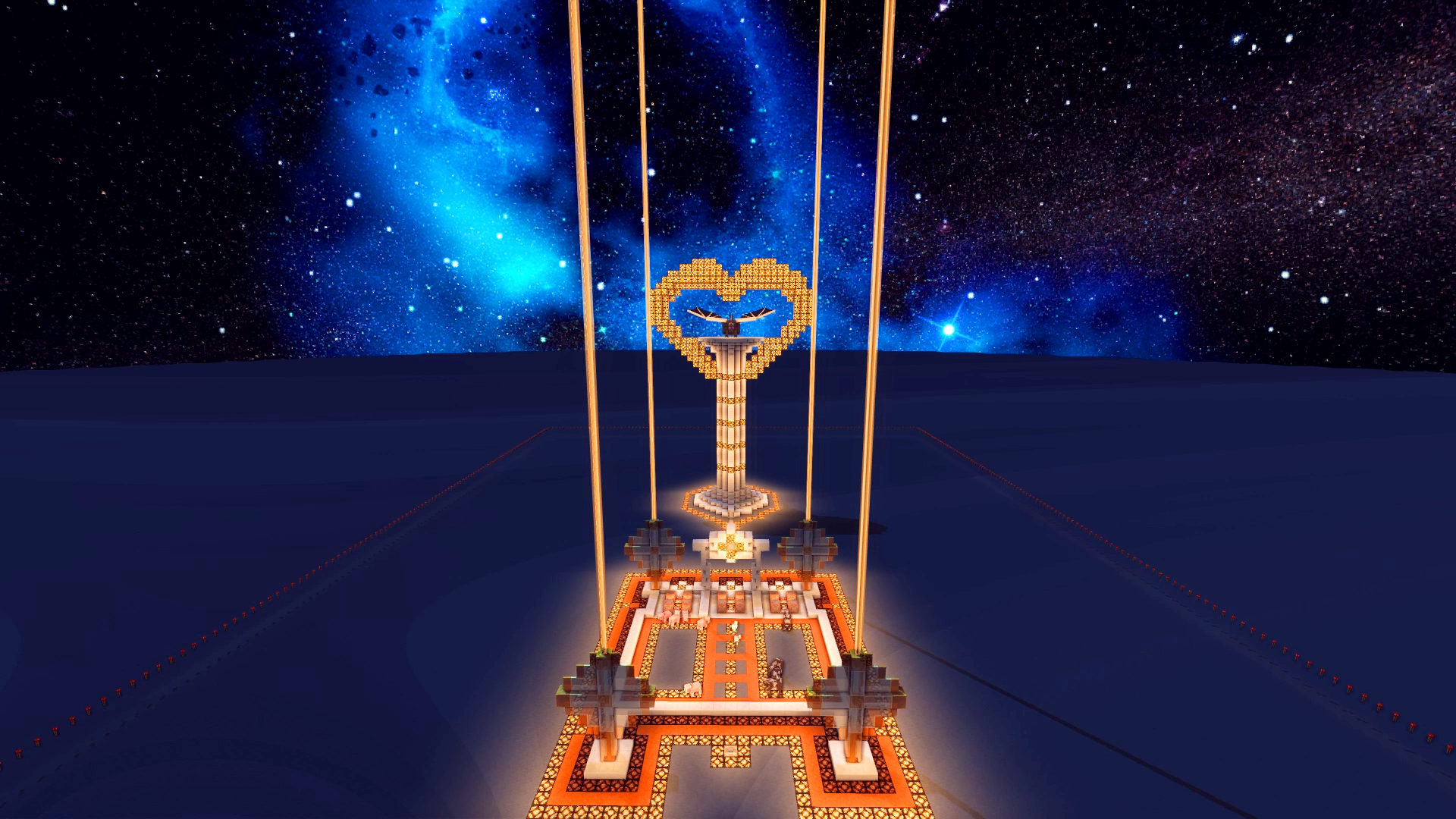
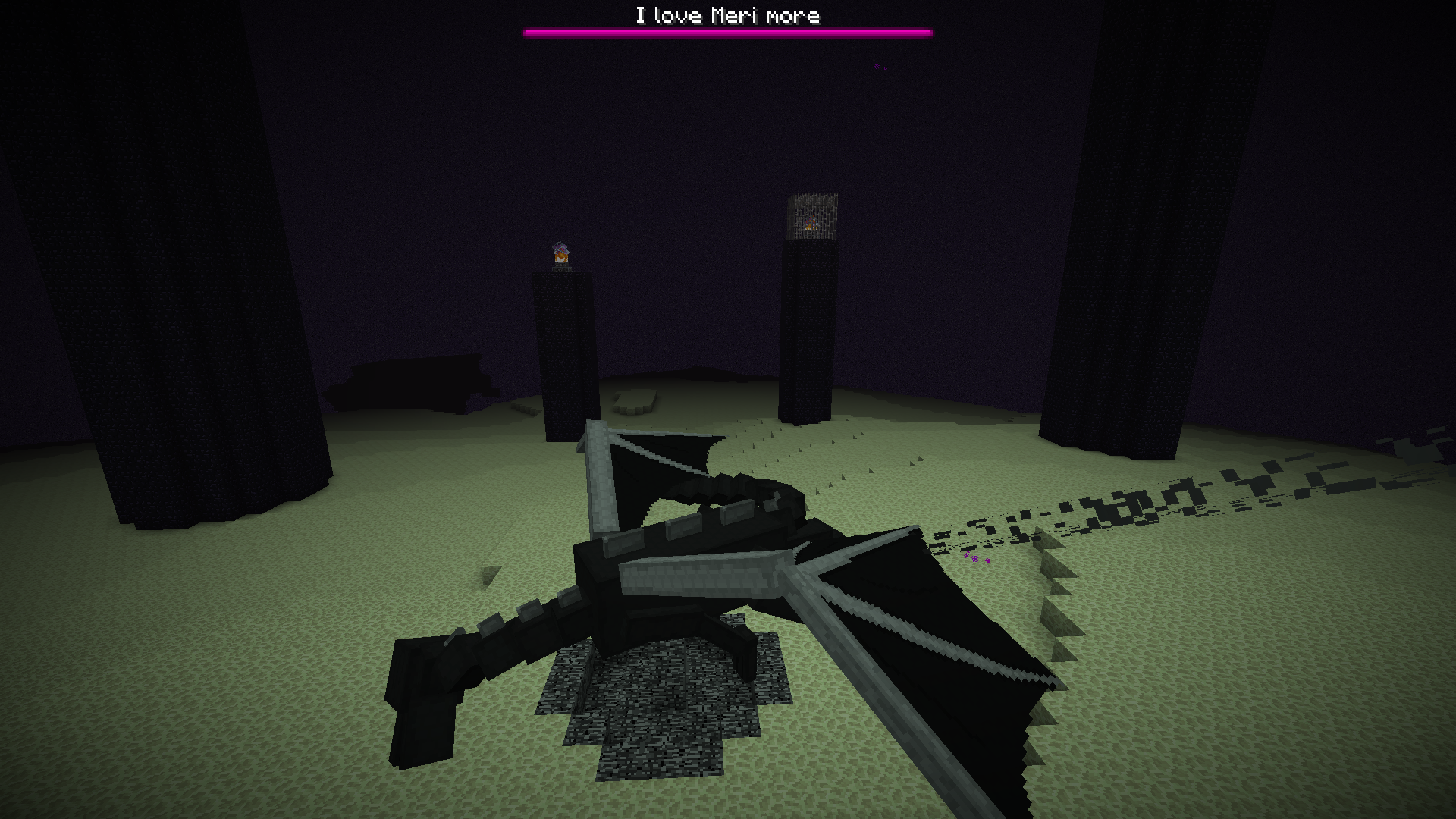

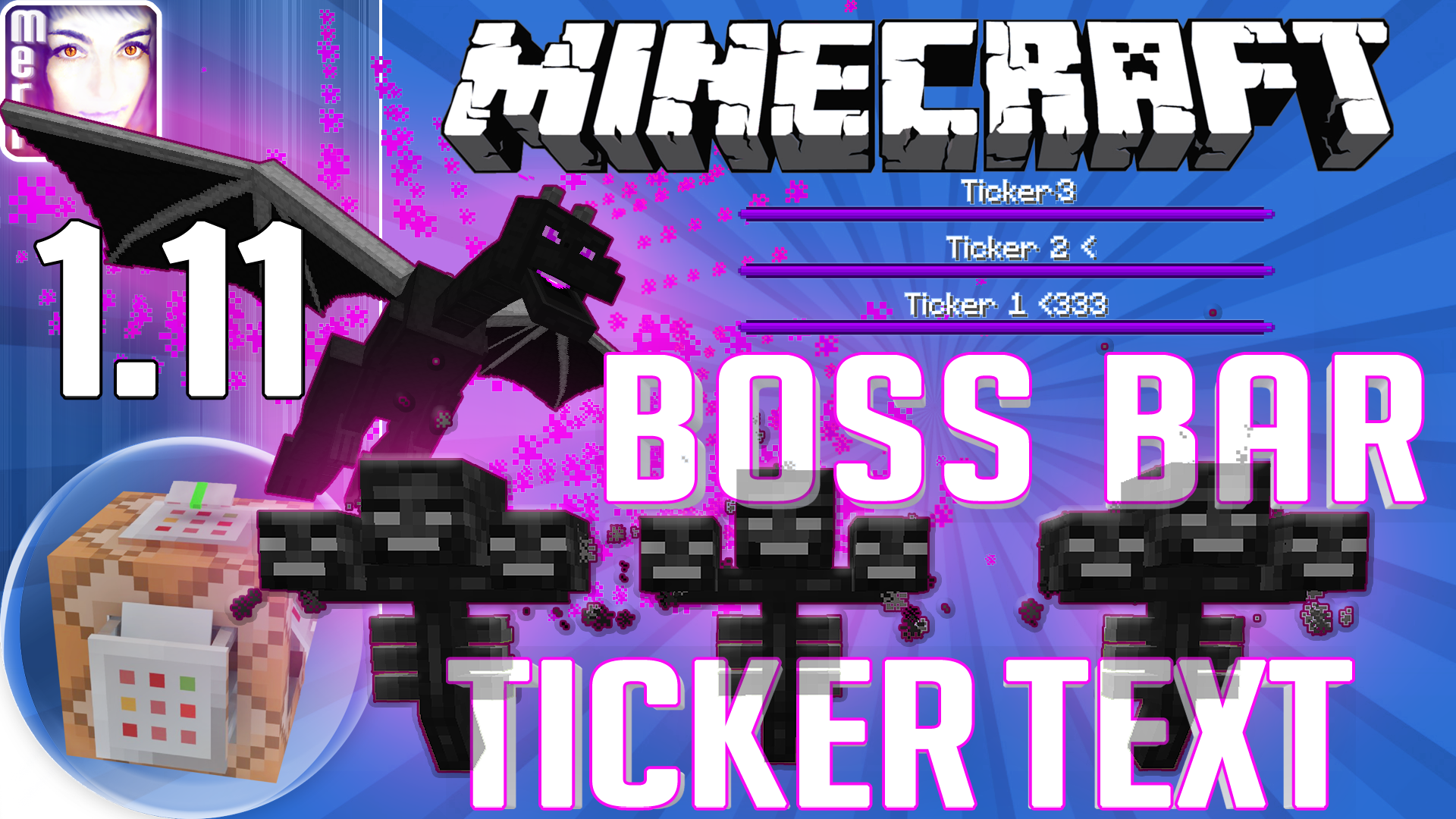
介绍
This concept works for ALL mobs already in ALL Minecraft versions between 1.8 and 1.10,
but for BOSSES it works ONLY starting with 1.11, or in 1.8 (NOT 1.9.x or 1.10.x! Boss bars broke there!)
★★ Meri’s Cool Creative Candies | Tools / Inventions | Minecraft CREATIVE Vanilla by Meri the LapisDemon ★★
► Youtube Playlist of my Cool Creative Candies
► LICENSE (see “DO’s” and “DON’Ts” below)
★★ ☿ Minecraft 1.11 ANIMATED BOSS BAR Scrolling Ticker Text all mobs / entities | LapisDemon ★★
Hy there guys and gals, this is Meri the LapisDemon with Cool Creative Candies, today with an update to an old 1.8 invention: Scrolling Ticker Text with which you can display a scrolling text in the names bar of each entity, all mobs and ArmorStands!
November 2014 I showed you how to let entities display not only names but even scrolling ticker text. This included also boss bars!
Boss bars displaying custom names broke July 2015 with the first 1.9 snapshot.
Now with the first 1.11 snapshot custom-named boss bars are back!
Which means also boss bar TICKER TEXTS can be done again!
The technique to display scrolling text is still the same:
You can still simply use commandblocks with repeaters inbetween or use a delay method via CommandBlocks, if you prefer so.
Since 1.9 I use the Tags tag to target entities more easily, also for displaying ticker text.
Link to my 1.8 beginner tutorial for the basic ticker method in the Outro of my video, also a link to my video how to animate the EnderDragon!
Just watch the inserted video above in this post for a visualization of what I wrote }=)
Follow me on my Twitter account LapisDemon for sneak peeks of what I’m working on, for example, more generators or texturepack addons.
I really do love to interact with my Tweetlings there, so say hello if you like };]
—————————
This concept is designed for Minecraft 1.9+, as it contains the “Tags” tag; mobs/entities will display a scrolling tickertext regardless the MC version (1.7+) with my method, but BOSS BARS only work below 1.9 and starting again with 1.11!
Download the world to have a closer look into the commands and also to see any current bugs or restrictions!
I’ll keep the video and video description updated via annotations if anything changes!
—————————
★★★ DO ★★★
► Use this concept in a YouTube video, please also provide a link to my Youtube channel so others can get that machine, if they want: http://www.youtube.com/LapisDemon – I’m not putting downloadlinks behind adf.ly, so a bit of support from your side would be really kind, thank you!
► Edit anything in the concept.
► Attribution — In case you change the concept and make it available for others: Please give appropriate credit to me.
★★★ DON’T ★★★
► NonCommercial — You may NOT use my worldsavefile for commercial purposes, aside from using it in also monetized Youtube videos.
The non-commercial refers to: You are NOT allowed to put this worldsave behind adf.ly or any other commercial setup that gains you royalties of any kind.
► NoDerivatives — If you transform, or build upon the worldsavefile, you may NOT distribute the modified material.
That means you are NOT allowed to make this worldsavefile available via download, but of course you can show off the also modified world (or commands) in a video or on a Livestream!
If you build upon it, please add a backlink to my Youtube channel LapisDemon as inspiration source in your descriptions of your posts (incl. videos).
► No additional restrictions — You may NOT apply legal terms or technological measures that legally restrict others from doing anything the license permits.
—
As always, take care, have fun gaming, and: Seeya!
☿ Meri ♥
常见问题
ANIMATED BOSS BAR Scrolling for EnderDragon Wither Ticker Text for all mobs entities 支持哪些 Minecraft 版本?
ANIMATED BOSS BAR Scrolling for EnderDragon Wither Ticker Text for all mobs entities 支持 Minecraft Java 版 1.10.2。下载时注意选择和你游戏版本一致的文件。
ANIMATED BOSS BAR Scrolling for EnderDragon Wither Ticker Text for all mobs entities 怎么安装?
解压下载的文件,把里面的存档文件夹放进游戏目录的 saves 文件夹(开启了版本隔离的在 versions/版本名/saves),重新打开游戏就能在「单人游戏」里看到。请用 1.10.2 版本打开,版本不对可能导致地图损坏。
_ForgeUser8370342 的其他作品
查看全部 →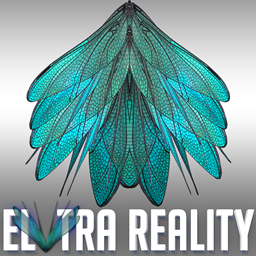
ELYTRA REALITY 0001
为鞘翅带来照片级真实感的高清翅膀!这是众多翅膀类型中的第一款,后续还计划加入各种神话与神秘生物等更多翅膀类型!还包含鞘翅和破损鞘翅的物品贴图。请阅读致谢文件。
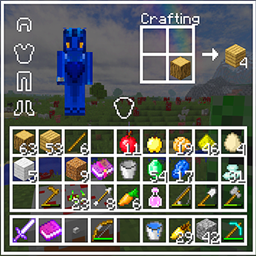
TRANSPARENT GUI 16px incl coloured headlines
透明 GUI 资源包/材质包模块,12 种颜色,16px | Minecraft | INFINITUDE | 非常适合 PvP + PvE,同时也普遍时尚、干净、美观。12 种透明 GUI,所有颜色均为 16 像素分辨率!
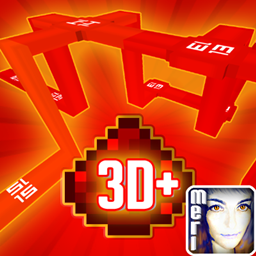
REDSTONE DUST POWER LEVEL DISPLAY 3D Models 64px modern LED Cable Look- Infinitude
这款资源包会在未来感 LED 线缆风格的红石粉 3D 模型上,用数字显示红石粉的信号强度!无论是红石新手还是高手都能派上用场!如果你在视频中使用了它,欢迎链接我的 YouTube 频道 LapisDemon,谢谢!
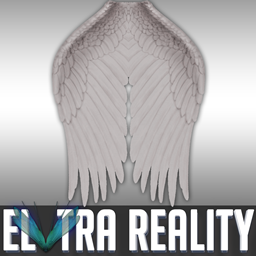
ELYTRA REALITY 0002
为鞘翅打造的照片级写实天使 HD 翅膀!这是众多翅膀类型中的第 2 款,后续还计划加入各种神话与神秘生物主题及更多翅膀类型!还包含鞘翅和破损鞘翅的物品材质。请阅读 CREDITS 文件。
评论
登录后评论和评分