
UTIL HUD (Coordinates, Fullbright, Fps, time, Last Death location)
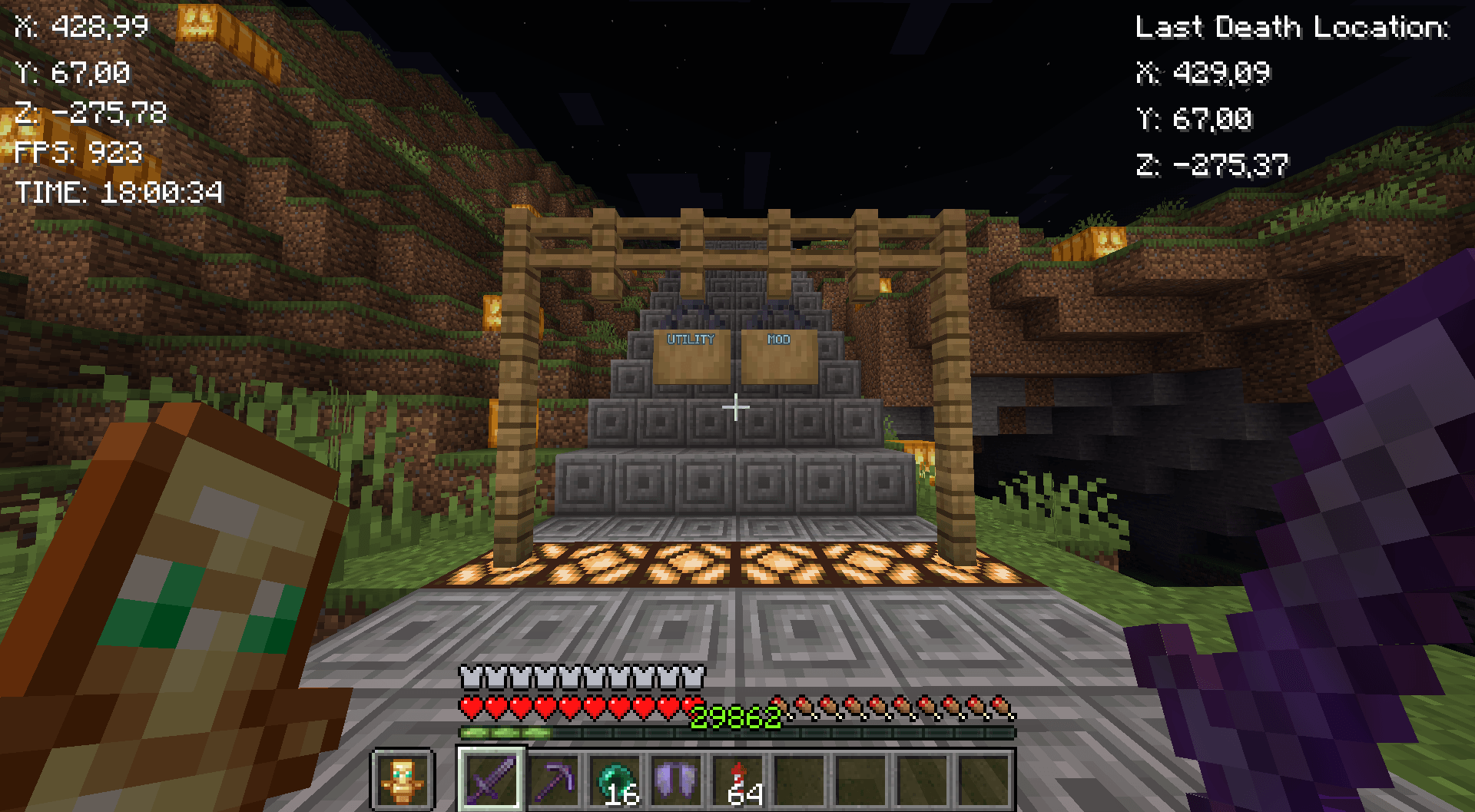
这个模组会在 HUD 上显示坐标、FPS、时间和上次死亡地点。
截图

介绍
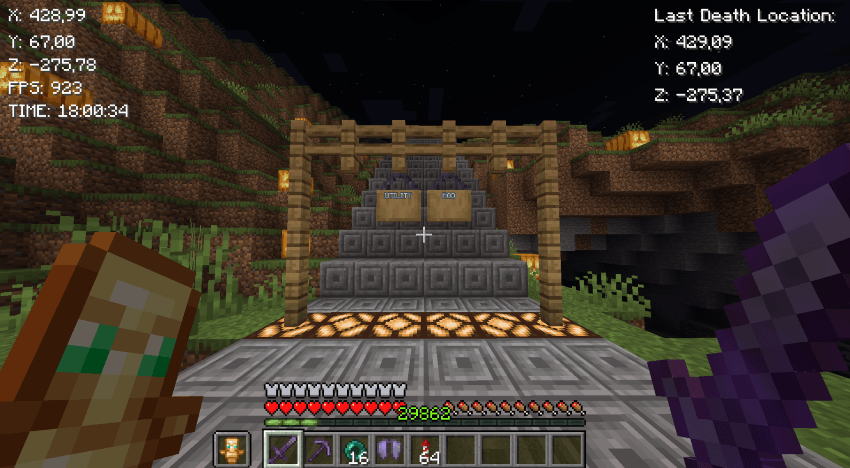
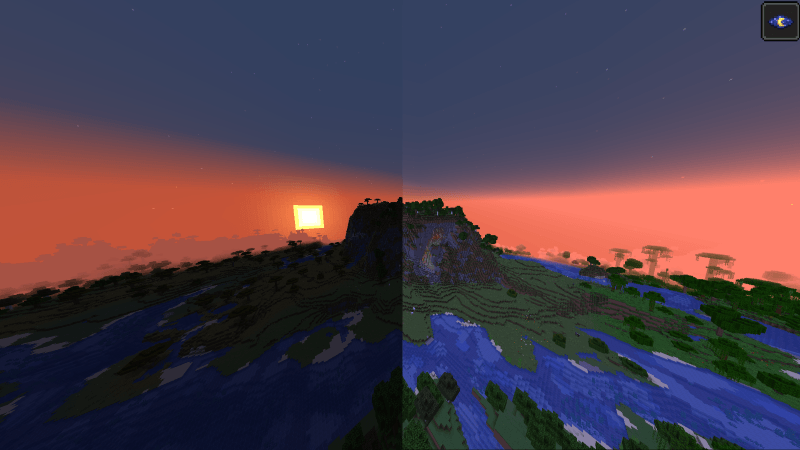
New Fabric mod. I’m going to upgrade this mod regularily.
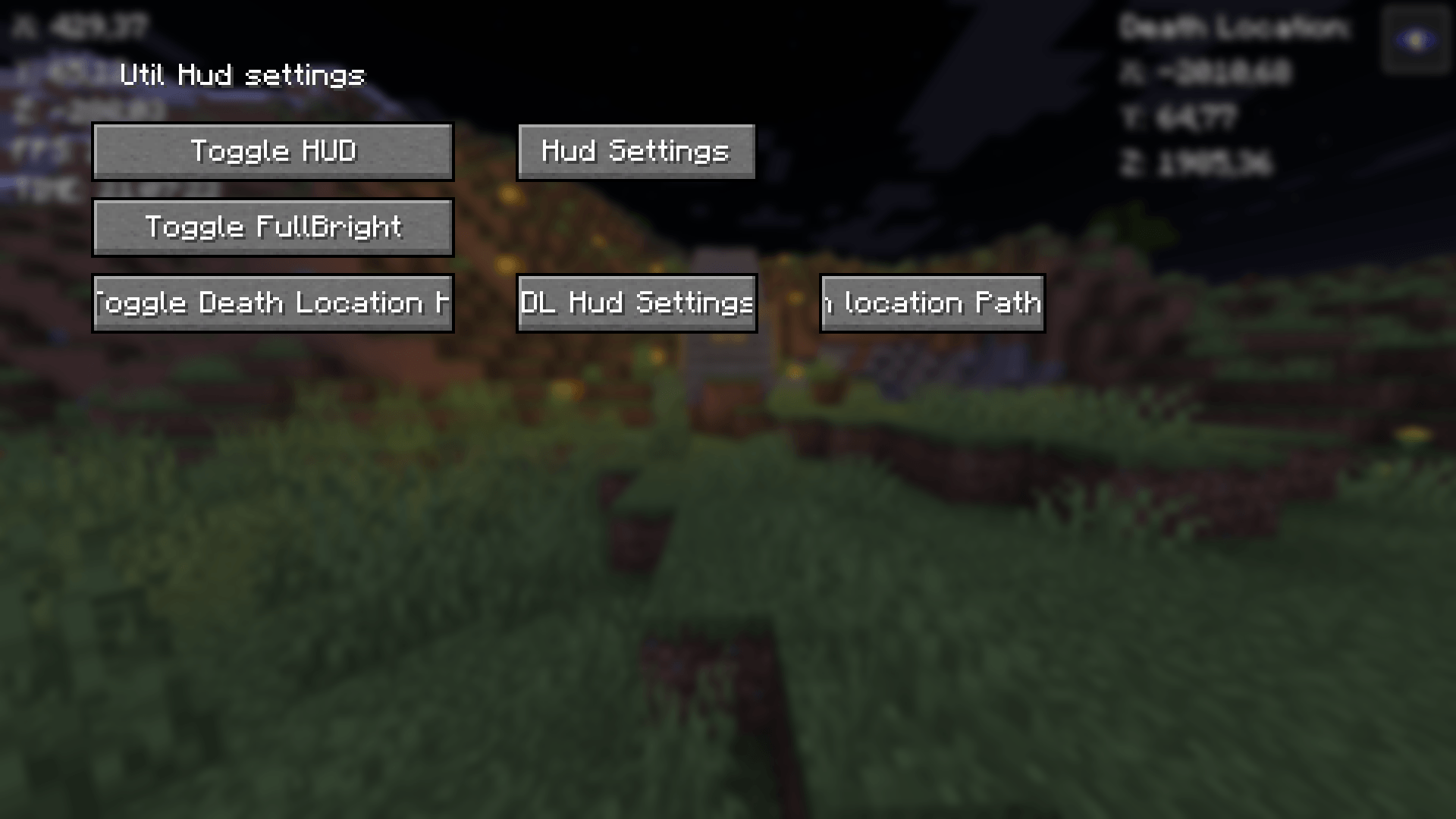
It has button {B} with it you can Go to GUI (Graphical User Interface) And {G} to copy current coordinates. I will keep this mod up for some time and upgrade it.
Mod features:
- Customizable button {B}
- Coordinates
- Copy coordintes {G}
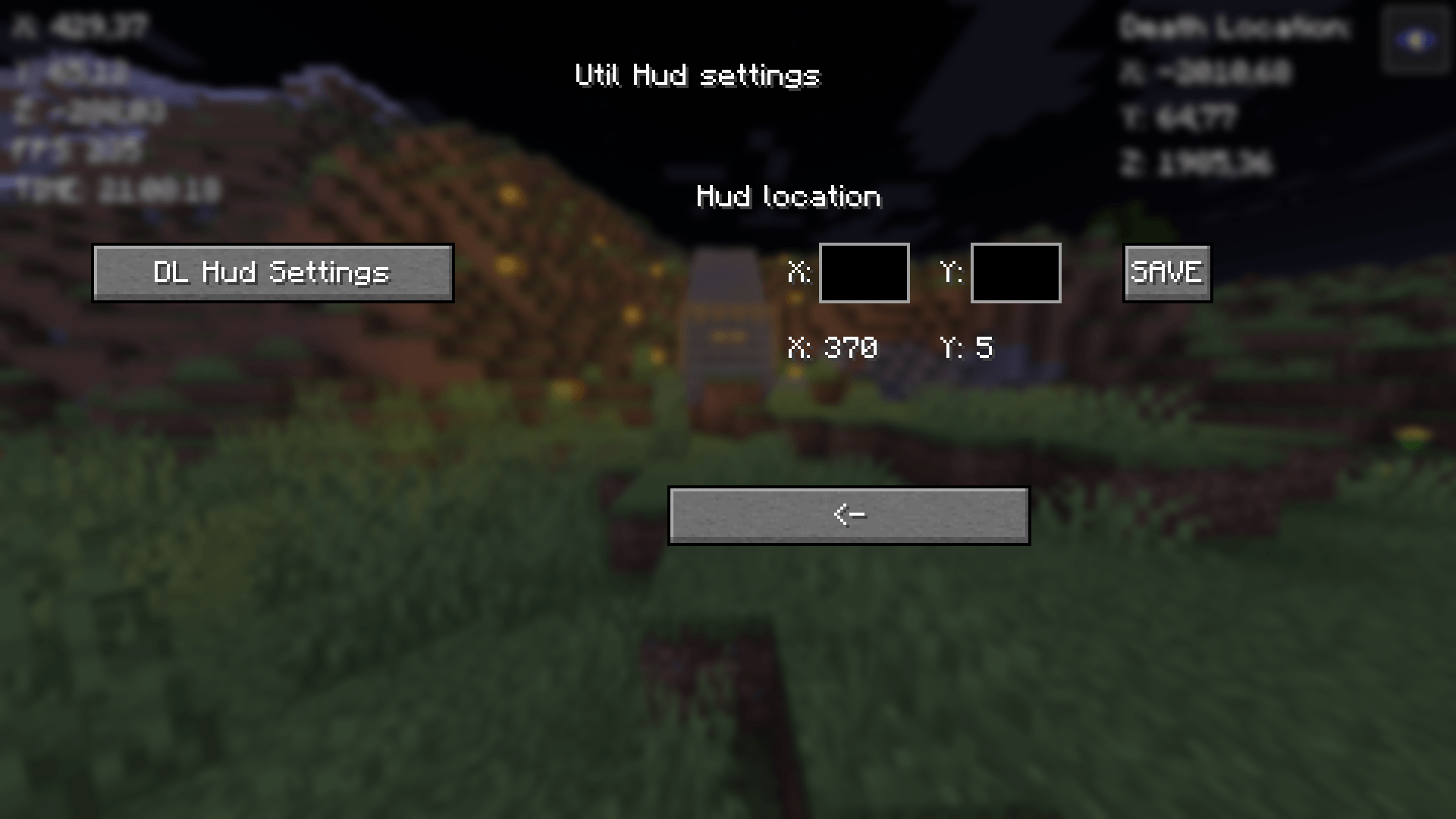
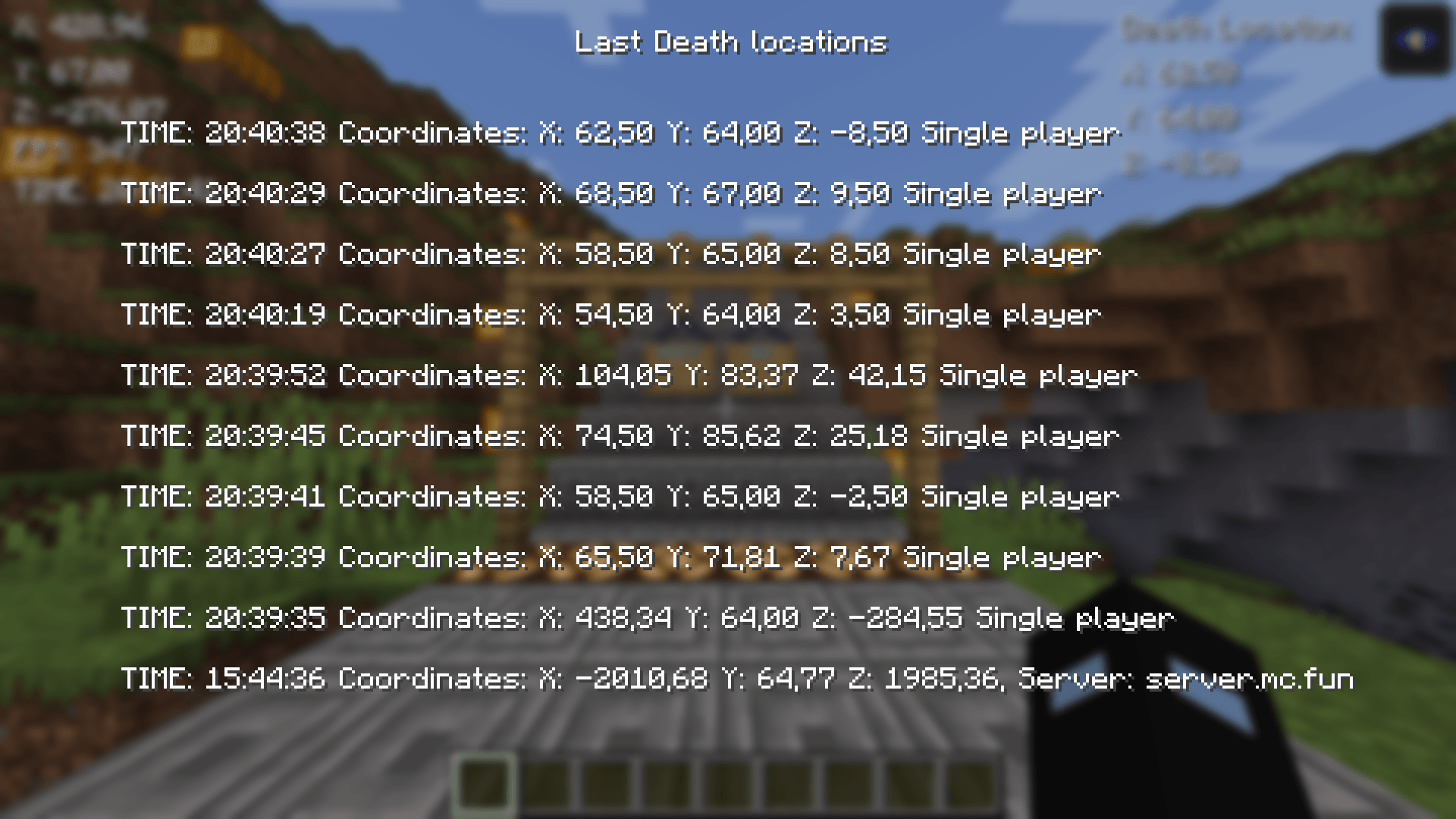
- 10 last death locations in GUI {L}
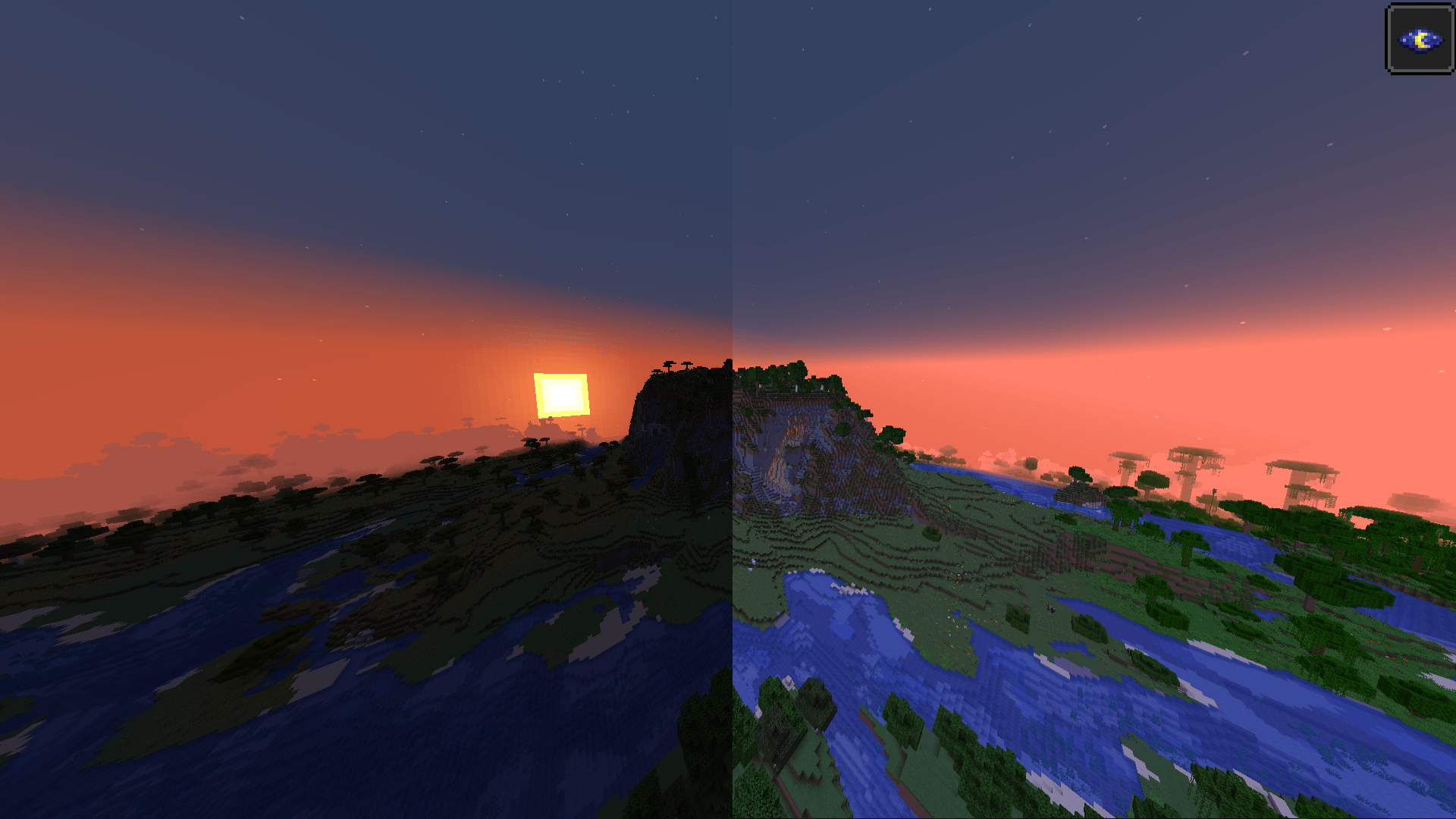
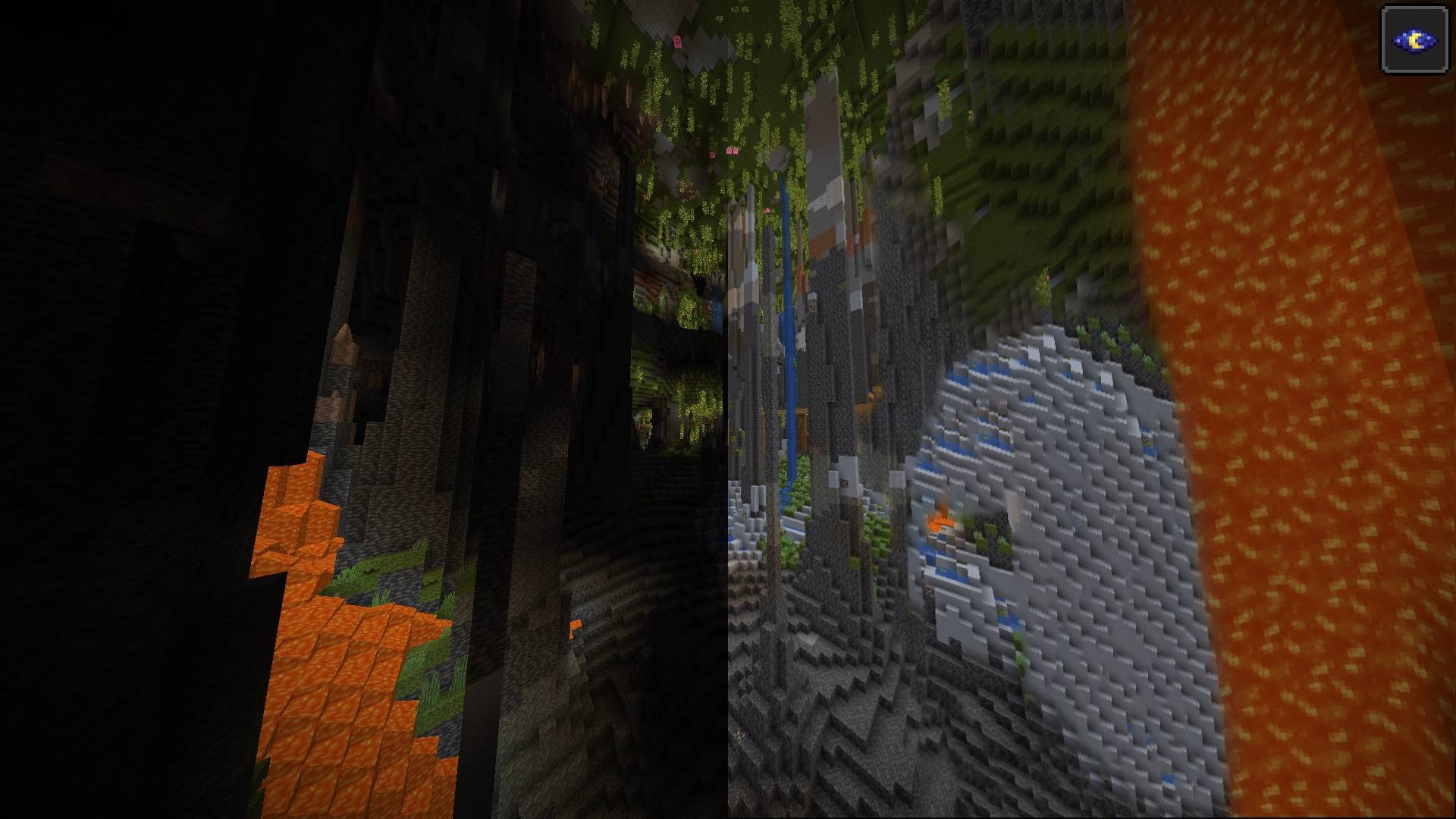
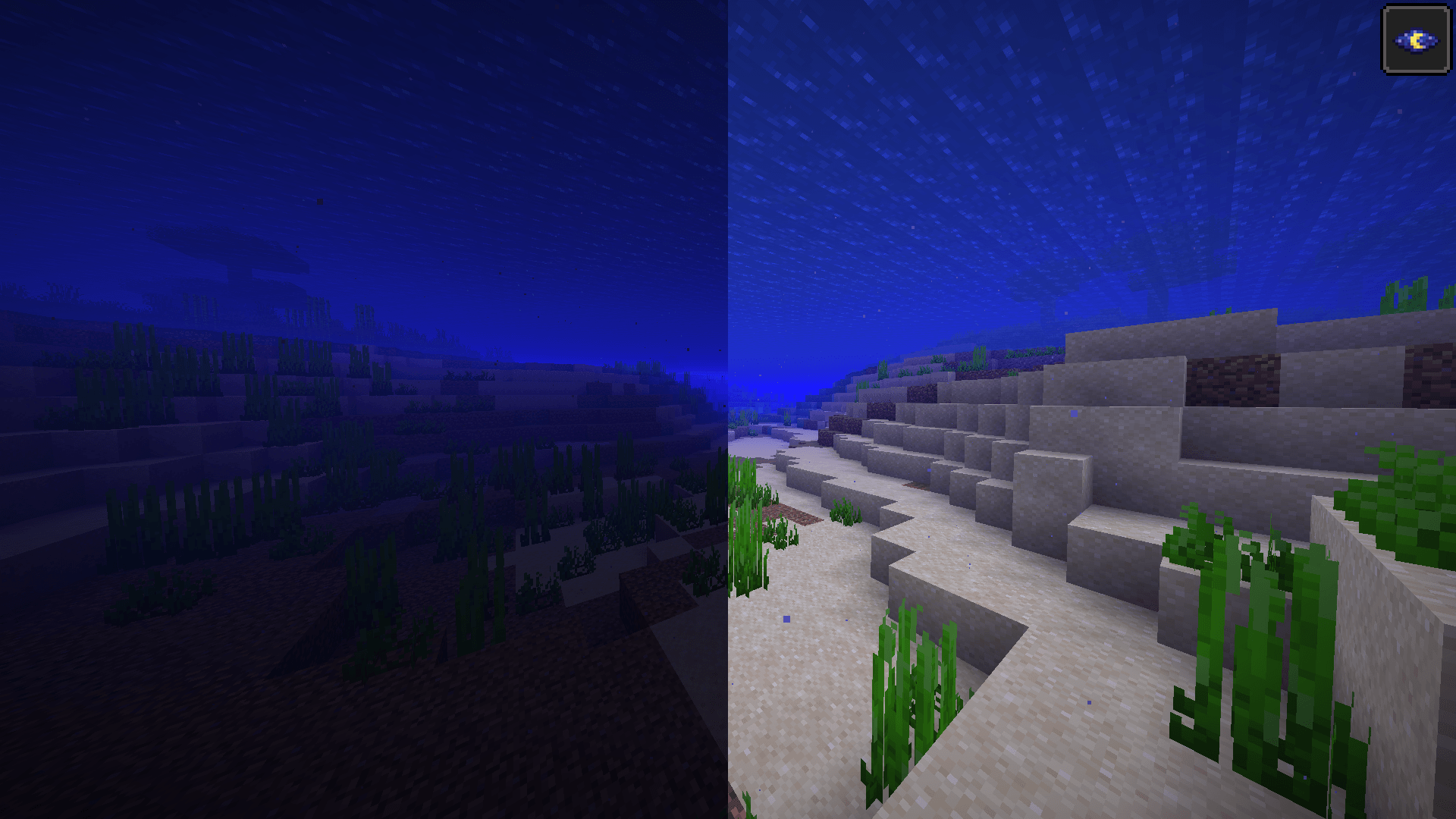
- Fullbright
- FPS
- Time
- GUI
Fabric loader version: 0.16.7 or newer!
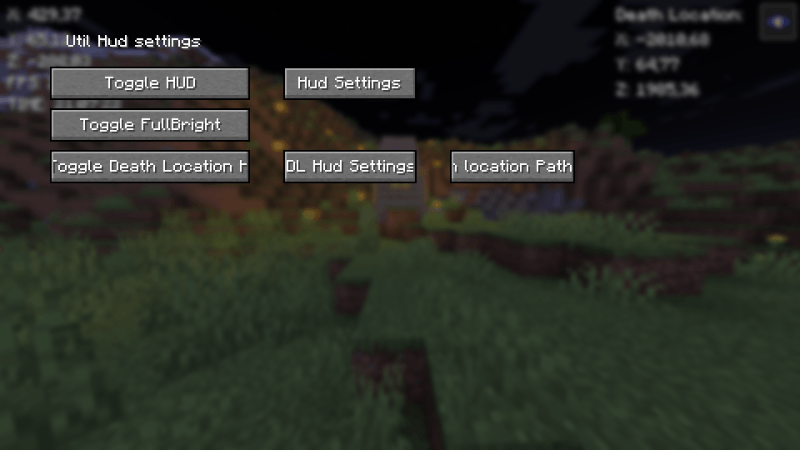
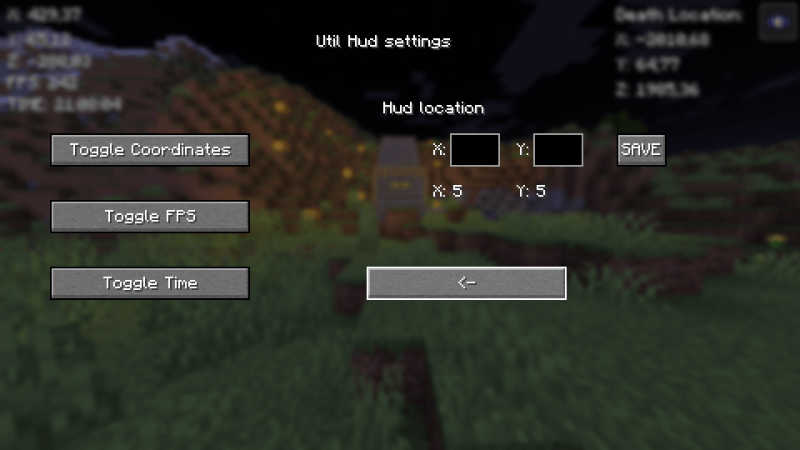
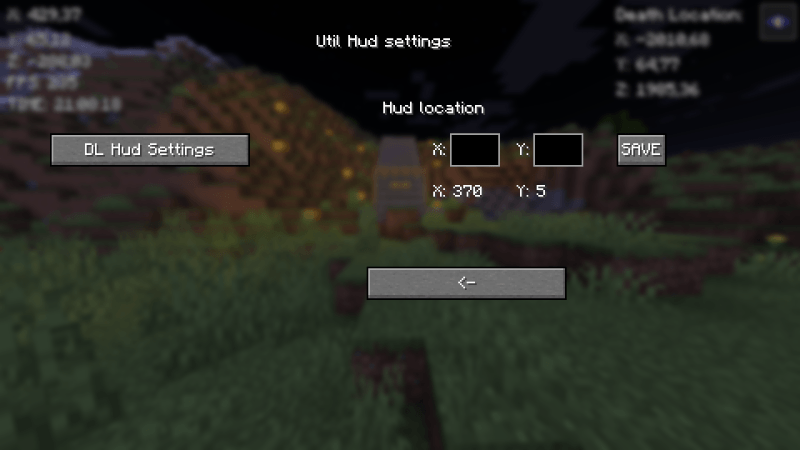
Quick guide:
- Press B to go to GUI
- Press the Toggle HUD to turn the hud on
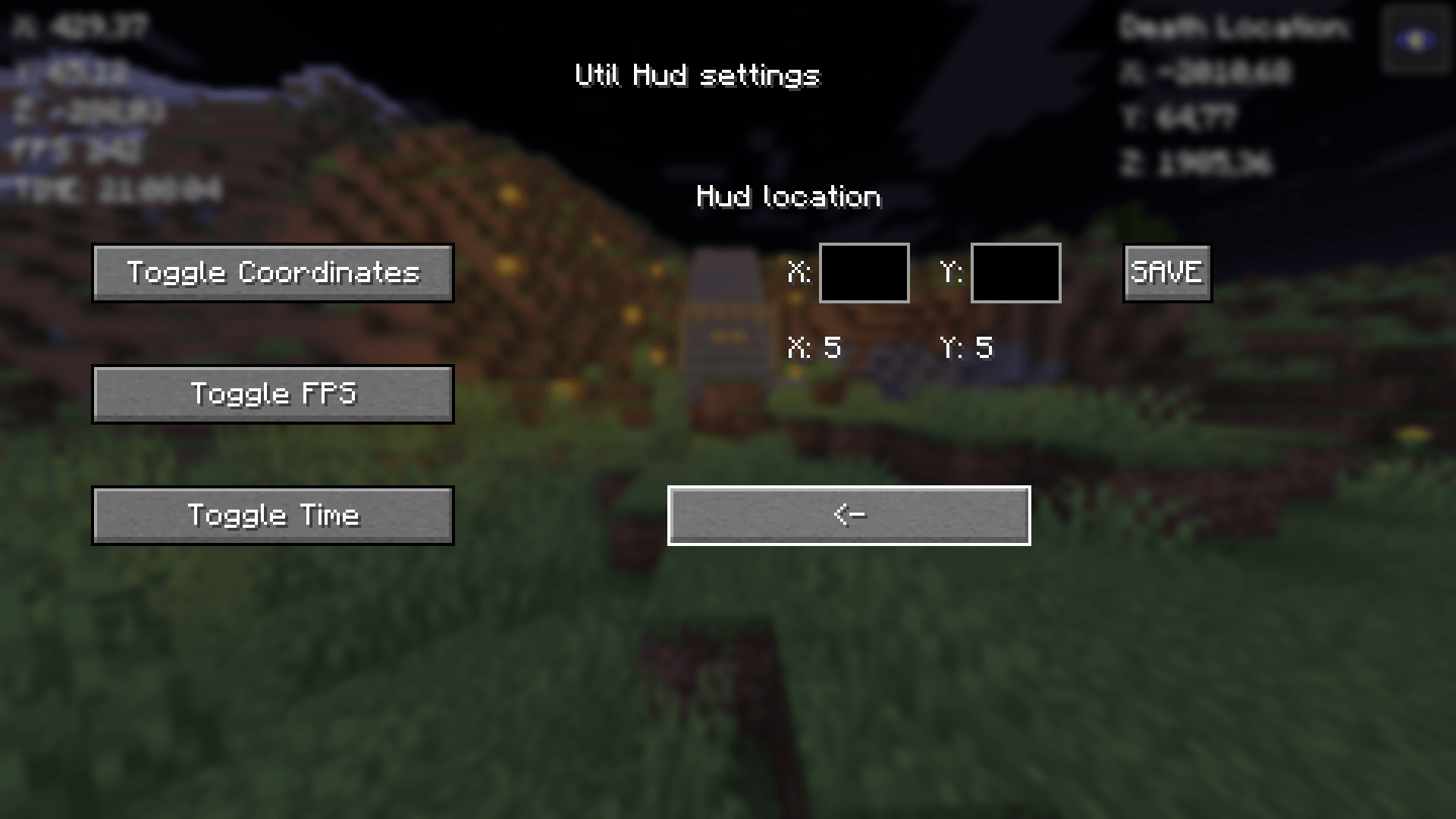
- Then turn on things you want to see on HUD
- Lastly configure the positions of the HUDs

Copy your death-coordinates-util-hud.txt path with Button in GUI (Show death locations)
You will have to go then to file explorer and paste the path to search bar or press windows key + R and paste the path there and press enter. You will see the following info:

Tips:
- X: 5 & Y: 5 in GUI means the current position of the HUD
- Be aware of the last death position that If you died in other world it will show you those coordinates I will update this in future!
- Visit regularily curseforge.com/minecraft/mc-mods/utility-mod to see new updates first
Notice:
If you remove/rename the file called util-hud-config.json, you will have to do things in quick guide again!
— I will take all feedback and ideas. Fabric mod — This Mod was programmed by NSI21 —
Support me at: ko-fi.com/nsi21
For those who wonder how much money I have made with this mod:
I have made 0.65$ with ad revenue so far
常见问题
UTIL HUD (Coordinates, Fullbright, Fps, time, Last Death location) 支持哪些 Minecraft 版本?
UTIL HUD (Coordinates, Fullbright, Fps, time, Last Death location) 支持 Minecraft Java 版 1.21–1.21.4,共 5 个版本,可用的加载器:Fabric。下载时注意选择和你游戏版本一致的文件。
UTIL HUD (Coordinates, Fullbright, Fps, time, Last Death location) 怎么安装?
先用 PCL2 或 HMCL 启动器安装对应版本的 Fabric,再把下载的 .jar 文件放进游戏目录的 mods 文件夹,重新启动游戏即可。开启了版本隔离的,mods 文件夹在 versions/版本名 下面。


评论
登录后评论和评分