
ForgematicaPrinter
Litematica Printer unofficial (Neo)Forge port. An extension for Forgematica that adds the missing printer functionality
介绍
Forgematica Printer
Litematica Printer unofficial (Neo)Forge port.
This extension adds printing functionality for Forgematica. Printer
allows players to build big structures more quickly by automatically placing the correct blocks around you.
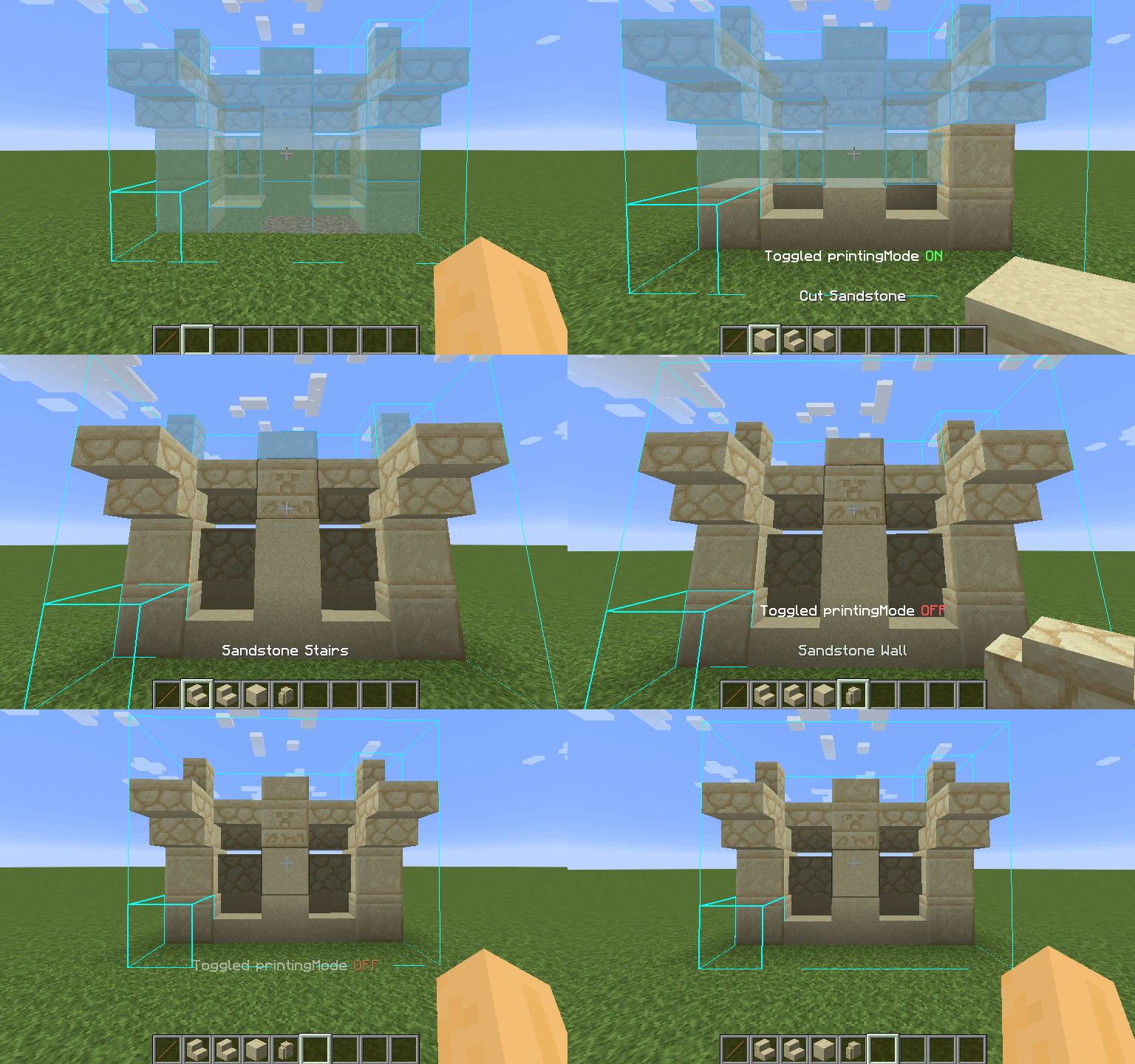
How To Use
Using the printer is straightforward: You can toggle the feature by pressing CAPS_LOCK by default. To configure
variables such as
printing speed and range, open Forgematica’s settings by pressing M + C and navigate to “Generic” tab. Printer’s
configuration can be
found at the bottom of the page. You can also rebind the printing toggle under “Hotkeys” tab. Holding down V by
default will also
print regardless if the printer is toggled on or off.
List of blacklisted blocks
These blocks have not been implemented yet for various reasons and the printer will skip them instead of placing them wrong. If any other blocks are placed incorrectly, try to lower the printing speed. If certain block is still placed incorrectly, you can create an issue.
- Grindstones
- Skulls placed on the ground
- Signs
- Glow lichen and vines
- Entities, including item frames and armor stands
SERVER USAGE NOTE:
Please be aware, using this mod on a server may be against the rules and could get you banned!
常见问题
ForgematicaPrinter 支持哪些 Minecraft 版本?
ForgematicaPrinter 支持 Minecraft Java 版 1.20–1.21.4,共 6 个版本,可用的加载器:Forge / NeoForge。下载时注意选择和你游戏版本一致的文件。
ForgematicaPrinter 怎么安装?
先用 PCL2 或 HMCL 启动器安装对应版本的 Forge / NeoForge,再把下载的 .jar 文件放进游戏目录的 mods 文件夹,重新启动游戏即可。开启了版本隔离的,mods 文件夹在 versions/版本名 下面。运行环境:仅客户端。
TexTrue 的其他作品
查看全部 →
TexTrue’s Embeddium Options
Reese's Sodium Options 的非官方移植版,使其兼容 MinecraftForge/NeoForge 上的 Embeddium。为 Embeddium 提供的替代选项菜单。

TexTrue’s Rubidium Options
FlashyReese 的“Reese's Sodium Options”的非官方分支,为兼容 FML 而制作。

ObsidianUI
SpruceUI 的非官方 Architectury 移植版。一款 Minecraft 前置库模组,为创建 GUI 界面提供了全新的抽象层。

MaFgLib
MaLiLib 非官方 Forge 移植版。用于 masa 系列模组(Neo)Forge 移植版的前置库。
评论
登录后评论和评分