Entity Outliner
作者:aloivmada
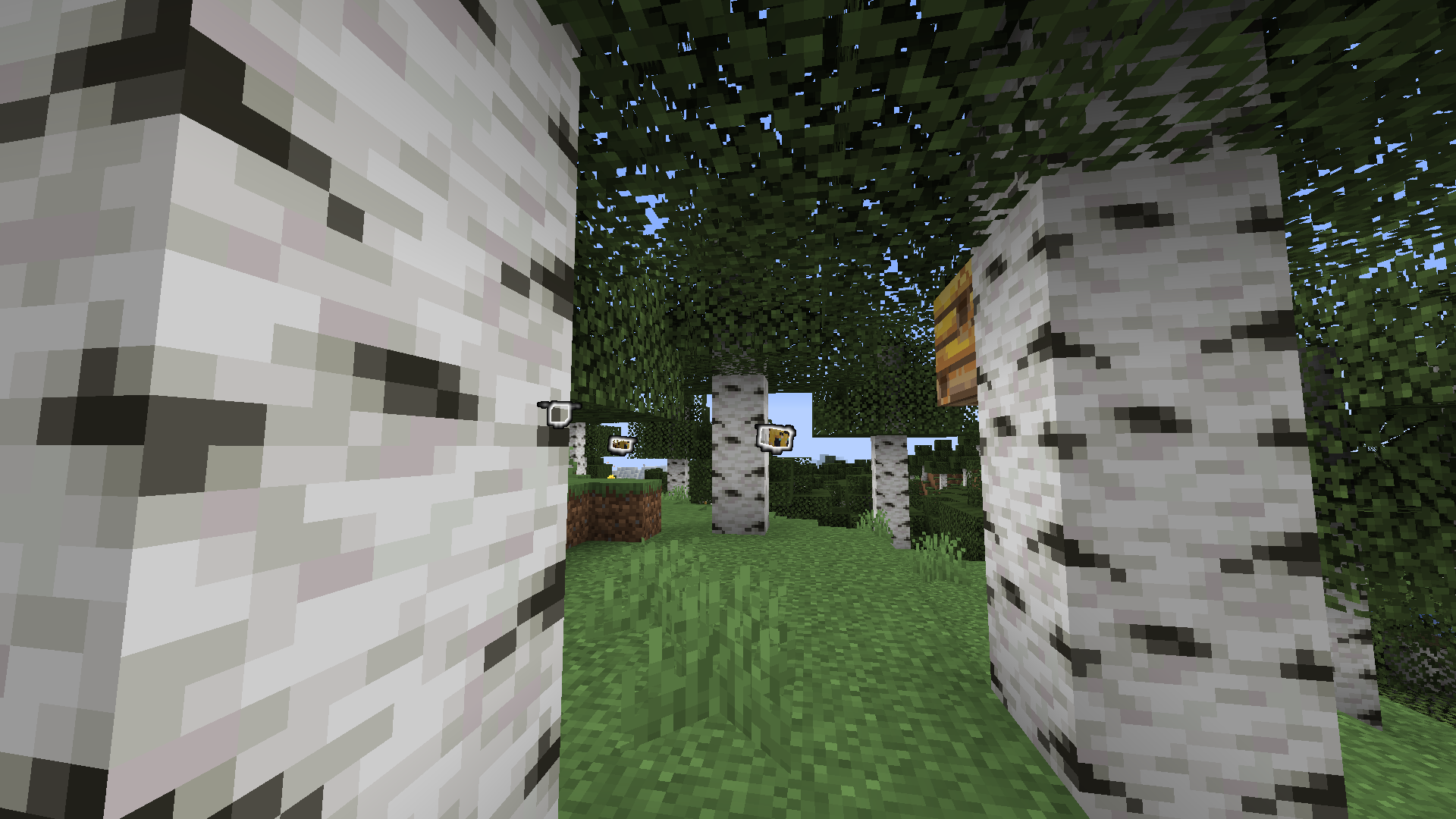
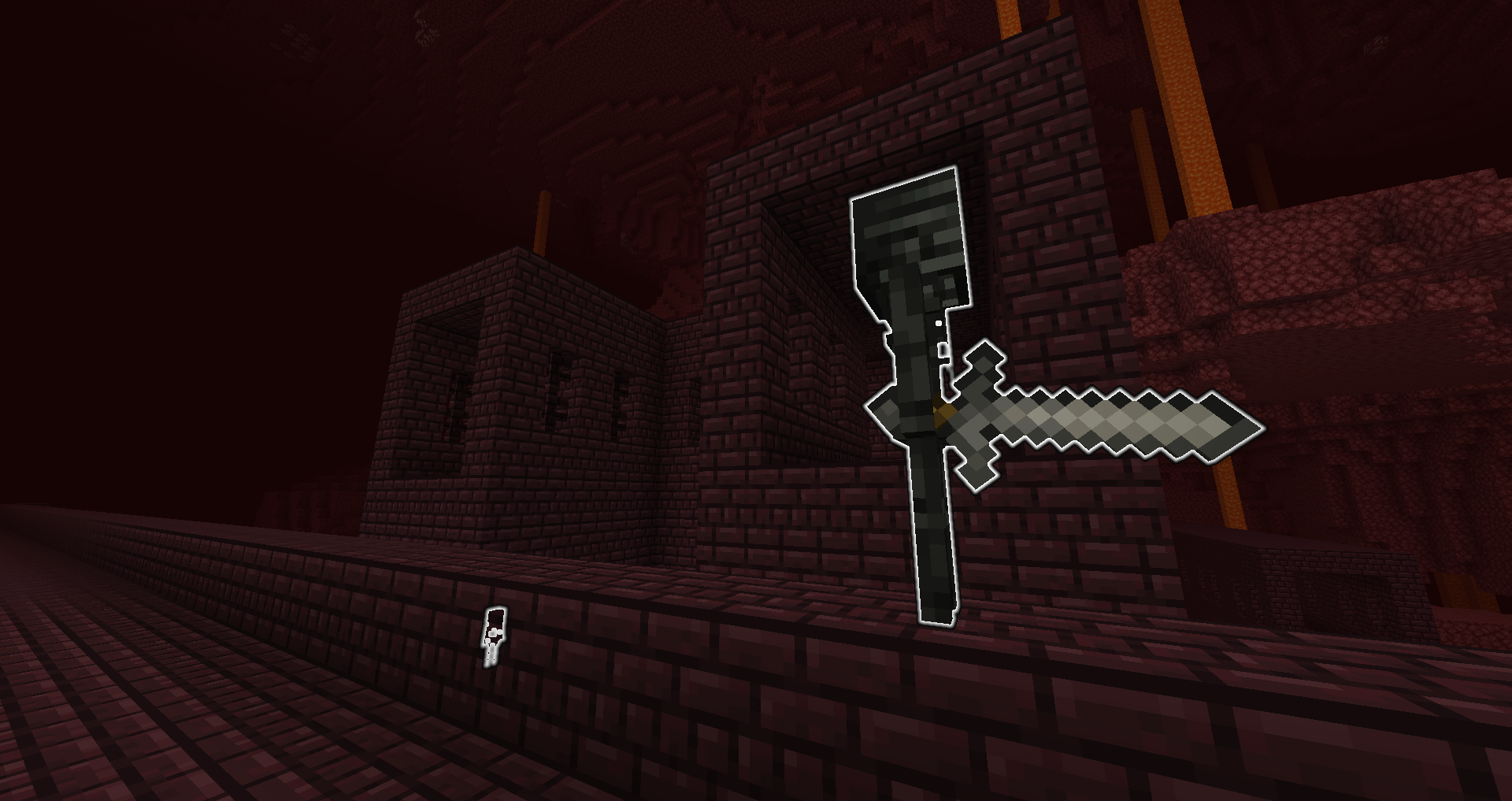
Allows you to select entity types to outline, making them visible through obstructions within render distance.
截图
介绍
中文介绍正在准备中,下面暂时显示原文。
Entity Outliner
Updated for 1.19!
Entity Outliner is a clientside mod made with Fabric that allows you to select entity types to outline, making them visible through obstructions within render distance.

Features
Entity Selector

This screen allows outlining of any entity in the game. There’s a search bar for narrowing down entities and buttons to organize the results by entity category, deselect all entities, and toggle on/off the outlines. Entities added by other mods appear in the results. The selected entities are automatically saved to a config file.
The menu is accessible using Mod Menu or a custom keybind.
Controls for toggling the outlines and opening the selector

Custom keybinds are provided to open the entity selector and toggle the outline. The outline can also be toggled via a button inside the entity selector.
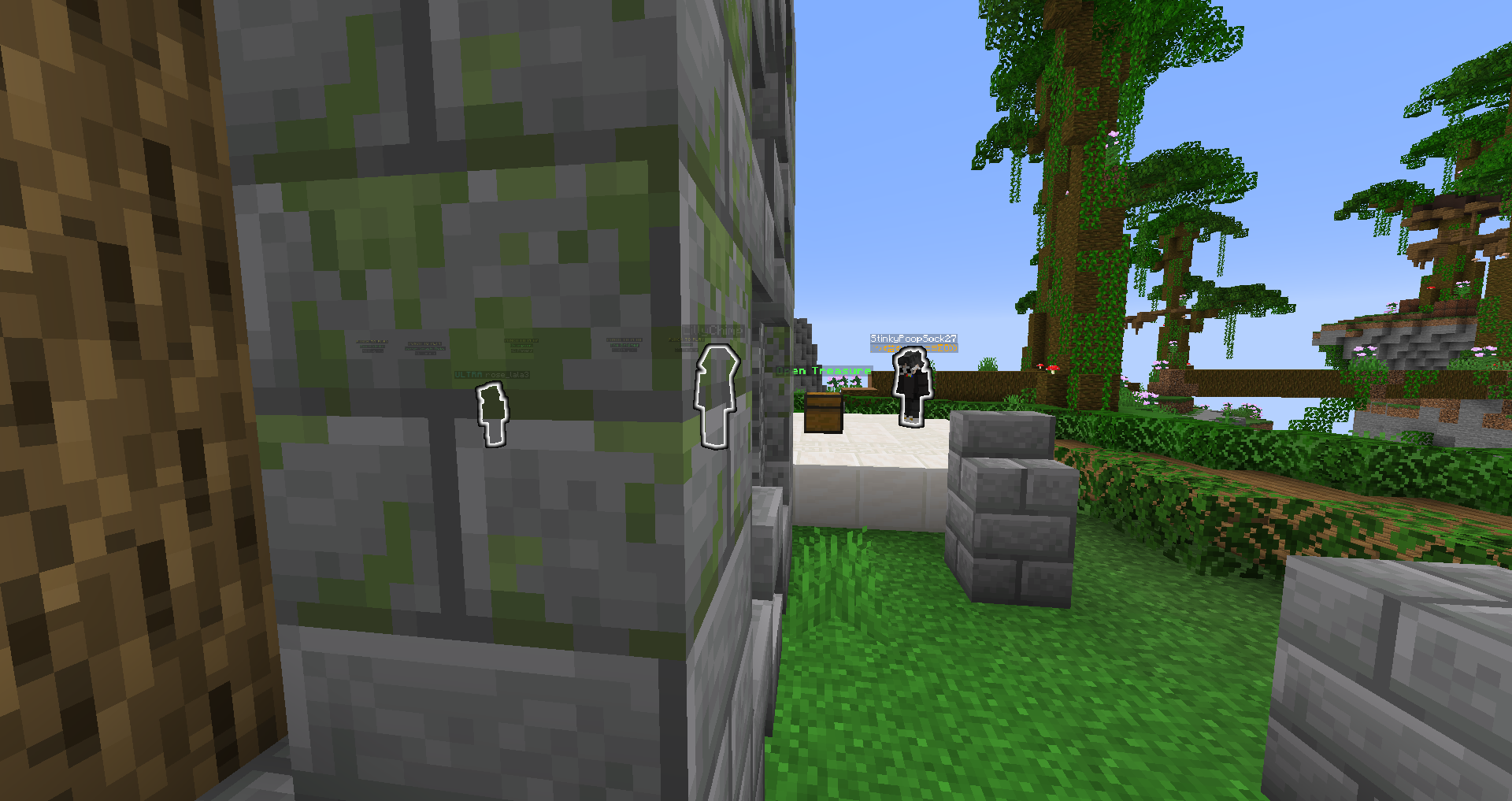
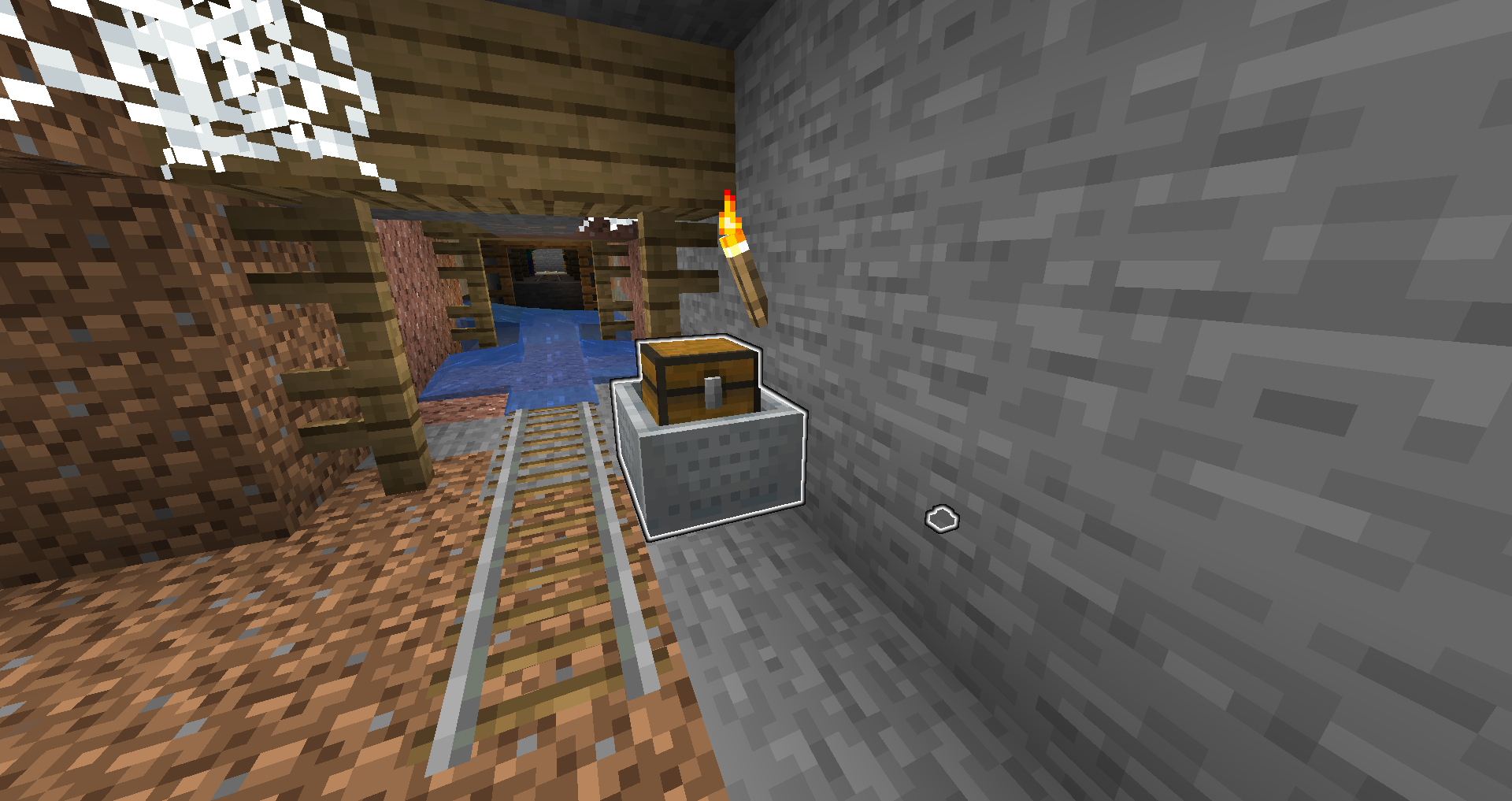
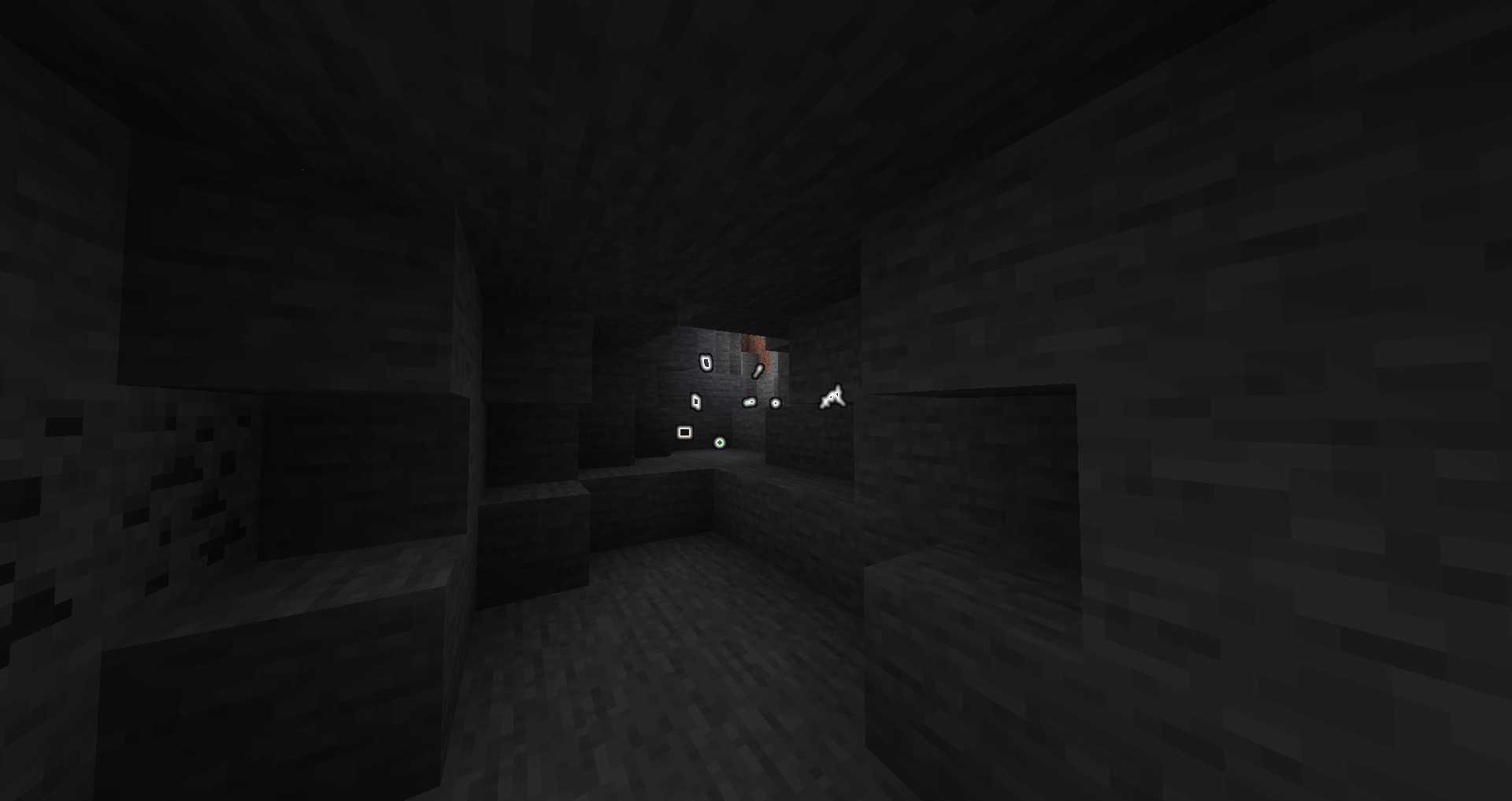
Screenshots
This mod will help with:
- Finding passive mobs
by outlining them.

- Finding unlit caves
by outlining zombies/creepers/skeletons/spiders.
- Fighting other players
by outlining them.

- Finding your death location
by outlining items and experience orbs.

- Wither skeleton skull hunting
by outlining wither skeletons

- Finding mineshafts
by outlining chest minecarts and cave spiders.

And many more!
Installation
1. Install Fabric
2. Drop the Fabric API jar into the mods folder
3. Drop the Entity Outliner (and optionally the Mod Menu) jar(s) into the mods folder
Compatibility
Works with MobZ and Optifine. Let me know if you find any compatibility issues.
License
MIT. Feel free to use this mod in any modpack.
常见问题
Entity Outliner 支持哪些 Minecraft 版本?
Entity Outliner 支持 Minecraft Java 版 1.15–1.19.3,共 16 个版本,可用的加载器:Fabric。下载时注意选择和你游戏版本一致的文件。
Entity Outliner 怎么安装?
先用 PCL2 或 HMCL 启动器安装对应版本的 Fabric,再把下载的 .jar 文件放进游戏目录的 mods 文件夹,重新启动游戏即可。开启了版本隔离的,mods 文件夹在 versions/版本名 下面。
评论
登录后评论和评分