
Visual Mobs Edit
Visual Mobs Edit offers a visual GUI for editing the attributes, behaviors, resistances, and spawn conditions of any living entity, with optional NBT-based targeting for precise control.
截图
介绍
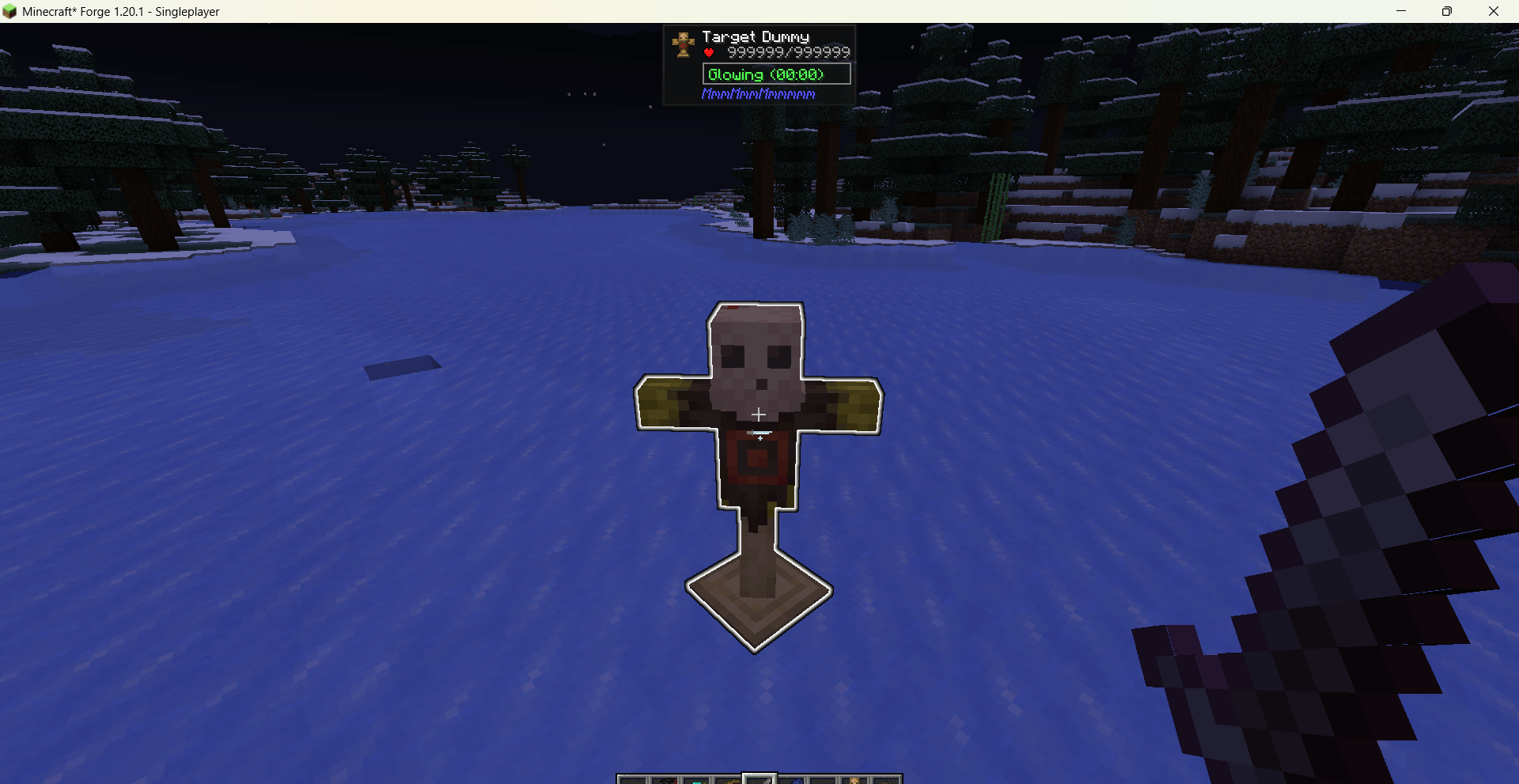
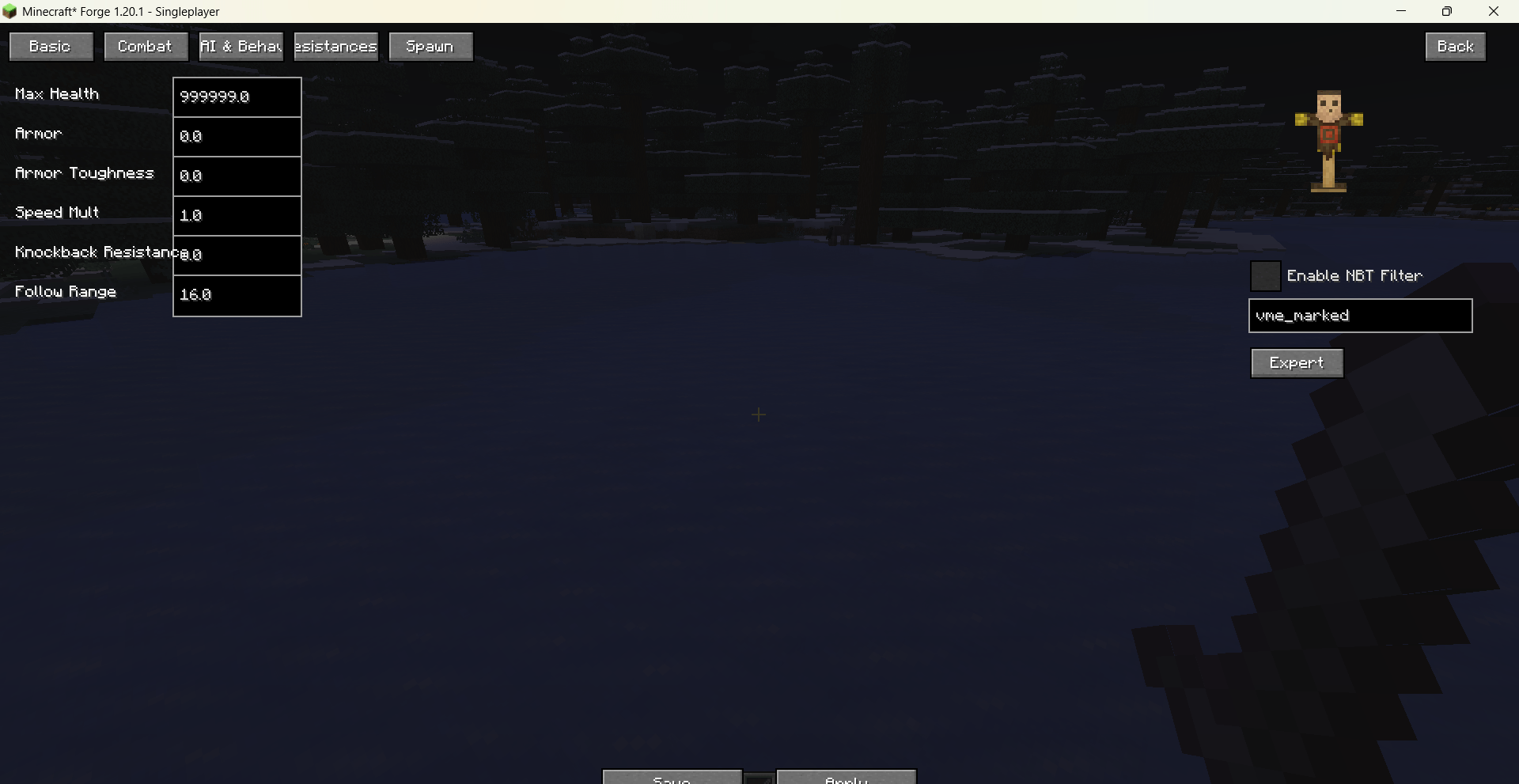
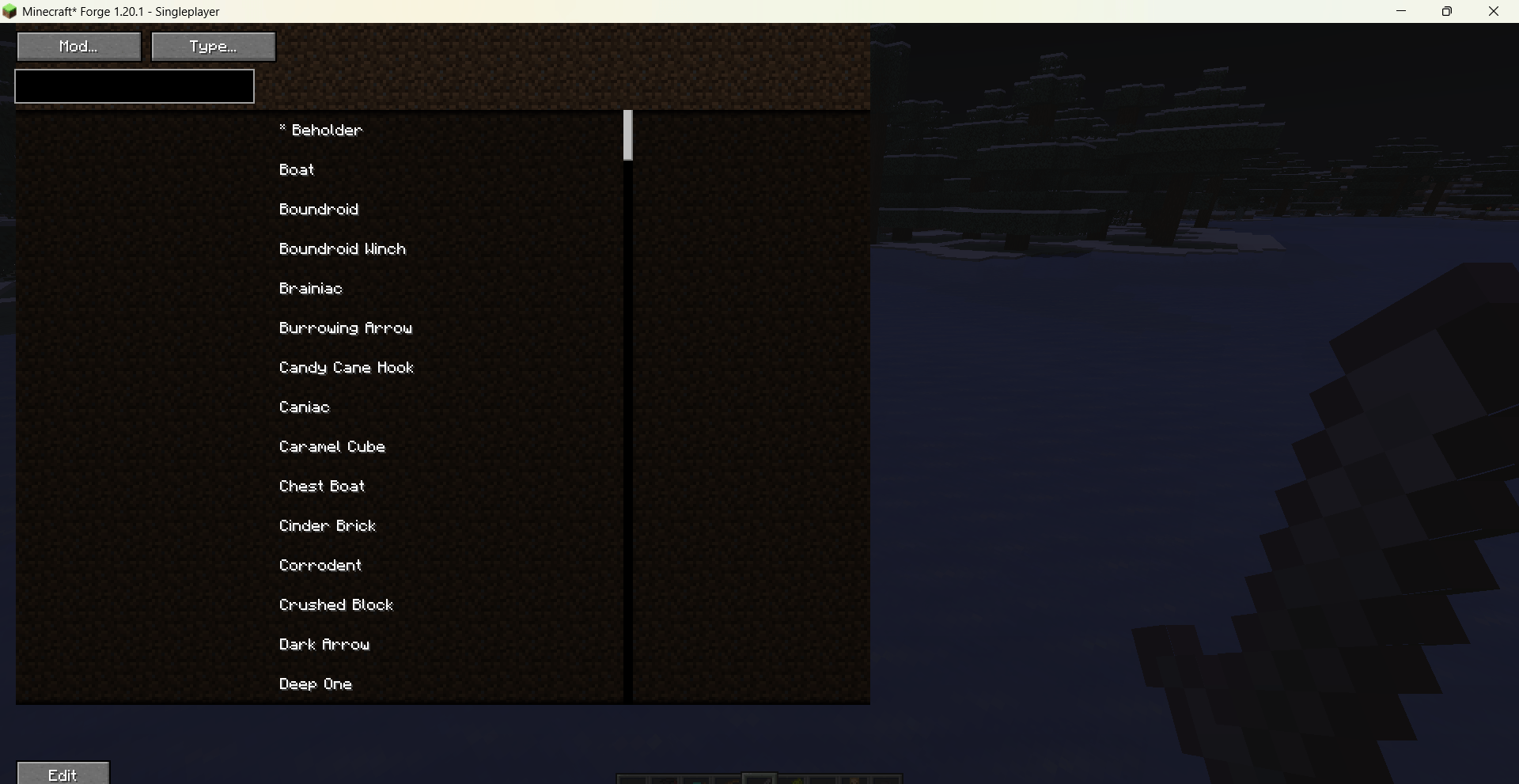
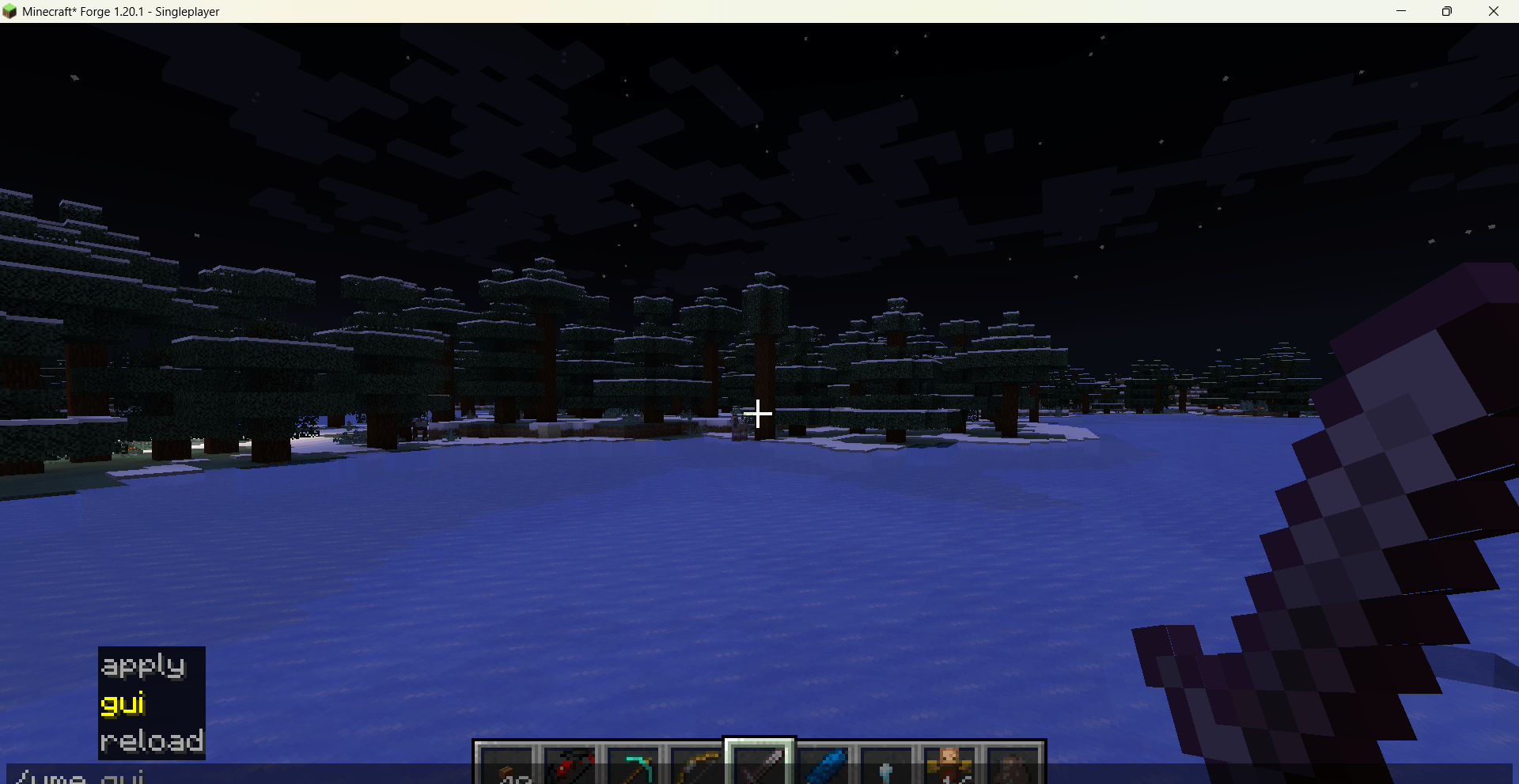
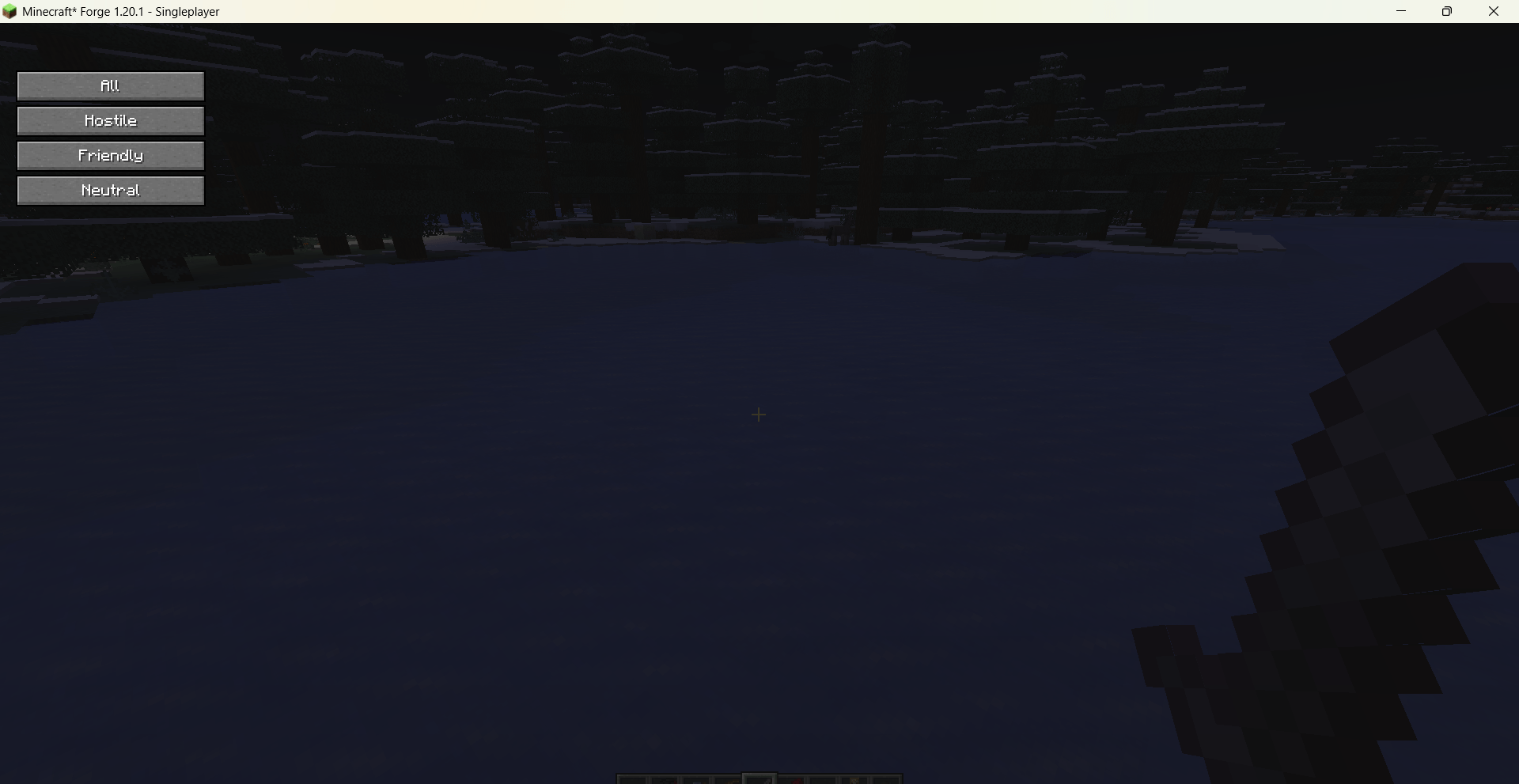
Open the main interface via /vme gui. You can filter entities by their mod origin and hostility (hostile / friendly / neutral), then click “Edit” to enter the property panel, which is organized into several tabs:
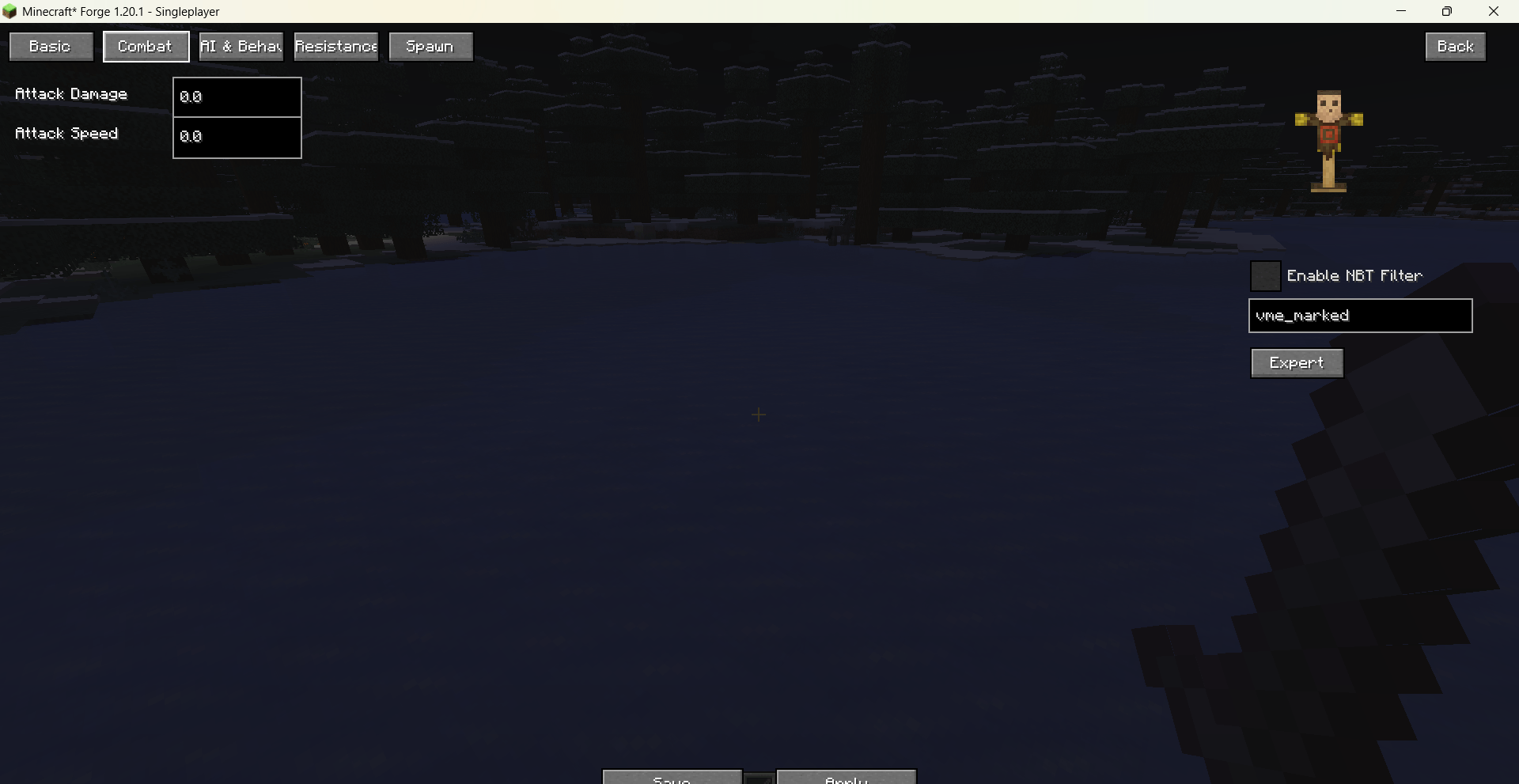
Basic Attributes: Max health, armor, armor toughness, movement speed (multiplier), attack damage, attack speed, knockback resistance, follow range — all freely adjustable with extremely high caps.
AI & Behavior: Toggle “Pickup Items”, “Pushed by Fluid”, “Burn in Sun”, and “Break Blocks” (e.g., Creeper explosions, Wither block destruction). Changes take effect immediately.
Resistances & Status: Immunity to fire, fall, projectiles, magic, and explosions; plus options for permanent glowing and ridability.
Spawn Conditions: Customize spawn weight, group size, light level range, height limits, and allowed biomes for natural generation.
3D Preview: A real‑time rotating model of the selected entity is shown on the right; you can drag to rotate it. The size slider affects only the preview, not in‑game entities.
Tag Filtering: Optionally apply the template only to entities carrying a specific NBT tag, enabling fine‑grained batch adjustments.
Expert Mode: An independent interface lets you add arbitrary attribute IDs and values for deep customization.
All modifications are saved as persistent templates (configuration file is located at config/visual_mobs_edit/templates.json) and can be applied globally or reloaded via commands. The mod fully supports both Chinese and English, with the UI language following the game’s settings automatically.
常见问题
Visual Mobs Edit 支持哪些 Minecraft 版本?
Visual Mobs Edit 支持 Minecraft Java 版 1.20.1–1.21.11,共 3 个版本,可用的加载器:Fabric / Forge / NeoForge。下载时注意选择和你游戏版本一致的文件。
Visual Mobs Edit 怎么安装?
先用 PCL2 或 HMCL 启动器安装对应版本的 Fabric / Forge / NeoForge,再把下载的 .jar 文件放进游戏目录的 mods 文件夹,重新启动游戏即可。开启了版本隔离的,mods 文件夹在 versions/版本名 下面。运行环境:客户端和服务端都要装。
sal-fish 的其他作品
查看全部 →
[VSE]Visual Set Edit
This mod lets you edit custom set effects through a visual GUI with intuitive operations.

Indestructible Enchantment(by sal_fish)
This mod adds an enchantment book named Indestructible, which prevents the enchanted item from consuming durability.

Lava Vision Enchantment
add an enchantment to make you see clearly in lava

TarotCardsPlus
a mod that makes tarot cards become more powerful
评论
登录后评论和评分