
截图
介绍
KubeGroovy
KubeGroovy (WIP wiki) is a fork of KubeJS that runs Groovy scripts (Groovy 6.x) instead of JavaScript.
Note: If you are a script developer (i.e. pack dev, server admin, etc.), check the kubegroovy/ folder in your game directory and the example main.groovy files to get started.
Introduction
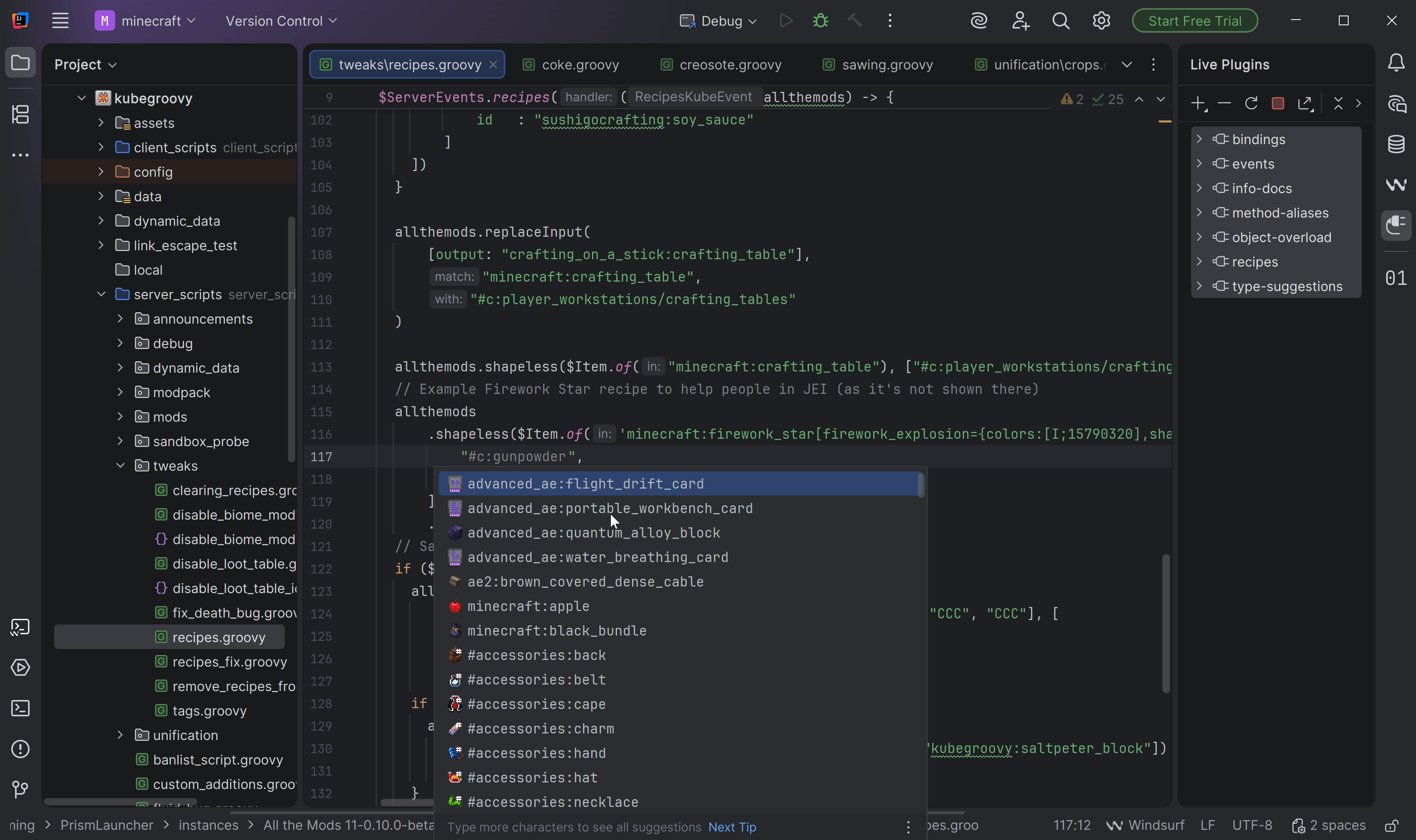
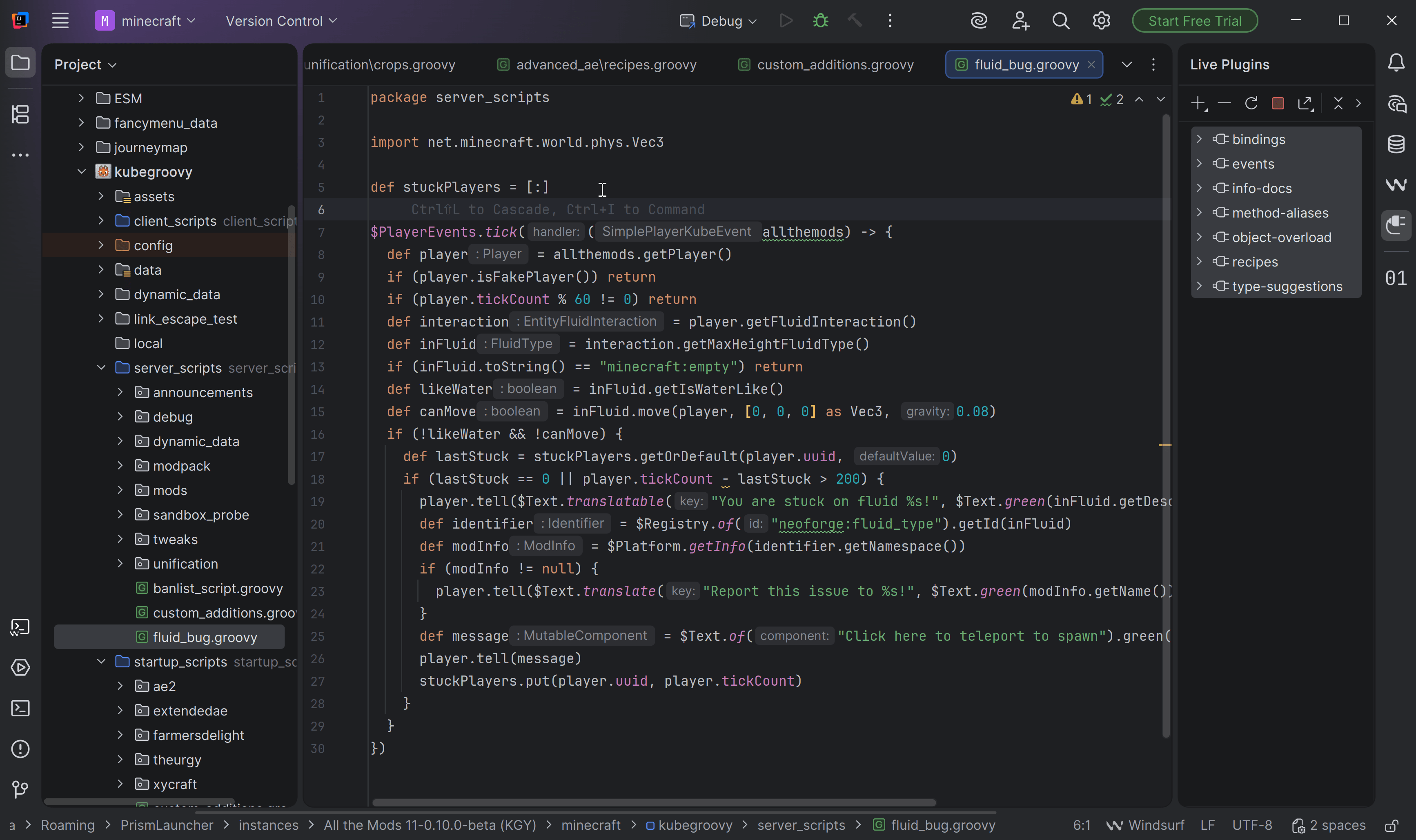
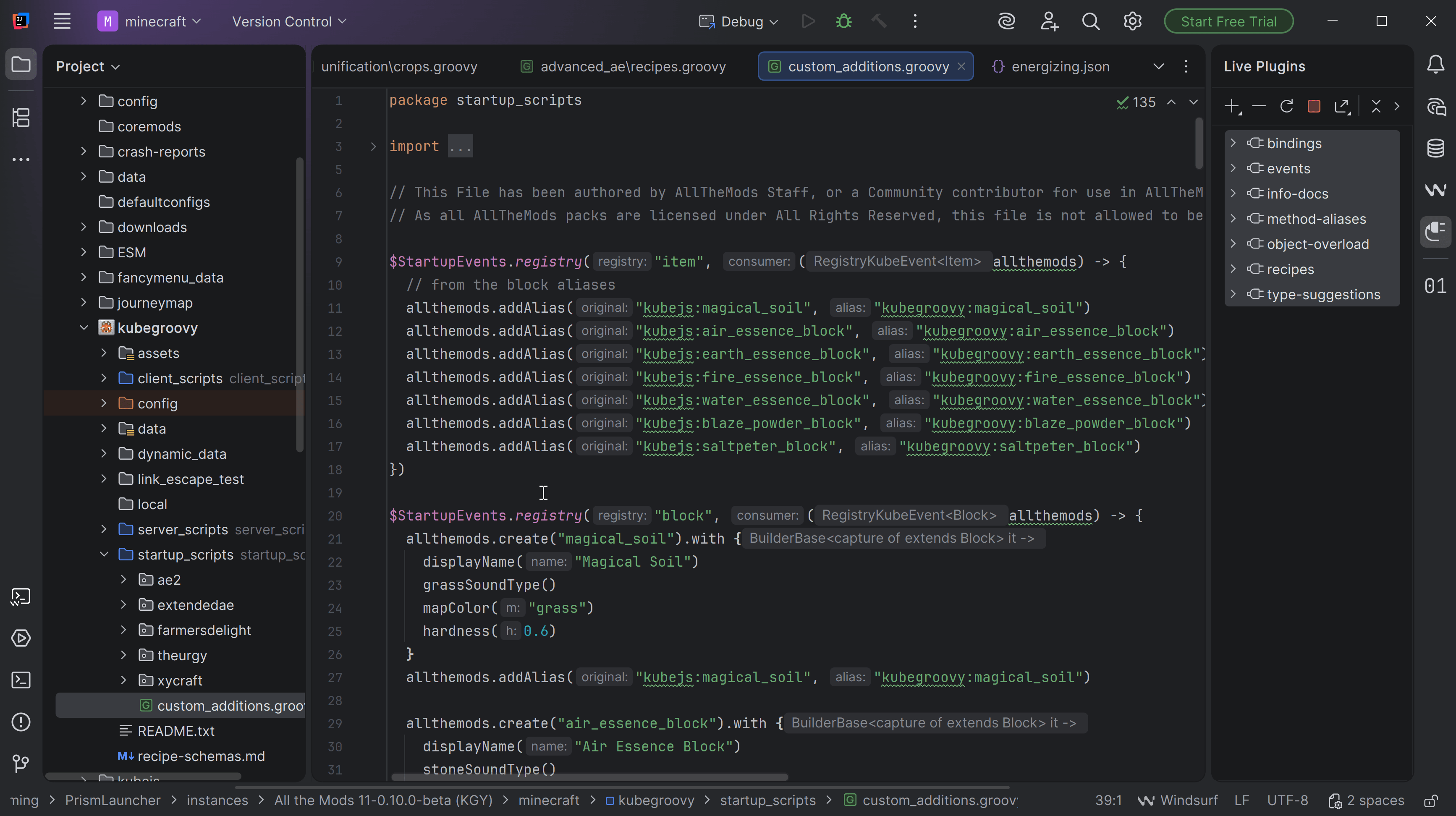
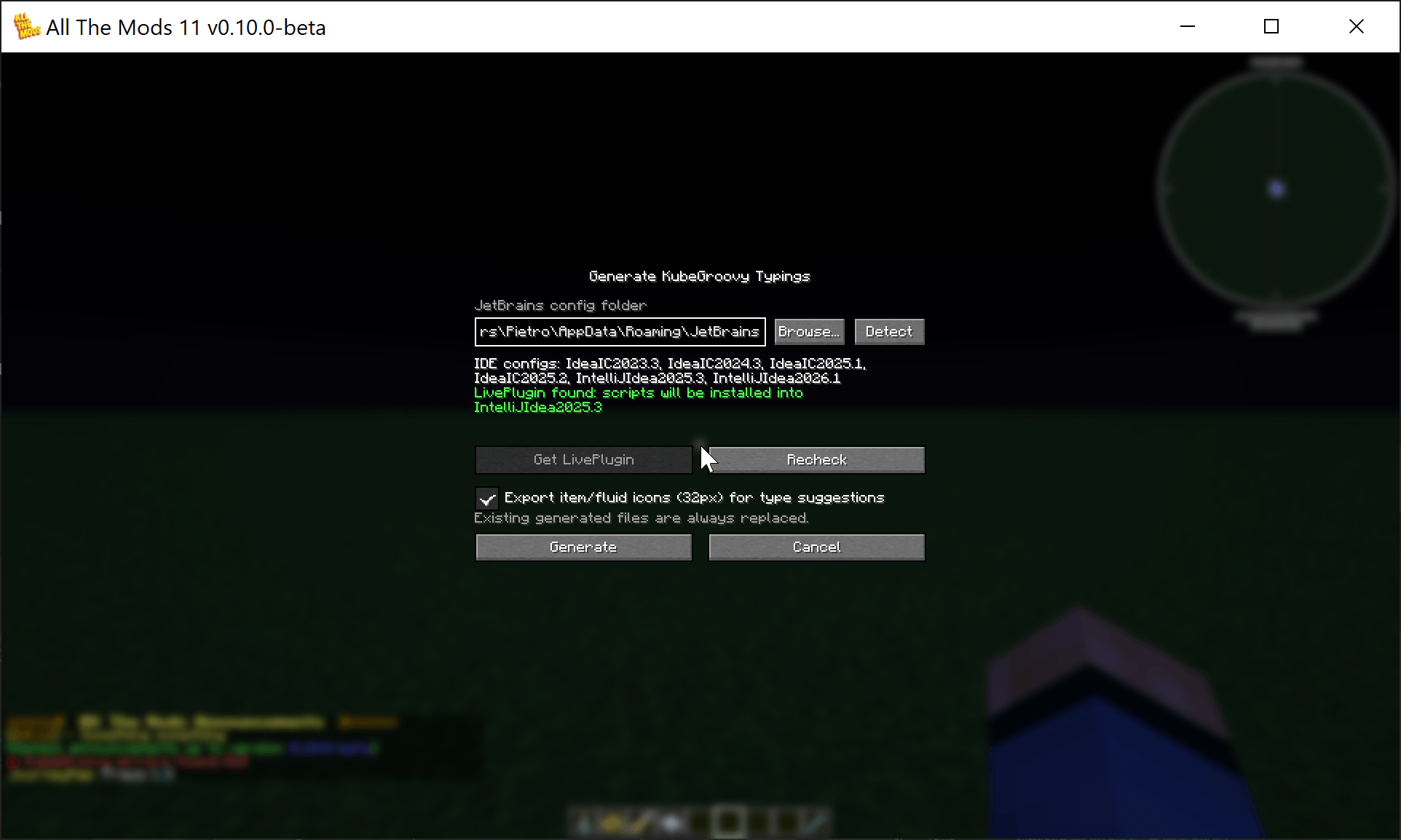
KubeGroovy is a Minecraft mod which lets you create scripts in the Groovy programming language to manage your server using events, change recipes, add loot tables, customise your world generation, add new blocks and items, or use custom integration with other mods for even more advanced features!
Scripts live in the kubegroovy/ game directory:
startup_scripts/– loaded once during game startup (.groovyfiles, support// priority: N,// requires: <modid>headers)server_scripts/– reloaded with/reloadclient_scripts/– reloaded withF3+T
Events are posted to Groovy closures, e.g.:
KubeGroovy script bindings use a $ prefix, so imported classes keep their
unprefixed names.
$ServerEvents.recipes { event ->
    event.shaped('minecraft:diamond', ['AAA', 'AAA', 'AAA'], ['A', 'minecraft:dirt'])
}
Issues and Feedback
If you think you’ve found a bug with the mod or want to ask for a new feature, feel free to open an issue here on GitHub!
License
KubeGroovy is distributed under the GNU Lesser General Public License v3.0, or LGPLv3. See our LICENSE file for more information. Upstream KubeJS is also LGPLv3, see the original repository for details.
Creating addons (WIP)
Contributing to KubeGroovy
Getting Started
If you want to contribute to KubeGroovy, clone the repository using Git and import the gradle project using an IDE of your choice!
Building
Building KubeGroovy from source should be rather straightforward, just run gradlew build in the root project, and the jar files should be in build/libs directory.
常见问题
KubeGroovy 支持哪些 Minecraft 版本?
KubeGroovy 支持 Minecraft Java 版 26.1.2,可用的加载器:NeoForge。下载时注意选择和你游戏版本一致的文件。
KubeGroovy 怎么安装?
先用 PCL2 或 HMCL 启动器安装对应版本的 NeoForge,再把下载的 .jar 文件放进游戏目录的 mods 文件夹,重新启动游戏即可。开启了版本隔离的,mods 文件夹在 versions/版本名 下面。
Uncandango 的其他作品
查看全部 →
AllTheLeaks (Memory Leak Fix)
这个模组修复了一些模组、NeoForge 和 Minecraft 的内存泄漏问题,直到它们各自实现修复为止。
KubeJS Tweaks
这是 KubeJS 的附属模组,用于为重度模组整合包抽象出 KubeJS 的一些常见用法,并在需要时应用热修复。

Quests Lang Splitter
这个模组支持拆分语言文件,便于进行版本控制,同时还添加了一些实用命令。

RhinoTS (Typescript for KubeJS)
Modifies KubeJS Javascript engine (Rhino) to ignore Typescript types
评论
登录后评论和评分