Bedrock Skins
Allows Bedrock Edition and Legacy Console Edition skin packs to be used natively on Java Edition!
截图

介绍
Bedrock Skins
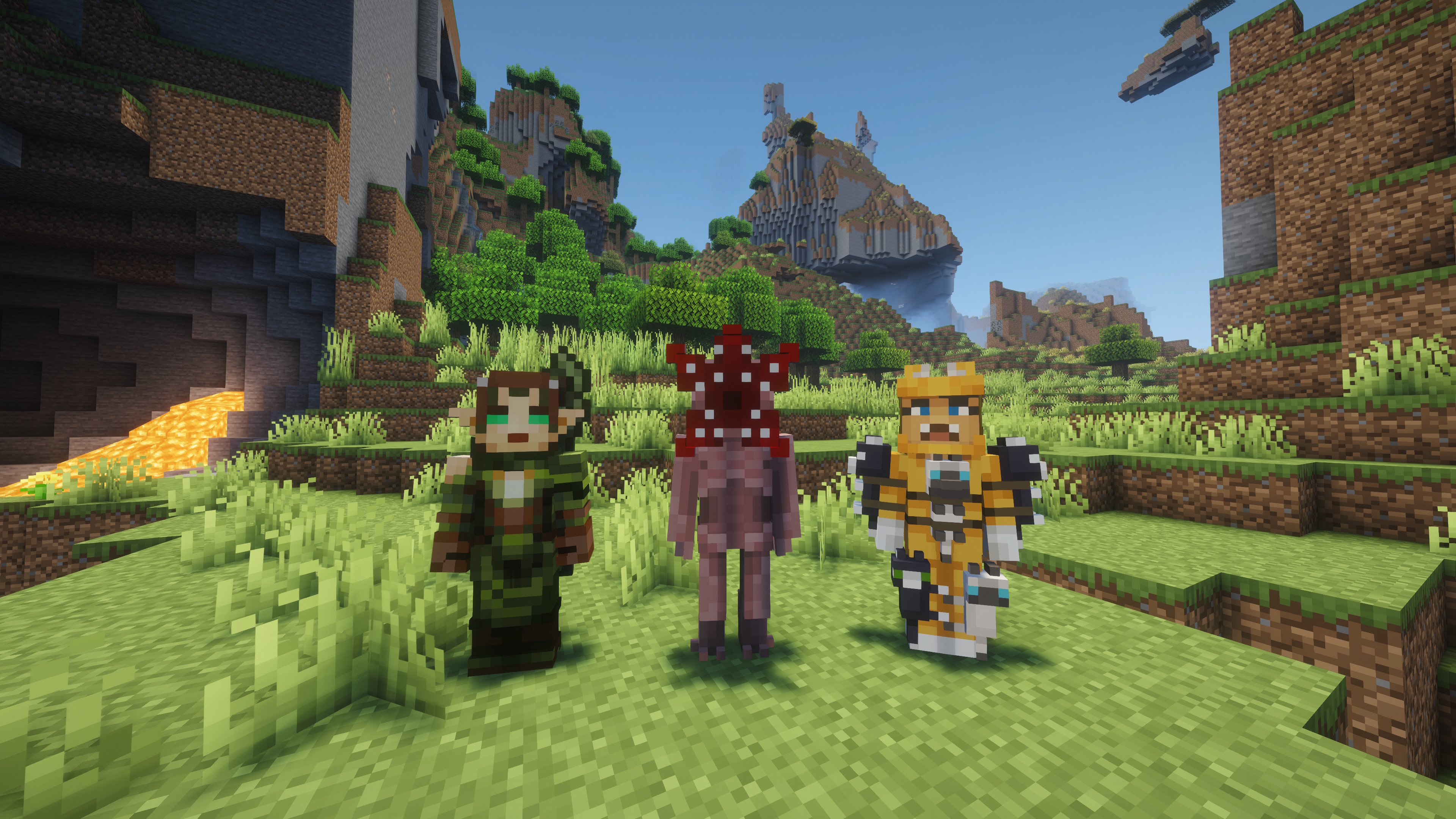
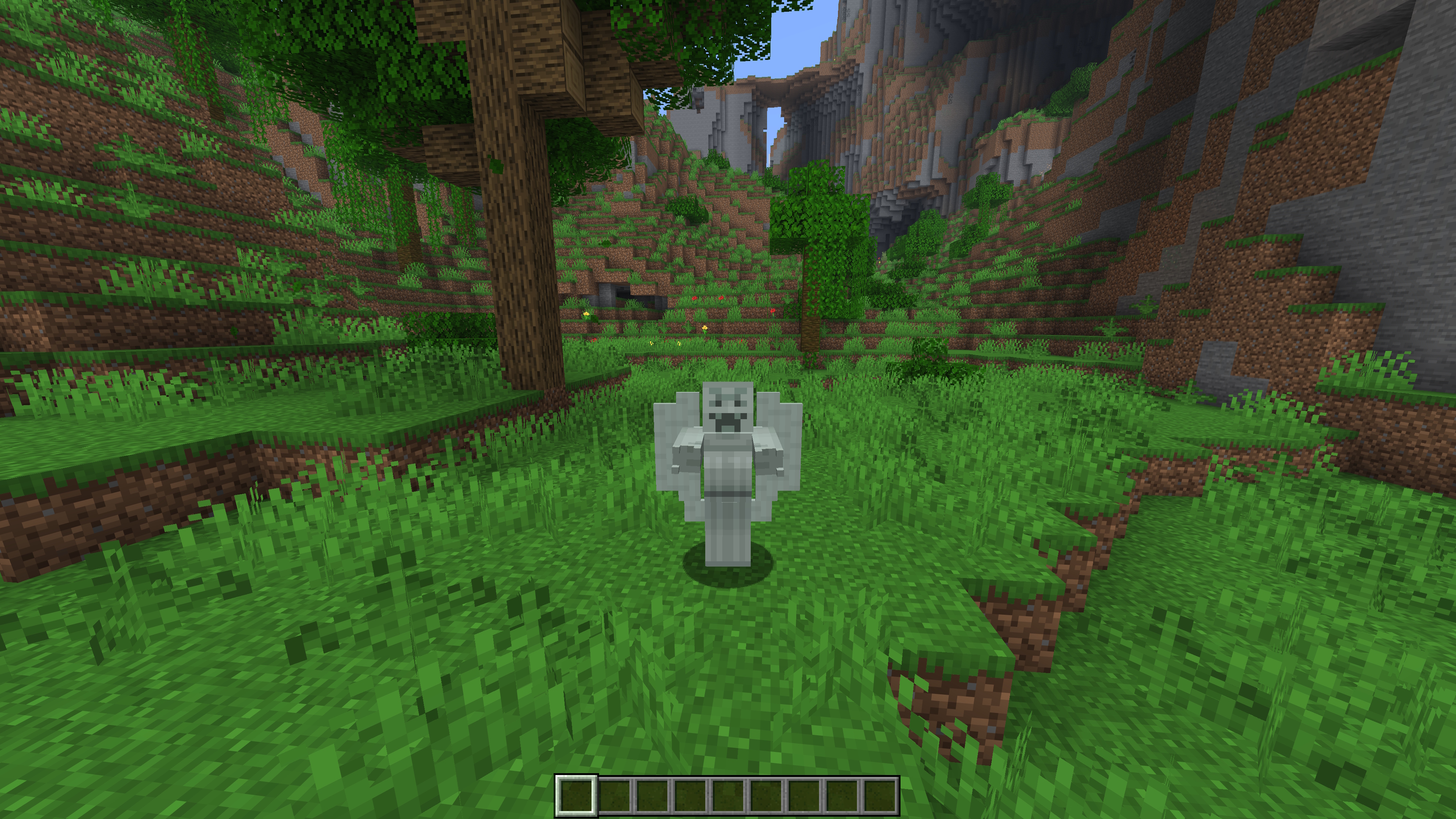
This mod allows you to load and render skins from Bedrock Edition and Legacy Console Edition Skin Packs natively. It enables fully custom 3D geometry, unique skin animations, as well as high-resolution textures.
Features
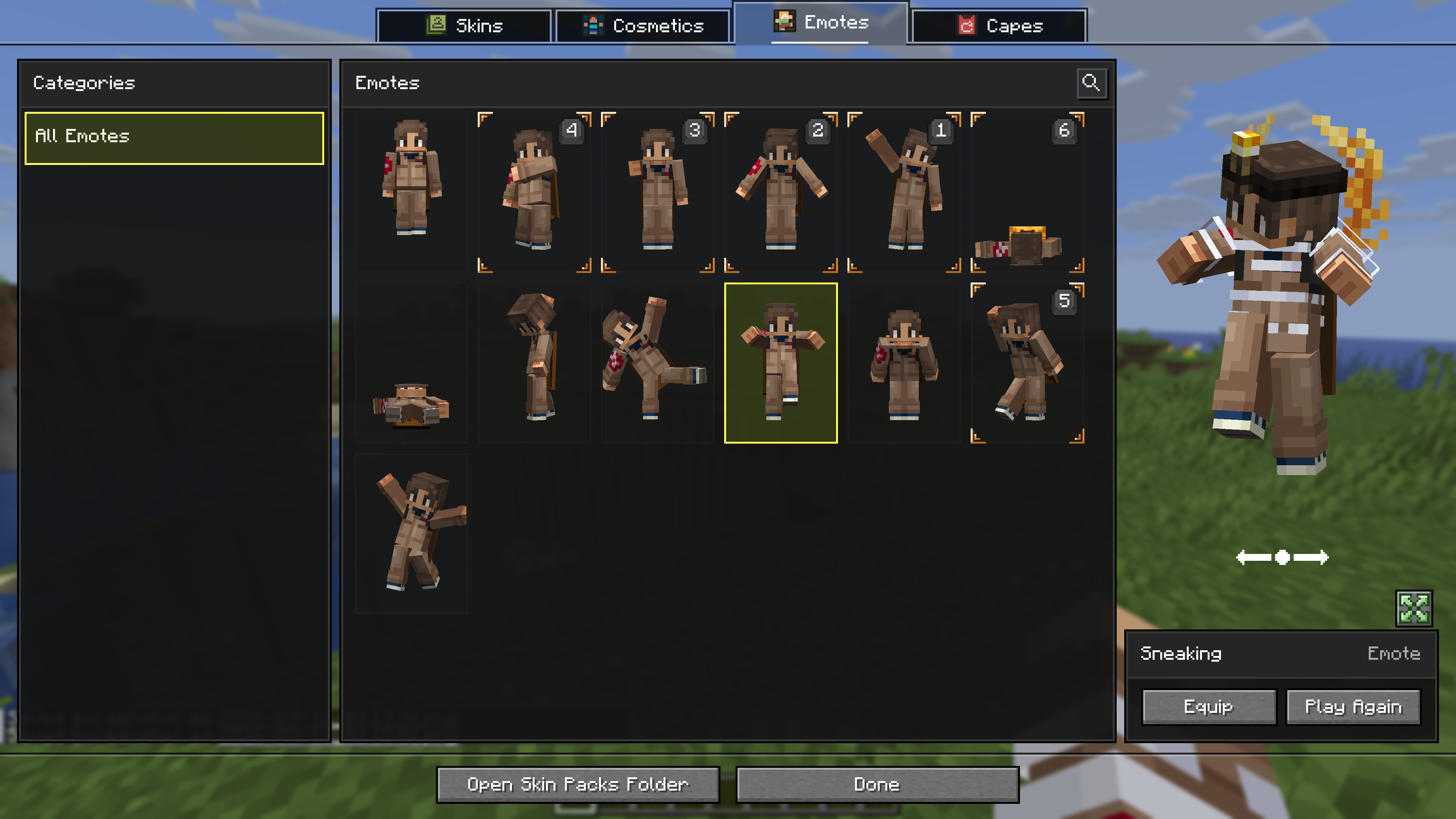
- Native Bedrock Geometry: Natively supports standard Bedrock JSON geometry files, allowing for complex, custom 3D models.
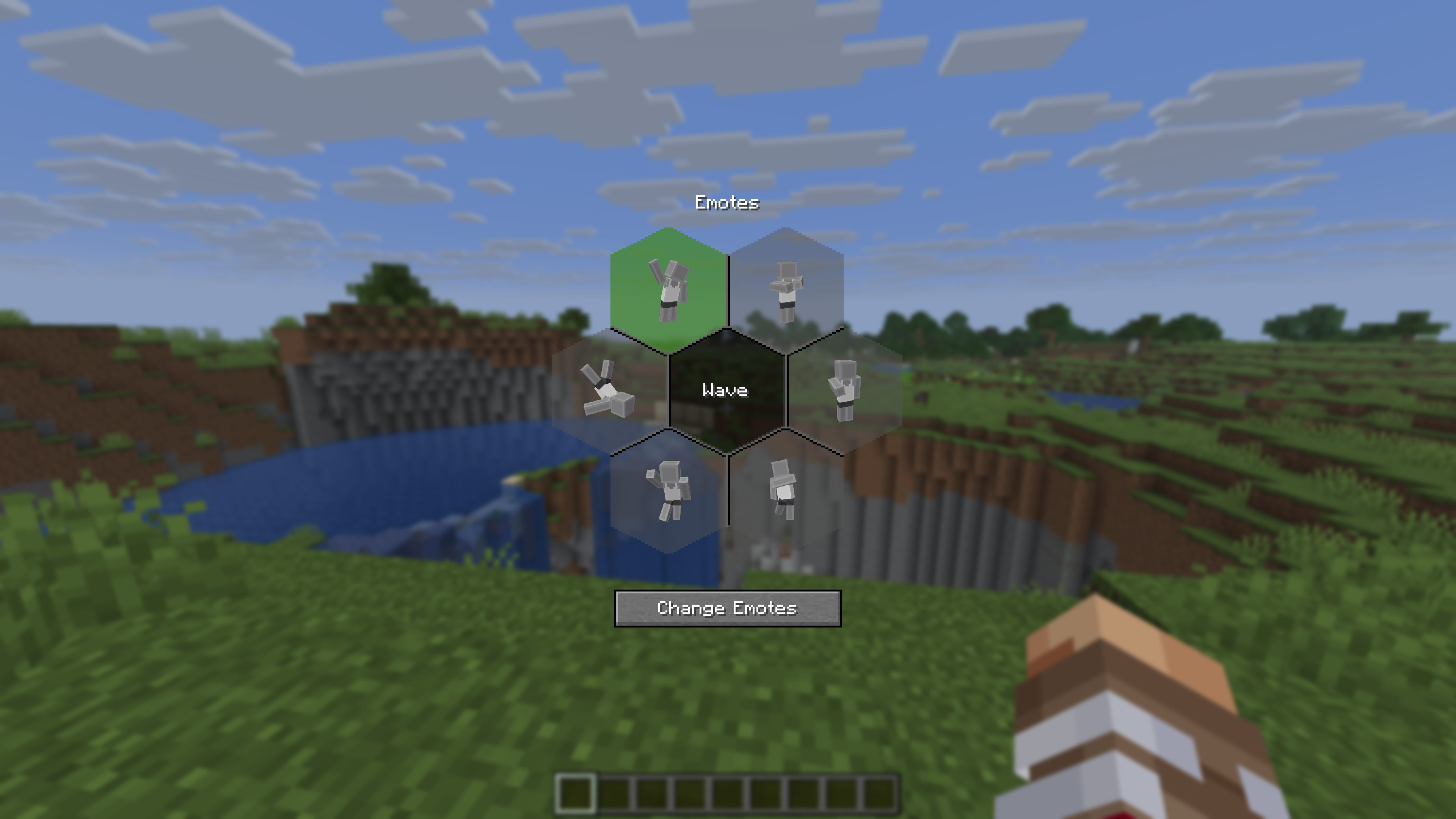
- Custom Animations & HD Textures: Fully supports unique skin animations and high-resolution textures included in skin packs.
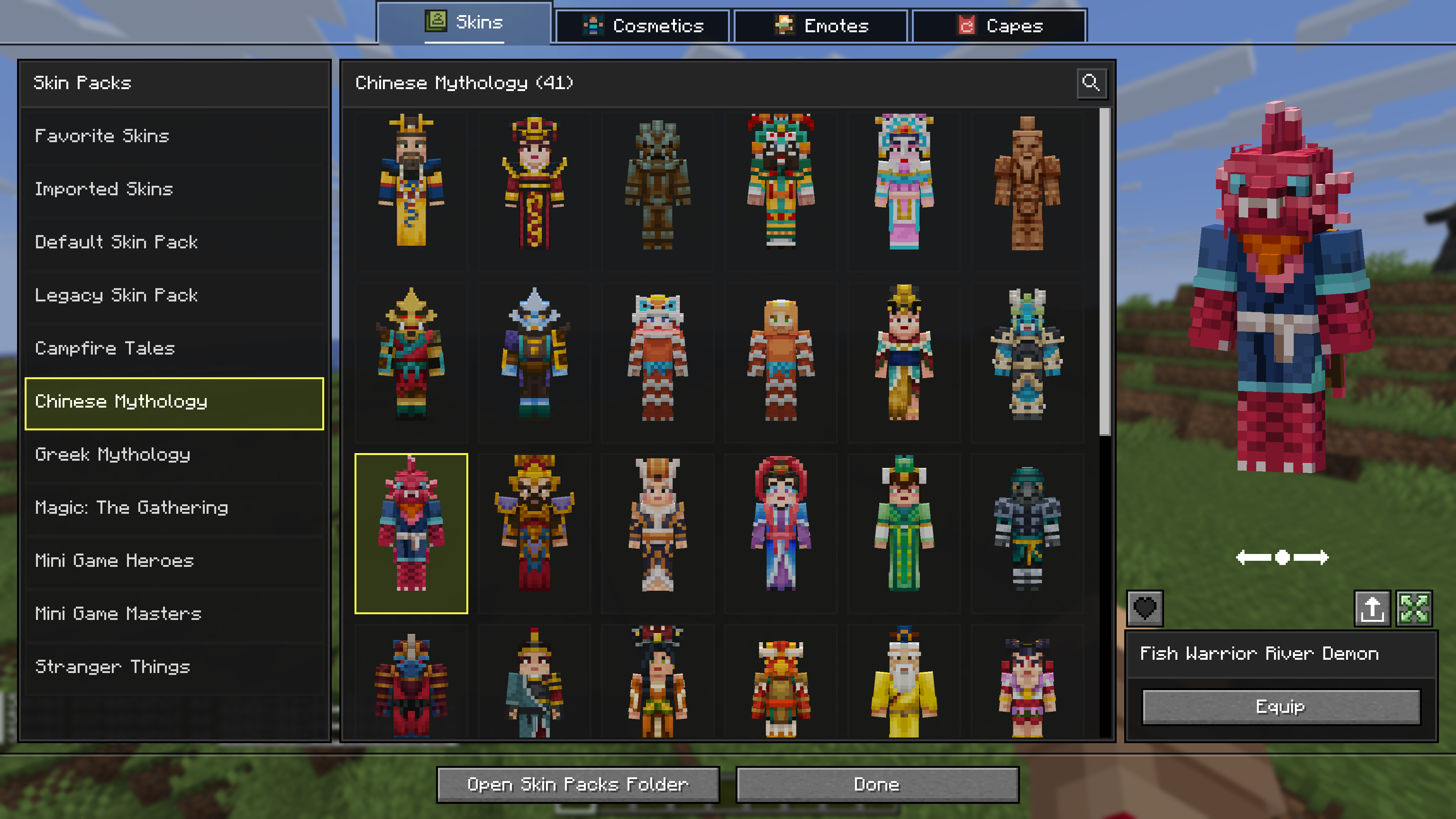
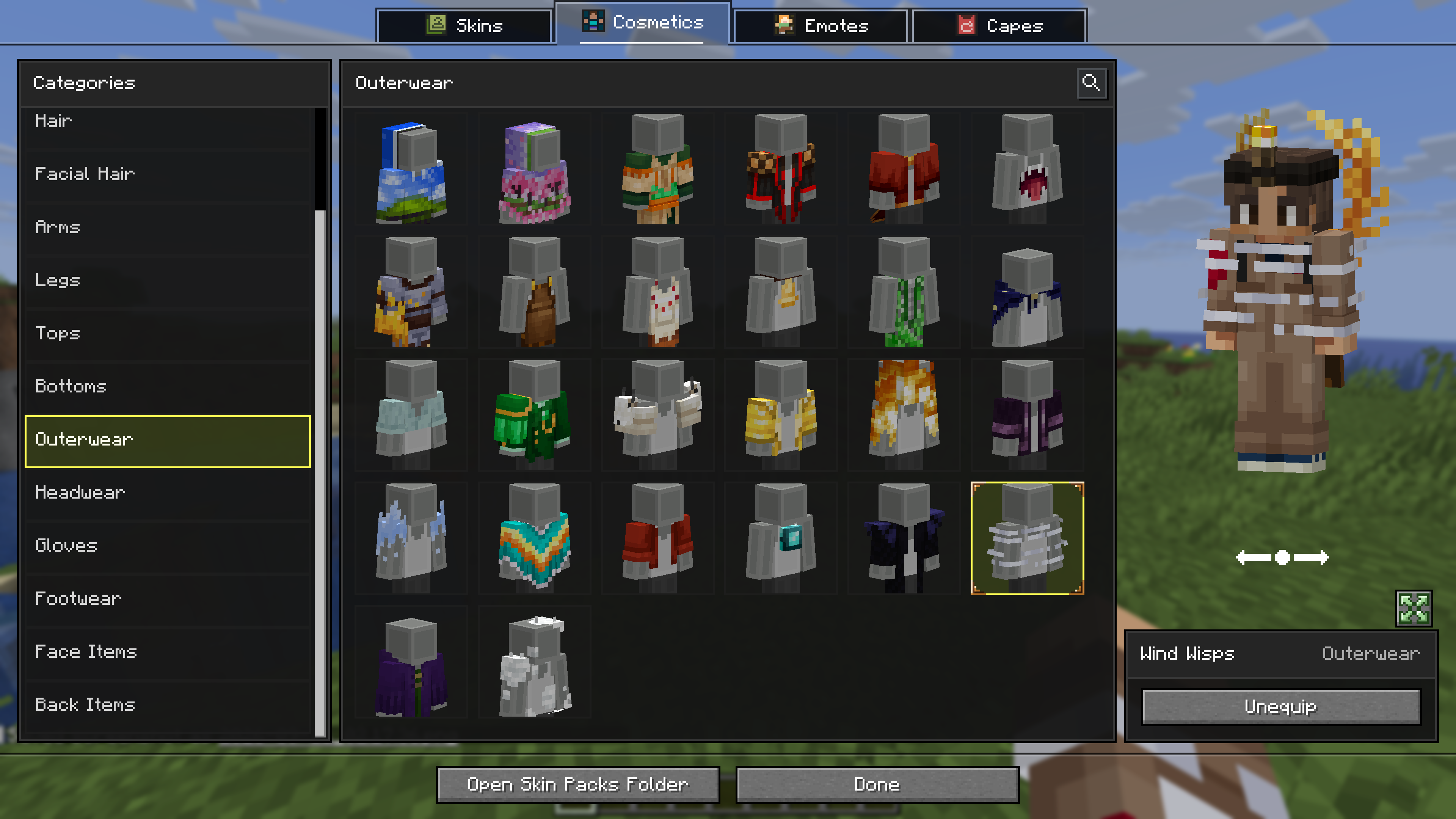
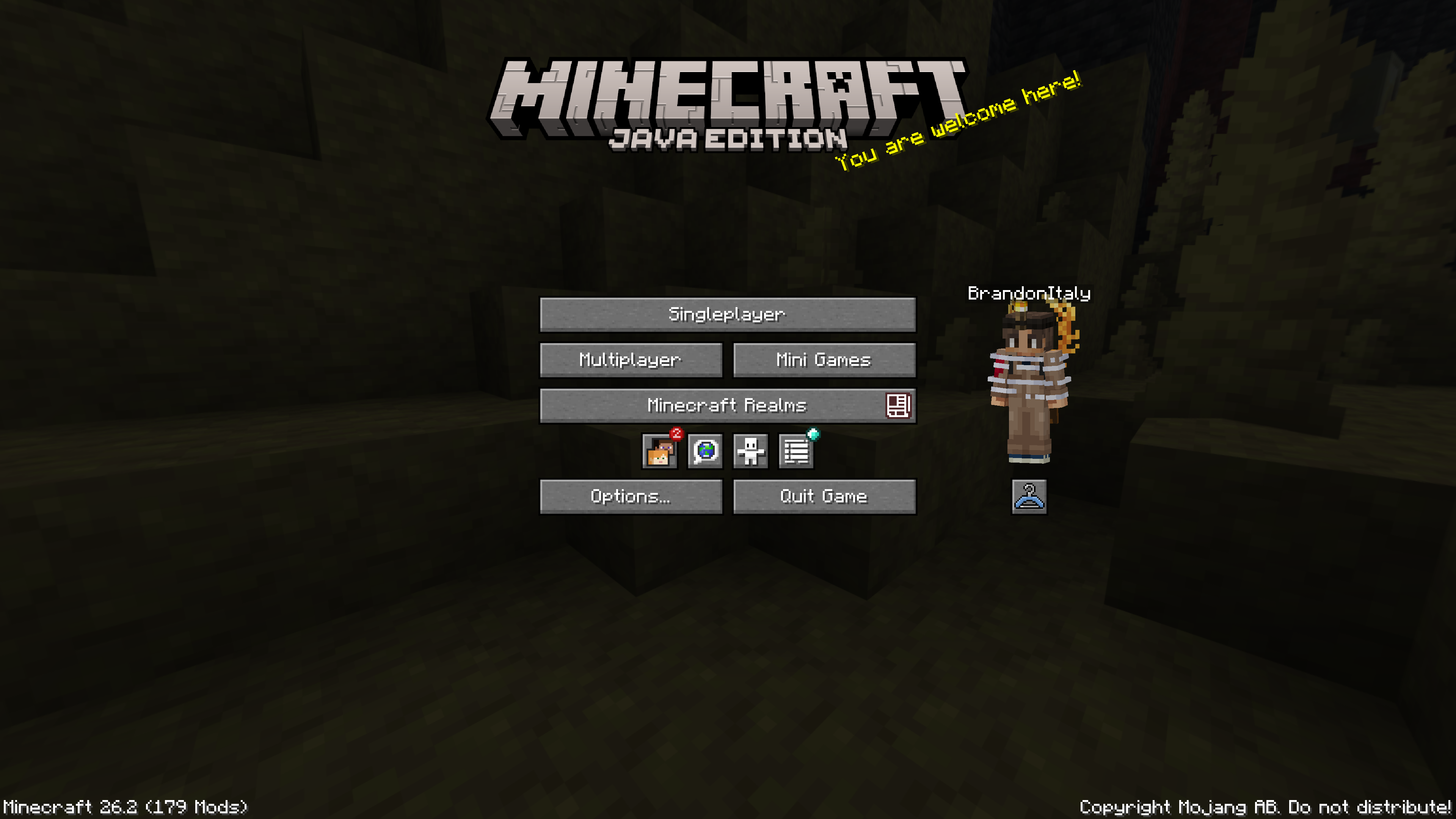
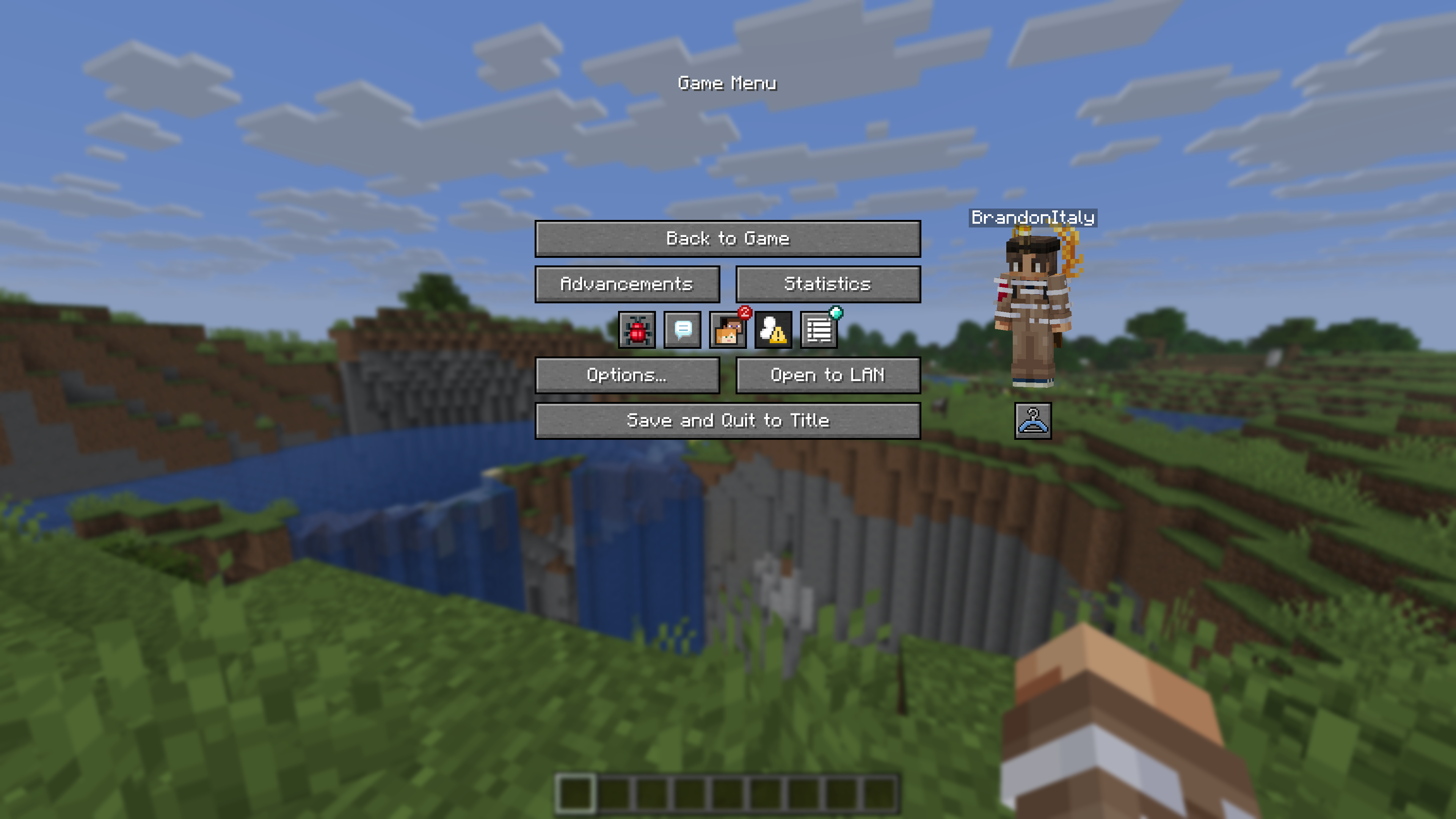
- Wardrobe Screen: Access the wardrobe screen by pressing
K, or via the buttons added directly to both the Main Menu and the Pause Screen. Browse your installed packs and cosmetics, preview skins, and manage your favorites. - Paper Doll Render: Features a paper doll render of your currently selected skin in the Main Menu and the Pause Screen, right above the change skin button.
- Legacy4J Compatibility: Enjoy native support for the Legacy4J mod.
Downloading Skin Packs
Additional skin packs can be downloaded with the following resource pack.
Adding Skin Packs
- Run the game once to generate the
skin_packsfolder in your main game directory (e.g.,.minecraft/skin_packs). - Place your Bedrock Edition skin pack folders directly into this directory.
- Ensure your pack folder contains a
skins.jsonfile. If your skins utilize custom models, ageometry.jsonfile is also required.
Example:
.minecraft/skin_packs/MyCustomPack/skins.json
Adding Cosmetics
- Run the game once to generate the
personafolder in your main game directory (e.g.,.minecraft/persona). - Ensure your cosmetic folder contains a
.meta.jsonfile. - Place your Bedrock Edition cosmetic folders directly into this directory.
Example:
.minecraft/persona/steve_shirt/steve_shirt.meta.json
常见问题
Bedrock Skins 支持哪些 Minecraft 版本?
Bedrock Skins 支持 Minecraft Java 版 1.21.9–26.3,共 8 个版本,可用的加载器:Fabric / NeoForge / Quilt。下载时注意选择和你游戏版本一致的文件。
Bedrock Skins 怎么安装?
先用 PCL2 或 HMCL 启动器安装对应版本的 Fabric / NeoForge / Quilt,再把下载的 .jar 文件放进游戏目录的 mods 文件夹,重新启动游戏即可。开启了版本隔离的,mods 文件夹在 versions/版本名 下面。运行环境:客户端 / 服务端。
Reverie Projects 的其他作品
查看全部 →
Modpack Update Checker
专为整合包设计的更新检查器!

Skyboxify
一个天空盒模组,让你可以在 Fabric 1.21+ 中使用 OptiFine 天空效果

Fast Noise
原版世界生成优化模组

Factory API
一个支持不同模组加载器的 API,是 Factocrafty 等模组的前置库
评论
登录后评论和评分