
截图



介绍
Starlance
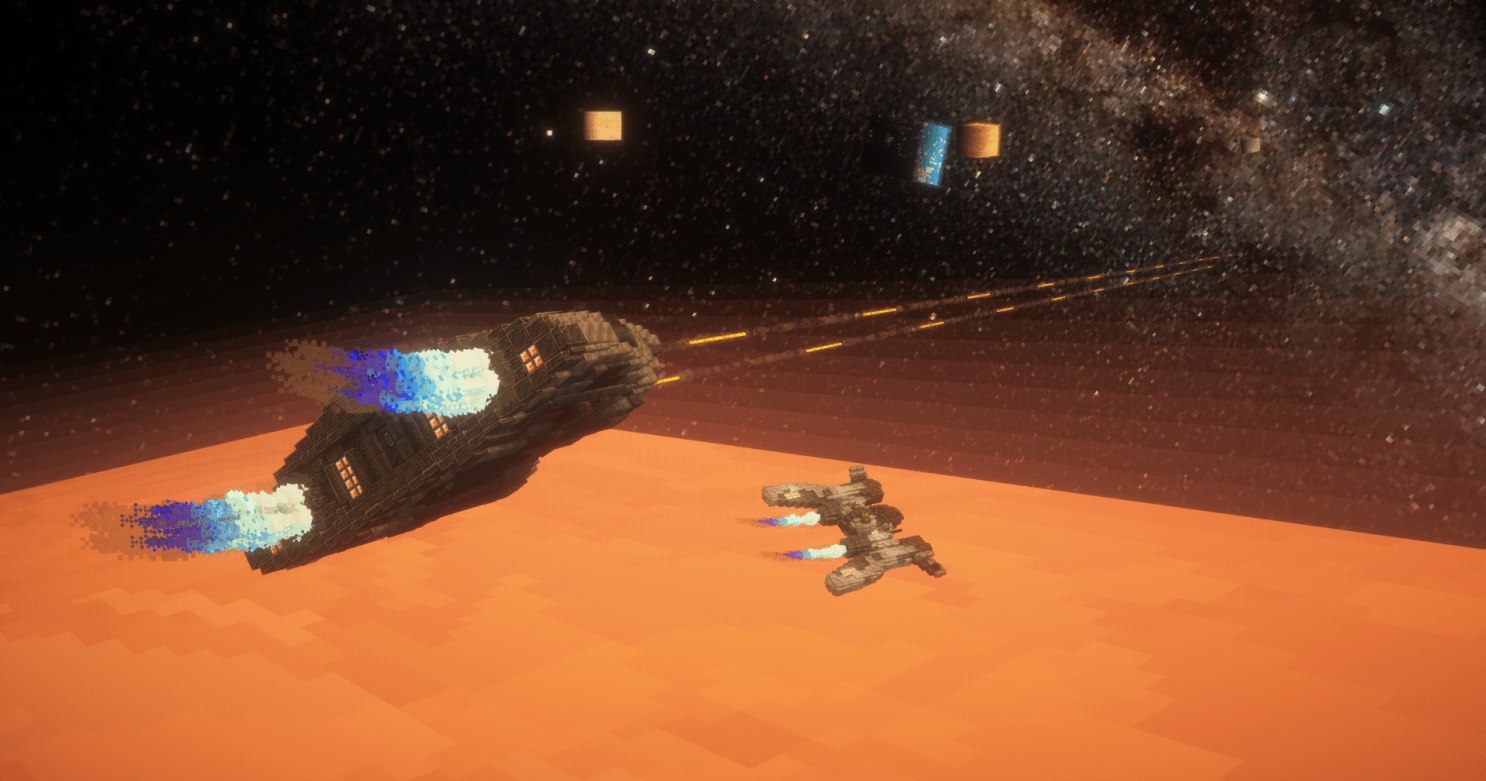
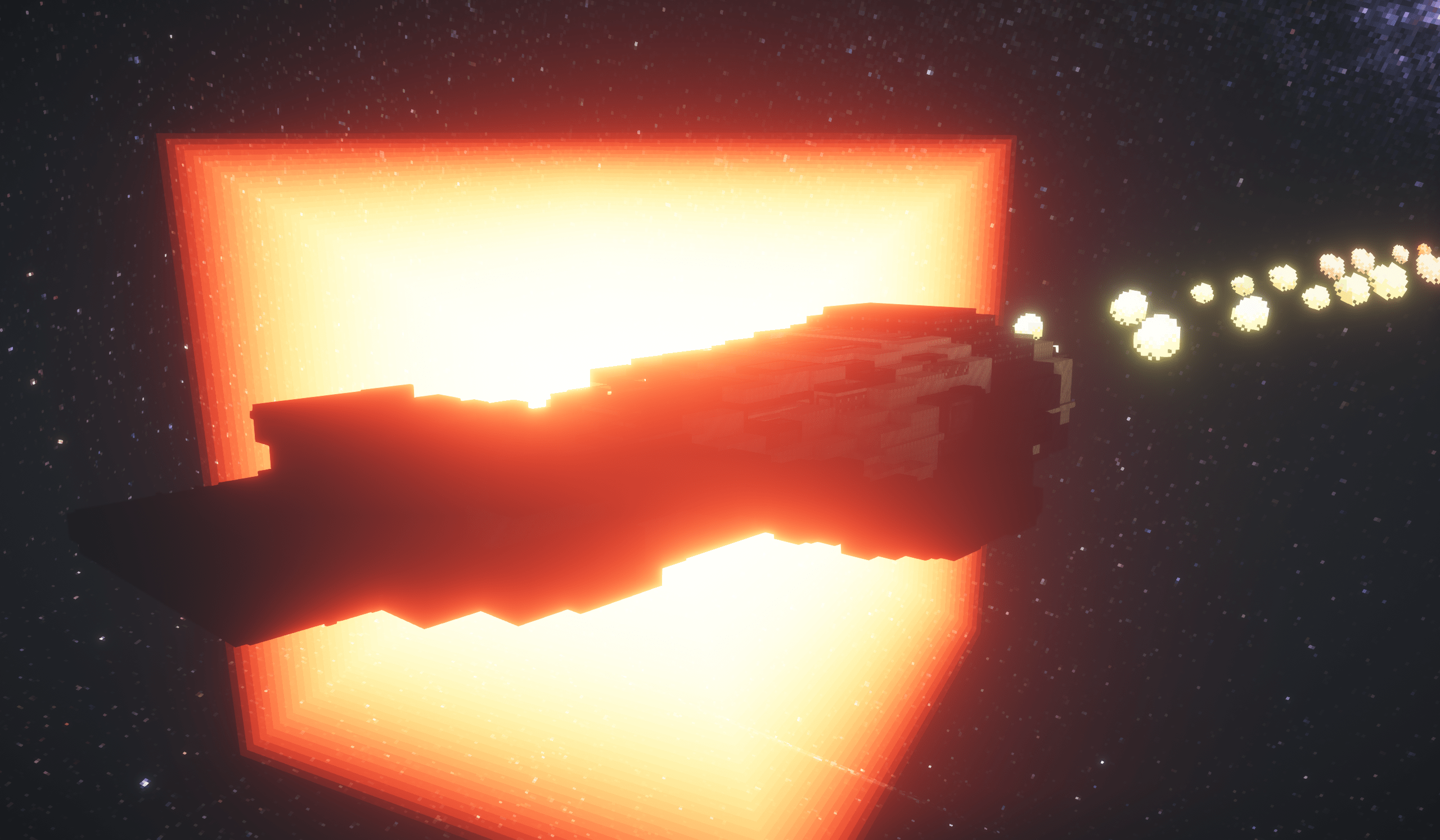
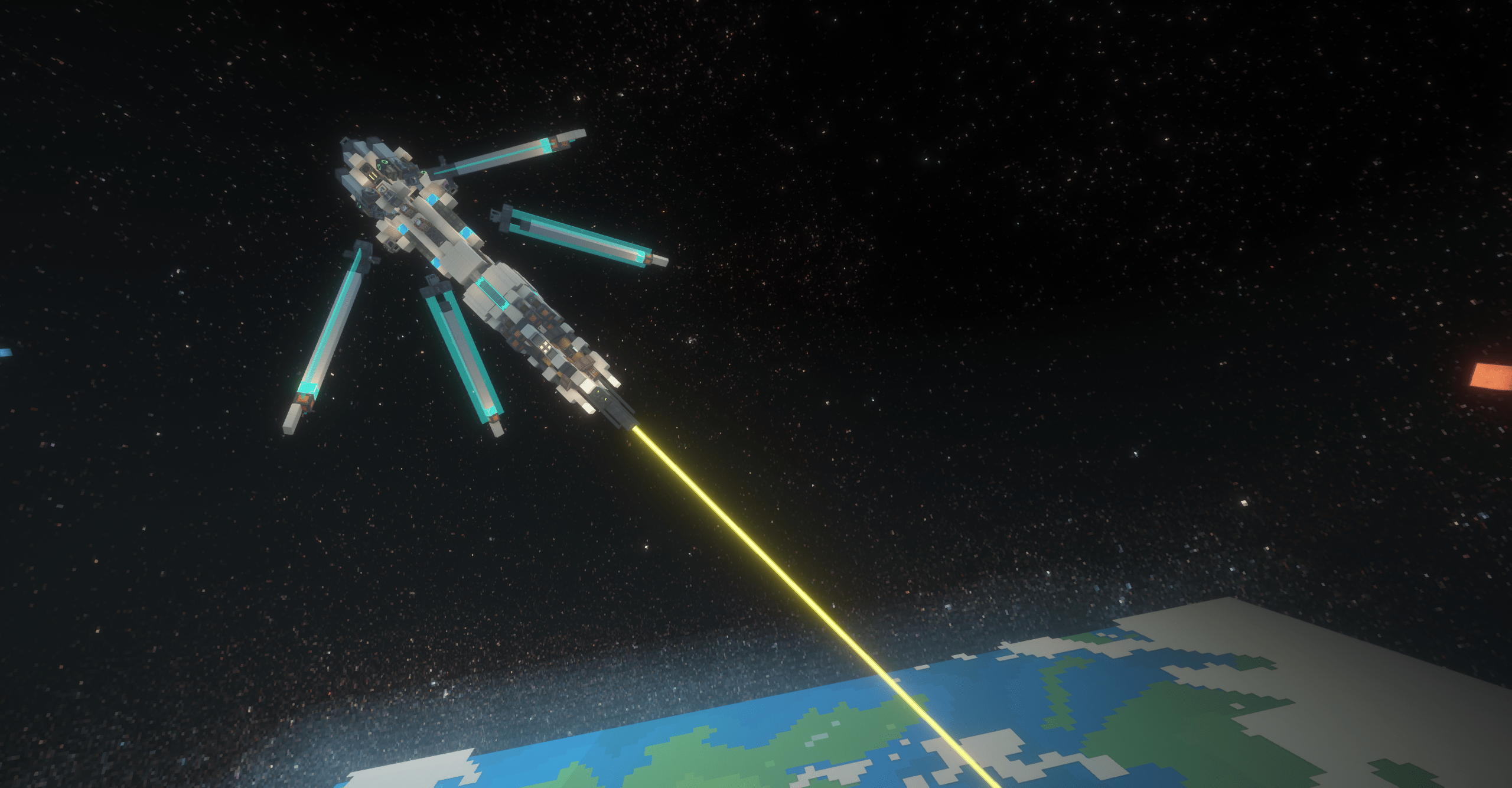
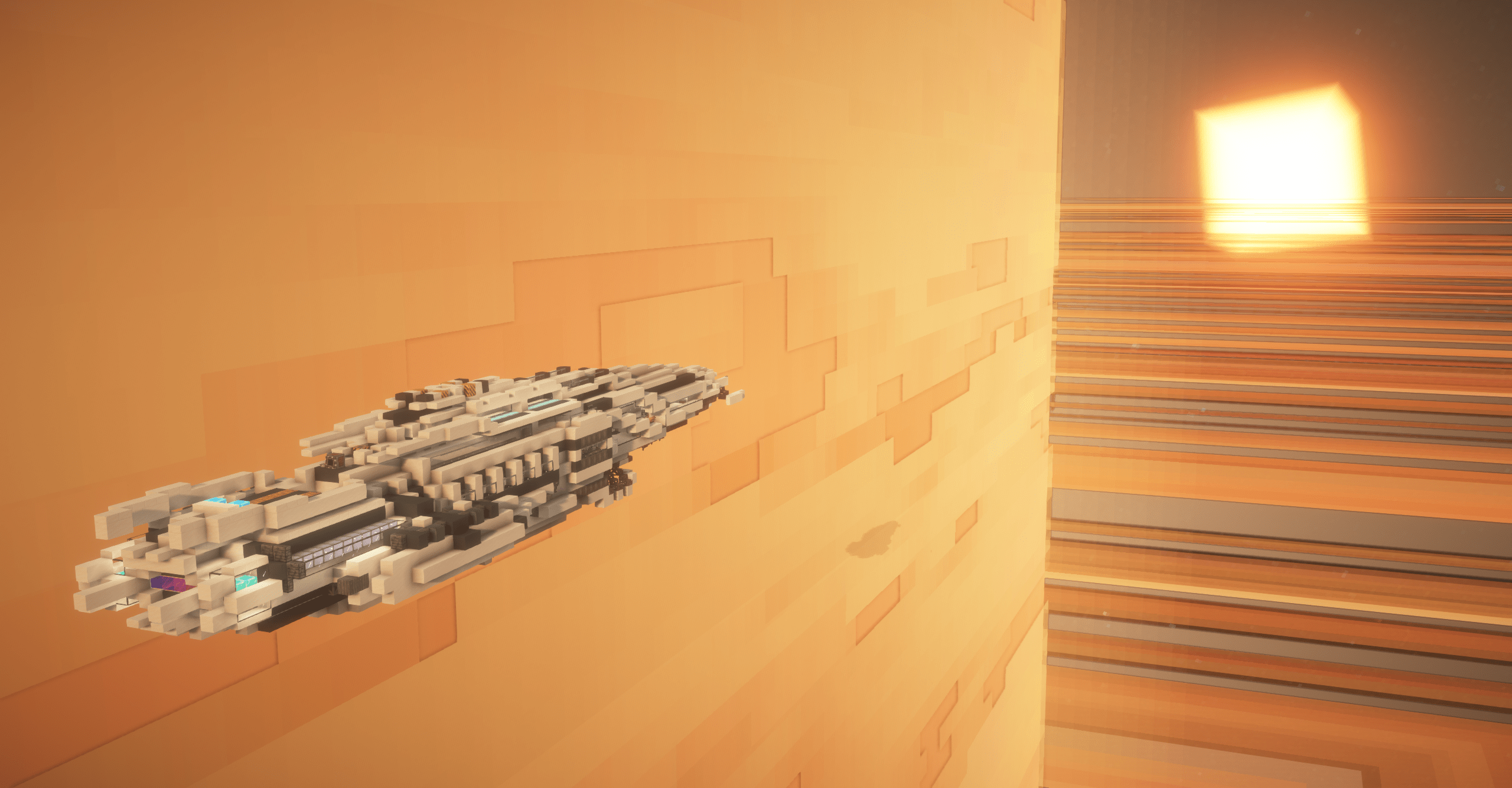
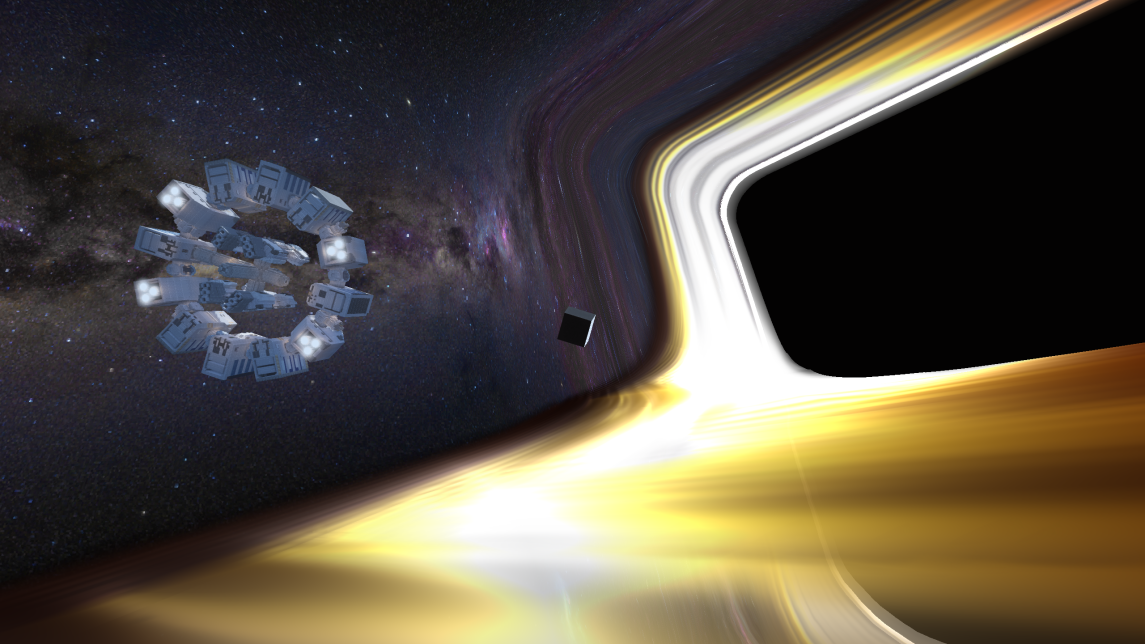
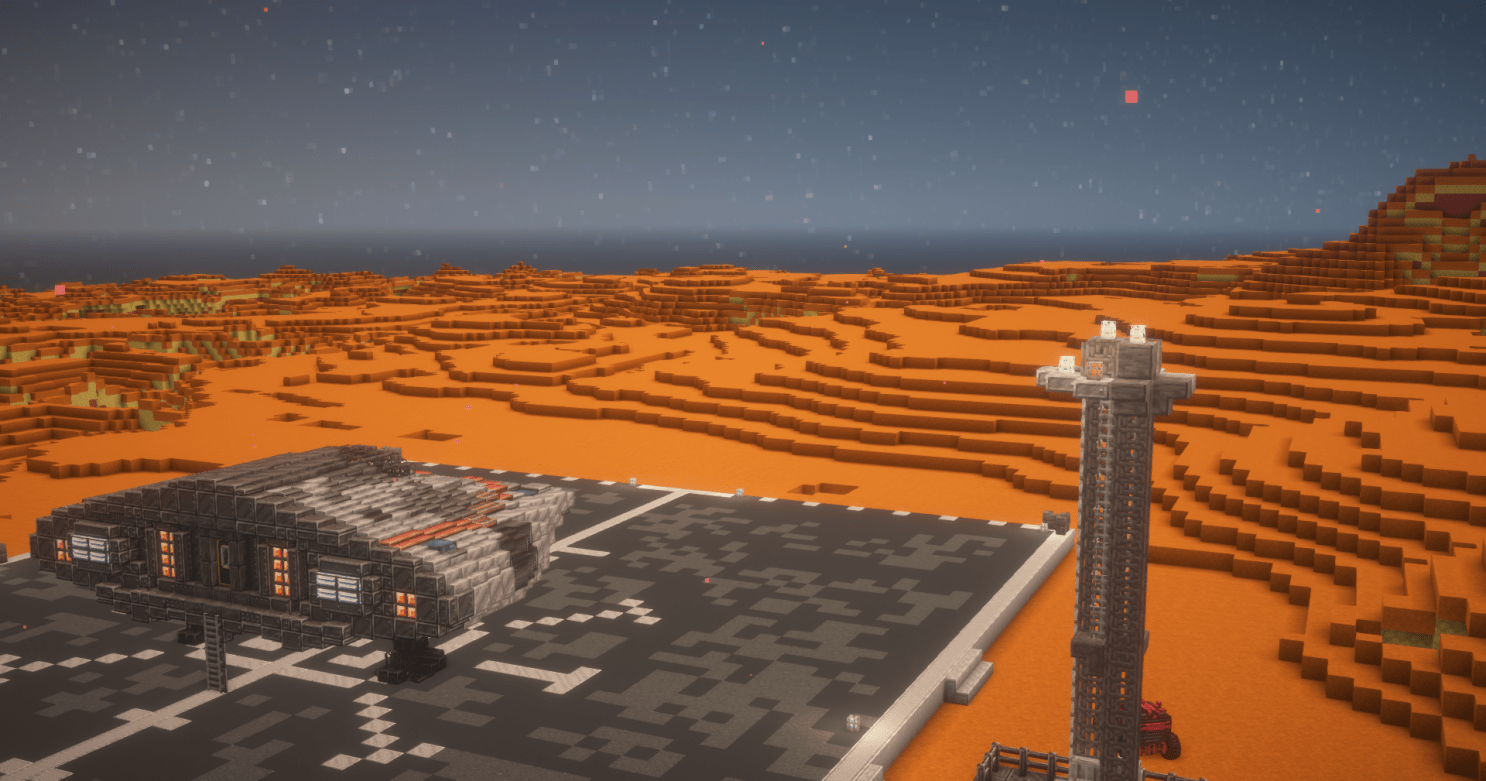
This mod aims to provide compatibility between various space mods and Valkyrien Skies!
Currently supported mods:
The mod adds:
- The ability for VS ships to go between planets and space!
- Thrusters to power your ships!
- Optional artificial drag block for space! (good for slowing down in zero G!)
- Magnet Boots for artificial gravity!
- Two thruster modes, GLOBAL and POSITION, toggle with an item, or disable in config!
How it works:
The mod takes the existing space system of the space mods it supports, and adds VS ship compat to them.
For example, with Cosmic Horizons installed, VS ships will go into its space dimension on reaching y=560 (like Cosmic Horizons entity rocket ships). Then in the space dimension, if the ship enters a planet, it gets transported there.
With Ad Astra on the otherhand, the VS ship will open the same GUI as an entity rocket would on reaching “space”, and lands where you select. Starlance also adds “tier blocks”, accessible with /give, which dictate what tier of Ad Astra planet you can go to. Perfect for modpack developers!
Planned features:
- Survival friendly thruster system (fuel, etc)
- Warp drive for VS ships
- Full player rotation in space?
Current limitations:
- When transitioning between planet/space, player may be left behind by ship to be stranded in space or fall down to planet. More likely at high speeds. Solution is to sit down in a seat.
- Player can’t rotate upside down with the ship in space, unless seated
Where to find the config
Find your world save folder, then find your specific worlds folder. Then go into server-configs. Open vsch.json (or similar). Alternatively, use the “configure other mods” feature of the Create config menu. (Note that Starlance is also listed there as ‘vsch’)
Video Gallery:
常见问题
Starlance 支持哪些 Minecraft 版本?
Starlance 支持 Minecraft Java 版 1.20.1,可用的加载器:Forge。下载时注意选择和你游戏版本一致的文件。
Starlance 怎么安装?
先用 PCL2 或 HMCL 启动器安装对应版本的 Forge,再把下载的 .jar 文件放进游戏目录的 mods 文件夹,重新启动游戏即可。开启了版本隔离的,mods 文件夹在 versions/版本名 下面。运行环境:客户端和服务端都要装。
评论
登录后评论和评分