
Crosshair Indicator ➕
Changes the crosshair based on your ability to hit or crit / critical hit an enemy. Compatible with your own custom crosshair from any texturepack! Crosshair is centered by default.
截图
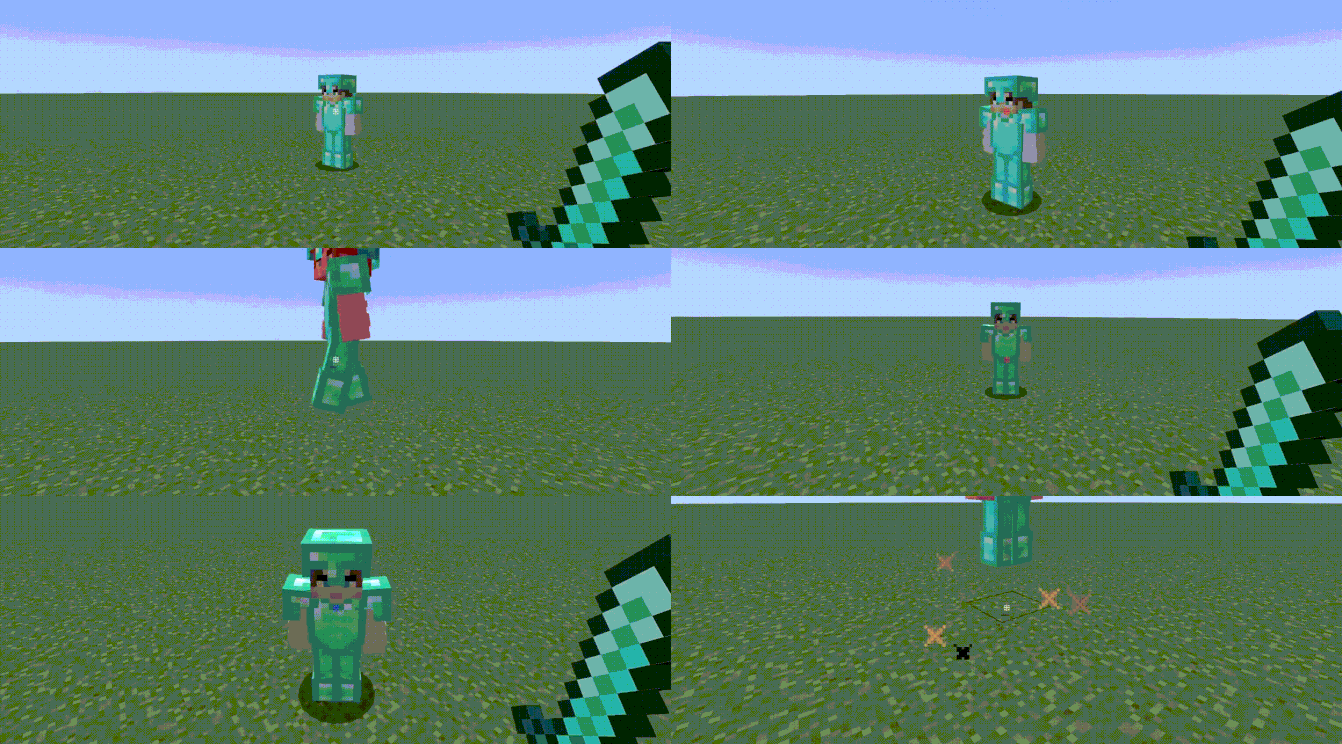

介绍
🎯 Crosshair Indicator PLUS
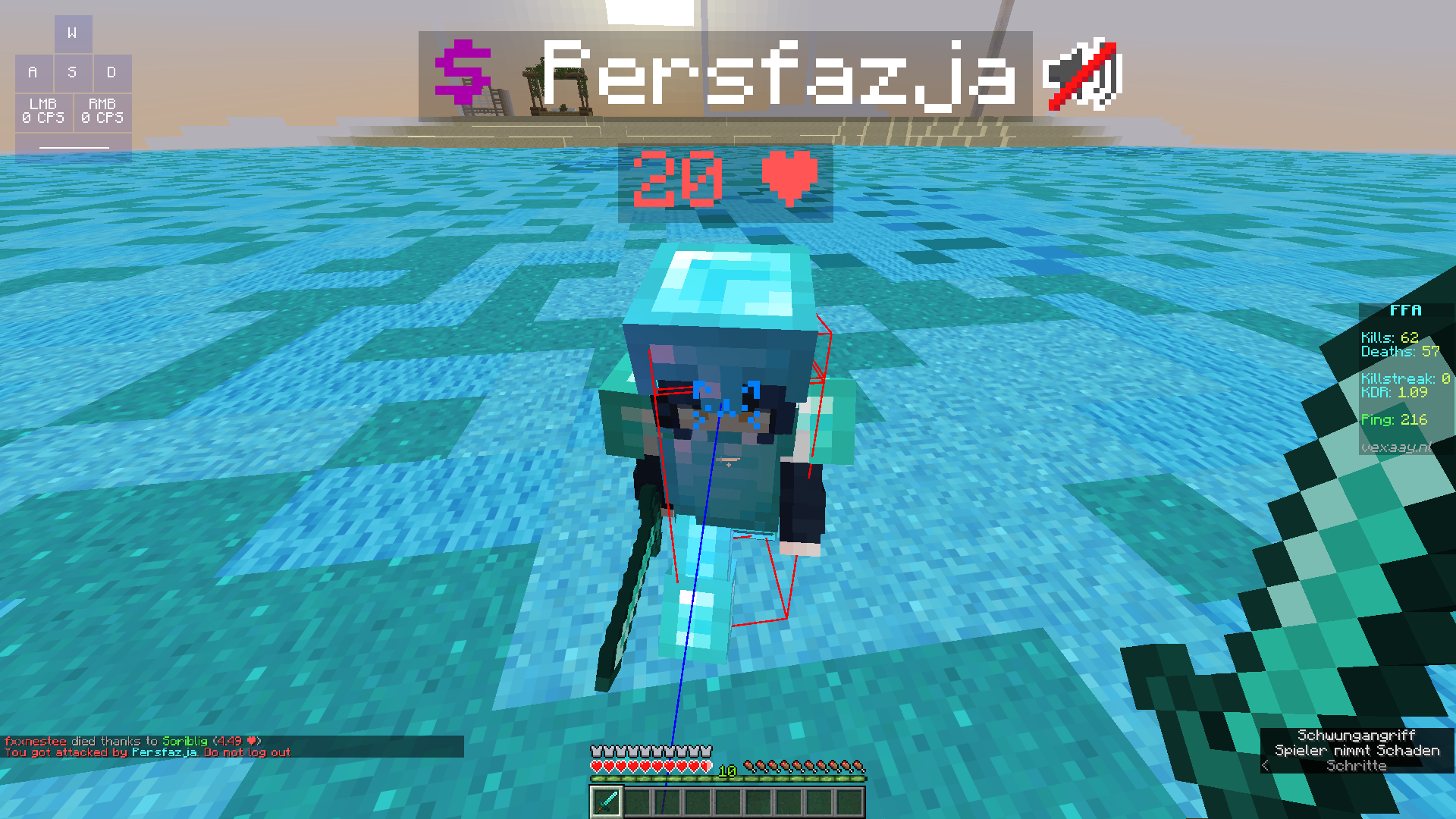
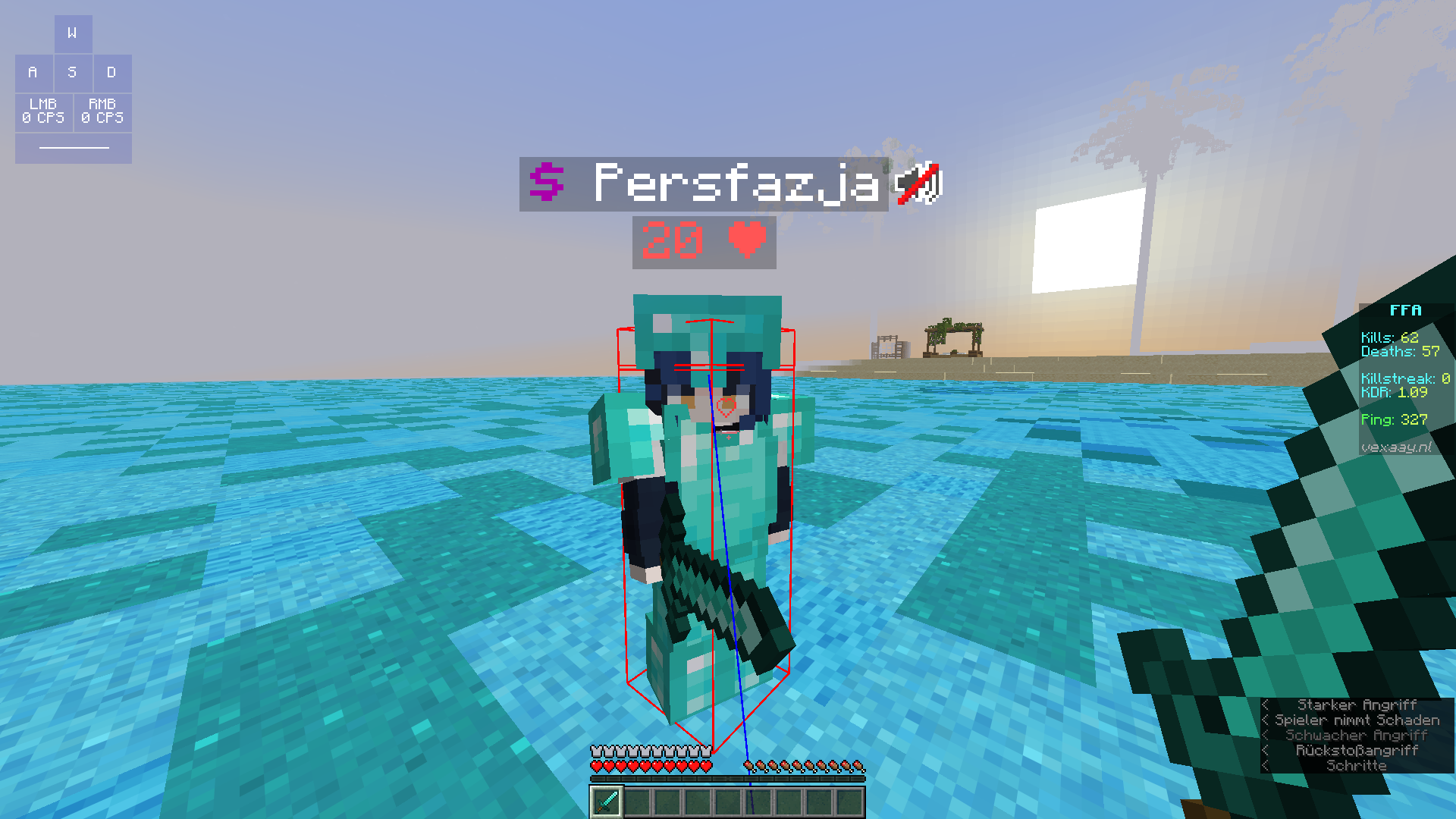
Crosshair Indicator PLUS is a lightweight client-side mod that changes the color of your crosshair based on your ability to hit or critical hit an enemy player:
- 🔴 Red crosshair when you’re in range and can land a regular hit. (Sprint hit, sweep hit)
- 🔵 Blue crosshair when you’re able to land a critical hit (falling, midair, etc).
preview 1: credit reddishgreen
🧩 Features
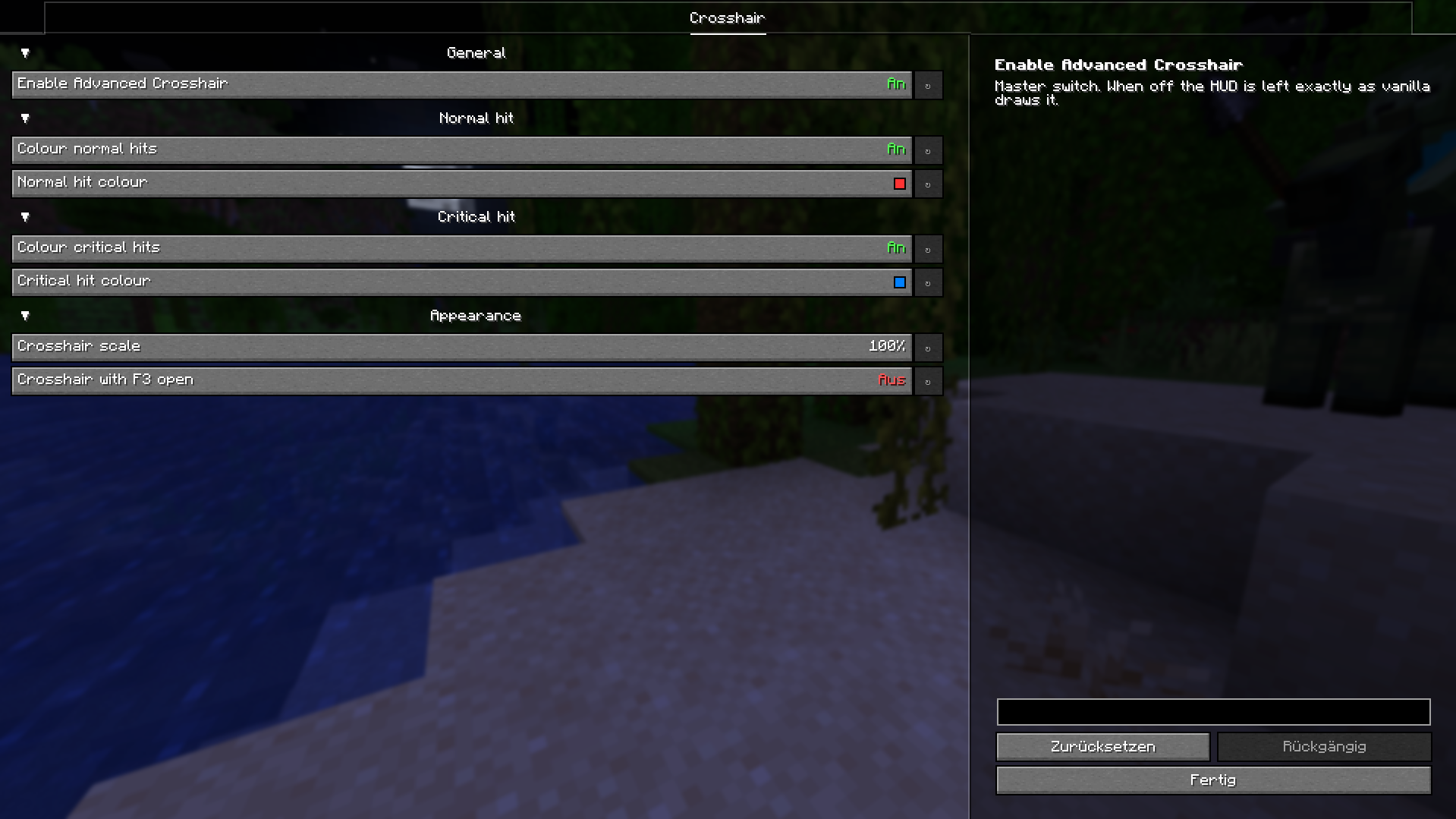
- Modify the crosshair’s colors in the config, enable/disable functionality
- Use your own crosshair texture by changing your texturepack.
- Compatible with ANY texturepack. Unlike Crosshair Indicator.
- Fully client-side. No configuration. No dependancies.
Configuration
Open the settings from Mod Menu, or edit config/advancedcrosshair.json by hand.
| Setting | Default | Notes |
|—|—|—|
| Advanced Crosshair | ON | Master switch. Off means a completely untouched vanilla HUD. |
| Normal hit color | ON, #FFFF3333 | Any #AARRGGBB or #RRGGBB hex code, alpha included. |
| Critical hit color | ON, #FF0080FF | Turning this off falls back to the normal hit color, since a crit-capable moment is still a hit. |
| Crosshair scale | 100% | 50% to 500%. The attack indicator moves down to stay clear of a scaled-up crosshair. |
| Crosshair with F3 open | OFF | On, the normal crosshair is drawn instead of the debug one. |
Mod Menu is optional. Without it the mod still works and the JSON file is still read.
📍 Why is this useful?
- Very useful for landing Punish Crits and W-Release Crits effectively.
- Can help newer players understand and practice hit timing and mechanics
preview 2: my own footage
Crosshair Indicator PLUS helps you hit smarter, not harder!
常见问题
Crosshair Indicator ➕ 支持哪些 Minecraft 版本?
Crosshair Indicator ➕ 支持 Minecraft Java 版 1.20.1–26.3,共 17 个版本,可用的加载器:Fabric。下载时注意选择和你游戏版本一致的文件。
Crosshair Indicator ➕ 怎么安装?
先用 PCL2 或 HMCL 启动器安装对应版本的 Fabric,再把下载的 .jar 文件放进游戏目录的 mods 文件夹,重新启动游戏即可。开启了版本隔离的,mods 文件夹在 versions/版本名 下面。运行环境:仅客户端。
lyn1 的其他作品
查看全部 →
Candy PvP Pack
A texturepack with smooth candy-like gradients, designed for Pot PVP and NethPot PVP fully working on 1.21.x.

Advanced Crosshair Recommended Texturepack
Although any texturepack and crosshair is compatible with the Advanced Crosshair mod, this one is recommended. Compatible 1.20.x and 1.21.x

Kenshi ⚔ [PvP Pack]
A 32x Vanilla+ PvP texturepack. Many sweet features including custom glints, outlines, etc.

Skepticism
A minecraft resource pack in development. Custom sounds, custom UI's, item textures. All designed for pvp and general use. A vanilla overhaul texturepack.
评论
登录后评论和评分