
截图

介绍
Description
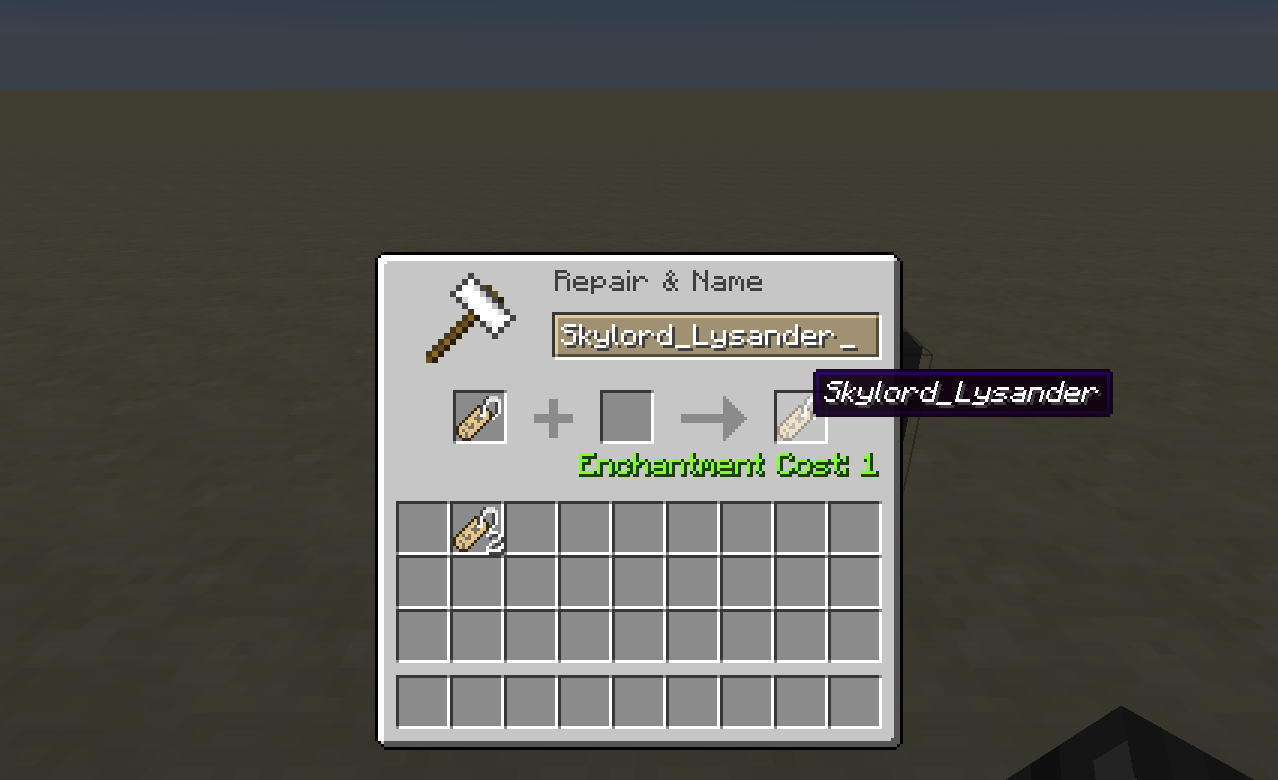
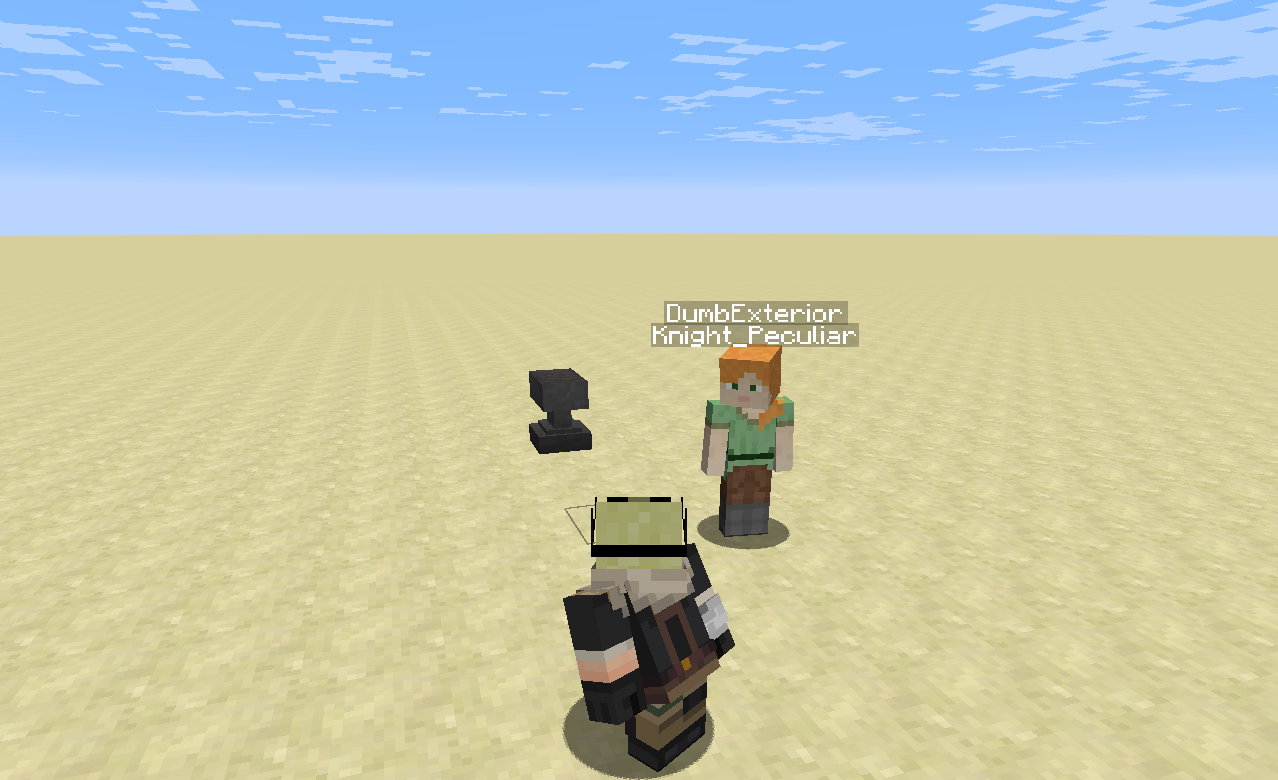
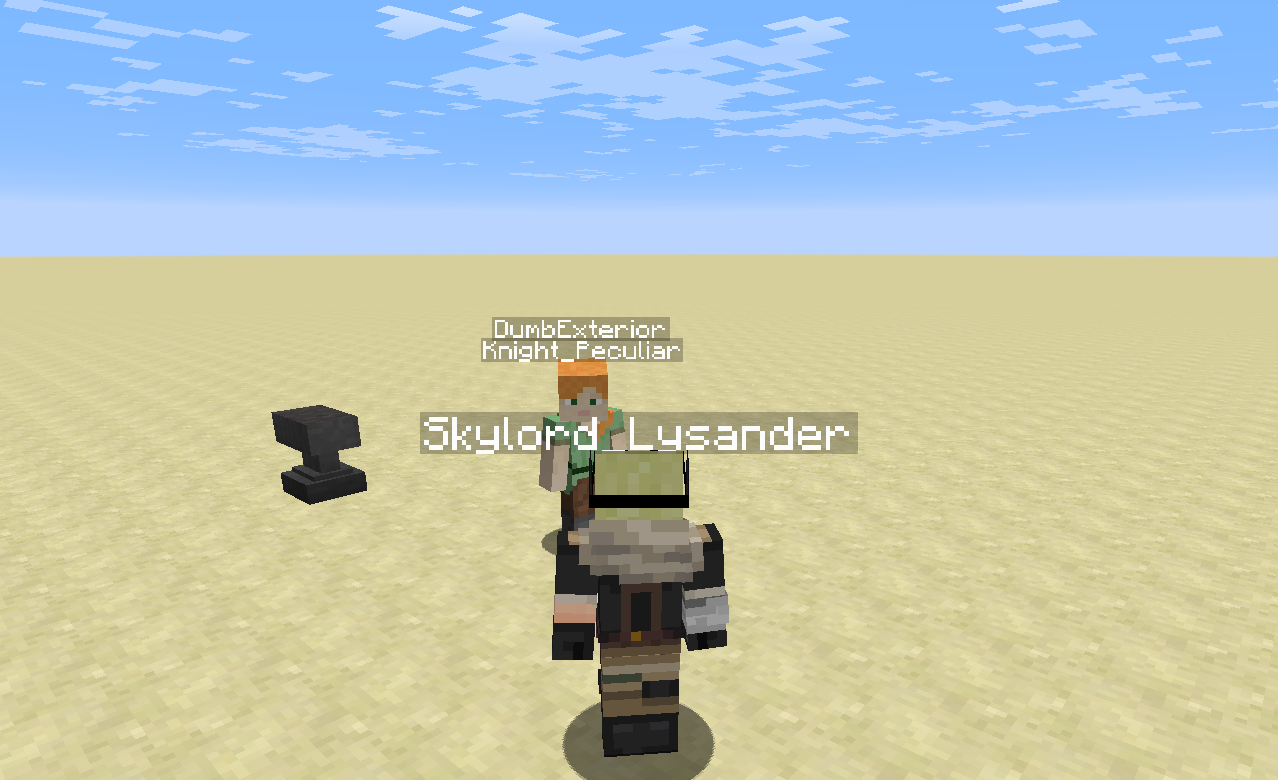
This mod lets you sneak-rightclick a name tag item and equip the name tag as a title for yourself. For server admins, commands are now also available to edit player’s title information.
Example
Here’s a much appreciated video on the mod (anvil use is outdated in the latest releases).
How to use
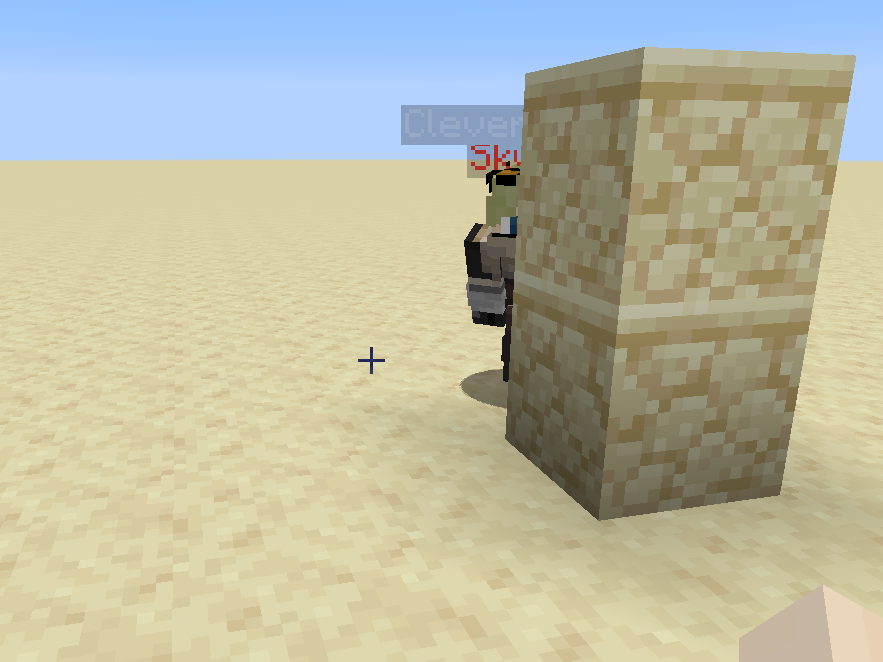
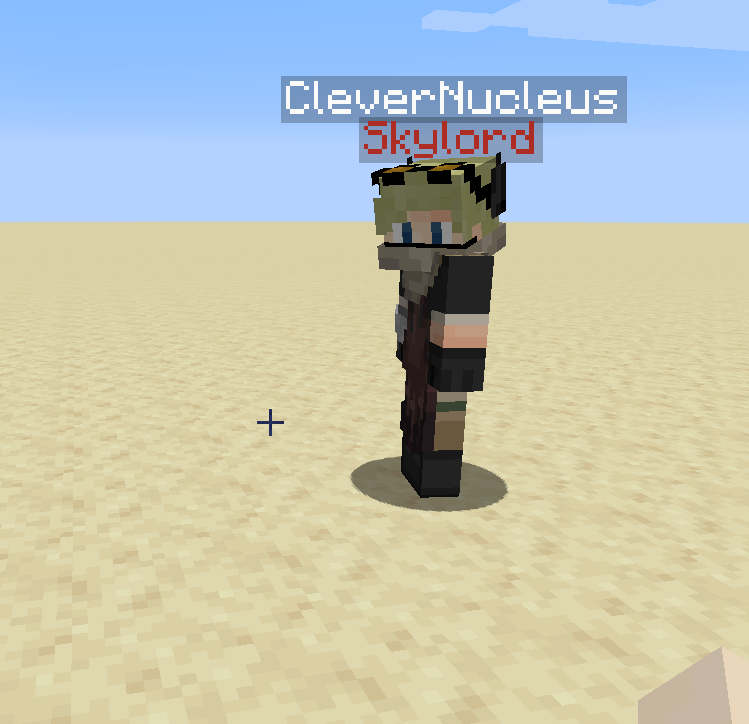
Sneak-rightclick a Name Tag to equip it. When the Name Tag is equipped you will have the Name Tag text displayed above your head but just below your multiplayer username. To unequip the Name Tag, just sneak-rightclick with another Name Tag. Note, only named Name Tags can be equipped, but sneak-rightclicking an unnamed Name Tag will still unequip the one you have on.
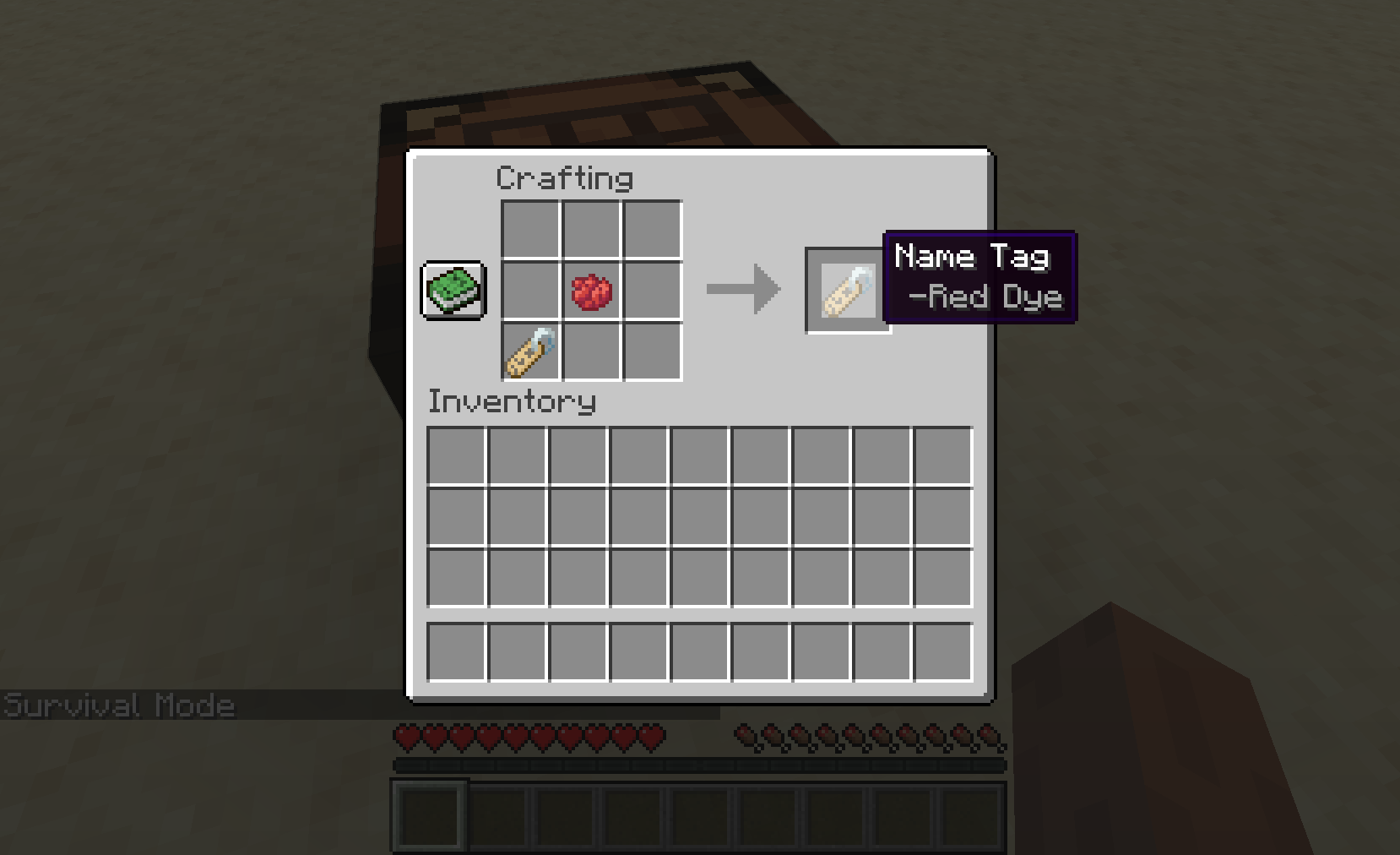
By default the Name Tag text displayed is white, but this can be coloured any of the 16 dye colours in Minecraft. Simply combine a dye item and name tag item together in a crafting table.
By holding Shift over a Name Tag, a tooltip will appear telling you what colour it has.
Commands
– /entitled <player> clear Clears the target player’s title.
– /entitled <player> lock Locks the target player’s ability to equip/unequip name tags (the target player will no longer be able to modify their title until they are unlocked), cannot lock a player with a permission level of two or more (i.e. if they are in creative/opped).
– /entitled <player> unlock Unlocks the target player’s ability to equip/unequip name tags (the target player will again be able to modify their title); by default player’s are unlocked.
– /entitled <player> <color> If the target player has a title equipped, changes the colour of that title (to one of the 16 dye colours).
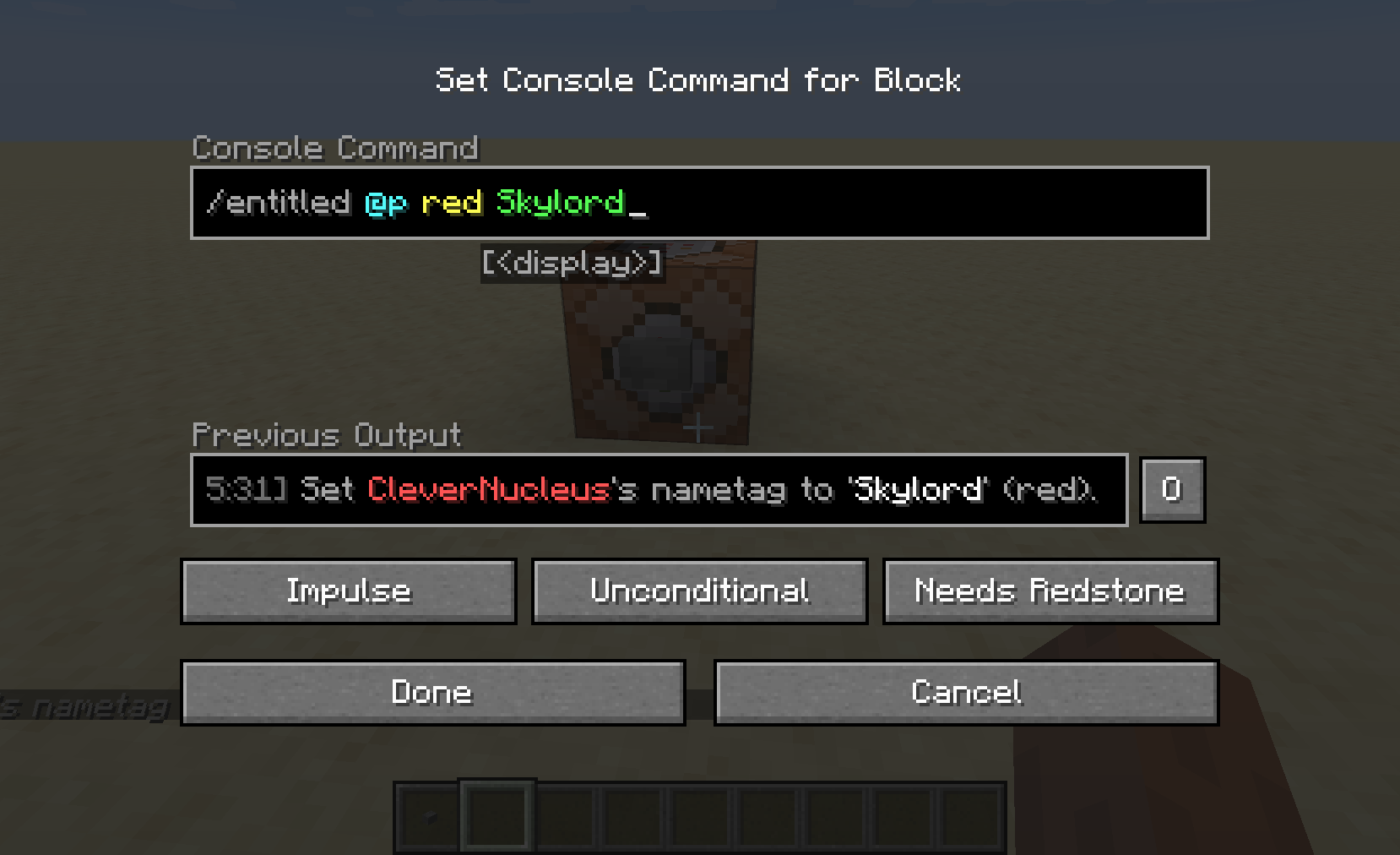
– /entitled <player> <color> <title> Sets the target player’s title (regardless of if they have one already equipped or not) to the command’s <title> argument with the colour from the command’s <color> argument.
-Note that only player’s with a permission level of two or greater are able to use these commands.
Example usage:
1). /entitled CleverNucleus red Skylord
2). /entitled CleverNucleus lock
The player CleverNucleus now has a title displaying ‘Skylord’ in red, and cannot unequip this title until an admin uses /entitled CleverNucleus unlock.
Notes
– This works in multiplayer.
– Other players cannot sneak-rightclick another player to equip the Name Tag on them.
– When sneaking or invisible, the Name Tag text is hidden.
– The display text is placed just low enough so that it does not clash with other “overhead” items – such as Neat by Vazkii.
– The colouring feature is not implemented for mod version 1.0.1. Please always use the latest versions available for 1.12, 1.15 and 1.16.
– Very lightweight and minimal networking: this IS required on both the server and client.
Mod versions developed on recommended versions of forge.
Feel free to use this however you you please (that includes modpacks).
常见问题
Entitled 支持哪些 Minecraft 版本?
Entitled 支持 Minecraft Java 版 1.12.2–1.16.5,共 6 个版本,可用的加载器:Forge。下载时注意选择和你游戏版本一致的文件。
Entitled 怎么安装?
先用 PCL2 或 HMCL 启动器安装对应版本的 Forge,再把下载的 .jar 文件放进游戏目录的 mods 文件夹,重新启动游戏即可。开启了版本隔离的,mods 文件夹在 versions/版本名 下面。
clevernucleus 的其他作品
查看全部 →
PlayerEx
添加属性、等级和技能点,融入 RPG 风格。

Data Attributes
全面重制实体属性系统,并支持通过数据包进行配置。

RelicEx
为PlayerEx属性添加兼容的饰品物品。

Ex HUD
A standalone fabric mod adding the HUD from legacy releases of PlayerEx.
评论
登录后评论和评分