
截图
介绍
中文介绍正在准备中,下面暂时显示原文。
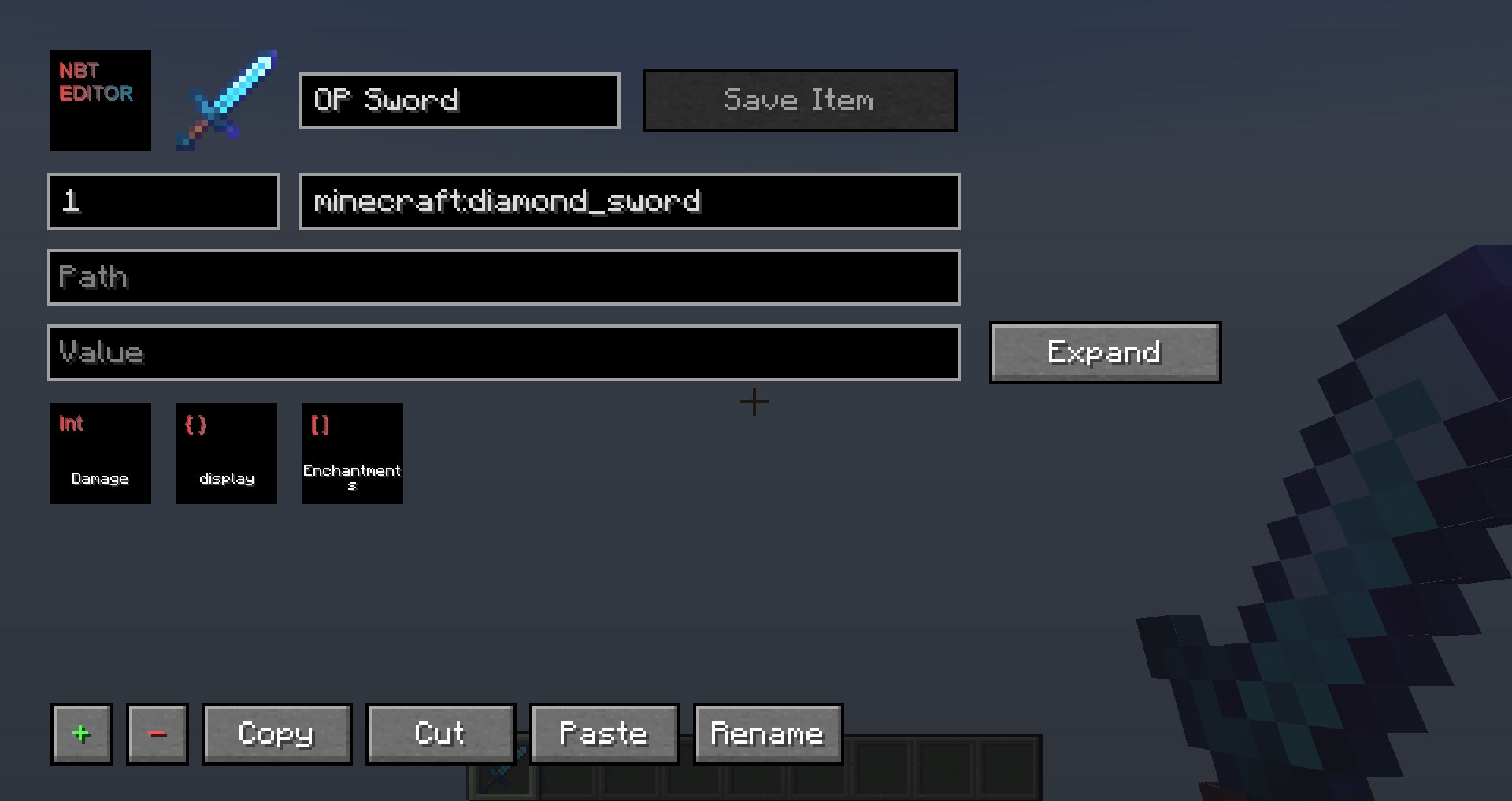
If optionally installed on the server, this mod allows you OPed players to edit the NBT of items, blocks, and entities. If only installed on the client, you can still edit items in creative mode, even without OP.
List of Every Feature
https://github.com/mega12345mega/NBT-Editor/wiki/List-of-Every-Feature
Main Features
- A gui for editing the NBT of items, blocks, and entities
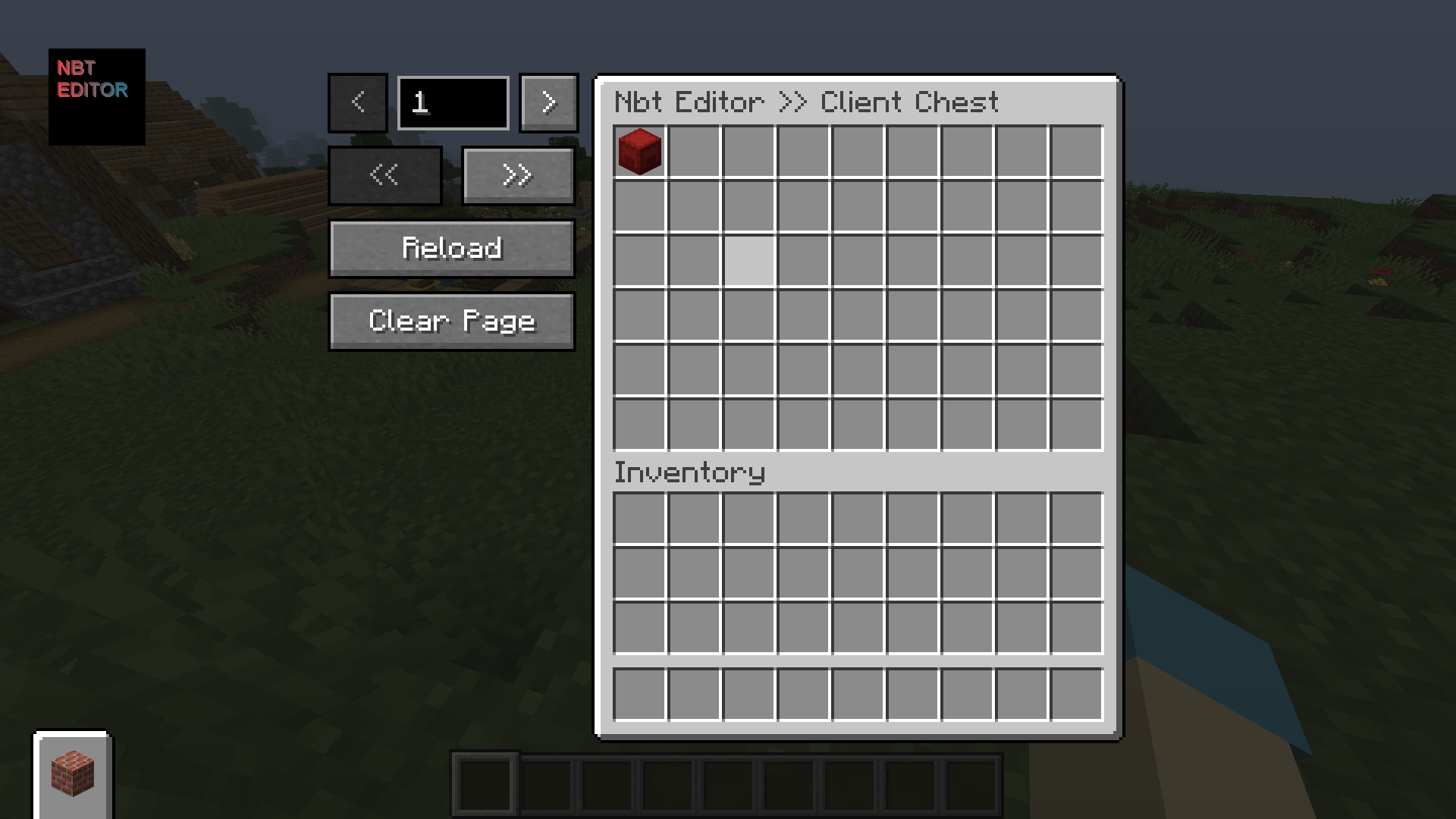
- A client chest; think of it like a multi-page enderchest across any server or singleplayer world
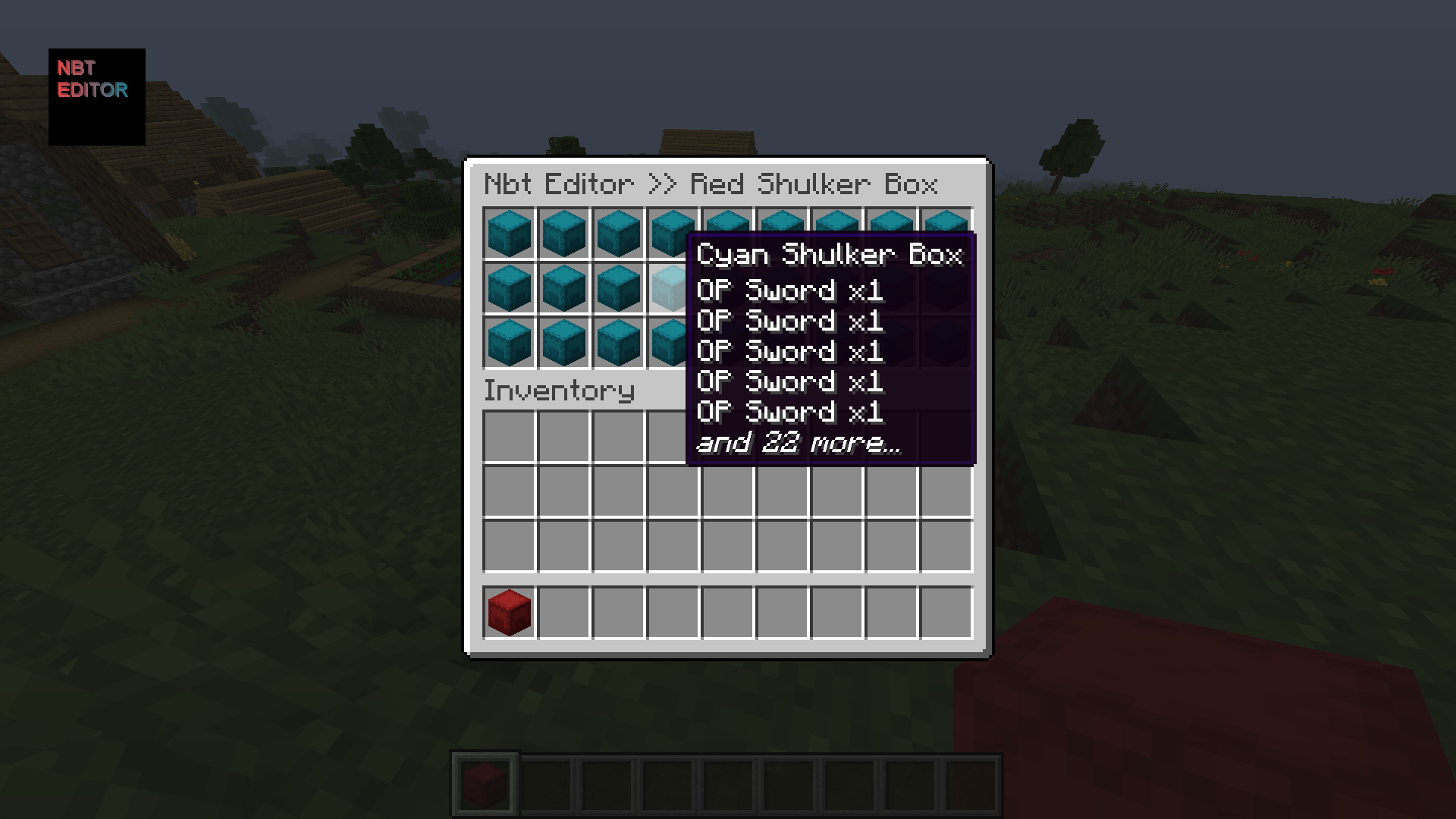
- Editing container contents, including block items, blocks, entities, and your enderchest
- A /get command to let you easily get items, create blocks, and spawn entities
- A factory system to make common NBT edits easier
- The ability to export and import items, blocks, and entities to commands, block items, spawn eggs, and .nbt files
Commands
- /nbt [new | export | import | config]: Edit, export, or import the NBT of something, or open the config
- /chest [ | ]: Open the client chest
- /open [echest]: Open the container you’re holding, looking at, or your enderchest, with no item restrictions
- /get []: Get an item, place a block, spawn an entity, or get information
- /factory []: Utilities for enchantments, attributes, etc.
/get Command
- /get item []: Get an item (like /give @s)
- /get block [] : Get a block item or set a block (like /setblock)
- /get entity [] []: Get a spawn egg or summon an entity (like /summon)
- /get potion (normal | splash | lingering) : Get a potion with specific effects
- /get soup []: Get a suspicious stew with the specific effect
- /get skull : Get the player head for a player
- /get hdb []: Access the Minecraft Heads database via a port of the plugin HeadDB by UnlimitedNinjas
- /get preset : Get a built-in item
- /get lostitem [history]: Get an accidentally deleted item
- /get help [nbteditor | clientchest | open | get | factories | textformat]: Get help, including for specific features
- /get credits: Get the credits
Factories
- /factory attributes: Edit attribute modifiers (for items) and attribute bases (for entities)
- /factory blockstates: Edit block states
- /factory book [new | make_writable]: Edit books (including in lecterns)
- /factory display [name | lore | hideflags] []: Edit names, lore, and hideflags
- /factory enchantments: Edit enchantments
- /factory max [cursed] [all] []: Max an item’s enchantments
- /factory maxstacksize (default | ): Set an item’s max stack size (1.20.5+ only)
- /factory randomuuid [add | remove]: Add a random UUID to an item
- /factory signature (add | remove | edit ): Add a signature to items
- /factory signboard [new ]: Edit signs
- /factory unbindskull: Remove a skull’s link to the original owner
- /factory unbreakable: Toggle an item’s unbreakable tag
Shortcuts
- Space: Edit an item’s NBT
- Shift + Space: Open the factory list for an item
- Ctrl + Space: Open a container item
- Delete: Delete an item, even if it is in a locked slot
- Extra tabs in the bottom left (configurable) of the inventory screen to access your client chest and enderchest
- Group shortcuts (using /name instead of /factory display name) and aliases (using /f instead of /factory) are configurable in /nbt config
Languages
- Simplified Chinese (zh_cn) by hyplant, Clexus, & GTedd
- Polish (pl_pl) by Xantrisse & papa_louie09
- Russian (ru_ru) by TheFaceJD
- French (fr_fr) by Darukshock
- Hebrew (he_il) by inon13 & RedVortexDev
- Czech (cs_cz) by Kulihrasek1101
- Traditional Chinese (zh_tw) by dirtTW & GTedd
Discord Server
Outdated Showcase
常见问题
NBT Editor 支持哪些 Minecraft 版本?
NBT Editor 支持 Minecraft Java 版 1.17–1.21.4,共 22 个版本,可用的加载器:Fabric。下载时注意选择和你游戏版本一致的文件。
NBT Editor 怎么安装?
先用 PCL2 或 HMCL 启动器安装对应版本的 Fabric,再把下载的 .jar 文件放进游戏目录的 mods 文件夹,重新启动游戏即可。开启了版本隔离的,mods 文件夹在 versions/版本名 下面。运行环境:客户端 / 服务端。

评论
登录后评论和评分