
Color Control
Color Control is a fast-paced PvP game in which you capture territory for your team.
截图
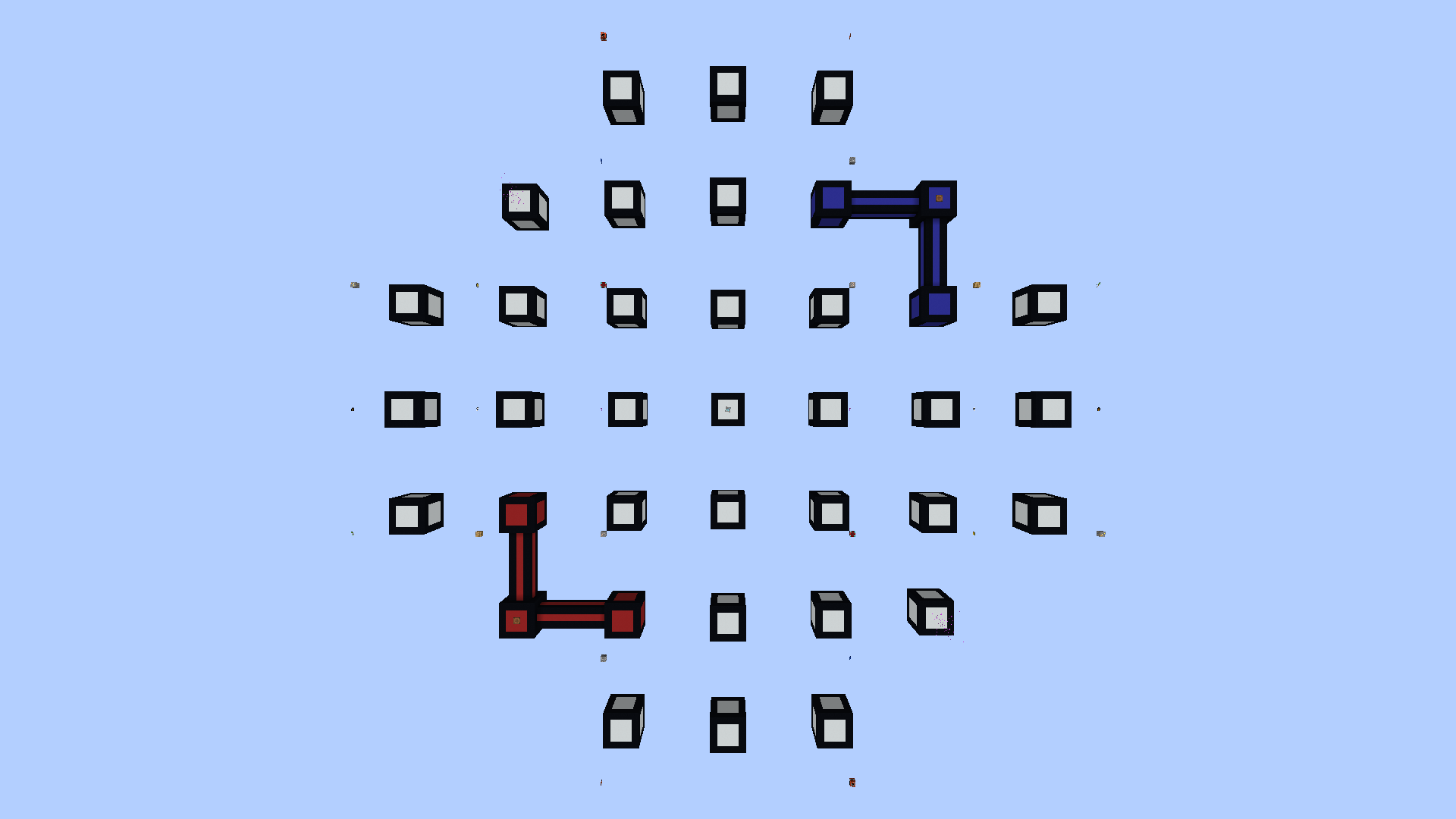
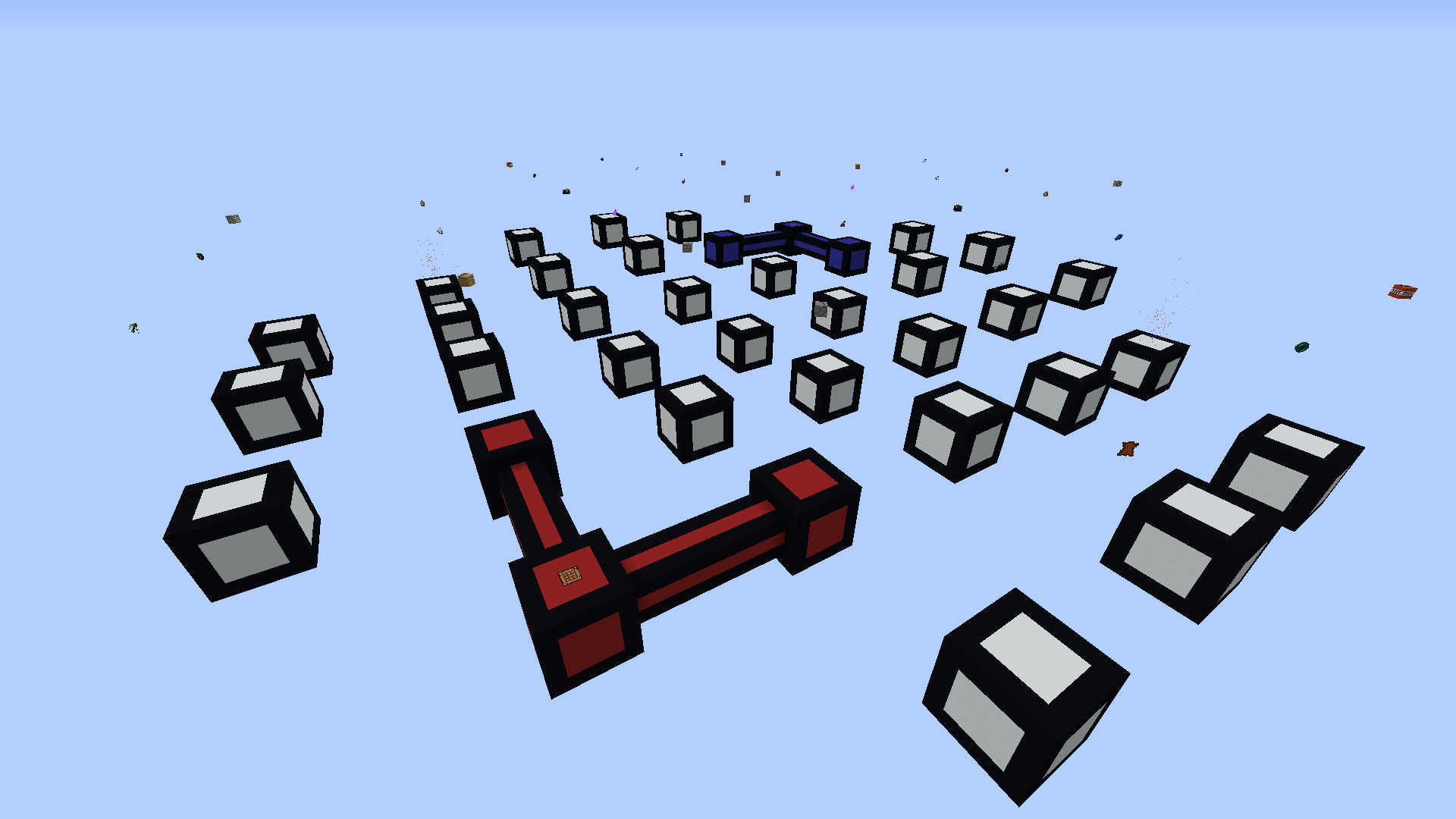
介绍
Color Control is a fast-paced game of territory control. Players will collect resources for their team by capturing a grid of cubes and protecting them from enemies, and can then use those resources to create equipment and structures to help them take down the opposing team. Every few minutes, however, the cubes will rotate. The game is won by having the most points at the end of the game, but Color Control is completely configurable, allowing you to tweak the game to your tastes.
A game of Color Control is won by capturing floating cubes for your team. Once a cube is captured, it will spawn resources for your team – iron, diamonds, and blocks, to name a few – and will also accumulate points for your team over time. This is done very intuitively using Minecraft’s core mechanic; breaking blocks! Every time you break a concrete block, it will be captured for your team, bringing you that much closer to victory. Remember to stay on your toes – at intervals throughout the match, the cubes will rotate on their axis! Recapturing cubes as quickly as possible will help you win the match; and don’t forget to stop your opponents from doing the same!
Gamemodes:
- Play Color Control as it’s meant to be in the Classic mode; capture territory for your team and earn points!
- Grab your swords and shields in Deathmatch mode – the first team to run out of lives loses!
- Watch your step as the ground crumbles beneath you in Entropy. Cubes plummet from the sky as the game progresses!
Details:
- The current version of the map is made for Minecraft 1.12.
- This map requires 2+ players to start.
- This map is made for Vanilla Minecraft. It might not work with Spigot or Bukkit servers
- You can grab the Command Block source code at https://github.com/Sybillian/Color-Control/
常见问题
Color Control 支持哪些 Minecraft 版本?
Color Control 支持 Minecraft Java 版 1.12。下载时注意选择和你游戏版本一致的文件。
Color Control 怎么安装?
解压下载的文件,把里面的存档文件夹放进游戏目录的 saves 文件夹(开启了版本隔离的在 versions/版本名/saves),重新打开游戏就能在「单人游戏」里看到。请用 1.12 版本打开,版本不对可能导致地图损坏。
Sybillian 的其他作品
查看全部 →
Blood on the Clocktower
A made-for-Minecraft implementation of the social deduction game Blood on the Clocktower.

Cherry Cream
Client-side QoL modpack for technical and casual players. Vanilla-compatible with everything you need or want.
Sybillian’s Mapmaking Tools
A collection of tools to assist with building and technical mapmaking.
评论
登录后评论和评分