
Block Hitboxes Indicator
Do with Accuracy; shows the accurate hitbox of the block — both collision and interaction.
截图

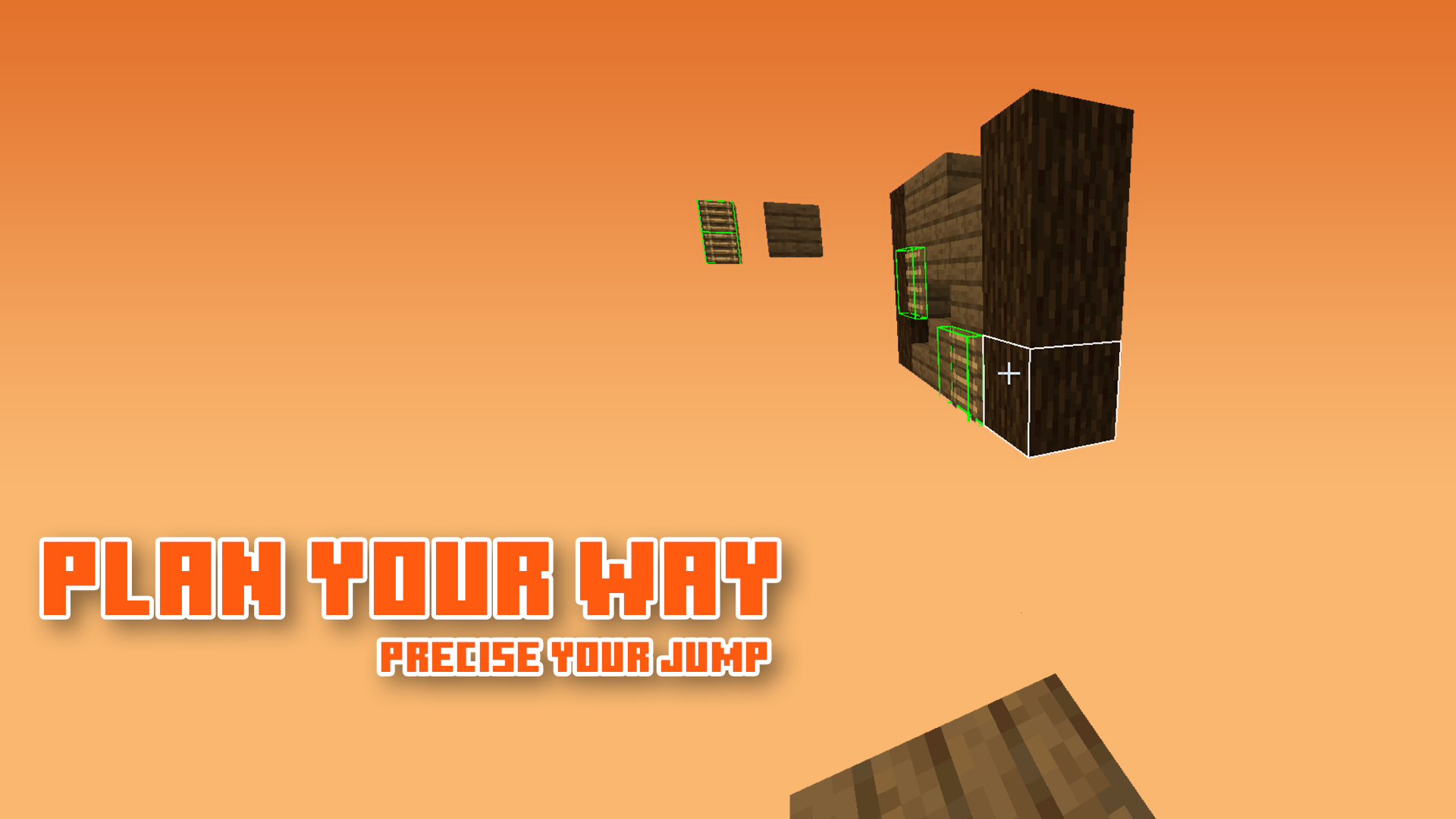
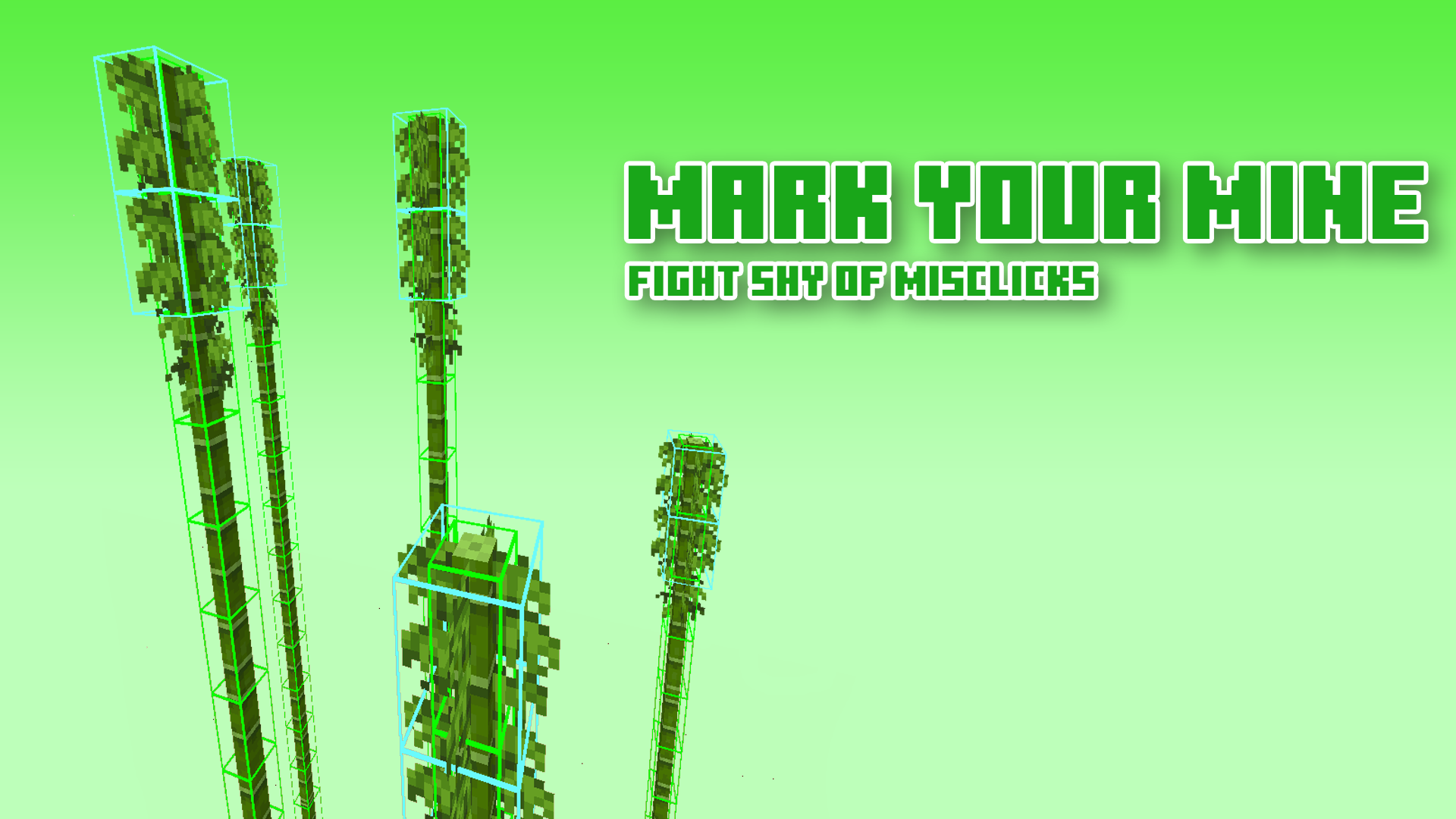
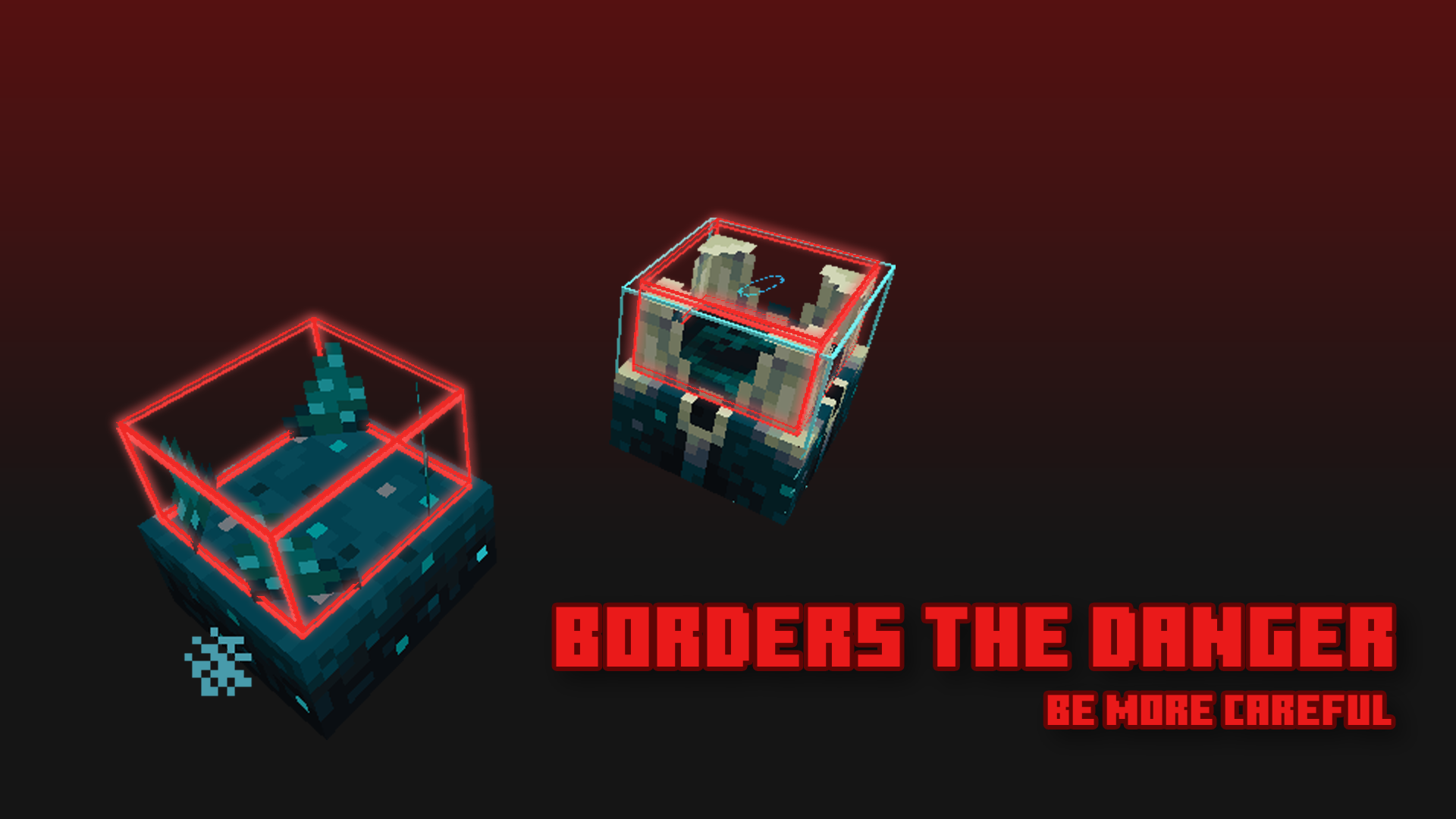

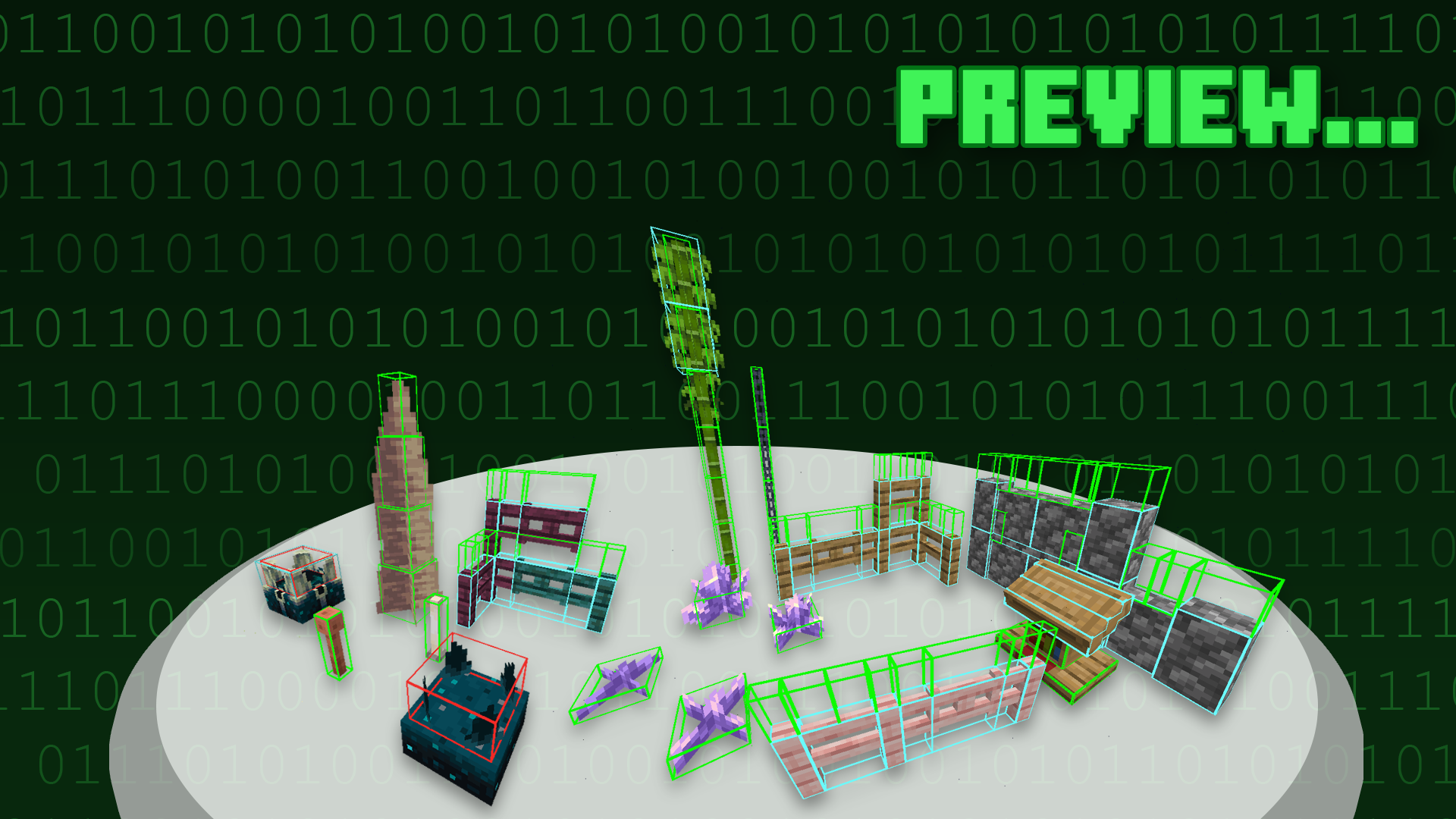
介绍

<img src="https://cdn.modrinth.com/data/XOIaEiKD/images/efdeece02a815ae608405685ff3e349b5dfe52dd.png
” width=”420px”><img src="https://cdn.modrinth.com/data/XOIaEiKD/images/b2705e720047c98b07a544b6505116ed5bd16756.png
” width=”420px”>
Description
Block Hitboxes Indicator reveals the actual hitbox of the block so that you can do things without a jam; it shows the part where you can interact with them (through mining or placing next to them) and the part where their collision is present.
For images, see Gallery
Information & Recommendation
Here is what the hitbox color indicates:
| Color | Shows Collision | Shows Interaction | Shows Activation * |
|——-|—————-|——————-|—————–|
| Green | True | True | False * |
| Cyan | True | False | False * |
| Red | False | False | True * |
–|| * As of 1.20, the red hitbox no longer works like it was, as of the new hitbox update. ||–
Recommend using this with Sodium, as it fixes the weird-looking lighting.
But if you can’t, you can turn off the “Smooth Lighting” option in-game.

Terms of Use

[Protected under a “NaiNonTheN00b1’s ToU [Class II]”](https://nainonth.github.io/tou#classii)
Additional Note
- OptiFine is optional — more like a good-to-have.1
- Sodium is recommended
Footnote(s)
- Possibly be a frequently-asked question.
Crediting
Thank you everyone for suggesting blocks!
常见问题
Block Hitboxes Indicator 支持哪些 Minecraft 版本?
Block Hitboxes Indicator 支持 Minecraft Java 版 1.14–1.20.4,共 29 个版本。下载时注意选择和你游戏版本一致的文件。
Block Hitboxes Indicator 怎么安装?
把下载的 .zip 文件(不用解压)放进游戏目录的 resourcepacks 文件夹,进游戏后在「选项 → 资源包」里把它移到右边启用。
NaiNonTheN00b1 的其他作品
查看全部 →
Foliage+
Makes Foliage Better

Improved Fences
Improved Minecraft Fences

Foliage+ Tweaks
Vivifies the Minecraft World — more features to Minecraft.

Bushy Leaves for Faithful 32x
Bushier Leaves for Faithful 32x for Everyone
评论
登录后评论和评分