
MineFortress
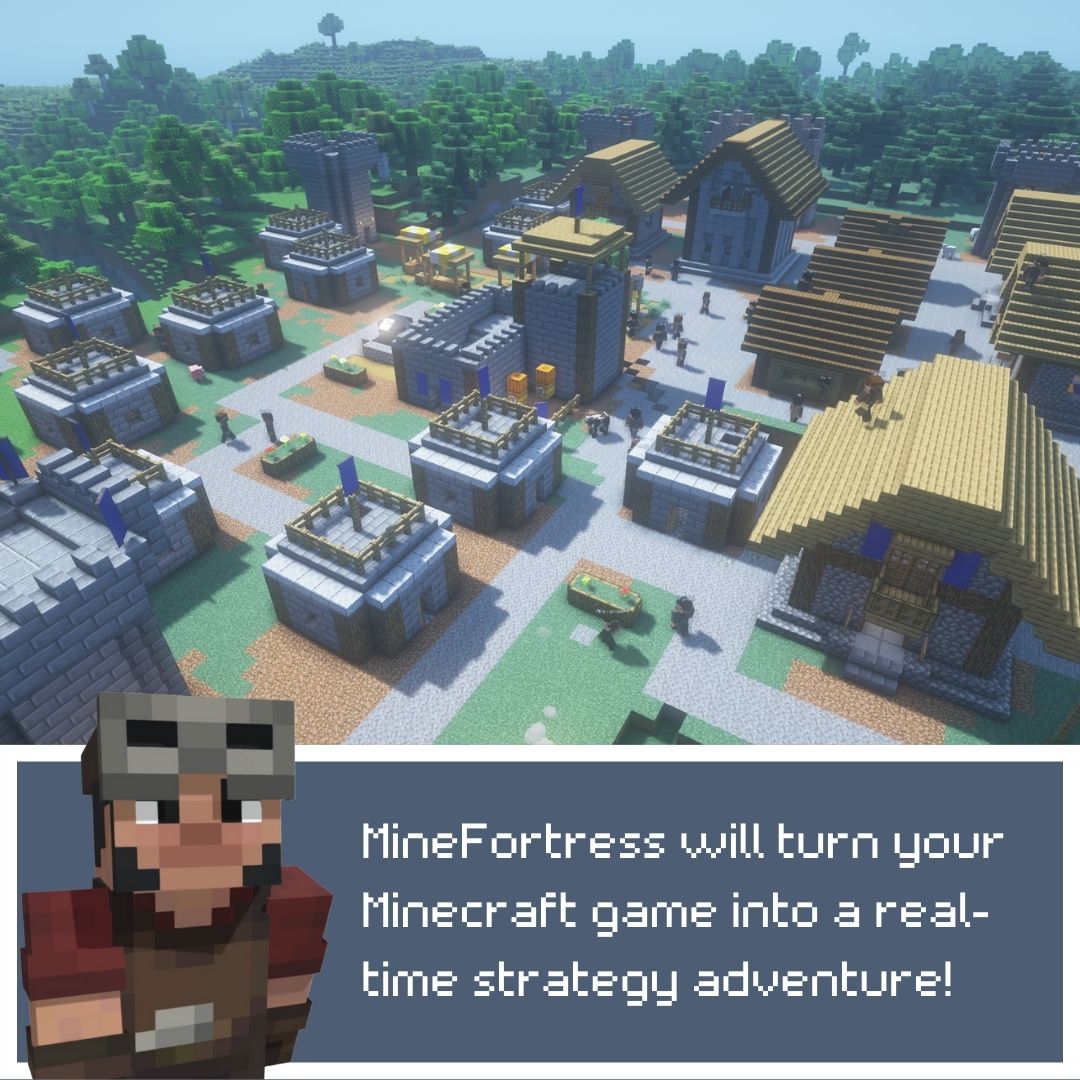
the mod that will turn your Minecraft into real-time strategy like Rimworld or DwarfFortress. Take the role of a village leader, gather resources, build houses, hire professionals to grow and expand your village and even conquer your neighbors!
截图



介绍




📚 ABOUT THE MOD 📚
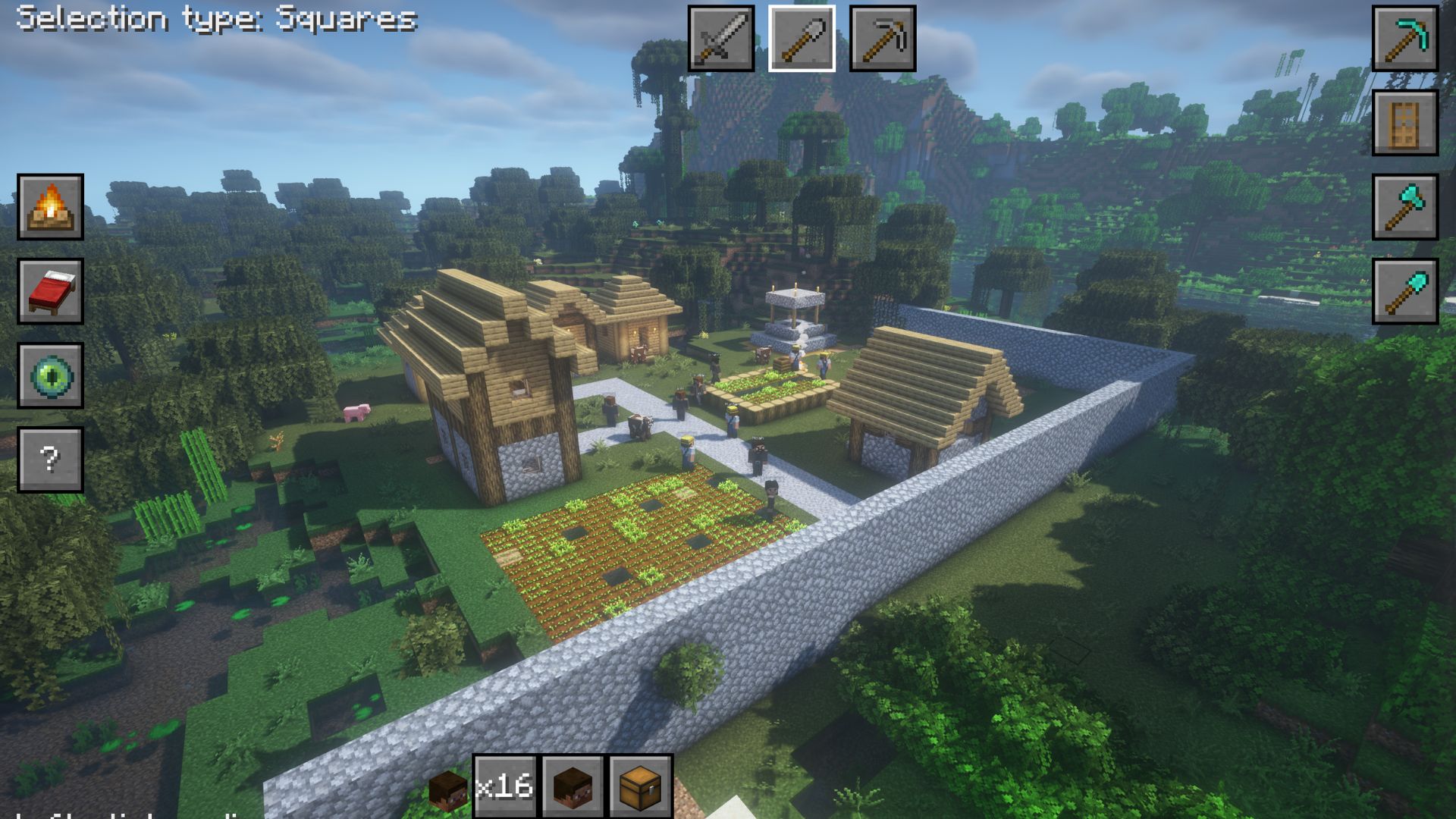
The mod turns your Minecraft into RTS. Take the role of a village leader, gather resources, build houses, hire professionals to grow and expand your village and even conquer your neighbors! Forget about the first-person view and control everything with your mouse pointer like in classic RTS games.
Features:
- Truly RTS-like view. Control everything with your mouse pointer!
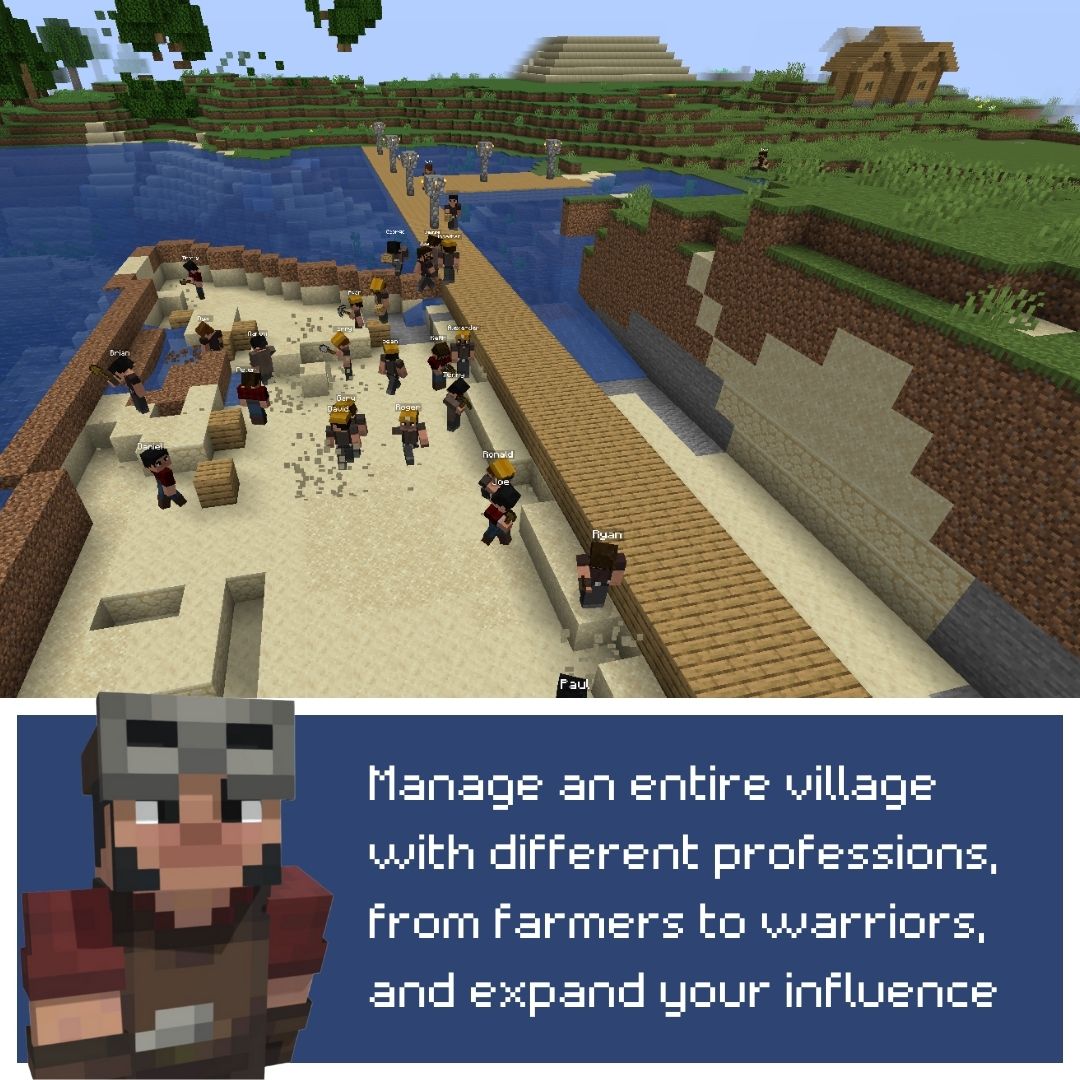
- Resources system. Your pawns will gather resources, and you can spend them to hire more professionals, or to build some houses.
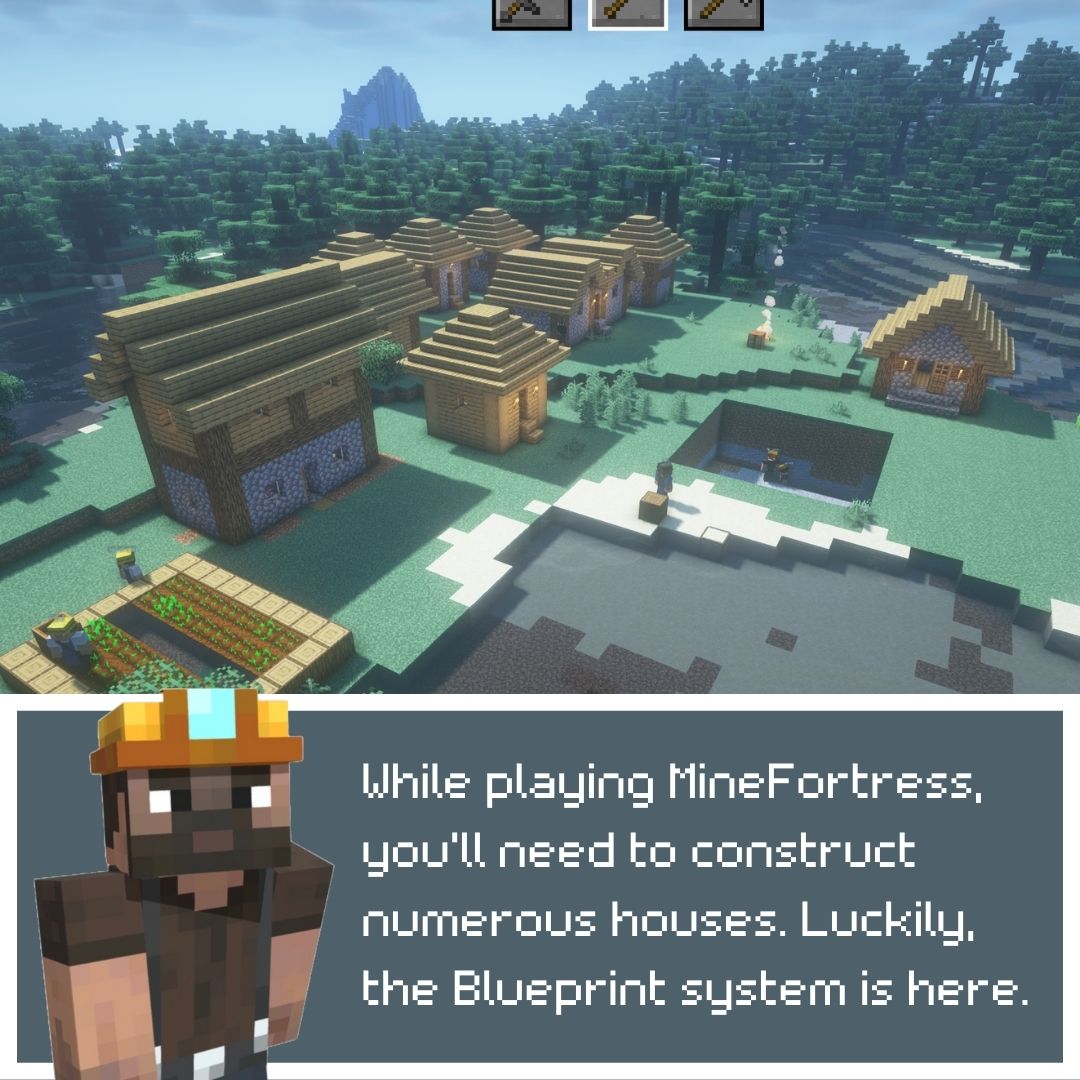
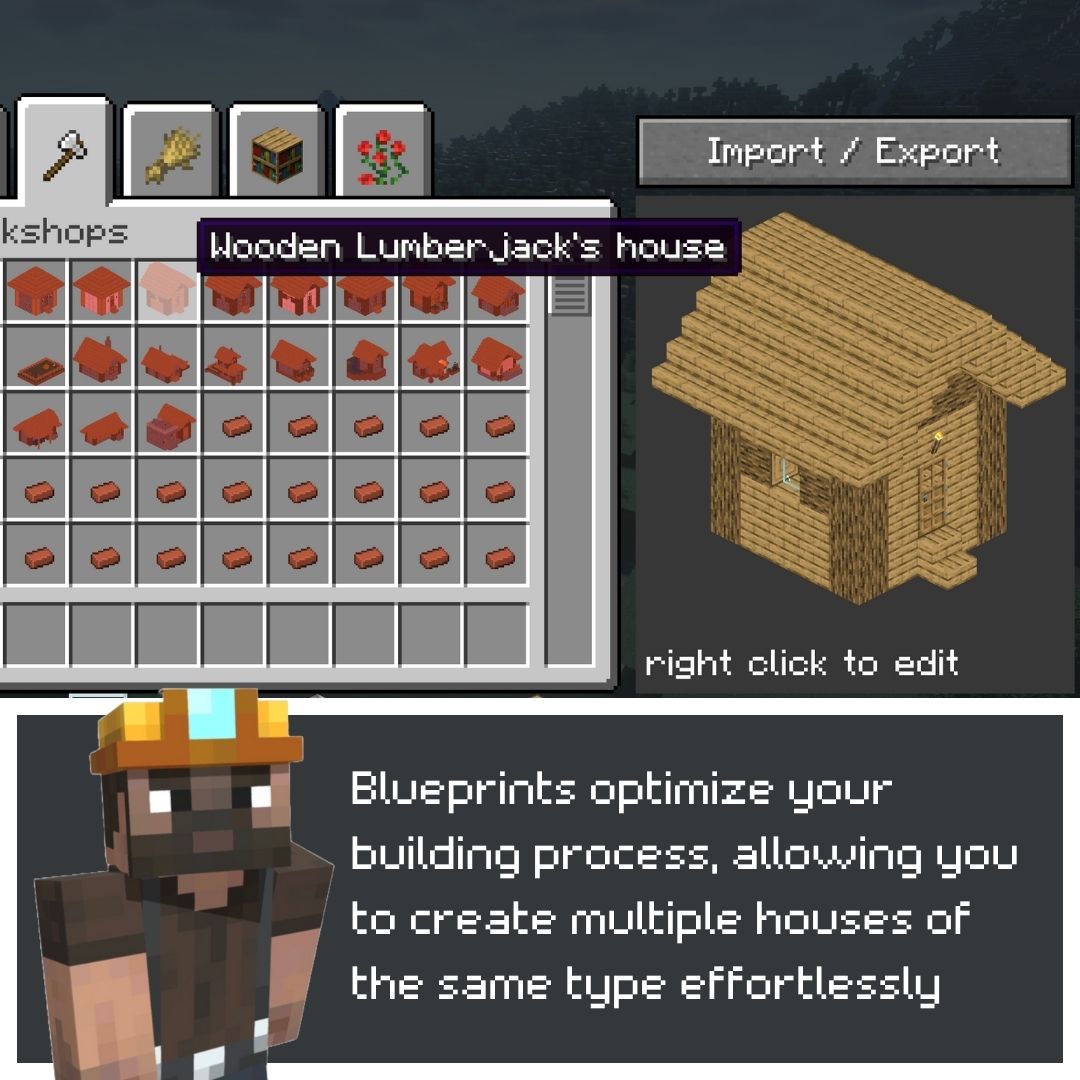
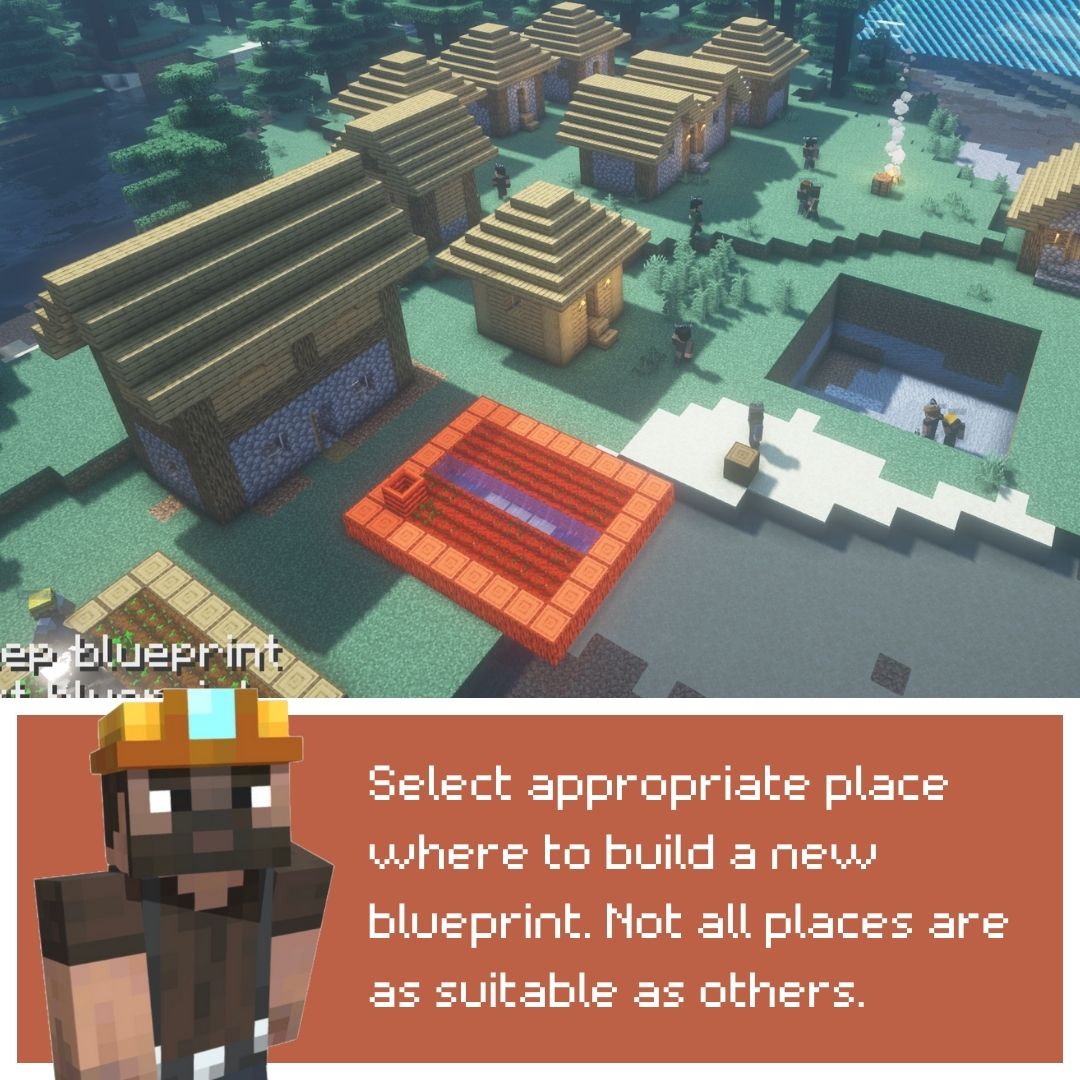
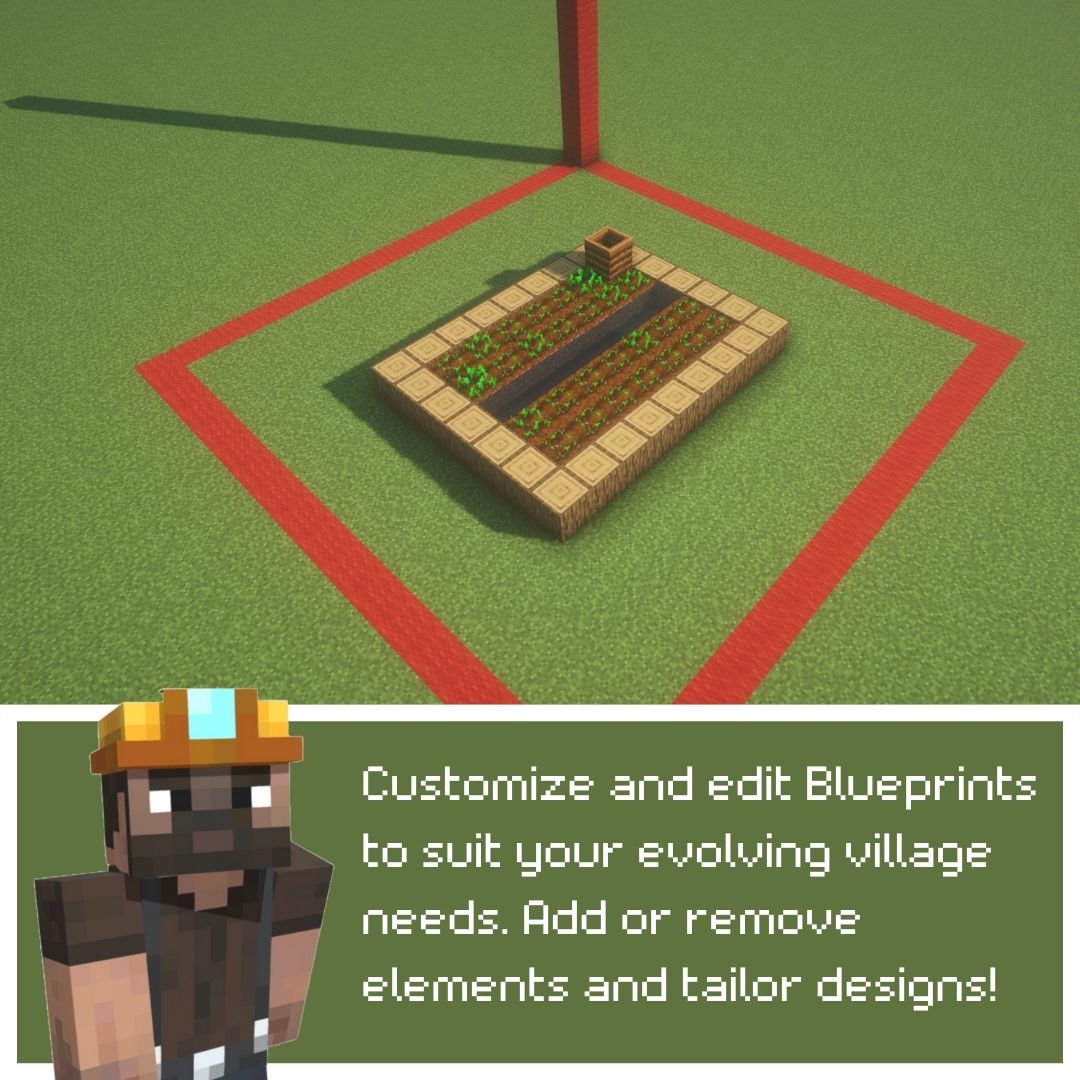
- Blueprints system. Build your custom buildings and add them to your very own village.
- Combat system! Hire warriors and go fight with your neighbors!
- Hunger and mood system. Your pawns have their health stats and in the future will have their mood and character.
- Multiplayer support starting with 1.8.3 beta version
🎥 TAKE A LOOK! 🎥
📚 INSTALLATION 📚


Installation should be pretty straightforward.
- Install Fabric Launcher
- Add Latest Fabric API compatible the mod if it’s not installed automatically
- Add the mod
🎮 GETTING STARTED 🎮
The mod adds new Gamemode to the game named “Fortress”
Choose gamemode “Fortress” in the World Creation Menu or use “/gamemode fortress” command while playing and you will be switched to Fortress gamemode.
Your main control in the game is you mouse pointer. After starting the world right click to place campfire.
Basic controls:
- left click once – start selecting a task to “dig”/remove something
- left click while selecting – confirm “dig” task
- right click while holding any block in hand – start selecting a task to build something
- right click while selecting – confirm “build” task
- hold sprint button (ctrl by default) and move your mouse – look around
🤑 SUPPORT THE PROJECT 🤑

常见问题
MineFortress 支持哪些 Minecraft 版本?
MineFortress 支持 Minecraft Java 版 1.20.1–1.20.2,共 2 个版本,可用的加载器:Fabric。下载时注意选择和你游戏版本一致的文件。
MineFortress 怎么安装?
先用 PCL2 或 HMCL 启动器安装对应版本的 Fabric,再把下载的 .jar 文件放进游戏目录的 mods 文件夹,重新启动游戏即可。开启了版本隔离的,mods 文件夹在 versions/版本名 下面。运行环境:客户端 / 服务端。
评论
登录后评论和评分