
截图
介绍
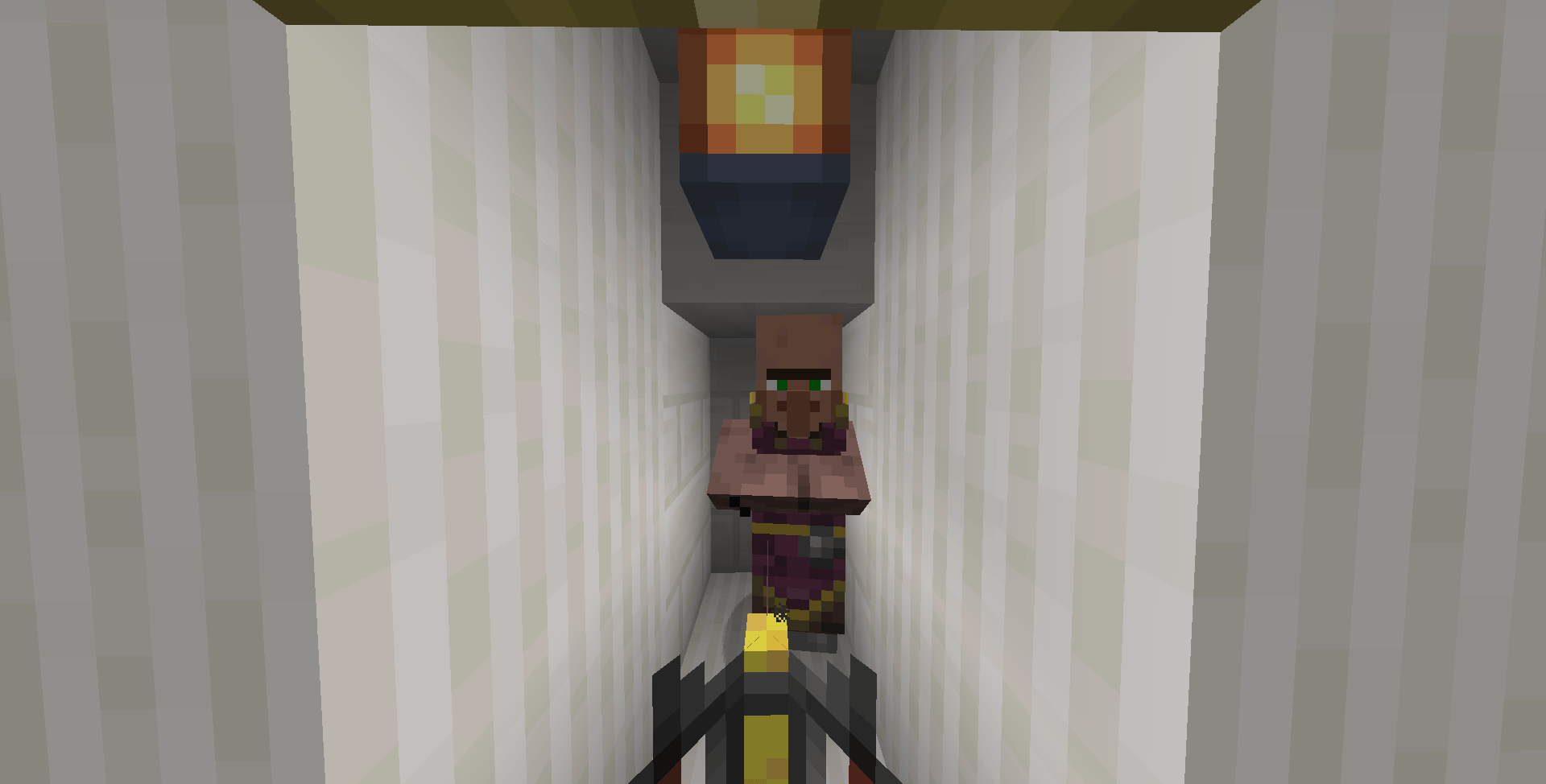
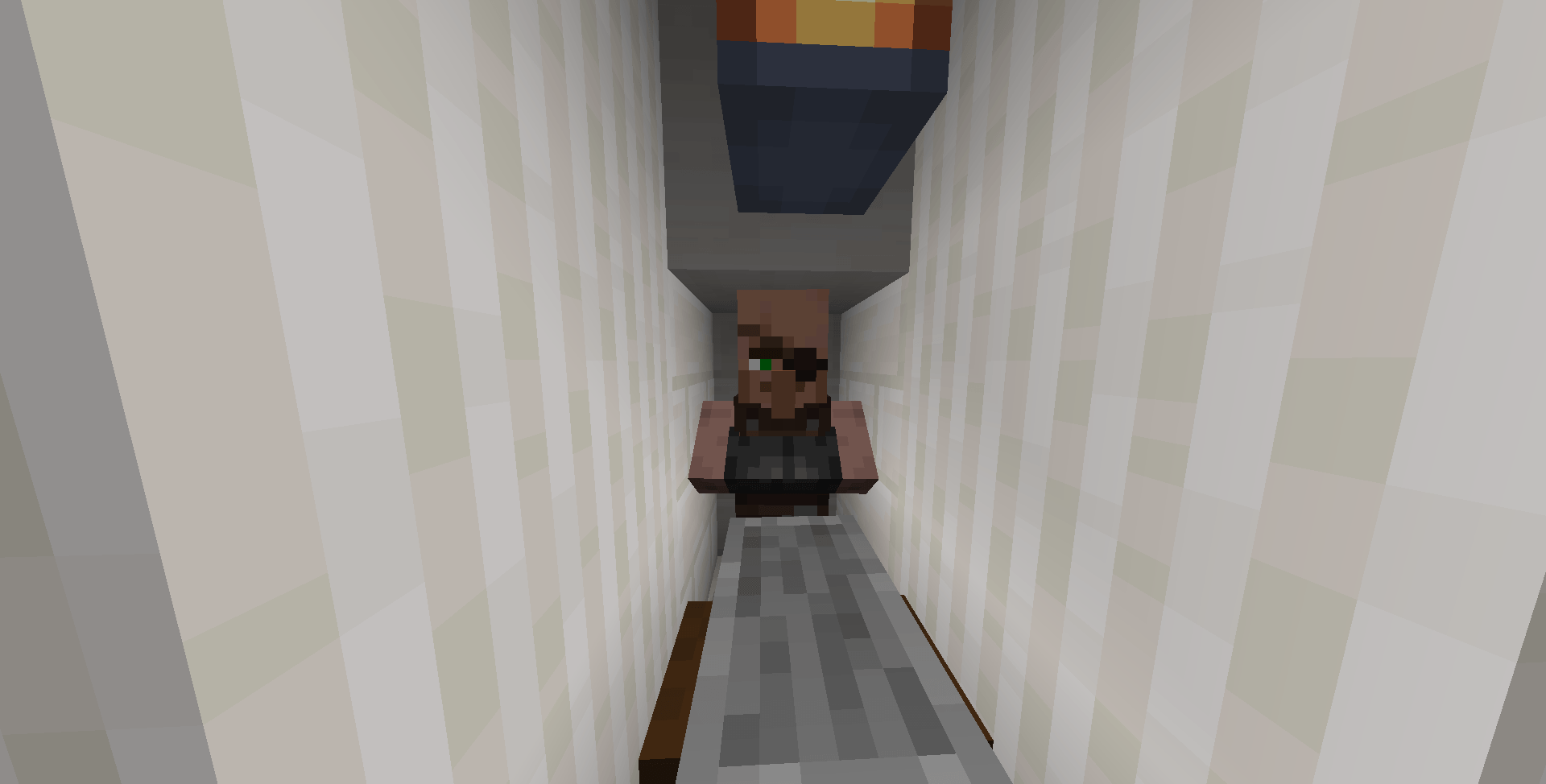
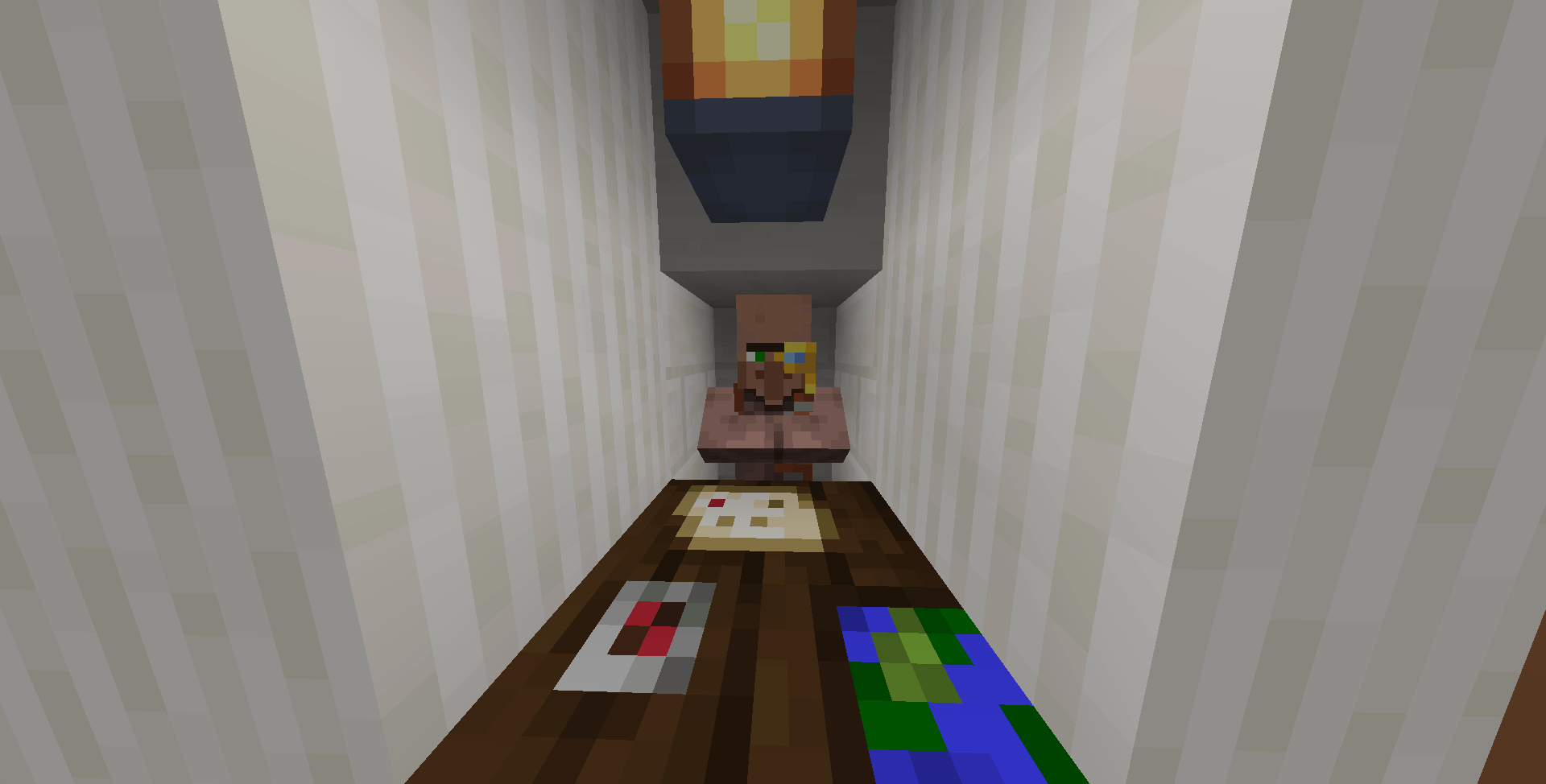
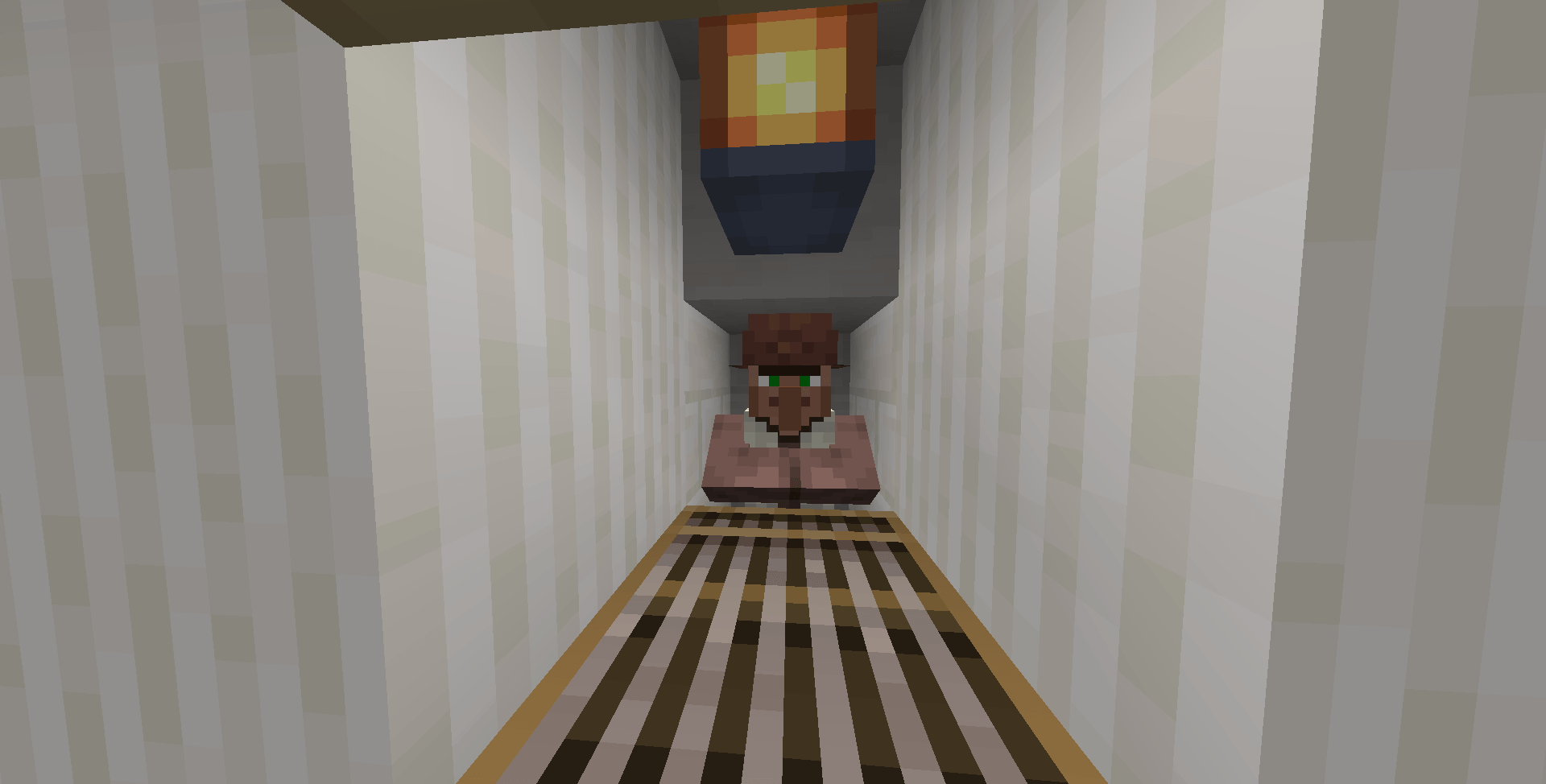
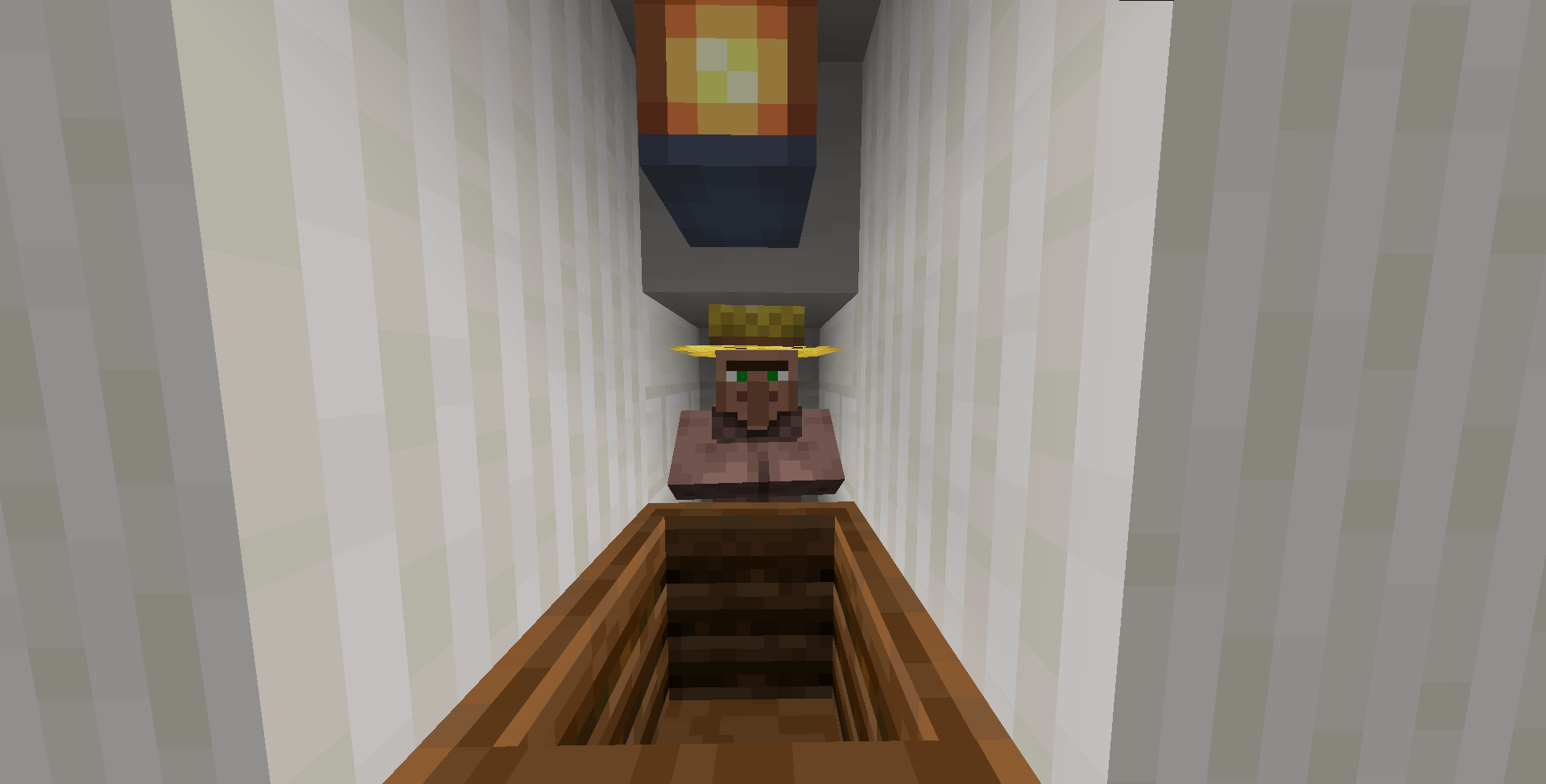
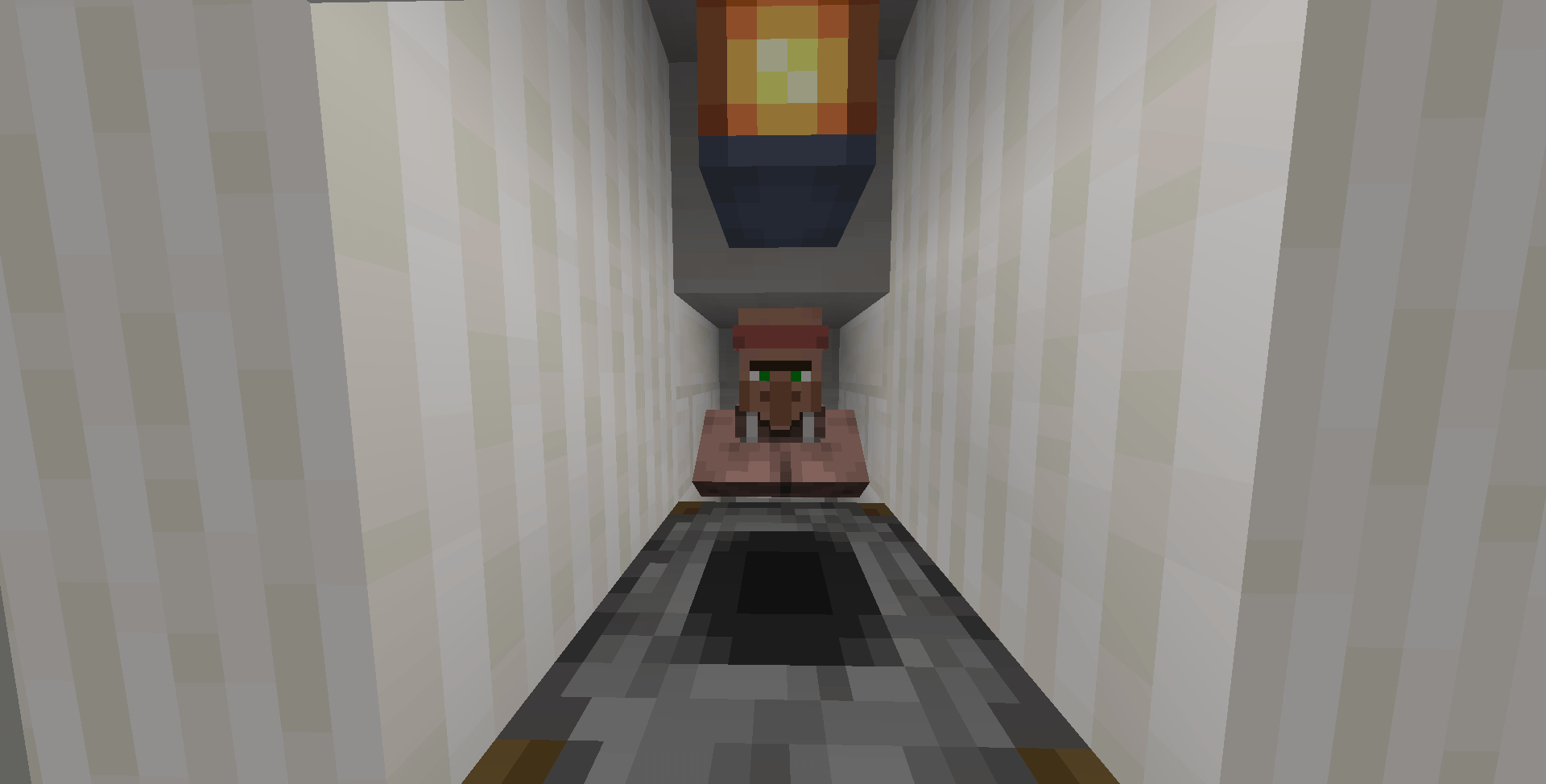
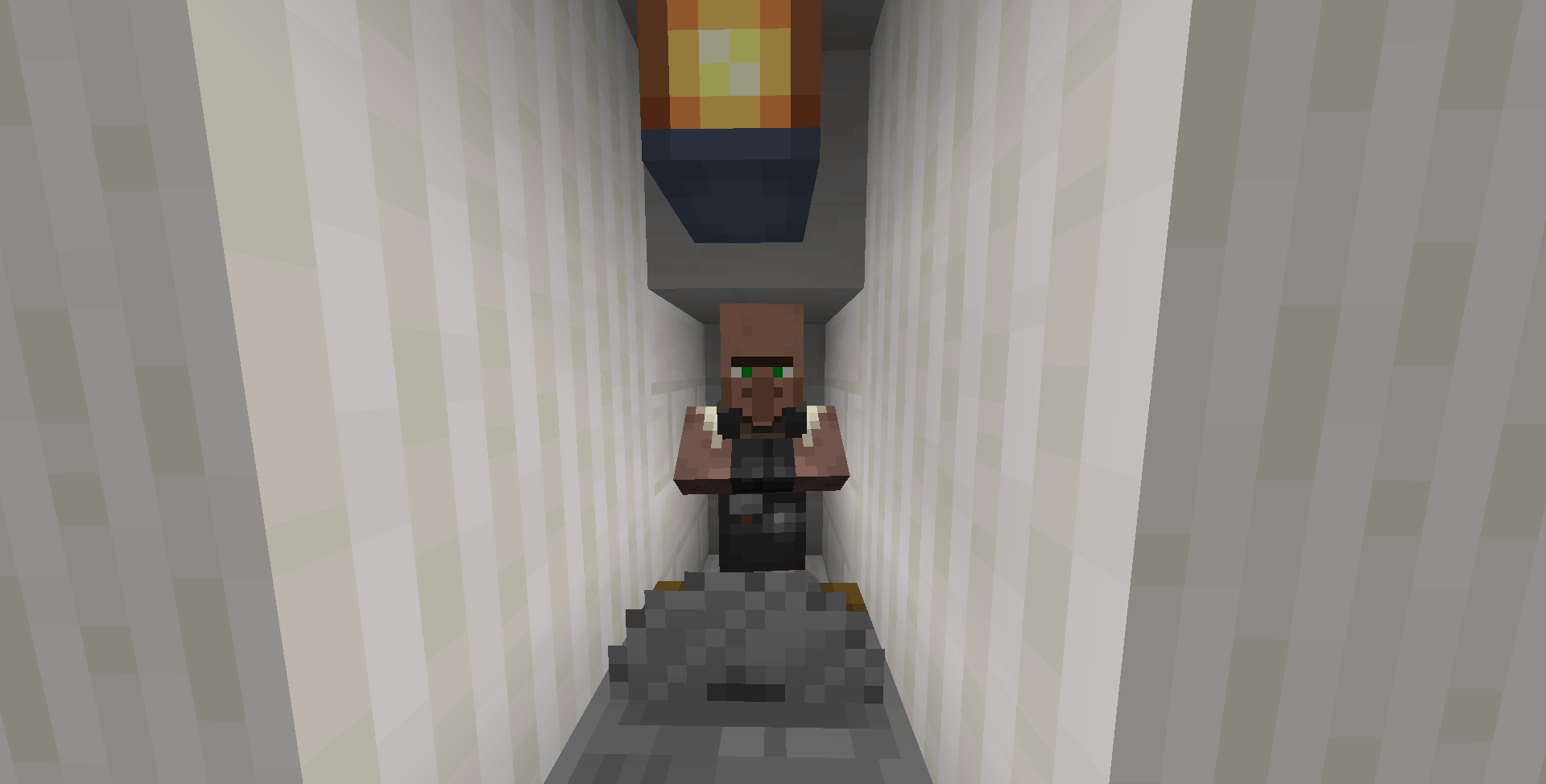
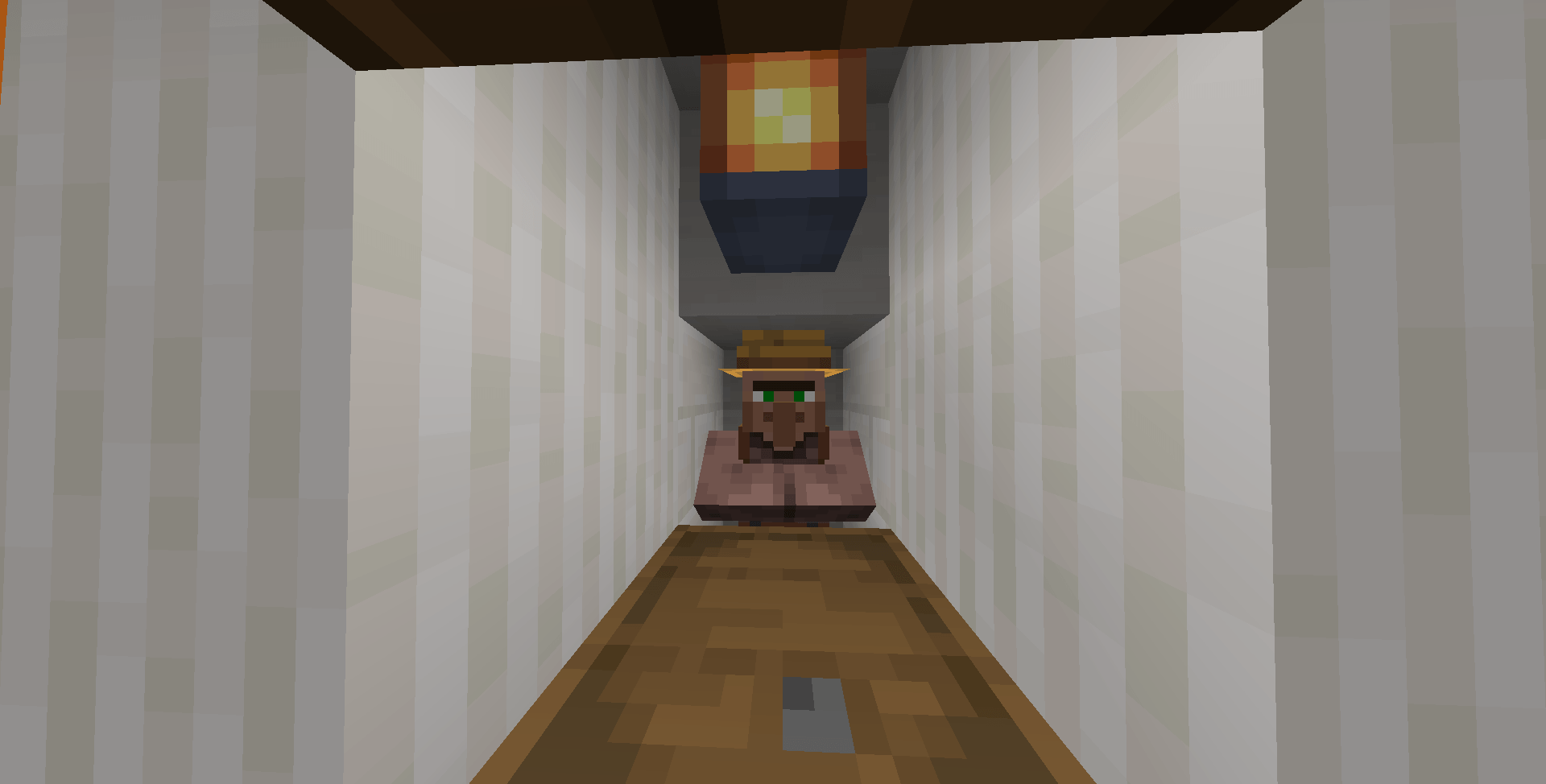
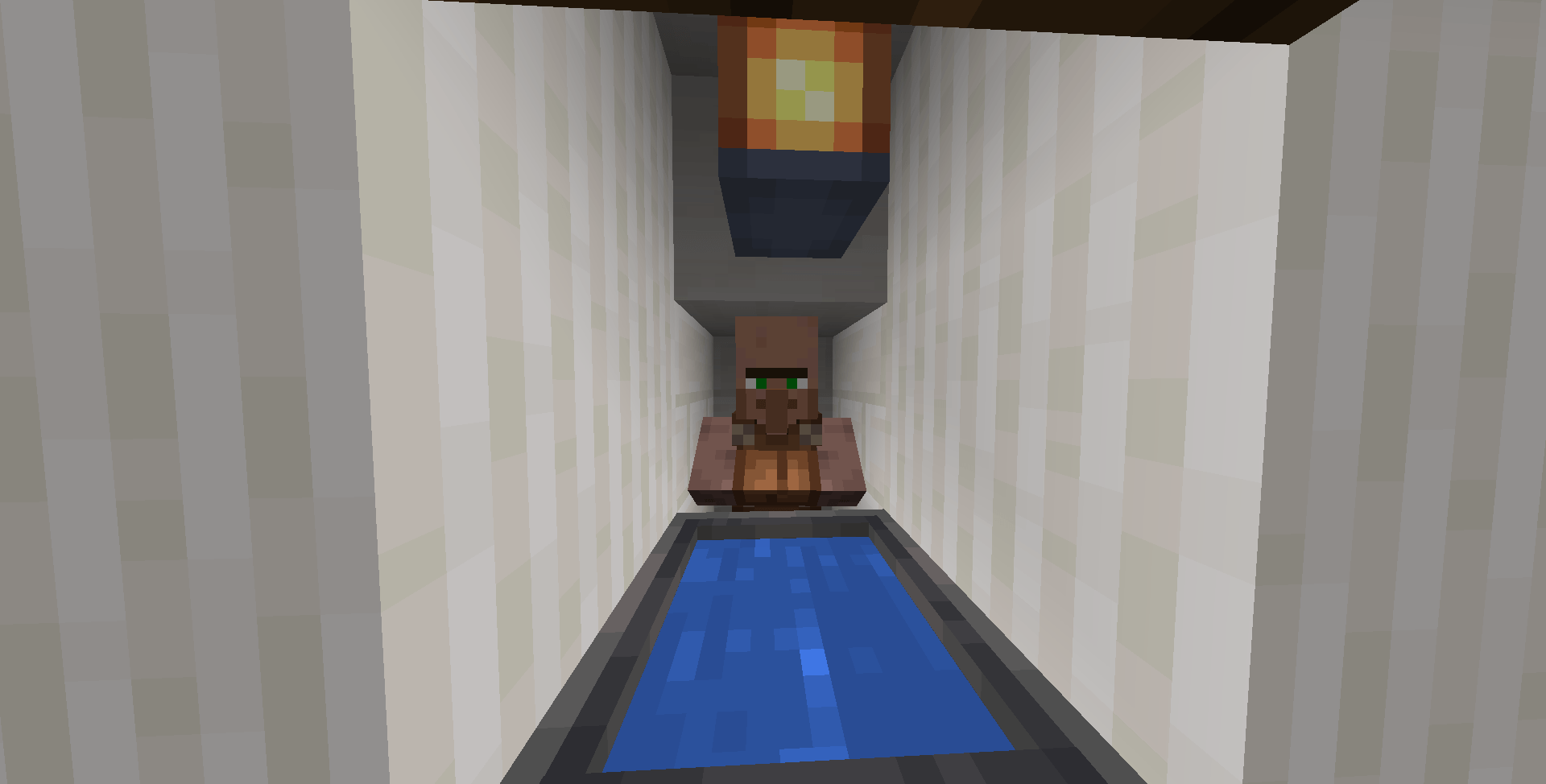
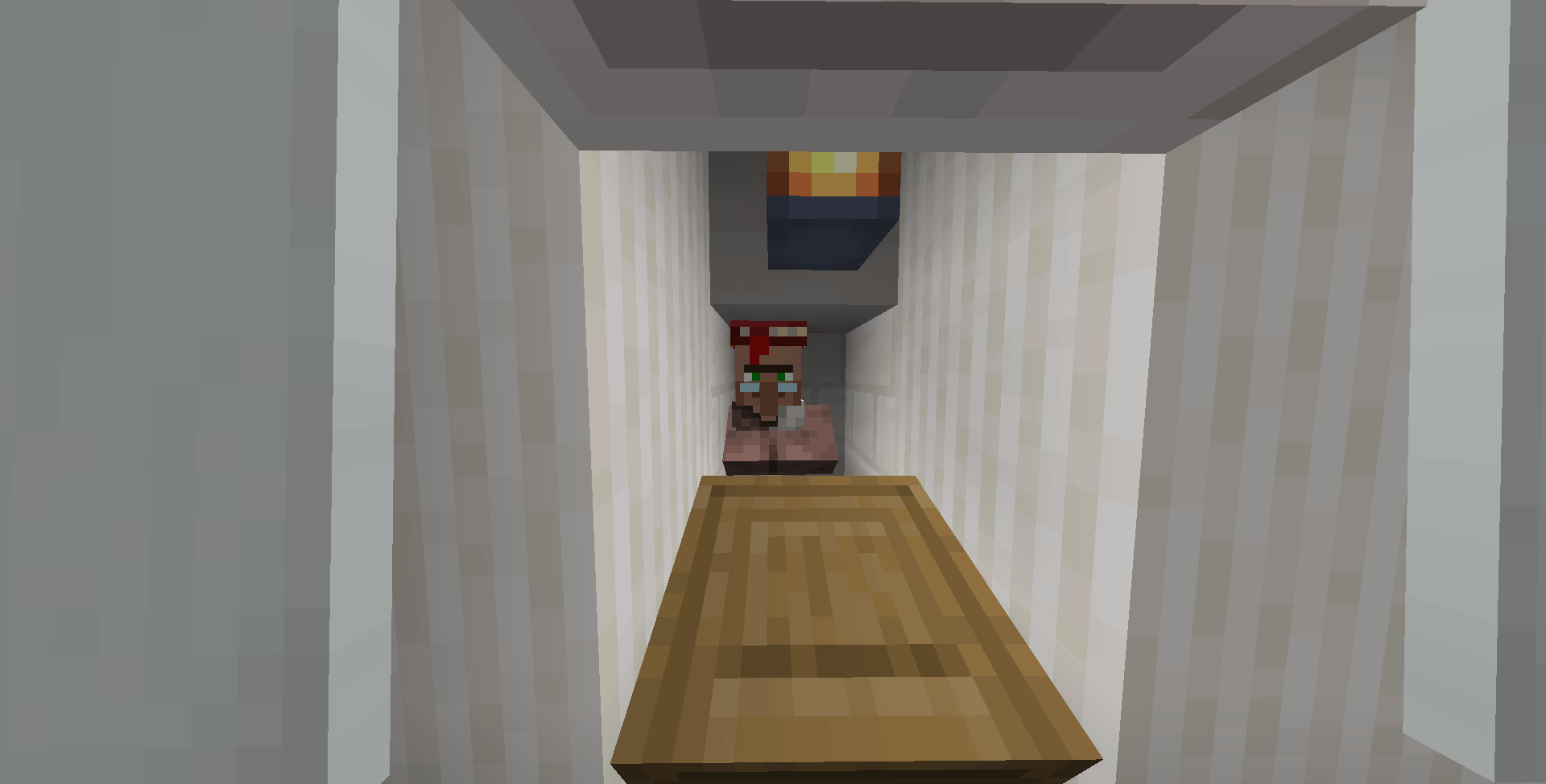
Welcome To The Trading Hall!
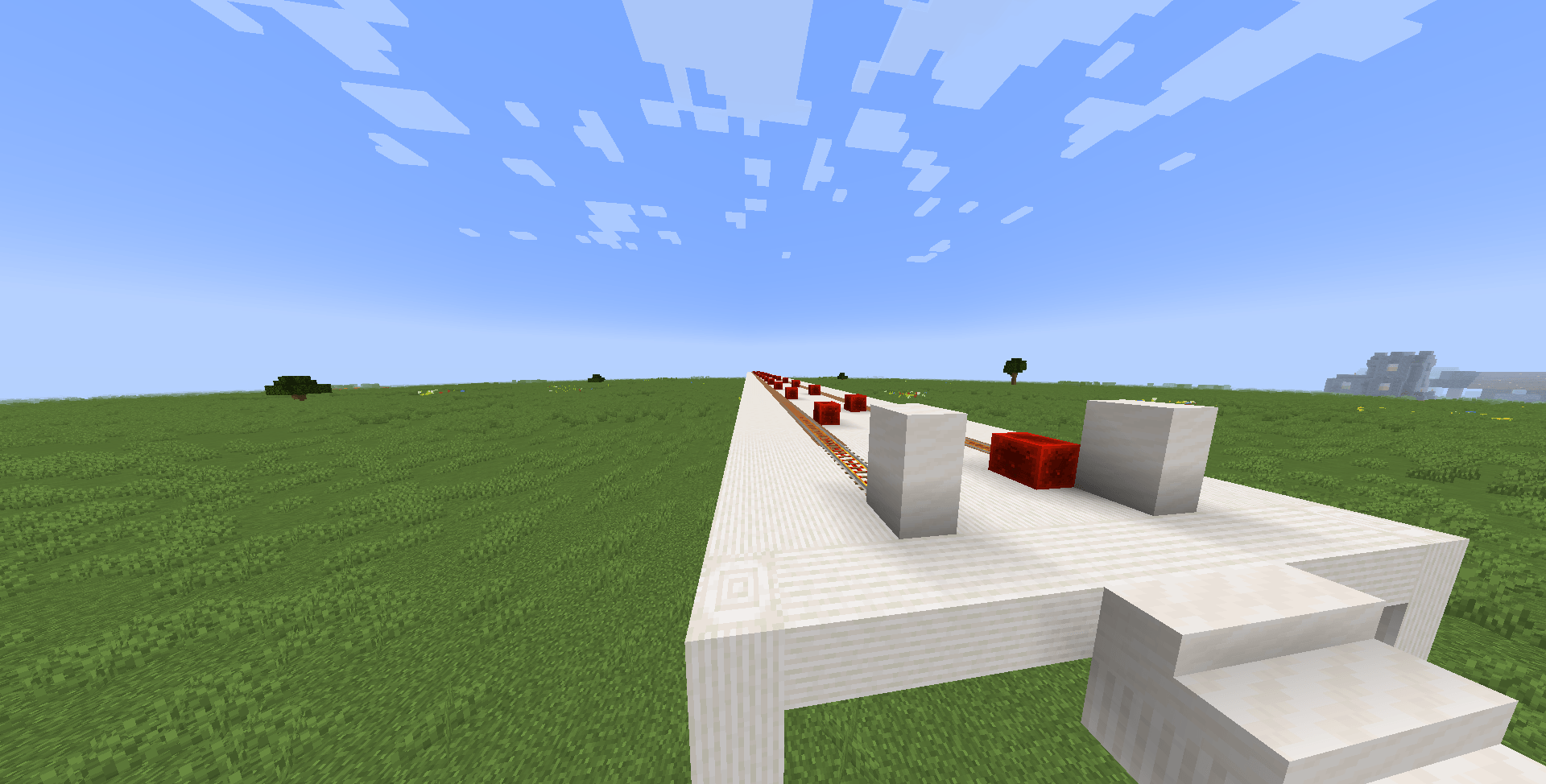
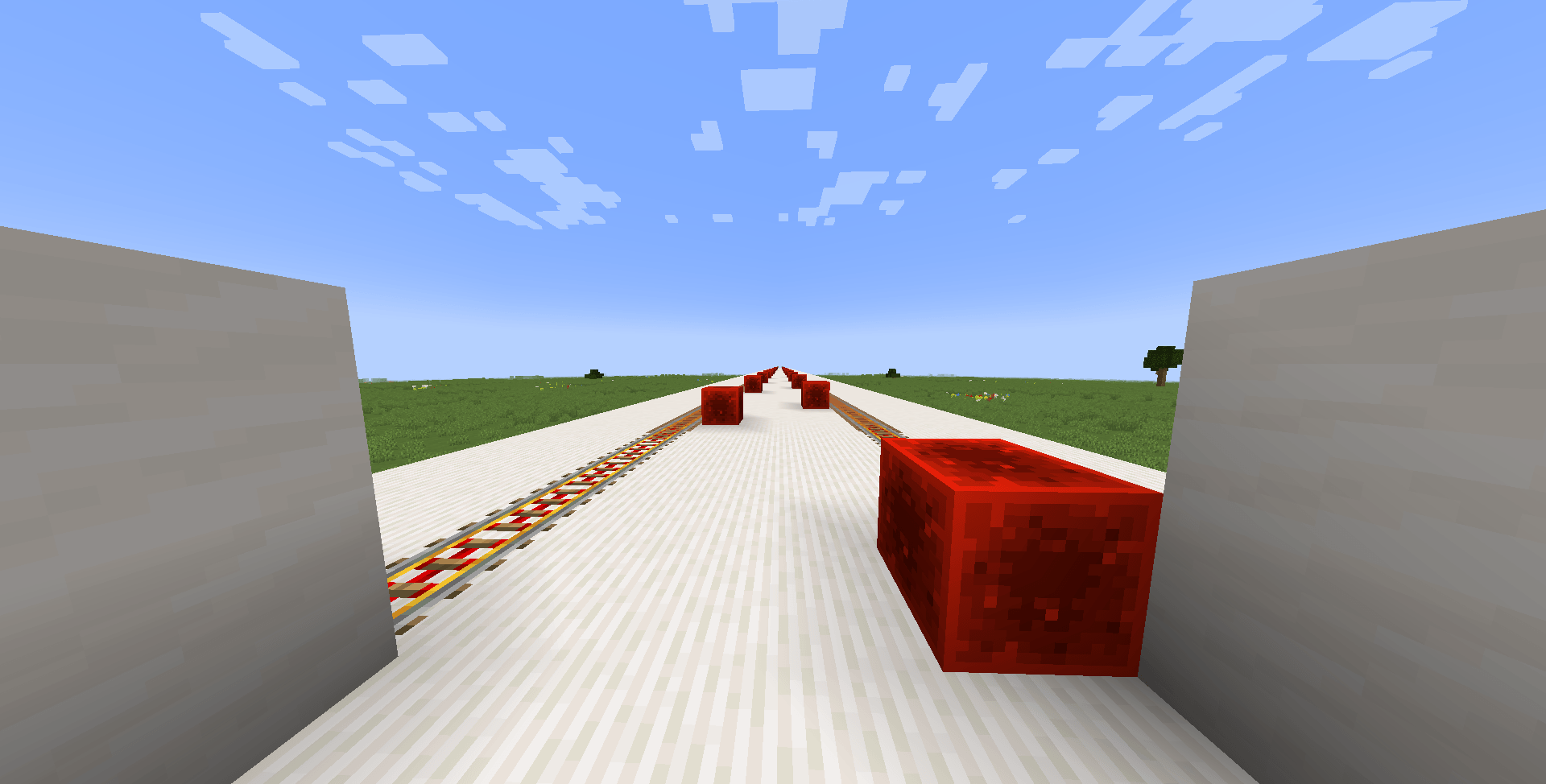
This Might be The Biggest Trading Hall ever existed Reaching +200 Blocks Long!
It took 2 days To Build and alot of effort
Playing with Optifine for better Gameplay is an optional!
This is a Minecraft World not an addon or mod or even Resource pack!
To do this:
1. Download the World! You will recieve a zip file
2. Extract The Zip File
3. Click Windows + R on your keyboard at the same time
4. The Run Windows will appear!
5. Type %appdata%
6. it will take you to a list of files
7. Click on .minecraft
8. Locate the saves file
9. Drag the file to the saves file
10. Launch Minecraft
11. The World should Appear!
Curseforge’s First Ever Trading Hall World Download!
This is the first ever thing I have uploaded to Curseforge
Subscribe me on YouTube:
https://www.youtube.com/@RaysVlogVentures-RR
Thanks for Dowloading!
Happy Trading!
Rayyan
常见问题
Villager Trading Hall 支持哪些 Minecraft 版本?
Villager Trading Hall 支持 Minecraft Java 版 1.21.3–1.21.4,共 2 个版本。下载时注意选择和你游戏版本一致的文件。
Villager Trading Hall 怎么安装?
解压下载的文件,把里面的存档文件夹放进游戏目录的 saves 文件夹(开启了版本隔离的在 versions/版本名/saves),重新打开游戏就能在「单人游戏」里看到。请用 1.21.3–1.21.4 版本打开,版本不对可能导致地图损坏。

评论
登录后评论和评分