
截图
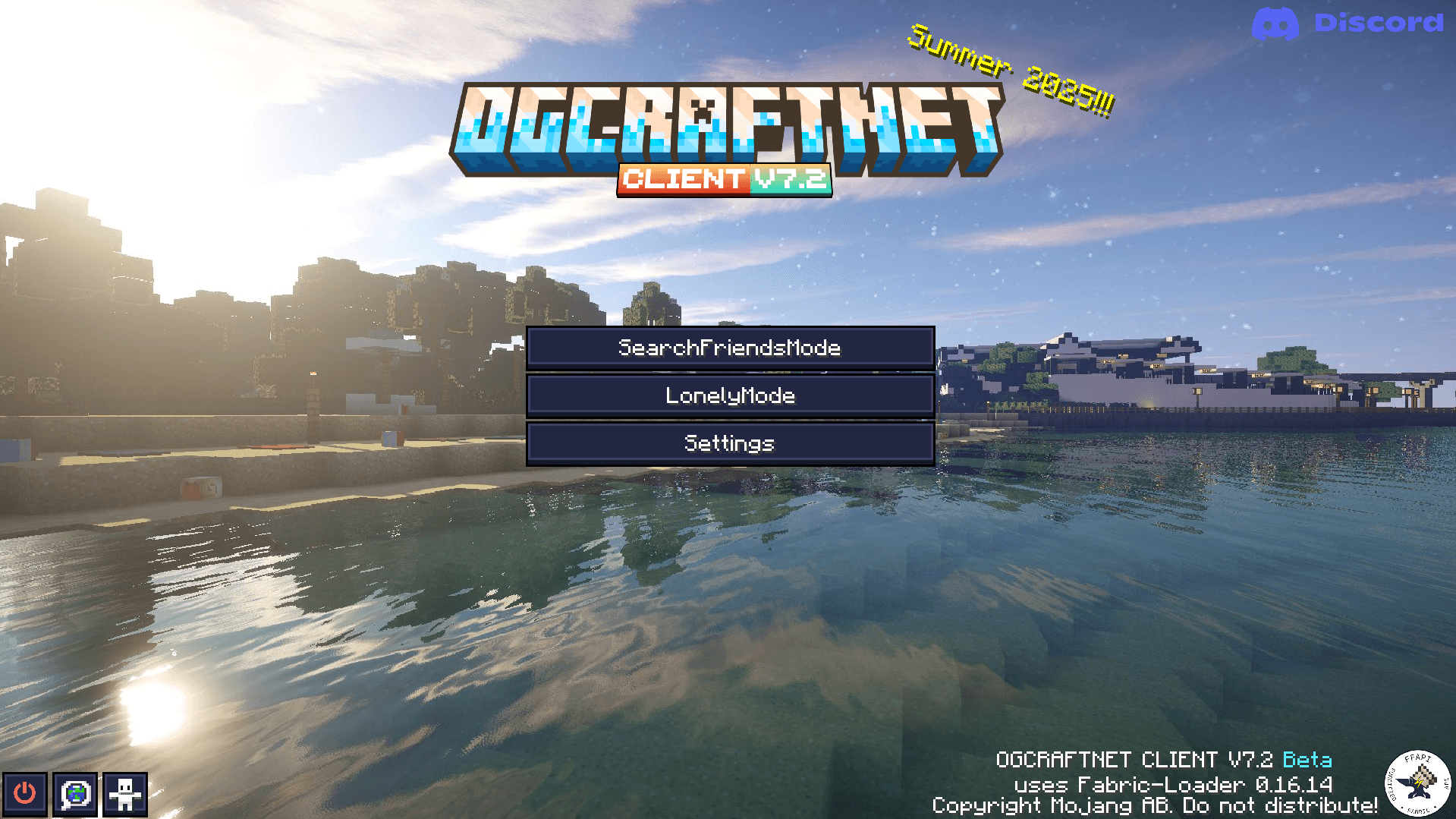
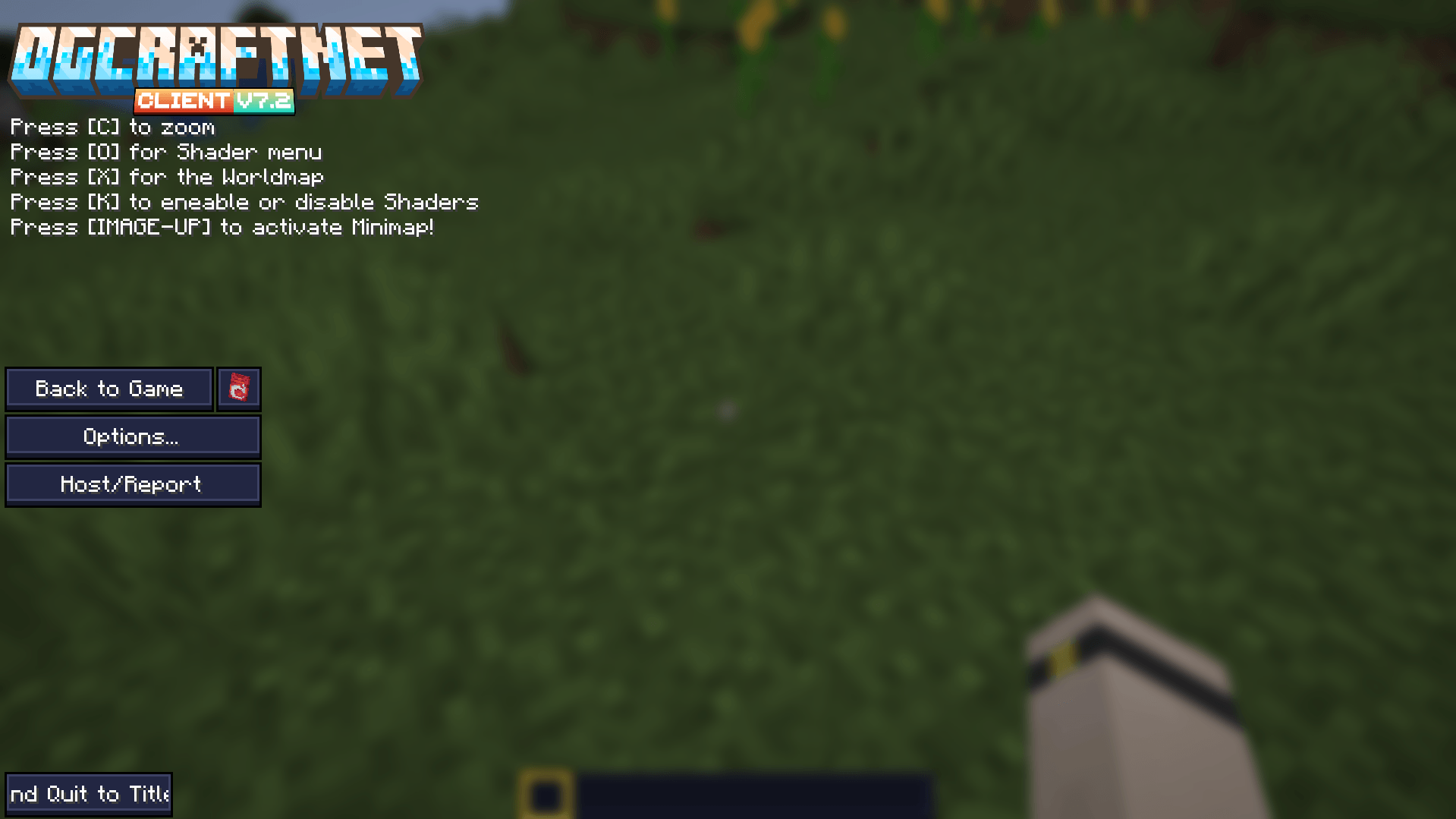
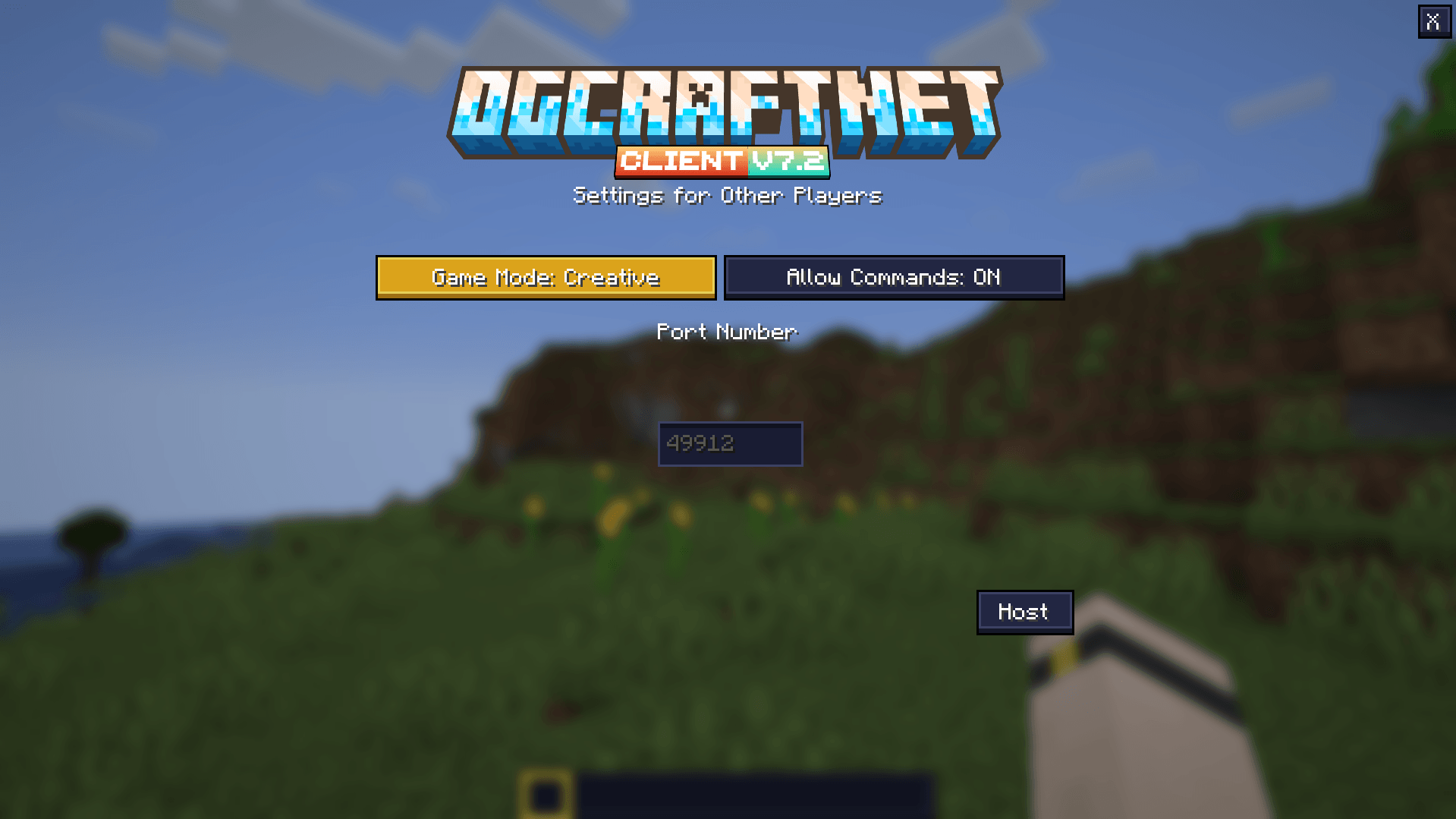
介绍
English: Arctis Client
Enhanced Gaming Experience for Minecraft Optimized Performance
Enjoy a smoother gaming experience on any device. Upward Compatibility
Always stay up-to-date with the latest Minecraft versions. Improved Multiplayer Experience
Communicate and play with friends thanks to enhanced multiplayer features. Free Realms
Create and play on your own servers at no extra cost. Cross-Platform Compatibility
Play on Linux, Windows, and Mac for a seamless gaming experience. Integrated VPN Function
Deutsch: Arctis Client
Verbessertes Spielerlebnis für Minecraft Optimierte Performance
Genieße ein flüssigeres Spielerlebnis auf jedem Gerät. Aufwärtskompatibilität
Immer auf dem neuesten Stand mit den aktuellsten Minecraft-Versionen. Verbesserte Multiplayer-Erfahrung
Kommuniziere und spiele mit Freunden dank erweiterter Multiplayer-Funktionen. Kostenlose Realms
Erstelle und spiele auf eigenen Servern ohne zusätzliche Kosten. Plattformübergreifende Kompatibilität
Spiele auf Linux, Windows und Mac für ein nahtloses Spielerlebnis. Integrierte VPN-Funktion
常见问题
Arctis Client [discontinued] 支持哪些 Minecraft 版本?
Arctis Client [discontinued] 支持 Minecraft Java 版 1.21–1.21.10,共 5 个版本,可用的加载器:Fabric。下载时注意选择和你游戏版本一致的文件。
Arctis Client [discontinued] 怎么安装?
点本页「前往下载」拿到整合包文件(Modrinth 的是 .mrpack,CurseForge 的是 .zip),在 PCL2 或 HMCL 启动器里选择「导入整合包」,启动器会自动装好 Minecraft、加载器和全部模组。建议在启动器里给游戏分配 4–6 GB 内存。
Arctis Client [discontinued] 开服需要多大内存?
推荐服务器内存 12 GB。在线人数多、或者建了大量机器和区块加载器时,可以再加 2–4 GB。
怎么和朋友一起玩 Arctis Client [discontinued]?
点本页的「一键开服」,选好配置后会自动安装 Arctis Client [discontinued] 的服务端,几分钟就能开好。把服务器地址发给朋友,大家用同一个版本的整合包连进去就行。


评论
登录后评论和评分