
Better Beginnings (No Tree Punching)
The most vanilla friendly early-game progression mod.
截图
介绍
Better Beginnings is the most vanilla friendly early game progression mod for Minecraft. It enhances immersion and the lack of meaningful progression in the early game by introducing the hatchet item, and giving copper its proper place in minecraft. It reorders the early game progression to go:
rocks -> stone tools -> copper tools -> iron tools -> coal
Your 2 minute early game turns to a slight challenge that will take a day or two, and now there’s a reason to use the campfire, copper, and smelting fuels other than coal.
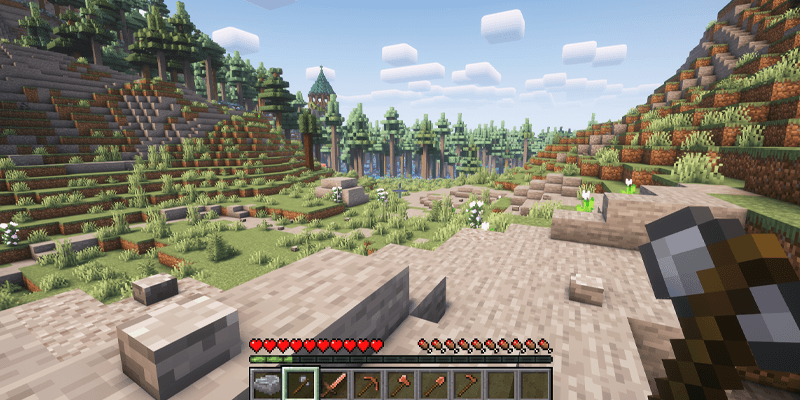
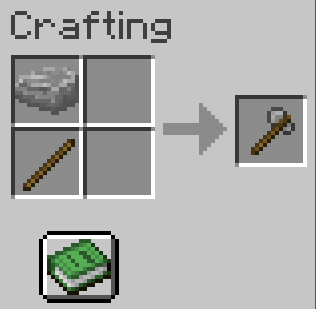
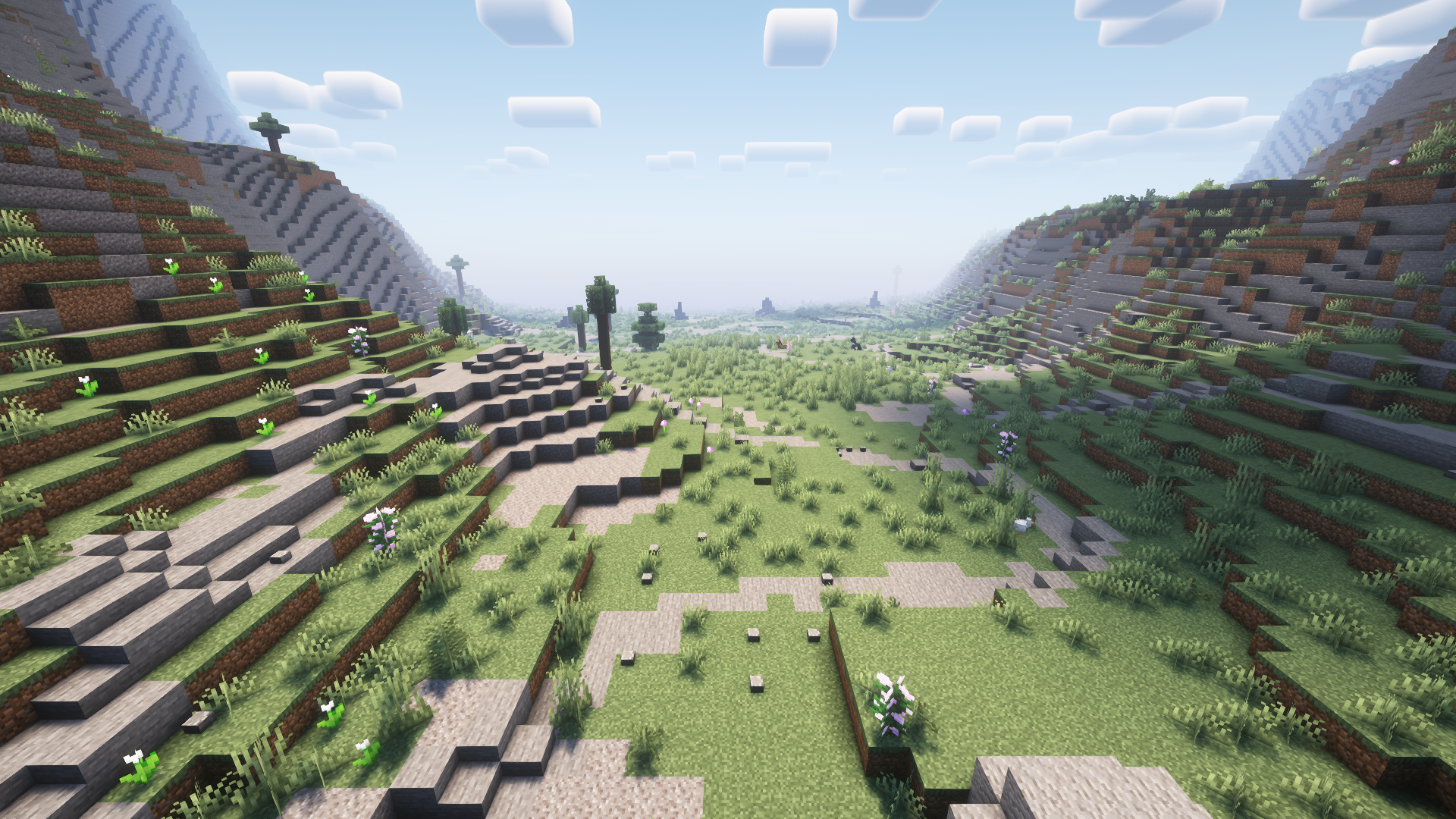
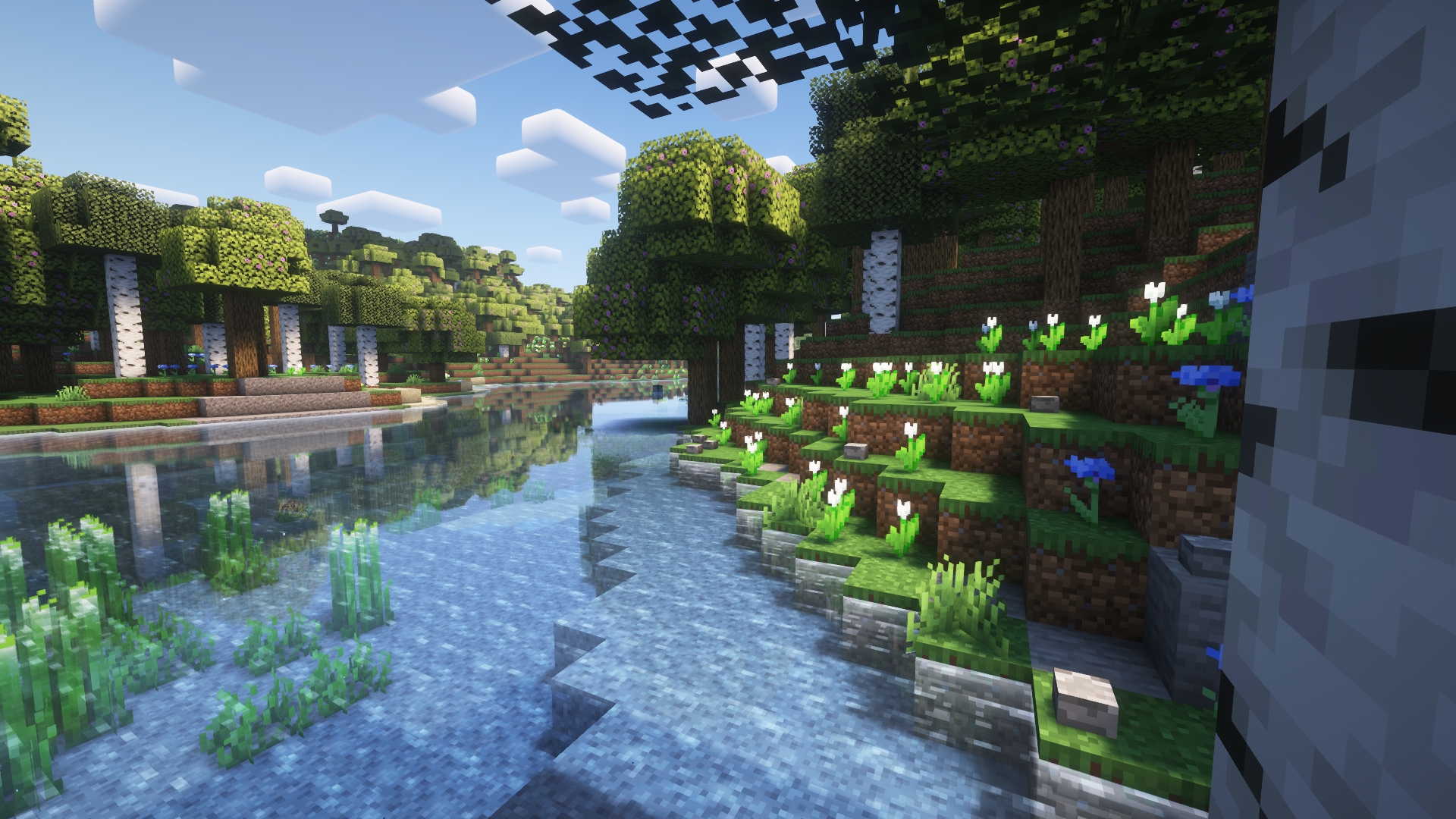
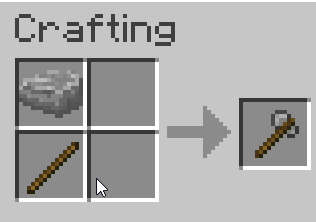
No more beating trees with your bare fists, you’ll need the right tool for the job. Rocks spawn at a moderate rate anywhere you can find stone or gravel, on steep terrain, or near bodies of water. Sticks now drop much more frequently from leaves. Pick up a rock and place it on top of a stick in your crafting table to make a hatchet. Now you can chop your trees and keep moving foward.
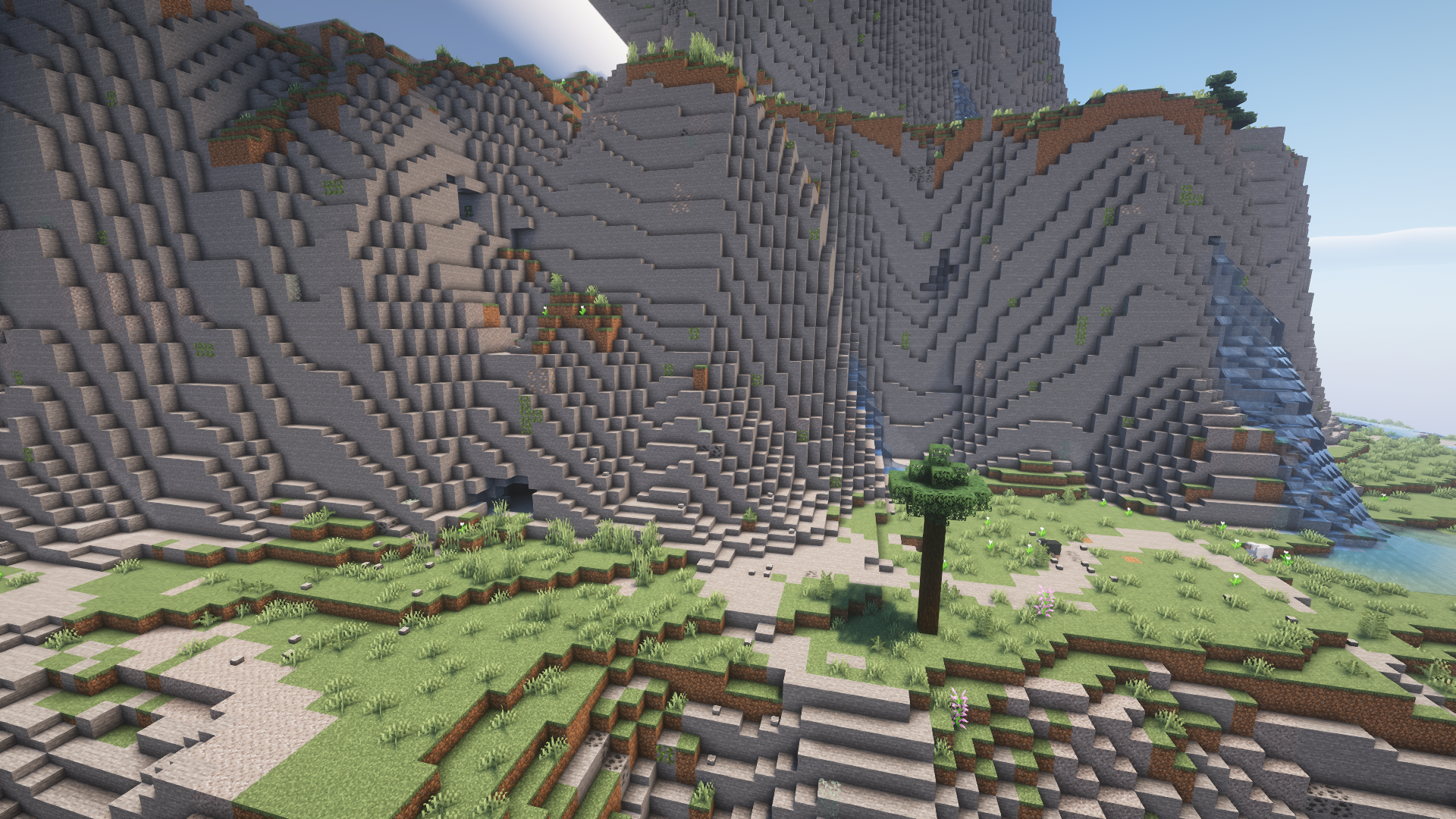
You can craft a stone pickaxe with rocks from the ground now, as stone is not mineable without a copper pickaxe or higher. You will need to make a stone pickaxe to mine the abundant copper ore that spawns at the mouths of caves, which is mostly useless in vanilla minecraft.
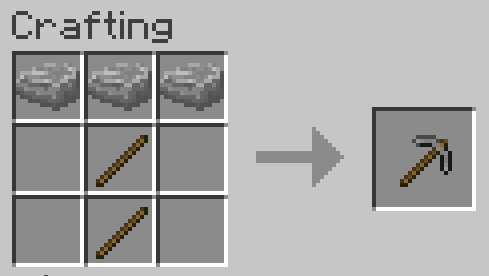
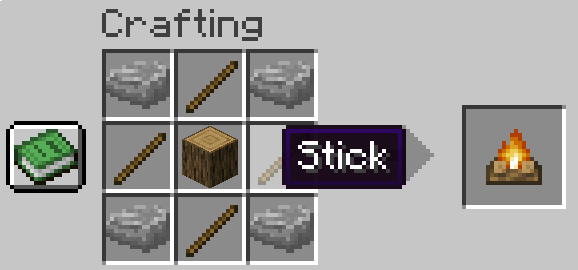
Then craft a campfire or furnace. (You can make cobblestone with four rocks)
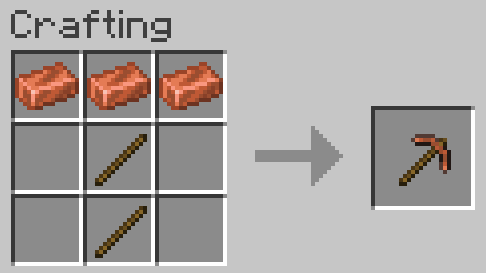
From here you can enter the “Bronze Age”, smelt your copper to make copper tools.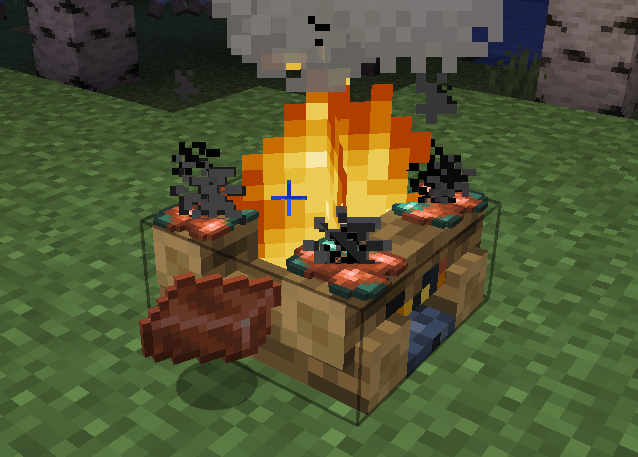
You’ll next need to get iron, make an iron pickaxe and then finally be able to mine coal and make it past the early game.
Check out my latest mod: Critter Colonies! 🐿️
❤️ Support my creative work on Patreon
常见问题
Better Beginnings (No Tree Punching) 支持哪些 Minecraft 版本?
Better Beginnings (No Tree Punching) 支持 Minecraft Java 版 1.20.1–26.3,共 3 个版本,可用的加载器:Fabric / Forge / NeoForge。下载时注意选择和你游戏版本一致的文件。
Better Beginnings (No Tree Punching) 怎么安装?
先用 PCL2 或 HMCL 启动器安装对应版本的 Fabric / Forge / NeoForge,再把下载的 .jar 文件放进游戏目录的 mods 文件夹,重新启动游戏即可。开启了版本隔离的,mods 文件夹在 versions/版本名 下面。
NiceJohn 的其他作品
查看全部 →
Creatures and Beasts: Continued
为你的世界添加各种可爱又独特的生物。
Tide’s Delight
将 Tide 的鱼类加入农夫乐事的砧板上。

Critter Colonies (for MineColonies)
Replaces the citizens of Minecolonies with Critters! Highly detailed models, textures, and animations.

The Strawberry
A little more than just Vanilla Plus, more like... Strawberry
评论
登录后评论和评分