Visible Tripwires
Replaces the thin tripwire string with a wool thread you can actually see.
截图




介绍
Visible Tripwires
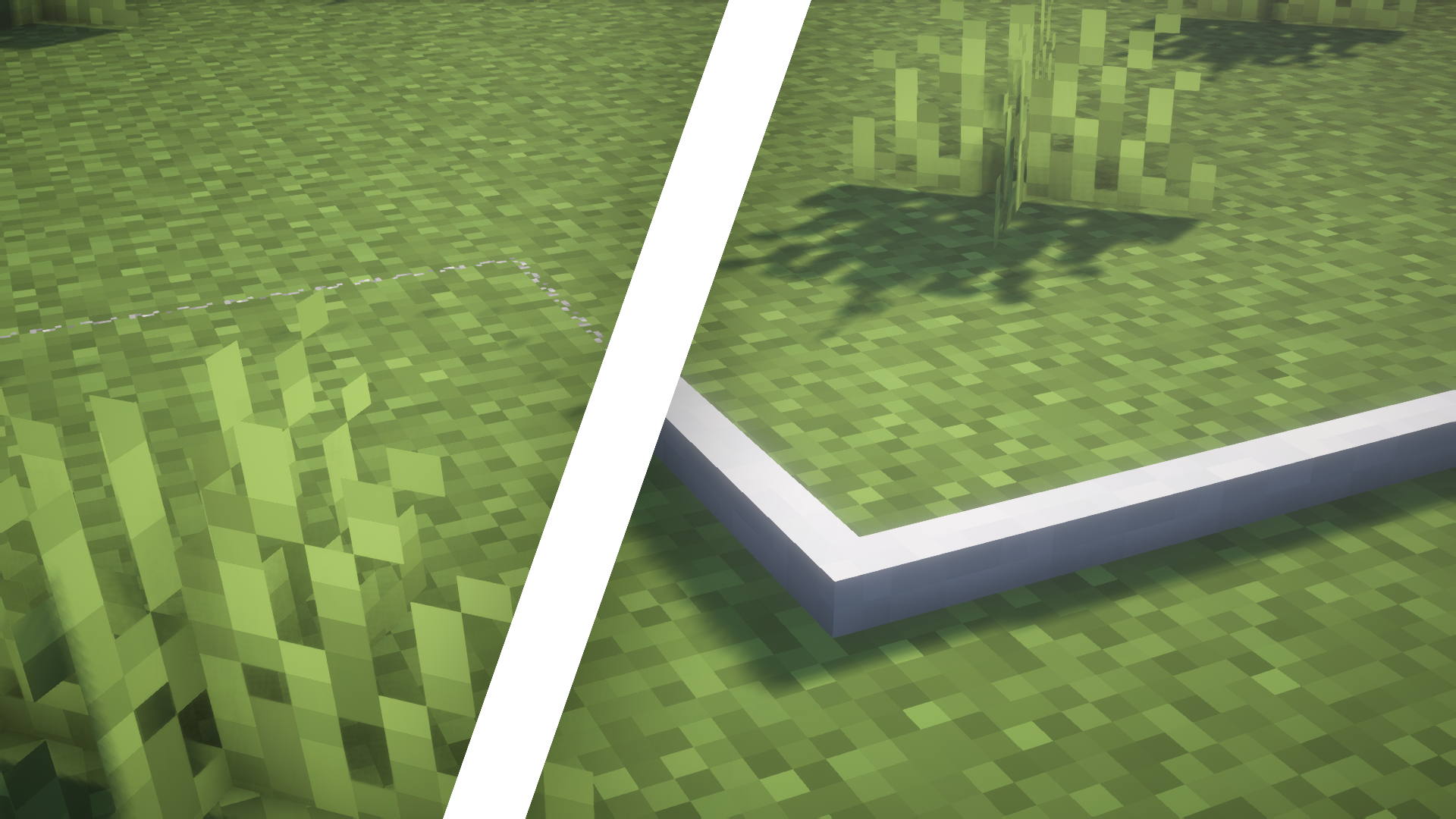
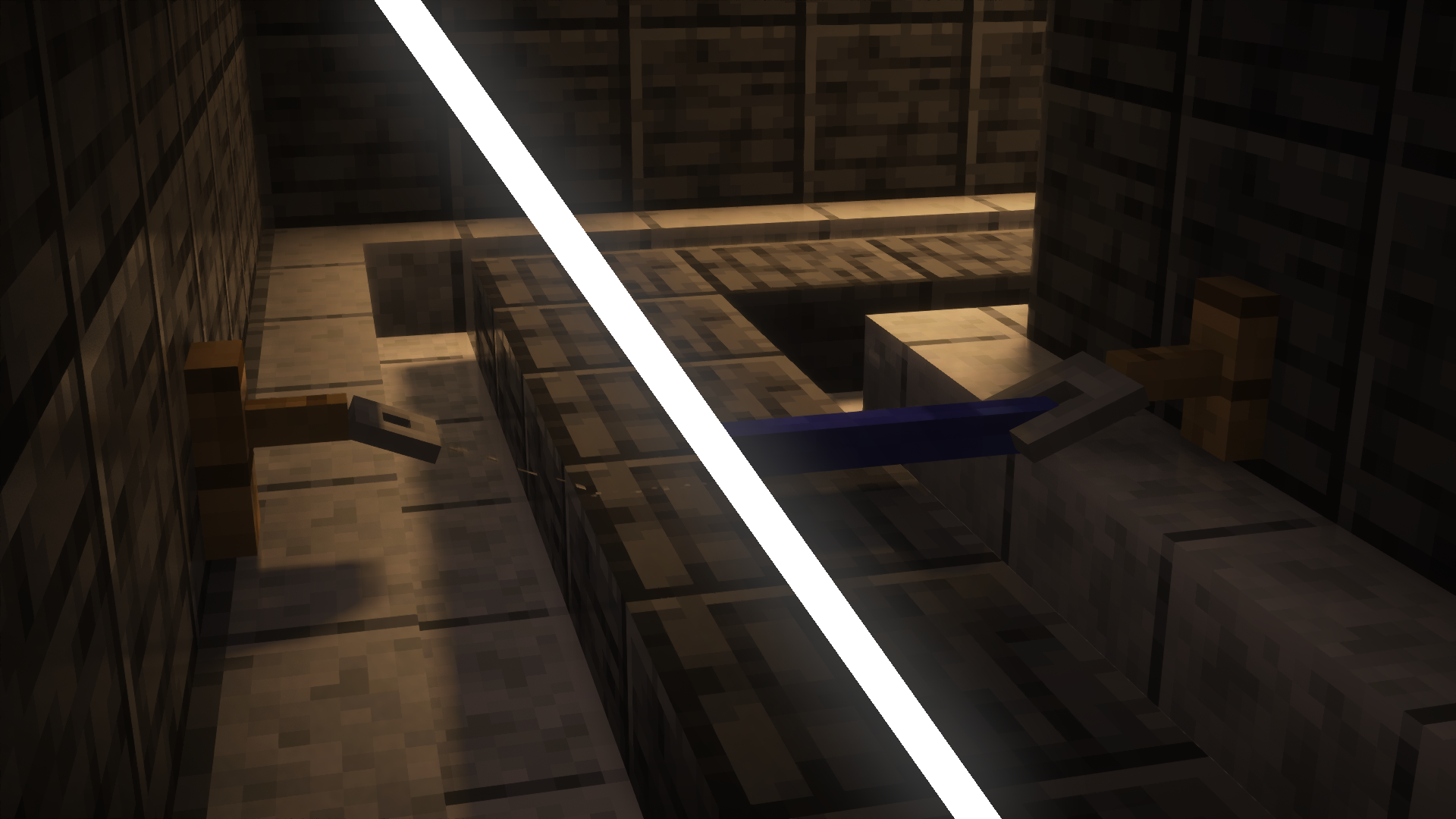
Vanilla tripwires are a thin grey line that is very easy to walk into. This pack replaces their models and textures with a solid wool thread, so you notice a trap before you spring it. Useful on multiplayer servers, in PvP and on adventure maps.
The thread has three looks, one per state:
- Unattached (white by default). The thread lies flat on the ground.
- Attached (blue by default). Stretched between two hooks, the thread lifts off the ground.
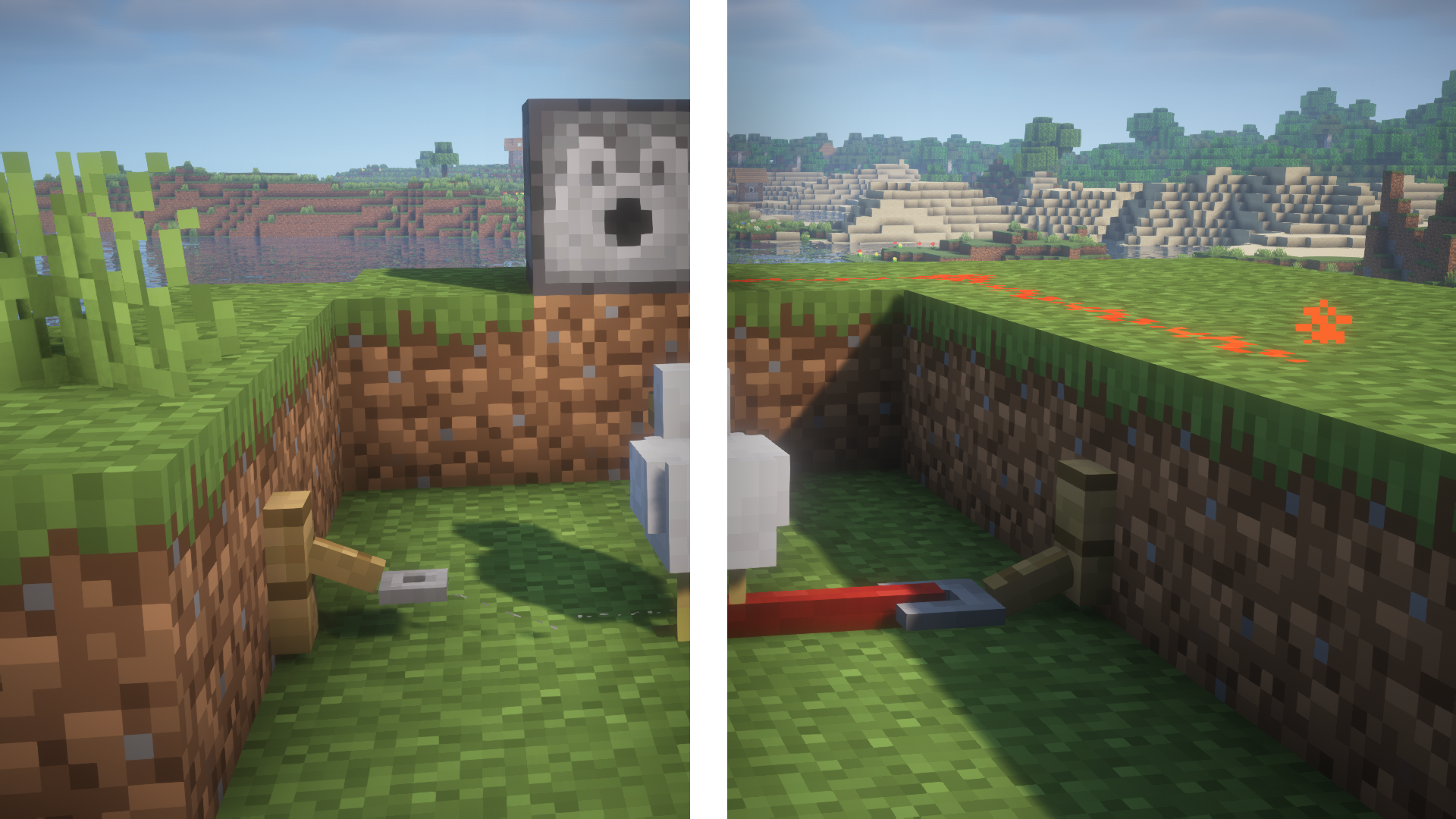
- Triggered (red by default). Something touched the wire, so it drops back to the ground and turns red.
Tripwire hooks are redrawn to match, and they carry the same thread: blue when armed, red when triggered. You can read the state of the whole setup from the hook alone.
Configurable colours (v2.0 and newer)
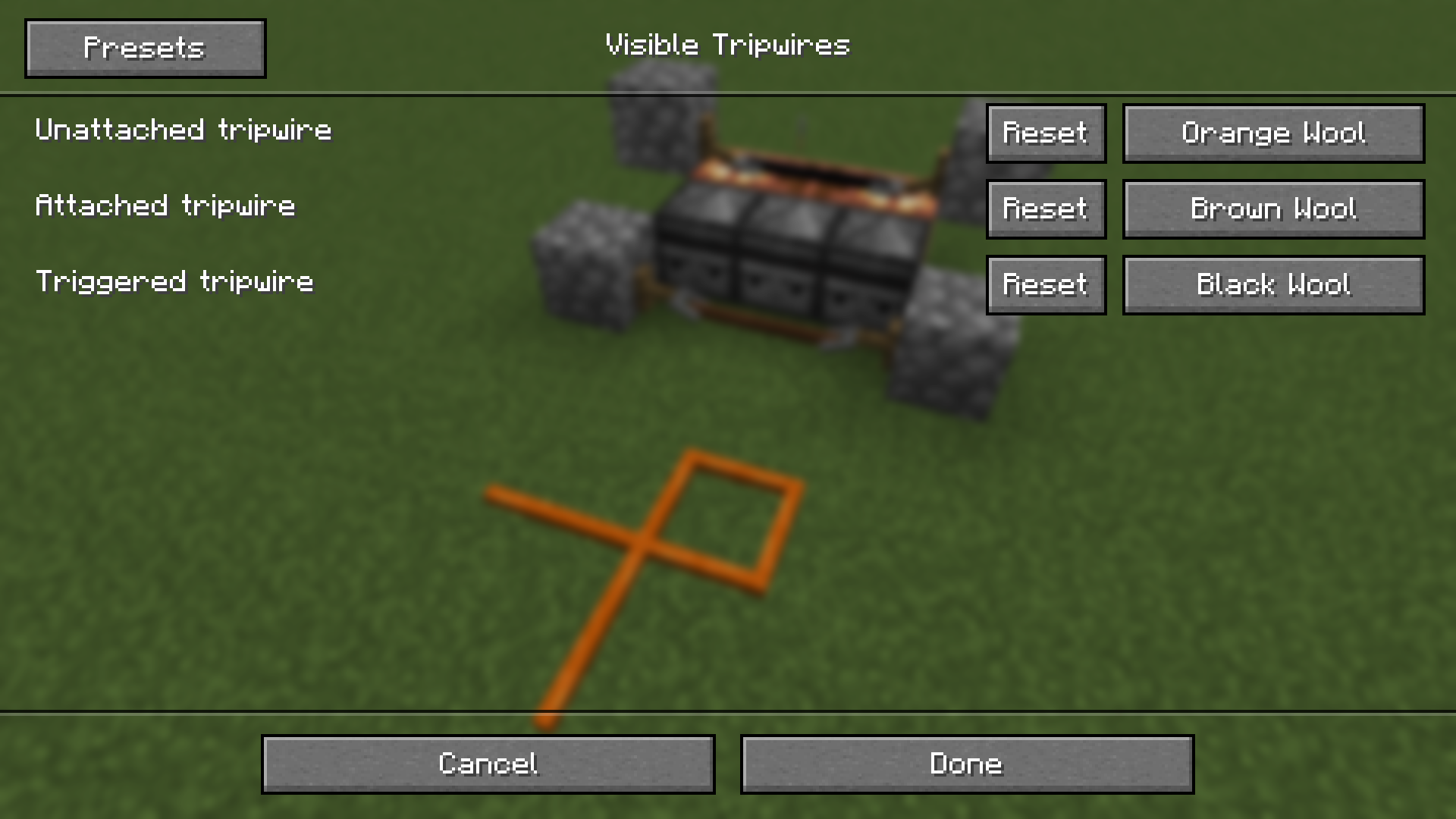
With Respackopts installed you can set the wool colour of each state separately, picking from all 16 wool colours. Open Options, then Resource Packs, then the gear icon next to this pack. The config menu is available in English and Russian.
Without Respackopts nothing ever happens: pack keeps working with the default white, blue and red.
Installation
Put the .zip file into your resourcepacks folder and enable it in Options, then Resource Packs. No mods are required.
Compatibility
Minecraft 1.13 and newer. The metadata declares support for future versions as well, so the pack will not be marked as outdated after an update. The optional colour config needs Fabric or NeoForge with Respackopts and LibJF.
More screenshots
See the gallery.
Released under the MIT license.
常见问题
Visible Tripwires 支持哪些 Minecraft 版本?
Visible Tripwires 支持 Minecraft Java 版 1.13–26.3,共 51 个版本。下载时注意选择和你游戏版本一致的文件。
Visible Tripwires 怎么安装?
把下载的 .zip 文件(不用解压)放进游戏目录的 resourcepacks 文件夹,进游戏后在「选项 → 资源包」里把它移到右边启用。
评论
登录后评论和评分