
截图
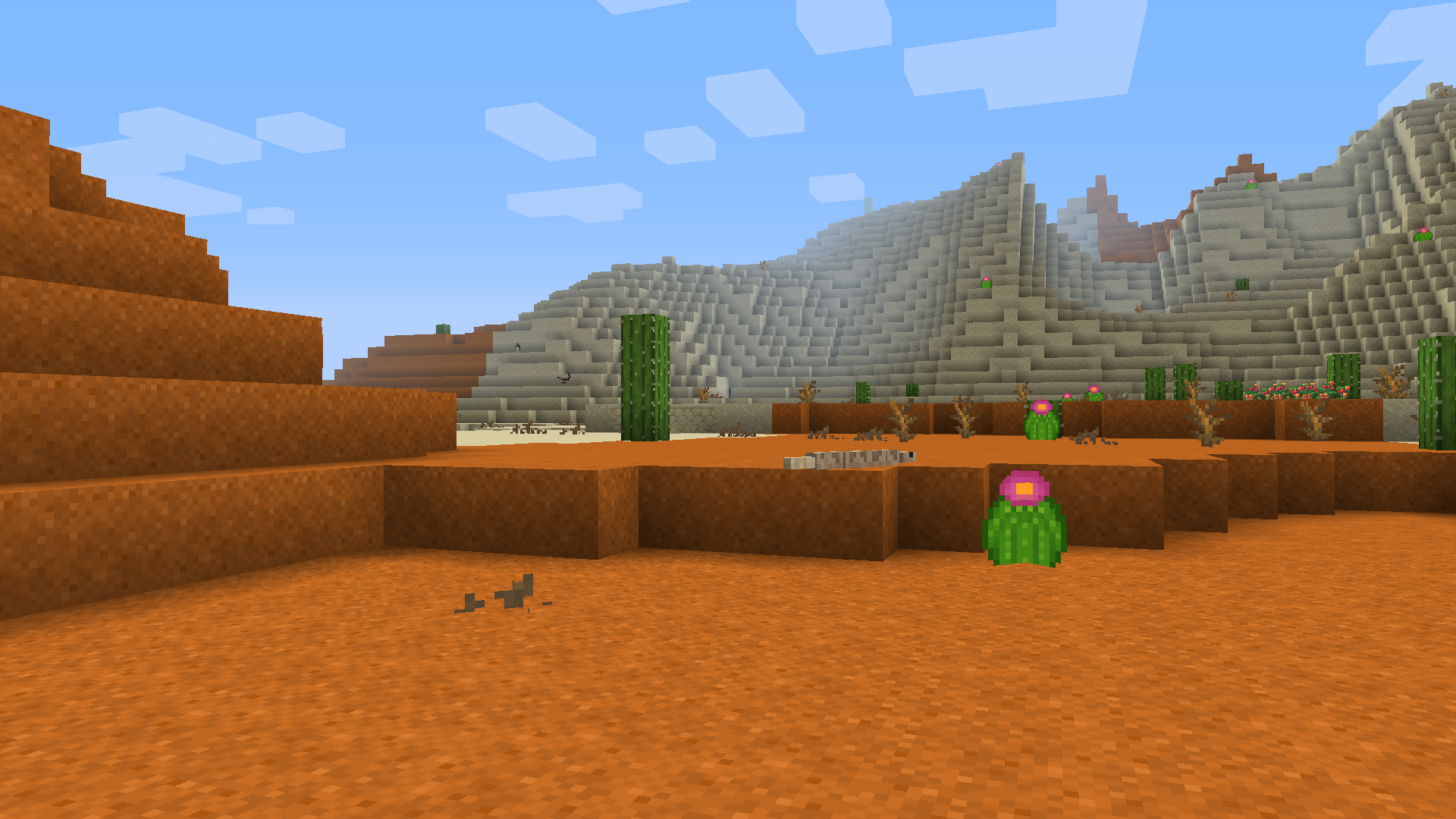
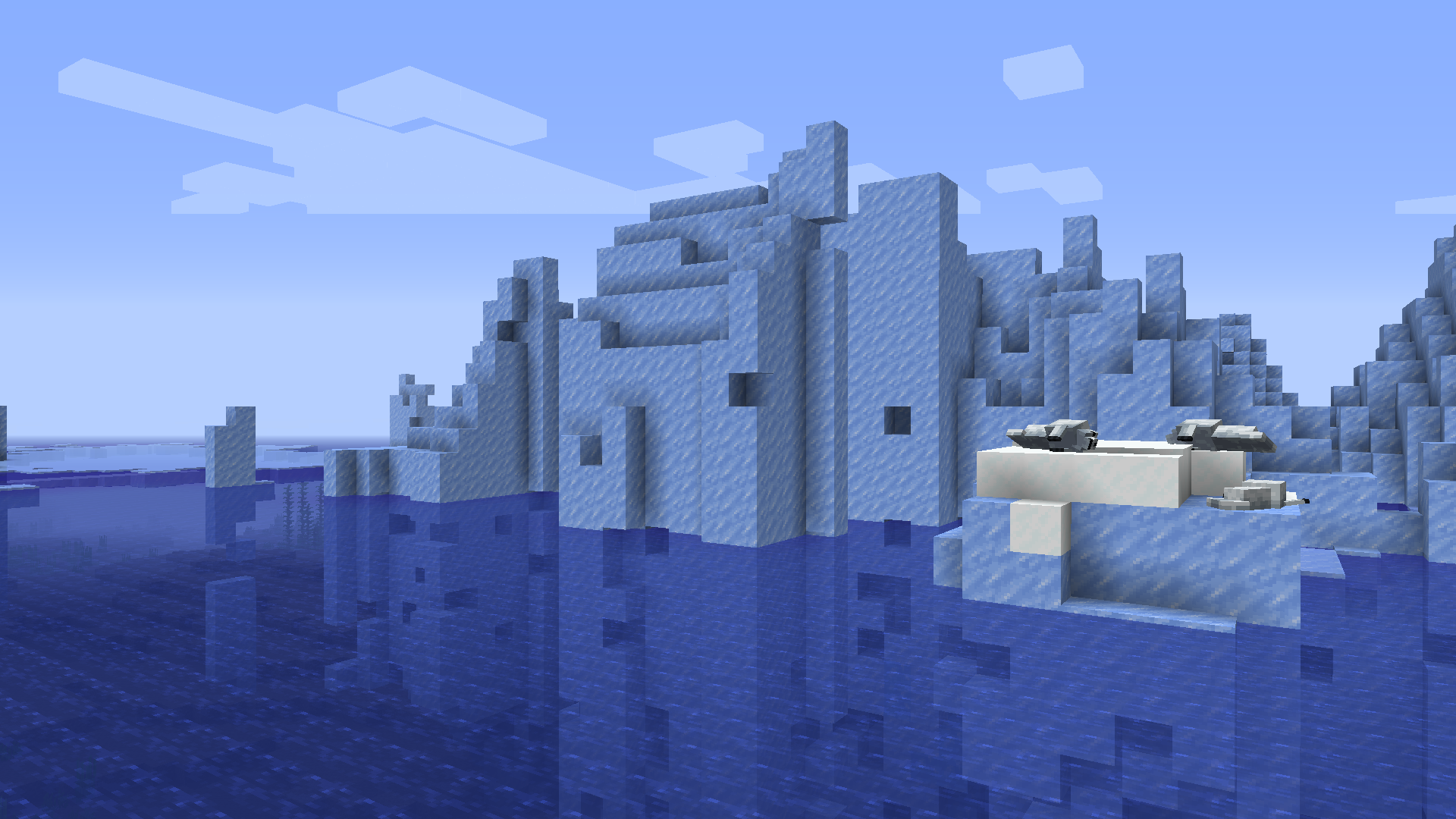
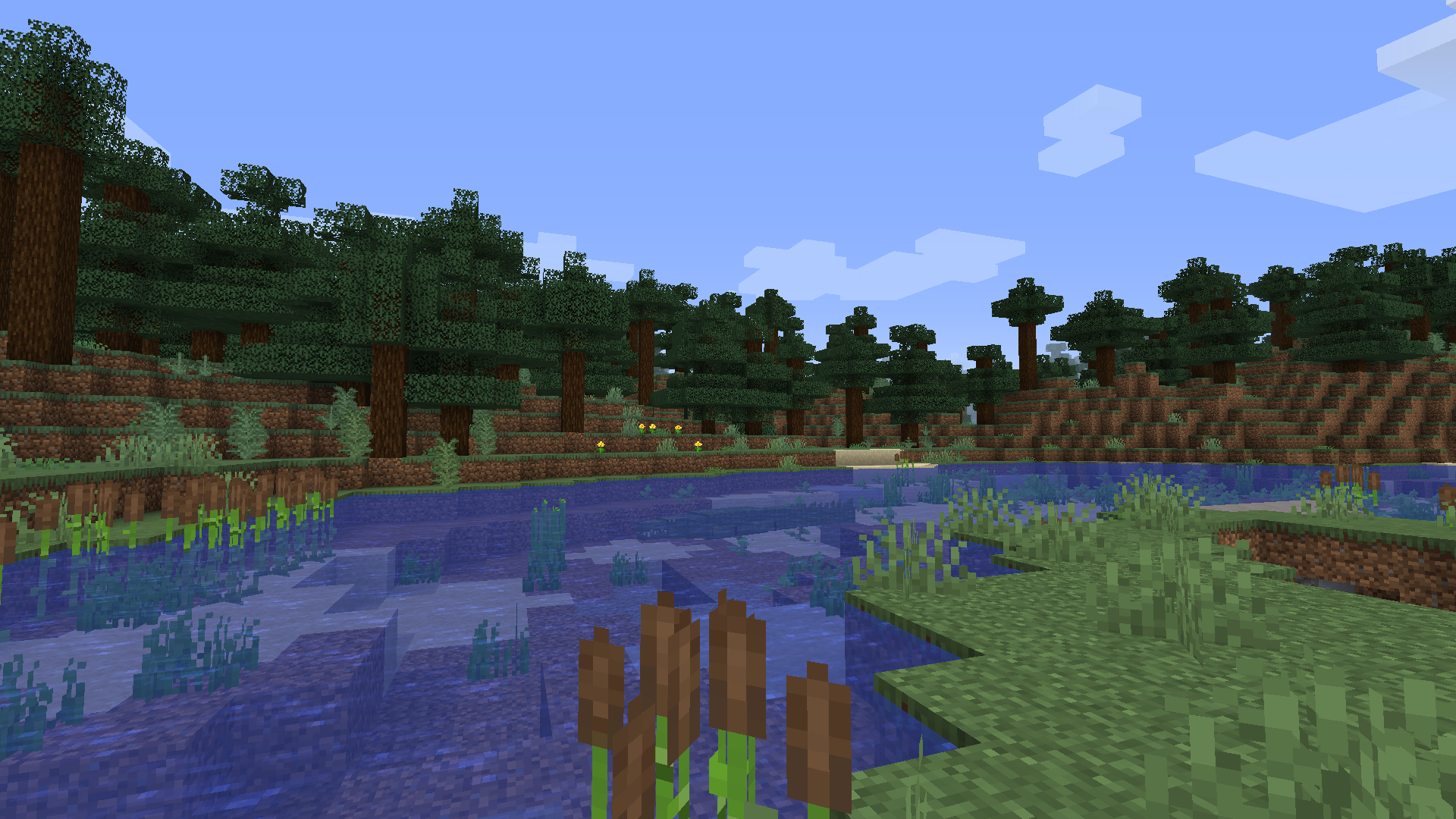

介绍
Modpack:
This modpack is adding simple automation using Create mod
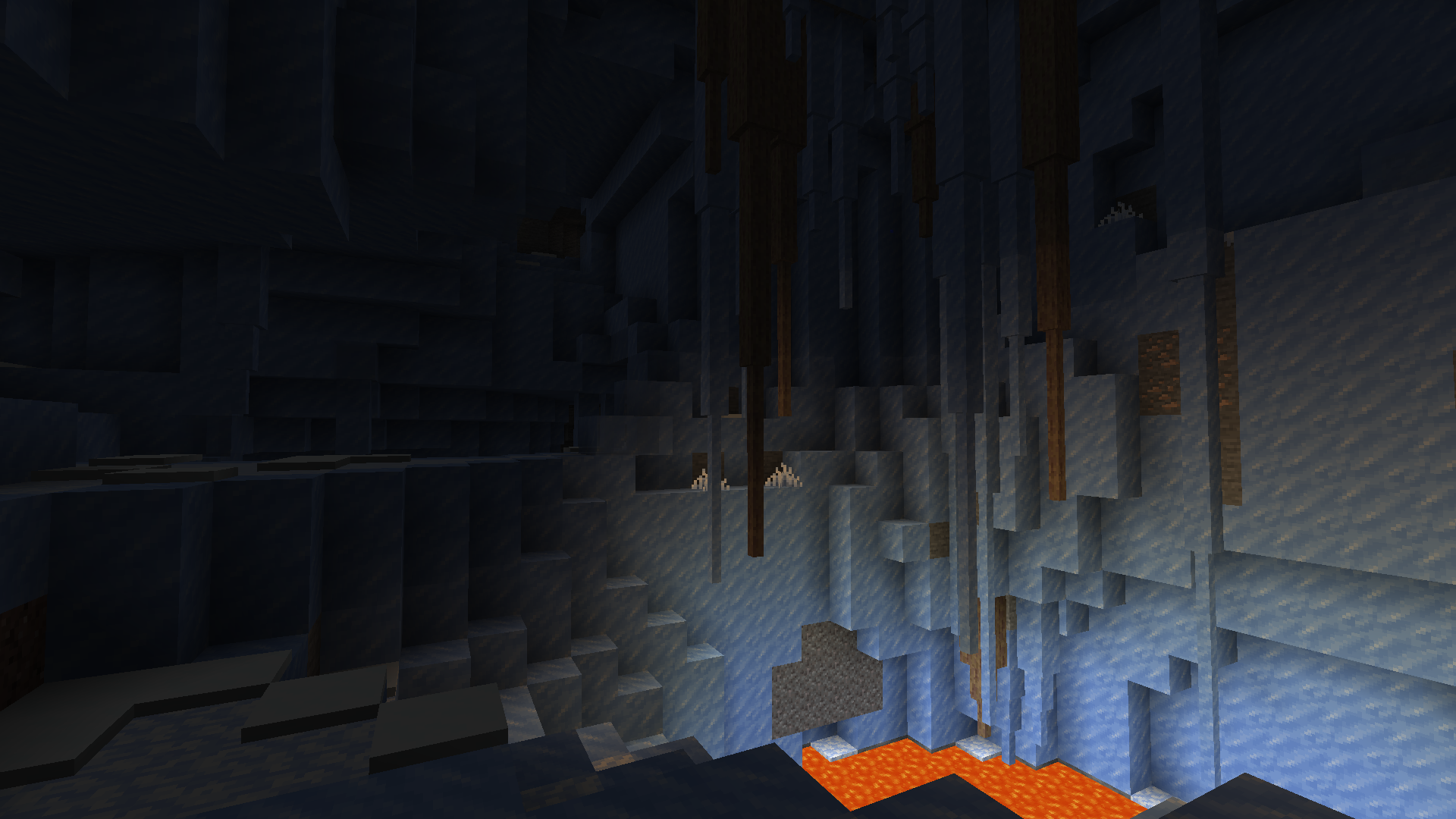
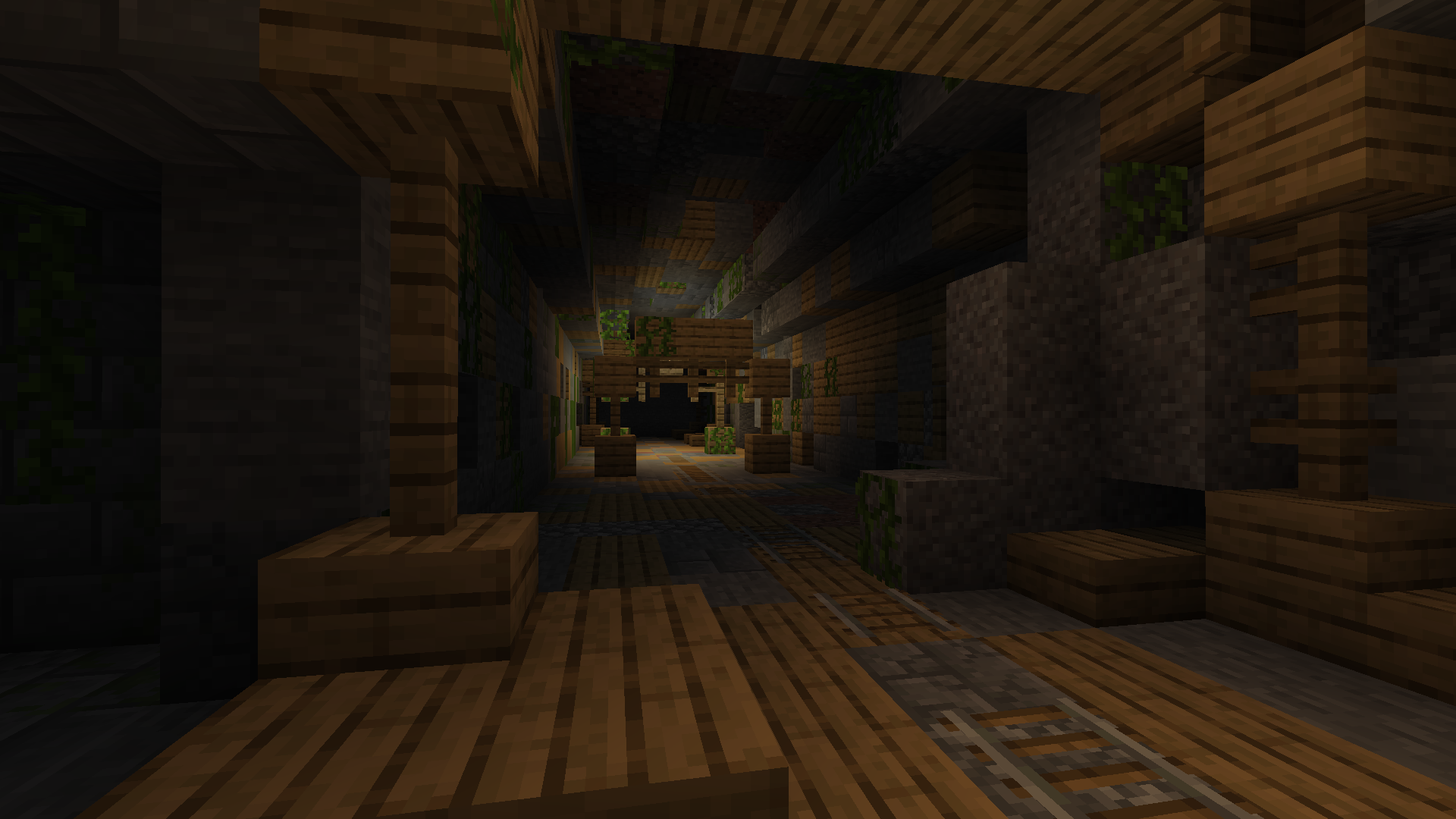
Bigger caves
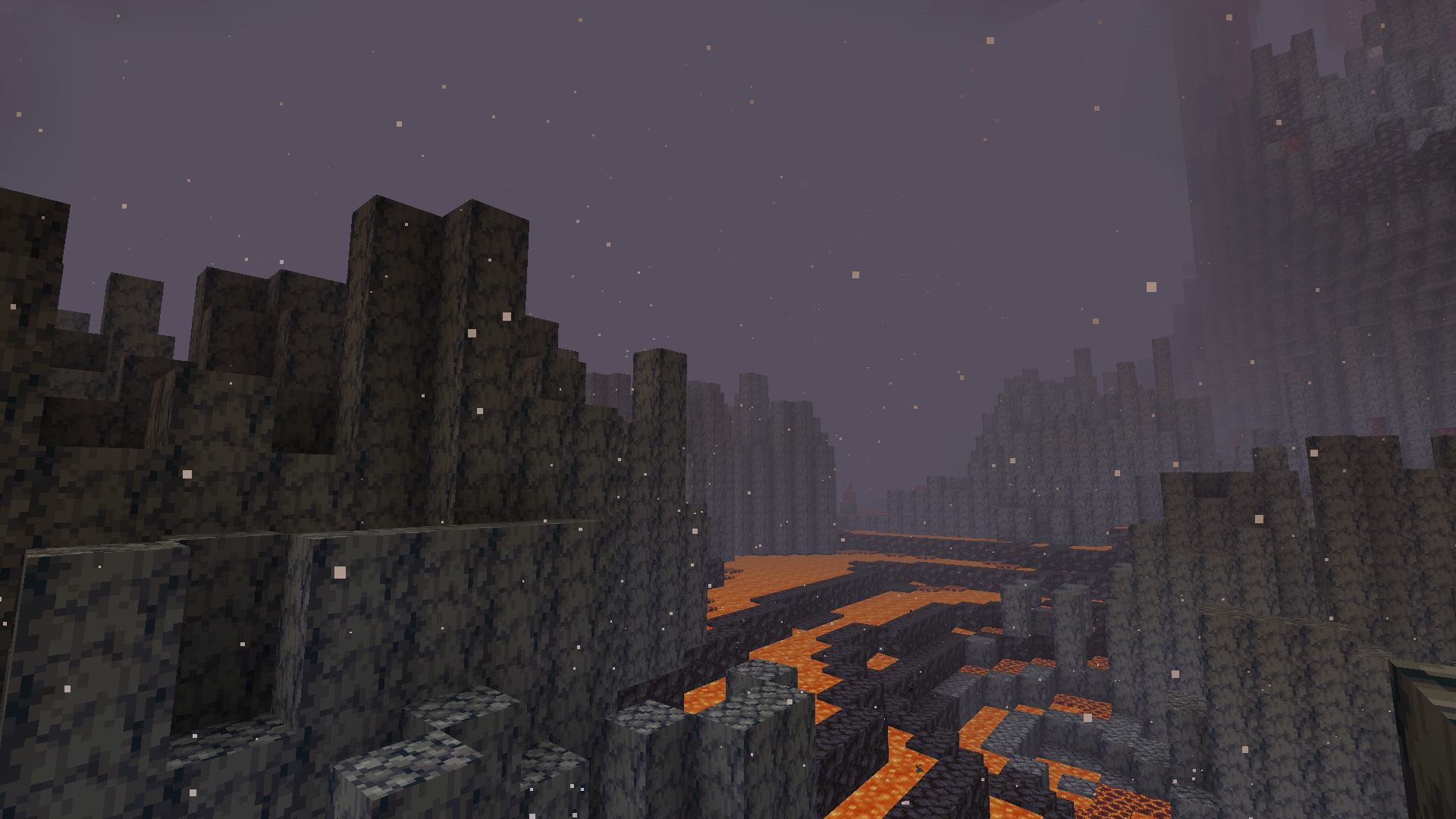
New mobs
Customizable weapons and tools
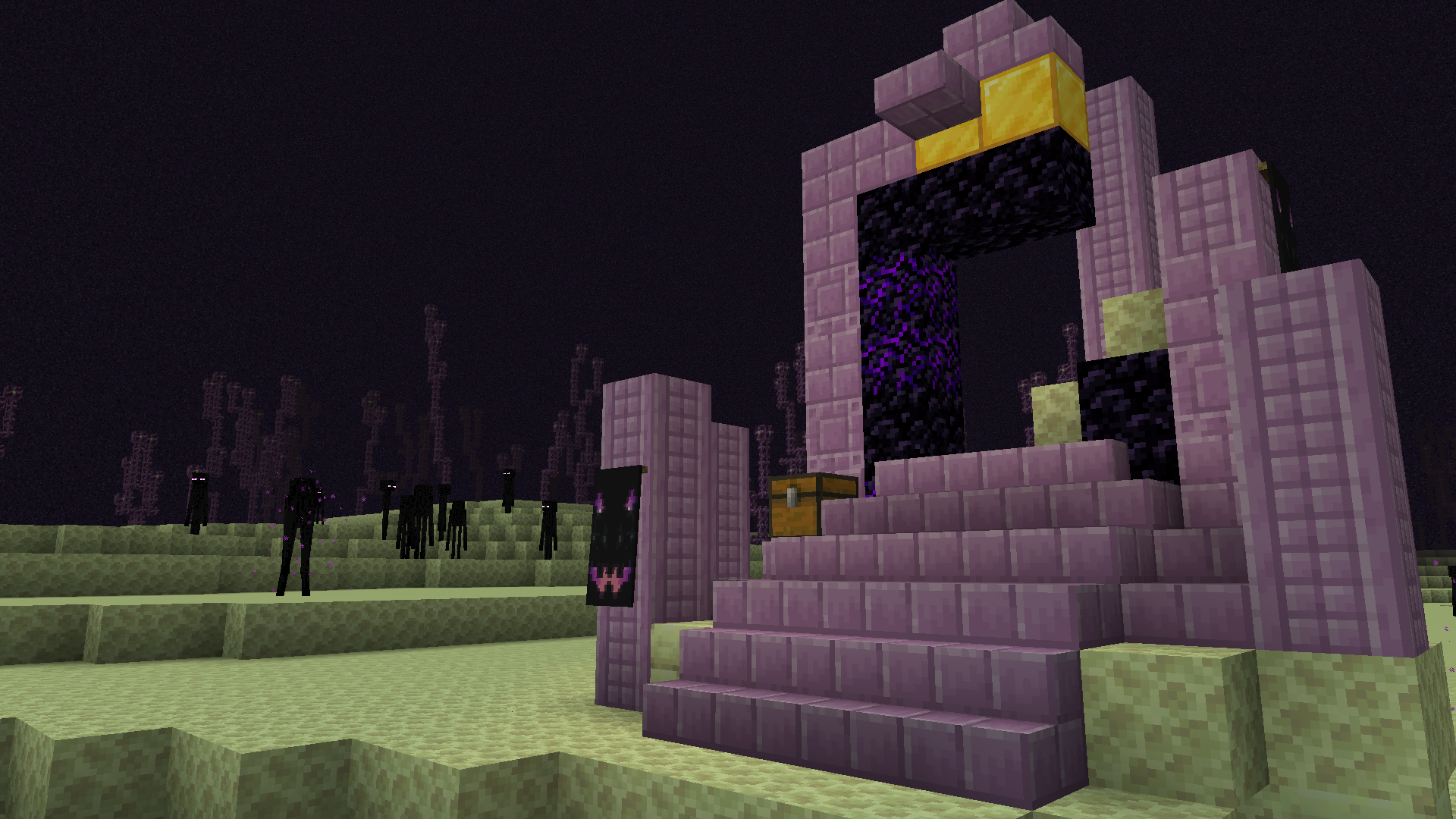
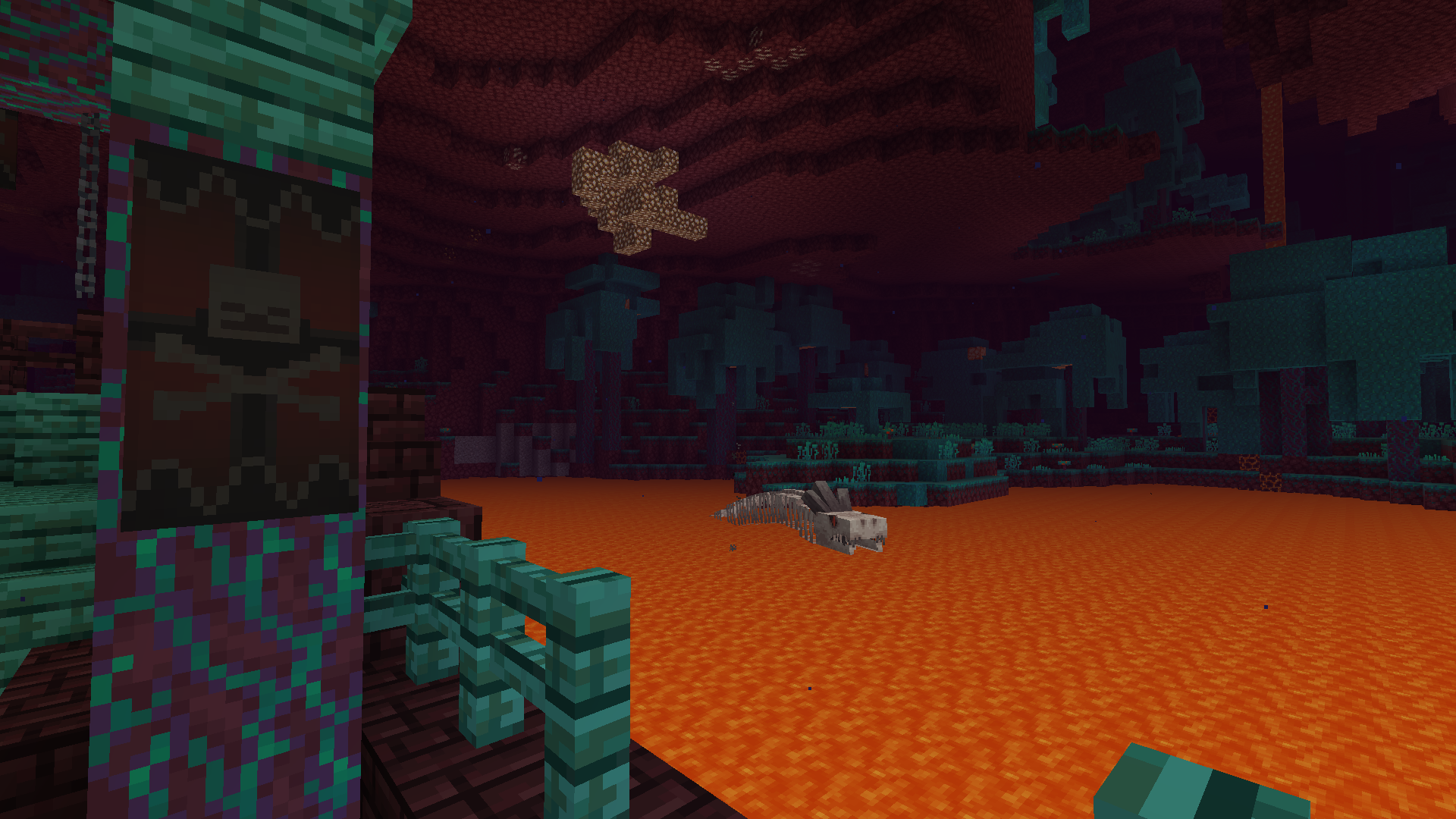
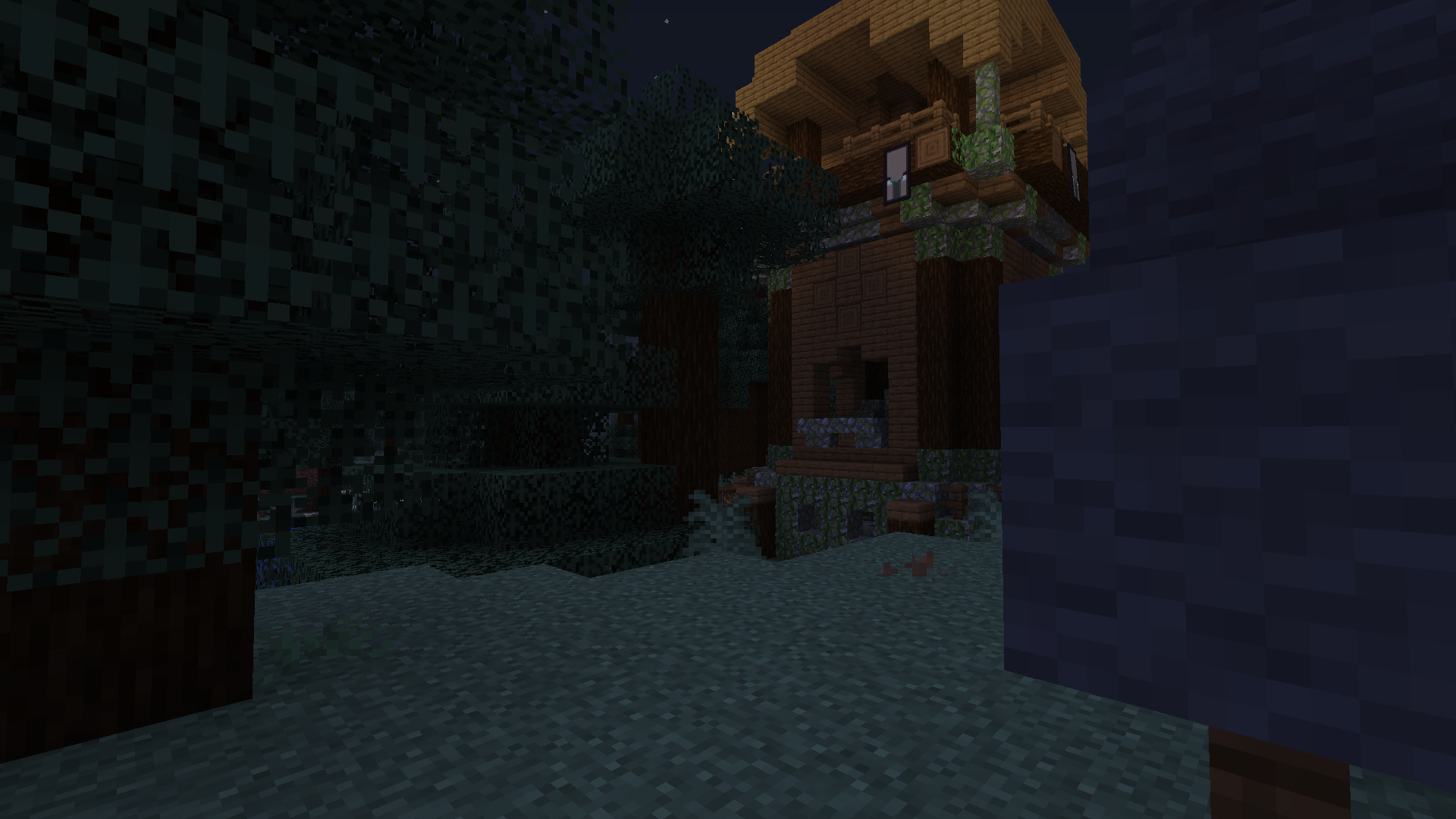
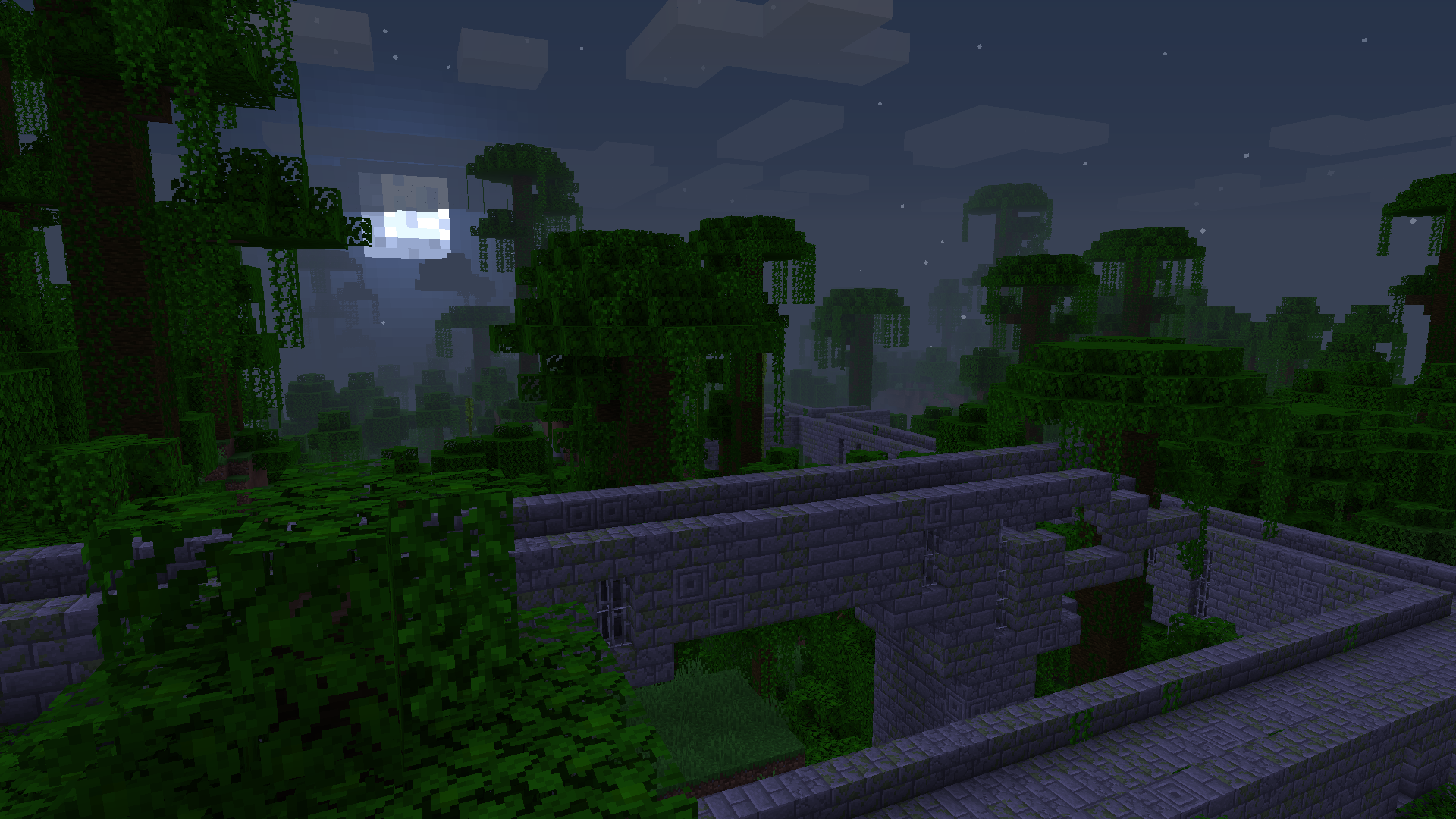
New structures
Requirements:
Modpack requires 2GB of RAM for smooth running
Modpack requires OptiFine (smoother FPS, Shaders, Dynamic lights)
OptiFine download: https://www.optifine.net/downloads (download OptiFine 1.16.4 HD U G5)
If you are using forge-35.1.37 and your world crashes after loading go to Profile Options and change forge-35.1.37 to forge-35.1.36 this should fix the isssue.
How to install:
From CurseForge:
Tutorial video: https://youtu.be/LzLv5ZZvv7Q
Using CurseForge Launcher:
Tutorial video: https://youtu.be/ZZsB8Z4zDoU
Mods used in modpack:
- YUNG’s Better Caves (Forge) (by YUNGNICKYOUNG)
- BetterDefaultBiomes (by Xratedjunior)
- Double Slabs (by CJMinecraft01)
- Curious Elytra (Forge) (by TheIllusiveC4)
- Cosmetic Armor Reworked (by LainMI)
- YUNG’s API (Forge) (by YUNGNICKYOUNG)
- Curios API (Forge) (by TheIllusiveC4)
- Voyage (by Lykrast)
- Repurposed Structures (Forge) (by telepathicgrunt)
- YUNG’s Better Mineshafts (Forge) (by YUNGNICKYOUNG)
- FTB GUI Library (by FTB)
- Spiders 2.0 (by TheCyberBrick)
- GeckoLib (by ThanosGecko)
- Caelus API (Forge) (by TheIllusiveC4)
- Placebo (by Shadows_of_Fire)
- Backpacked (by MrCrayfish)
- Toast Control (by Shadows_of_Fire)
- PackMenu (by Shadows_of_Fire)
- Alex’s Mobs (by alex1the1666)
- SwingThroughGrass (by exidex)
- Outvoted (by HowBoutNo)
- Windowlogging (by mc_Grimmauld)
- Jump Over Fences [Forge] (by Kreezxil)
- Tetra (by mickelus)
- mGui (by mickelus)
- HT’s TreeChop (by hammertater)
- OptiForge (by ZekerZhayard)
- Xaero’s Minimap (by xaero96)
- Create (by simibubi)
- No Lakes in Forge (by Shwible_Di_Bibble)
- Corpse (by henkelmax)
- Just Enough Items (JEI) (by mezz)
- Citadel (by alex1the1666)
- Stupid Horse Stand Still (by Lothrazar)
- Farmer’s Delight (by vectorwing)
- Curio of Undying (Forge) (by TheIllusiveC4)
- Fast Leaf Decay (by olafskiii)
- AppleSkin (by squeek502)
- Hwyla (by TehNut)
- Omni (by mhf_pugs)
常见问题
CreatePlus 支持哪些 Minecraft 版本?
CreatePlus 基于 Minecraft Java 版 1.16.4。
CreatePlus 怎么安装?
点本页「前往下载」拿到整合包文件(Modrinth 的是 .mrpack,CurseForge 的是 .zip),在 PCL2 或 HMCL 启动器里选择「导入整合包」,启动器会自动装好 Minecraft、加载器和全部模组。建议在启动器里给游戏分配 4–6 GB 内存。
CreatePlus 开服需要多大内存?
推荐服务器内存 12 GB。在线人数多、或者建了大量机器和区块加载器时,可以再加 2–4 GB。
怎么和朋友一起玩 CreatePlus?
点本页的「一键开服」,选好配置后会自动安装 CreatePlus 的服务端,几分钟就能开好。把服务器地址发给朋友,大家用同一个版本的整合包连进去就行。

评论
登录后评论和评分