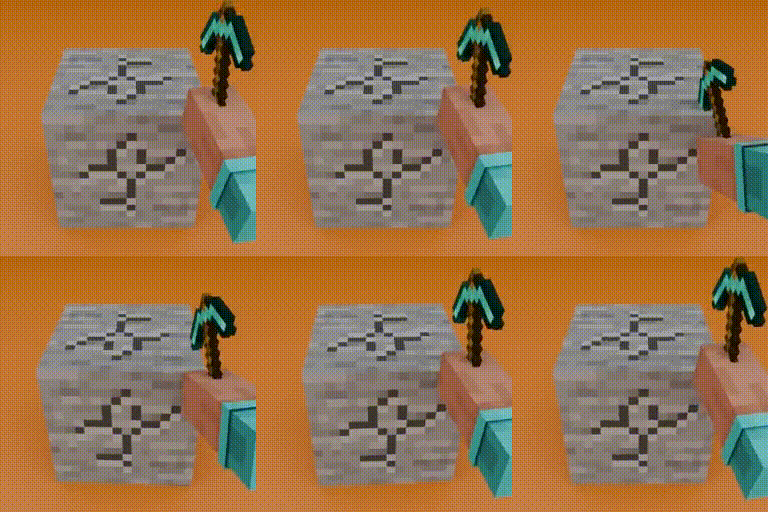
Mining & Placing Animations
Adds customizable animations to blocks when mining and placing! (Mining Quakes successor)
截图

介绍
Animated Blocks
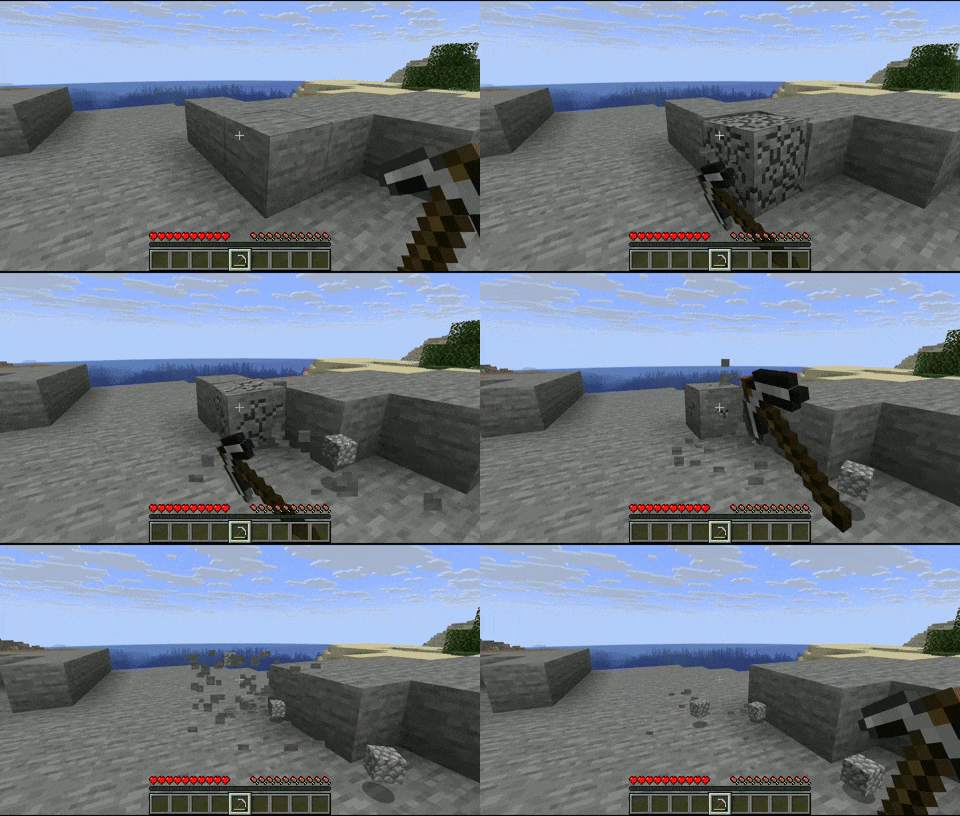
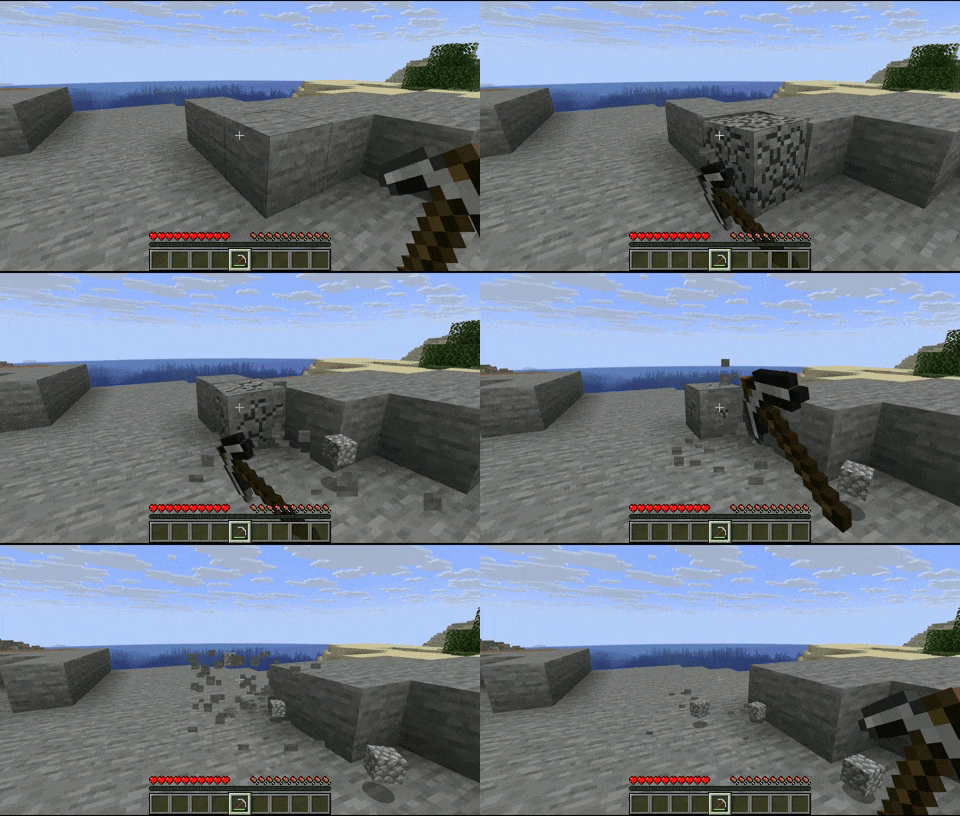
Blocks will now have an animation when mined and placed!
| Mining Animation | Placing Animation (only in 2.0.0+) |
|—|—|
|  |
 |
Customization
The animations are fully customizable via resource packs.
example

animations_config.json:
{
  "global": {                 // all the blocks will have these animations by default
    "mining_animation": "mining_and_placing_animations:animations/global_mining_animation",
    "placing_animation": "mining_and_placing_animations:animations/global_placing_animation"
  },
  "specific": [               // you can set a specific animation for certain block(s)
    {
      "blocks": [
        "minecraft:dirt",
        "minecraft:stone",
        "#minecraft:slabs"    // you can use tags
      ],
      "mining_animation": "mining_and_placing_animations:animations/dirt_mining_animation",
      "placing_animation": "mining_and_placing_animations:animations/dirt_placing_animation"
    },
    {
      "blocks": [
        "minecraft:cobblestone"
      ],
      "mining_animation": "mining_and_placing_animations:animations/cobblestone"  // if you don't put a 'placing_animation', it will take the global placing animation, same for the mining animation
    }
  ],
  "mining_blacklist": [
    "#minecraft:beds",        // you can use tags
    "#minecraft:doors",
    "minecraft:oak_planks",
  ],
  "placing_blacklist": [
    "#minecraft:pressure_plates",
    "minecraft:rail",
    "minecraft:snow_block"
  ]
}
The animation files have to be under the directory ‘animations’.
dirt_mining_animation.json (example of a possible mining animation, same for the placing animation):
{
  "duration": 0.15,           // length of the animation in seconds
  "pivot_point": [0.5, 1.0, 0.5],
  "keyframes": [
    {
      "time": 0.0,
      "translation": [0.0, 0.0, 0.0],
      "rotation": [-22.5, 0.0, 45.0],
      "scale": [0.5, 0.5, 0.5]
    },
    {
      "time": 0.05,
      "translation": [20.0, 0.0, -20.0],
      "rotation": [0.0, 0.0, 0.0],
      "scale": [1.0, 1.0, 1.0]
    },
    {
      "time": 0.10,
      "translation": [0.0, -15.0, 0.0],
      "rotation": [0.0, -90.0, 0.0],
      "scale": [1.5, 1.5, 1.5]
    },
    {
      "time": 0.15,
      "translation": [0.0, 0.0, 0.0],
      "rotation": [0.0, 0.0, 0.0],
      "scale": [1.0, 1.0, 1.0]
    }
  ]
}
You can have as many animations as you want!
常见问题
Mining & Placing Animations 支持哪些 Minecraft 版本?
Mining & Placing Animations 支持 Minecraft Java 版 1.20.1–1.21.11,共 11 个版本,可用的加载器:Fabric / Forge / NeoForge。下载时注意选择和你游戏版本一致的文件。
Mining & Placing Animations 怎么安装?
先用 PCL2 或 HMCL 启动器安装对应版本的 Fabric / Forge / NeoForge,再把下载的 .jar 文件放进游戏目录的 mods 文件夹,重新启动游戏即可。开启了版本隔离的,mods 文件夹在 versions/版本名 下面。运行环境:仅客户端。
Gauraaaaaaaa 的其他作品
查看全部 →
2D Projectiles ➵
让投射物(箭、烟花火箭、三叉戟等)呈现为 2D 效果!

Gaura’s 2D Projectiles
Makes projectiles (arrows, firework rockets, trident, etc.) look 2D!

Mining & Placing Animations
Adds customizable animations to blocks when mining and placing! (Mining Quakes successor)

Starlish ⭐
Style your Enchantments & Potions with Icons!
评论
登录后评论和评分