Original Light Craft, but without any add-ons
Light Craft LITE | Original Light Craft, but without any add-ons.
介绍

⚠️ Requires launcher that supports CurseForge Modpacks » Download CurseForge App
Light Craft Lite | The best FPS Boost Modpack without any add-ons by MoonPlay Team
Increase your FPS in the game (more FPS than OptiFine)!
Latest Version » Light Craft – 1.21.11 – 3.0.0 (Reccomended ✅)
Do you want all the features from OptiFine (shaders, zoom, better resourcepack support etc.), a clean UI, controller support, and more? You can download the original LightCraft!

Why should you choose Light Craft LITE instead of OptiFine and other modpacks?
» That modpack is much more faster than OptiFine 📈
» The only addition is the capes.
» Bug Fixes 🐞
» You can add mods by yourself (for ex. in game voice chat, map, essentials, shaders etc.)
» Clean UI
» HUGE FPS BOOST

NVIDIA RTX 2060 – Intel Core I5 10400F – SEED: “test” – 2 chunks – (Test date: 13.05.2025)
⚠️Please remember that the results may vary for each individual depending on drivers version, the graphics card brand and its version, the installed operating system, processor, etc.⚠️
Vanilla » 984 FPS

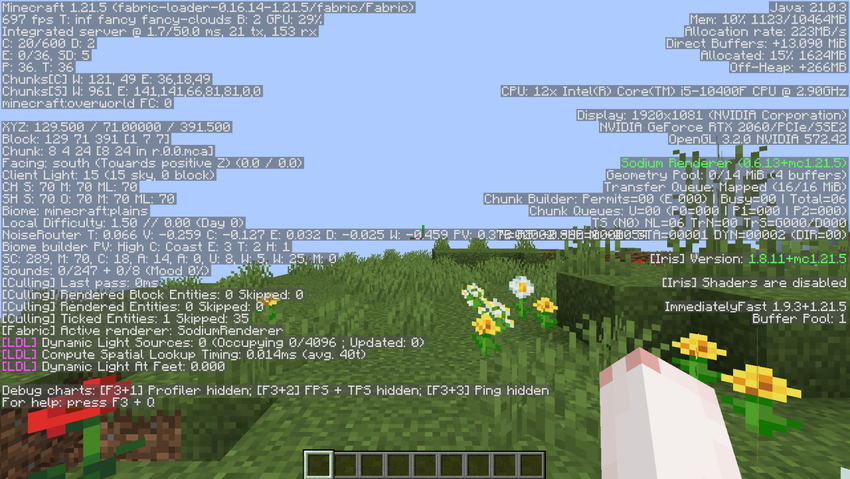
Optifine (HD_U_J3) » 1008 FPS
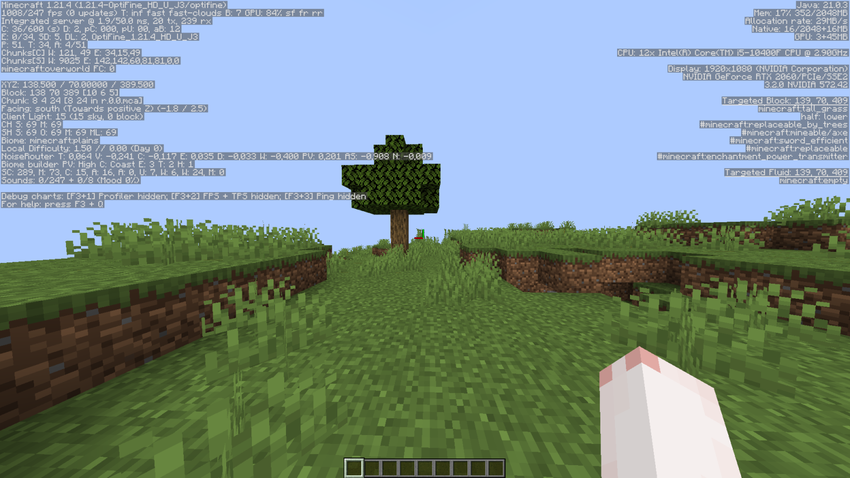
Fabously Optimized (9.0.0-beta.1) » 697 FPS (Probably a bug in the modpack? Next test soon.)
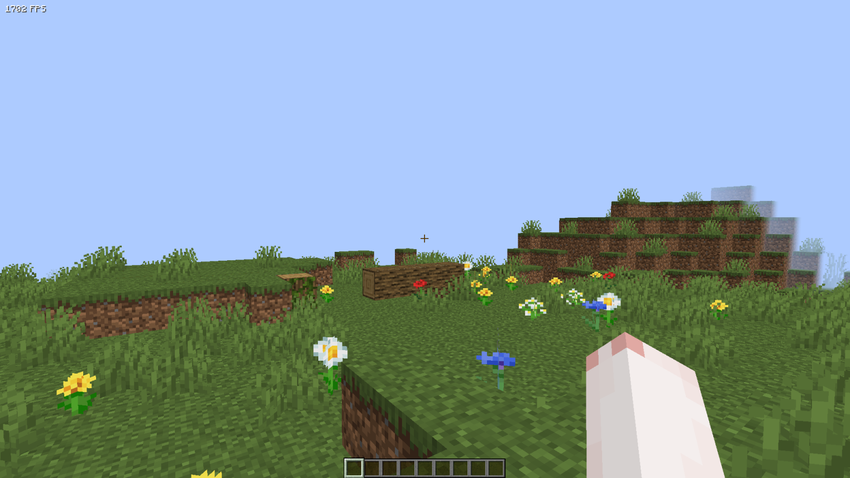
Light Craft (6.1.0) » 1702 FPS <- WINNER


| Minimum Server RAM: 2GB | Recommended Server RAM: 3GB | Minimum Allocated RAM: 1GB |

Enjoy MODPACK to the fullest by hosting your game server with BisectHosting. Not only do they offer servers in 20 different locations worldwide, but their decade of expertise guarantees an exceptional gaming experience. Their automated modpack installer and updater makes setting up and maintaining your server a breeze. Plus, their 24/7 support is always there to help you with any inquiries. Use promo code FPS and get 25% off your first month as a new customer!
FAQ:
Question: Why are the default settings of Light Craft set to the lowest?
Answear: The settings have been configured to maximize FPS. You can always change them in the game settings to feel experiences as if you were playing on your original Minecraft without any changes!
常见问题
Original Light Craft, but without any add-ons 支持哪些 Minecraft 版本?
Original Light Craft, but without any add-ons 支持 Minecraft Java 版 1.19.4–26.1,共 5 个版本,可用的加载器:Fabric。下载时注意选择和你游戏版本一致的文件。
Original Light Craft, but without any add-ons 怎么安装?
点本页「前往下载」拿到整合包文件(Modrinth 的是 .mrpack,CurseForge 的是 .zip),在 PCL2 或 HMCL 启动器里选择「导入整合包」,启动器会自动装好 Minecraft、加载器和全部模组。建议在启动器里给游戏分配 4–6 GB 内存。
Original Light Craft, but without any add-ons 开服需要多大内存?
推荐服务器内存 12 GB。在线人数多、或者建了大量机器和区块加载器时,可以再加 2–4 GB。
怎么和朋友一起玩 Original Light Craft, but without any add-ons?
点本页的「一键开服」,选好配置后会自动安装 Original Light Craft, but without any add-ons 的服务端,几分钟就能开好。把服务器地址发给朋友,大家用同一个版本的整合包连进去就行。
MoonPlayTeam 的其他作品
查看全部 →
Light Craft – FPS Boost Max
-> 尽可能大幅提升你的游戏内性能,并享受 OptiFine 的全部附加功能!效果天差地别!-> 26.3 现已发布 ✔
NewCraft 1 – Minecraft is boring? Never with NewCraft! Now with Quests!
Minecraft is boring? Never with NewCraft! Quests, New Biomes, Dungeons, Tech, Create, New Mobs and more!

Modpack Core Essentials
Change game window title and icon. Add a welcome message to the screen when you first start the game. Very light. Easy to customize. Zero bloat.
Modpack Core Essentials [ MCE ]
Change game window title and icon. Add a welcome message to the screen when you first start the game. Very light. Easy to customize. Zero bloat. NeoForge & Fabric.
评论
登录后评论和评分