
TrafficCraft
A Minecraft mod that brings roads, traffic signs, traffic lights and much more to your Minecraft world. Build your own cities and roads according to your wishes.
截图




介绍
🚗 TrafficCraft
TrafficCraft is a Minecraft mod that brings roads, traffic signs, traffic lights and much more to your worlds. Build your own cities and roads according to your wishes.
This mod is inspired by Mapper’s RoadStuff Mod, which has been discontinued.


🧩 Dependencies

- Version
>= 1.2.0requires DragonLib to be installed! Older versions<= 1.1.3do NOT require DragonLib! Delete it from your mods folder. Please read this post to see which versions of my other mods are compatible with each other.
Content
- Road Blocks: Asphalt, Concrete and slopes of the same materials which act like snow layers
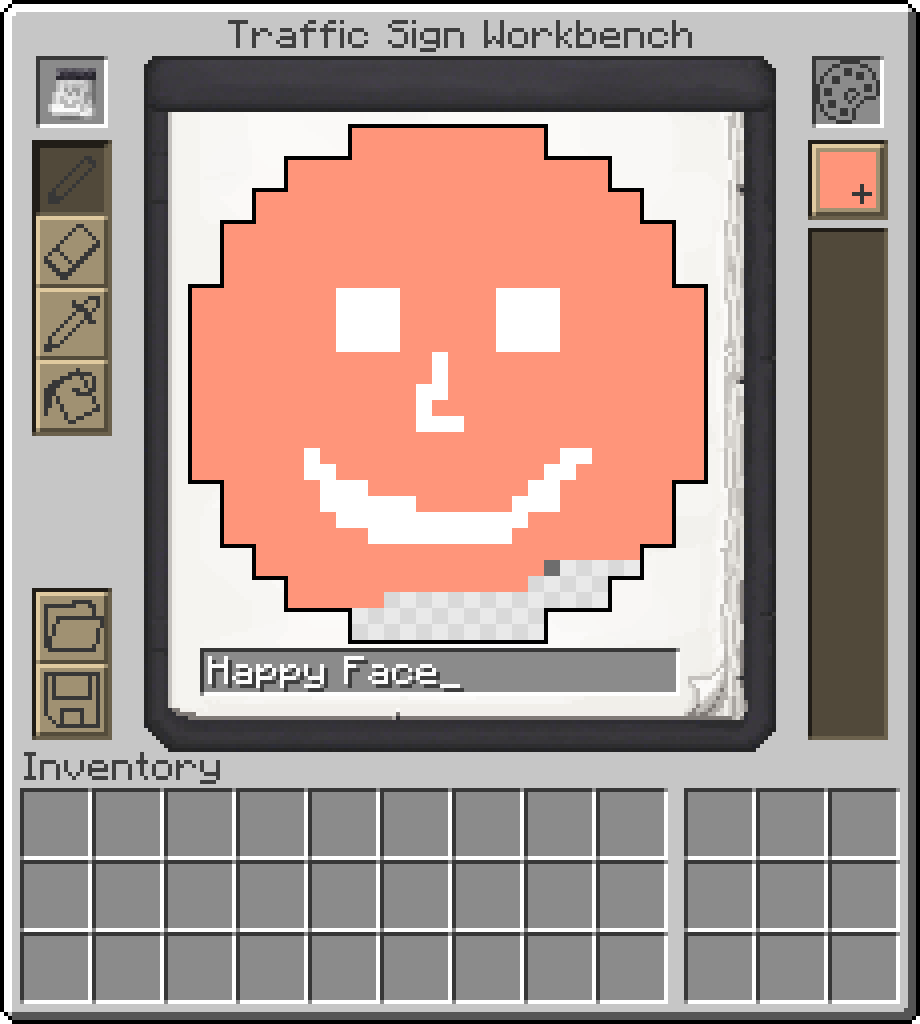
- Traffic Signs: Choose between hunderds of different signs or create your custom one.
- Traffic Lights: Create fully customizable and working traffic light systems.
- Paintable blocks: Use a paint brush to paint hundreds of different patterns on your streets in all 16 different colors. Use the brush to color some other blocks of this mod as well.
- Street Lamps: Configure when lights turn on and off
- Writable Signs: Write the name of your steets on Street Name Signs.
- Decorations: Guardrails, Traffic Cones, Road Barrier Fences, Concrete Barriers, …
- Useful tools: Tired of building large road networks? The mod contains practical tools to make your work easier.
… and more …
🤝 Contribute
Thanks to all the people who are helping with development and translating the mod into different languages.
This project is open source, so if you’d like to help with development or localization, feel free to create pull requests or issues on GitHub and visit our Crowdin page.


⚠️ Please note!
To protect your worlds, you should always create a backup before installing an update of this mod. Alpha versions in particular may contain critical bugs! I am not responsible for any damage caused to your worlds by this mod if you ignore this warning!
常见问题
TrafficCraft 支持哪些 Minecraft 版本?
TrafficCraft 支持 Minecraft Java 版 1.18.2–1.21.1,共 7 个版本,可用的加载器:Fabric / Forge / NeoForge。下载时注意选择和你游戏版本一致的文件。
TrafficCraft 怎么安装?
先用 PCL2 或 HMCL 启动器安装对应版本的 Fabric / Forge / NeoForge,再把下载的 .jar 文件放进游戏目录的 mods 文件夹,重新启动游戏即可。开启了版本隔离的,mods 文件夹在 versions/版本名 下面。运行环境:客户端和服务端都要装。
MrJulsen 的其他作品
查看全部 →
Create Railways Navigator
一个 Minecraft 机械动力模组附属,添加了若干与列车导航相关的新功能,例如改进的显示板、用于搜索路线的导航器、新的时刻表条目等。

DragonLib
DragonLib 是一个小巧简洁的前置库,其中包含我大多数模组都会使用的代码。

Create: Threaded Trains
一个在独立线程中运行铁路网络的所有计算,并与服务器刻并行处理的模组,可大幅提升性能,尤其适用于大型铁路网络。

Create: Train Perspective Fix
A very small mod that fixes the problem that the player on a train does not rotate with it while driving.
评论
登录后评论和评分